Free • No signup Visualize Weight loss · Free

AI Weight Loss Visualizer

Describe your fitness goal and AI shows you the result. No marking needed.
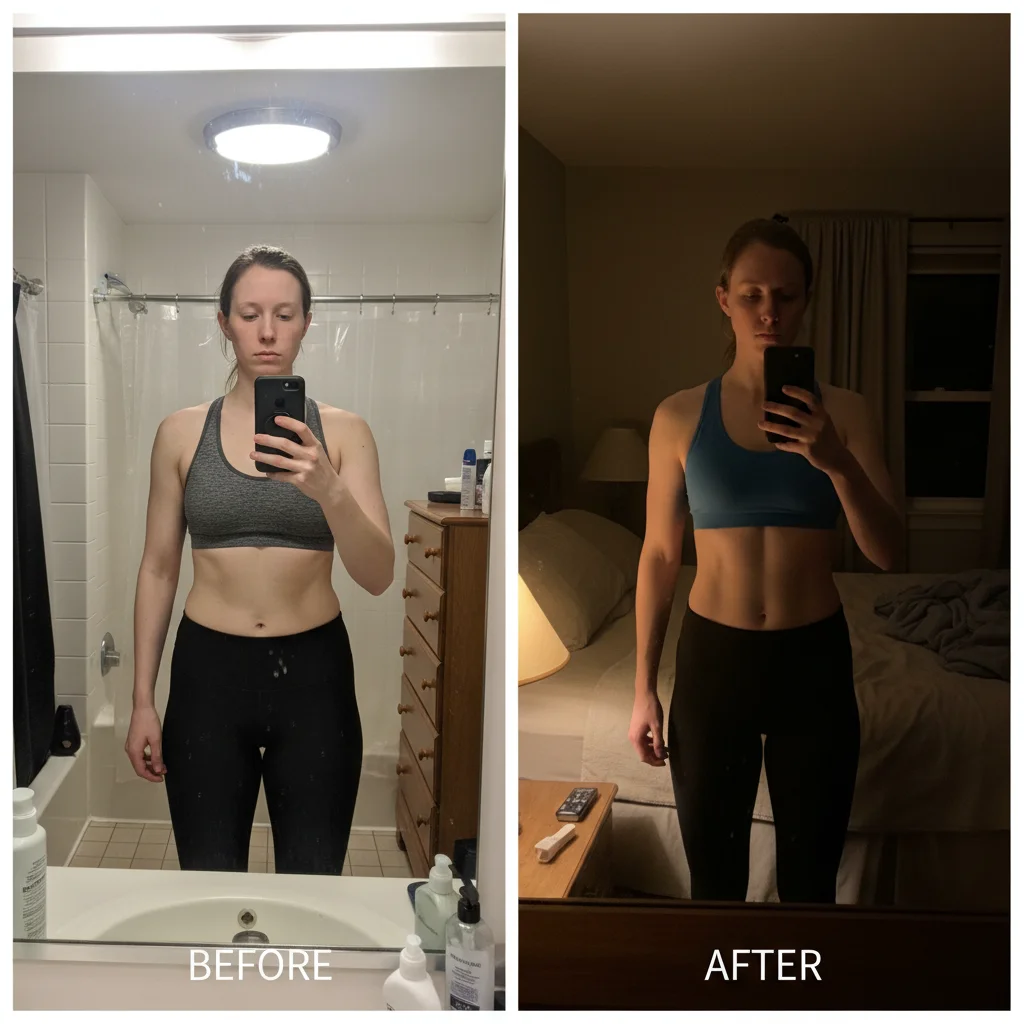
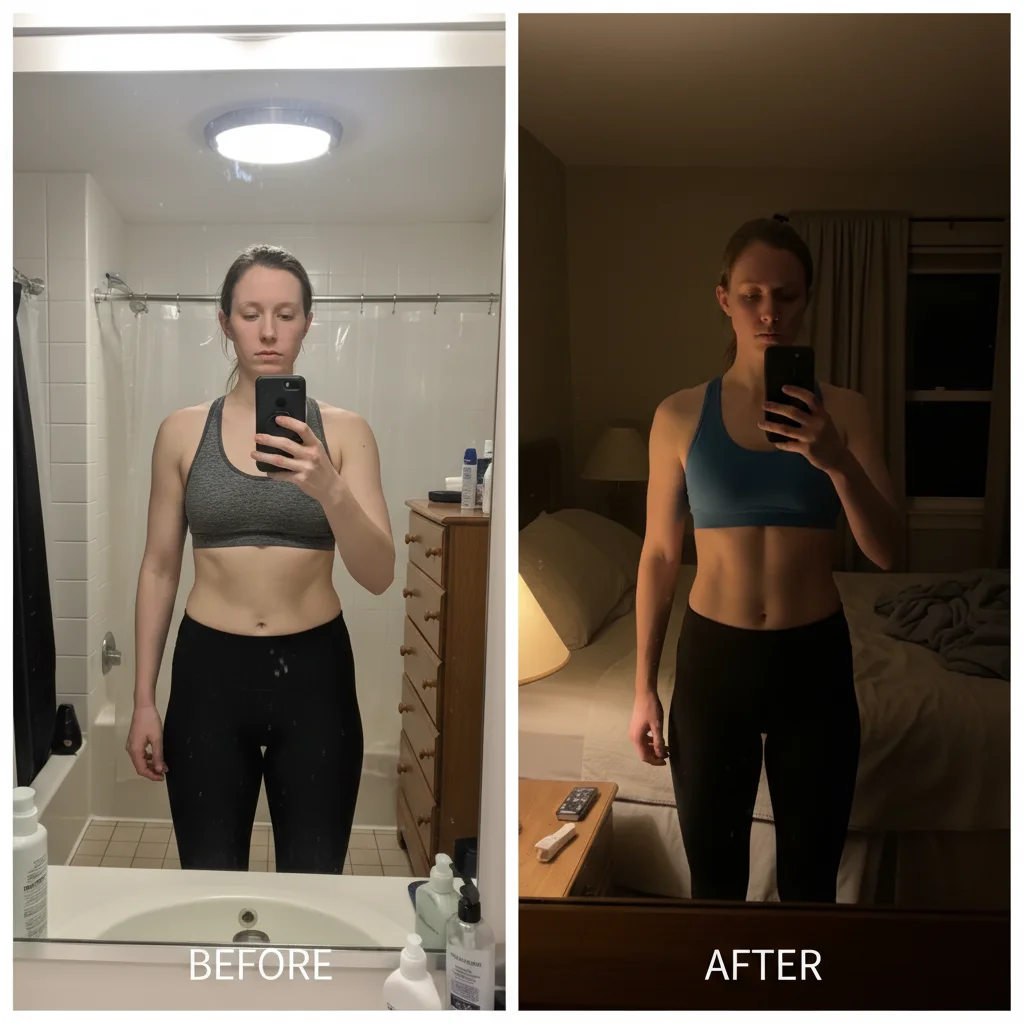
Person at current heavier weight in fitted clothes
Before
Same person visualized 30 pounds lighter with proportional reduction
After

AI Weight Loss Visualizer

Drop your photo here

or click to browse

Release to upload

Free • No signup

Advertisement
Popular use cases:
  • fitness motivation
  • weight loss goal
  • body transformation preview
  • before and after visualization
  • fitness goal setting
  • weight loss simulation
  • diet motivation
  • body transformation

Cost
Free No signup required
Time
Instant results in 15-30 seconds
Works on
Any device - browser, phone, tablet, desktop
Powered by
AI-powered photo editing
Scenario Prompt Time
Moderate weight loss show 30 pounds lighter, natural reduction 35s
Subtle change show about 15 pounds lighter, subtle 30s
Athletic transformation show toned and fit with muscle definition 45s

How it works

  1. Upload your photo

    Drop your image into EditThisPic. JPG, PNG, WebP up to 7MB. Full body photos in fitted clothing work best for realistic weight loss visualization. The more of the body visible, the better the result.

    Expect: Moderate weight loss visualization: 30-45 seconds. Dramatic transformations: 45-60 seconds and may need refinements.
  2. Describe the weight loss goal

    Type what you want: 'show this person 30 pounds lighter' or 'visualize a slimmer version with a toned midsection.' Be specific about the degree of change and any target areas. No marking needed—the AI adjusts proportions across the entire body.

    Tip: Reference specific changes like 'slimmer waist', 'less belly', or 'defined jawline' for more targeted visualization.

    Copy one of these to get started:

    General weight loss preview show what this person would look like 30 pounds lighter, natural and proportional reduction across the body
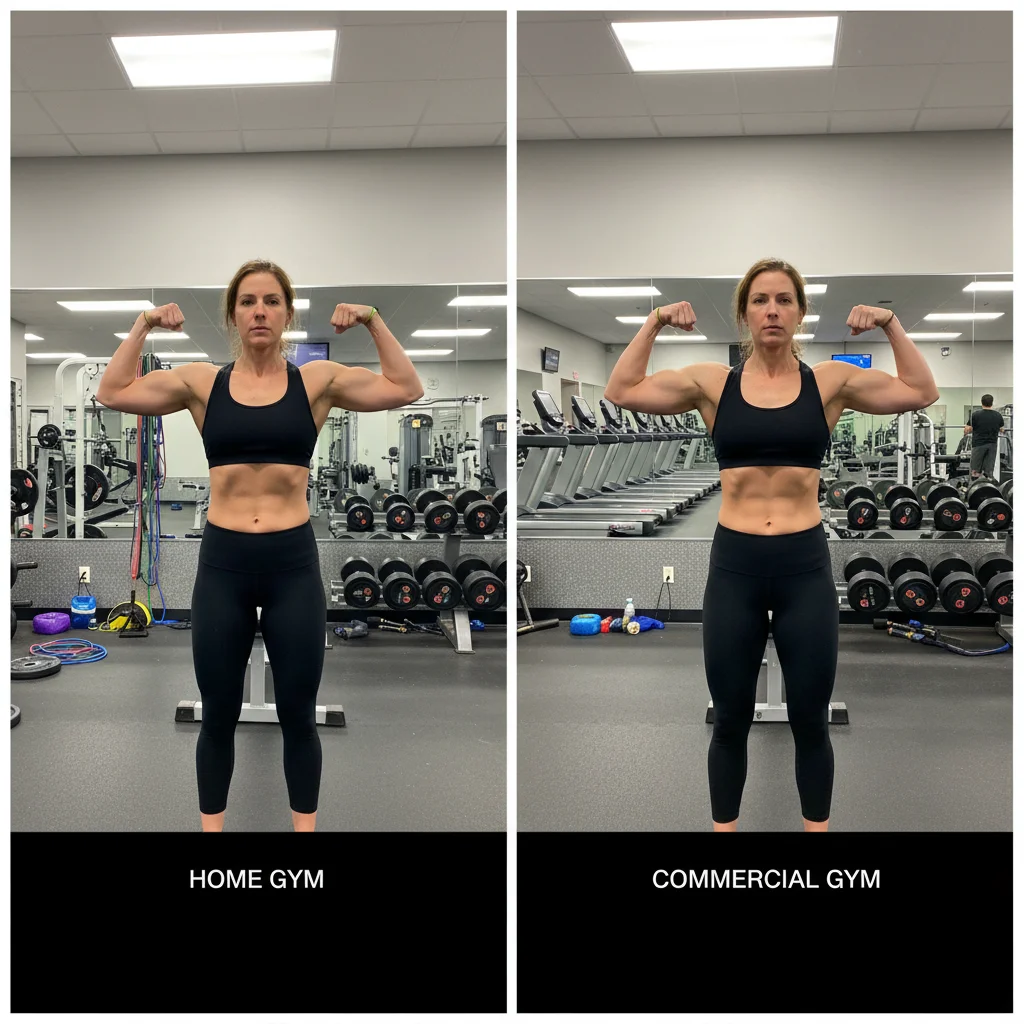
    Slimmer midsection focus visualize this person with a slimmer midsection and reduced belly, keep everything else proportional
    Toned and fit look show a toned and fit version of this person, leaner with visible muscle definition
    Moderate gradual change show this person about 15 pounds lighter, subtle and realistic change
    3 more prompts
    Face slimming included visualize weight loss across the whole body including a slimmer face and more defined jawline
    Athletic transformation show this person transformed to an athletic build, less body fat with broader shoulders and toned arms
    Healthy weight range show this person at a healthy average weight, natural-looking with balanced proportions
  3. Review the visualization

    Check that the result looks like a realistic version of the person at a lower weight. Look for natural body proportions, proper clothing fit, and consistent face features. The person should still be recognizable.

  4. Refine with markers if needed

    If specific areas need more or less adjustment, tap markers on those spots and regenerate. Most moderate weight loss visualizations look realistic on the first try.

    Tip: Markers are for precision refinement only. Try without them first—you usually won't need them.
Try it free

AI Weight Loss Visualizer

Drop your photo here

or click to browse

Release to upload

Free • No signup

"I put my 'before' photo on the fridge and the AI-generated goal photo right next to it. Seeing a realistic version of myself at my target weight keeps me motivated every single day." @FitnessMotivation_Sarah

See it in action

Person at current heavier weight in fitted clothes
Before
->
Same person visualized 30 pounds lighter with proportional reduction
After

30-pound weight loss visualization

A full body photo showing what the person would look like 30 pounds lighter for fitness goal motivation.

Prompt: show what this person would look like 30 pounds lighter, natural and proportional reduction across the body
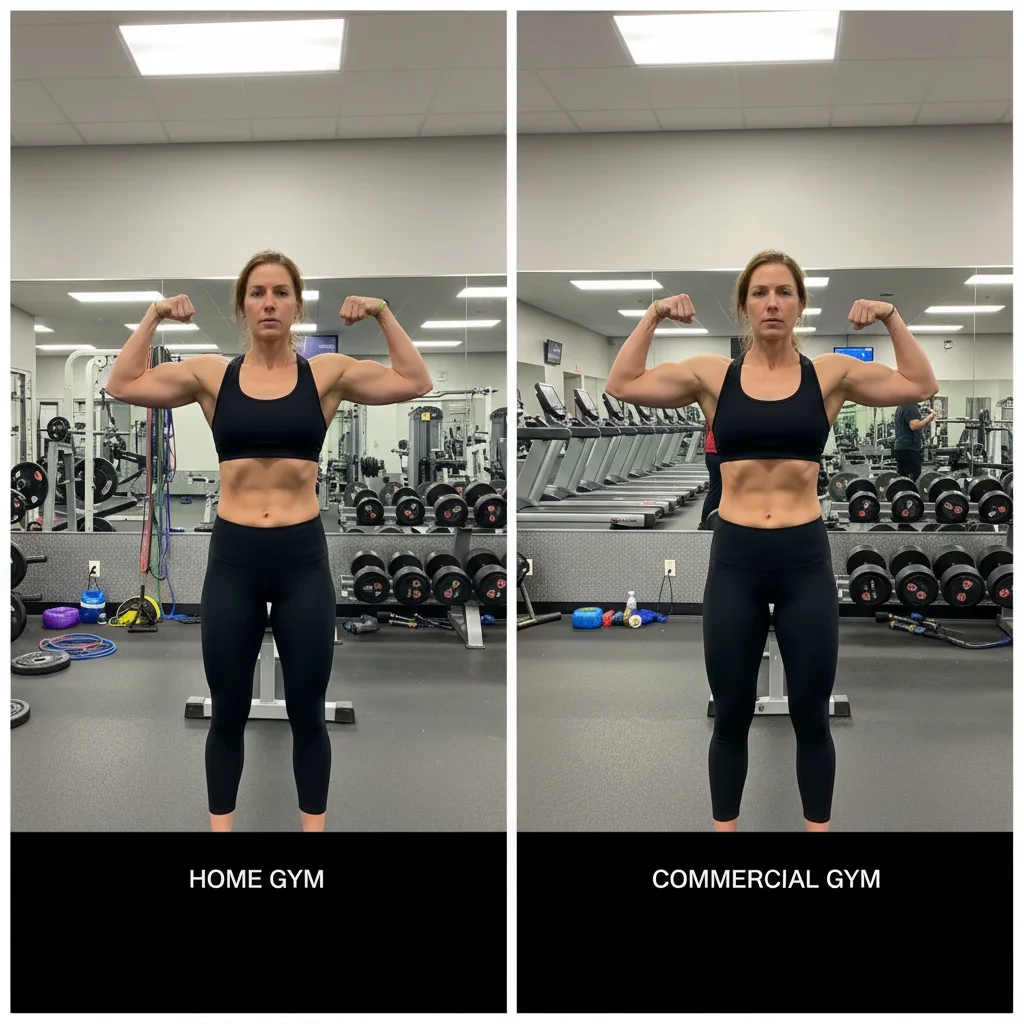
Man with average build in workout clothes
Before
->
Same man visualized with toned fit physique and muscle definition
After

Fitness goal toned look

Visualizing a toned and fit version for workout motivation and goal setting.

Prompt: show a toned and fit version of this person, leaner with visible muscle definition
Advertisement

If something looks off

AI changed the wrong area or something I didn't want changed

Why: The AI couldn't determine exactly which area to adjust from description alone. It may have changed the face or other features along with the body.

Try: Tap a marker on the body area to adjust, then regenerate: slim this area only, keep face and features the same

Tip: Markers tell the AI 'I mean THIS area specifically.' Use them when you want to target the body without changing the face.

Person doesn't look like themselves anymore

Why: Aggressive weight loss visualization changed too many features at once, making the person unrecognizable.

Try: show a subtle weight loss of about 15 pounds, keep the same face and body structure, just slimmer

Tip: Start with smaller changes and increase gradually. 'Keep the same face' is critical for recognizability.

Clothing looks wrong after body changes

Why: The AI slimmed the body but didn't properly adjust how the clothing fits on the smaller frame.

Try: visualize weight loss and adjust the clothing to fit naturally on the slimmer body, realistic draping

Tip: Fitted clothing makes the change more visible and easier for the AI to adjust realistically.

Result looks too thin or unhealthy

Why: Without a specific target, the AI may over-correct and produce an unrealistically thin result.

Try: show this person at a healthy weight, natural-looking with balanced proportions, not too thin

Tip: 'Healthy weight' and 'not too thin' set upper and lower bounds for the AI's adjustment.

Background is warped near the body edges

Why: Body reshaping can distort background pixels adjacent to the changed areas.

Try: visualize weight loss while keeping all background elements clean and undistorted

Tip: Photos against simple backgrounds (plain walls, solid colors) produce the cleanest results.

Quick answers

Do I need to mark my body before describing the weight loss?

No! Just describe the goal: 'show this person 30 pounds lighter' or 'visualize a slimmer midsection.' The AI adjusts proportions automatically across the body. Only use markers if you want to target a specific area and the AI is changing the wrong parts.

How do I visualize weight loss in a photo for free?

Upload your photo to EditThisPic and type a goal like 'show what I'd look like 30 pounds lighter.' The AI generates a realistic preview in 30-45 seconds. Free to use, no account required, no watermarks on the result.

Is there a free weight loss visualizer that doesn't require signup?

Yes, EditThisPic visualizes weight loss for free with no account needed. Upload your photo, describe your fitness goal, and download the result. No watermarks. Works on full body and upper body photos.

Is AI weight loss visualization realistic enough for goal setting?

Yes, especially with moderate changes. The AI preserves your face, body structure, and photo context while showing proportional weight loss. Many people use it for fitness motivation—seeing a realistic version of themselves at their goal weight helps maintain focus.

Ready to visualize your fitness goal?

Free to try. No signup required.

Try it free