Free • No signup Change Hair color · Free

AI Hair Color Changer

Describe the hair color you want and AI changes it instantly. No marking needed.
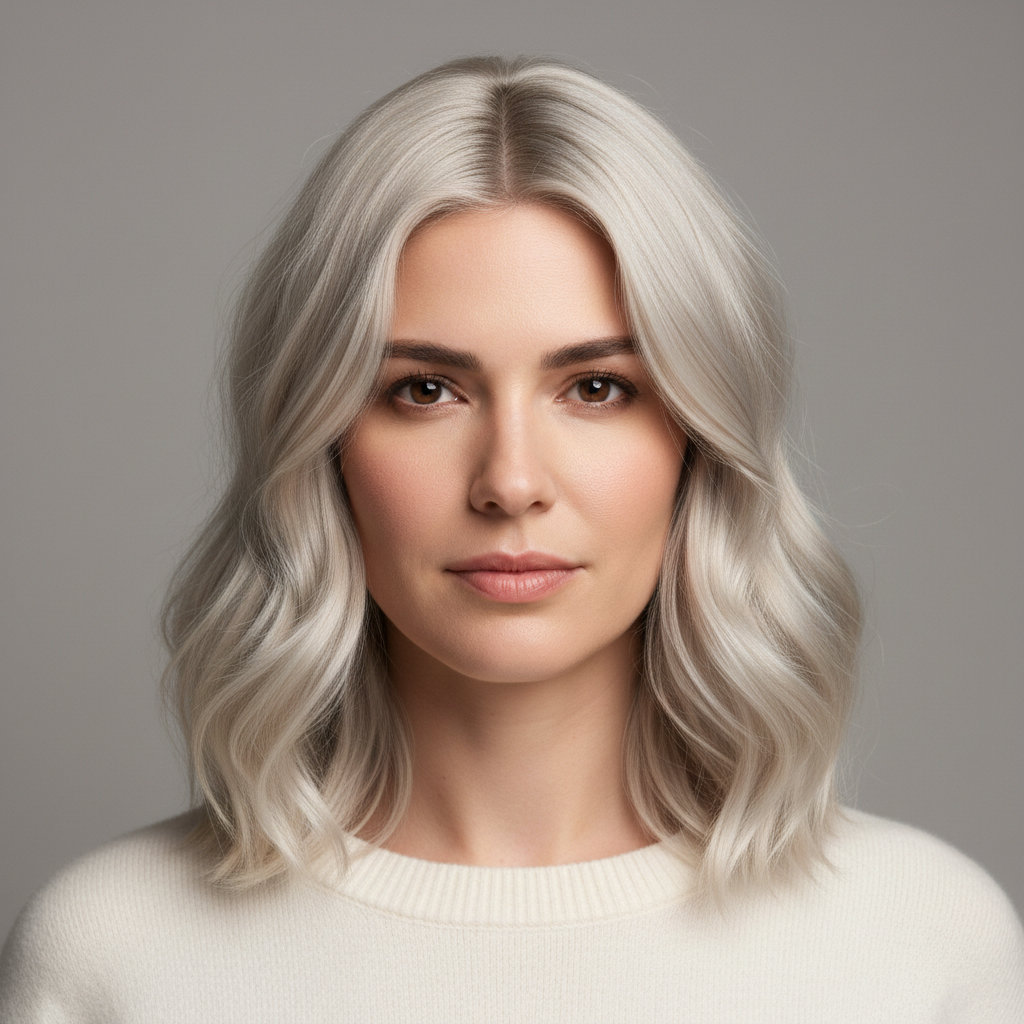
Woman with dark brown shoulder-length hair
Before
Same woman with warm platinum blonde hair and highlights
After

AI Hair Color Changer

Drop your photo here

or click to browse

Release to upload

Free • No signup

Advertisement
Popular use cases:
  • salon preview
  • hair dye simulation
  • virtual hair coloring
  • try before you dye
  • hair color visualization
  • cosplay hair color
  • social media content
  • fashion photography

Cost
Free No signup required
Time
Instant results in 15-30 seconds
Works on
Any device - browser, phone, tablet, desktop
Powered by
AI-powered photo editing
Scenario Prompt Time
Natural color change change hair color to warm honey blonde 30s
Bold color change change hair to vibrant copper red 35s
Fantasy color make the hair pastel pink from roots to tips 45s

How it works

  1. Upload your photo

    Drop your image into EditThisPic. JPG, PNG, WebP up to 7MB. Photos where hair is clearly visible and well-lit produce the best color results. Front-facing or side profile shots both work well.

    Expect: Simple color changes: 30-40 seconds. Fantasy or multi-tone colors: 45-60 seconds and may need refinements.
  2. Describe the new hair color

    Type what you want: 'change hair color to platinum blonde' or 'make the hair a warm copper red.' Be specific about the shade and tone. No marking needed—the AI knows what 'hair' means and targets it automatically.

    Tip: Use specific shade names like 'ash blonde', 'warm chestnut', or 'icy silver' instead of just 'blonde' or 'brown' for more accurate results.

    Copy one of these to get started:

    Go blonde change hair color to warm platinum blonde with natural-looking highlights
    Rich brunette make the hair a deep chocolate brown with subtle caramel highlights
    Vibrant red change hair to a vibrant copper red with warm undertones throughout
    Silver or grey look change the hair to icy silver grey, sleek and metallic-looking
    3 more prompts
    Fantasy pastel pink make the hair pastel pink, soft and even color from roots to tips
    Ombre gradient add an ombre effect to the hair, dark brown roots fading to honey blonde at the tips
    Jet black change hair color to jet black with a glossy shine, uniform from root to tip
  3. Review the color change

    Check that the new color looks natural on strands and roots. Look for consistent color through highlights and shadows. Zoom in on hairline edges and part lines to verify smooth transitions.

  4. Refine with markers if needed

    If specific areas like roots, tips, or hairline edges need adjustment, tap markers on those spots and regenerate. Most color changes work perfectly on the first try.

    Tip: Markers are for precision refinement only. Try without them first—you usually won't need them.
Try it free

AI Hair Color Changer

Drop your photo here

or click to browse

Release to upload

Free • No signup

"I wanted to see if I'd look good as a redhead before committing at the salon. Tried five different shades in two minutes. Ended up going with auburn and I love it." @SalonPreview_Jess

See it in action

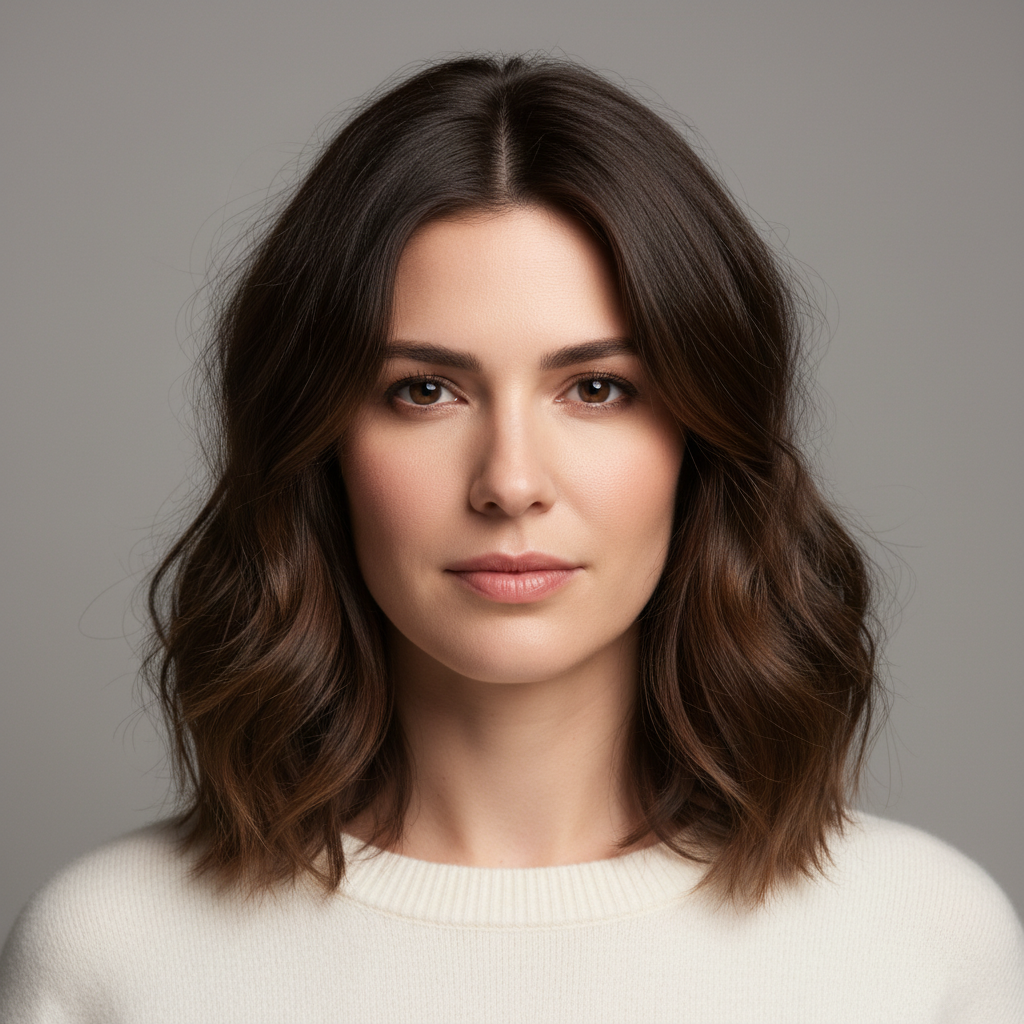
Woman with dark brown shoulder-length hair
Before
->
Same woman with warm platinum blonde hair and highlights
After

Brunette to platinum blonde transformation

Dark brown hair transformed to a bright platinum blonde to preview a dramatic salon change.
Prompt: change hair color to warm platinum blonde with natural-looking highlights
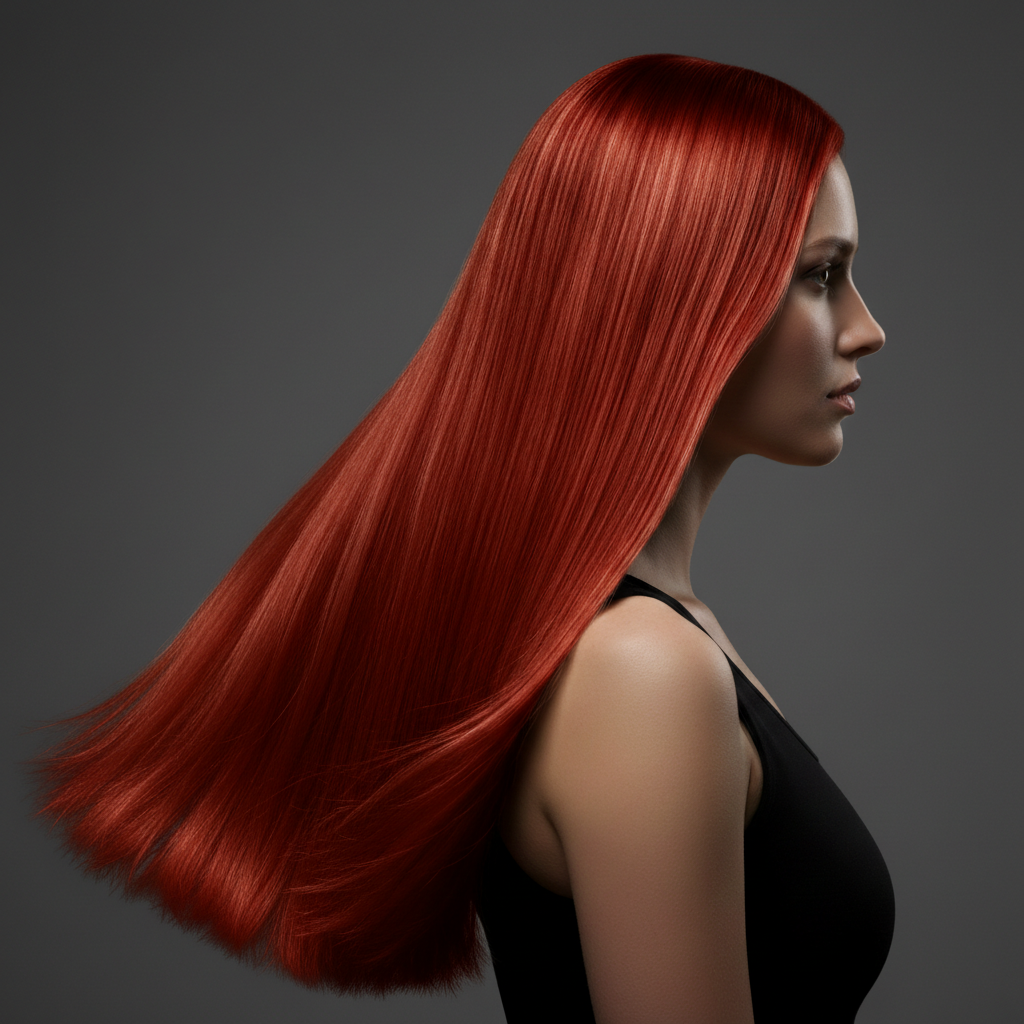
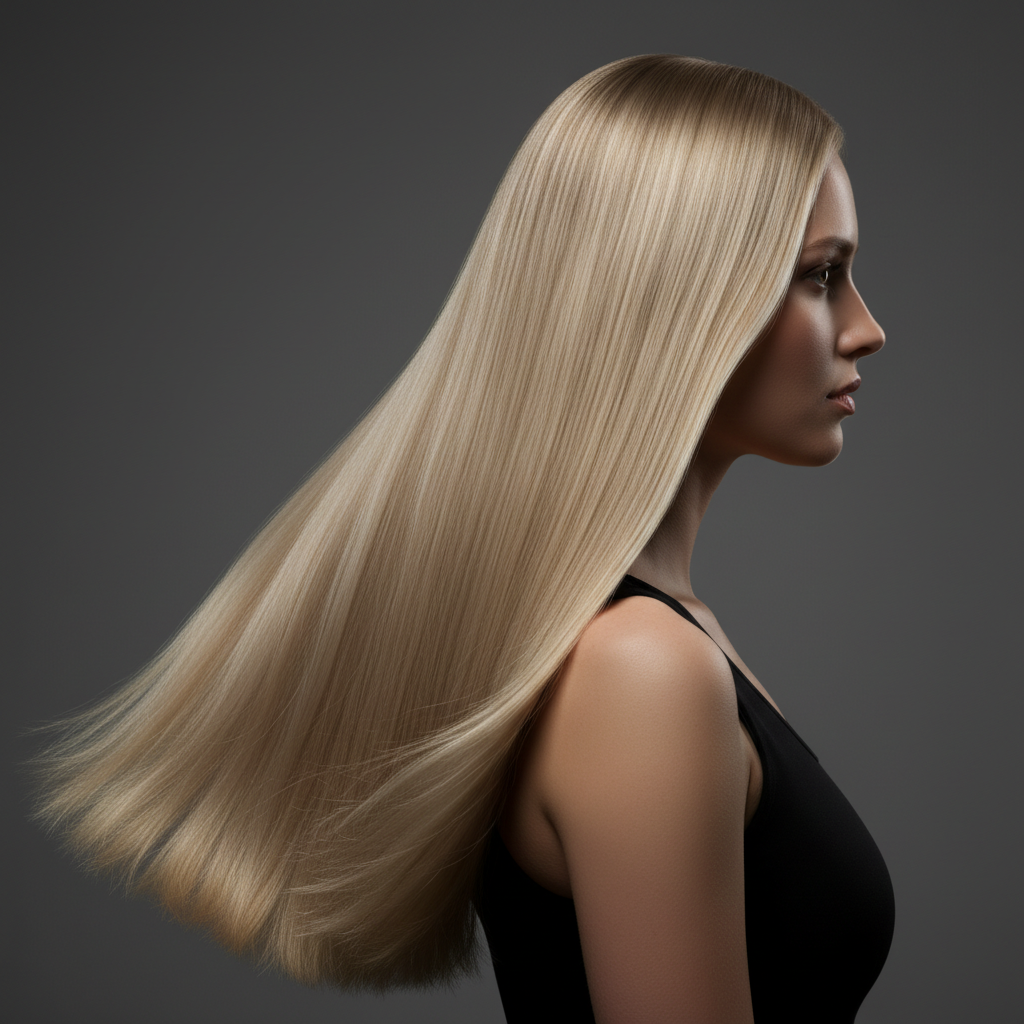
Woman with light blonde wavy hair
Before
->
Same woman with vibrant copper red hair
After

Blonde to vibrant copper red

Light blonde hair changed to a rich copper red to test a bold new color before committing.

Prompt: change hair to a vibrant copper red with warm undertones throughout
Advertisement

If something looks off

AI changed the wrong area or something I didn't want changed

Why: The AI couldn't determine exactly which area you meant from description alone. This can happen when eyebrows or clothing are similar in color to hair.

Try: Tap a marker on the hair specifically, then regenerate with the same prompt

Tip: Markers tell the AI 'I mean THIS area specifically.' Use them when description alone is ambiguous.

New color looks flat or unnatural

Why: The AI applied a single uniform tone without the natural variation that real hair has in highlights and shadows.

Try: change hair color to [shade] with natural variation in highlights and lowlights, maintaining realistic texture

Tip: Adding 'natural variation' or 'multi-dimensional' helps the AI mimic how real dyed hair looks.

Roots or hairline edges still show original color

Why: Fine hairs at the hairline and root area are harder for the AI to recolor because they blend with skin tones.

Try: Tap markers on the roots and hairline, then regenerate: ensure hair color reaches the roots and hairline edges

Tip: Roots and flyaway hairs near the face are the trickiest—markers on those areas fix it quickly.

Color is too intense or oversaturated

Why: Without specifying tone intensity, the AI may go bolder than you intended, especially with reds and fantasy colors.

Try: change hair to a soft, muted [shade] with natural saturation levels

Tip: Words like 'soft', 'muted', and 'natural' dial back intensity. 'Vivid' and 'bold' push it up.

Hair texture or volume changed along with color

Why: The AI sometimes reinterprets hair structure when changing color, especially for dramatic shifts like dark to light.

Try: change only the hair color to [shade], keep the exact same hair texture, volume, and style

Tip: Explicitly saying 'keep the same texture and style' prevents the AI from altering anything beyond color.

Quick answers

Do I need to mark my hair before describing the color I want?

No! Just describe the color change: 'change hair color to blonde' or 'make the hair red.' The AI understands what 'hair' means and targets it automatically. Only use markers if you want to color specific sections, like just the tips or roots, and the AI isn't getting it right from description alone.

How do I change my hair color in a photo for free?

Upload your photo to EditThisPic and type a color instruction like 'change hair to platinum blonde.' The AI applies the new color in 30-40 seconds while preserving natural texture. Free to use, no account required, no watermarks on the result.

Is there a free AI hair color changer that doesn't require login?

Yes, EditThisPic changes hair color for free with no account needed. Upload your photo, describe the color you want, and download the result. No watermarks. Works for natural shades, fashion colors, and fantasy tones like pastel pink or silver.

Can AI change hair color to unnatural or fantasy colors?

Yes! The AI handles fantasy colors like pastel pink, electric blue, emerald green, and icy silver. Just describe what you want: 'change hair to pastel lavender' or 'make it neon blue.' Fantasy colors may need one refinement for even coverage, but they work well on most photos.

Ready to change your hair color?

Free to try. No signup required.

Try it free