Free • No signup Add Lens flare · Free

AI Lens Flare Adder

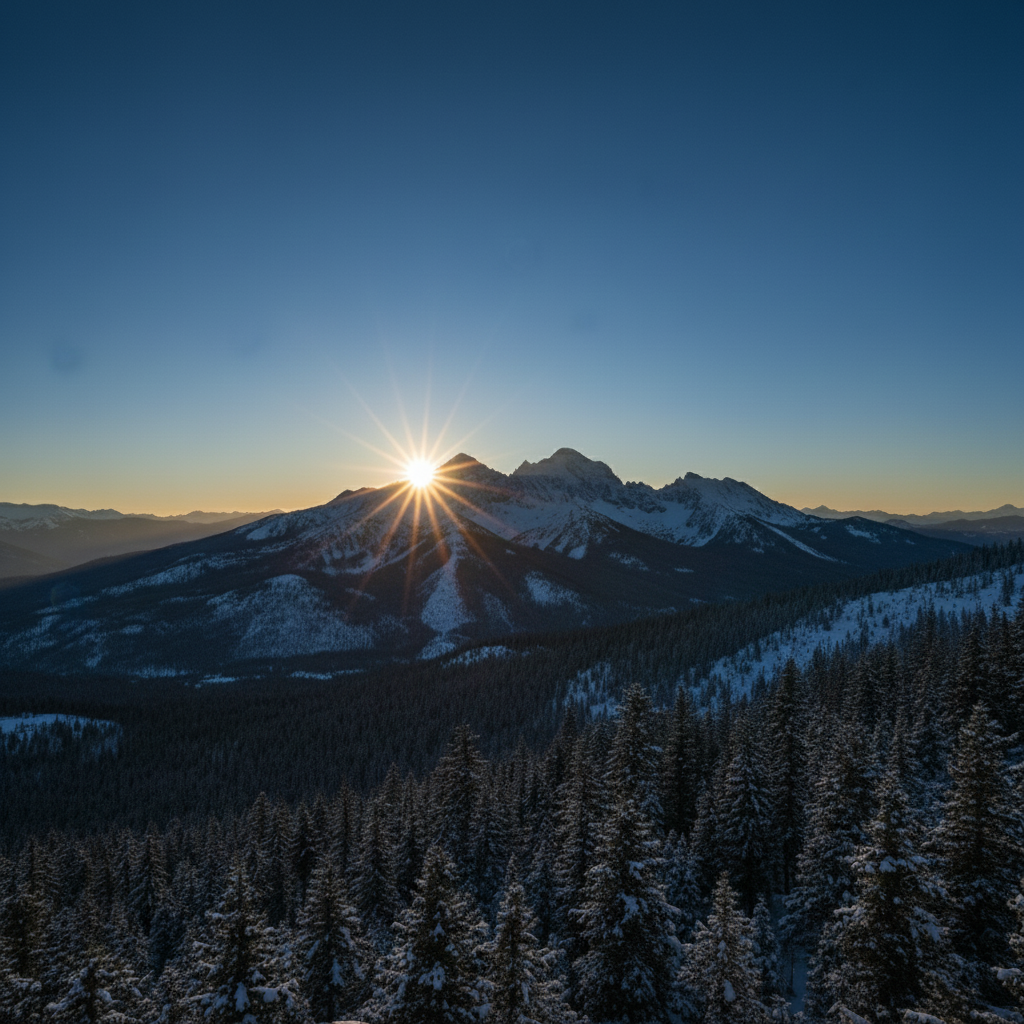
Before
Before
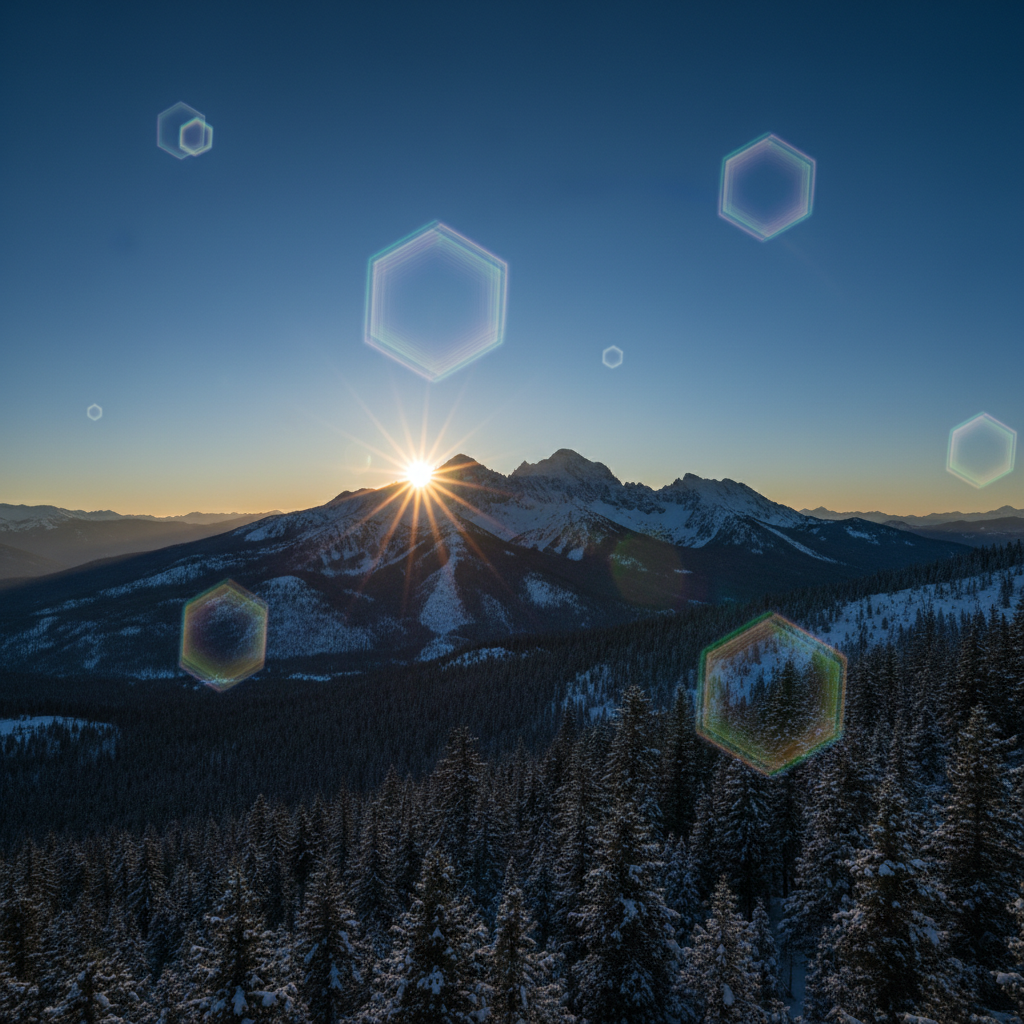
After
After

Free AI Lens Flare Adder

Drop your photo here

or click to browse

Release to upload

Free • No signup

Advertisement

Cost
Free No signup required
Time
Instant results in 15-30 seconds
Works on
Any device - browser, phone, tablet, desktop
Powered by
AI-powered photo editing

How it works

  1. Upload Your Photo

    Choose the image where you want to add lens flare effects. Works best with outdoor scenes, backlit subjects, and photos with bright light sources.

    Expect: Simple add: 20-30 seconds. Complex add: 30-45 seconds and may need refinements.
  2. Describe the Lens Flare

    Tell the AI what type of lens flare you want and where it should appear. Specify style (sun burst, subtle glow, cinematic streaks), intensity, and position relative to light sources.

    Copy one of these to get started:

    add Add subtle lens flare from the sun in the top right corner with warm golden rays and small hexagonal reflections extending toward the center
    add Add bright sun burst lens flare in the upper left with intense white light rays radiating outward and a series of circular rainbow reflections across the image
    add Add cinematic lens flare from a light source behind the subject creating a horizontal streak of warm orange light with multiple geometric reflections
    add Add anamorphic lens flare with characteristic horizontal blue streaks and oval-shaped reflections creating a sci-fi movie aesthetic
    3 more prompts
    add Add dramatic backlight lens flare where the sun peeks from behind the subject with bright white rays and scattered prismatic reflections throughout the frame
    add Add vintage lens flare effect with muted colors, rounded hexagonal aperture reflections, and soft rainbow halos mimicking older camera optics
    add Add complex multi-element lens flare with starburst rays, multiple ghosting artifacts in purple and green tones, and graduated glow simulating professional cinema lenses
  3. Review the Flare Effect

    Check that the lens flare looks natural and enhances your image. Verify it matches the lighting direction and doesn't obscure important subjects unnecessarily.

  4. Download Your Enhanced Photo

    Save your image with lens flare in high resolution with no watermark. The optical effect adds cinematic atmosphere and visual interest.

Try it free

Free AI Lens Flare Adder

Drop your photo here

or click to browse

Release to upload

Free • No signup

See it in action

Before
Before
->
After
After

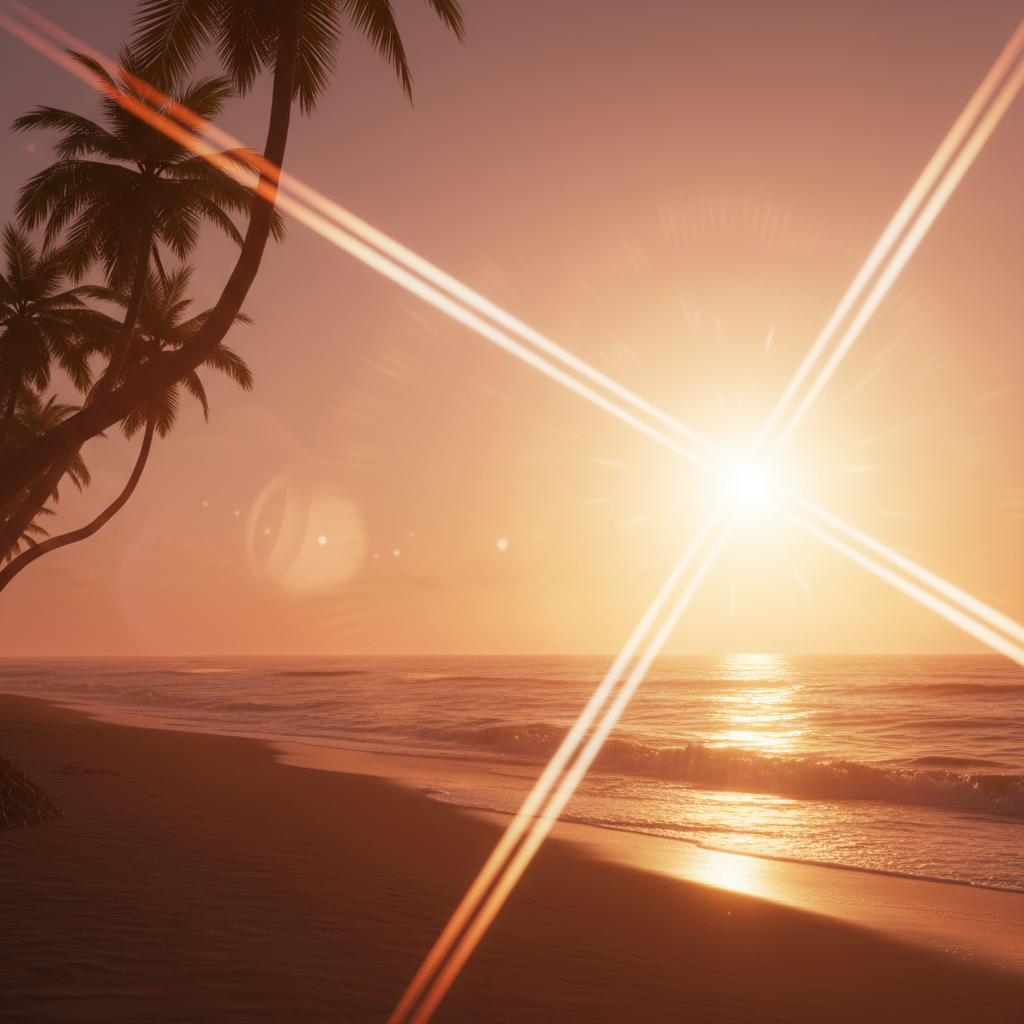
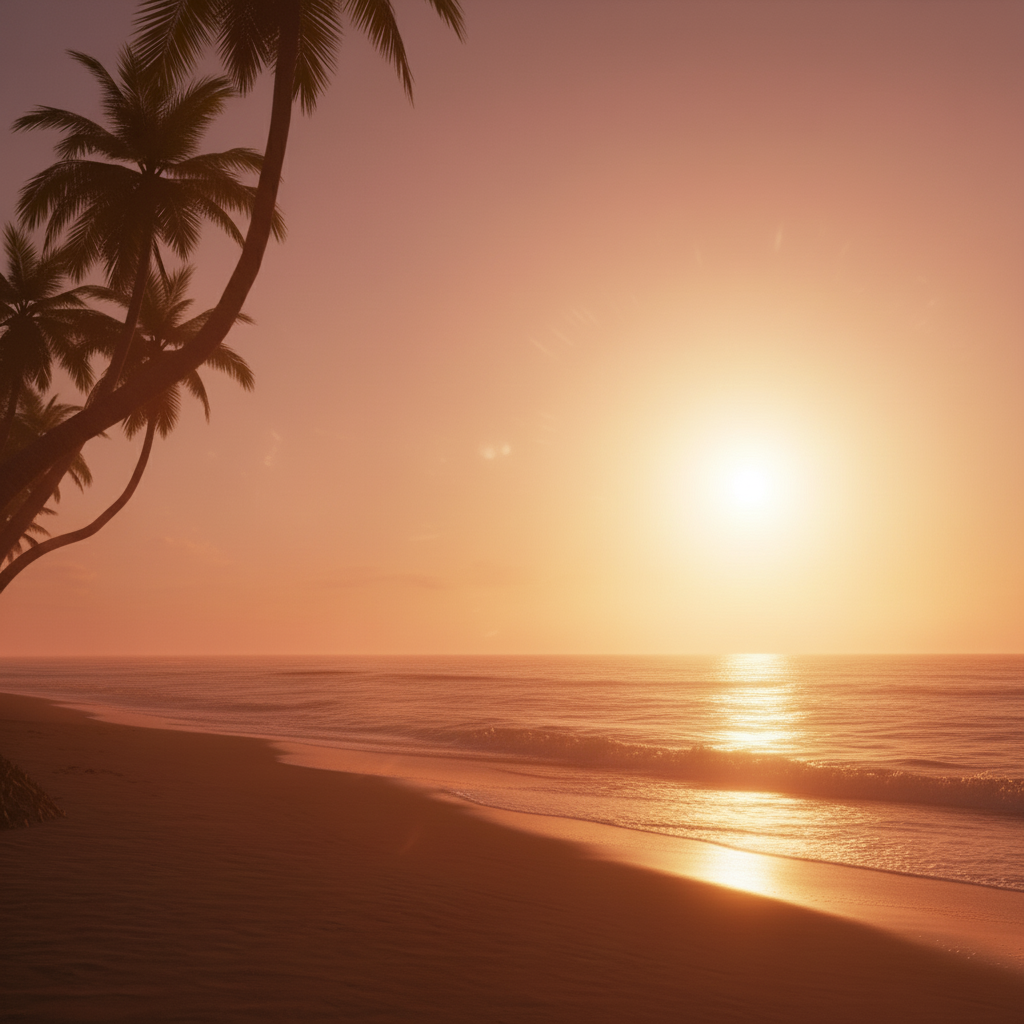
Golden Hour Sun Flare

Add warm golden lens flare from the sun position with radiating rays and a string of circular hexagonal reflections extending diagonally across the frame enhancing the orange sunset atmosphere
Prompt:
Before
Before
->
After
After

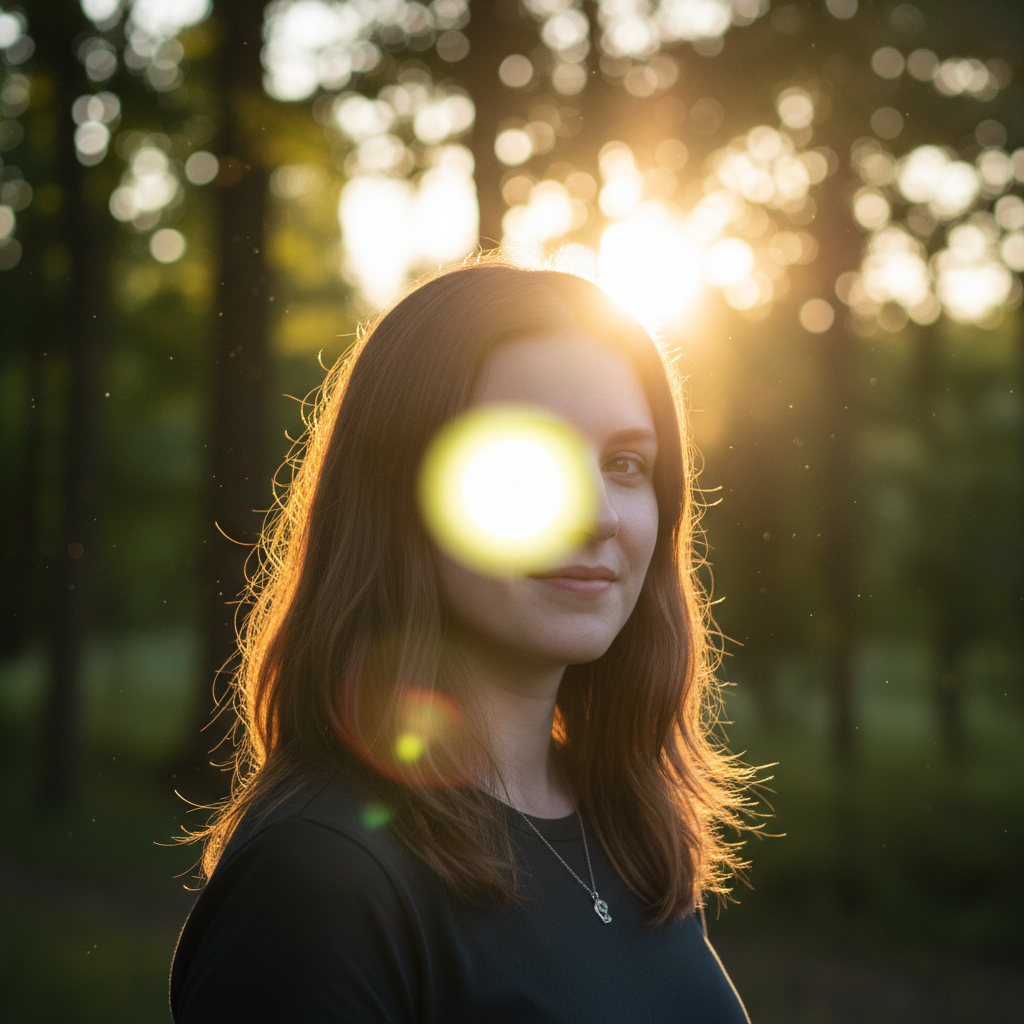
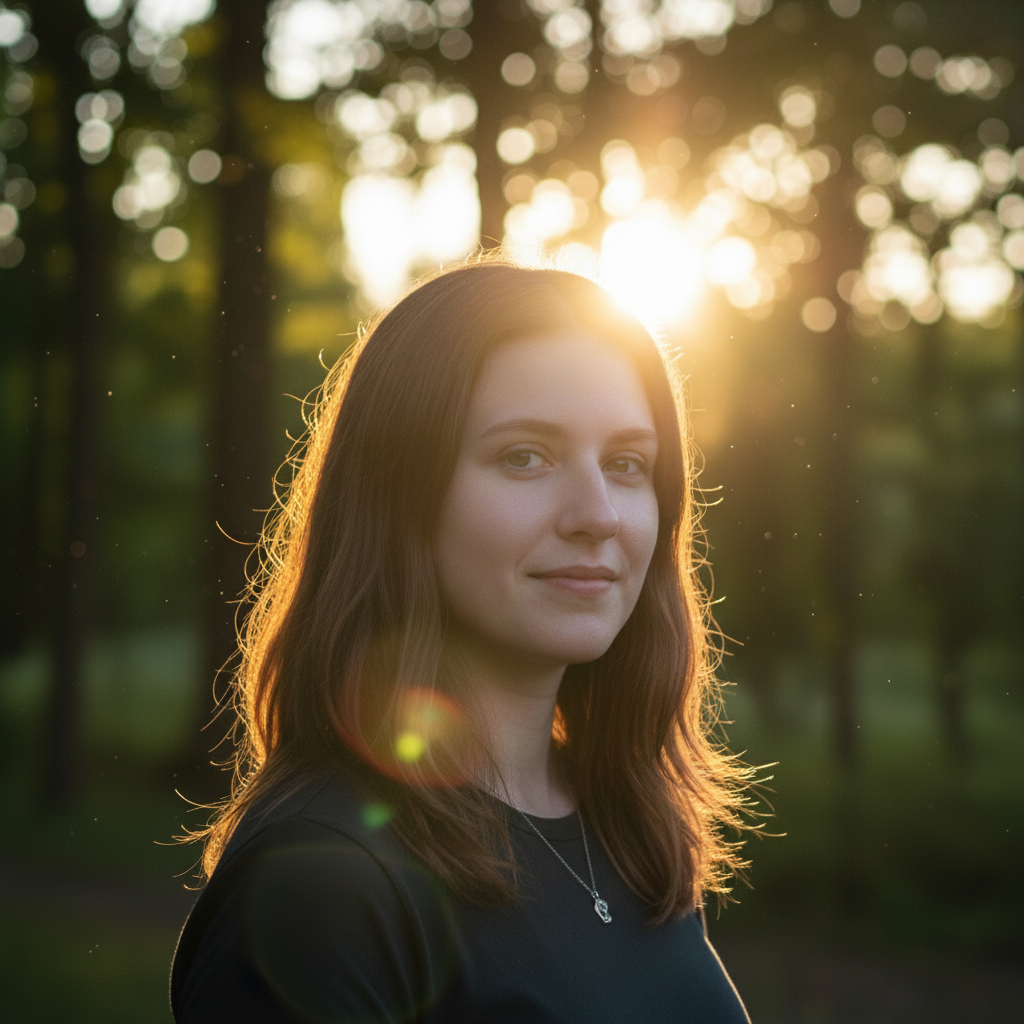
Portrait Backlight Flare

Add cinematic lens flare from the magenta backlight source behind subject's head, creating bright white core with magenta-tinted hexagonal reflections and subtle horizontal streak
Prompt:
Before
Before
->
After
After

Urban Sci-Fi Flare

Add anamorphic lens flare from the brightest cyan neon light creating horizontal blue streaks and oval reflections for a futuristic sci-fi movie aesthetic matching the urban night scene

Prompt:
Advertisement

If something looks off

AI changed the wrong area or something I didn't want changed

Why: The AI couldn't determine exactly which area you meant from description alone.

Try: Tap a marker on the specific area you want to change, then regenerate with the same prompt

Tip: Markers tell the AI 'I mean THIS one specifically.' Use them when description alone is ambiguous.

Quick answers

Do I need to mark where the lens flare should appear?

No marking needed. Just describe where the flare should originate from (top corner, behind subject, from the sun) and the AI will position it naturally. You can reference existing light sources in your photo for best placement.

What types of lens flare can I add?

Options include sun burst flares (radiating rays), hexagonal reflection chains (aperture shapes), anamorphic streaks (horizontal lines), rainbow halos, cinematic glows, vintage soft flares, and complex multi-element optical artifacts. Describe the style you want.

Will lens flare work on any type of photo?

Works best on photos with visible light sources or bright areas (sun, lamps, windows, backlit scenes). Adding flare to dark scenes without logical light sources may look unnatural. Photos with clear lighting direction produce most realistic results.

Can I control the color of the lens flare?

Yes, specify color in your prompt: 'warm golden flare', 'cool blue flare', 'rainbow prismatic reflections', or 'purple and green ghosting'. The AI will match flare colors to your specified tones.

How do I get cinematic or anamorphic lens flare?

Request 'anamorphic lens flare' specifically for horizontal blue streaks and oval reflections common in movies. Use terms like 'cinematic', 'sci-fi movie style', or reference specific looks (JJ Abrams style, Blade Runner aesthetic).

Ready to edit your photo?

Free to try. No signup required.

Try it free