Free • No signup Add Dramatic lighting · Free

AI Dramatic Lighting Adder

Before
Before
After
After

Free AI Dramatic Lighting Adder

Drop your photo here

or click to browse

Release to upload

Free • No signup

Advertisement

Cost
Free No signup required
Time
Instant results in 15-30 seconds
Works on
Any device - browser, phone, tablet, desktop
Powered by
AI-powered photo editing

How it works

  1. Upload Your Photo

    Choose the image that needs dramatic lighting enhancement. Works best with portraits, products, and subjects with clear form.

    Expect: Simple add: 20-30 seconds. Complex add: 30-45 seconds and may need refinements.
  2. Describe the Dramatic Effect

    Tell the AI what type of dramatic lighting you want - rim lights, side lighting, Rembrandt shadows, cinematic contrast. Specify light direction, intensity, and mood.

    Copy one of these to get started:

    add Add dramatic rim lighting from behind and to the right, creating a bright golden edge light that outlines the subject against the darker background
    add Add cinematic side lighting from the left creating strong contrast with deep shadows on the right side of the face for a film noir mood
    add Add dramatic Rembrandt lighting with a triangle of light under the right eye, creating classic portrait studio lighting with depth and dimension
    add Add moody low-key lighting with subtle highlights on the subject and deep shadows filling most of the frame for dramatic atmosphere
    3 more prompts
    add Add dramatic backlight creating a halo effect around the subject with visible light rays streaming from behind for an ethereal look
    add Add theatrical spotlight effect from above with circular light pool illuminating the subject while surrounding areas fade into dramatic darkness
    add Add cinematic three-point lighting with key light from left, fill from right, and rim light from behind creating professional studio drama with balanced shadows
  3. Review the Lighting Effect

    Check that the added dramatic lighting looks natural and enhances your subject. Verify shadow placement, highlight intensity, and overall mood match your vision.

  4. Download Your Enhanced Photo

    Save your dramatically lit image in high resolution with no watermark. The enhanced lighting creates professional, cinematic atmosphere.

Try it free

Free AI Dramatic Lighting Adder

Drop your photo here

or click to browse

Release to upload

Free • No signup

See it in action

Before
Before
->
After
After

Portrait Rim Lighting

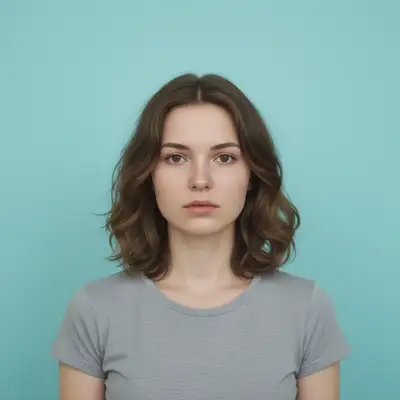
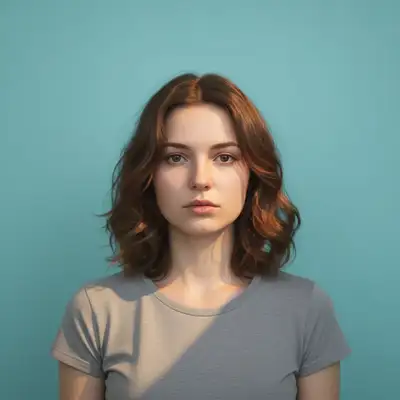
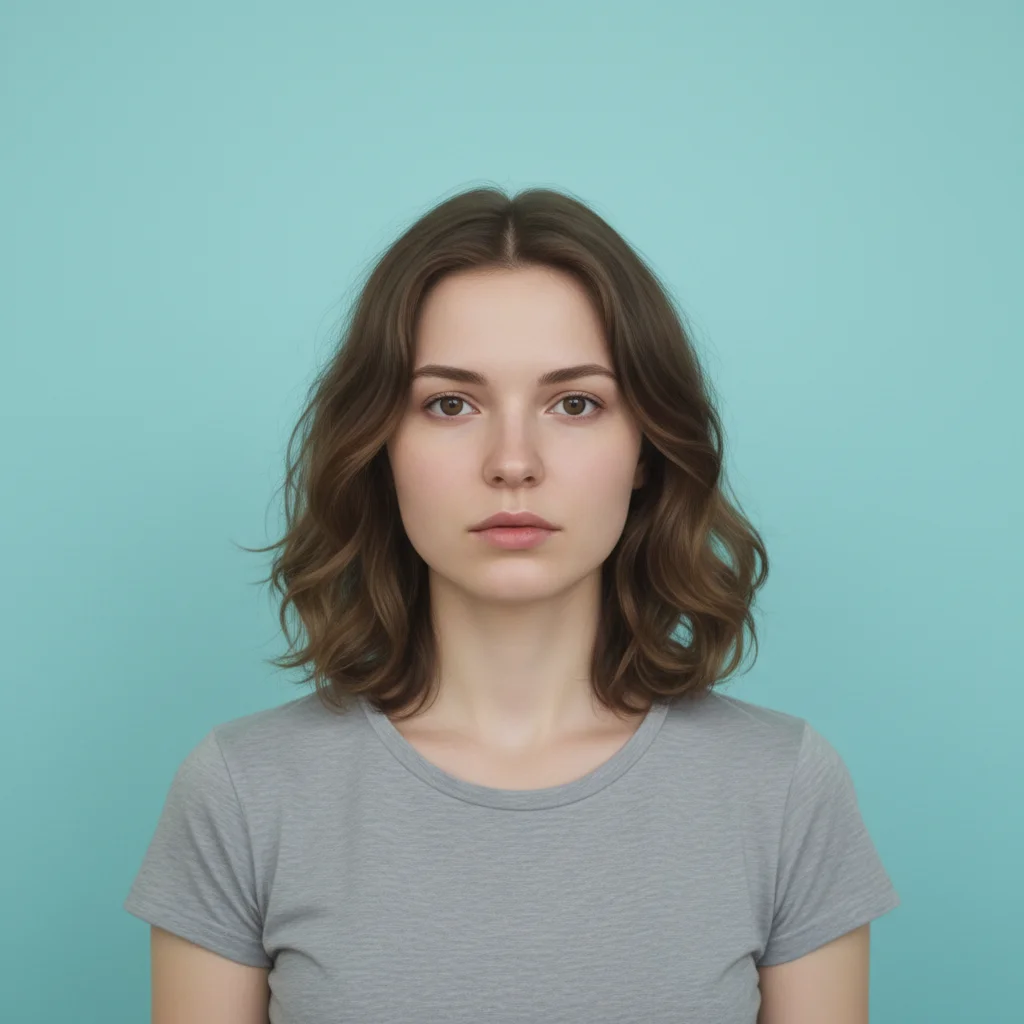
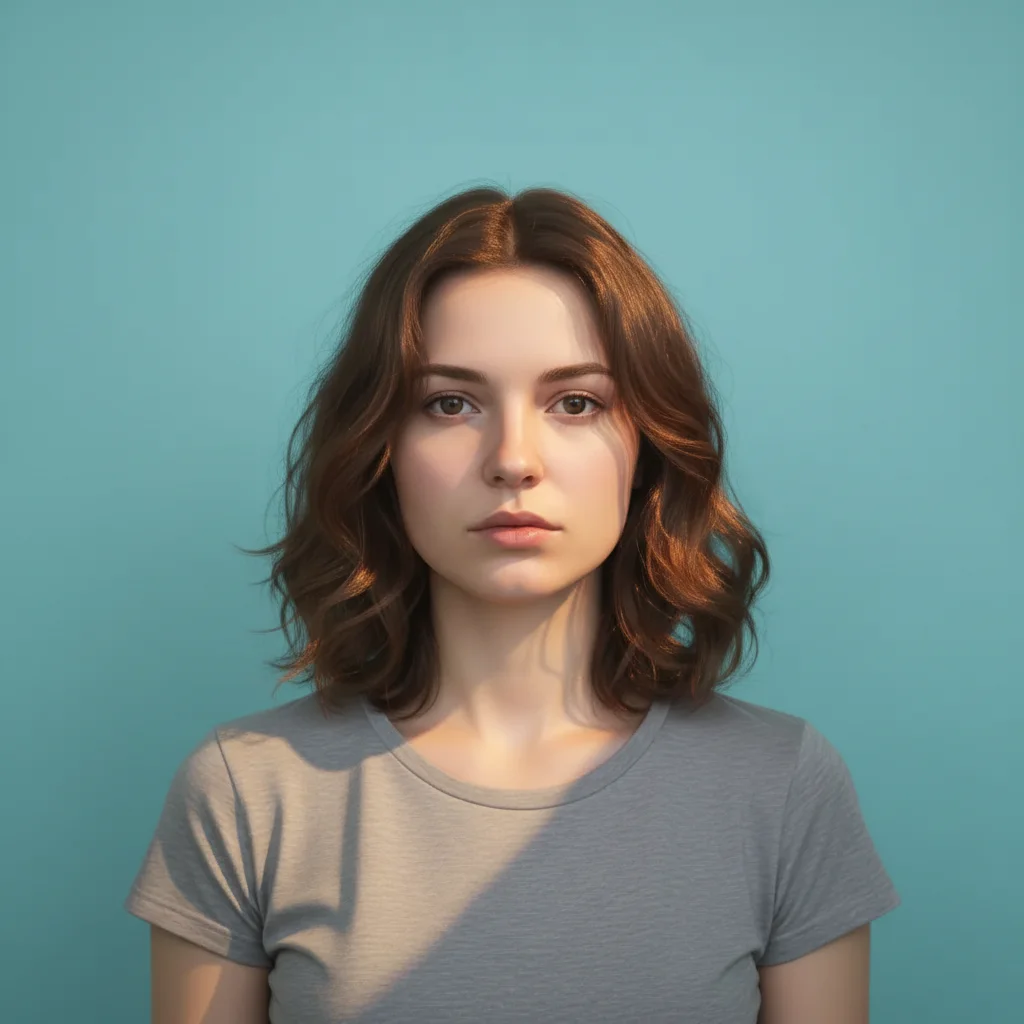
Add dramatic warm orange rim lighting from behind and slightly to the right, creating a glowing edge around the subject's hair and shoulders that separates them from the cyan background
Prompt:
Before
Before
->
After
After

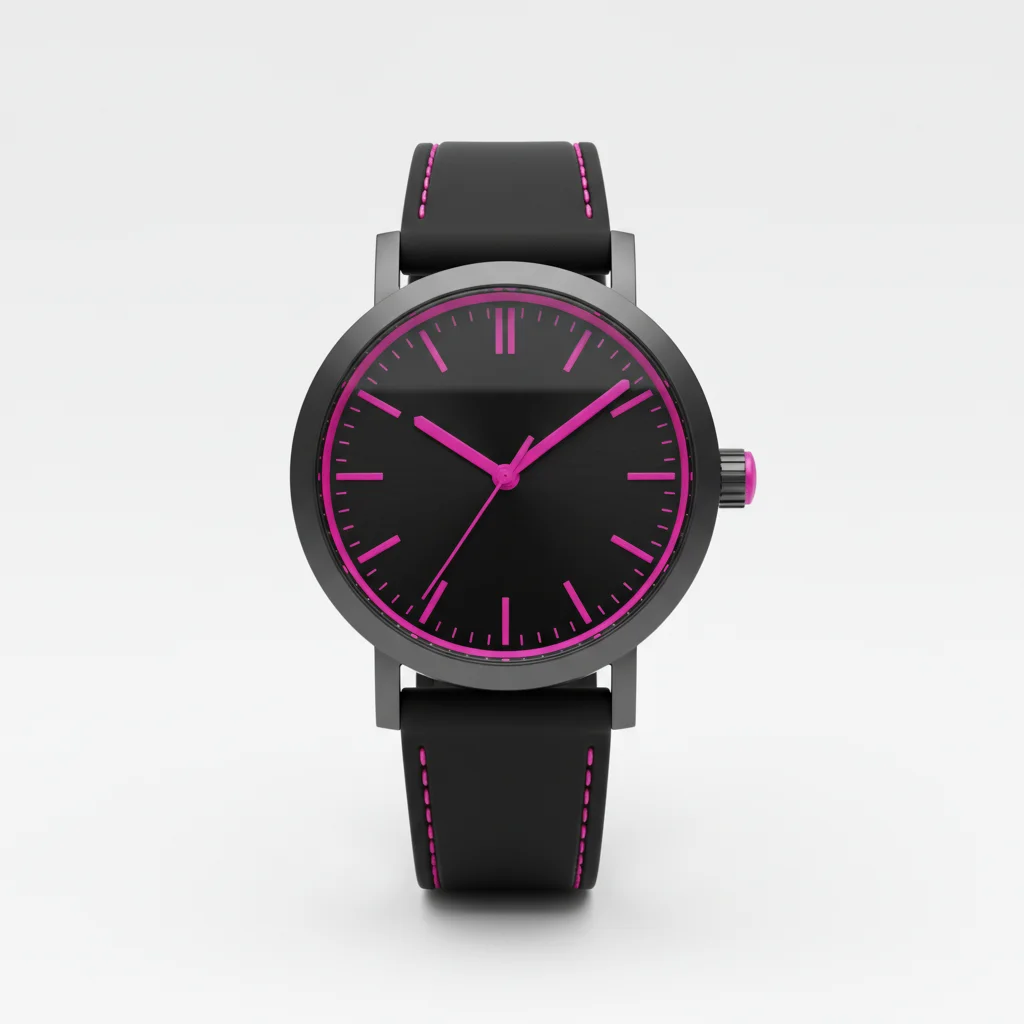
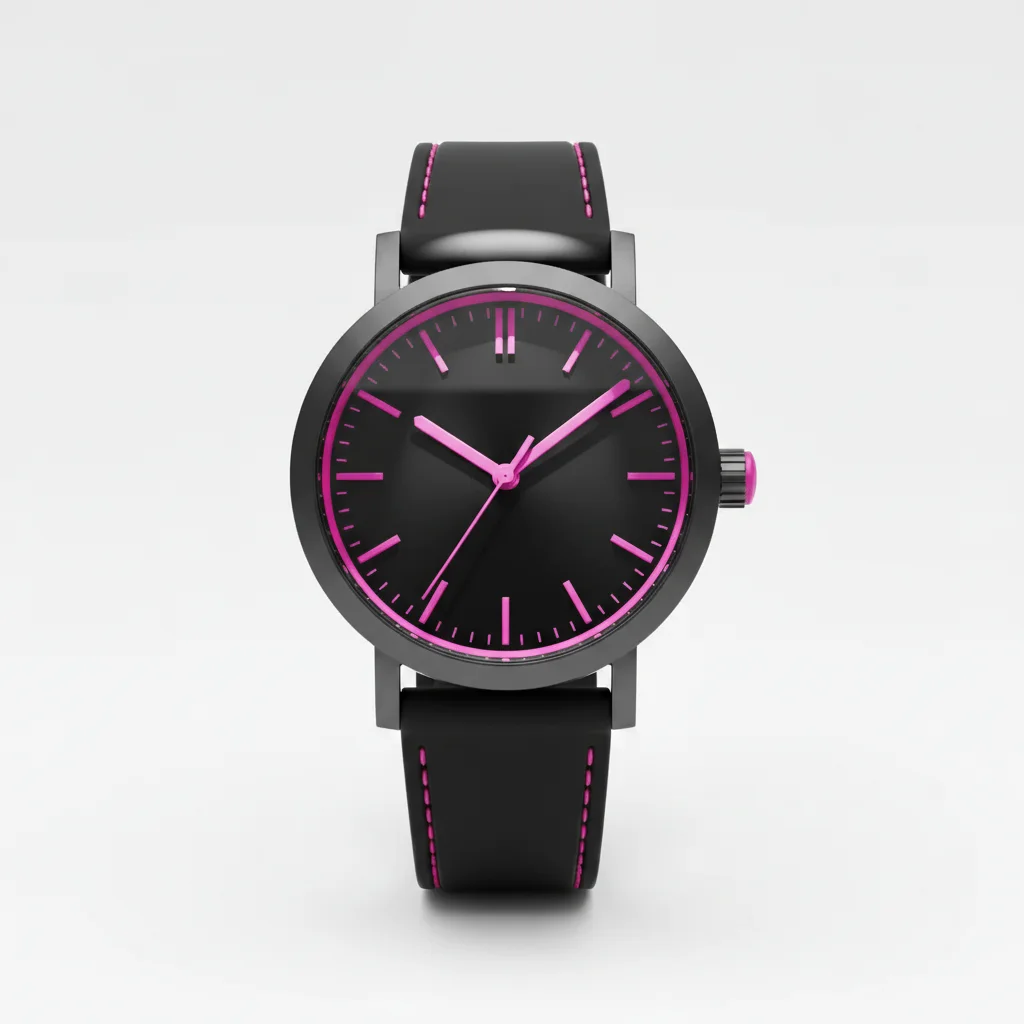
Product Cinematic Lighting

Add dramatic side lighting from the left with strong highlights on the watch case and deep shadows on the right side, creating metallic gleam and emphasizing the magenta accents

Prompt:

Atmospheric Mood Lighting

Add dramatic low-key lighting with a narrow spotlight from upper left creating moody shadows across most of the scene while the golden wall glows subtly in the background darkness

Prompt:
Advertisement

If something looks off

AI changed the wrong area or something I didn't want changed

Why: The AI couldn't determine exactly which area you meant from description alone.

Try: Tap a marker on the specific area you want to change, then regenerate with the same prompt

Tip: Markers tell the AI 'I mean THIS one specifically.' Use them when description alone is ambiguous.

Quick answers

Do I need to mark where the lighting should be added?

No marking needed. Just describe the lighting style and direction (rim light from behind, side lighting from left, spotlight from above). The AI understands lighting terminology and applies effects naturally to your subject.

What types of dramatic lighting can I add?

Common styles include rim lighting (edge highlights), Rembrandt lighting (triangular face highlight), side lighting (strong directional contrast), backlighting (halo effects), spotlight effects, low-key lighting (mostly shadows), and cinematic three-point setups.

Will dramatic lighting work on any photo?

Works best on photos with clear subjects and visible form. Portraits, products, and defined objects respond well. Very flat or abstract images may have limited dramatic potential since lighting emphasizes dimensionality.

Can I add multiple lighting effects at once?

Yes, you can combine effects like 'add rim light from behind and side light from left' for complex setups. Professional three-point lighting (key, fill, rim) can be requested in a single prompt.

How do I control the intensity of dramatic lighting?

Use descriptive terms in your prompt: 'subtle dramatic lighting' for gentle effects, 'strong dramatic lighting' for bold impact, or 'extreme high-contrast lighting' for maximum drama. Specify how intense highlights and shadows should be.

Ready to edit your photo?

Free to try. No signup required.

Try it free