Do I need to mark anything before adding golden hour lighting?
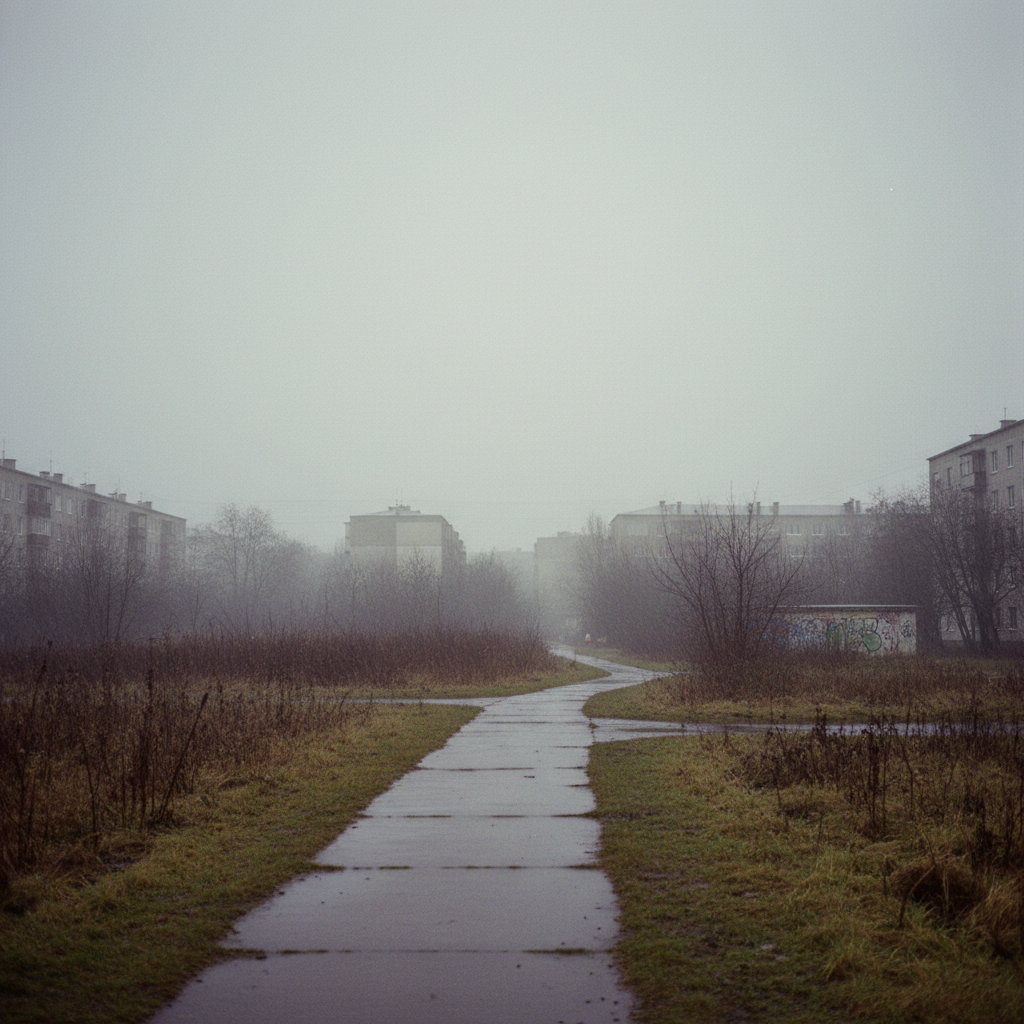
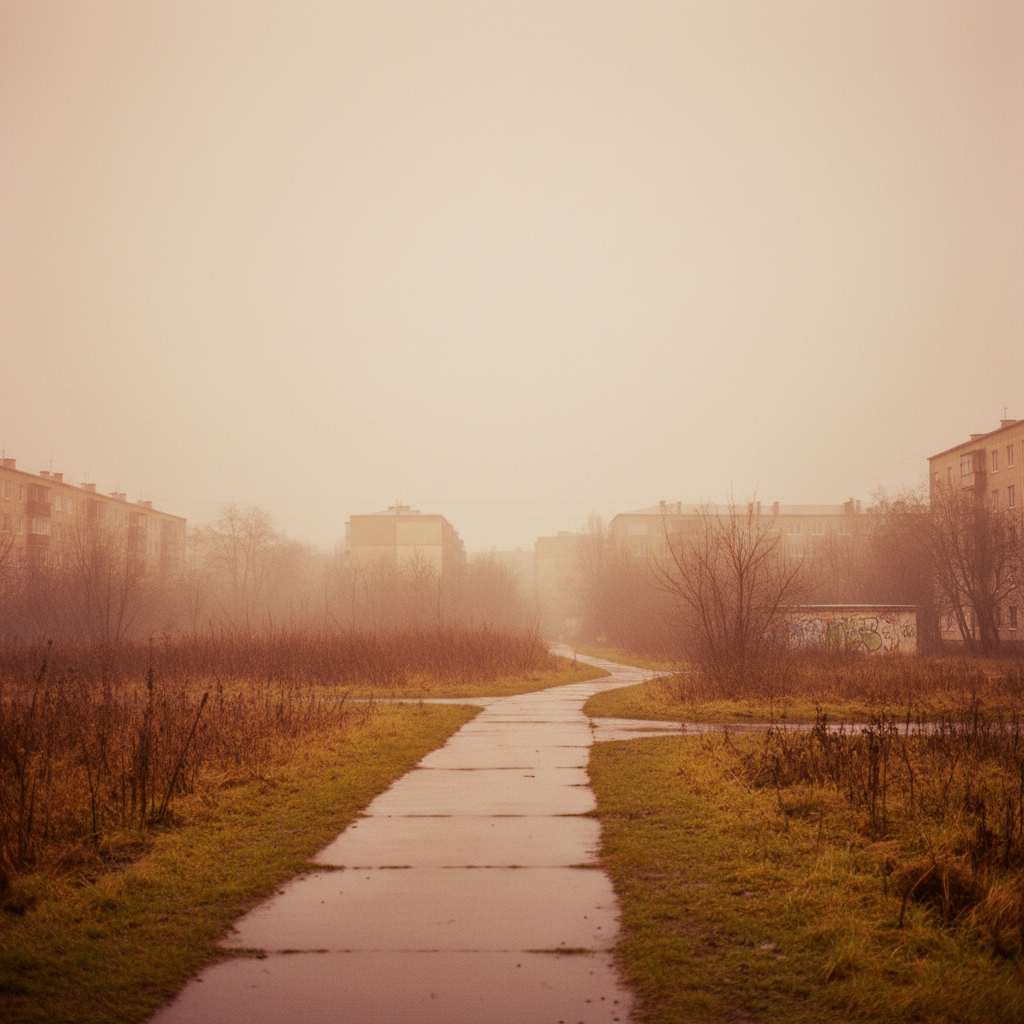
No! Just describe 'add golden hour lighting' and the AI applies it intelligently across the scene. It understands how natural sunlight should fall.
Will it look fake or like a filter?
Not if you use natural language like 'subtle golden warmth' or 'natural golden hour.' The AI adds realistic light direction and warmth, not just an orange overlay. Specify 'natural' to avoid the over-processed look.
Is there a free golden hour lighting tool without signup?
Yes, EditThisPic adds golden hour lighting for free with no account needed. Upload your photo, describe the effect, download. No watermarks on your result.
Can I specify which direction the sun should come from?
Absolutely! Include direction in your prompt: 'golden hour light from the left' or 'sunset glow from behind the subject.' This creates realistic directional lighting that matches or enhances existing shadows.
Does it work on indoor photos?
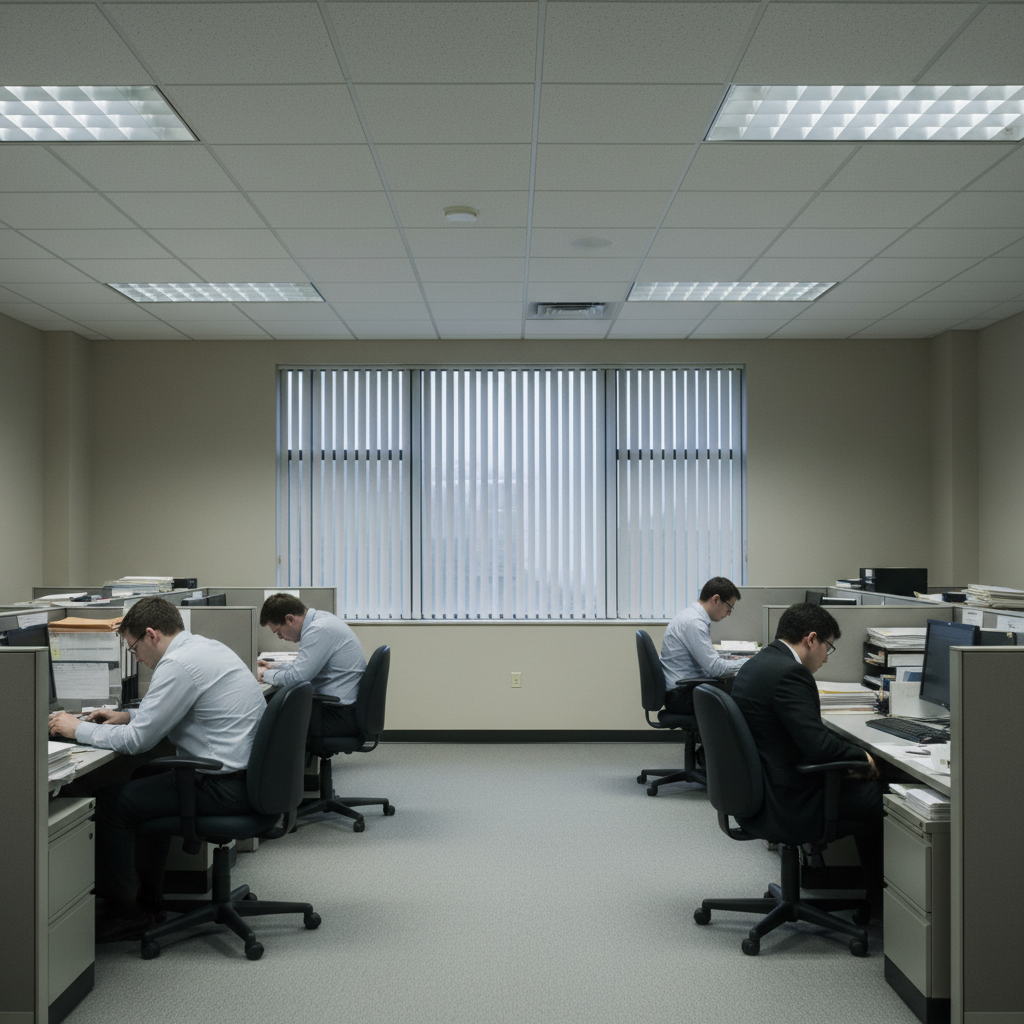
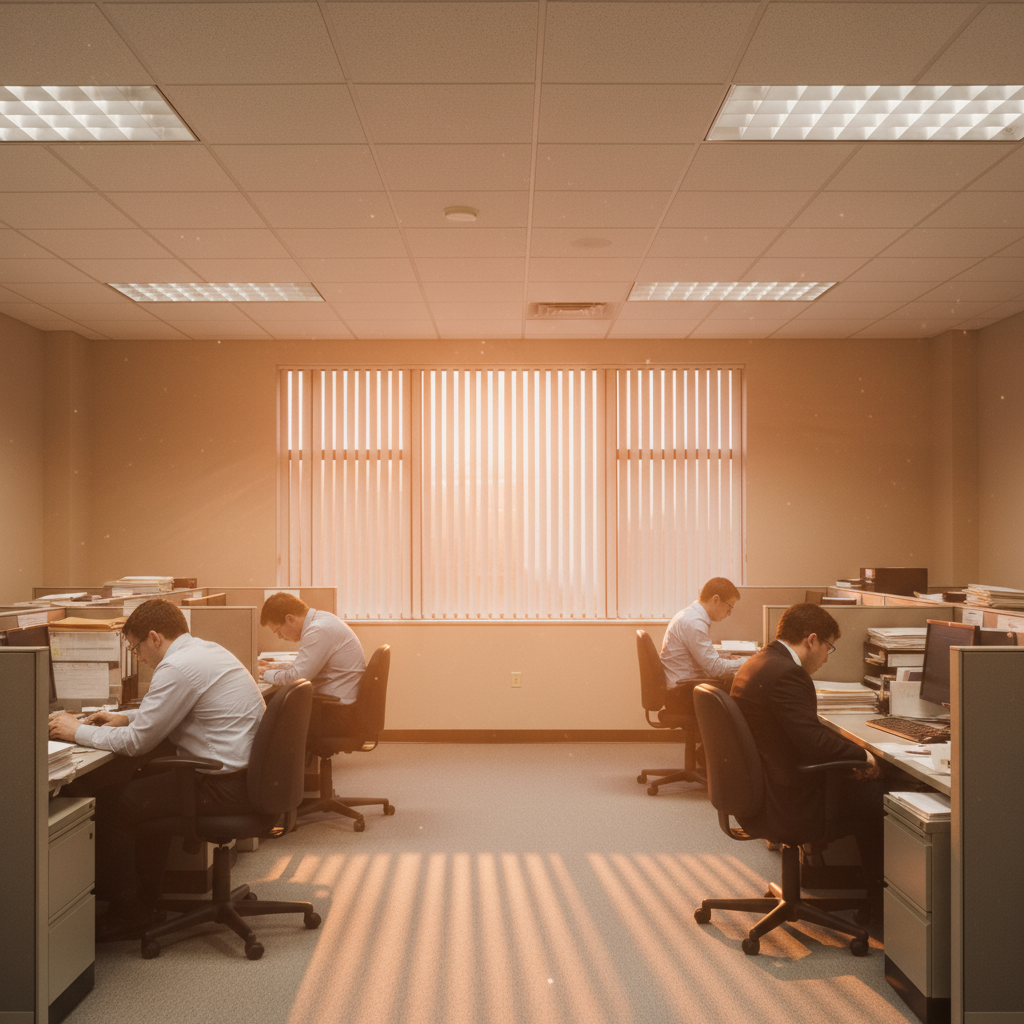
Yes! Reference a window for believable results: 'golden hour light streaming through the window.' This makes the warm light source logical even in indoor settings. The AI will create realistic window-light effects.
Is EditThisPic's AI golden hour lighting adder really free?
Yes — you get 1 free edit per week, no account needed. Credit packs start at $4.99 for 10 edits.
Can I add golden hour lighting on my phone?
Yes. EditThisPic works in any mobile browser — iPhone, Android, tablet. No app download needed.
What photo formats does the AI golden hour lighting adder support?
JPG, PNG, WebP, and HEIC. Upload any common photo format and EditThisPic handles the rest.
How much does EditThisPic cost?
You get 1 free edit per week — no account needed. After that, one-time credit packs start at $4.99 for 10 edits, valid 12 months, no subscription. Power users who edit daily can pick Studio Membership, a monthly workspace at $49.99/mo for 300 edits. Purchased downloads are clean with no watermark.