Free • No signup Add Furniture · Free

AI Empty Room Furniture Stager

← Browse all add & replace tools

Last updated

Turn any empty room into a staged space — upload the empty room photo and a furniture reference image, and AI does the rest.
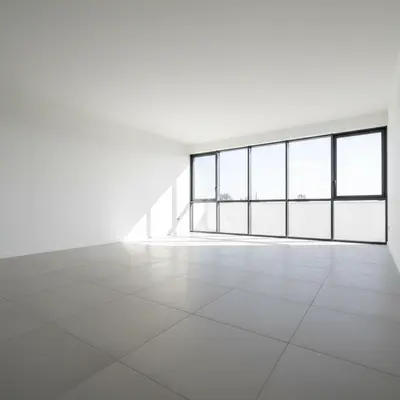
01Photo 1
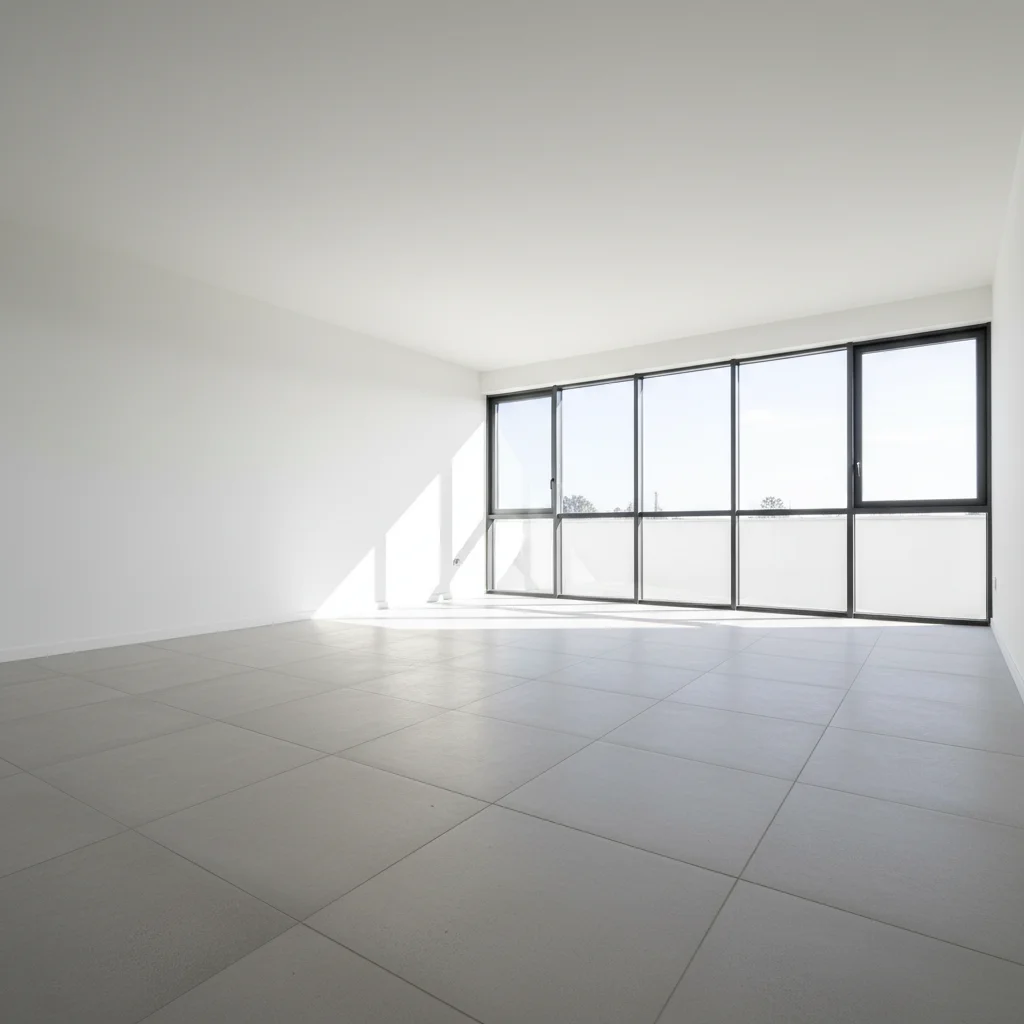
Completely empty living room with concrete tile floors and floor-to-ceiling windows
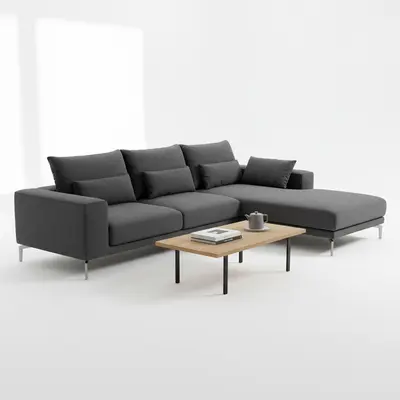
02Photo 2
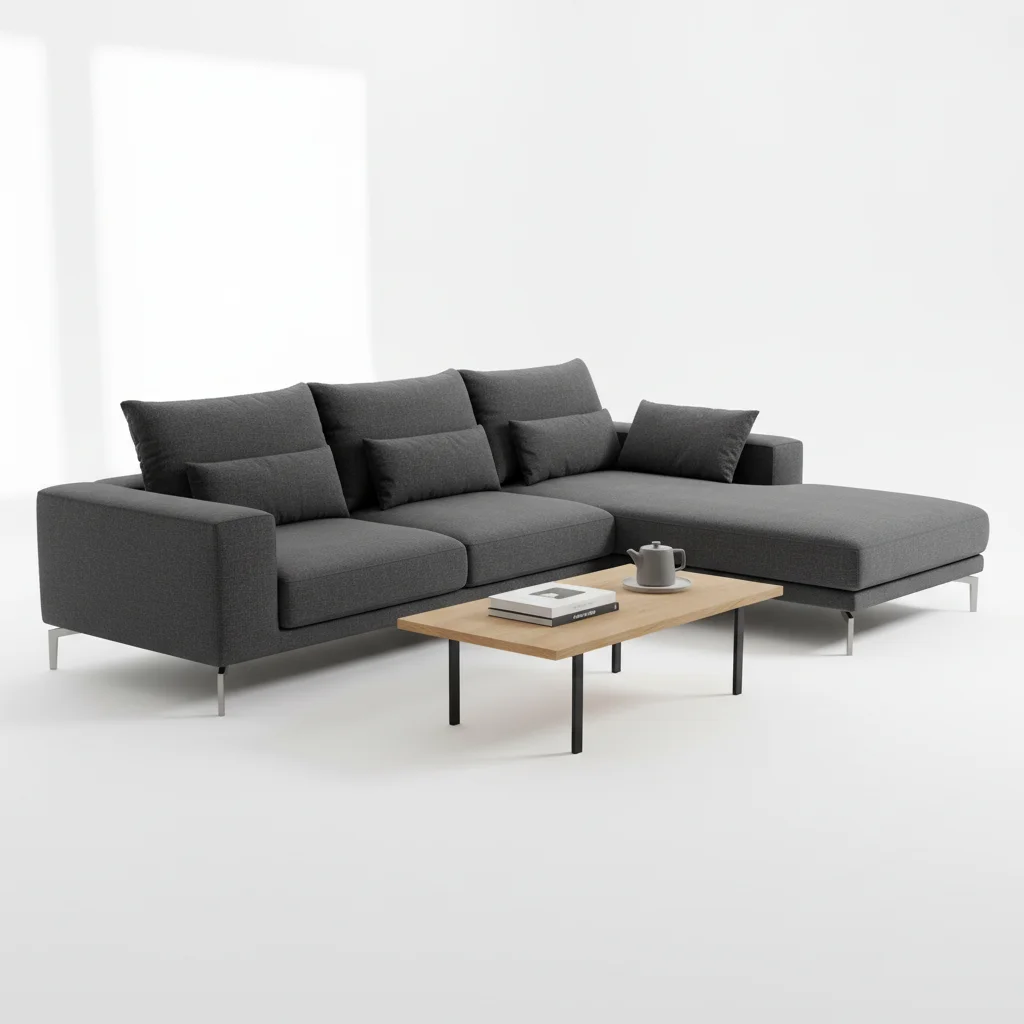
Light beige sectional sofa on white background
03Result
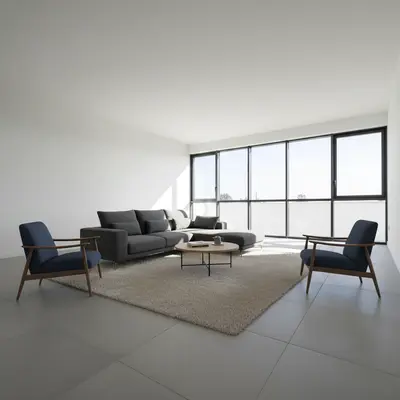
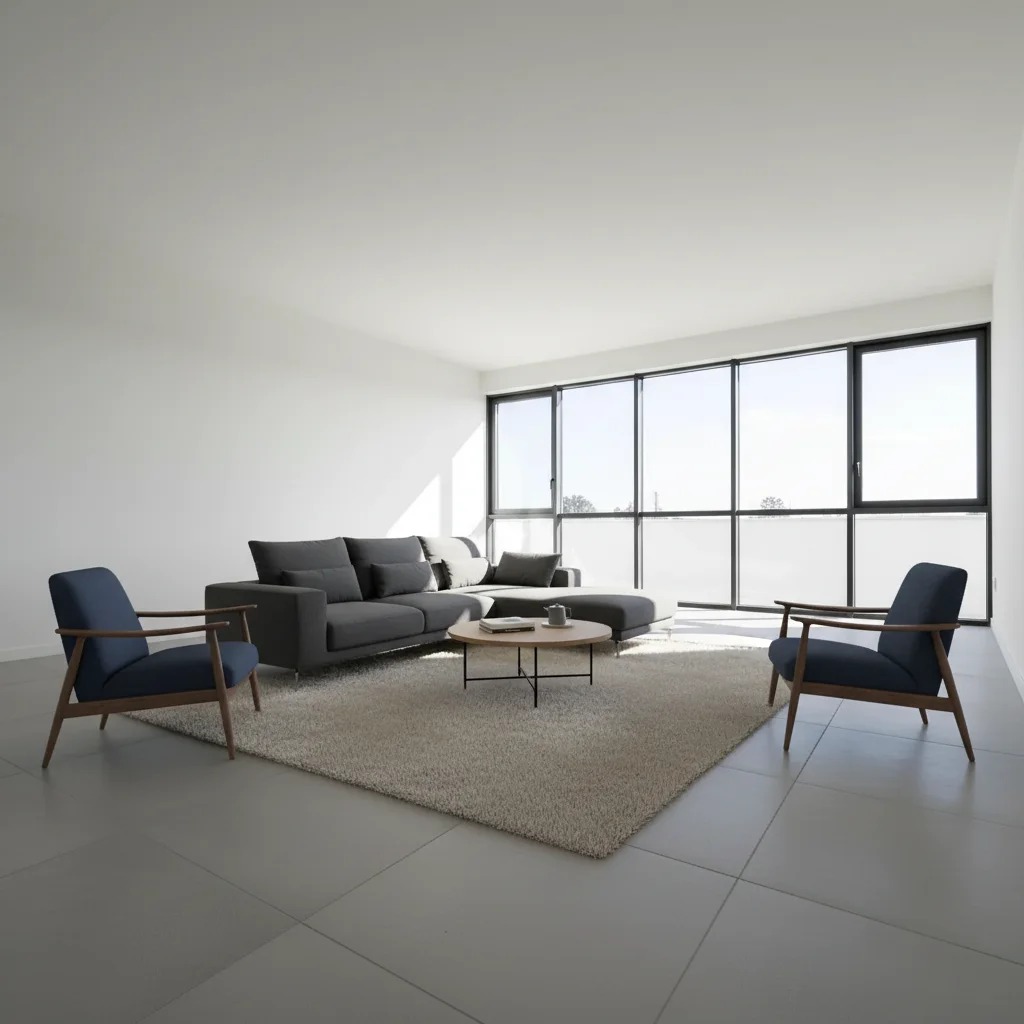
Empty living room fully staged with sectional sofa and complementary furniture by AI

Upload photo to add furniture

"fill this empty bedroom with this bed frame from the reference image centered on the main wall, add white bedding, matching nightstands with lamps, and a small bench at the foot"

Release to upload

1 free edit·then from $4.99

How it works

  1. Upload your two photos

    Start with your empty room photo — the more empty the better. Completely bare rooms give the AI the clearest canvas to work with. Then click '+ Add reference photo' and upload the furniture image you want placed. The AI needs both: the empty room establishes the blank space, and the reference furniture image defines exactly what fills it.

    Expect: Empty rooms with visible floor, walls, and light sources produce the most realistic staging results. JPG, PNG, WebP up to 7MB.
  2. Describe how to fill the empty space

    Tell the AI how to use the furniture from the reference to fill the empty room: 'add this sofa to the main wall of the empty room with a coffee table in front' or 'fill the empty bedroom with this bed centered on the far wall.' Describe the empty room's intended use if it's ambiguous.

    Tip: Empty rooms benefit from explicit 'fill' language — 'fill this empty space with' or 'stage this empty room using' — it tells the AI you want substantive furnishing, not just one accent piece.

    Copy one of these to get started:

    Empty living room — sofa from reference add this sofa from the reference image to fill the empty living room, positioned against the main wall with a matching coffee table and rug to complete the seating area
    Empty bedroom — full setup from reference bed fill this empty bedroom with this bed frame from the reference image centered on the main wall, add white bedding, matching nightstands with lamps, and a small bench at the foot
    Empty dining room — set from reference stage this empty dining room with this dining table and chairs from the reference image, centered under the light fixture with room to walk around all sides
    Empty open-plan space add this sectional sofa from the reference to the empty open-plan space, creating a defined living zone with the sofa facing an implied TV wall and using the furniture to anchor the seating area
    2 more prompts
    Empty home office fill this empty room as a home office using this desk from the reference, positioned to face the window for natural light, with a task chair and a small bookcase on the side wall
    Empty basement or bonus room transform this empty basement into a cozy family room using this sectional sofa from the reference, with area rug, media console against the wall, and accent lighting
  3. Review how the furniture fills the space

    Check that the furniture fills the empty room proportionally — not too sparse, not overcrowded. In a completely empty room, scale cues are limited so the AI may need guidance. Verify shadows, floor contact, and that nothing clips through walls.

  4. Layer additional pieces for complete staging

    Stage the dominant furniture first, then follow up with accent pieces in separate edits: 'add a floor lamp in the corner' or 'place a rug under the sofa area.' Layering gives you control over each element while building a complete, realistic room.

    Tip: Three layers works well: (1) main furniture group, (2) accent furniture, (3) decor and lighting. Each layer builds on the last.

See it in action

Completely empty living room with concrete tile floors and floor-to-ceiling windows
Main Photo
Light beige sectional sofa on white background
Reference
Empty living room fully staged with sectional sofa and complementary furniture by AI
Result

Completely empty living room staged with reference sofa

A bare living room transformed from completely empty to fully staged using a specific sectional as the reference piece, with AI-generated complementary furniture.

Prompt: fill this empty living room with this sectional sofa from the reference centered against the main wall, add a round coffee table, area rug, and two accent chairs to complete the living area
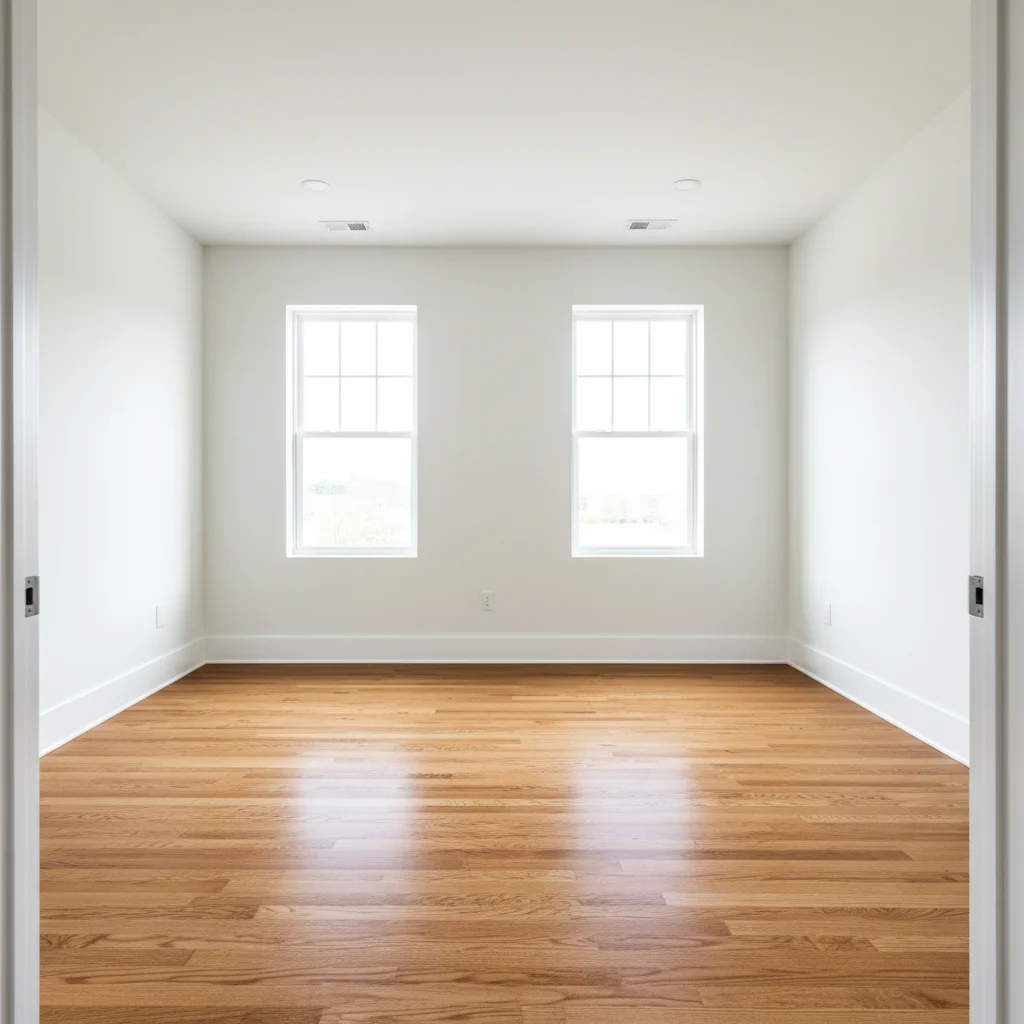
Completely empty master bedroom with hardwood floors and two windows
Main Photo
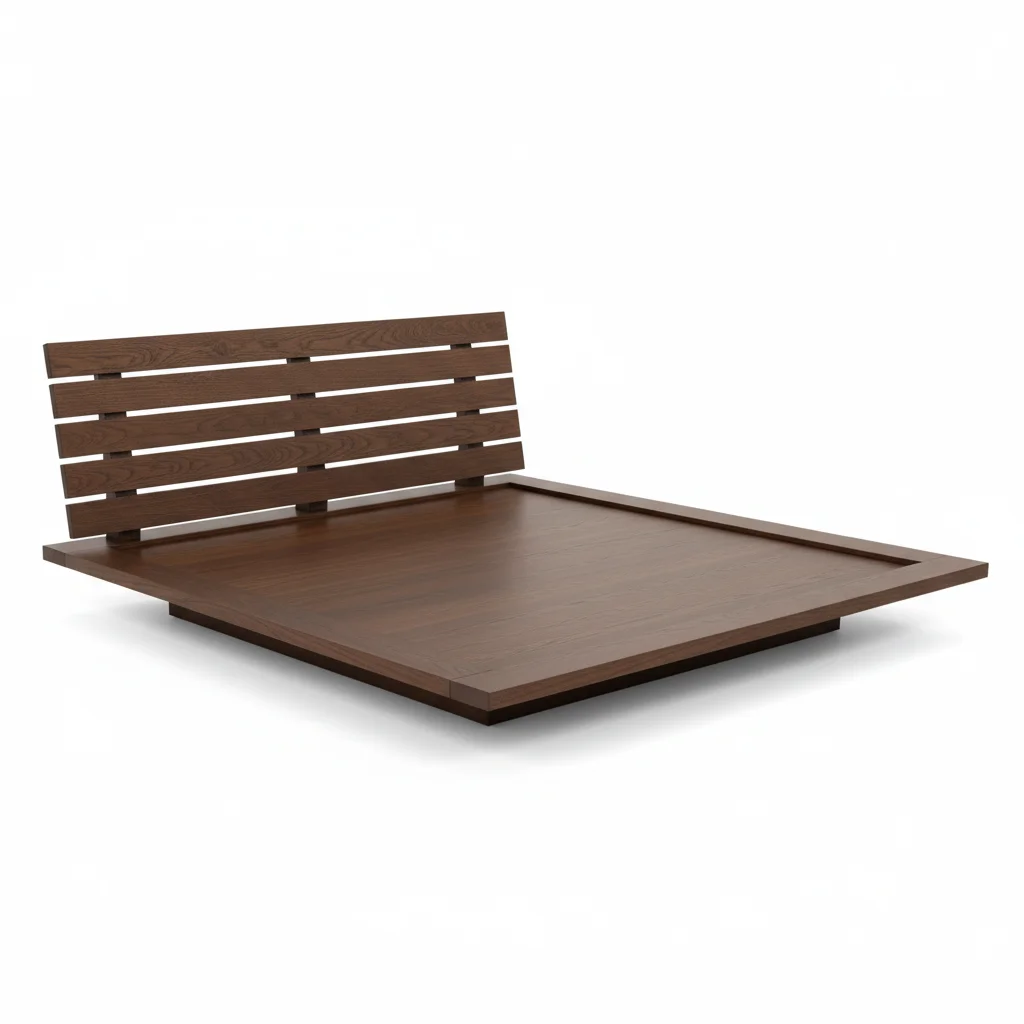
Platform bed in dark oak finish
Reference
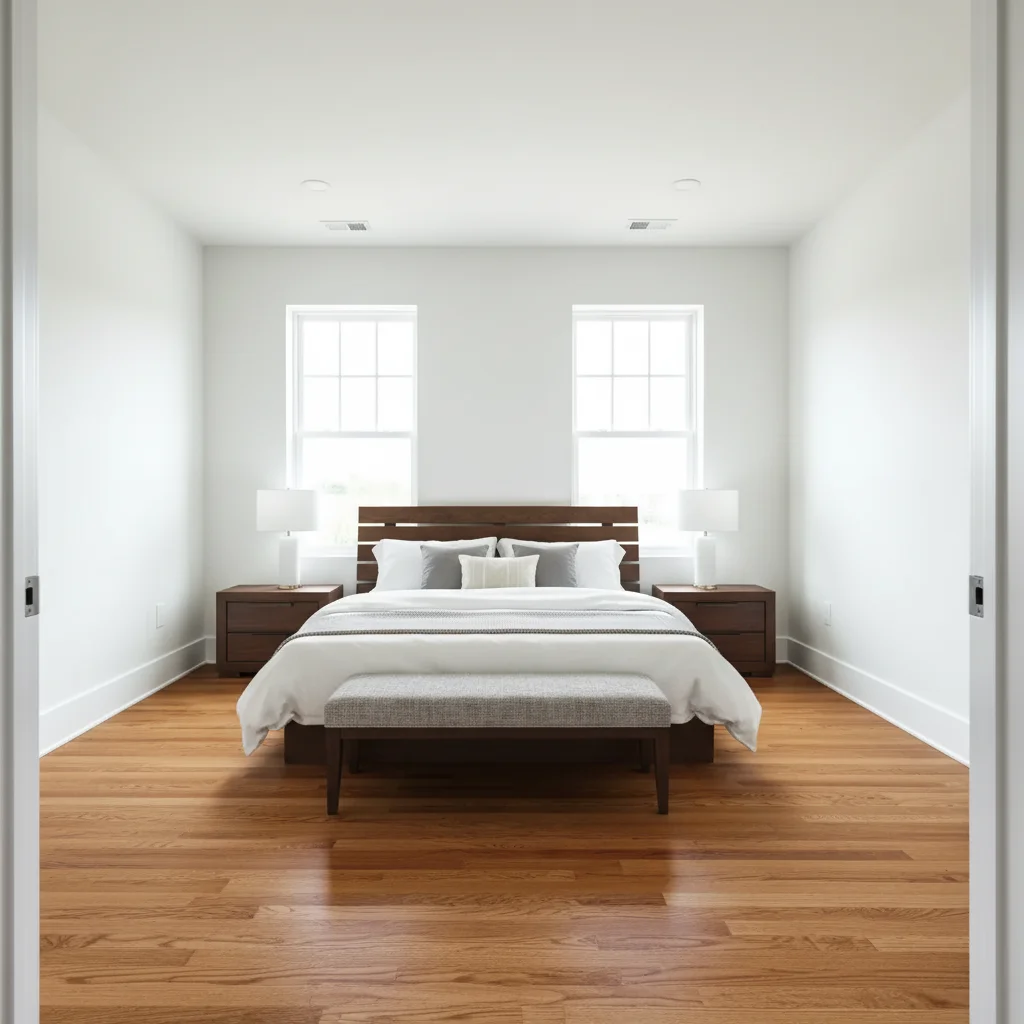
Empty bedroom fully staged with platform bed and complete bedroom furniture by AI
Result

Empty bedroom staged with reference bed frame

A vacant master bedroom transformed from bare walls and floors to a complete bedroom staging using a specific bed as the anchor piece.

Prompt: fill this empty bedroom with this platform bed from the reference centered on the main wall, add white linen bedding with accent pillows, matching dark oak nightstands with white lamps, and a bench at the foot
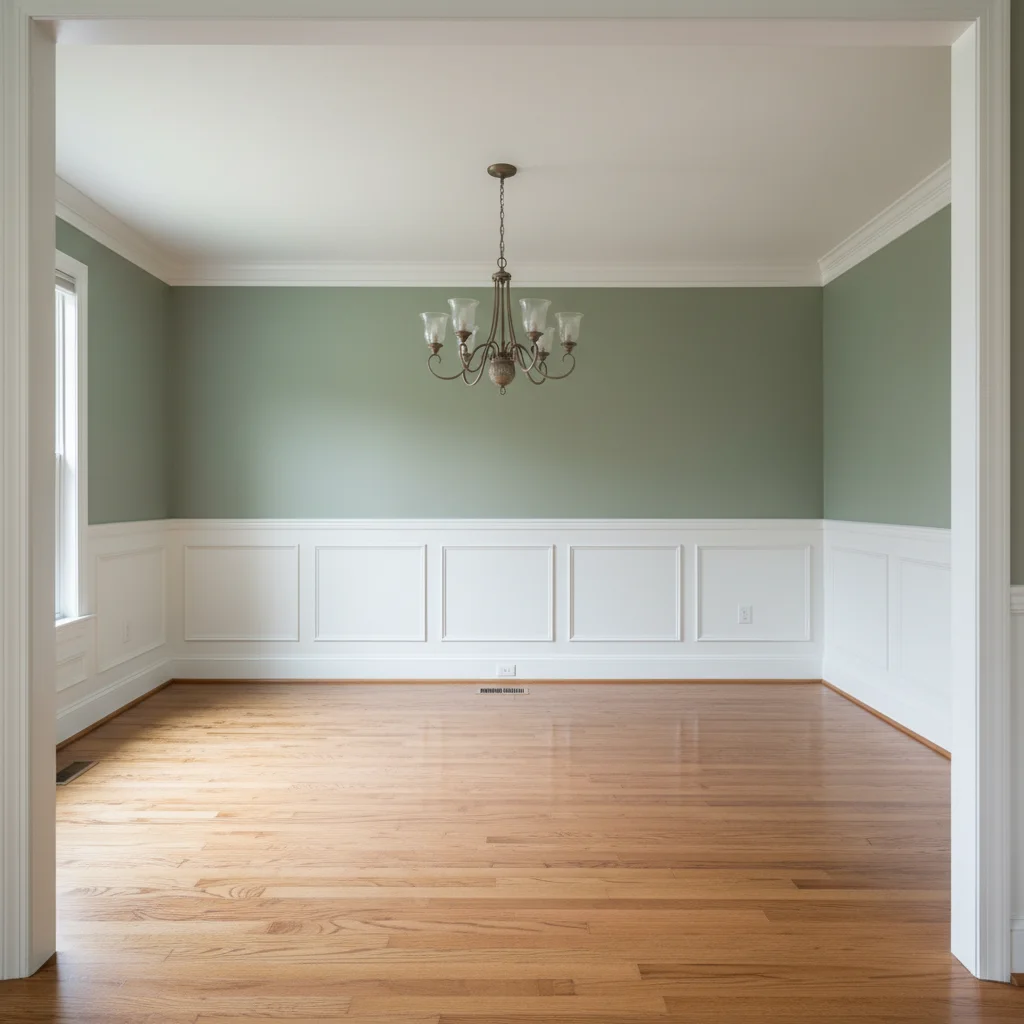
Completely empty dining room with sage green wall and chandelier
Main Photo
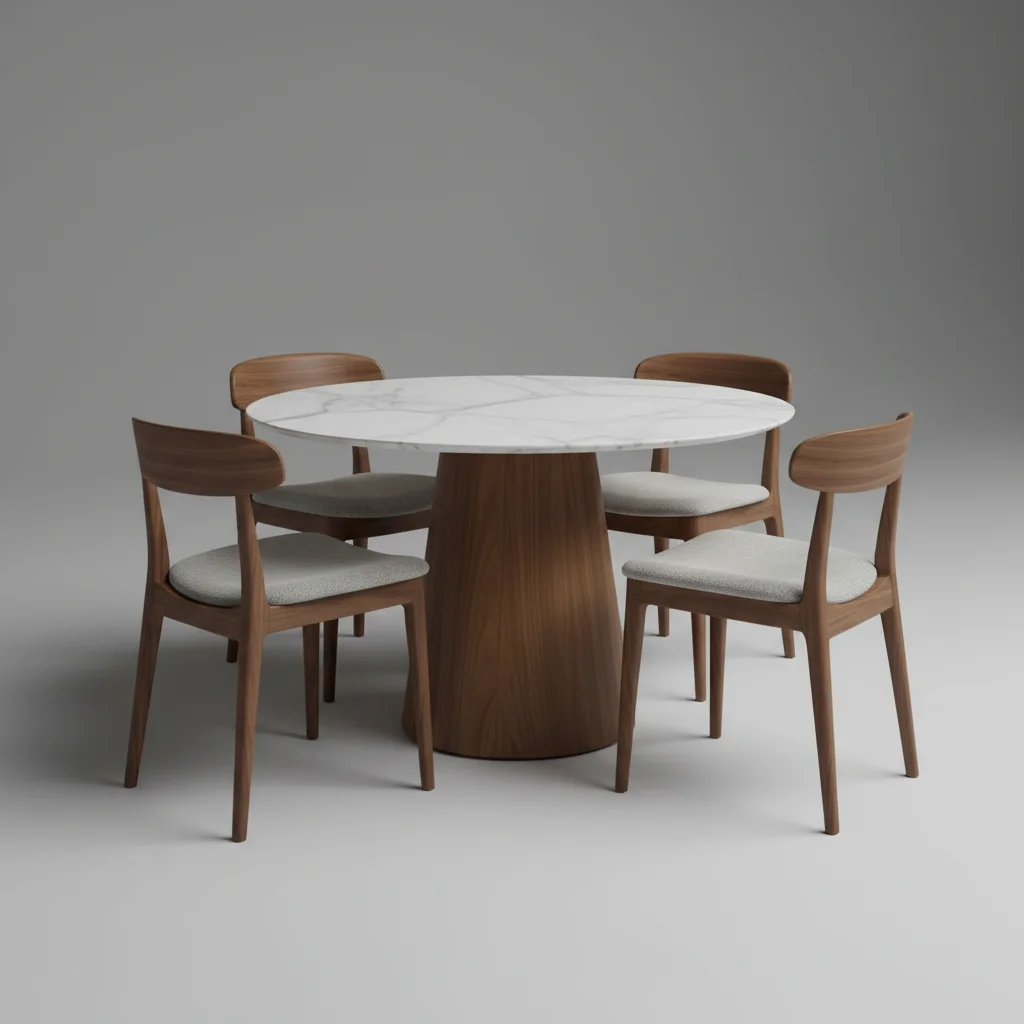
Round marble-top dining table with wood chairs
Reference
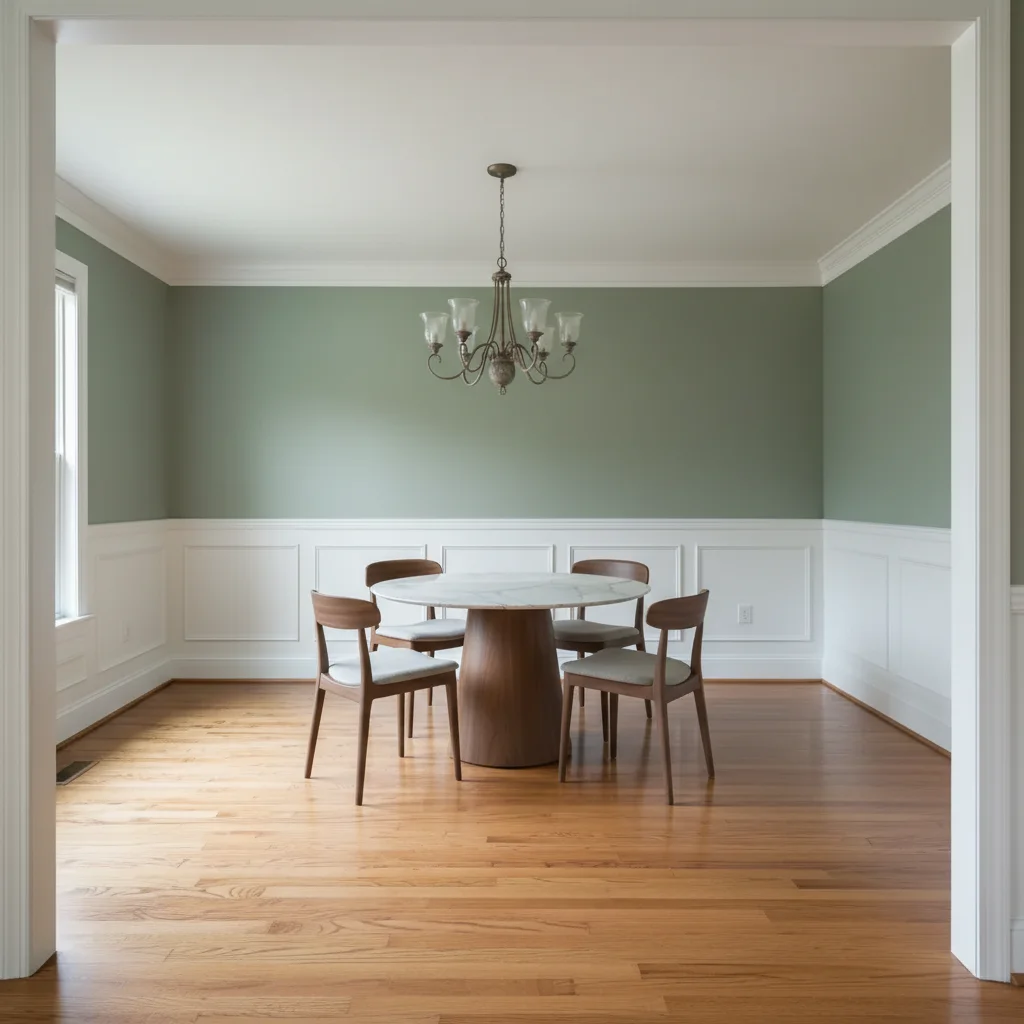
Empty dining room staged with round dining table and chairs by AI
Result

Empty dining room staged with reference dining set

A homeowner visualizing a dining set they were considering by staging it in their empty dining room using the retailer's product image as reference.

Prompt: Place this dining set from the reference photo into my empty dining room. Center the round table under the chandelier and arrange the four chairs evenly around it.

Quick answers

Do I need TWO photos for this?

Yes. To add specific furniture to an empty room, you need two photos: the empty room photo and a reference photo of the furniture piece you want placed. Upload the empty room photo first, then click '+ Add reference photo' to attach the furniture image. The AI reads both and places the exact furniture from your reference into the empty room.

How do I add furniture to an empty room for free?

Upload your empty room photo to EditThisPic and click '+ Add reference photo' to attach a furniture image. Describe how to fill the space: 'add this sofa to fill the empty living room, against the main wall with a coffee table.' The AI stages the empty room in 15-30 seconds. Free to try, no account required.

Does the room need to be completely empty?

The tool works best with completely empty rooms, but partially furnished rooms work too. If the room has some existing pieces, describe the new furniture in relation to them: 'add this armchair to the empty corner left of the existing sofa.' Fully empty rooms give the AI the most flexibility for natural placement.

Can I add multiple furniture pieces to an empty room in one edit?

Yes. Describe several pieces together: 'fill this empty living room with this sofa from the reference, plus a coffee table, area rug, and two accent chairs.' You can also stage in layers — main furniture first, then accent pieces in follow-up edits. Layering often gives more control over the final look.

Is this good for staging vacant rental properties?

Yes. Landlords and property managers use this to create staged photos of vacant units for rental listings on Zillow, Apartments.com, and similar platforms. Staged photos of empty rooms get significantly more inquiries than bare vacant shots. The tool is free to try with no account needed.

Can homeowners use this to visualize furniture before buying?

Yes. This is one of the most common uses. Take a photo of the empty room in your home, then use a furniture retailer's product image as the reference. See exactly how that specific sofa, bed, or dining table would look in your actual empty space before purchasing. Free to try.

How much does EditThisPic cost?

You get 1 free edit per week — no account needed. After that, credit packs start at $1.99 for 3 edits. Monthly plans start at $4.99/mo for 15 edits with unused credits rolling over. All edits are full resolution with no watermark.

Ready to fill that empty room?

Free to try. No signup required.

1 free edit included·Credit packs from $4.99