Free • No signup Add Furniture · Free

Virtual Staging for Vacant Room Photos

← Browse all add & replace tools

Last updated

Stage vacant room photos for real estate listings — upload the vacant room and a furniture reference image, and AI creates MLS-ready staging in seconds.
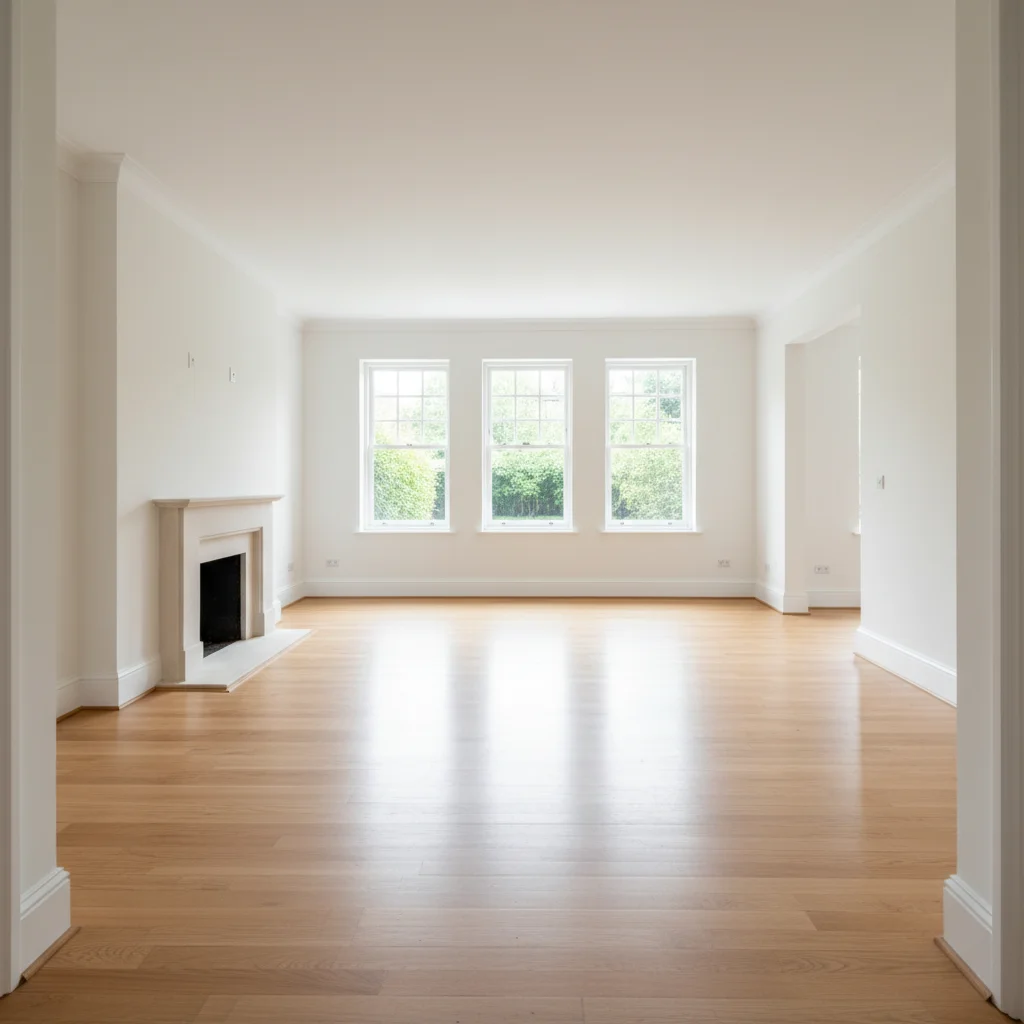
01Photo 1
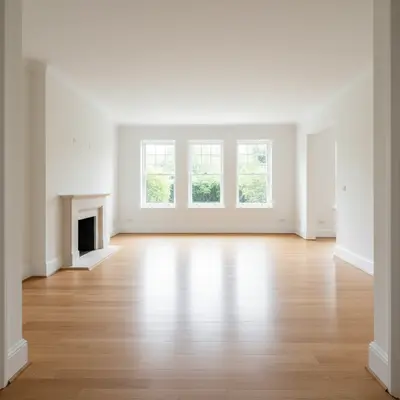
Vacant real estate living room — bright, empty, listing photography quality
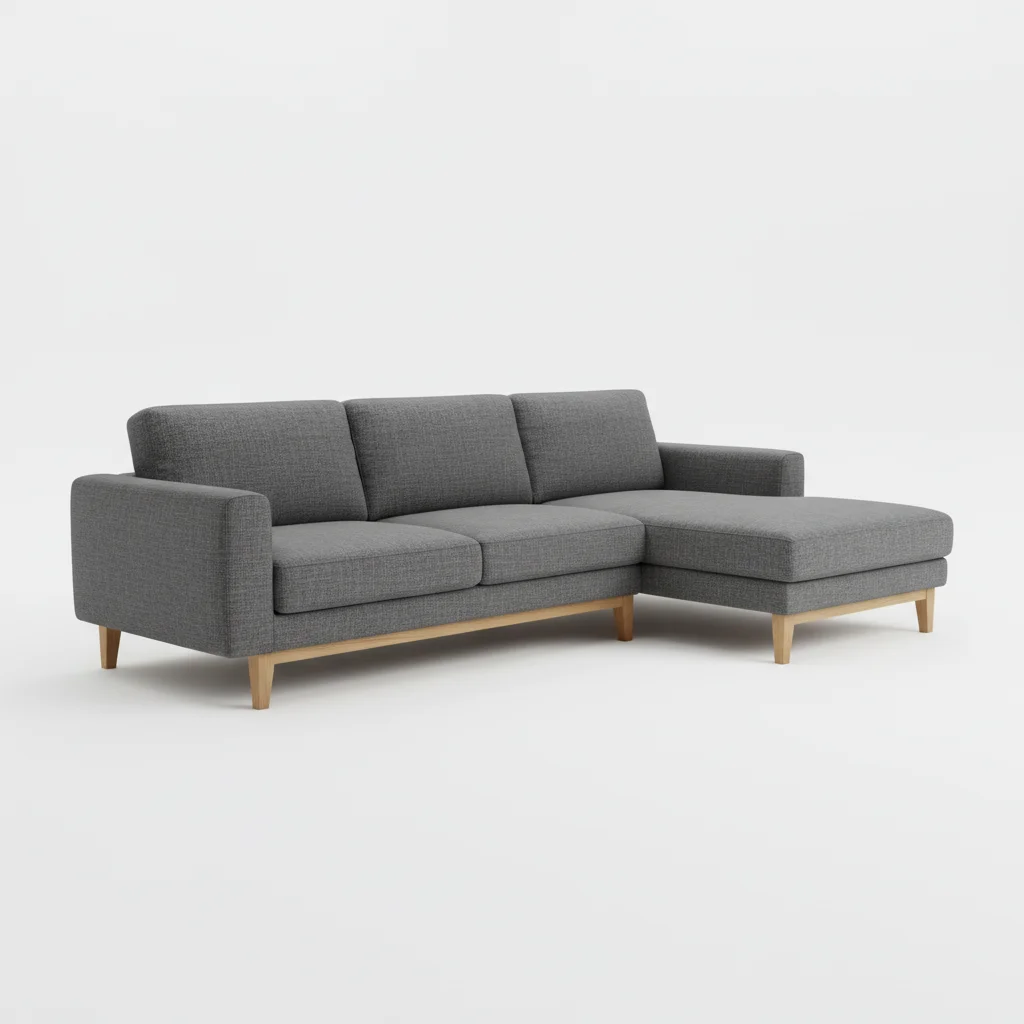
02Photo 2
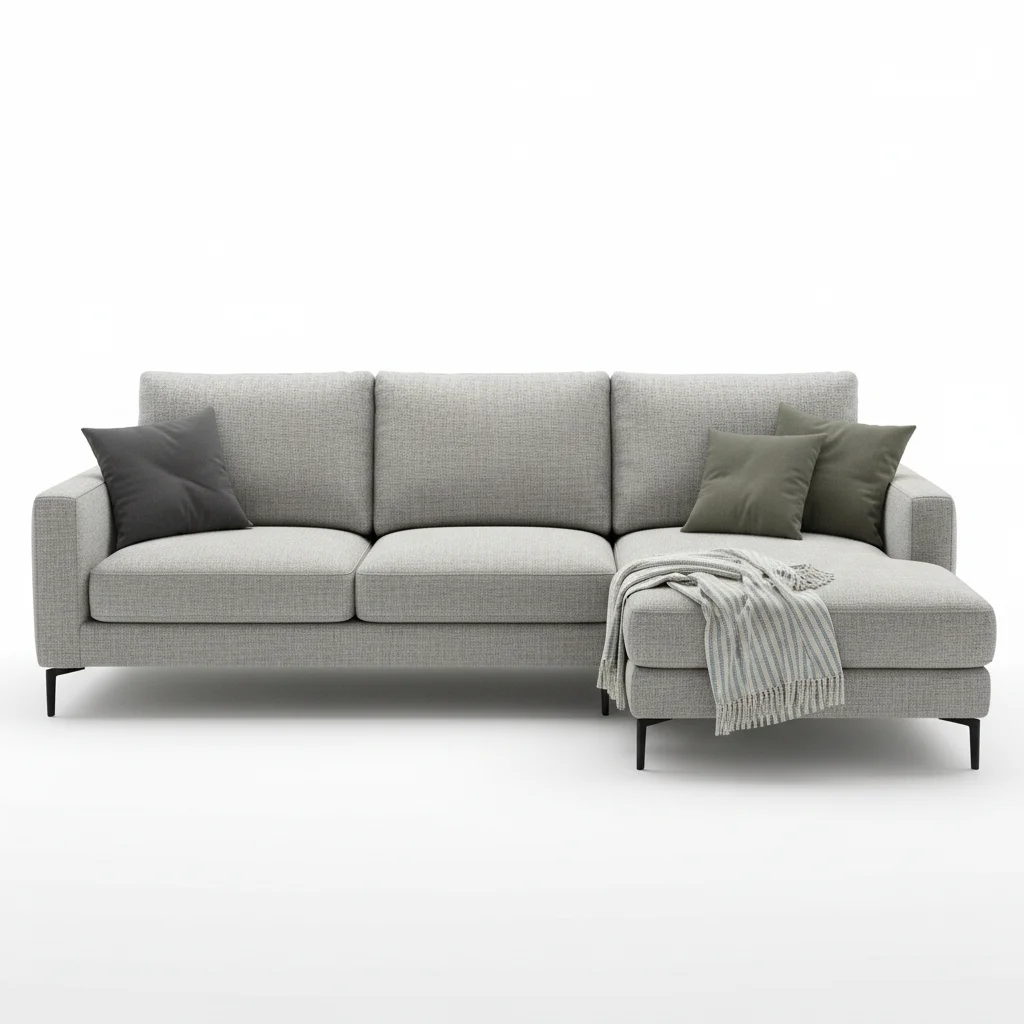
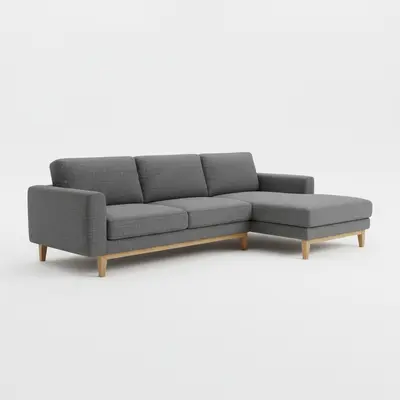
Light gray sectional sofa on white background
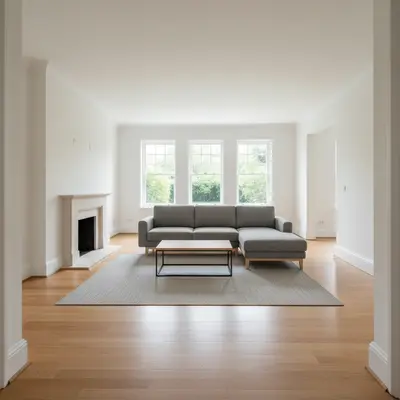
03Result
Vacant living room virtually staged with sectional sofa for MLS listing by AI

Upload photo to add furniture

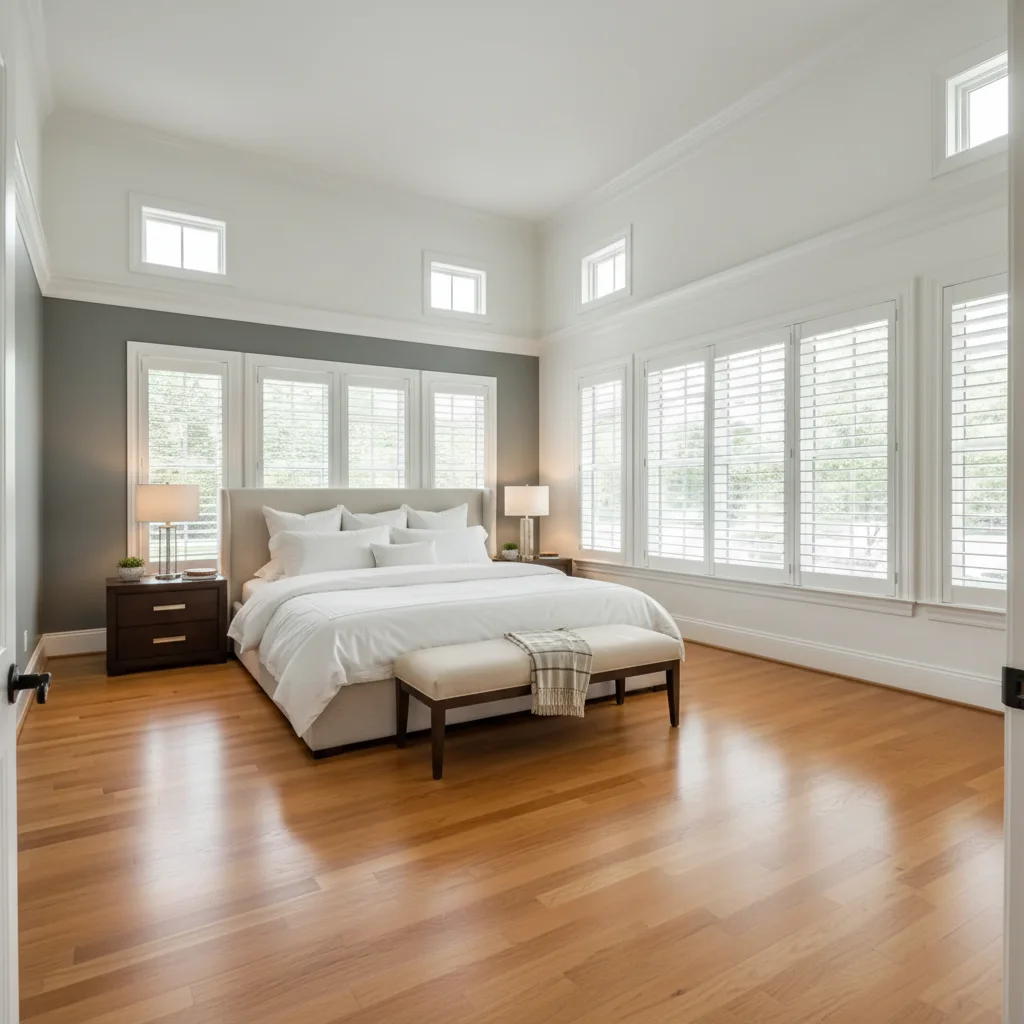
"virtually stage this vacant master bedroom for a listing using this bed from the reference, centered on the main wall with premium white hotel-style bedding, matching nightstands, and a bench at the foot — luxury staging"

Release to upload

1 free edit·then from $4.99

How it works

  1. Upload vacant room + furniture reference

    Upload the vacant room photo — ideally the MLS-quality or listing photographer shot. Then click '+ Add reference photo' and upload the furniture image you want staged into the vacant room. Professional virtual staging companies use this exact workflow at a fraction of the cost of paying them.

    Expect: Listing-quality photos (good lighting, straight-on angle, visible floor) produce the most realistic virtual staging. JPG, PNG, WebP up to 7MB.
  2. Describe the listing-ready staging

    Give the AI staging context specific to real estate: 'stage this vacant living room with this sofa for a listing — modern neutral style' or 'add this bed to the vacant master bedroom, styled with white hotel-style bedding for a luxury staging look.' Mention buyer appeal elements: light, space, lifestyle.

    Tip: Real estate staging prompts that mention 'listing,' 'buyer appeal,' or 'hotel style' tell the AI to generate cleaner, more aspirational staging rather than lived-in personal style.

    Copy one of these to get started:

    Vacant living room — listing staging stage this vacant living room for a real estate listing using this sofa from the reference, positioned against the main wall with a neutral coffee table and area rug — contemporary styling that appeals to a broad buyer pool
    Vacant master bedroom — luxury staging virtually stage this vacant master bedroom for a listing using this bed from the reference, centered on the main wall with premium white hotel-style bedding, matching nightstands, and a bench at the foot — luxury staging
    Vacant dining room — staging for listing add this dining set from the reference to the vacant dining room for a listing photo — centered under the light fixture, chairs evenly spaced, staging that makes the room feel welcoming for entertaining
    Vacant home office / flex room stage this vacant room as a home office for the listing using this desk from the reference — positioned near the window for natural light, with bookcase against the wall, showing the room's flex space potential to buyers
    2 more prompts
    Vacant second bedroom stage this vacant secondary bedroom for a listing using this twin bed set from the reference — simple, clean staging with light bedding and a small desk to show dual-use potential for kids or guests
    Vacant luxury property virtually stage this vacant high-end property living room for a luxury listing using this sofa from the reference — add complementary designer accent pieces, high-gloss coffee table, and curated artwork to create an aspirational staging presentation
  3. Review listing quality

    Evaluate the staged photo with a listing buyer's eye: Does the furniture scale make the room look spacious or cramped? Do shadows look natural and photographically consistent? Would a buyer believe this is a real photograph? These details determine whether the staging helps or hurts the listing.

See it in action

Vacant real estate living room — bright, empty, listing photography quality
Main Photo
Light gray sectional sofa on white background
Reference
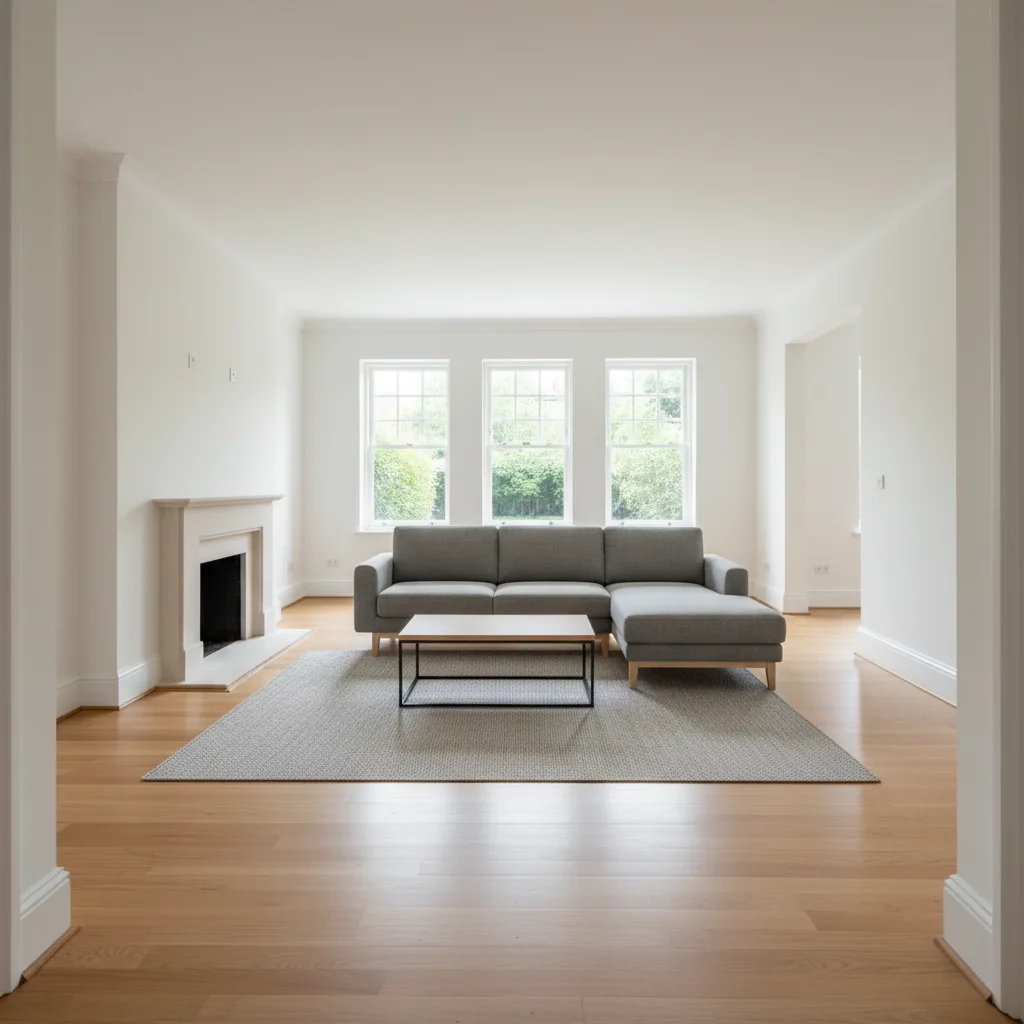
Vacant living room virtually staged with sectional sofa for MLS listing by AI
Result

Vacant real estate living room virtually staged

A real estate agent staged a completely vacant listing living room for MLS submission using a reference furniture photo from the seller's existing inventory.

Prompt: stage this vacant living room for the listing using this sectional sofa from the reference — neutral contemporary styling, positioned against the main wall with coffee table and rug, creating broad buyer appeal
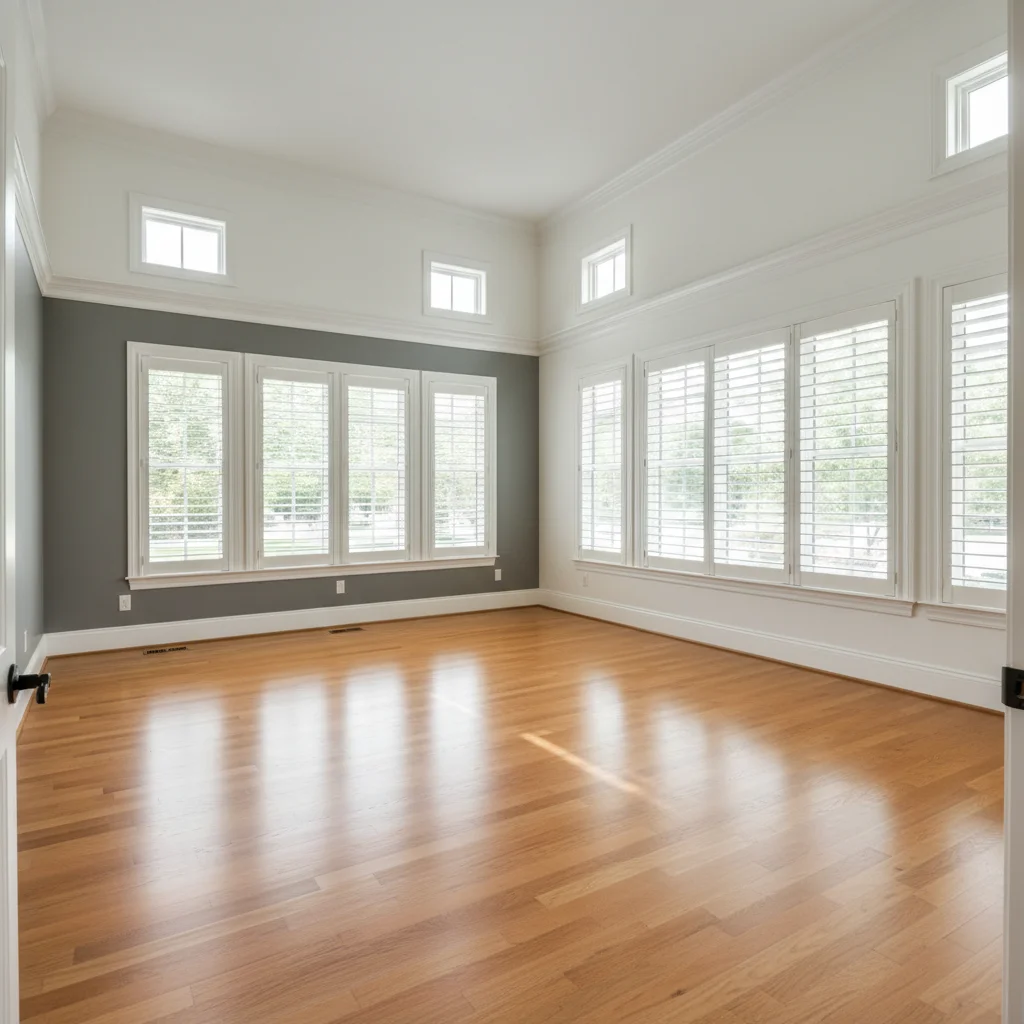
Vacant luxury master bedroom with high ceilings and large windows
Main Photo
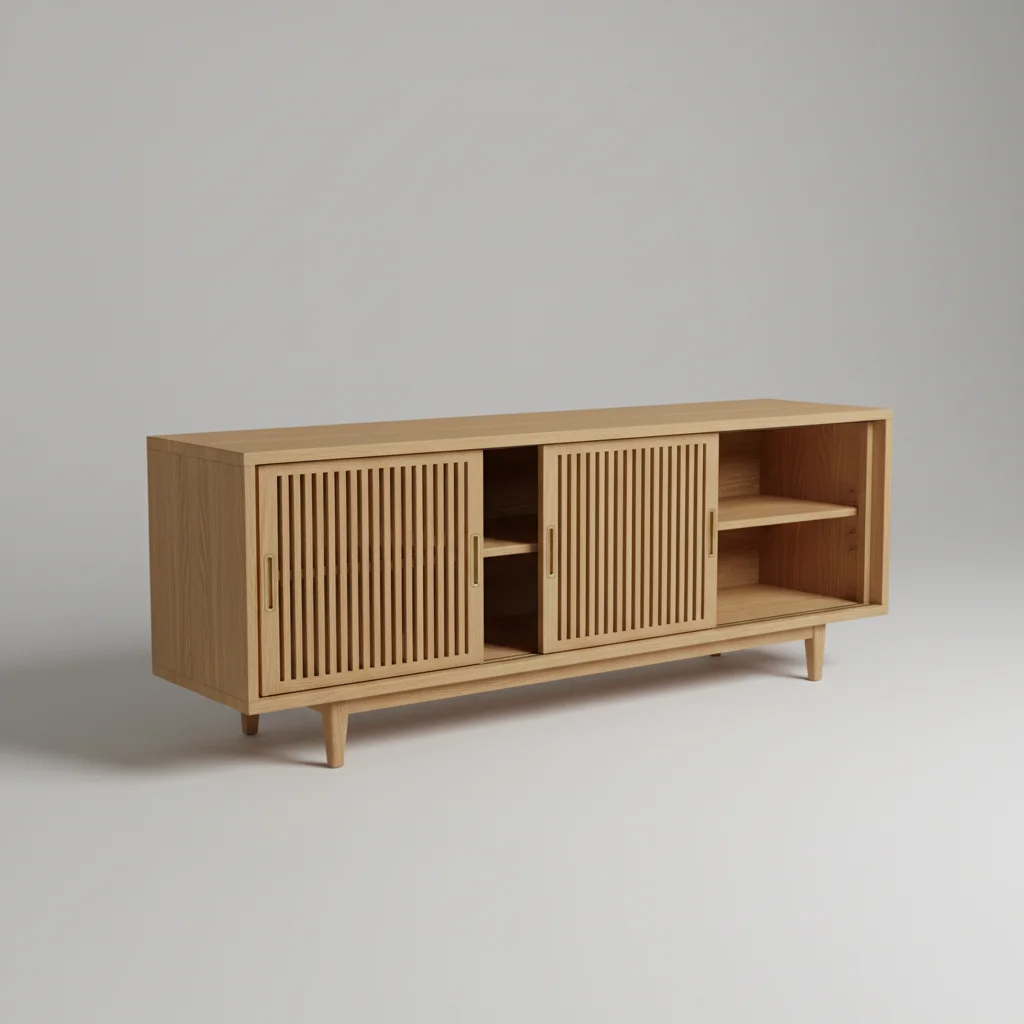
Upholstered king bed frame in light beige linen
Reference
Luxury master bedroom virtually staged with hotel-style bed setup
Result

Vacant master bedroom staged for luxury listing

A listing agent virtually staged a vacant master bedroom for a luxury property to increase buyer interest before open house.

Prompt: virtually stage this vacant master bedroom for a luxury listing using this upholstered bed from the reference — hotel-quality white bedding, symmetrical nightstands with matching lamps, bench at the foot of the bed, staging that conveys premium quality
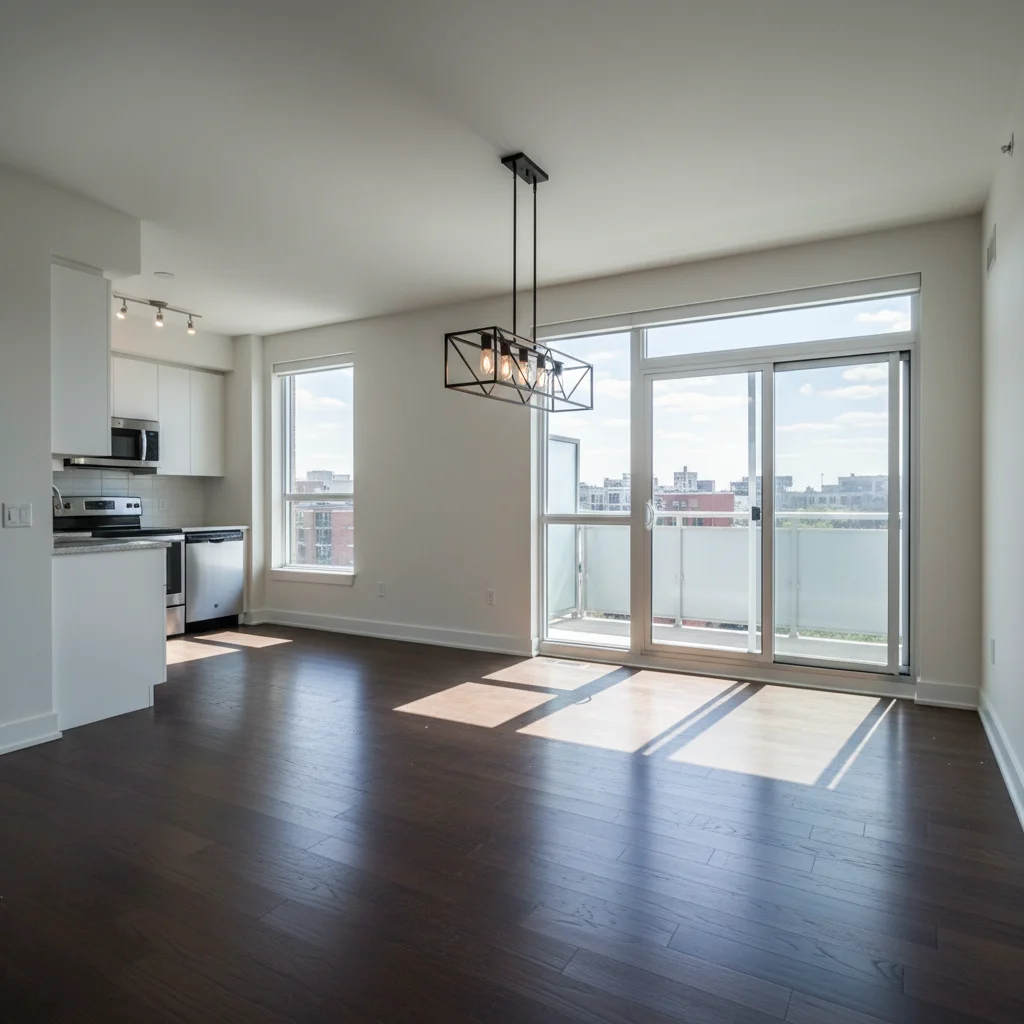
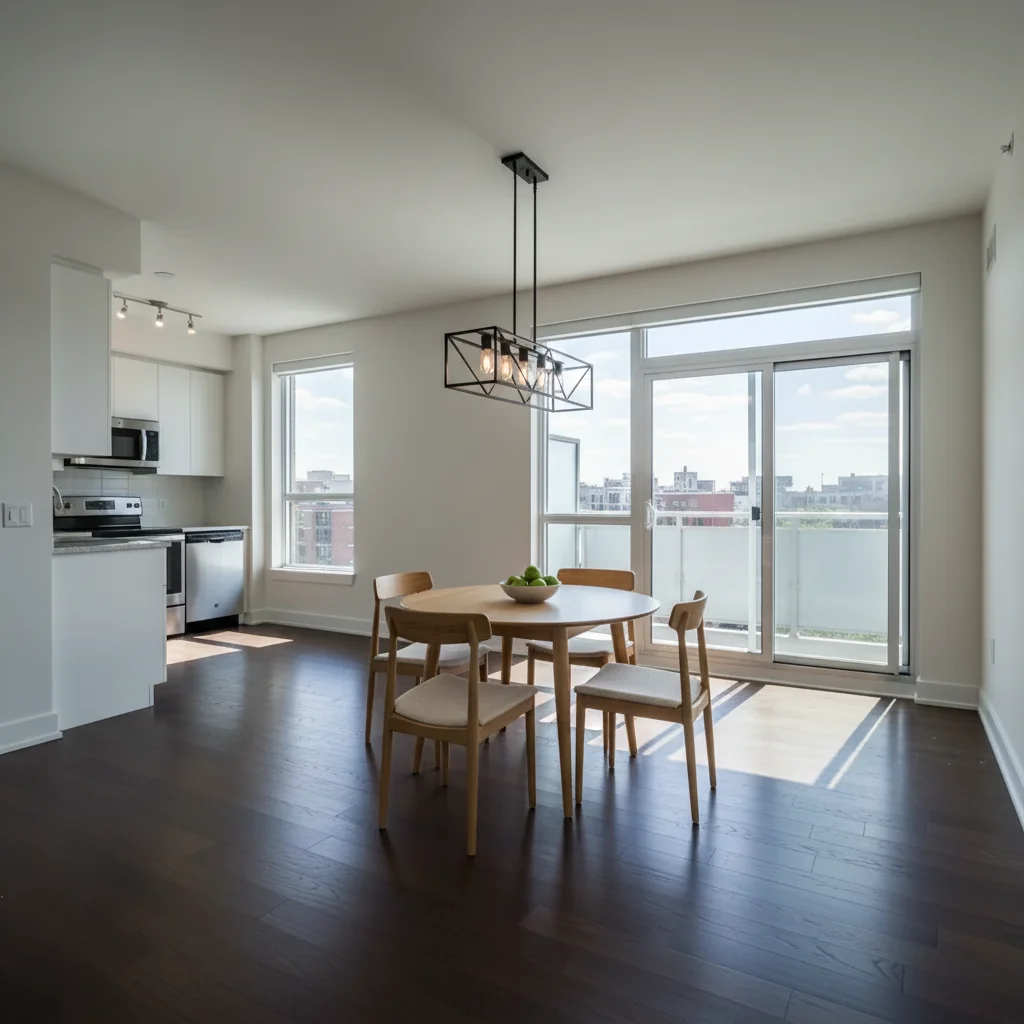
Vacant apartment dining area with dark hardwood floors and balcony doors
Main Photo
Round dining table with four chairs in natural wood
Reference
Vacant dining area virtually staged with dining table and chairs for rental listing
Result

Vacant investment property dining area staged for rental listing

A property investor staged a vacant unit's dining area for a rental listing on Apartments.com using a catalog reference for the dining set.

Prompt: add this dining table and chairs from the reference to the vacant dining area for a rental listing — simple, functional staging that shows the space works well for everyday dining

Quick answers

Do I need TWO photos for this?

Yes. Virtual staging a vacant room with specific furniture requires two photos: your vacant room photo and a reference photo of the furniture you want staged into it. Upload the vacant room photo first, then click '+ Add reference photo' to attach the furniture image. The AI places the exact furniture from the reference into the vacant room at listing-ready quality.

How do real estate agents use this to stage vacant listings?

Upload the vacant room photo (the one you'd submit to MLS) and a reference furniture photo. Describe the staging: 'stage this vacant living room with this sofa for a listing, neutral contemporary style.' The AI generates staging in 15-30 seconds. Most agents stage 4-6 rooms per listing this way — living room, primary bedroom, dining room, and secondary rooms.

Is virtual staging of vacant rooms acceptable for MLS listings?

Yes, virtual staging is widely accepted for MLS listings provided you disclose it properly. Most MLS systems and real estate boards require a disclosure statement in the listing (e.g., 'Photos include virtual staging'). The National Association of Realtors and most regional boards permit virtual staging with appropriate disclosure. Always check your specific MLS rules.

How does this compare to professional virtual staging services?

Professional virtual staging services typically charge $50-$150 per vacant room photo and take 24-72 hours to deliver. EditThisPic is free to try with results in 15-30 seconds. For listing agents staging 4-6 rooms per property across multiple listings per month, the cost difference is significant. The AI-generated quality is suitable for MLS and marketing use.

Can I use this for vacant rental unit photos?

Yes. Property managers and investors use this to stage vacant unit photos for rental platforms like Zillow, Apartments.com, and Craigslist. Staged rental listing photos attract more inquiries and can justify higher asking rents by helping prospective tenants visualize living in the space.

What furniture reference photos work best for listing staging?

Product photos on white or neutral backgrounds from furniture retailers work best — IKEA, Wayfair, Pottery Barn, West Elm, and similar catalogs all provide clean reference images. For listing staging, neutral-toned furniture (gray, white, beige, warm natural wood) in contemporary or transitional styles performs best for broad buyer appeal.

How much does EditThisPic cost?

You get 1 free edit per week — no account needed. After that, credit packs start at $1.99 for 3 edits. Monthly plans start at $4.99/mo for 15 edits with unused credits rolling over. All edits are full resolution with no watermark.

Ready to stage your vacant listing photos?

Free to try. No signup required. No professional stager needed.

1 free edit included·Credit packs from $4.99