Do I need to mark where the lens flare should appear?
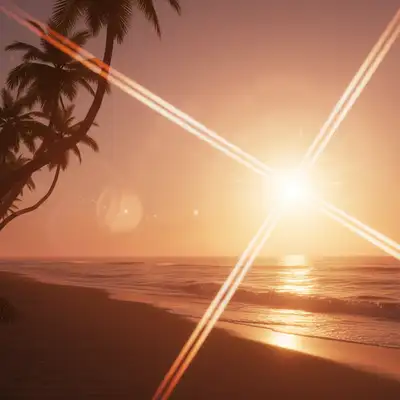
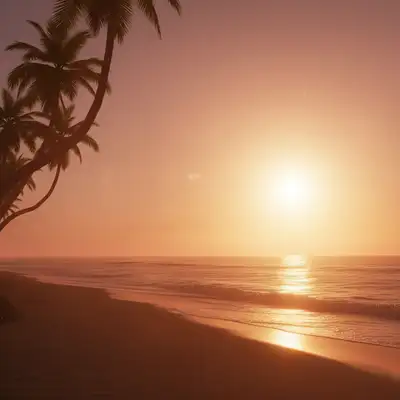
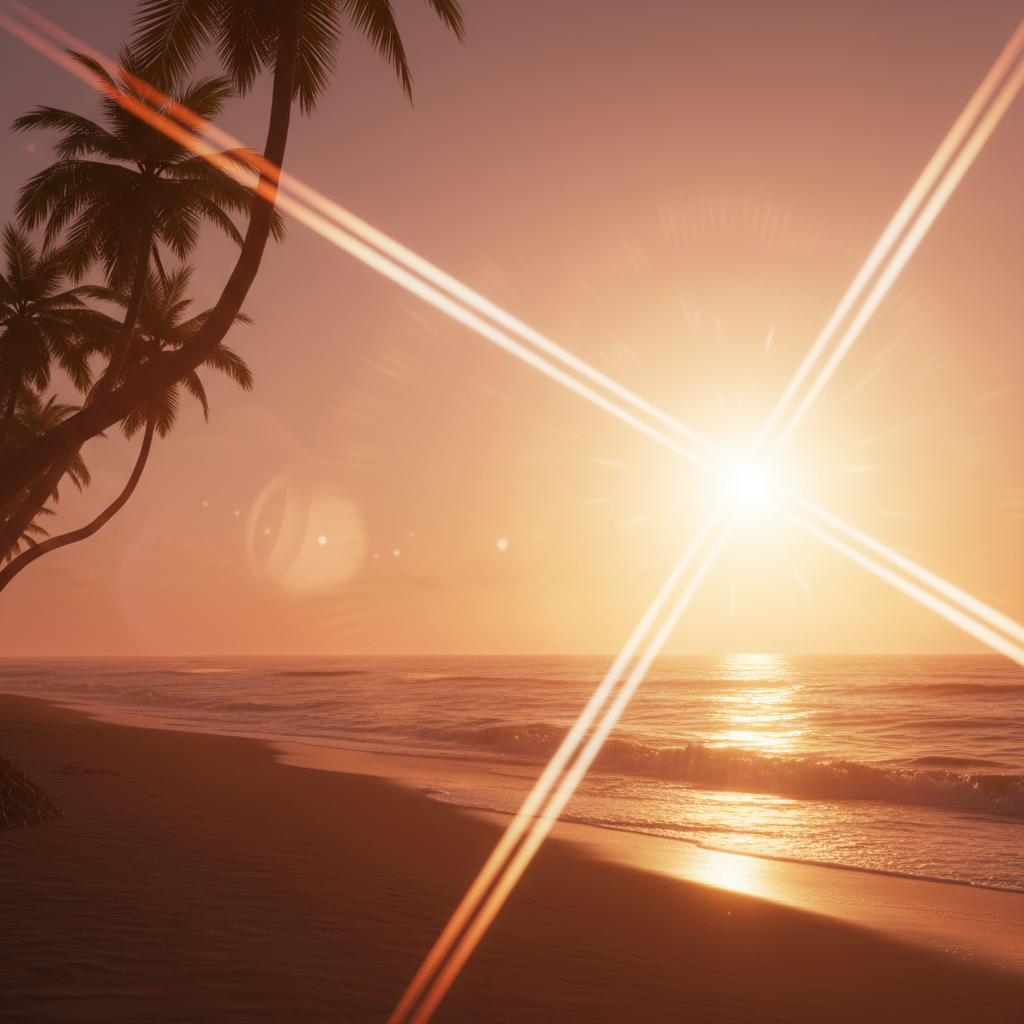
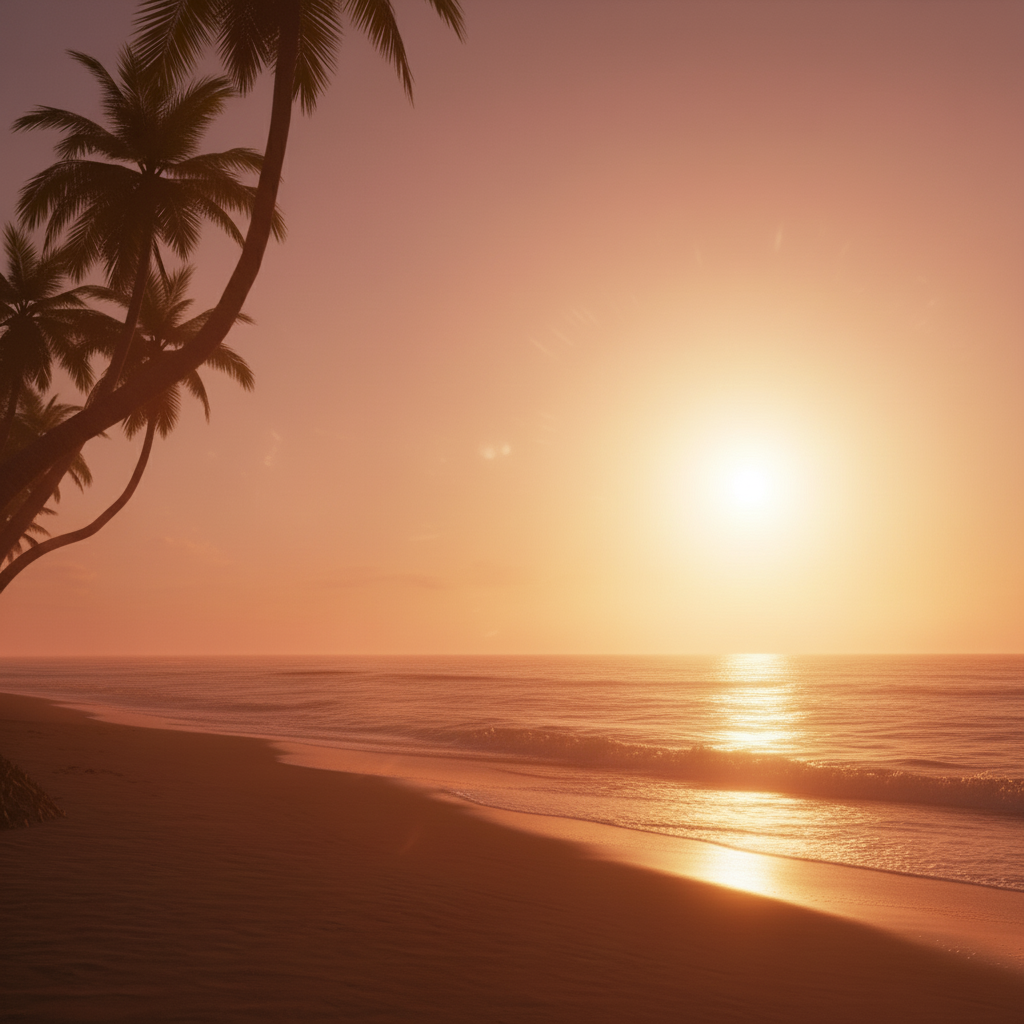
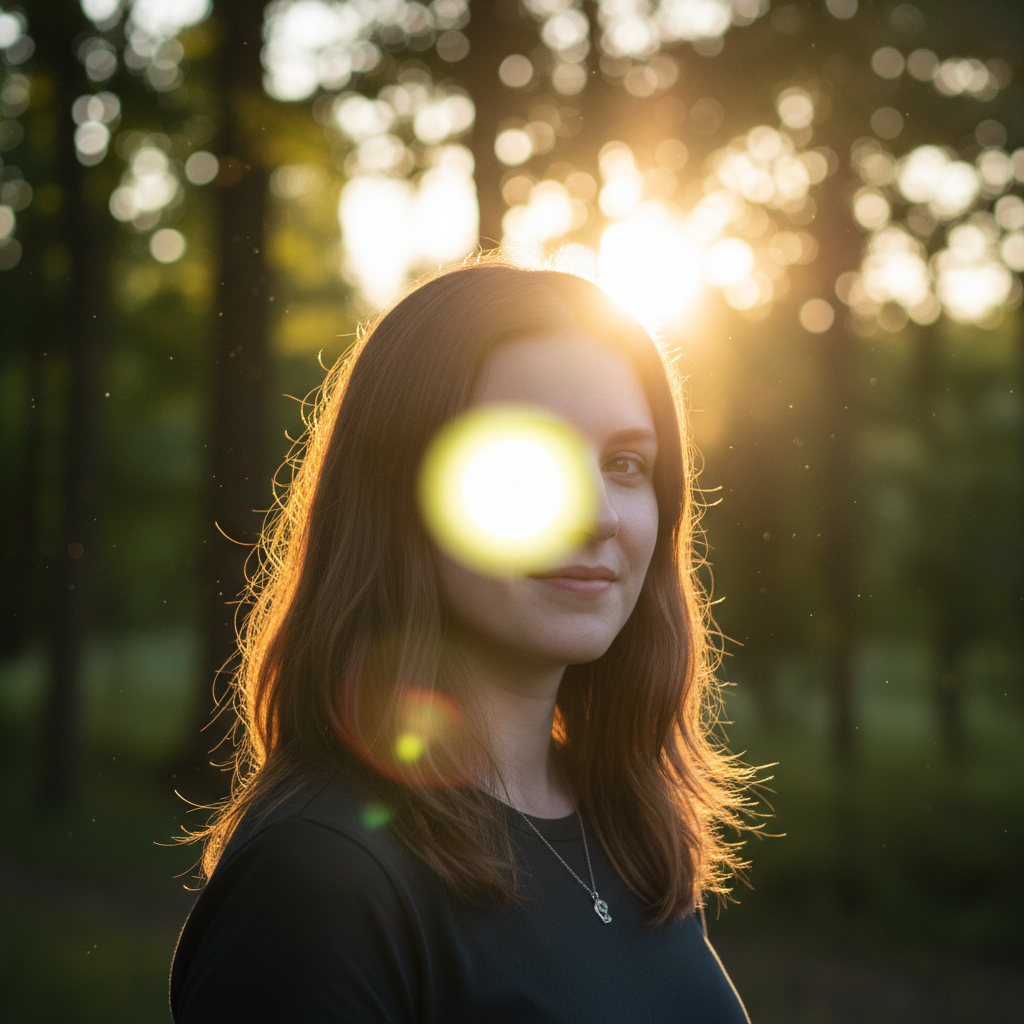
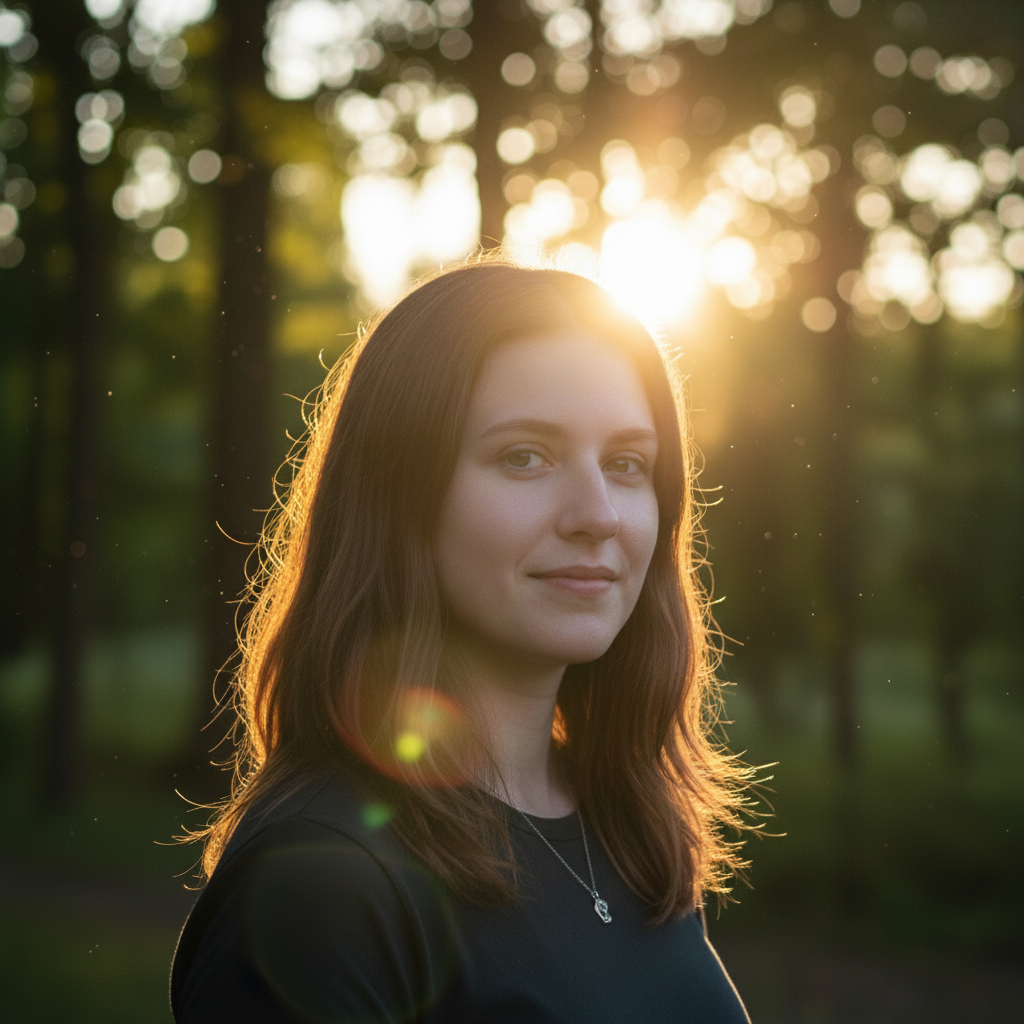
No marking needed. Just describe where the flare should originate from (top corner, behind subject, from the sun) and the AI will position it naturally. You can reference existing light sources in your photo for best placement.
What types of lens flare can I add?
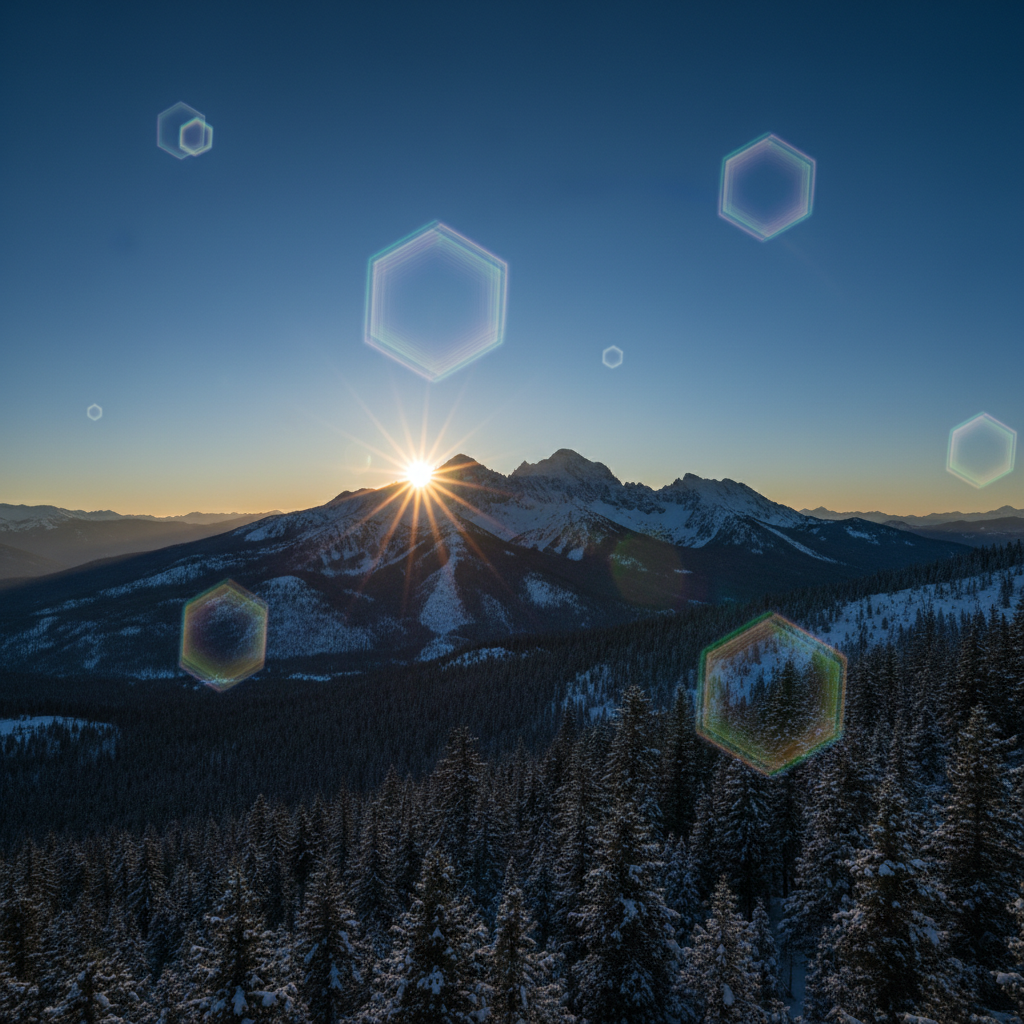
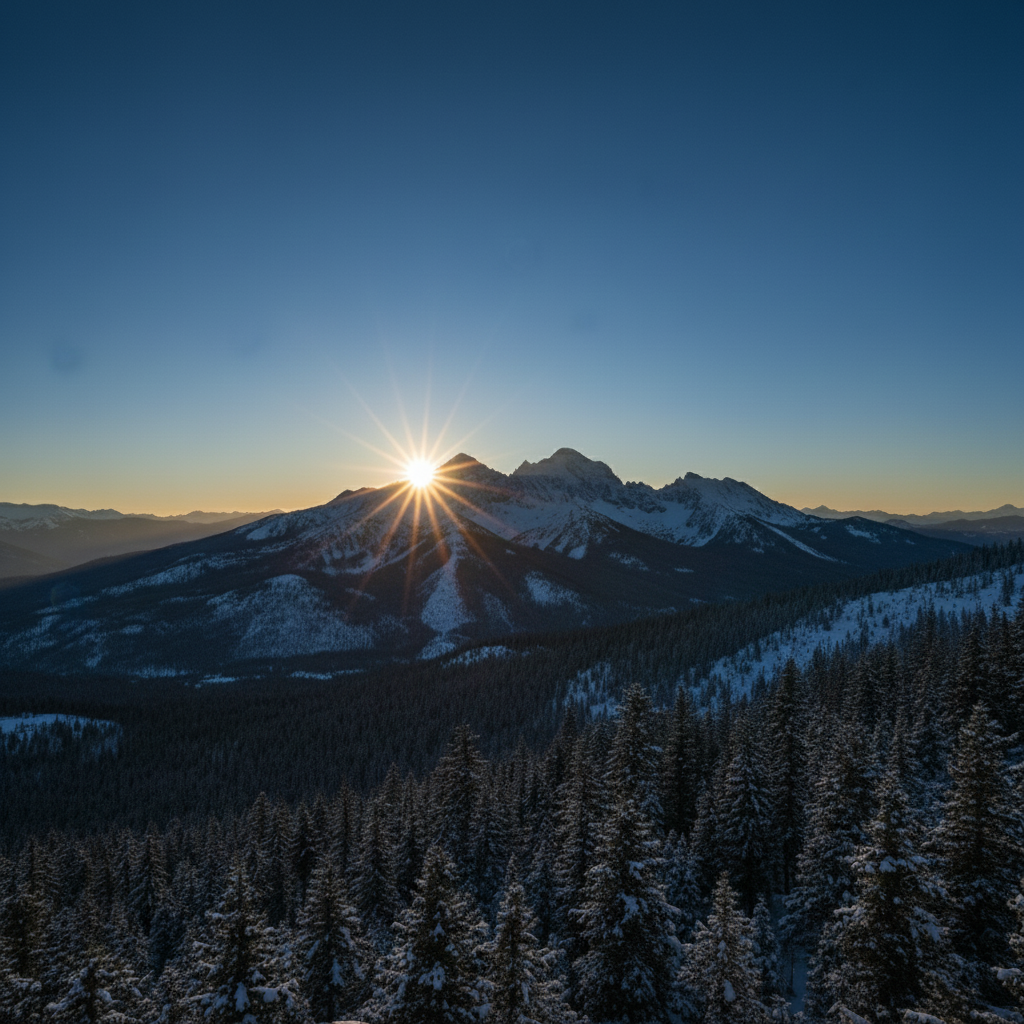
Options include sun burst flares (radiating rays), hexagonal reflection chains (aperture shapes), anamorphic streaks (horizontal lines), rainbow halos, cinematic glows, vintage soft flares, and complex multi-element optical artifacts. Describe the style you want.
Will lens flare work on any type of photo?
Works best on photos with visible light sources or bright areas (sun, lamps, windows, backlit scenes). Adding flare to dark scenes without logical light sources may look unnatural. Photos with clear lighting direction produce most realistic results.
Can I control the color of the lens flare?
Yes, specify color in your prompt: 'warm golden flare', 'cool blue flare', 'rainbow prismatic reflections', or 'purple and green ghosting'. The AI will match flare colors to your specified tones.
How do I get cinematic or anamorphic lens flare?
Request 'anamorphic lens flare' specifically for horizontal blue streaks and oval reflections common in movies. Use terms like 'cinematic', 'sci-fi movie style', or reference specific looks (JJ Abrams style, Blade Runner aesthetic).
Is EditThisPic's AI lens flare adder really free?
Yes — you get 1 free edit per week, no account needed. Plans start at $4.99/month for 15 edits.
What photo formats does the AI lens flare adder support?
JPG, PNG, WebP, and HEIC. Upload any common photo format and EditThisPic handles the rest.
How long does it take to add lens flare?
Usually 15-30 seconds. Upload your photo, describe what you want, and the AI delivers the result.
How much does EditThisPic cost?
You get 1 free edit per week — no account needed. After that, credit packs start at $1.99 for 3 edits. Monthly plans start at $4.99/mo for 15 edits with unused credits rolling over. All edits are full resolution with no watermark.