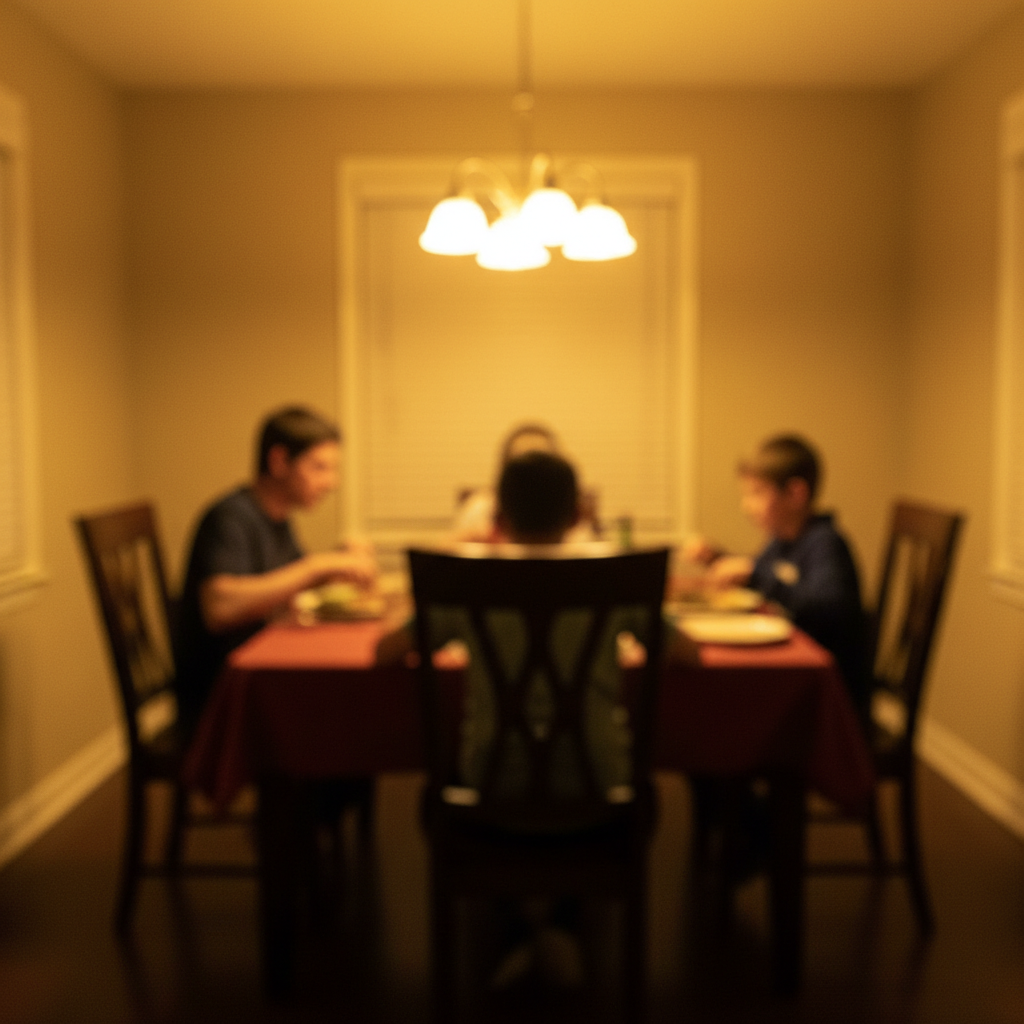
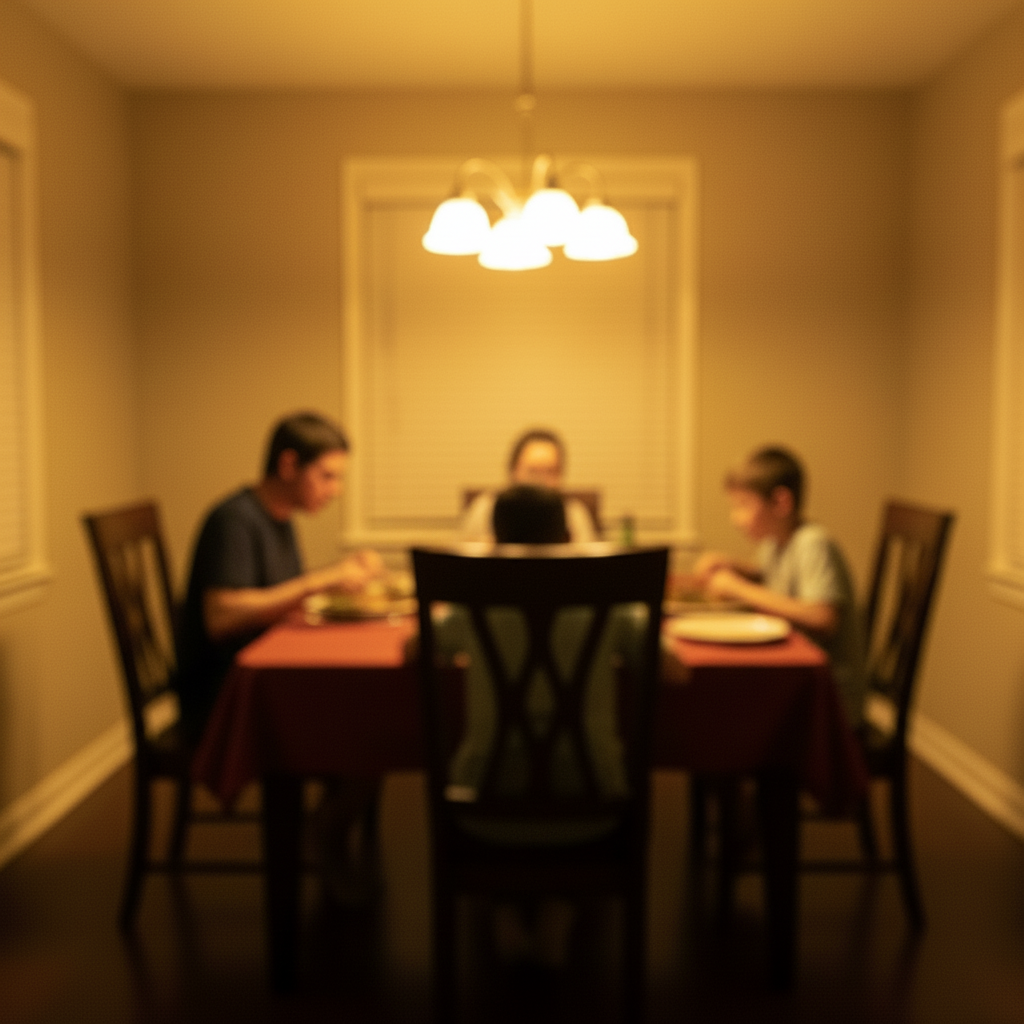
Where should I tell the AI to place the brick wall background so it looks naturally lit in the scene?
Describe placement and lighting together: 'add the brick wall background on the left side, lit by the same window light as the rest of the scene.' The AI matches shadow direction and perspective automatically. Each pass takes 20-45 seconds. Free first edit per week, no signup.
Does the AI add brick wall background work on mobile?
Yes, EditThisPic works fully in your mobile browser — no app download needed.
How do I get better results when I add brick wall background?
Be specific in your prompt. Instead of vague descriptions, mention exact colors, materials, styles, or positions.
What happens to my photo when I add brick wall background?
Your photo is sent to the AI services that make your edit and is never used to train AI models. Photos and results may be kept after the edit — for example so you can return to it, for a small quality-review sample, or in your saved library — and our Privacy Policy explains how long.
How does EditThisPic compare to remove.bg for adding brick wall background?
EditThisPic uses AI that understands natural language, so you describe the edit you want instead of using complex tools. It works instantly in your browser with no software to install or learn. For adding brick wall background, you simply type what you want and the AI handles the rest in 20-45 seconds.
Will the added result look realistic and natural?
Yes. The AI analyzes edges and fine details like hair strands to produce clean, natural-looking results. Complex backgrounds with similar colors may need a follow-up prompt to refine edges, but most photos produce professional results on the first try.
Can I add brick wall background on my phone?
Yes. EditThisPic works in any mobile browser — iPhone, Android, or tablet. The full editor loads on mobile with touch-optimized controls. No app download needed. Upload from your camera roll and edit on the go.
What's the most common use case for adding brick wall background?
Most users add brick wall background for social media content, professional work, or personal projects. The AI handles both simple and creative edits, so whether you need a quick fix or an artistic transformation, you can describe exactly what you want in plain English.
Can I add brick wall background for multiple photos at once?
Currently, EditThisPic processes one photo at a time for the best AI results. Upload each photo individually and use the same prompt — the process takes about 20-45 seconds per image. For large batches, a paid plan gives you more edits without the weekly wait.
What makes a good photo for adding brick wall background?
Well-lit photos with clear subjects produce the best results. Avoid heavily compressed or very small images. Front-facing angles typically work better than extreme side angles. The AI can work with most photos, but higher quality input means higher quality output.
What types of photos work best with this tool?
JPG, PNG, and WebP photos up to 7MB work best. The AI handles photos from any camera or phone. High-resolution images with good lighting produce the best results. Extremely dark, heavily compressed, or very small images may produce less precise edits.
Can I also change the background to something specific in the same edit?
Yes! You can combine multiple edits in one prompt. For example, ask to add brick wall background and change the background to something specific at the same time. The AI understands complex multi-step instructions. For very different changes, separate prompts may give better control over each edit.
How much does EditThisPic cost?
You get 1 free edit per week — no account needed. After that, one-time credit packs start at $4.99 for 10 edits, valid 12 months, no subscription. Power users who edit daily can pick Studio Membership, a monthly workspace at $49.99/mo for 300 edits. Purchased downloads are clean with no watermark.