Free • No signup Remove Age spots · Free

AI Age Spot Remover

Remove age spots naturally - just describe where they are on your skin
Hands with multiple visible age spots
Before
Same hands with all age spots removed and even skin tone
After

Remove Age Spots from Photo

Drop your photo here

or click to browse

Release to upload

Free • No signup

Advertisement
Popular use cases:
  • professional headshot hands
  • mature portrait photography
  • hand modeling photo
  • wedding photo hands
  • executive portrait
  • anti-aging photo edit
  • cosmetic touch-up

Cost
Free No signup required
Time
Instant results in 15-30 seconds
Works on
Any device - browser, phone, tablet, desktop
Powered by
AI-powered photo editing
Scenario Prompt Time
Hand age spots Remove all the age spots on my hands and create an even, natural skin tone 18s
Facial sun spots Remove the sun spots on my face while keeping my natural freckles and skin texture 20s
Chest/shoulder spots Remove the sun spots and pigmentation on my chest area and blend with my natural skin 22s
All visible spots Remove all age spots across my entire body visible in the photo and create even skin tone 25s

How it works

  1. Upload your photo

    Choose a photo showing the age spots you want to remove. Works on any body part: hands, face, arms, chest, shoulders. Clear lighting helps the AI distinguish age spots from natural skin tone and other features like freckles or moles.

    Expect: Upload takes 2-3 seconds. Accepts JPG, PNG, HEIC up to 10MB. Natural lighting gives best results for skin tone matching.
  2. Describe where the age spots are

    This is the key step. Tell the AI where to remove age spots: 'remove age spots on my hands', 'fix the sun spots on my cheeks', or 'eliminate liver spots on my forearms'. The AI understands age spots, sun spots, liver spots, and pigmentation as the same thing.

    Tip: Be specific about location if you have spots in multiple areas: 'age spots on the back of my hands' vs 'sun spots on my face'. You can also say 'all age spots' to remove them everywhere.

    Copy one of these to get started:

    Hand age spots (most common) Remove all the age spots on my hands and create an even, natural skin tone
    Facial sun spots Remove the sun spots on my face while keeping my natural freckles and skin texture
    Arm and shoulder spots Fix the age spots and sun damage on my arms and shoulders, creating uniform skin tone
    Chest and décolletage Remove the sun spots and pigmentation on my chest area and blend with my natural skin
    3 more prompts
    All age spots everywhere Remove all age spots across my entire body visible in the photo and create even skin tone
    Specific spot cluster Remove the cluster of age spots on the back of my right hand near my thumb
    Age spots vs moles distinction Remove only the flat brown age spots on my face, keeping all raised moles and beauty marks intact
  3. Review the result

    Check that age spots are gone and skin tone is even. The AI should match your natural skin color, preserve skin texture including fine lines and pores, and keep intentional features like freckles or beauty marks unless you specified otherwise. Look for natural blending where spots were.

  4. Refine with markers if needed

    If some age spots remain or the AI removed features you wanted to keep, tap markers on specific spots you want removed, then regenerate. This gives you precise spot-by-spot control.

    Tip: Markers are helpful when age spots are near freckles or moles you want to preserve, or for removing just a few specific spots.
Try it free

Remove Age Spots from Photo

Drop your photo here

or click to browse

Release to upload

Free • No signup

"My hands showed my age more than anything. This tool removed all the age spots naturally. Now my professional headshots show me at my best!" @ConfidentAt60

See it in action

Hands with multiple visible age spots
Before
->
Same hands with all age spots removed and even skin tone
After

Hand age spot complete removal

Multiple brown age spots on both hands removed with natural skin tone restoration and texture preservation
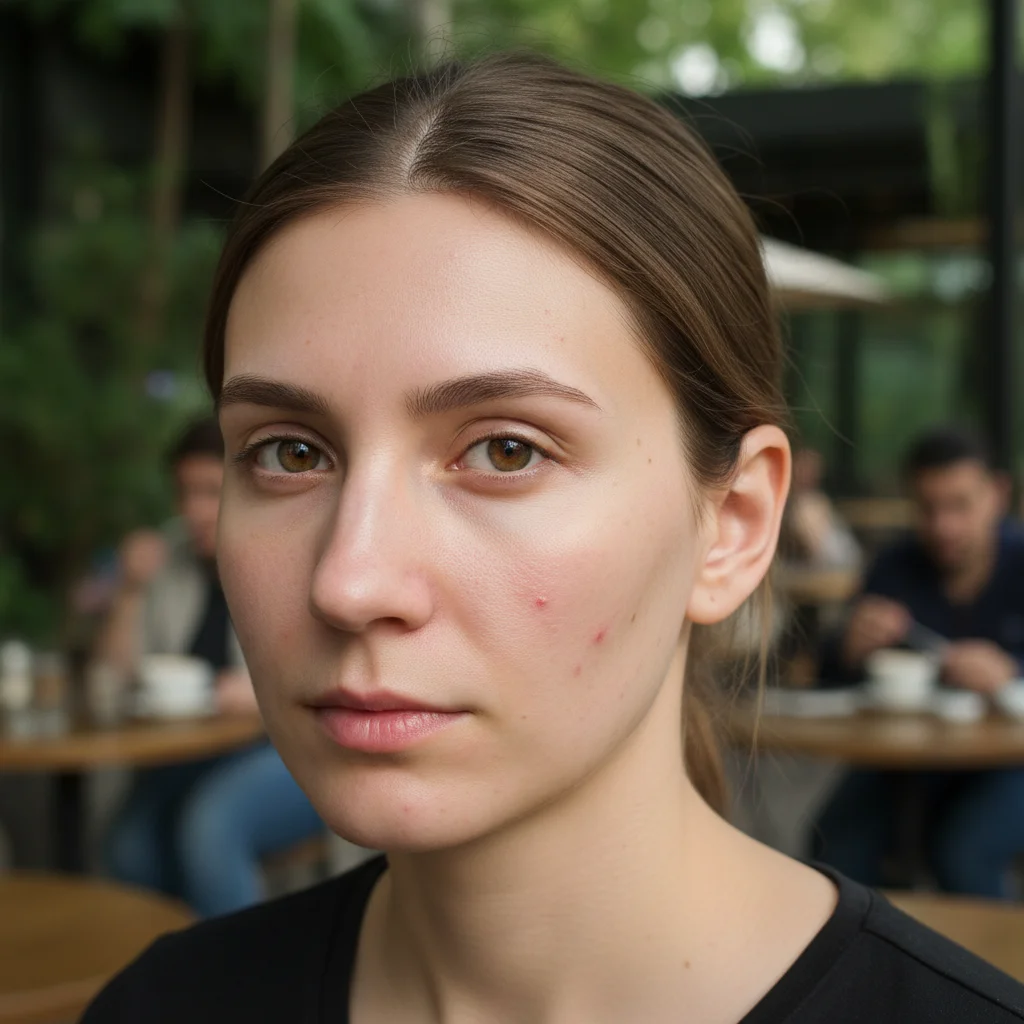
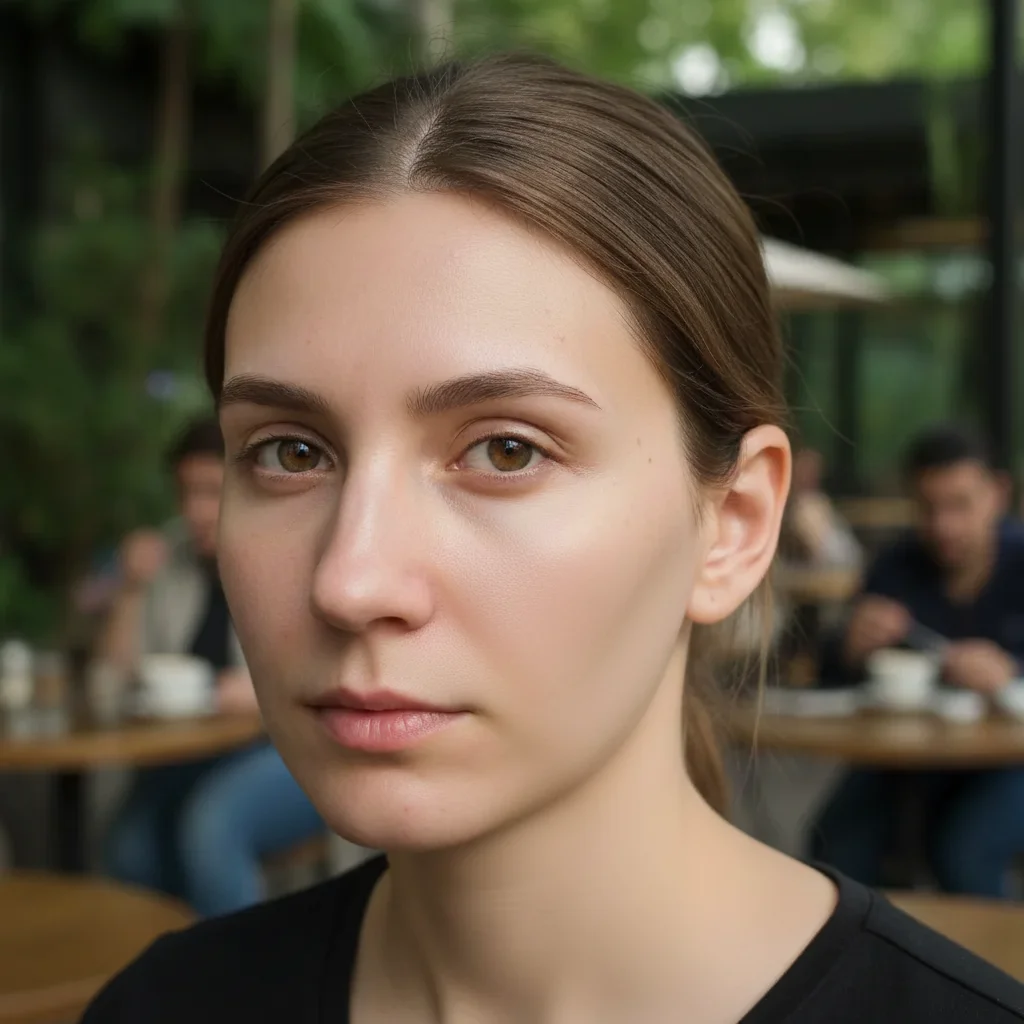
Prompt: Remove all the age spots on my hands and create an even, natural skin tone
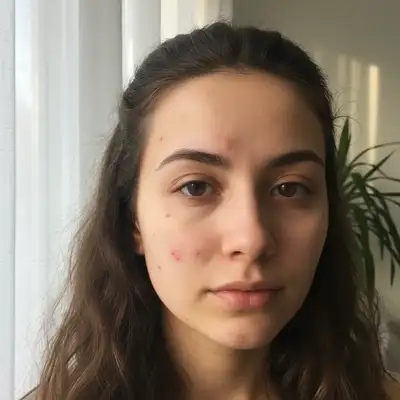
Face showing sun spots mixed with natural freckles
Before
->
Same face with sun spots gone, freckles preserved
After

Facial sun spot removal with freckle preservation

Sun spots on cheeks and forehead removed while natural freckles across nose remain untouched

Prompt: Remove the sun spots on my face while keeping my natural freckles and skin texture
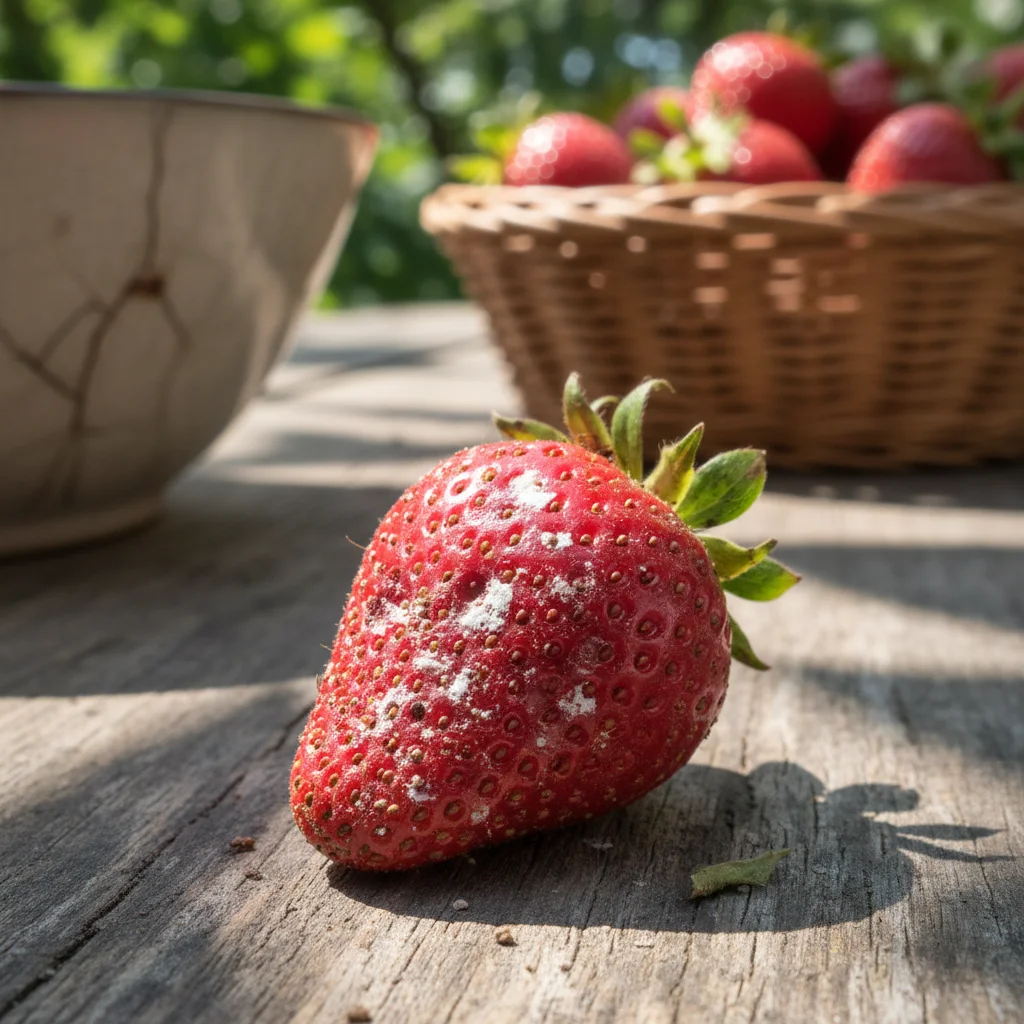
Chest and shoulder showing multiple sun spots
Before
->
Same area with sun spots removed and uniform skin tone
After

Shoulder and chest sun damage fix

Extensive sun spots across shoulder and upper chest area eliminated with seamless skin tone blending

Prompt: Remove the sun spots and pigmentation on my chest area and blend with my natural skin
Advertisement

If something looks off

AI changed the wrong area or something I didn't want changed

Why: The AI couldn't distinguish which brown marks were unwanted age spots vs intentional features like freckles or moles.

Try: Tap markers on specific age spots you want removed, then regenerate with the same prompt

Tip: Markers tell the AI 'remove THESE spots specifically.' Essential when you have freckles, moles, or beauty marks you want to keep.

Freckles or moles were removed when I wanted to keep them

Why: The AI interpreted all pigmentation as age spots to remove.

Try: Add specificity: 'Remove only the large brown age spots while preserving my natural freckles and moles'

Tip: Distinguishing between spot types (age spots vs freckles) in your prompt helps preserve features you like.

Skin looks unnatural or patchy after removal

Why: The AI didn't blend the skin tone smoothly where age spots were removed, creating light patches.

Try: Try: 'Remove age spots and blend seamlessly with surrounding skin tone and texture'

Tip: Keywords like 'blend', 'seamlessly', and 'natural' improve skin tone matching.

Only some age spots were removed, not all

Why: The AI might have interpreted your prompt as targeting specific spots rather than all pigmentation in the area.

Try: Be comprehensive: 'Remove all age spots and sun spots on my [location], including every brown mark'

Tip: Words like 'all', 'every', and 'entire area' ensure complete removal.

Skin texture looks blurred or smoothed unnaturally

Why: The AI over-processed the area when removing spots, losing natural skin detail.

Try: Specify: 'Remove age spots while maintaining natural skin texture, pores, and fine lines'

Tip: Mentioning texture preservation prevents artificial smoothing.

Quick answers

Do I need to mark age spots before removing them?

No! Just describe where the age spots are in natural language. The AI understands prompts like 'remove age spots on my hands' or 'fix sun spots on my face' without any marking. Markers are optional and only needed if you want to preserve specific features or target individual spots.

Is this age spot remover really free?

Yes, completely free with unlimited use. No account required, no watermark on your edited photos. Remove age spots from as many photos as you want without paying anything.

What's the difference between age spots, sun spots, and liver spots?

They're the same thing - flat brown pigmentation spots caused by sun exposure and aging (medically called solar lentigines). The AI recognizes all these terms. 'Liver spots' is a misnomer as they have nothing to do with the liver.

Will the AI remove my freckles or beauty marks too?

Only if you don't specify to keep them. Add 'while keeping my natural freckles' or 'preserving beauty marks' to your prompt. The AI can distinguish between unwanted age spots and features you want to preserve when instructed.

Can I remove age spots from hands specifically?

Absolutely! Hand age spots are one of the most common use cases. The AI is particularly good at removing hand spots while preserving natural skin texture, veins, and knuckle definition. Try: 'remove all age spots on my hands and create even skin tone'.

Ready to remove age spots from your photos?

Free tool. No signup. Natural, even skin tone in seconds.

Try it free