Pricing Visualize Fence color · Free

AI Fence Color Visualizer

← Browse all home exterior editing

Last updated

Upload a photo of your fence and describe the color — the AI restains or repaints it in 30 seconds. Free, no account needed.
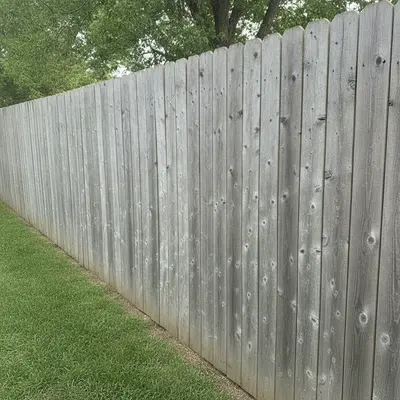
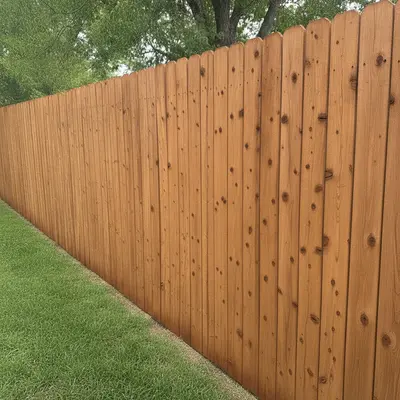
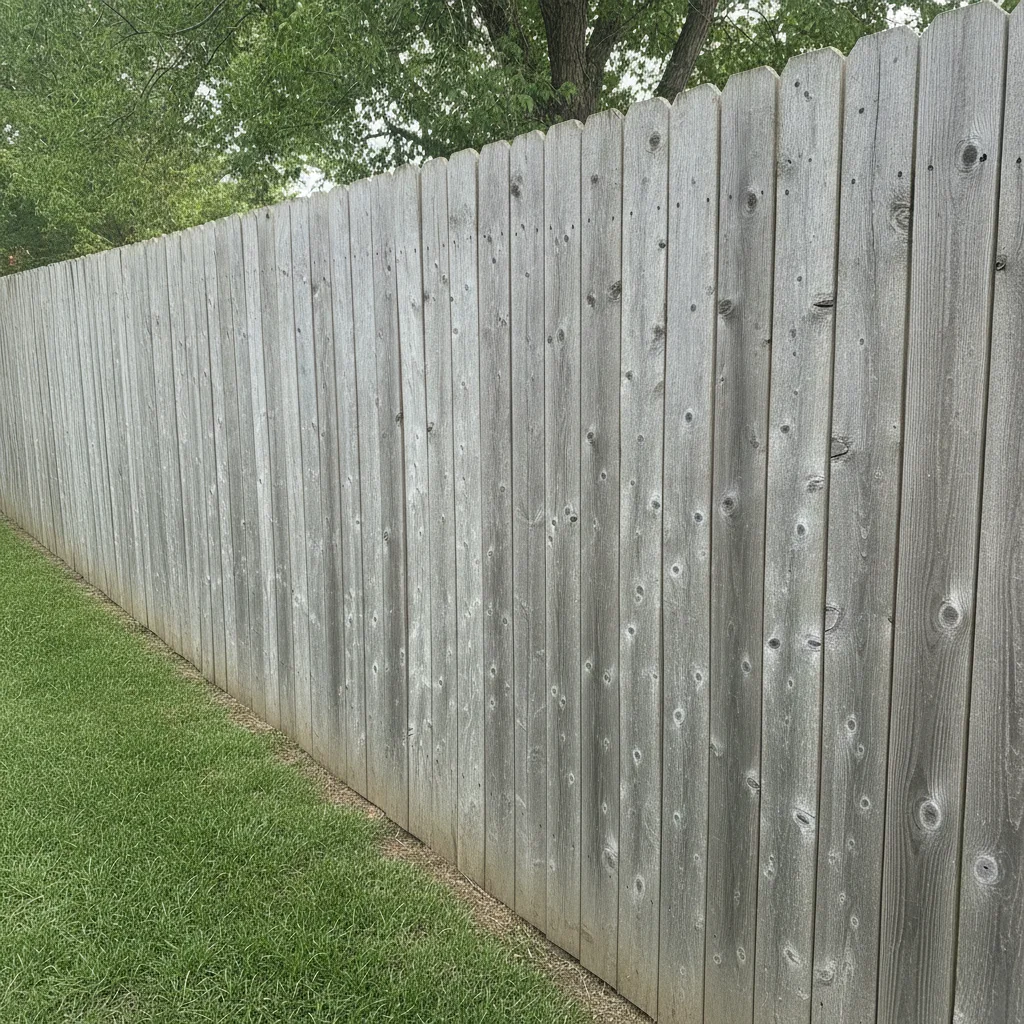
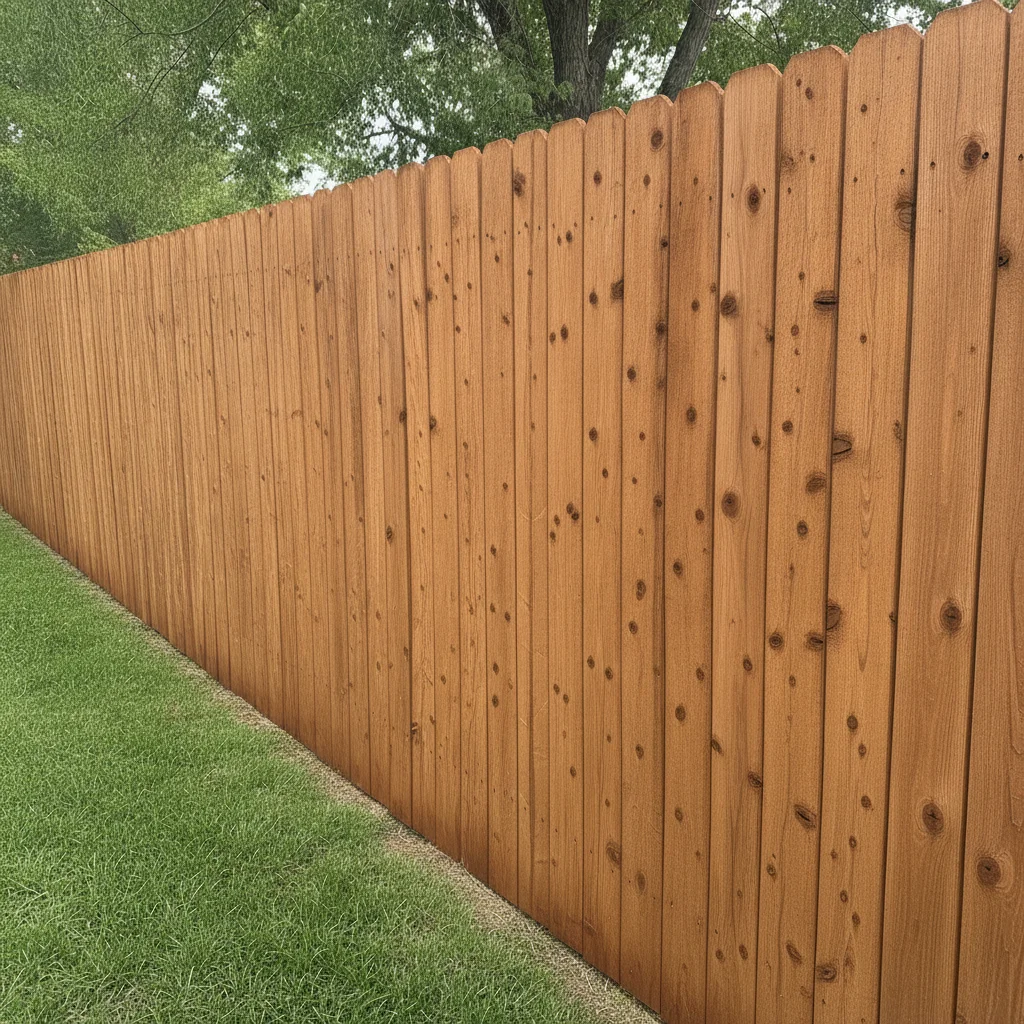
Wood privacy fence with weathered gray UV-bleached boards, green lawn Same fence with warm cedar semi-transparent stain, wood grain visible

Upload photo to visualize fence color

"repaint the fence crisp white with a clean matte finish, preserve the yard, trees, and all gate hardware exactly"

Free to try · no sign-up · photos are never shared

Release to upload

<30stypical edit
1 freeedit weekly
Photo on your phone? Scan to open this editor there — free edit works on your phone too.

1 free edit every week·packs from $4.99

How it works

  1. Upload a photo with the full fence run visible

    Use a photo that shows a clear stretch of fence with even lighting. Side-on angles work better than extreme perspective shots — the AI needs to see the fence surface to recolor it accurately. JPG, PNG, or WebP up to 7MB.

    Expect: Standard privacy fences and picket fences: results in 20–30 seconds. Lattice or wrought iron fences with complex patterns may need one extra pass.
  2. Describe the color, stain type, or material

    Type your instruction directly: 'change the fence to a cedar stain with visible wood grain' or 'repaint the fence white.' No marking required — the AI identifies the fence surface from your description and the photo context. Include stain opacity (solid vs. semi-transparent) for realistic results on wood fences.

    Tip: For wood fences, specify 'semi-transparent' or 'solid' stain — semi-transparent preserves visible wood grain while solid covers it fully. This is the biggest visual difference between stain types.

    Copy one of these to get started:

    Cedar stain — most popular natural wood look change the fence to a rich cedar semi-transparent stain with warm reddish-brown tones and visible wood grain, keep the lawn, house, and gate hardware unchanged
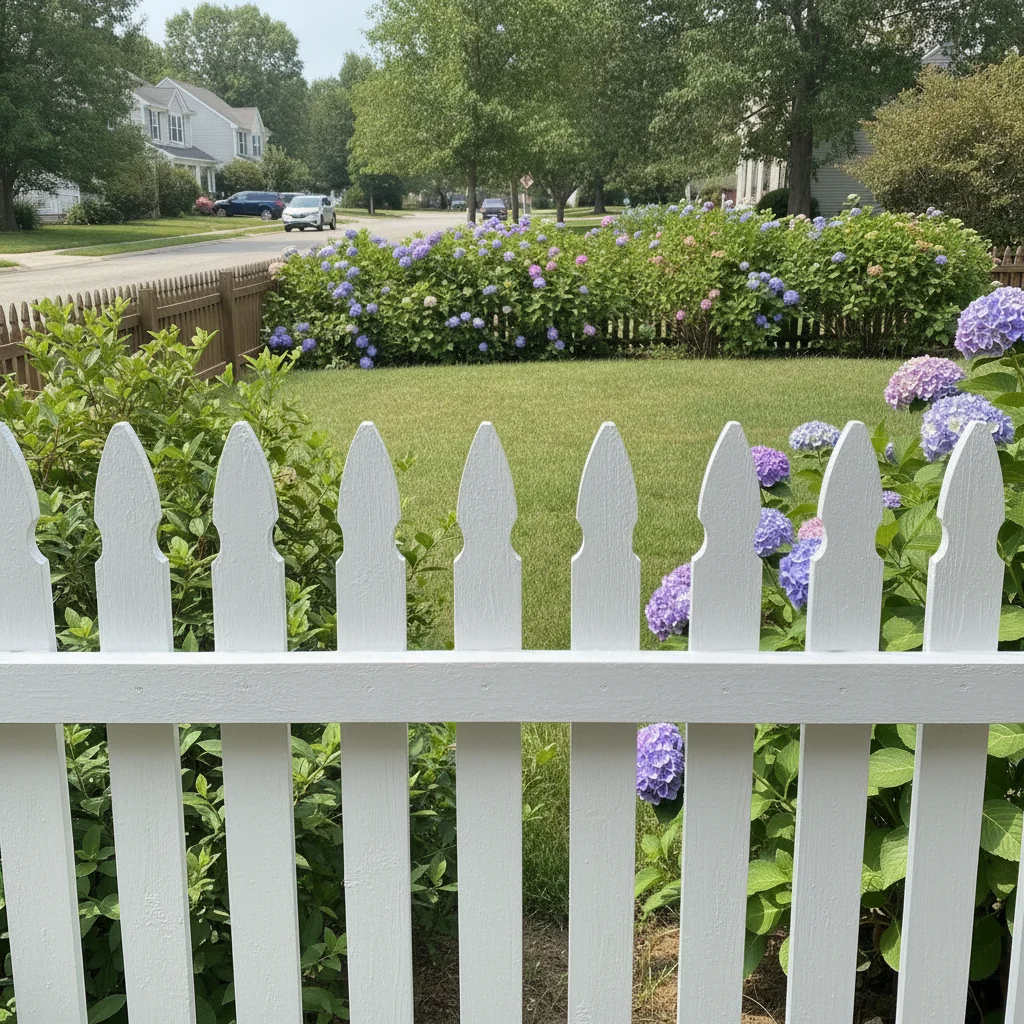
    White painted fence — classic cottage or farmhouse look repaint the fence crisp white with a clean matte finish, preserve the yard, trees, and all gate hardware exactly
    Charcoal or black — modern contemporary style repaint the fence a dark charcoal black with a flat matte finish, keep the grass and house siding completely unchanged
    Gray weathered look — maintenance-free aesthetic change the fence to a solid gray stain in a driftwood or weathered gray tone, visible surface texture, keep the surrounding landscape unchanged
    2 more prompts
    Dark walnut stain for privacy fence apply a dark walnut solid stain to the fence, rich brown with slight reddish undertone, no wood grain visible, keep posts and surroundings unchanged
    Contractor client presentation with multiple options change the fence to a medium brown teak semi-transparent stain, natural wood-toned, keep the surrounding yard and house identical for a professional before/after presentation
  3. Check the fence surface, posts, and gate

    Zoom to the fence posts and gate hardware to confirm the recolor applied consistently and hardware wasn't changed. Fence posts sometimes render differently from fence boards if they're a different material — add 'including the fence posts' to your next prompt if they were missed.

  4. Refine with markers if the gate or a section was missed

    If a gate panel or an end section didn't recolor, tap a marker on that area and regenerate: 'change this fence section to match the cedar stain on the main fence run.' Markers constrain the edit without re-processing the whole image.

    Tip: Markers are optional for most fence photos. Use them only when the AI missed a clearly separate panel or gate.

See it in action

Wood privacy fence with weathered gray UV-bleached boards, green lawn
Before
->
Same fence with warm cedar semi-transparent stain, wood grain visible
After

Weathered gray fence to cedar stain — curb appeal before listing

Standard wood privacy fence gone gray from UV exposure. Homeowner wanted to visualize a cedar restain before listing the property. Result shows the warm reddish-brown cedar tone applied across all fence boards, posts included.

Prompt: change the fence to a rich cedar semi-transparent stain with warm reddish-brown tones and visible wood grain, keep the lawn, house, and gate hardware unchanged
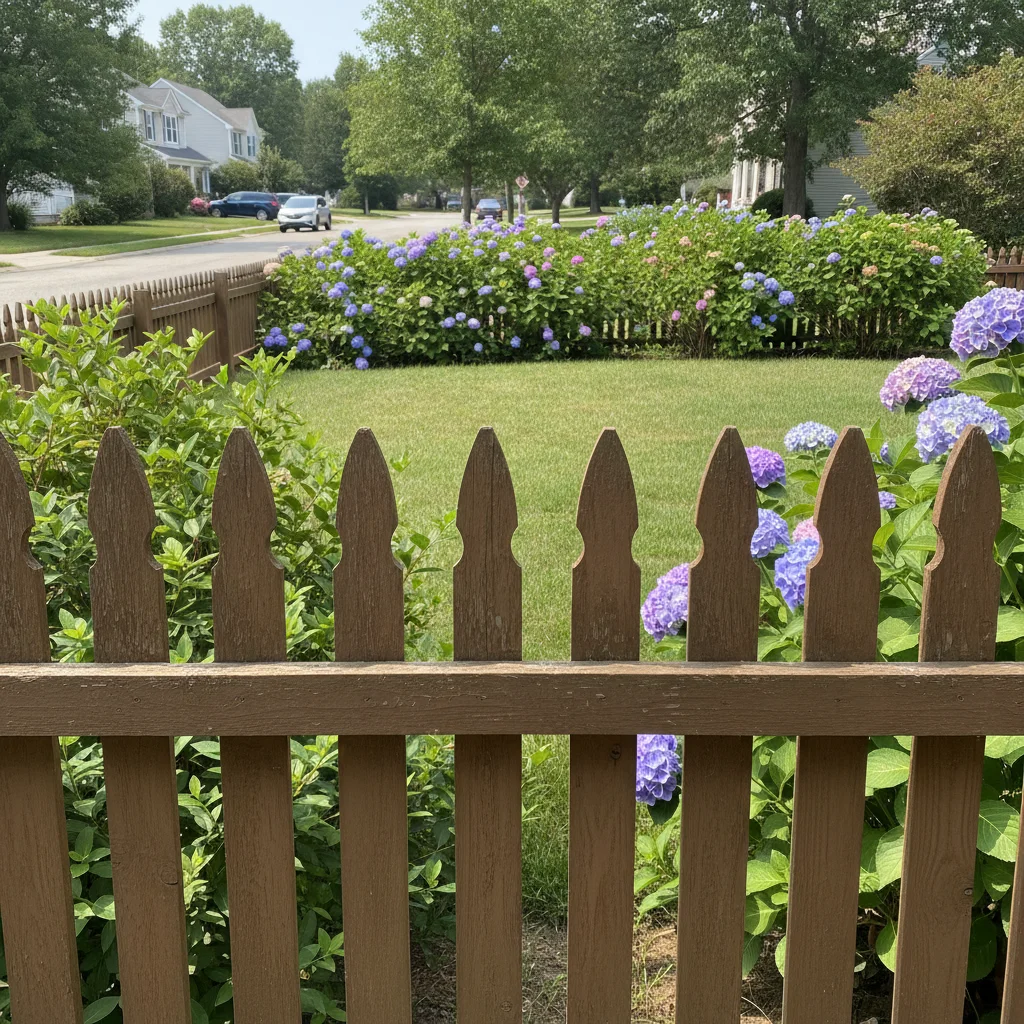
Faded brown wood picket fence with shrubs and lawn behind it
Before
->
Same picket fence painted crisp white, matte finish, yard unchanged
After

Brown fence to white — farmhouse curb appeal update

Front yard picket fence in faded brown. Homeowner planning a farmhouse exterior refresh needed to visualize a white fence before buying paint. Clean white result with consistent coverage across all pickets and rails.

Prompt: repaint the fence crisp white with a clean matte finish, preserve the yard, trees, and all gate hardware exactly

Quick answers

Do I need to mark the fence before changing its color?

No. Type your instruction and the AI identifies the fence automatically: 'change the fence to cedar stain, keep the yard and house unchanged.' Only use markers if the AI colored the wrong surface — tap the fence directly to clarify.

Is there a free fence color visualizer with no account?

Yes. EditThisPic is free, requires no signup. Upload a photo of your fence, describe the color or stain, and download the visualization in 30 seconds. Works in any browser. The free edit is a preview — purchased downloads are clean, full quality.

What is the difference between semi-transparent and solid stain in the prompt?

Semi-transparent stain lets wood grain show through — specify this for a natural wood-look result. Solid stain covers the grain completely like paint — specify this for a uniform opaque color. Include the word 'semi-transparent' or 'solid' in your prompt or the AI defaults to a result somewhere between the two.

Can contractors use this to show clients stain options before a job?

Yes. Take one photo of the client's existing fence and generate 3–4 stain color options from the same image. Each rendering takes about 30 seconds and uses the same background, making color comparison intuitive. Purchased downloads are clean, full quality.

How much does EditThisPic cost?

You get 1 free edit per week — no account needed. After that, one-time credit packs start at $4.99 for 10 edits, valid 12 months, no subscription. Power users who edit daily can pick Studio Membership, a monthly workspace at $49.99/mo for 300 edits. Purchased downloads are clean with no watermark.

Ready to visualize your fence color?

Free to try. No signup required.

1 free edit included·Credit packs from $4.99