Pricing Edit Newsletter header images and banner photos · Free

AI Photo Editor for Newsletters

← Browse all creative effects

Last updated

Edit photos for newsletter headers, banner images, and email cover art with AI — just describe the look you need.
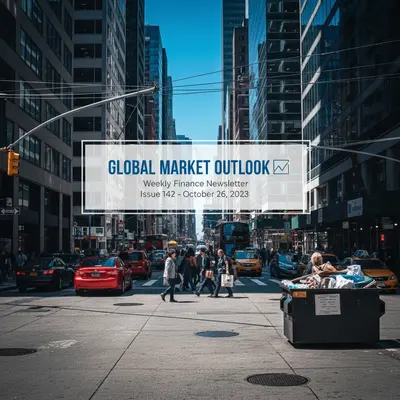
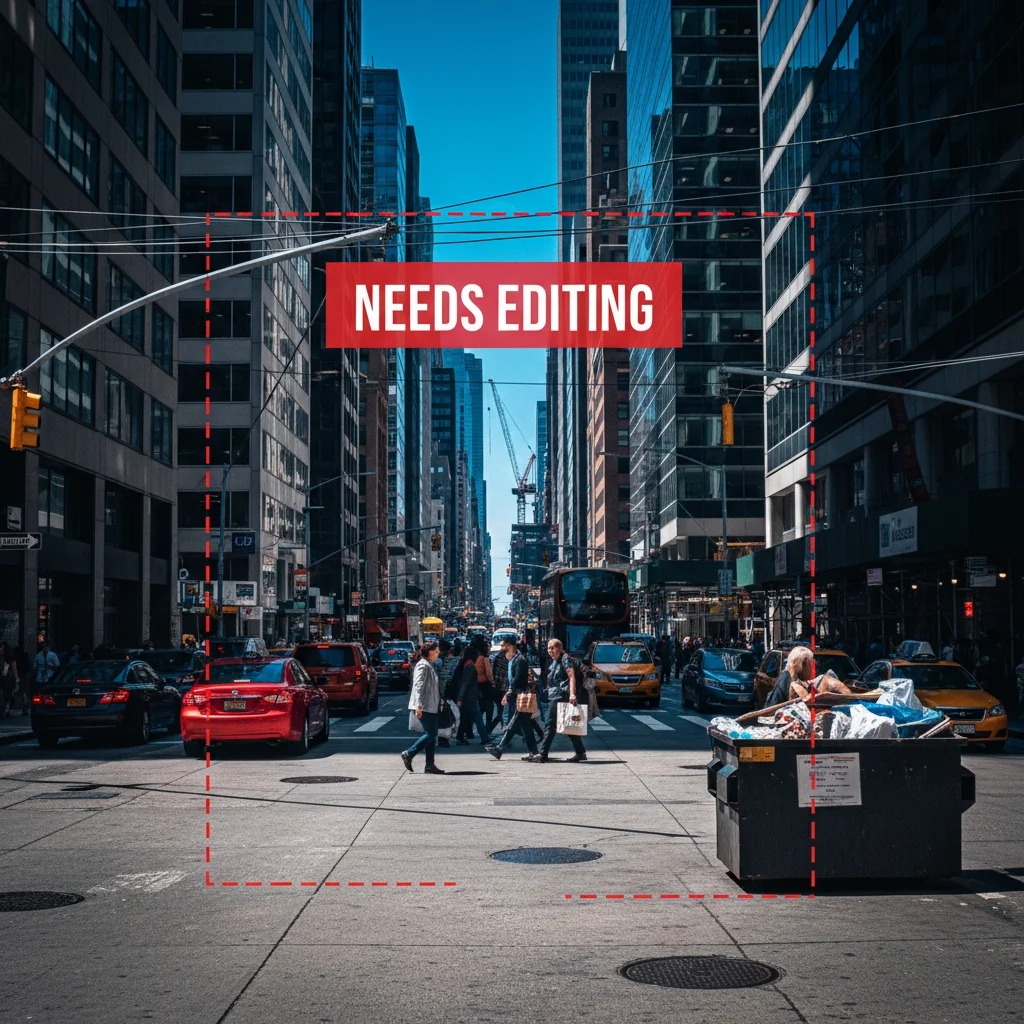
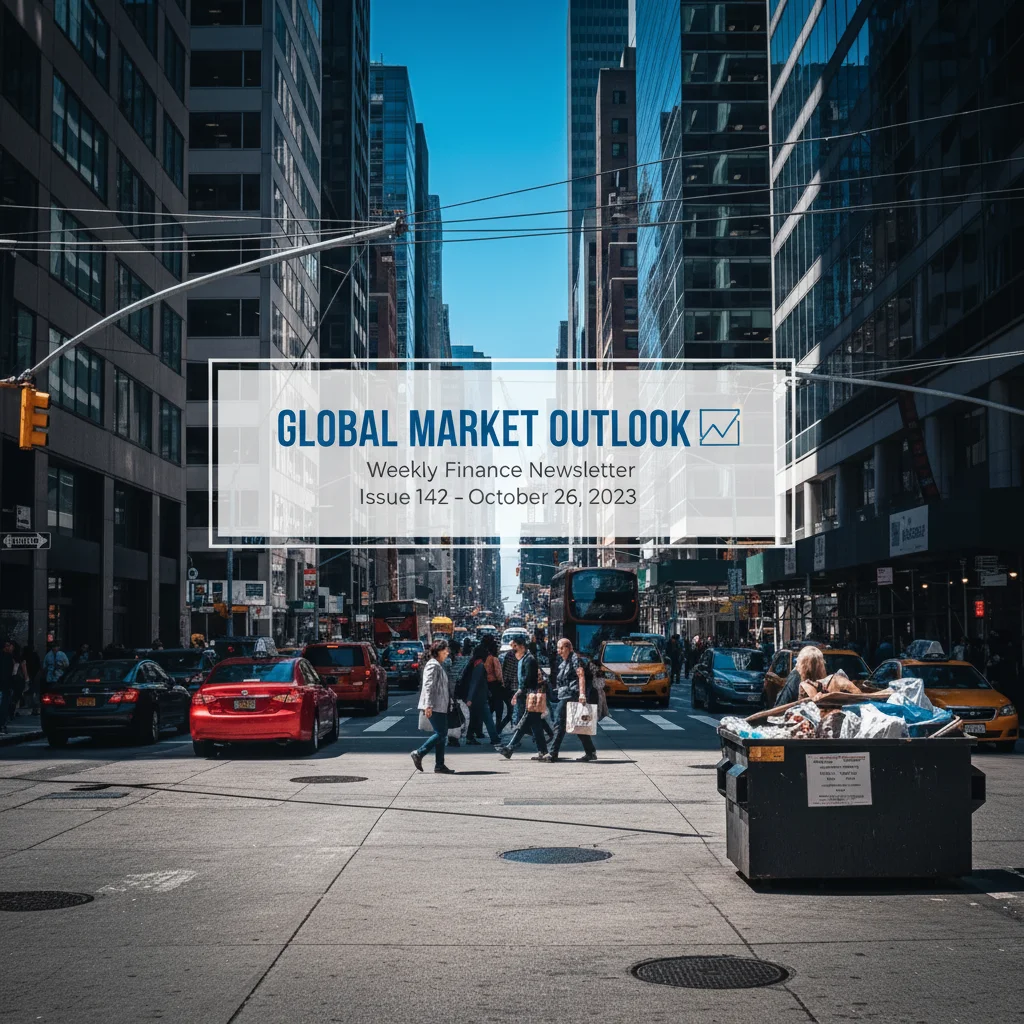
Generic busy city street photo unsuitable for newsletter header Same photo transformed into clean editorial newsletter banner with muted professional tones

Upload photo to edit newsletter header images and banner photos

"give this photo a warm editorial quality — golden tones, natural light, bright and inviting, good for a lifestyle newsletter header"

Free to try · no sign-up · photos are never shared

Release to upload

<30stypical edit
1 freeedit weekly
Photo on your phone? Scan to open this editor there — free edit works on your phone too.

1 free edit every week·packs from $4.99

How it works

  1. Upload your newsletter photo

    Drop in your header photo, banner image source, or any photo you want to use in your newsletter. JPEG or PNG works. Author headshots, topic-relevant stock photos you've bought, or photos you've taken yourself — all can be transformed into editorial-quality newsletter imagery.

    Expect: Basic cleanup or color adjustment: 15-20 seconds. Background replacement or complex changes: 25-35 seconds.
  2. Describe the editorial look you want

    Type what you need for your newsletter's aesthetic — 'clean editorial photo with muted tones,' 'bright and warm for a lifestyle newsletter,' 'professional and neutral for a business letter,' or 'remove the background for a clean header layout.' No area selection needed.

    Tip: Newsletter aesthetics vary wildly by topic. Finance: clean, cool, professional. Wellness: warm, natural, soft. Tech: minimal, dark, modern. Lifestyle: bright, colorful, warm. Mention your newsletter's topic for better-matched output.

    Copy one of these to get started:

    Clean editorial newsletter header make this photo look like a clean editorial newsletter header image — muted tones, professional, minimal, good contrast for text overlay
    Warm lifestyle newsletter banner give this photo a warm editorial quality — golden tones, natural light, bright and inviting, good for a lifestyle newsletter header
    Remove background for header layout remove the background completely so the subject is a clean transparent cutout for a newsletter layout
    Business newsletter clean up clean up this photo for a professional business newsletter — neutral tones, corporate feel, sharp and clear
    2 more prompts
    Tech/startup newsletter aesthetic transform this into a modern tech editorial image — clean dark tones, minimal, geometric feel, modern startup aesthetic
    Remove distracting elements from scene remove the distracting elements in the background and simplify the scene — clean, minimal, editorial quality
  3. Review for newsletter use

    Check that the image reads well at the sizes your newsletter platform uses for headers (typically 600-800px wide). Verify the lighting and color tone matches your newsletter's overall aesthetic. Newsletter readers form quick impressions — the header image matters.

See it in action

Generic busy city street photo unsuitable for newsletter header
Before
->
Same photo transformed into clean editorial newsletter banner with muted professional tones
After

Regular photo → editorial newsletter banner

A finance newsletter creator needed a clean editorial image for their Substack header. Transformed a standard photo into editorial-quality banner art.

Prompt: make this look like a clean editorial newsletter header — muted professional tones, good contrast for text overlay, finance newsletter aesthetic
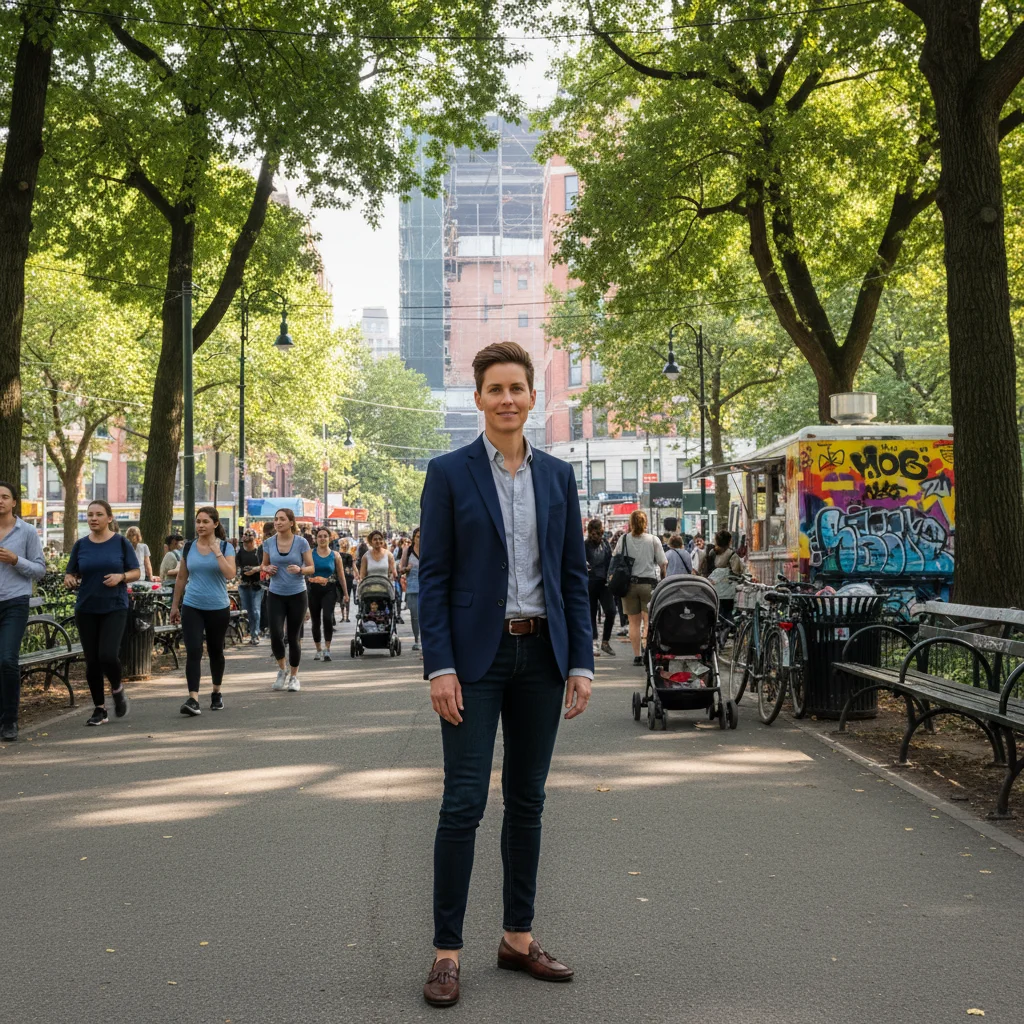
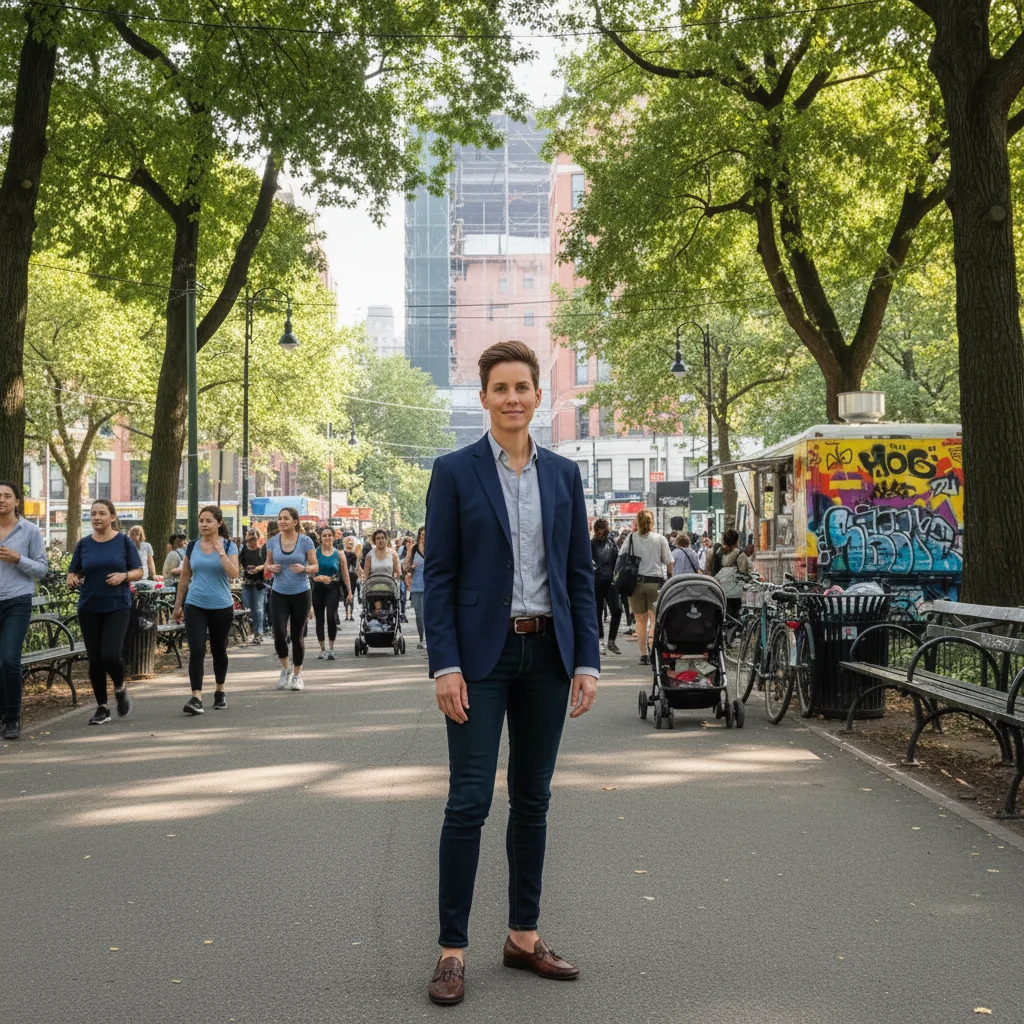
Newsletter author with busy outdoor background
Before
->
Same author as clean cutout ready for newsletter header layout
After

Author headshot for newsletter header

A Beehiiv newsletter creator needed their author headshot to work as a clean newsletter banner with room for text overlay.

Prompt: clean up this author photo for a newsletter header — remove the background, make it a clean transparent cutout, improve the lighting

Quick answers

Do I need to select areas before editing my newsletter image?

No. Just describe what you want — 'editorial muted tones,' 'warm lifestyle aesthetic,' 'clean for text overlay,' or 'remove the background.' The AI identifies the right areas from your description.

How do I make a newsletter header image for free?

Upload your photo to EditThisPic, describe the editorial look you want — 'clean muted tones for a finance newsletter' or 'warm lifestyle aesthetic' — and download the result. Free with no account needed. Ready for Substack, Beehiiv, ConvertKit, or any email platform.

Is there a free newsletter image editor without login?

Yes — EditThisPic is free to try with no account needed. Describe the change, get the result, download it. No registration required.

What size should my Substack cover image be?

Substack recommends 1500x500px for newsletter cover images and 256x256px minimum for the logo. For post header images, 1200px wide is recommended. EditThisPic outputs at your input resolution — use high-resolution source photos.

Can I edit photos to work as Beehiiv newsletter headers?

Yes. Beehiiv recommends 1200x630px for post thumbnails. Upload your photo, describe the editorial look you want, and download the result. Works for any newsletter platform that accepts image uploads.

How much does EditThisPic cost?

You get 1 free edit per week — no account needed. After that, one-time credit packs start at $4.99 for 10 edits, valid 12 months, no subscription. Power users who edit daily can pick Studio Membership, a monthly workspace at $49.99/mo for 300 edits. Purchased downloads are clean with no watermark.

Ready to edit your newsletter image?

Free to try. No signup required.

1 free edit included·Credit packs from $4.99