Free • No signup Enhance Pool water · Free

AI Pool Water Enhancer

Turn green, murky, or dull pool water into sparkling crystal blue — the luxury signal every listing needs.
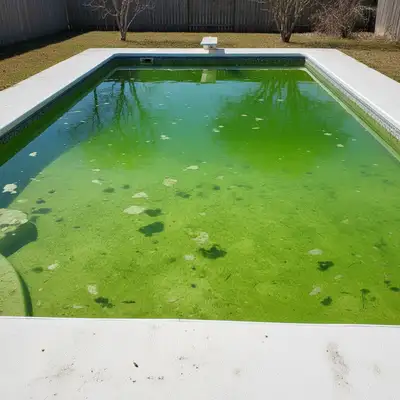
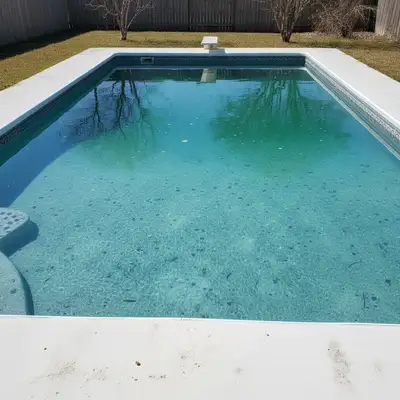
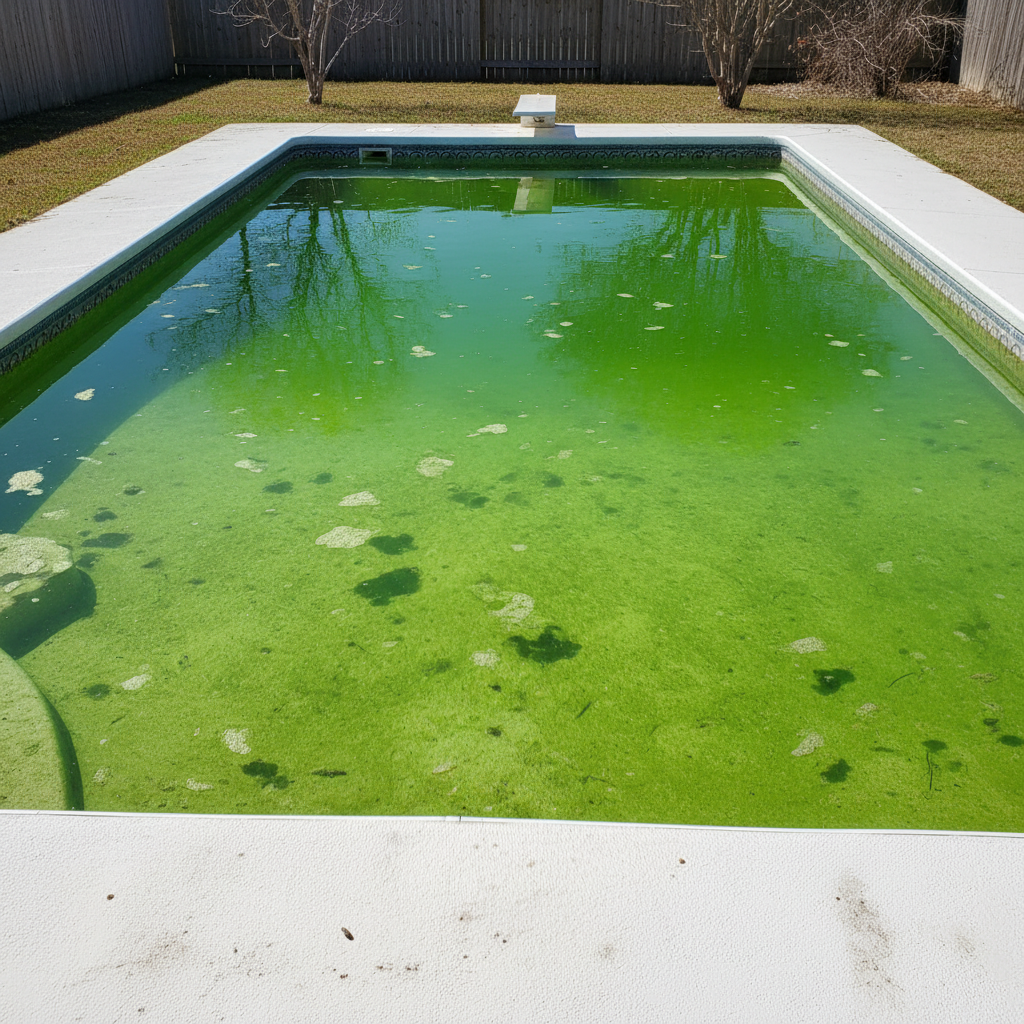
Backyard pool with green algae-tinted water
Before
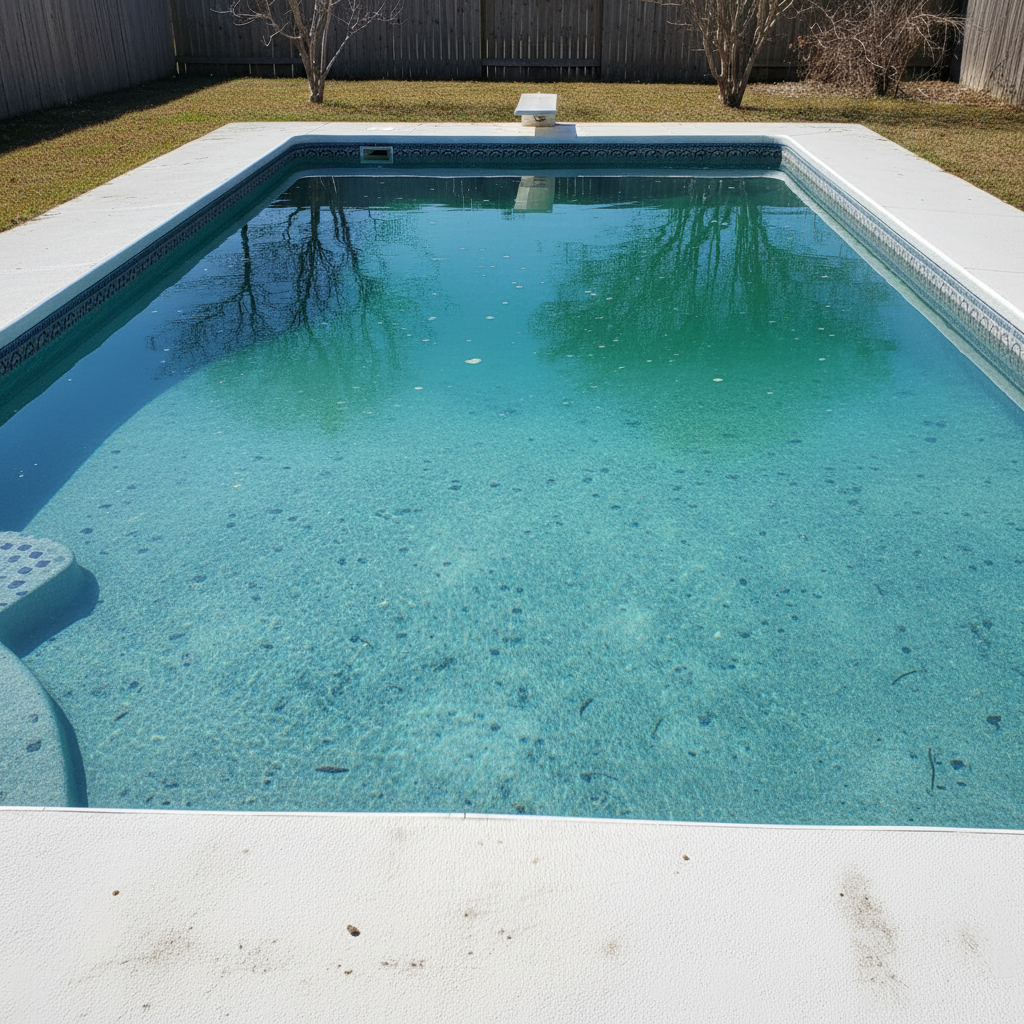
Same pool with crystal clear blue water
After

AI Pool Water Enhancer

Drop your photo here

or click to browse

Release to upload

Free • No signup

Popular use cases:
  • pool water color fix
  • real estate pool photos
  • green pool photo editor
  • luxury listing photography
  • pool water enhancement
  • swimming pool photo fix

Cost
Free No signup required
Time
Instant results in 15-30 seconds
Works on
Any device - browser, phone, tablet, desktop
Powered by
AI-powered photo editing
Scenario Prompt Time
Green algae pool make pool water crystal clear blue with natural reflections 15s
Murky/cloudy pool clear the cloudy pool water to sparkling turquoise 15s
Twilight pool glow make pool water glowing blue with underwater lights 20s

How it works

  1. Upload your photo

    Drop your property photo showing the pool into EditThisPic. Aerial shots and backyard-level angles both work. JPG, PNG, WebP up to 7MB.

    Expect: Pool water fix: 10-15 seconds. Pool with complex reflections or multiple water features: may need a refinement pass.
  2. Describe what you want

    Type your instruction: 'make the pool water crystal clear blue' or 'change the green pool water to sparkling turquoise.' Specify the shade — 'deep resort blue,' 'light Caribbean turquoise,' or 'clear blue with visible pool floor.' No marking needed — the AI knows what pool water is.

    Tip: Add 'with natural light reflections on the surface' for photorealistic results that don't look flat.

    Copy one of these to get started:

    Standard green-to-blue fix make the pool water crystal clear blue with natural light reflections, keep everything else unchanged
    Turquoise resort-style pool change the pool water to turquoise Caribbean blue like a luxury resort, with sunlight sparkling on the surface
    Fix algae-green pool replace the green algae pool water with clean, clear, bright blue water showing the pool floor visible through it
    Clear murky or cloudy water make the cloudy pool water perfectly clear and blue, remove all murkiness while keeping the pool shape and tiles intact
    3 more prompts
    Sparkling clean pool at midday make the pool water sparkling clean bright blue with sun reflections and ripple patterns like a freshly maintained pool
    Twilight pool with underwater lights make the pool water glowing blue with underwater pool lights visible, evening atmosphere with warm pool edge lighting
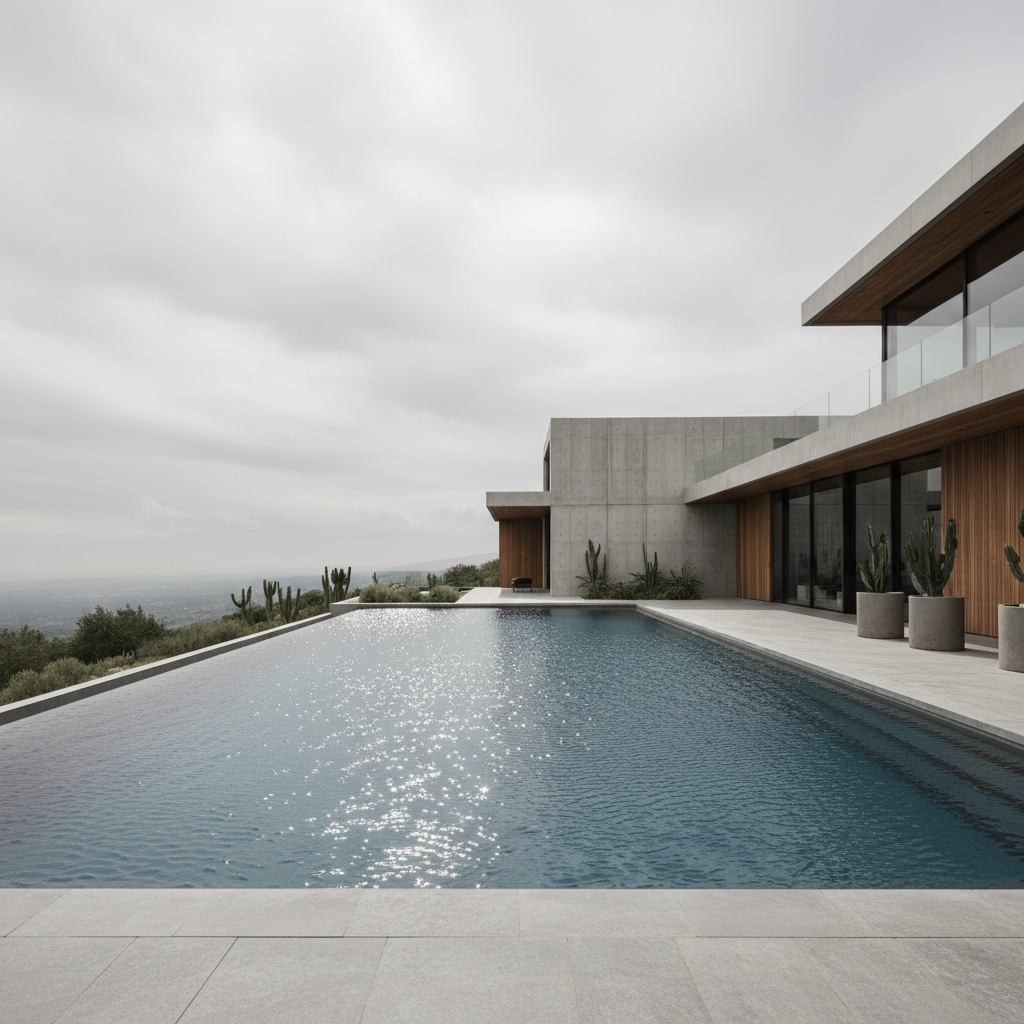
    Infinity pool edge enhancement make the infinity pool water deep azure blue with a sharp vanishing edge and sky reflected in the still surface
  3. Generate and review

    Check that the blue is consistent across the whole pool. Verify pool edges where water meets tile or coping look natural. Confirm any reflections or shadows on the water surface still look realistic.

  4. Refine with markers if needed

    If the AI also changed the spa or a water feature you wanted left alone, tap markers on just the pool and regenerate. This is optional — most pool edits nail it on the first try.

    Tip: Markers are for precision refinement, not a required step. Try without them first.
Try it free

AI Pool Water Enhancer

Drop your photo here

or click to browse

Release to upload

Free • No signup

"Pool turned green the week before photos. EditThisPic made it resort-blue in seconds. Buyers never knew." @LuxuryListings_AZ

See it in action

Backyard pool with green algae-tinted water
Before
->
Same pool with crystal clear blue water
After

Green algae pool fixed for listing

A luxury home's pool turned green from algae, transformed to crystal blue just in time for listing photos.

Prompt: make the pool water crystal clear blue with natural light reflections, keep the deck and landscaping unchanged
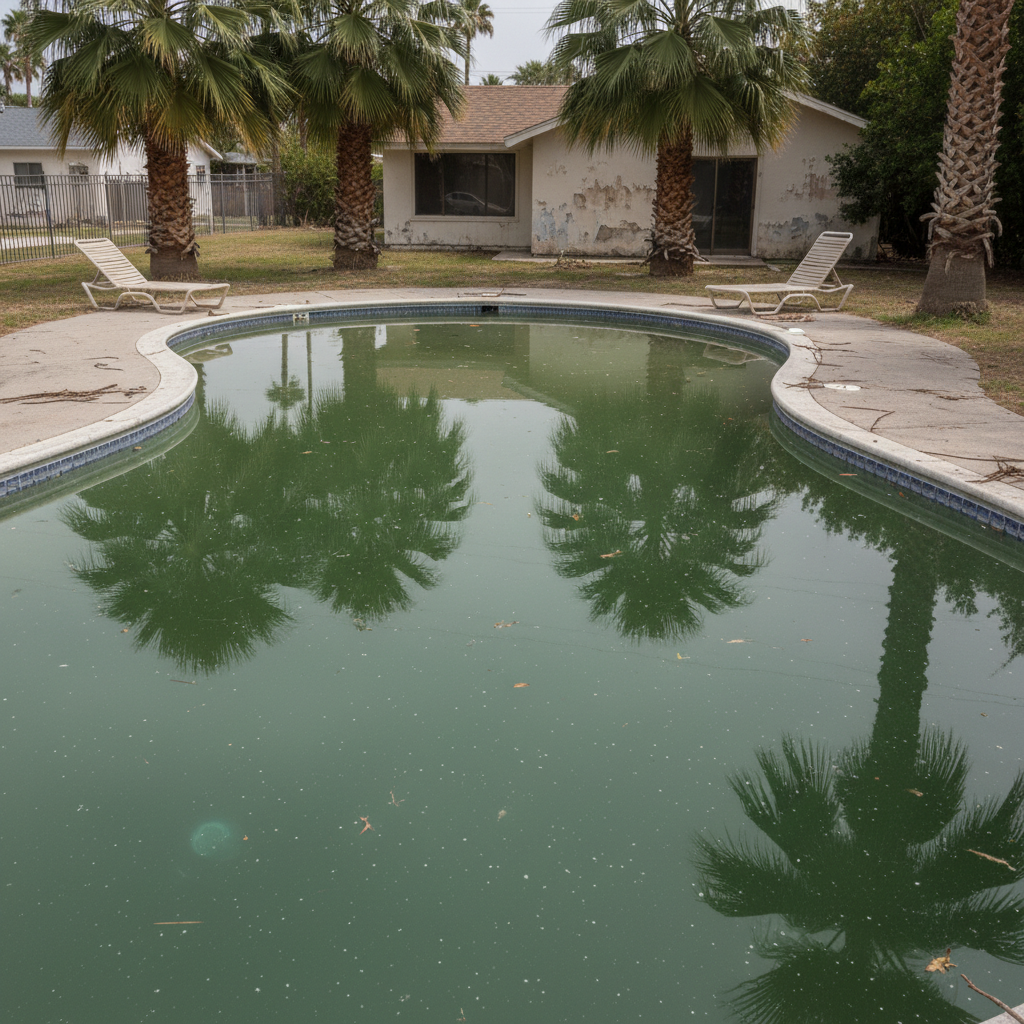
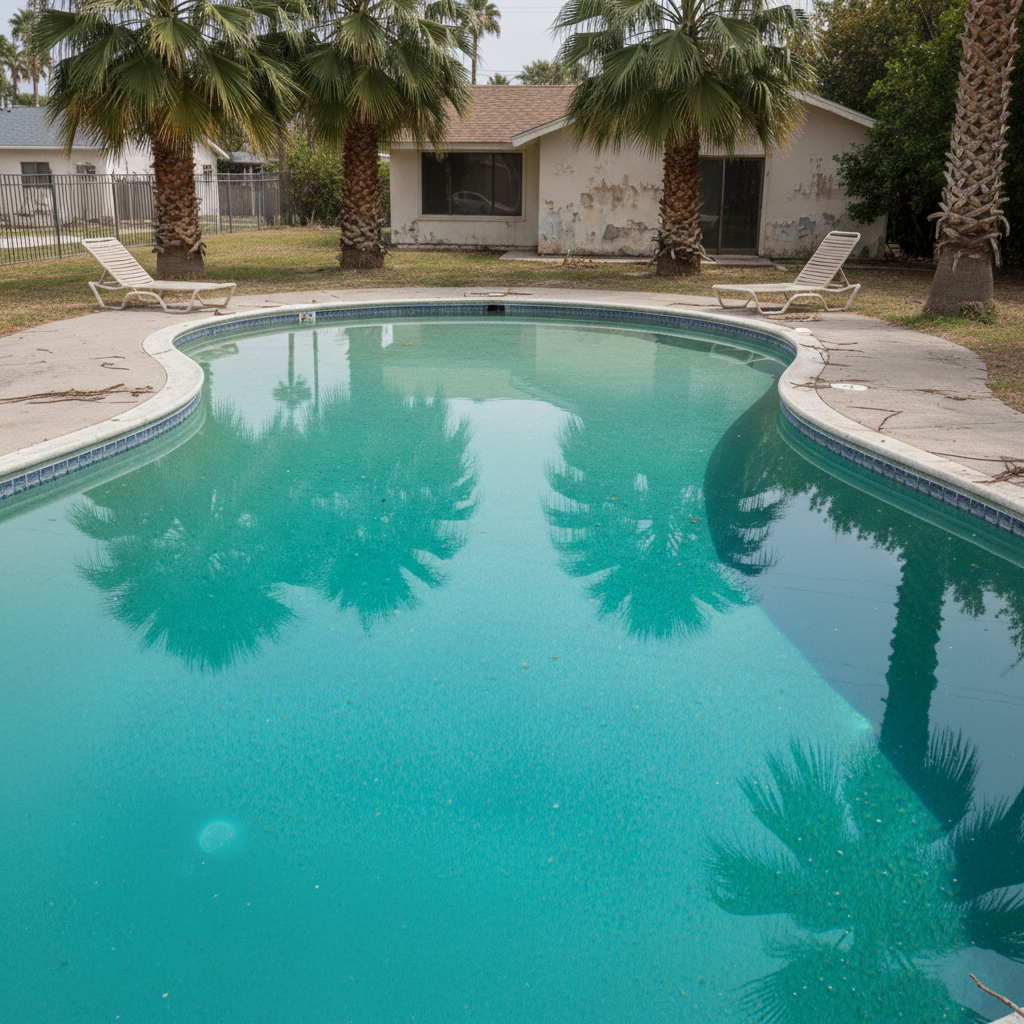
Swimming pool with murky gray-blue water
Before
->
Same pool with sparkling turquoise resort-quality water
After

Murky pool cleared to resort quality

A cloudy, dull pool made sparkling clear for a luxury property marketing campaign.

Prompt: change the pool water to turquoise Caribbean blue like a luxury resort, with sunlight sparkling on the surface
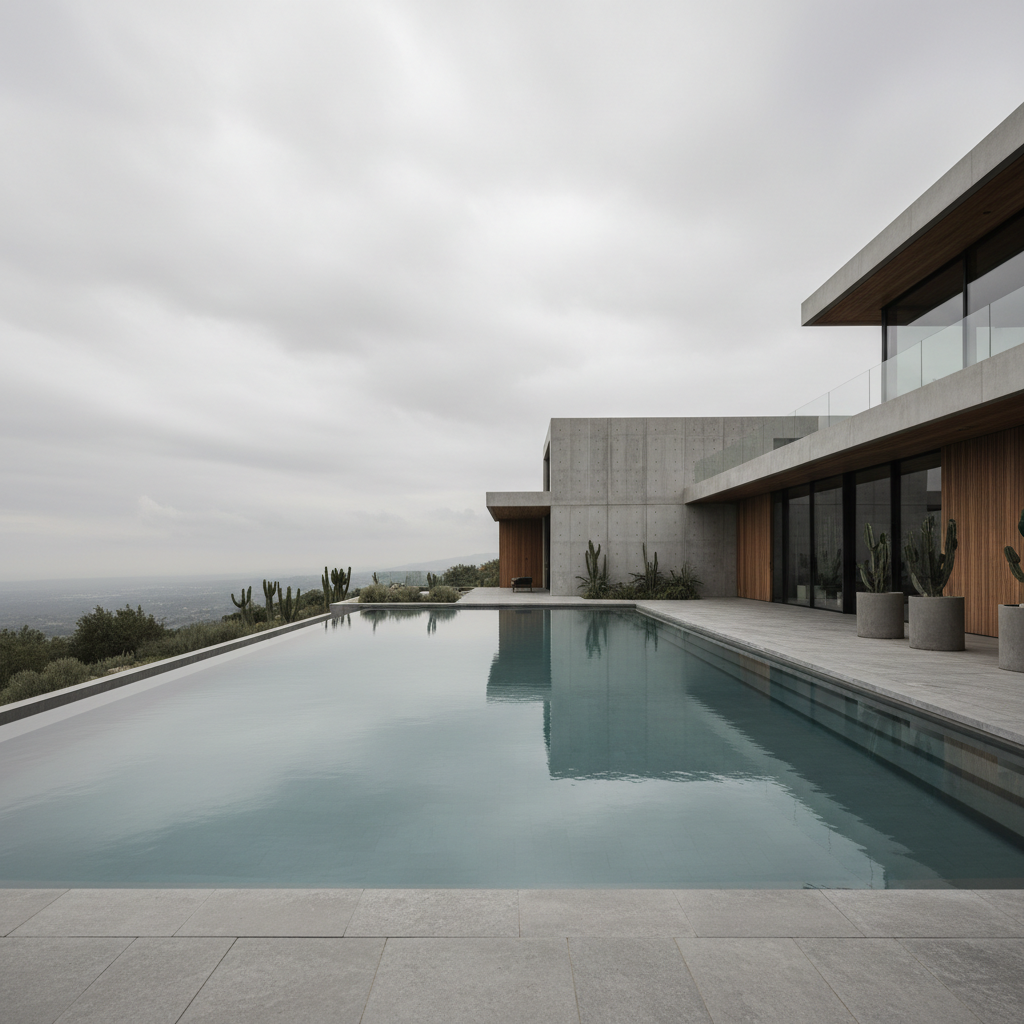
Pool with dull flat water in daytime
Before
->
Same pool with glowing blue water and evening atmosphere
After

Twilight pool with underwater glow

A daytime pool photo enhanced with evening atmosphere and glowing blue water for dramatic listing photos.

Prompt: make the pool water glowing blue with underwater pool lights visible, evening atmosphere with warm pool edge lighting

Detailed Guides by Scenario

📷

Real Estate Listings

Pool condition is a top concern for buyers. Crystal blue water signals a well-maintained property and justifies premium pricing.

Common Scenarios

  • Fixing green or murky pool water before listing photos go live
  • Making a winterized pool look inviting for spring listing launch
  • Enhancing aerial drone shots where pool color is the focal point

Best Practices

  • Use 'crystal clear blue' rather than just 'blue' for the most appealing results
  • Add 'natural light reflections' to avoid a flat, painted look
  • Disclose photo enhancements per local MLS guidelines
📷

Luxury Property Marketing

For high-end listings, pool presentation is a luxury signal. Resort-quality water immediately communicates premium lifestyle.

Common Scenarios

  • Creating resort-style pool imagery for luxury property brochures
  • Adding twilight pool glow for dramatic marketing materials
  • Enhancing infinity pool edges for architectural photography

Best Practices

  • Use 'resort' or 'Caribbean' as color references for luxury appeal
  • Combine with day-to-dusk for dramatic twilight pool shots
  • Request 'underwater lights visible' for evening pool scenes
📷

Rental & Vacation Properties

Vacation rental bookings depend heavily on pool appeal. Blue pool water is the difference between a scroll-past and a booking.

Common Scenarios

  • Refreshing Airbnb listing photos between guest turnovers
  • Creating appealing VRBO photos when pool maintenance is between visits
  • Seasonal refresh of rental marketing when pool was winterized

Best Practices

  • Match the pool blue to the overall vacation vibe of the listing
  • Process multiple pool angle shots with consistent blue for gallery coherence
  • Use 'sparkling' and 'inviting' language for vacation-oriented results

If something looks off

The blue looks flat and unrealistic, like paint

Why: The AI applied a uniform blue without natural water properties like reflections, depth variation, and surface texture.

Try: make the pool water natural-looking blue with light reflections, depth gradient from shallow to deep end, and subtle surface ripples

Tip: Adding 'depth gradient' makes shallow areas lighter and deep areas darker — the key to realistic pool water

AI also changed a spa or water feature next to the pool

Why: The AI treated all water areas as 'pool water' and changed them together.

Try: make only the main swimming pool water blue, keep the hot tub and fountain water as they are

Tip: Name the specific water body — 'main pool' vs 'hot tub' — when multiple water features exist

AI changed the wrong area or something I didn't want changed

Why: The AI couldn't determine exactly which area you meant from description alone. This happens with ambiguous requests.

Try: Tap a marker on the specific area you want to change, then regenerate with the same prompt

Tip: Markers tell the AI 'I mean THIS one specifically.' Use them when description alone is ambiguous.

Pool edges look blended or tiles disappeared

Why: The AI's water color change bled into the pool coping, tile, or deck materials.

Try: make the pool water blue while preserving the exact pool edge tiles, coping, and surrounding deck materials

Tip: Mentioning 'preserve tiles and coping' anchors the AI to keep those hard boundaries intact

Quick answers

Do I need to mark the pool before describing the color change?

No. Just type 'make the pool water blue' and the AI finds the pool automatically. Only use markers if you have multiple water features and want to change just one of them.

How do I make green pool water look blue in a listing photo?

Upload your photo to EditThisPic and type 'make the pool water crystal clear blue.' The AI replaces the green-tinted water with realistic blue in about 15 seconds. One free edit per week, no account needed.

Is there a free pool water editor that doesn't require an account?

Yes. EditThisPic fixes pool water color with AI — no signup, no login, no watermark. One free edit per week. Unlimited edits start at $3.99/month.

What is the best free tool for making pool water blue in real estate photos?

EditThisPic handles pool water color in one prompt — just type what you want and the AI does it. No Photoshop skills needed. Results in 15 seconds, free to try.

Ready to make your pool photo pop?

Free to try. No signup required.

Try it free