AI Twitch Banner Editor
← Browse all creative effectsLast updated
Upload your Twitch banner. Describe what to improve. AI enhances colors, sharpness, and lighting in seconds.
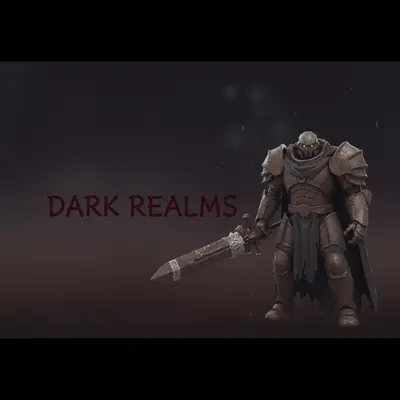
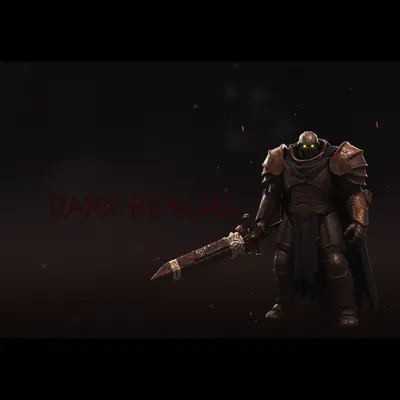
Upload photo to enhance Twitch profile banner
"deepen the shadows, increase contrast dramatically, make colors bold and saturated — create a dark dramatic gaming atmosphere"
Free to try · no sign-up · never used for AI training
Release to upload
<30stypical edit
1 freeedit weekly
Photo on your phone?
Scan to open this editor there — free edit works on your phone too.
How it works
See it in action
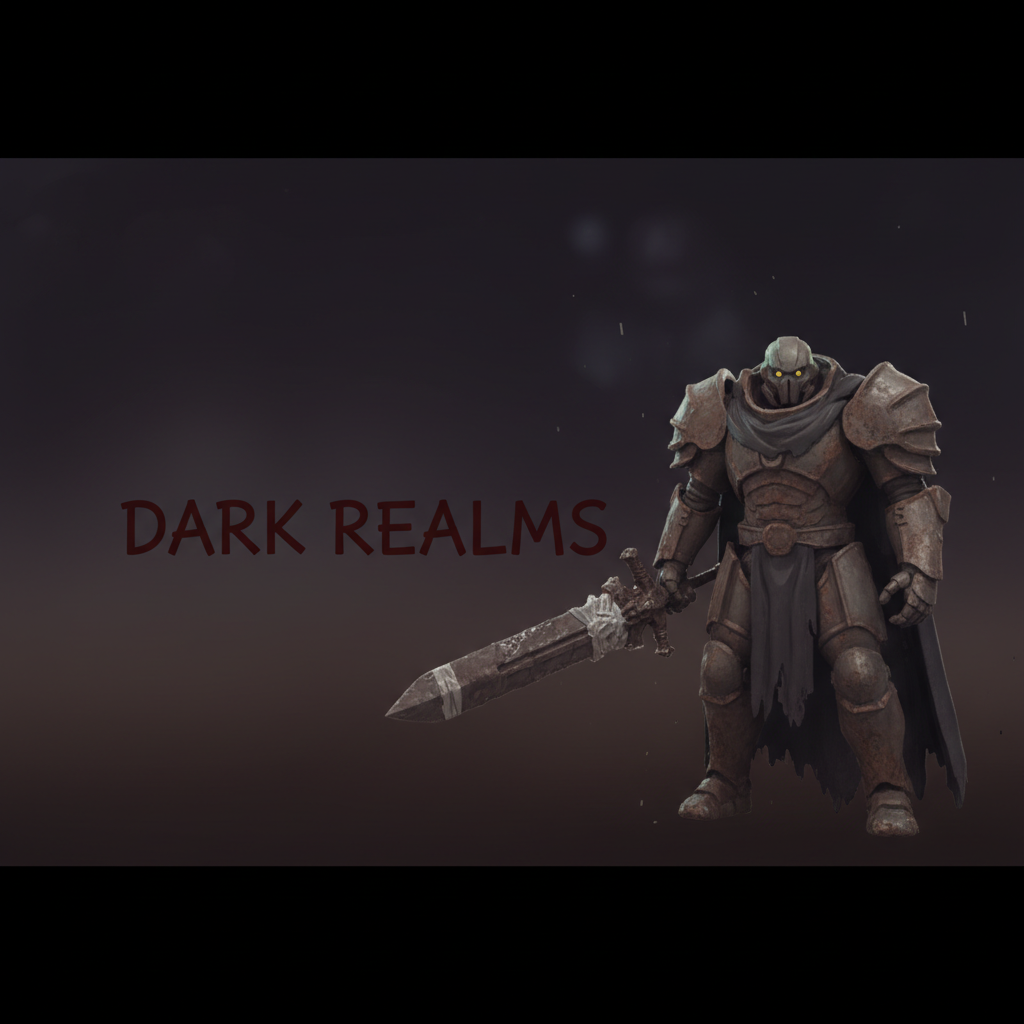
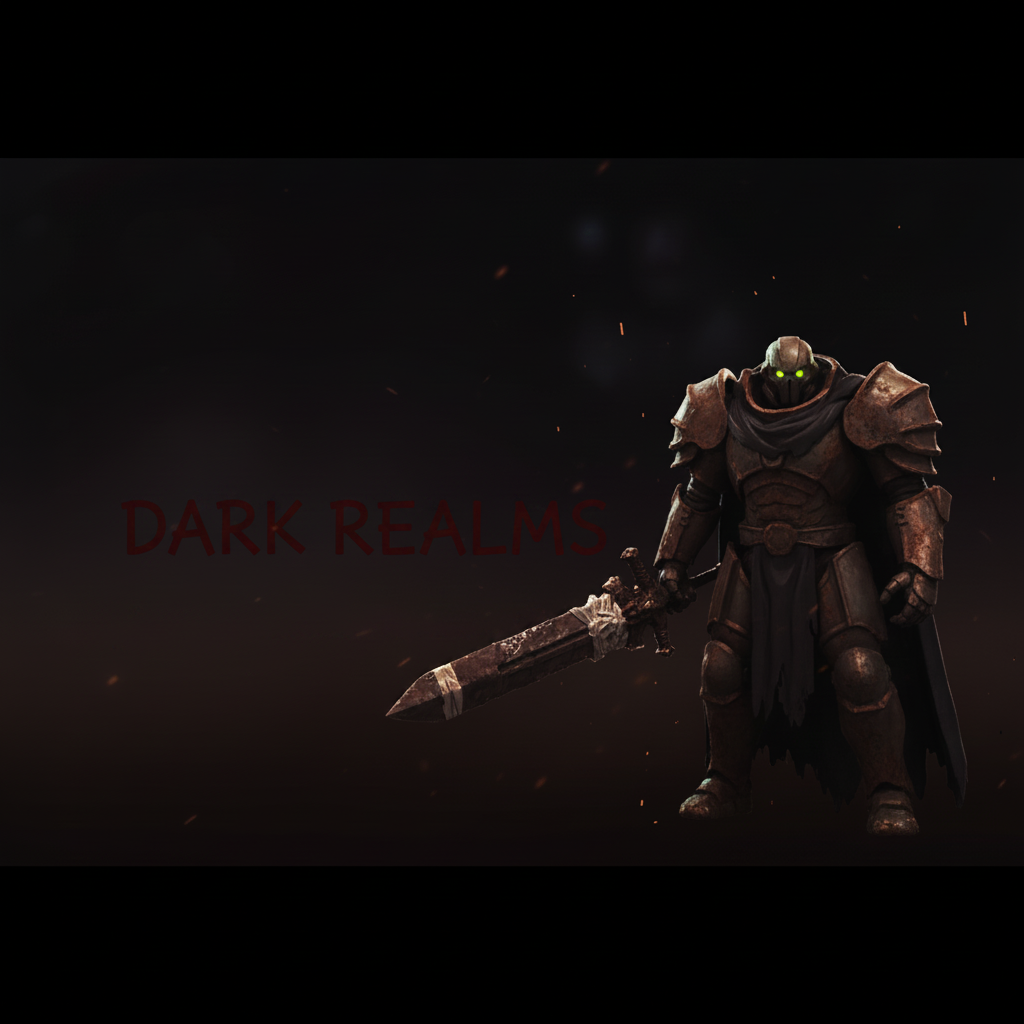
Gaming banner brought to life
A dark gaming banner with flat colors and dull contrast transformed into a bold, high-energy streamer profile.
Prompt:
deepen the shadows, increase contrast dramatically, make colors bold and saturated — create a dark dramatic gaming atmosphere
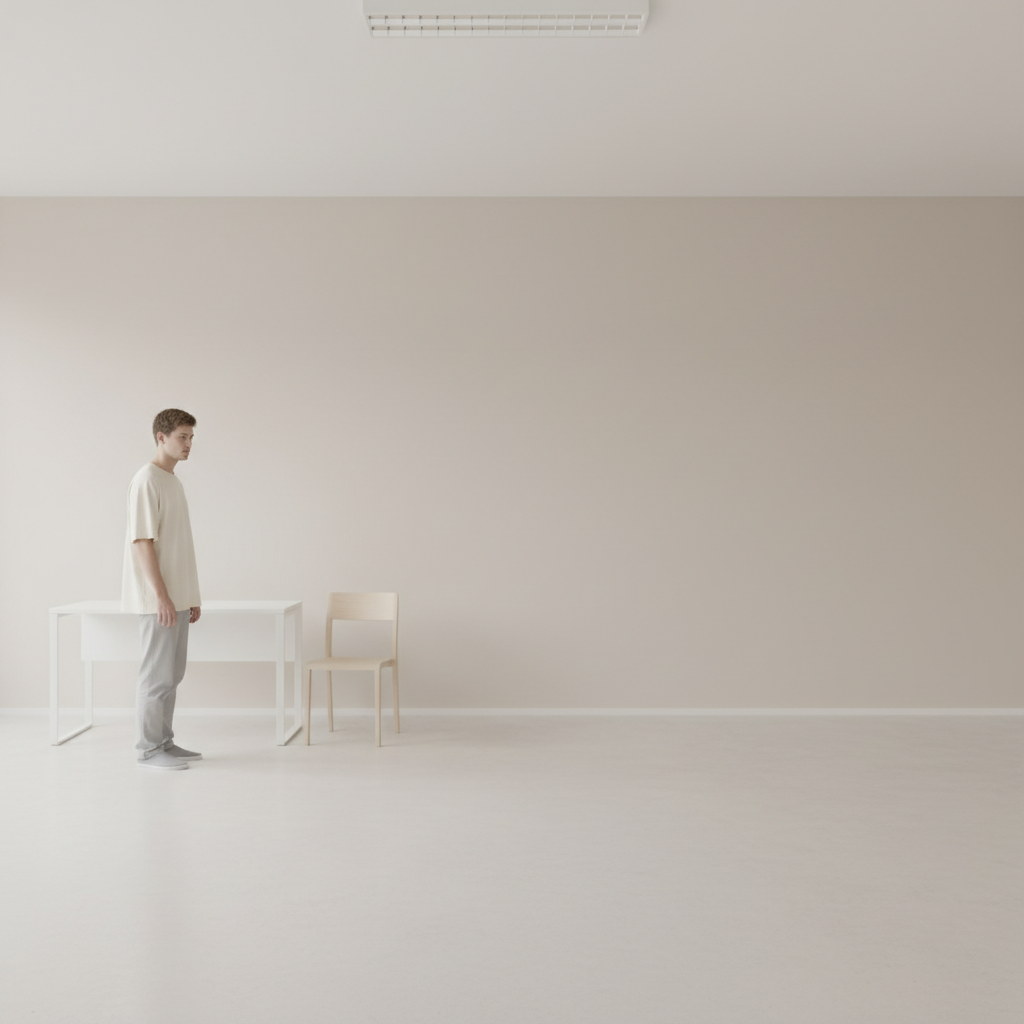
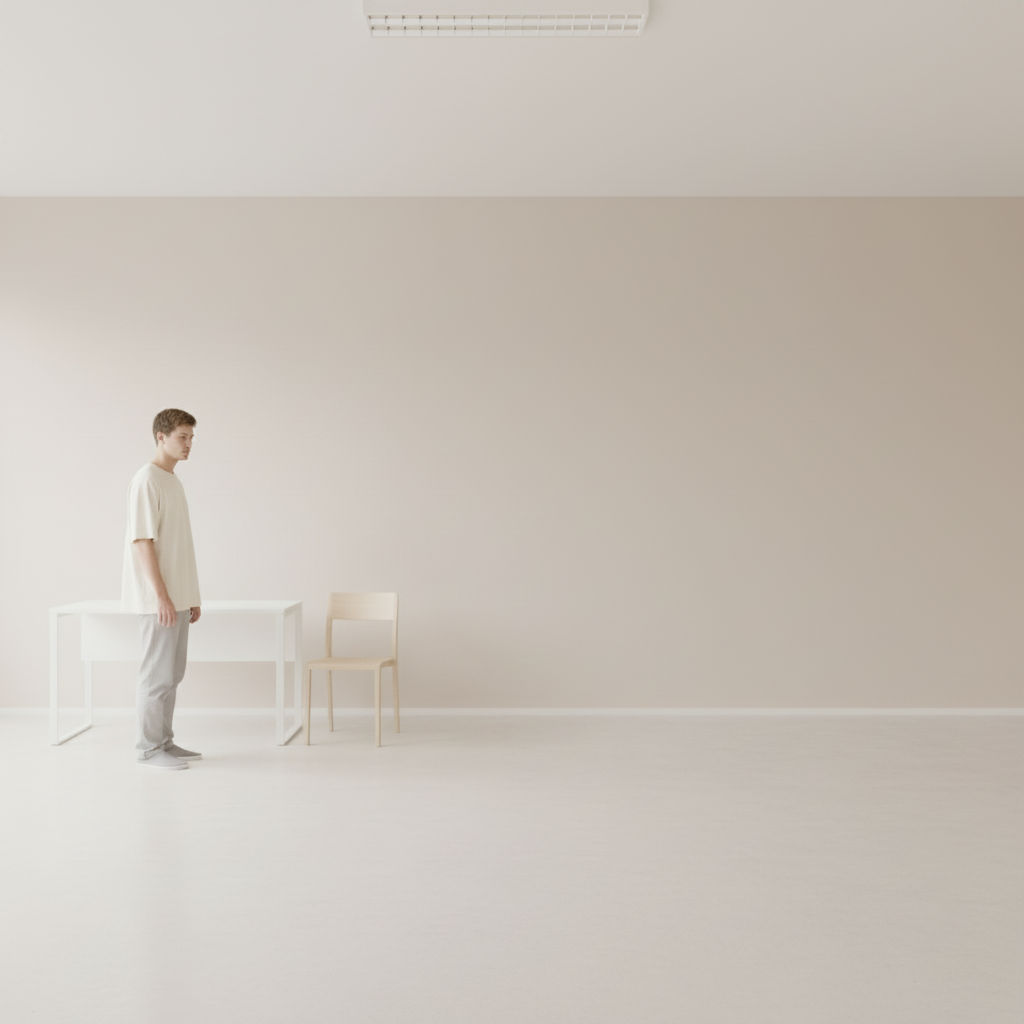
Clean streamer banner polished
A bright lifestyle banner that looked washed out and amateurish — enhanced to look professional and on-brand.
Prompt:
brighten the overall banner, enhance colors to be clean and vibrant, and give it a fresh modern look without over-processing
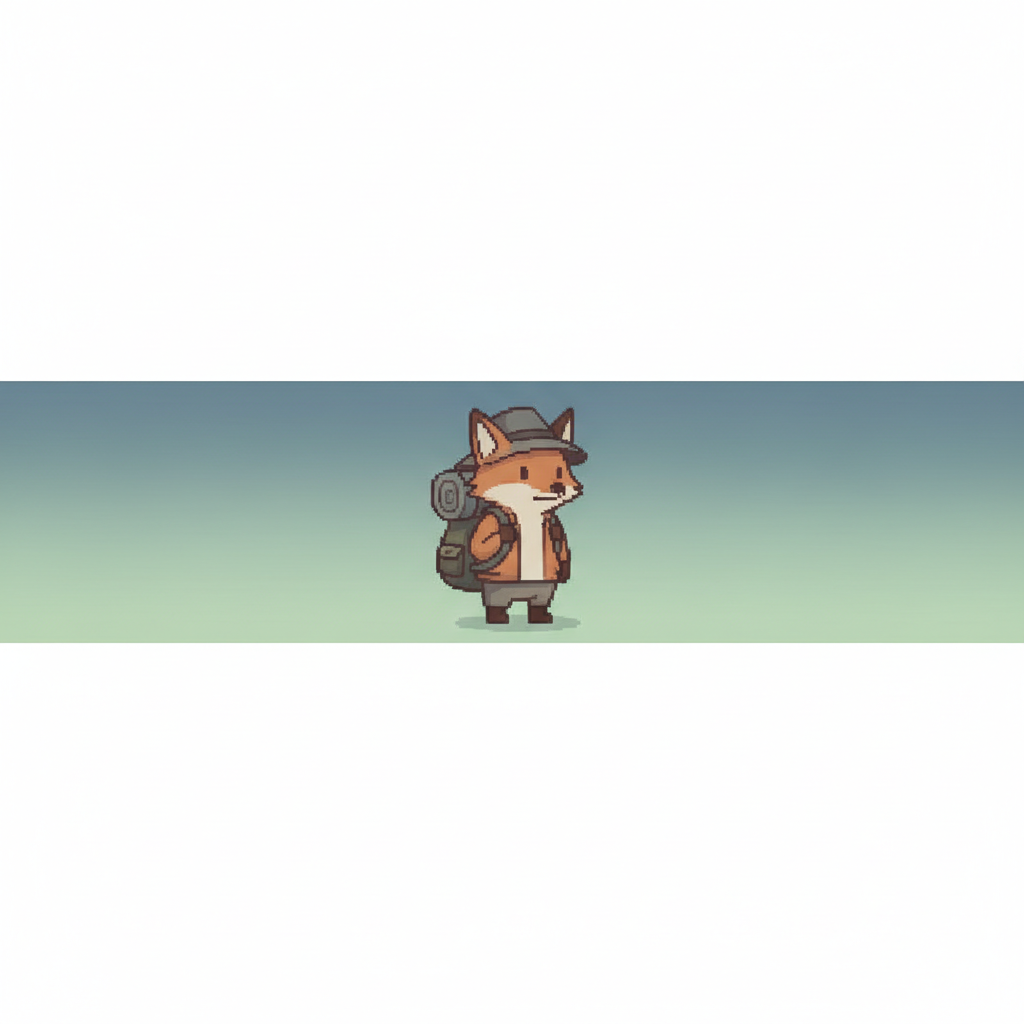
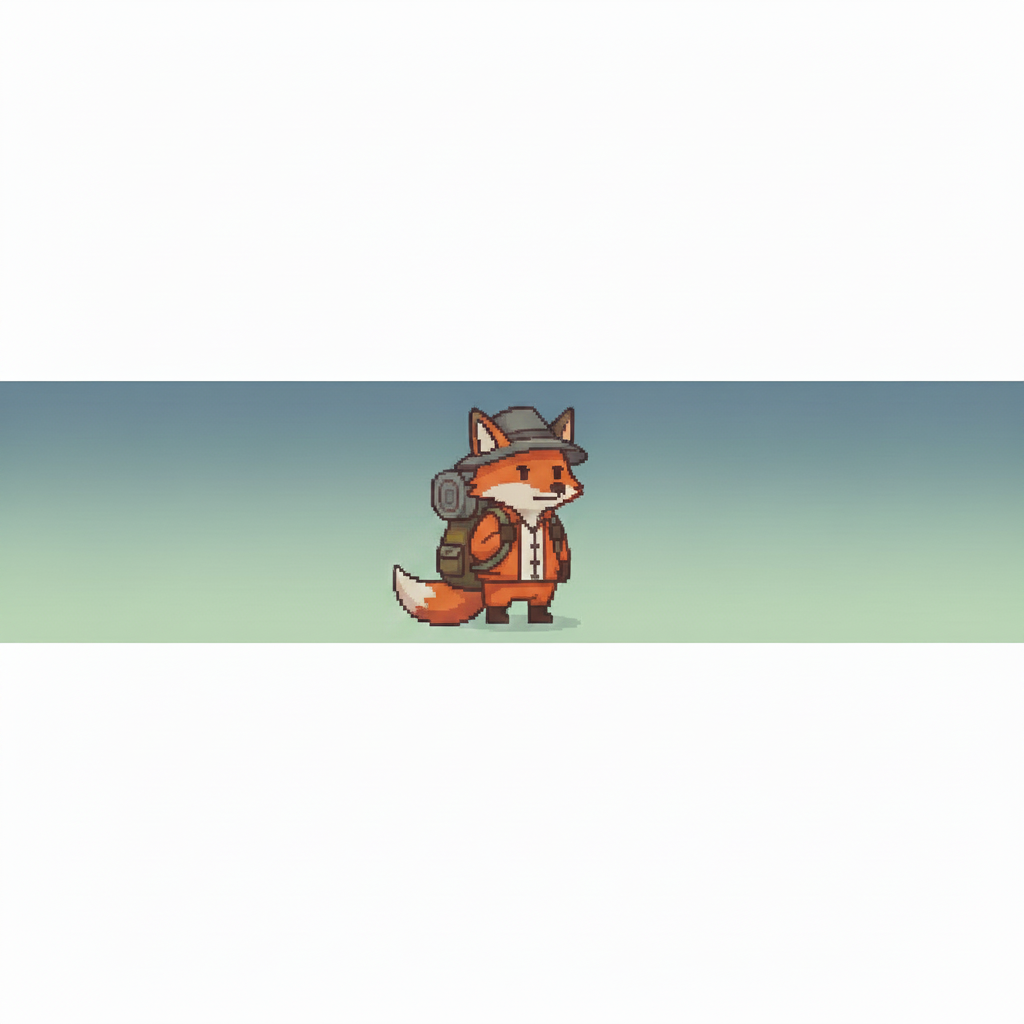
Illustrated character banner sharpened
A banner with drawn character art that looked soft and low-resolution — sharpened and enhanced while keeping the background clean.
Prompt:
sharpen and enhance the character artwork in the center, make colors more vivid, and keep the background clean and not distracting
Quick answers
Popular use cases
Ready to level up your Twitch banner?
Free to try. No signup required.