Best Free AI Face Mergers in 2026
Last updated
We tested 6 AI face mergers to find the ones that return a single believable face rather than two faces overlaid — and what a blend can and cannot be asked for.
Drop your photo here
Free to try · no sign-up · never used for AI training
Release to upload
Quick Comparison
| Tool | Free Tier | Signup Required | Best For |
|---|---|---|---|
| 1EditThisPic | 1 edit/week | No | One believable blended face from two portraits |
| 2FaceMagic | Subscription required for full features | Yes | Face swapping onto an existing person in the photo |
| 3FaceApp | Limited free with watermark | Yes | Quick preset blend filters on mobile |
| 4Photoshop Express | Free with Adobe account | Yes | Adobe users with manual blending skill |
| 5Pixlr | Free with ads | Optional | Browser-based quick face blends |
| 6PicsArt | Free with ads | Yes | Casual blends for social posts |
Detailed Reviews
-
EditThisPicOur pick
Best Overall — Reference-Image Face Blending
EditThisPic takes two face photos and returns one new face. You upload the base portrait, add the second as a reference image, and describe the blend in plain English — the result is a single believable person rather than a see-through overlay of two faces. No signup, no watermark.
Strengths
- Reference image support — the second face is a real image input
- Returns one believable new face, not a transparent overlay
- Plain-English control over which features to lean on
- No signup, no watermark
Weaknesses
- Free tier limited to 1 edit/week
- No exact ratio control — a "60/40" instruction is a nudge, not a dial
- The blend leans toward the base photo, so pick the base you want to look most like
- Feature-by-feature picking ("her eyes, his nose") steers the result but is not reliable
- Web-only, no mobile app
- Pricing
- Free: 1 edit/week. Paid: from $4.99 for 10 edits
- Best for
- One believable blended face from two portraits
Verdict: The best free option for a genuine blend — as long as you expect a new face rather than a dialled-in ratio.
Try it free → -
FaceMagic
Best for Face Swap (Different Category)
facemagic.ai
FaceMagic specializes in face swapping rather than blending. If your real goal is to swap rather than merge, it's strong. Mobile-focused with subscription.
Strengths
- High-quality face swaps
- Strong video face-swap workflow
- Easy mobile interface
Weaknesses
- Face swap, not blend
- Requires account and subscription
- Mobile-first, limited web
- Pricing
- Paid plans (pricing varies; check FaceMagic's site)
- Best for
- Face swapping onto an existing person in the photo
Verdict: Different job — FaceMagic for swap, EditThisPic for actual blend.
-
FaceApp
Best Mobile Preset Blends
faceapp.com
FaceApp's preset filters include blend-style effects — celebrity look-alike, baby face, age morphing. The blends are preset rather than reference-driven. Limited free uses with watermark.
Strengths
- One-tap mobile presets
- Multiple blend filters
- Fast results
Weaknesses
- Preset blends only, no reference image
- Watermark on free
- Requires account
- Less precise than reference-driven tools
- Pricing
- Limited free with watermark. Pro from $10 on the US App Store (as of 2026-10-11)
- Best for
- Quick preset blend filters on mobile
Verdict: Quick presets — EditThisPic does real reference-driven blends.
-
Photoshop Express
Best Adobe Quality (Manual)
photoshop.com
Photoshop Express with Firefly Generative Fill can manually blend two faces. The process is more manual — masking, layering, blending — but quality is excellent. Free Firefly credits limited.
Strengths
- Adobe-grade output
- Generative Fill for blend regions
- Full Adobe ecosystem integration
Weaknesses
- Requires Adobe account
- Manual workflow
- Free Firefly credits run out fast
- Learning curve
- Pricing
- Free with Adobe account. Premium features in Creative Cloud
- Best for
- Adobe users with manual blending skill
Verdict: Top quality but heavy workflow — EditThisPic is faster for the same outcome.
-
Pixlr
Best Browser-Based Free Tool
pixlr.com
Pixlr's AI tools include face blend effects in a browser. Free monthly AI credits; Plus and Premium add more. Decent for general blends; less control over ratio than reference-driven tools.
Strengths
- No install — browser-based
- Free monthly AI credits
- Familiar layer UI
Weaknesses
- AI credits limited on free
- Ad-supported free tier
- Less control over blend ratio
- Best features need Plus/Premium
- Pricing
- Free with ads. Plus from EUR 2.49/month, Premium from EUR 9.99/month
- Best for
- Browser-based quick face blends
Verdict: Convenient — EditThisPic gives more control over how the faces blend.
-
PicsArt
Best Casual Editor
picsart.com
PicsArt's AI tools include face-blend effects alongside its larger editing toolkit. Free tier is ad-heavy with the best AI behind Pro. Fine for casual social posts.
Strengths
- Wide editing toolkit
- Mobile and web versions
- Sticker and overlay library
Weaknesses
- Heavy ads on free
- Best AI behind Pro
- Requires account
- Coarse blend controls
- Pricing
- Free with ads. Pro from EUR 7/month (billed yearly)
- Best for
- Casual blends for social posts
Verdict: Casual posts — EditThisPic produces more believable single-face results.
How We Tested
We tested each tool with the same blend task: blend two adult portraits (different sex, different hair color) into a single believable face — 60% person A, 40% person B, keeping person A's eyes and person B's nose. We rated whether the result looked like one real person, whether feature targeting worked, and whether identity and lighting were coherent.
-
AI Quality
35%
Does the result look natural? Does the AI handle merge two faces with AI convincingly?
-
Free Tier Value
30%
Is there a genuinely free tier? Signup required? Watermark? Export resolution?
-
Ease of Use
20%
How intuitive is specifying what you want?
-
Speed
15%
How fast do you get results from upload to download?
See it in action
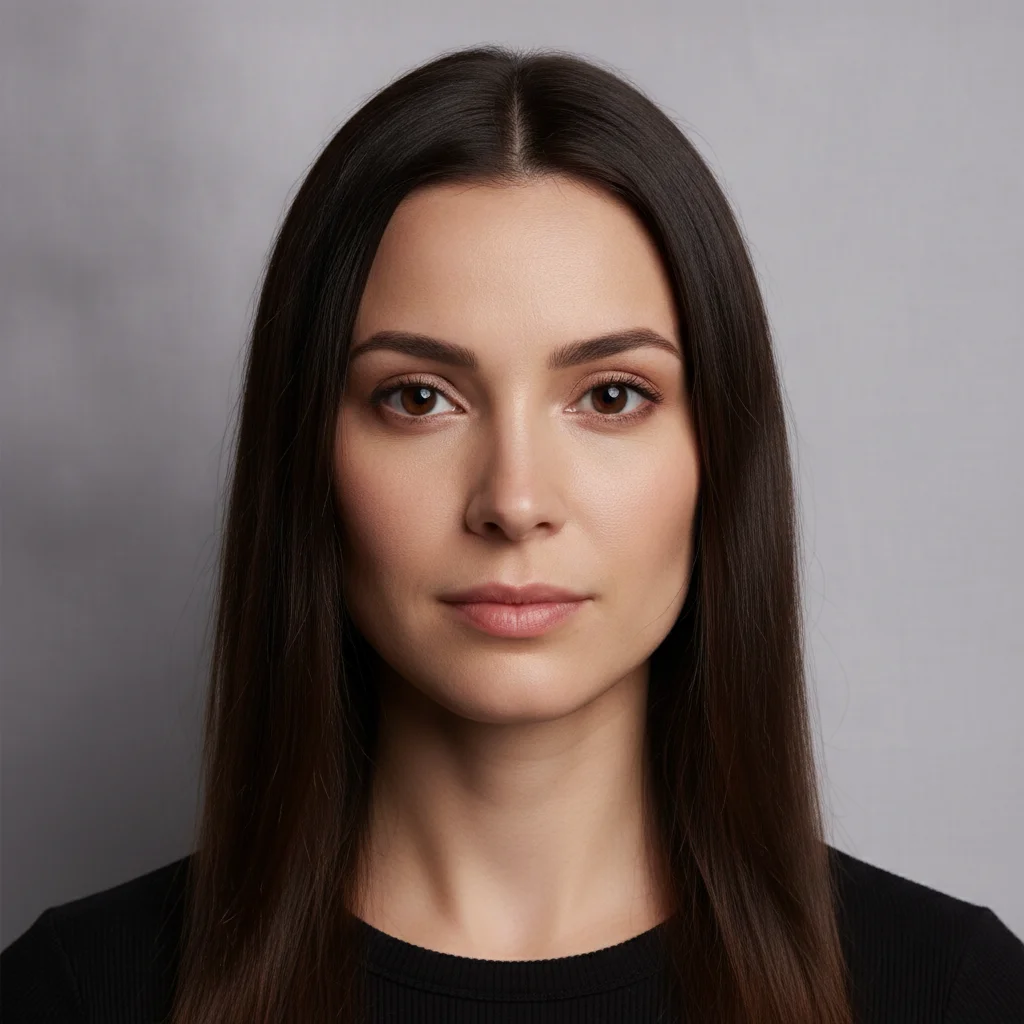
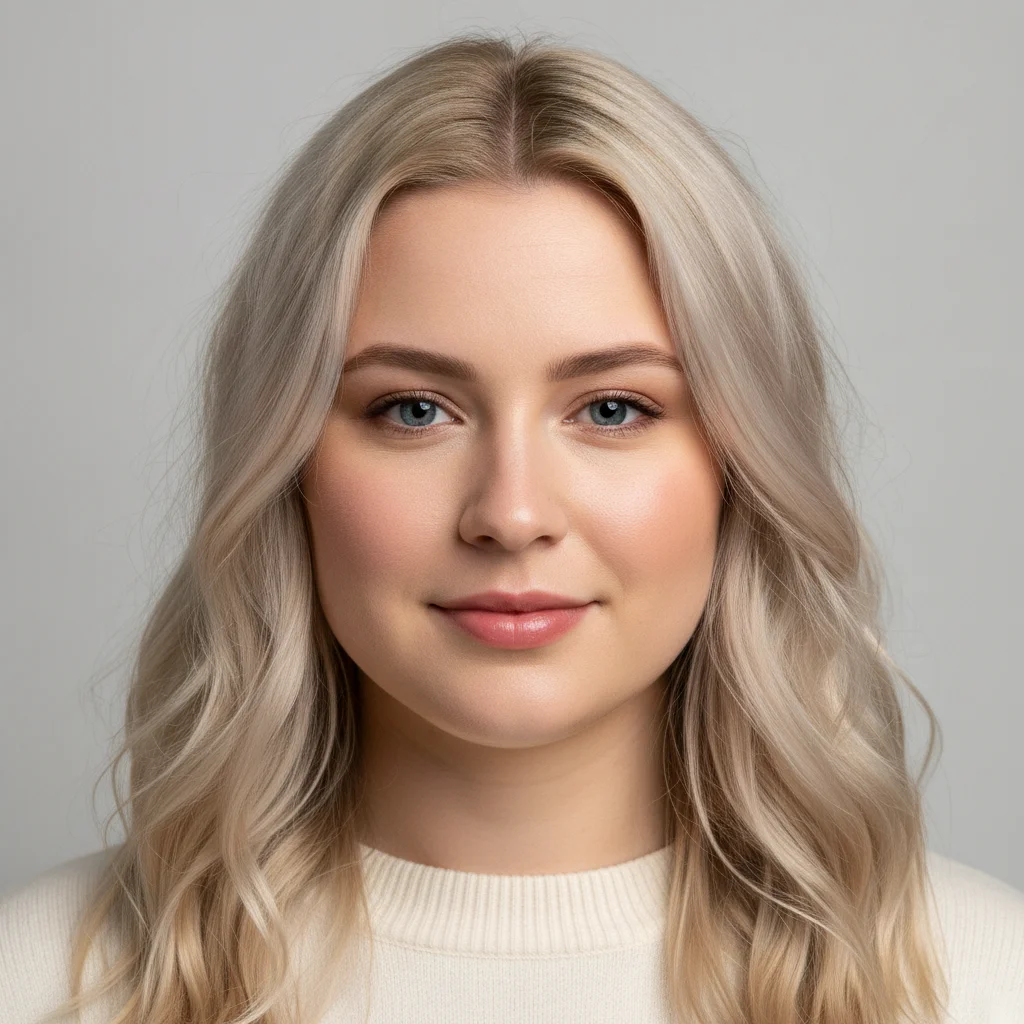
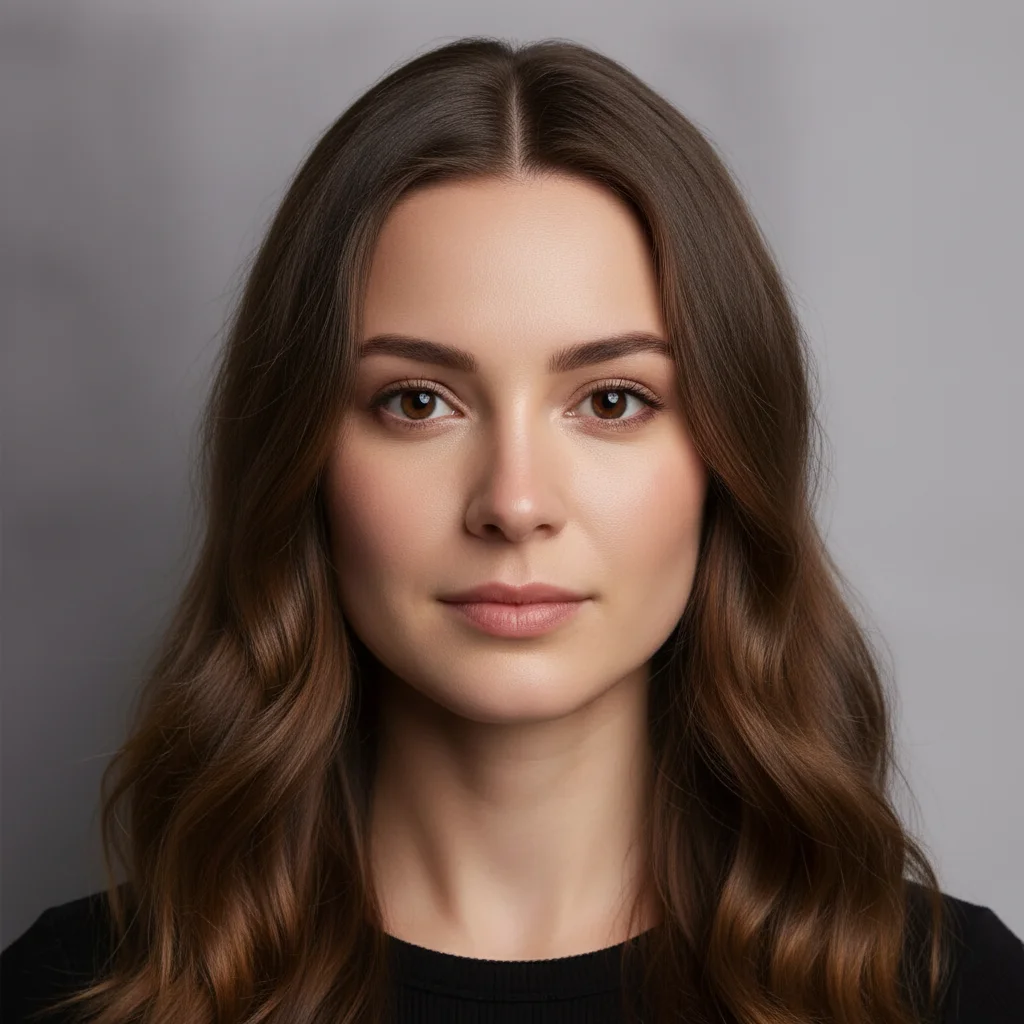
Two portraits blended into one new face
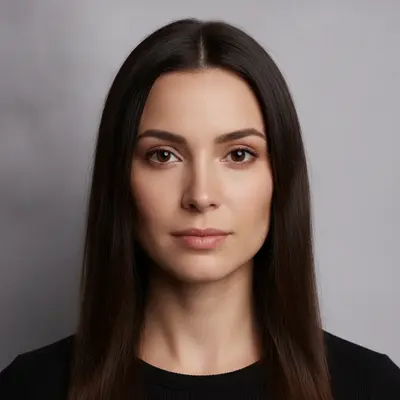
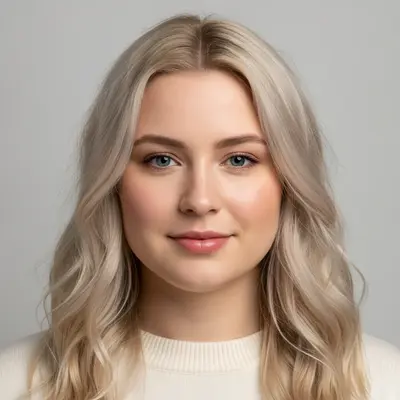
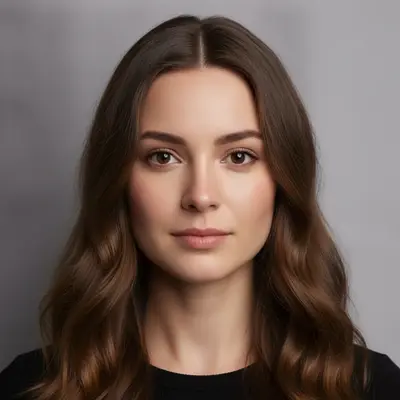
Two studio portraits went in — a dark-haired woman with a narrow face and a fair-haired woman with a rounder one — and one person came back: a single believable face carrying the first woman's eyes and brows with the second's wave, colouring, softer jaw and fuller mouth. That is the honest shape of an AI merge. The result leans toward the base photo rather than landing on a mathematical midpoint, and it is one new face, not two faces overlaid.
Create one single new portrait of one person whose face is an even mixture of the two women shown — combine the eyes and brow of the first with the nose, mouth and rounder jawline of the second into a single believable face that looks like neither original exactly. Return one person only, facing the camera, same studio framing, grey background and lighting. Do not place the two women side by side and do not return either original photo unchanged.
Quick answers
Ready to merge two faces into one?
One free edit per week. No signup. No watermark.