Do I need to mark the faces before describing the merge?
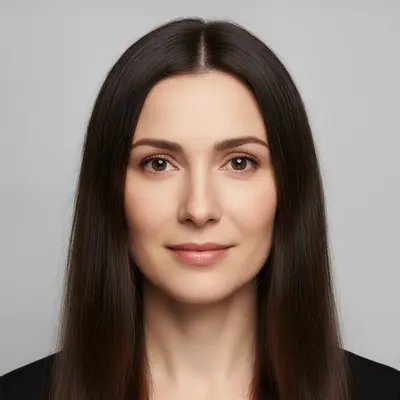
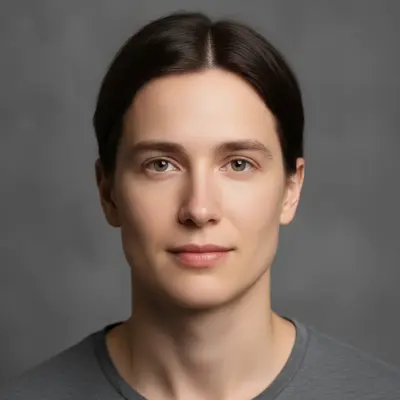
No. Just describe what you want, and be decisive about it: 'create one single new portrait of one person whose face is a mixture of the two — do not return either original unchanged.' No marking or selection is needed.
How do I upload two photos for face merging?
Upload the main photo normally, then click '+ Add reference image' to upload the second face. Type your merge instruction like 'blend the faces from both photos together.' The AI will combine facial features from both images into one result.
Is there a free AI face merger that doesn't require login?
Yes, EditThisPic offers free face merging with no account needed. Upload your two photos, describe the blend you want, and download the result. No watermarks, no subscription required. Perfect for family resemblance visualization or creative projects.
Can I control how much of each face appears in the blend?
Not precisely. The result is generated as one new face rather than mixed from two layers, so 'combine 70% of the main face with 30% of the reference' — or 'her eyes and his nose' — steers the result without setting it. The blend stays anchored to the photo you upload first, so swapping the upload order is the strongest lever you have.
Why did the merger return one of my original photos?
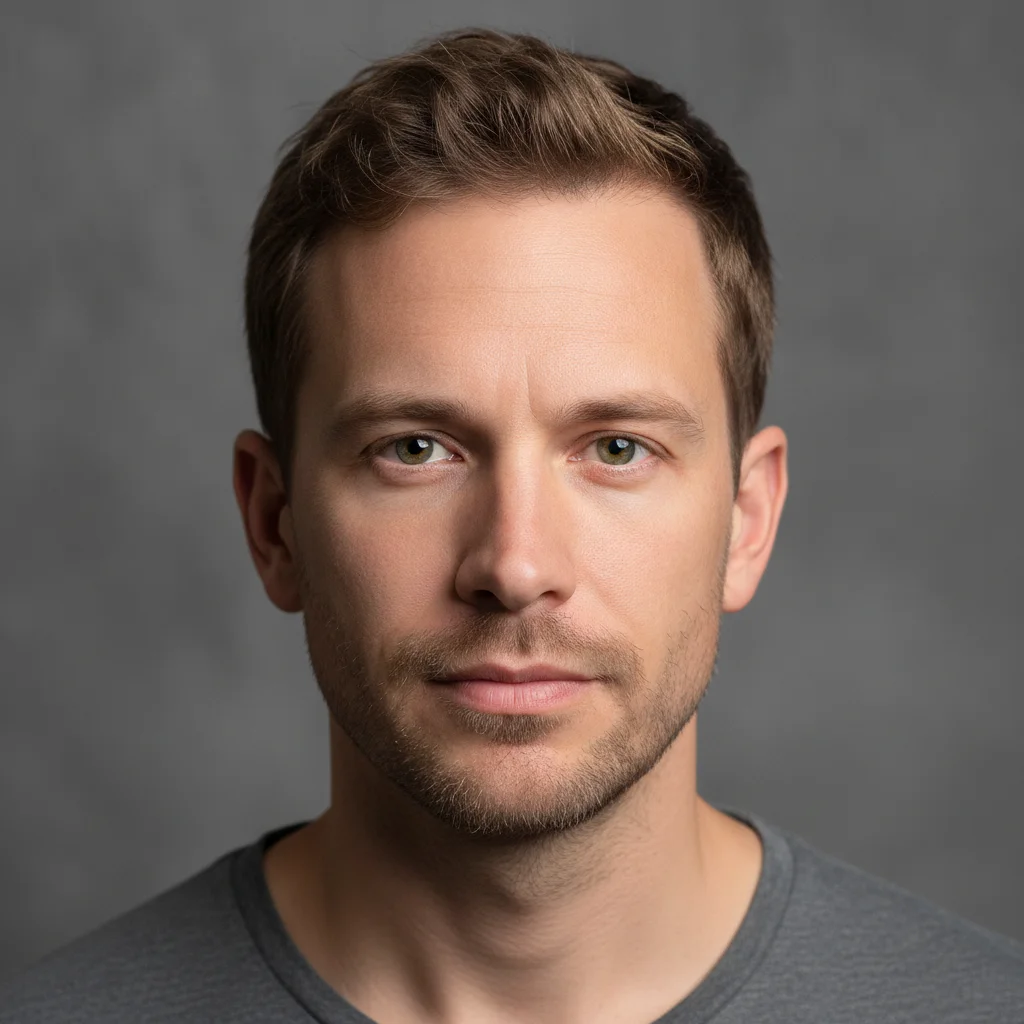
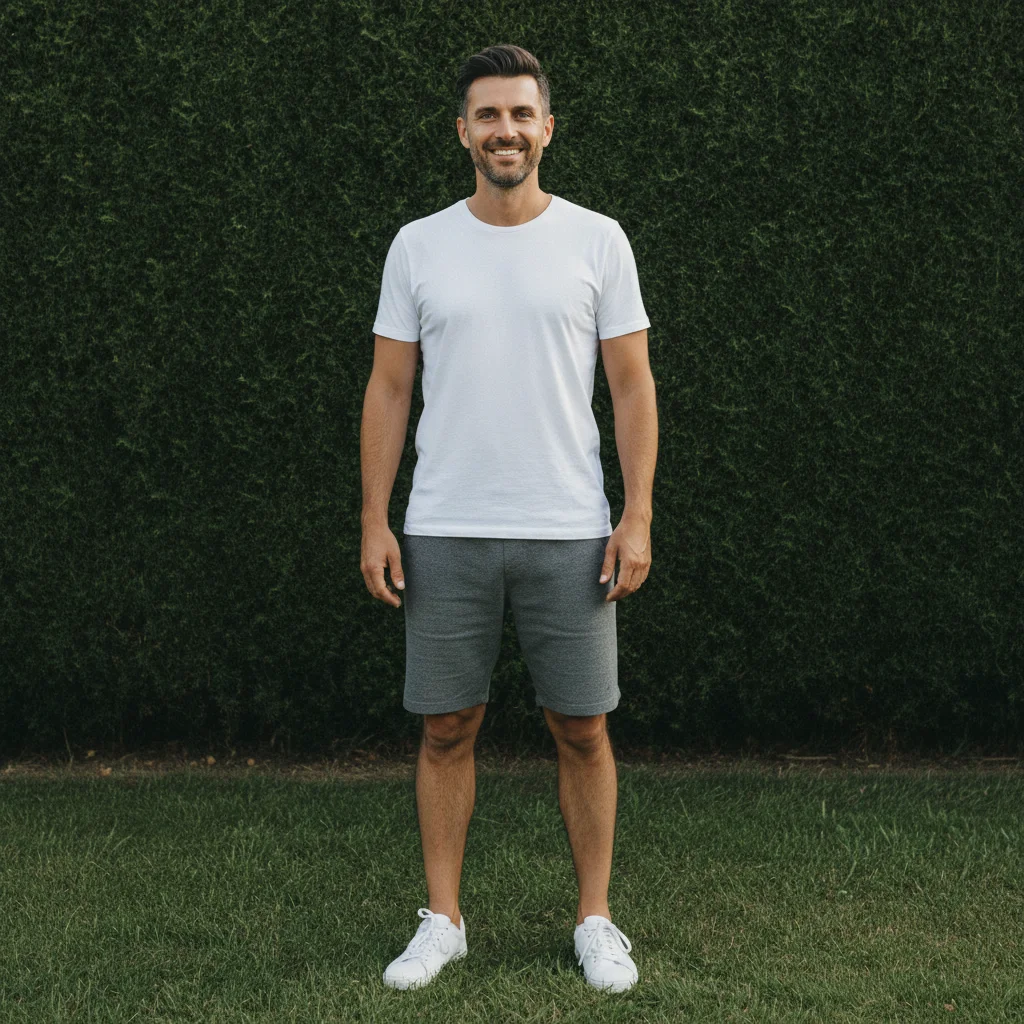
That is the most common miss when merging faces. Ask again in the same words — every run is drawn fresh — and make sure your prompt says explicitly that neither original may come back unchanged. Two of the three attempts behind the example on this page landed that way before the merge appeared.
What's the best free tool for merging faces in photos?
EditThisPic is one of the best free AI face mergers available. Upload two photos, describe the blend, and get realistic results in 30 seconds. No Photoshop skills needed, no complex selection tools. Works with family photos, portraits, and creative projects.
Can I merge two parents' faces to see what their child might look like?
You can merge the two faces into one new person, and people do use it that way, but treat it as a blend rather than a prediction — nothing about it models inheritance. Upload both photos, ask for one single new face mixing the two, and expect a result that leans toward whichever photo went in first.
Does face merging work with different photo angles or lighting?
Yes, but front-facing photos with similar lighting work best. The AI can handle some angle differences, but dramatic lighting changes or profile vs. frontal poses may need refinement. For best results, use clear portraits with good lighting on both faces.
Can I merge more than two faces together?
Currently, EditThisPic merges two faces at a time. For multiple faces, merge the first two, download the result, then use that blended face as your main photo and add a third face as the reference image. Repeat for additional faces.
Is AI face merging safe and private?
Yes. EditThisPic processes your photos only for the merge you request. Photos are never used to train AI models; our Privacy Policy explains how long uploads and results are kept. The tool is designed for legitimate creative and family uses. Your original photos are never modified—only the new merged result is created.
How do I merge faces without it looking fake or unnatural?
Use front-facing portraits with similar lighting, and ask for one single new person rather than for the faces to be combined. The failure to watch for is not an unnatural blend but no blend at all — one of your originals returned unchanged. If that happens, run the same prompt again.
Can I merge celebrity faces or fictional characters?
Yes, the AI can blend any faces from photos you upload. Popular uses include merging celebrity looks, creating character concepts, or artistic projects. The tool works the same regardless of who's in the photos—just upload two clear face images and describe the blend you want.
What happens if the two faces are very different ages or genders?
It still returns one new person, and merging a man and a woman tends to produce an androgynous result — that is the honest outcome, not a fault. Very different pairs also miss more often, handing back one of the originals; re-running the same prompt is the fix.
How much does EditThisPic cost?
You get 1 free edit per week — no account needed. After that, one-time credit packs start at $4.99 for 10 edits, valid 12 months, no subscription. Power users who edit daily can pick Studio Membership, a monthly workspace at $49.99/mo for 300 edits. Purchased downloads are clean with no watermark.