AI Age Progression - See Your Future Self
← Browse all creative effectsLast updated
Upload a photo and describe the aging effect you want - AI handles the rest
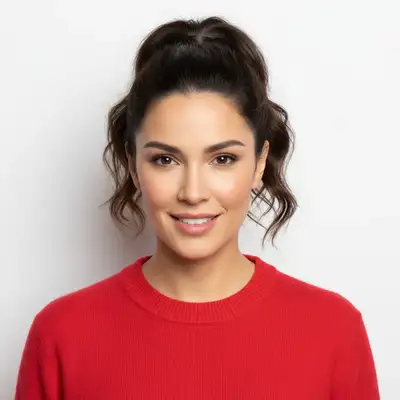
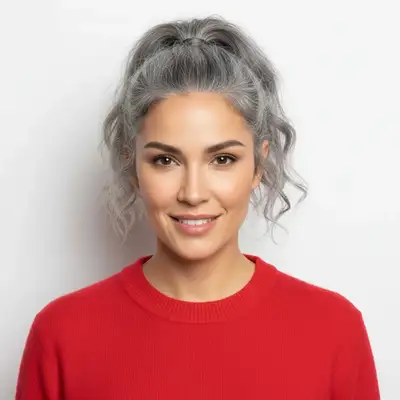
Upload photo to simulate aging
"Age this person to 70 years old with age spots and silver hair"
Free to try · no sign-up · photos are never shared
Release to upload
<30stypical edit
1 freeedit weekly
Photo on your phone?
Scan to open this editor there — free edit works on your phone too.
How it works
See it in action
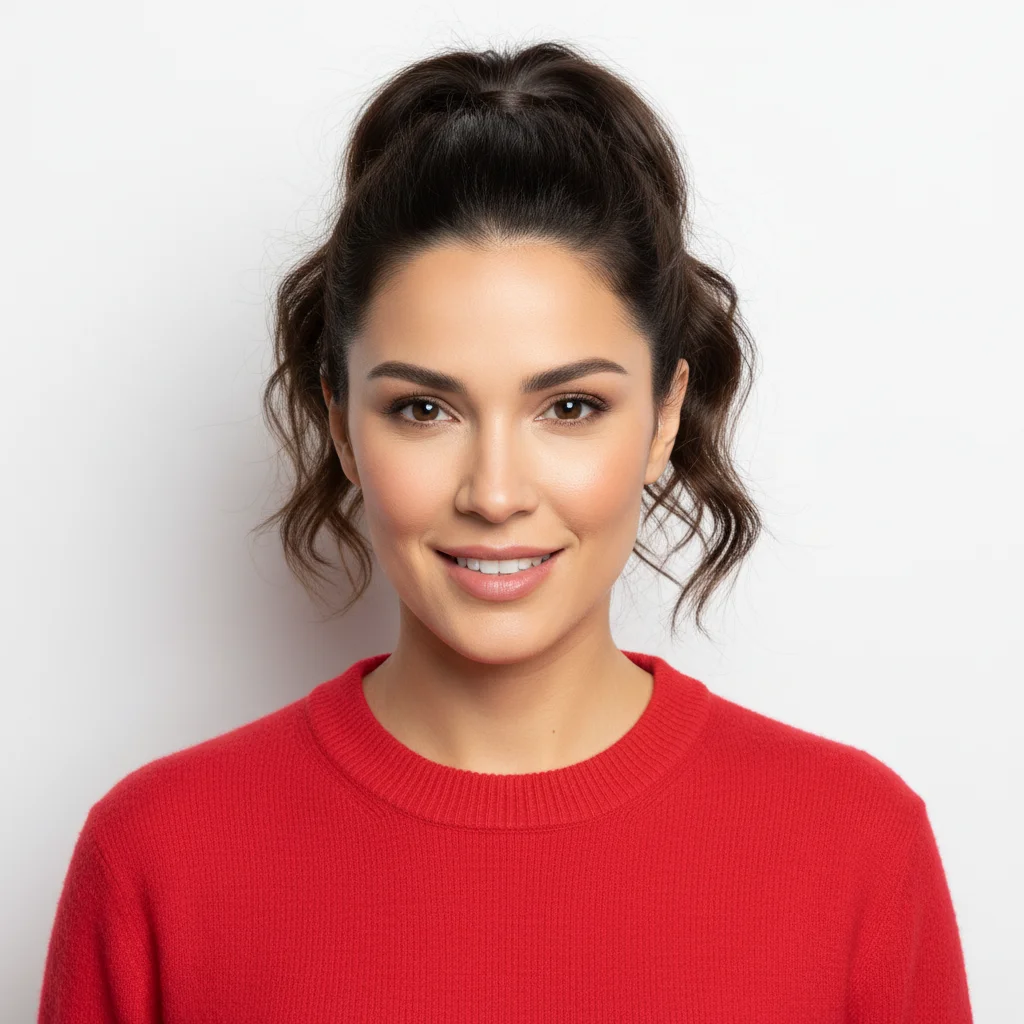
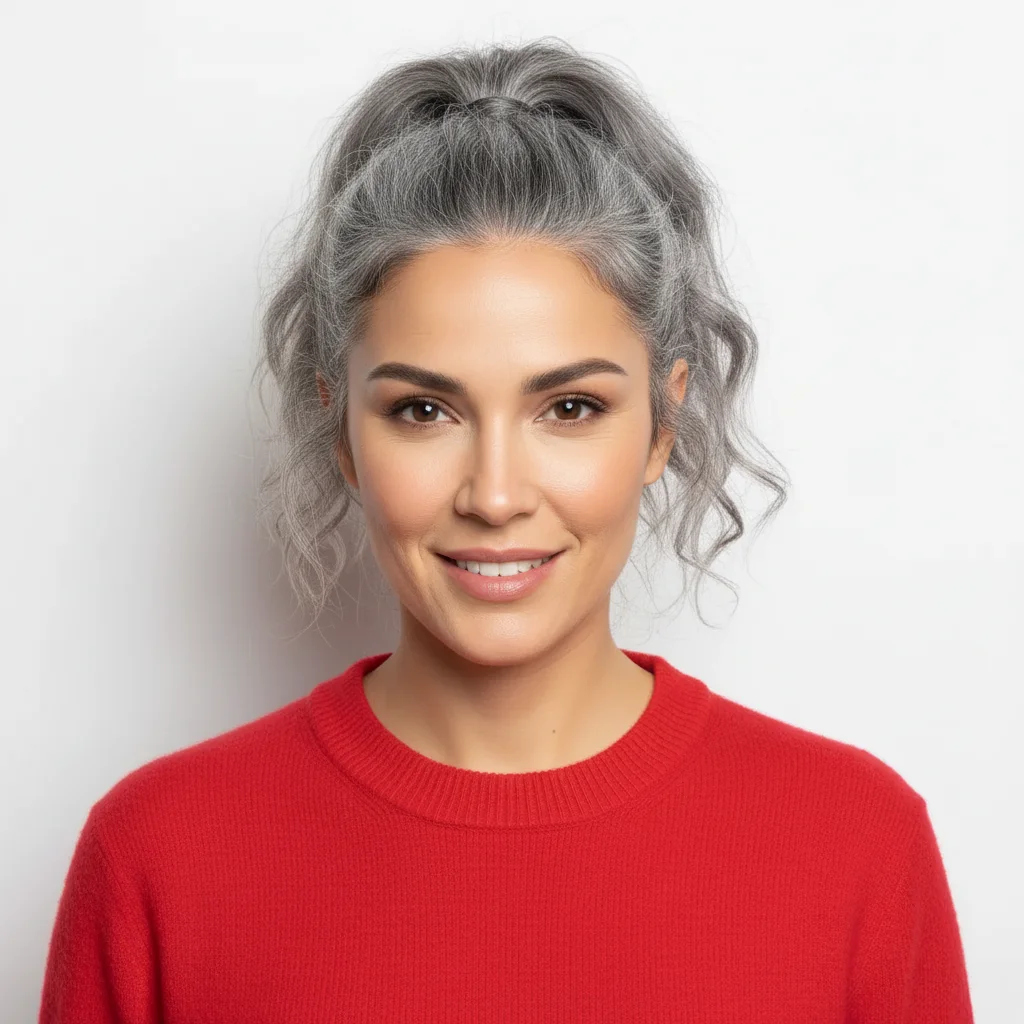
30-Year Age Progression
Same woman aged to her sixties with gray hair and natural wrinkles
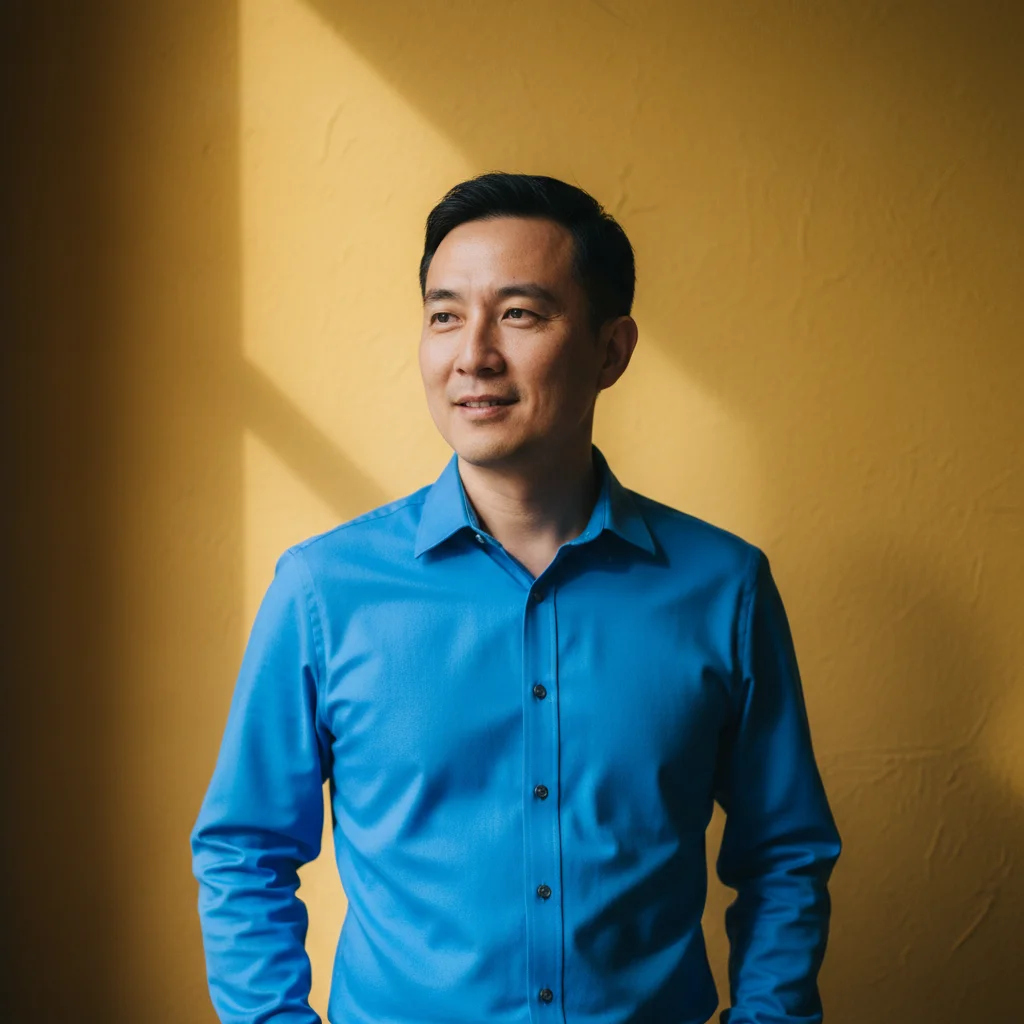
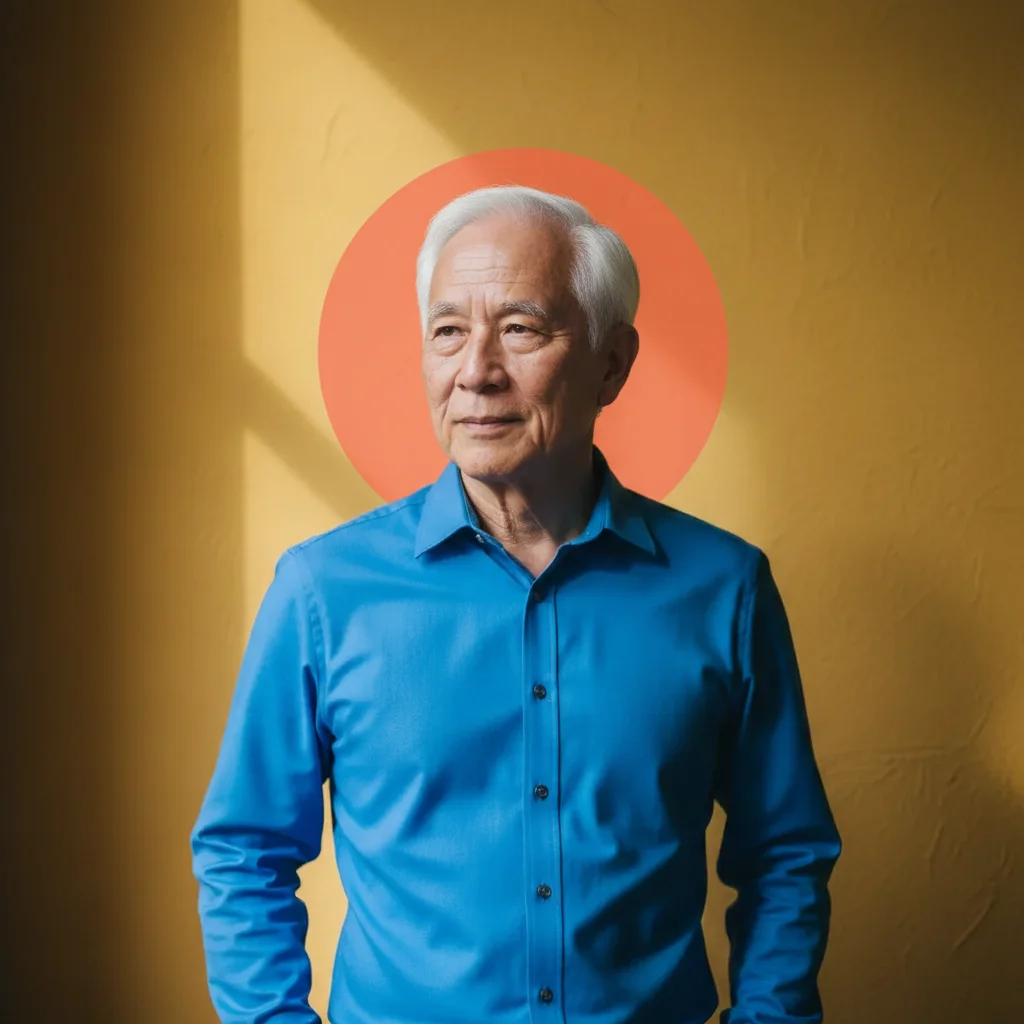
Senior Age Simulation
Man aged to late seventies with white hair and age spots


Graceful Aging Look
Woman in her fifties with silver-blonde hair and distinguished features
Quick answers
Popular use cases
Ready to see your future self?
Free to try. No signup required.