Pricing Change Sofa color · Free

Change Sofa Color in Photo

← Browse all change & replace tools

Last updated

Recolor any sofa in a room photo by describing the new color — no selection tools, no Photoshop. Useful for visualizing a redecorating decision before you buy new furniture or update resale listing photos to show the piece in different color options. Preserves fabric texture and room lighting. Free, no account needed.


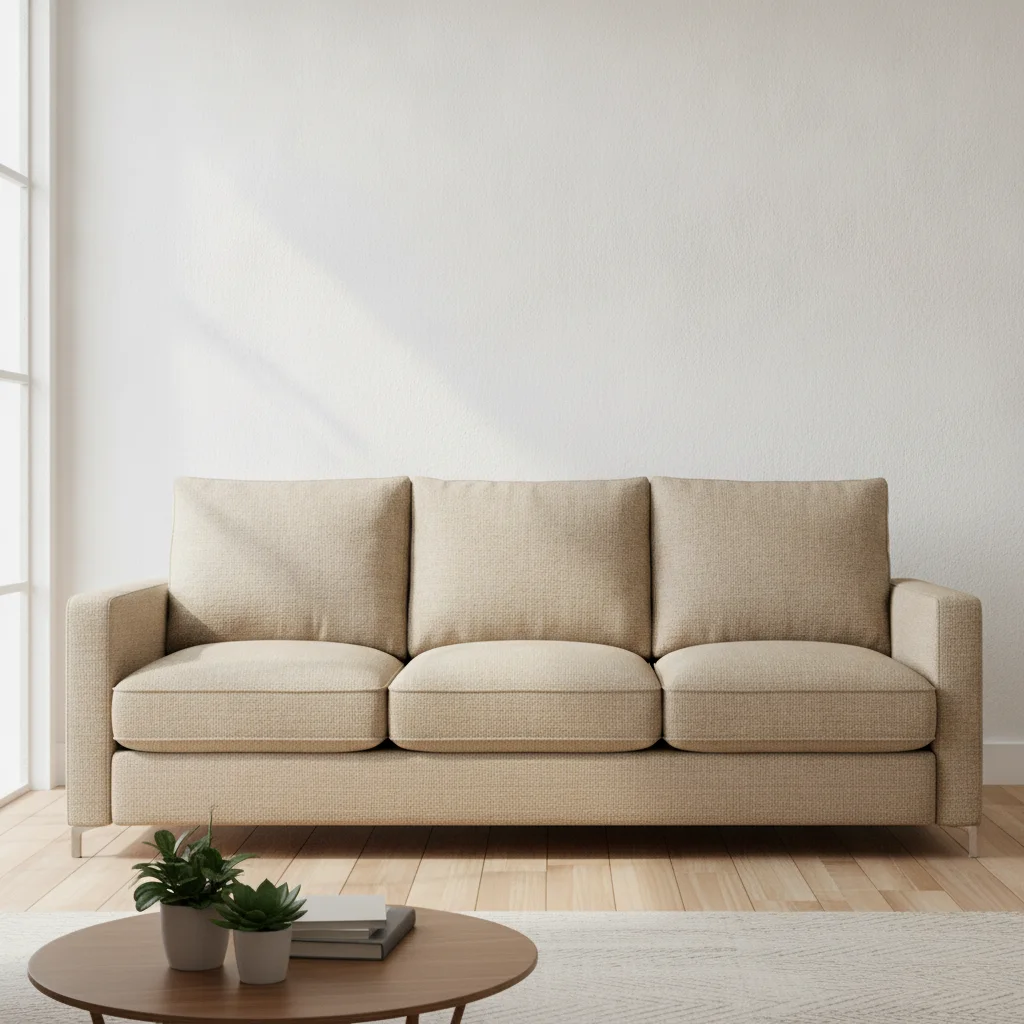
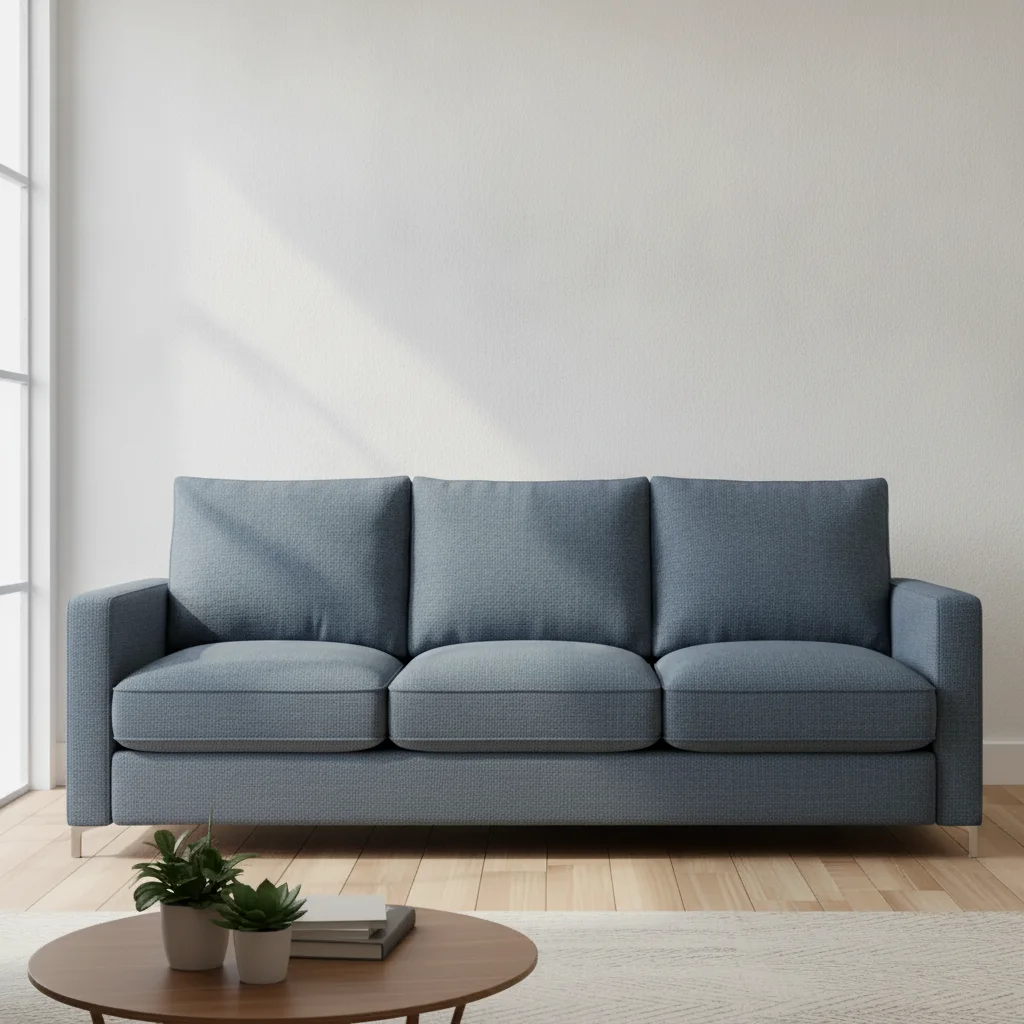
Living room with beige three-seat fabric sofa and white walls Same living room with sofa recolored to deep dusty blue

Upload photo to change sofa color

"Recolor the grey fabric sofa to a warm terracotta, keep the cushion arrangement and shadows unchanged"

Free to try · no sign-up · photos are never shared

Release to upload

<30stypical edit
1 freeedit weekly
Photo on your phone? Scan to open this editor there — free edit works on your phone too.

1 free edit every week·packs from $4.99

How it works

  1. Upload a photo where the sofa is clearly visible

    A room photo where the sofa is the dominant piece works best. Both straight-on and angled shots work. The full sofa doesn't need to be in frame — a partial view is fine as long as the color is readable. JPG, PNG, WebP up to 7MB.

    Expect: Solid fabric sofas: 25-35 seconds. Velvet, leather, or patterned upholstery: up to 50 seconds.
  2. Describe the new color

    Type: 'change the sofa to a deep forest green, preserve the fabric texture and cushion shadows.' Name the piece ('sofa' or 'couch') and the color. Specific shades produce more predictable results — 'slate blue' instead of 'blue,' 'warm terracotta' instead of 'orange.'

    Tip: If you want to keep the room unchanged except for the sofa, add 'leave all walls, floor, and other furniture unchanged.'

    Copy one of these to get started:

    Redecorating preview — neutral to color Change the beige sofa to a deep dusty blue, preserve all cushion shadows and the fabric weave texture
    Resale listing — show sofa in alternative color Recolor the grey fabric sofa to a warm terracotta, keep the cushion arrangement and shadows unchanged
    Match sofa to a newly painted wall Change the brown leather sofa to a rich caramel tan, maintain the leather sheen and seat crease detail
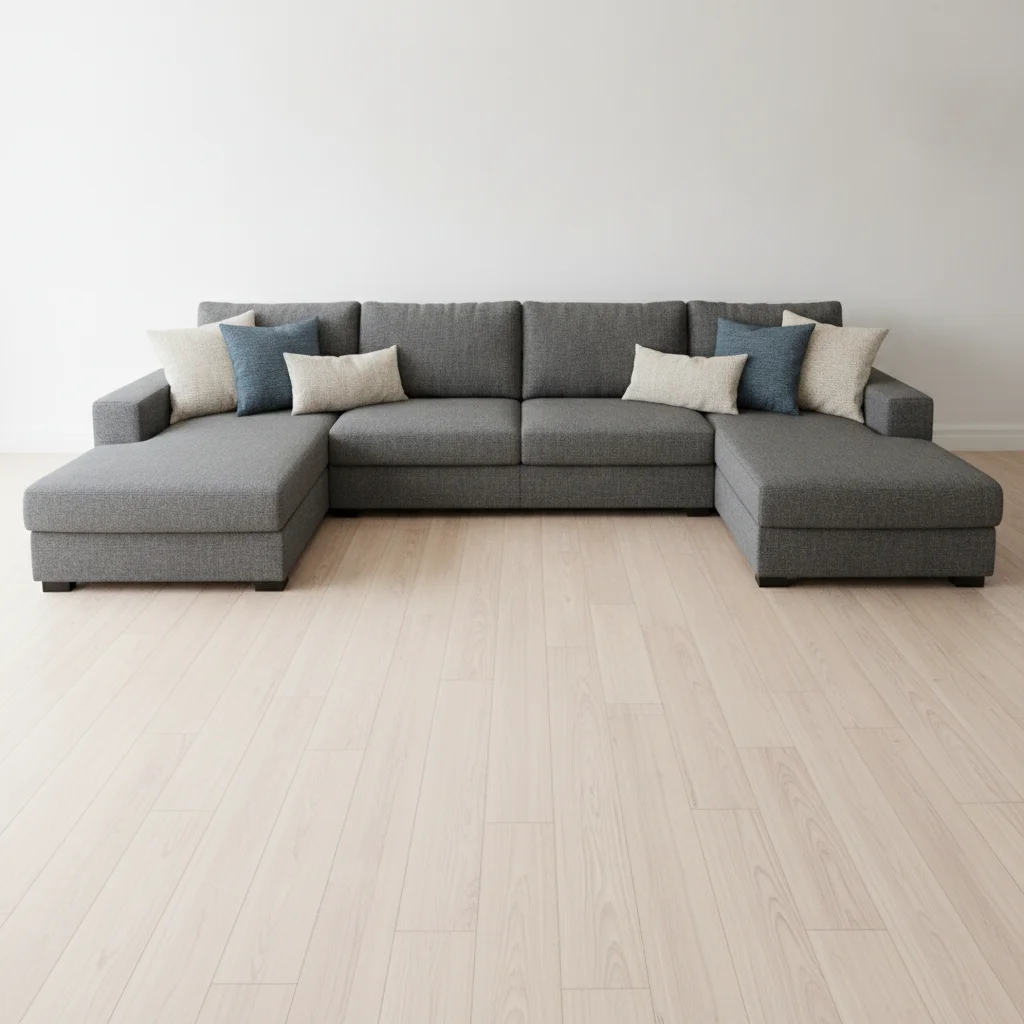
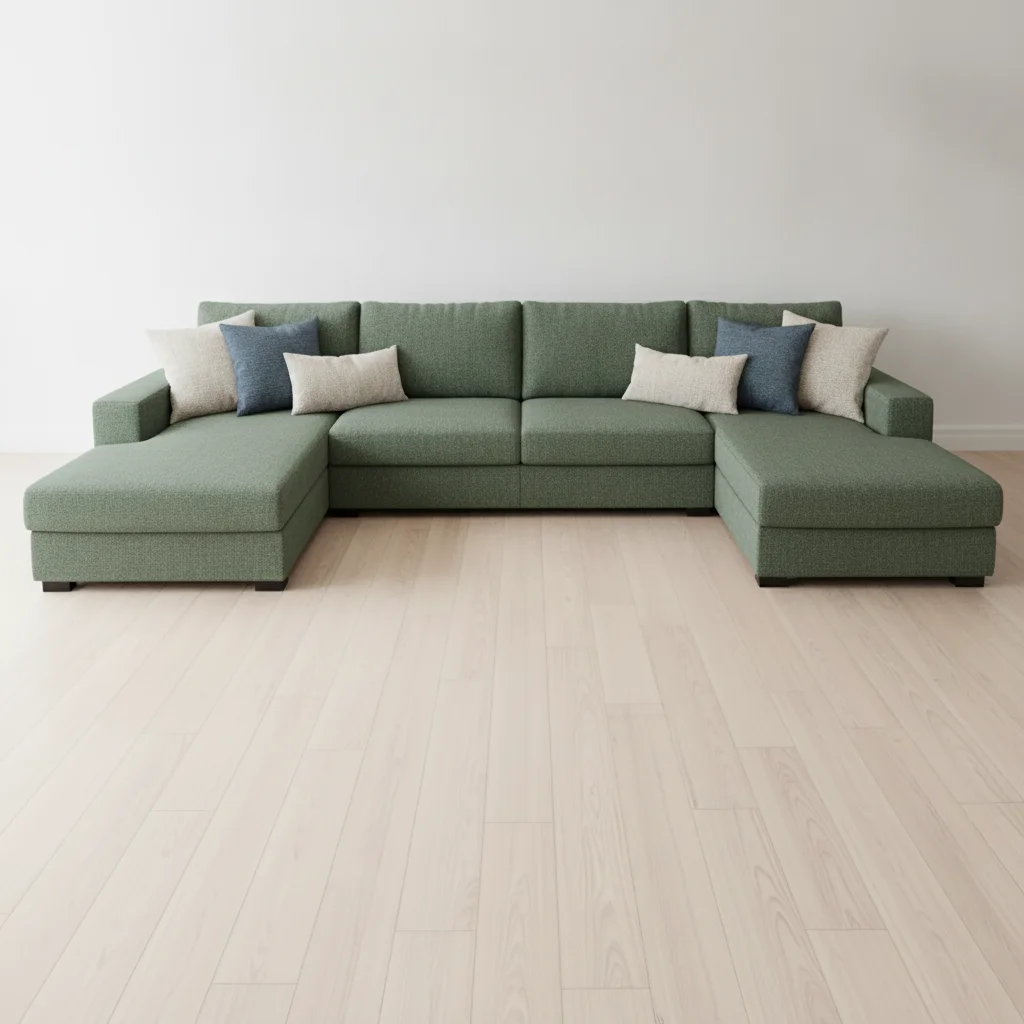
    Bold color test before buying Change the dark grey sectional sofa to a forest green, preserve all fabric texture and the sectional seam lines
    2 more prompts
    Velvet sofa recolor Change the navy velvet sofa to a deep burgundy, keep the velvet sheen and light reflection on the armrests
    White sofa to a neutral Change the white sofa to a warm sage green, maintain the fabric texture and all cushion shadows
  3. Check the fabric texture and room consistency

    Verify that the cushion shadows and fabric highlights look natural in the new color. Check that the room walls, floor, and other furniture remain unchanged. If the sofa blends with other elements, zoom in on the edges.

See it in action

Living room with beige three-seat fabric sofa and white walls
Before
->
Same living room with sofa recolored to deep dusty blue
After

Beige sofa to dusty blue for redecorating preview

A living room photo with a beige fabric sofa updated to preview a dusty blue color before redecorating.

Prompt: Change the beige sofa to a deep dusty blue, preserve all cushion shadows and the fabric weave texture
Living room with large dark grey L-shaped sectional sofa
Before
->
Same living room with sectional recolored to forest green
After

Grey sectional recolored to forest green

An apartment living room photo used to check how a forest green sectional would look before purchasing.

Prompt: Change the dark grey sectional sofa to a forest green, preserve all fabric texture and the sectional seam lines

Quick answers

Do I need to mark the sofa before I can change its color?

No. Type 'change the sofa to forest green' and EditThisPic's AI identifies and recolors the sofa in the room photo automatically. No selection tools or masking needed. If the sofa blends closely with the background, adding a marker to the sofa can improve accuracy.

How do I change a sofa color in a photo for free with no signup?

Upload your room photo to EditThisPic and type: 'change the sofa to [color], preserve the fabric texture and cushion shadows.' The AI recolors in about 30 seconds. No account, no login, and the result downloads with no watermark. Works in any browser on desktop or mobile.

Can I use this to preview how a new sofa color would look in my room?

Yes. Take a photo of your current room, upload it, and run prompts for each sofa color you're considering. The AI recolors the sofa while keeping the walls, floor, and other furniture unchanged. This is much faster than visiting a showroom to compare physical swatches against your room.

Does this work for leather sofas as well as fabric?

Yes. For leather sofas, include 'maintain the leather sheen and crease details' in your prompt. The AI preserves the reflective quality and natural creases of leather in the new color. Velvet sofas also work well — say 'keep the velvet sheen and light reflection' for accurate results.

How much does EditThisPic cost?

You get 1 free edit per week — no account needed. After that, one-time credit packs start at $4.99 for 10 edits, valid 12 months, no subscription. Power users who edit daily can pick Studio Membership, a monthly workspace at $49.99/mo for 300 edits. Purchased downloads are clean with no watermark.

Ready to preview that sofa in a new color?

Free to try. No signup required.

1 free edit included·Credit packs from $4.99