Fix Asymmetric Face in Photo
← Browse all fix & repair toolsLast updated
Describe the adjustment you want for natural-looking results.
Upload photo to fix facial asymmetry
"Even out the eye position so both eyes appear at the same level"
Release to upload
50,000+photos edited
<30stypical edit
1 freeedit weekly
How it works
See it in action
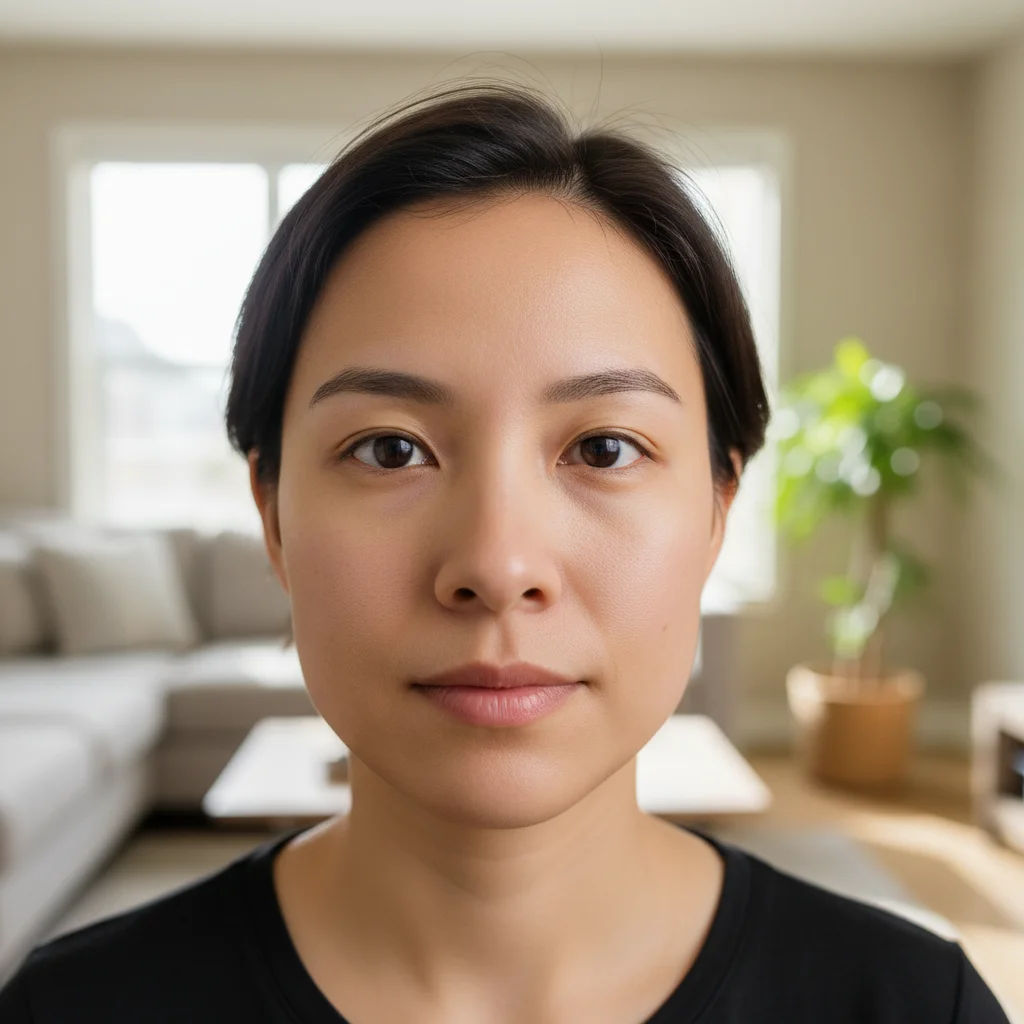
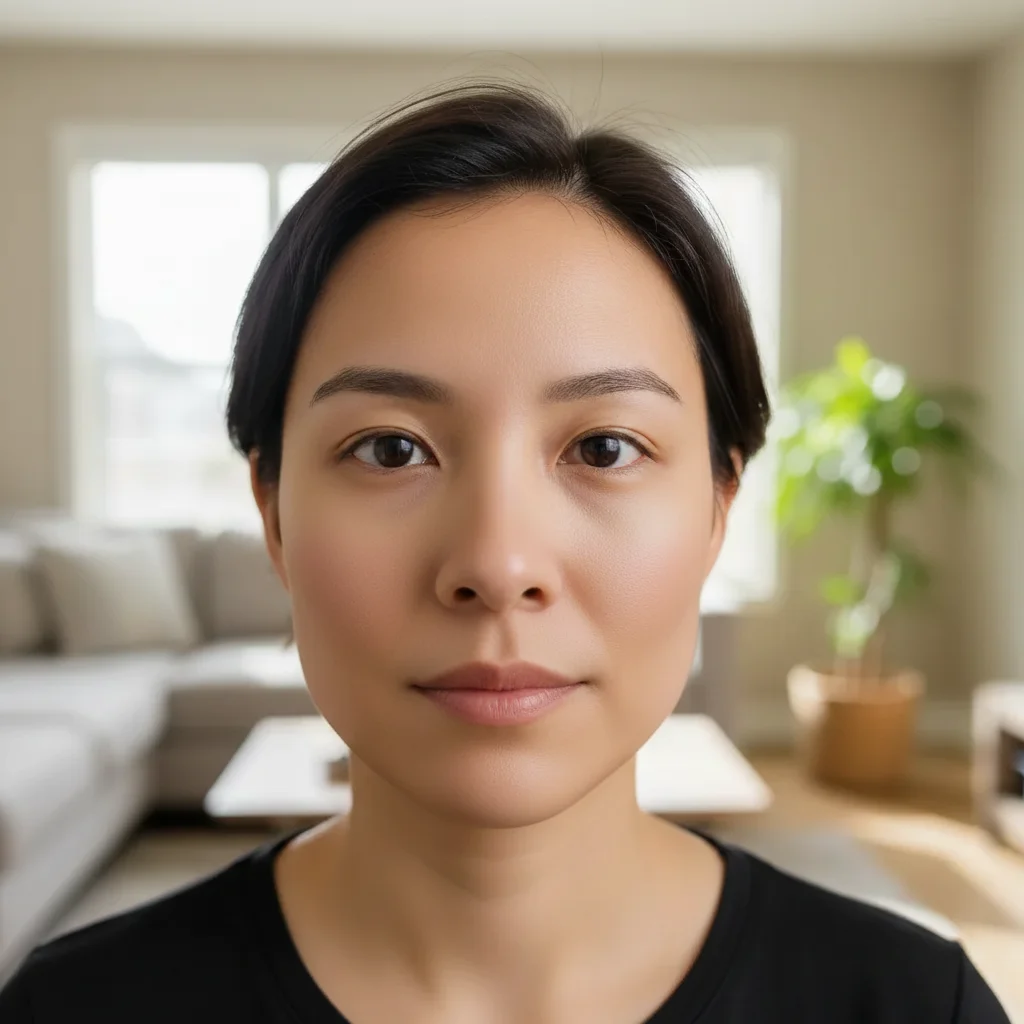
Subtle jawline and face shape correction
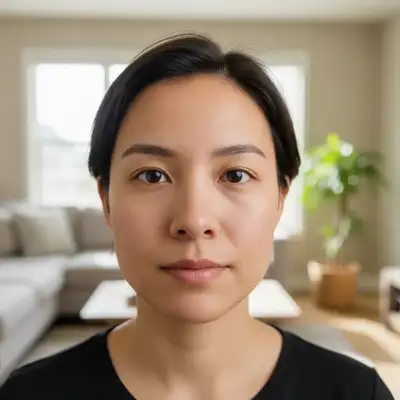
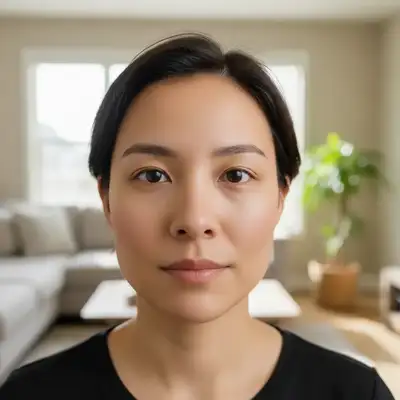
A front-facing portrait of a woman showed minor facial asymmetry. The AI made a small adjustment to even out the face shape while keeping the overall look natural.
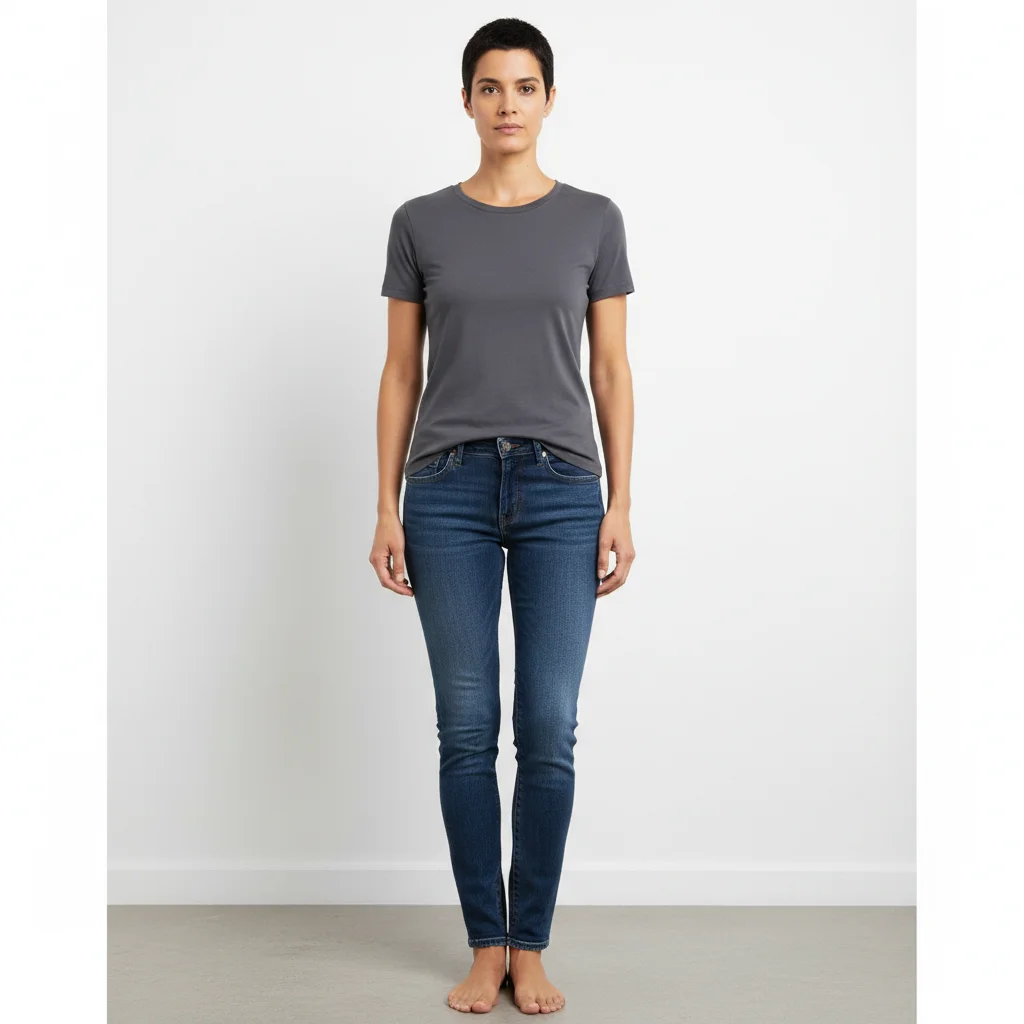
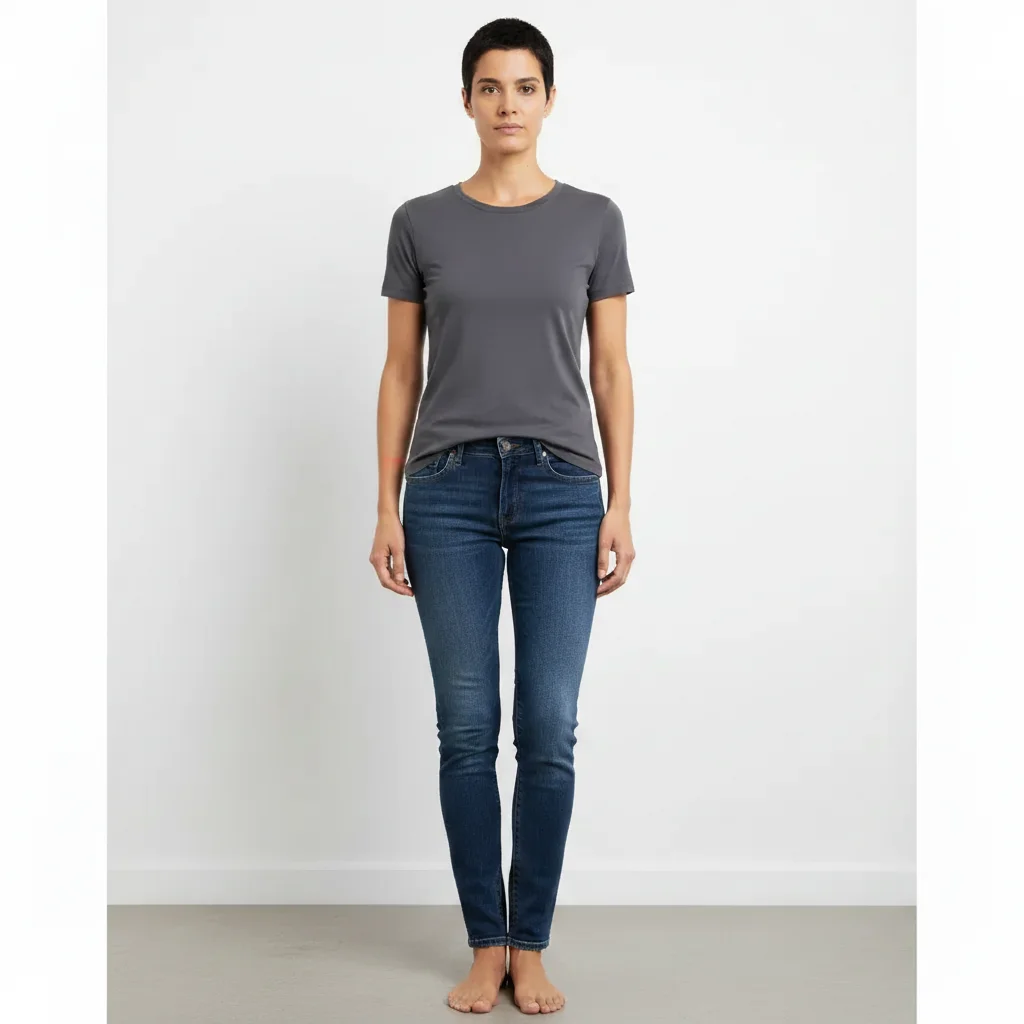
Portrait retouched for balanced proportions
A full-body portrait photo used for a modeling application. The AI made minor symmetry adjustments to the face to improve balance across the image without altering posture or clothing.
Quick answers
Popular use cases
Ready to enhance your look?
Free to try. No signup required.