AI Backlit Silhouette Fixer
← Browse all fix & repair toolsLast updated
Reveal the details hiding in dark silhouettes against bright backgrounds.
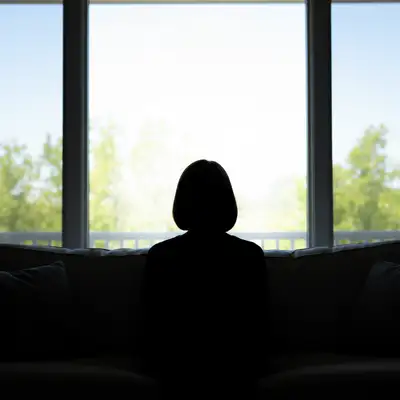
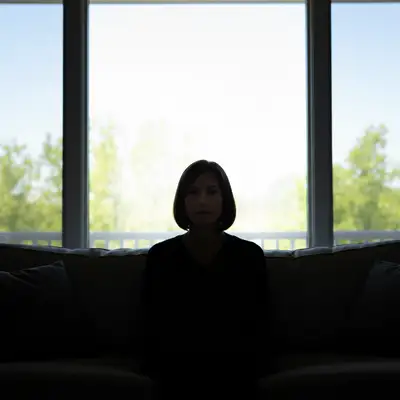
Upload photo to fix backlit silhouette
"fix the backlit window photo so I can see the person's face clearly, keep the window view intact"
Release to upload
50,000+photos edited
<30stypical edit
1 freeedit weekly
How it works
See it in action
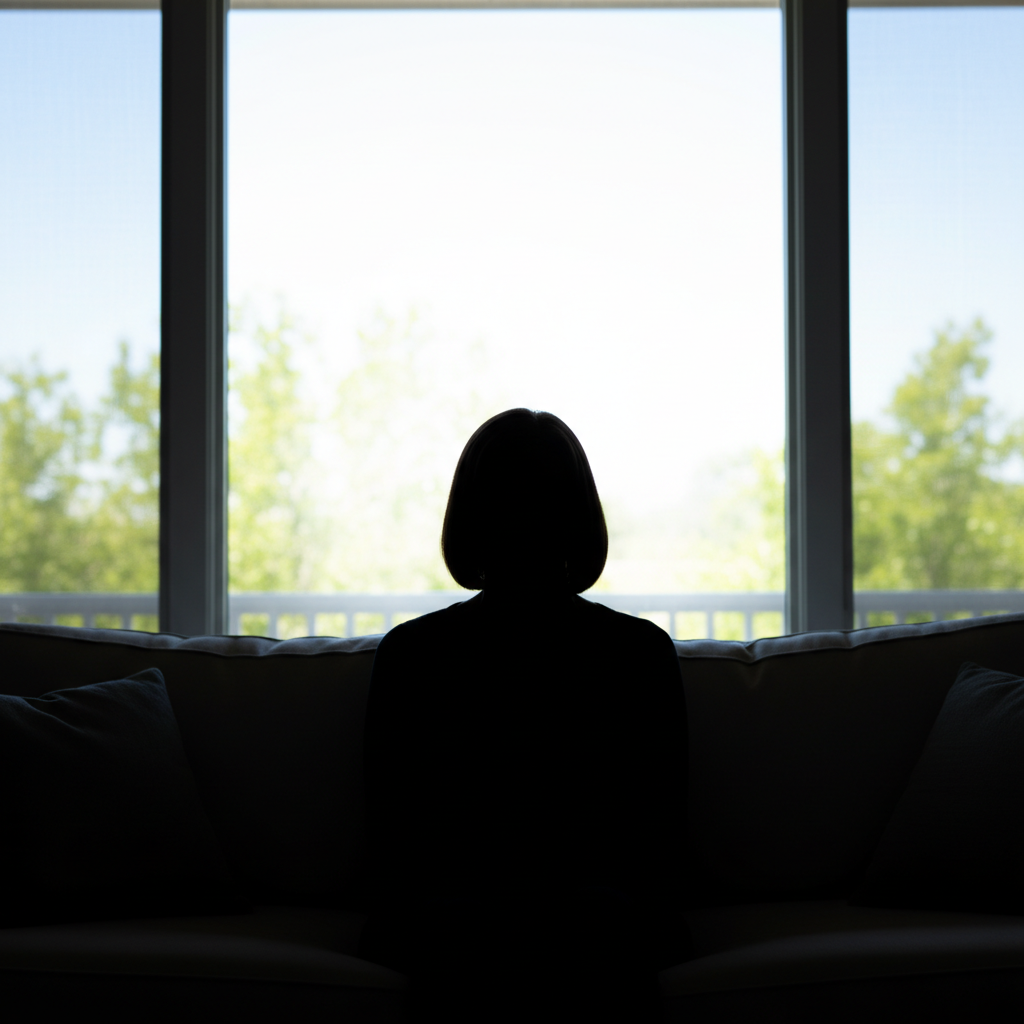
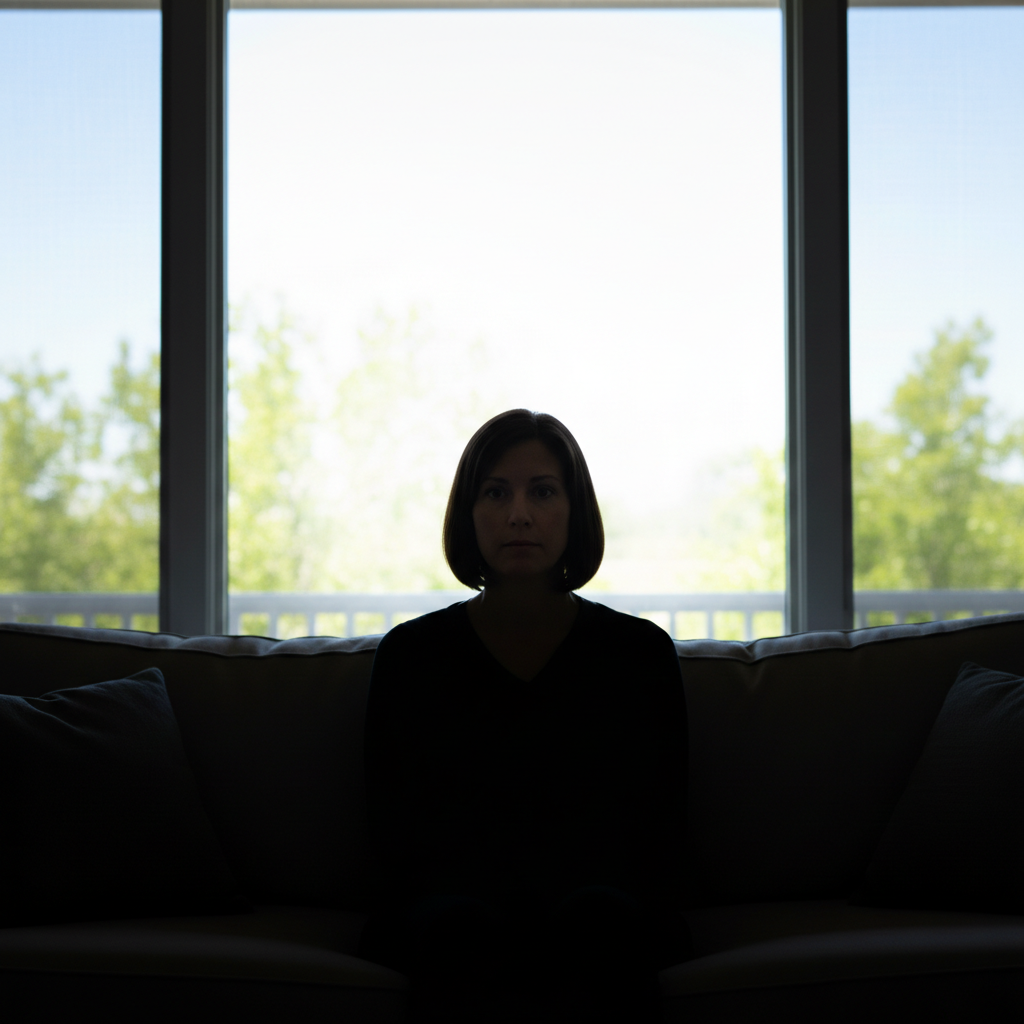
Window portrait brought to life
A portrait taken against a bright window turned the subject into a dark silhouette. One command revealed their face while keeping the window view intact.
Prompt:
fix the backlit window photo so I can see the person's face clearly, keep the window view intact
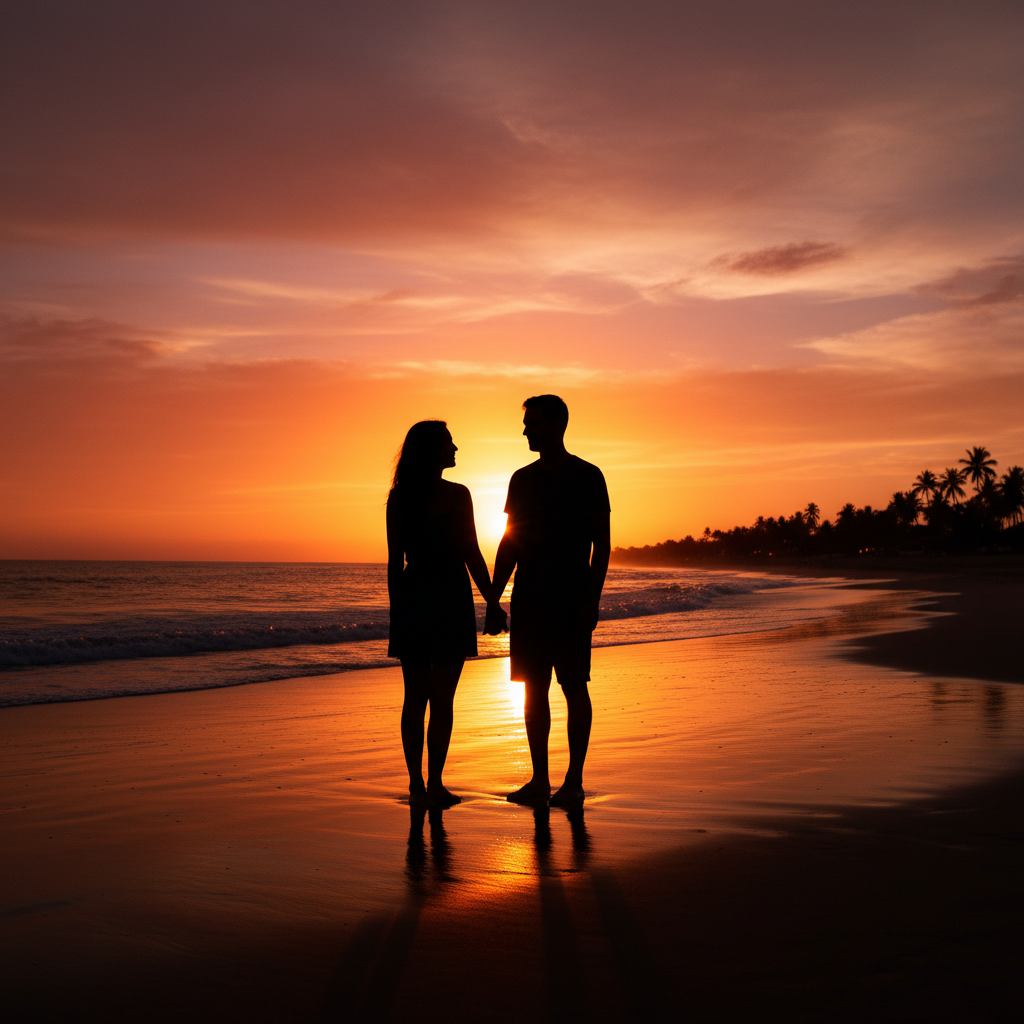
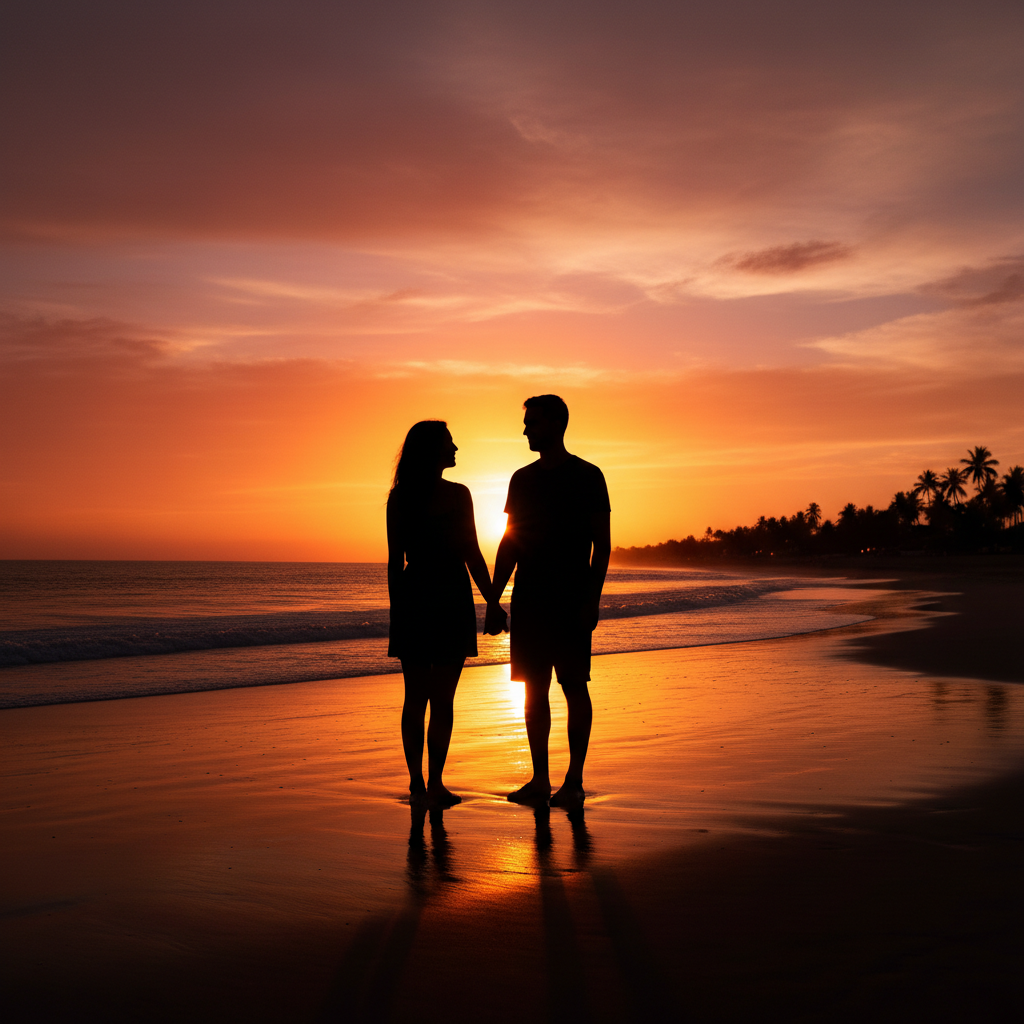
Sunset beach portrait rescued
A romantic beach sunset photo made the couple appear as dark shapes against the colorful sky. The AI revealed their faces while preserving the beautiful sunset.
Prompt:
brighten the person's face and body while preserving the sunset colors in the background


Office meeting room photo fixed
A professional headshot taken in a conference room with windows behind resulted in a dark face. The AI balanced the lighting to reveal the subject professionally.
Quick answers
Popular use cases
Ready to fix your photos?
Free to try. No signup required.