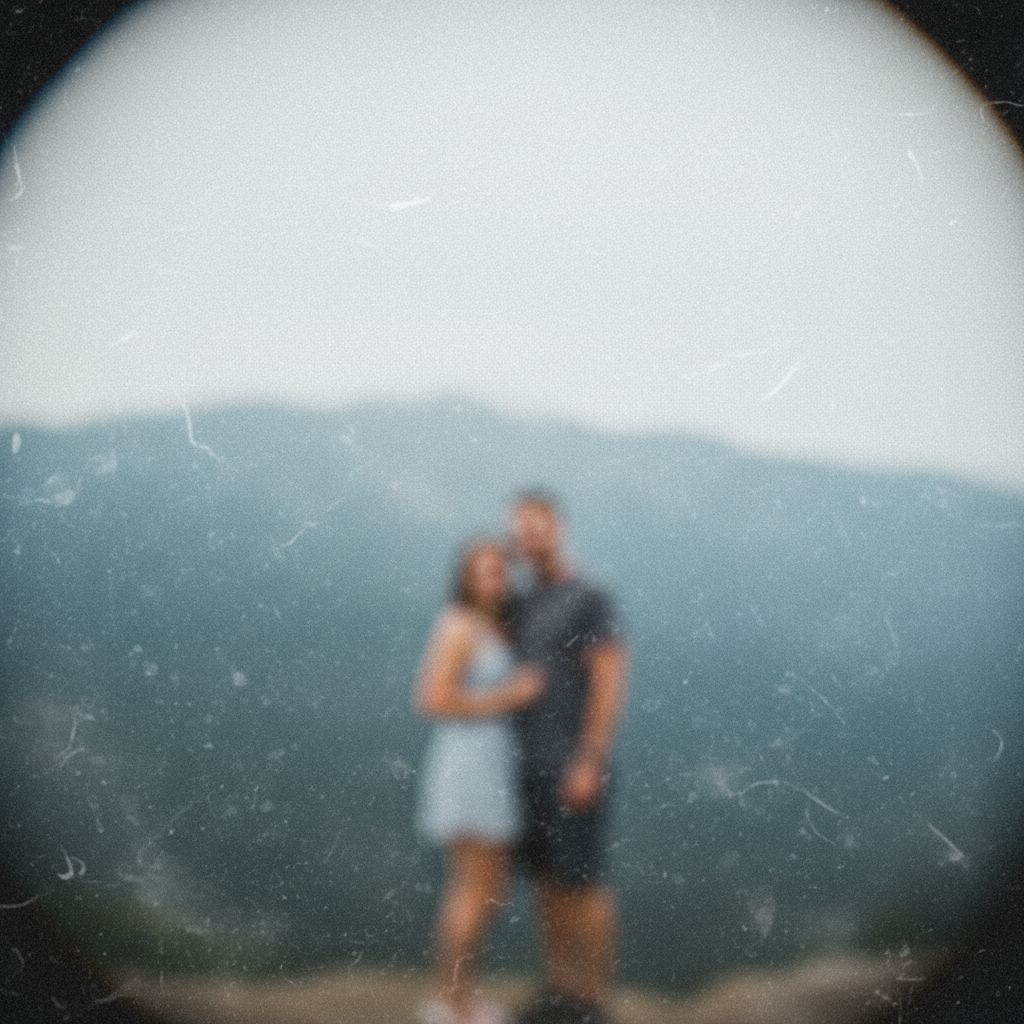
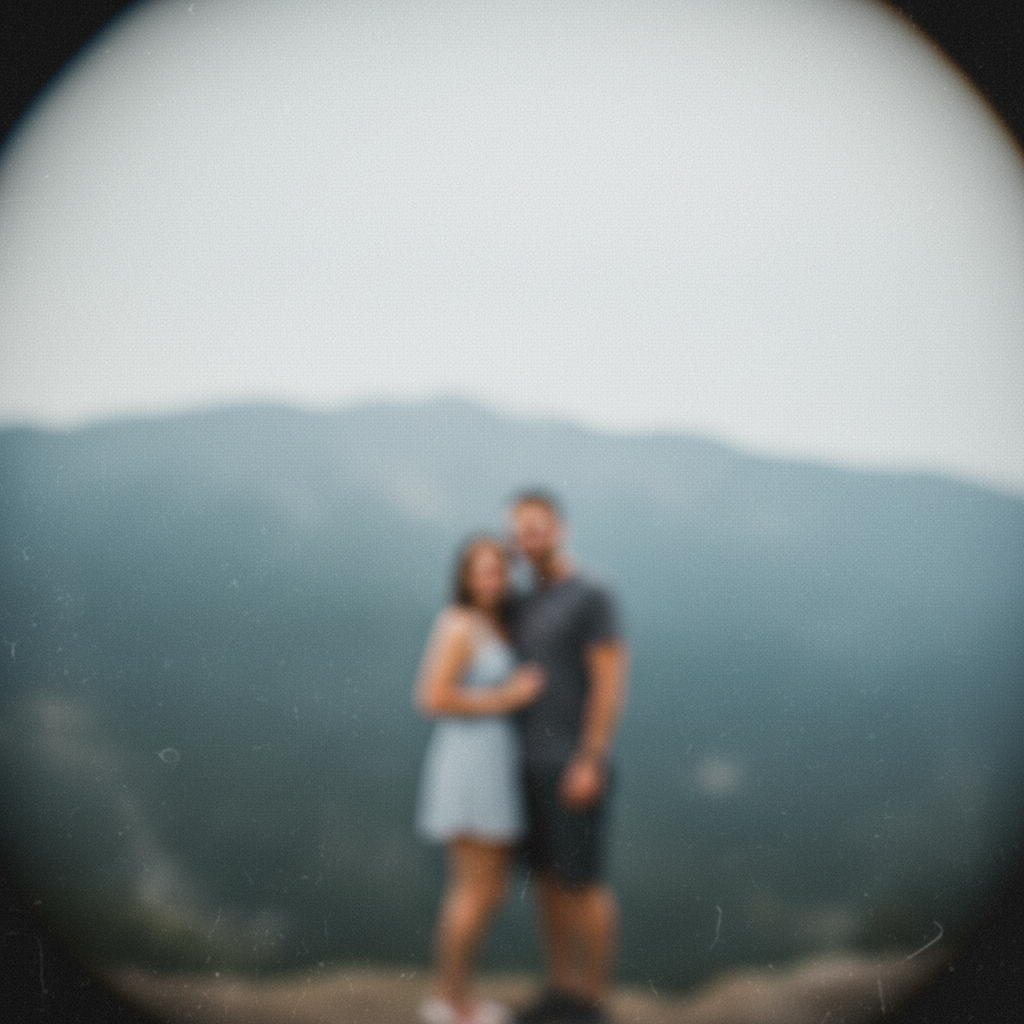
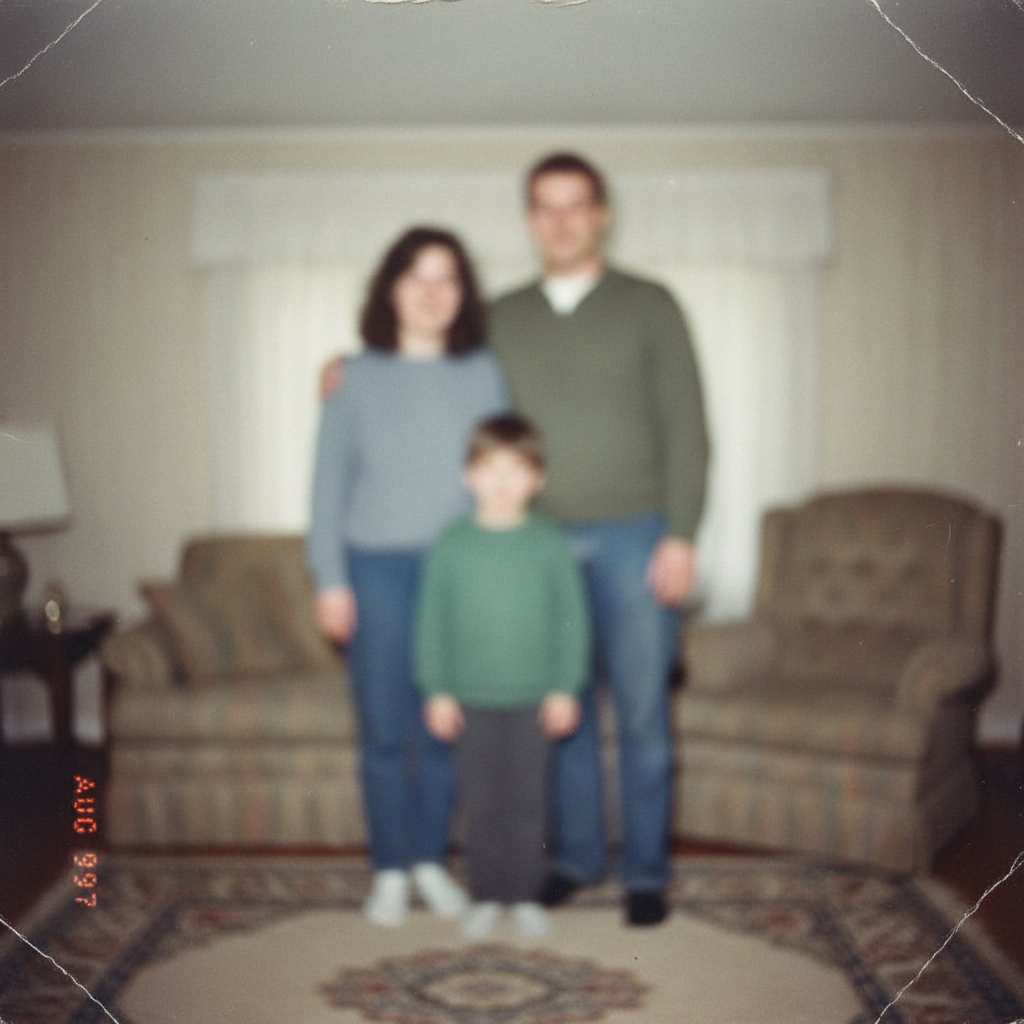
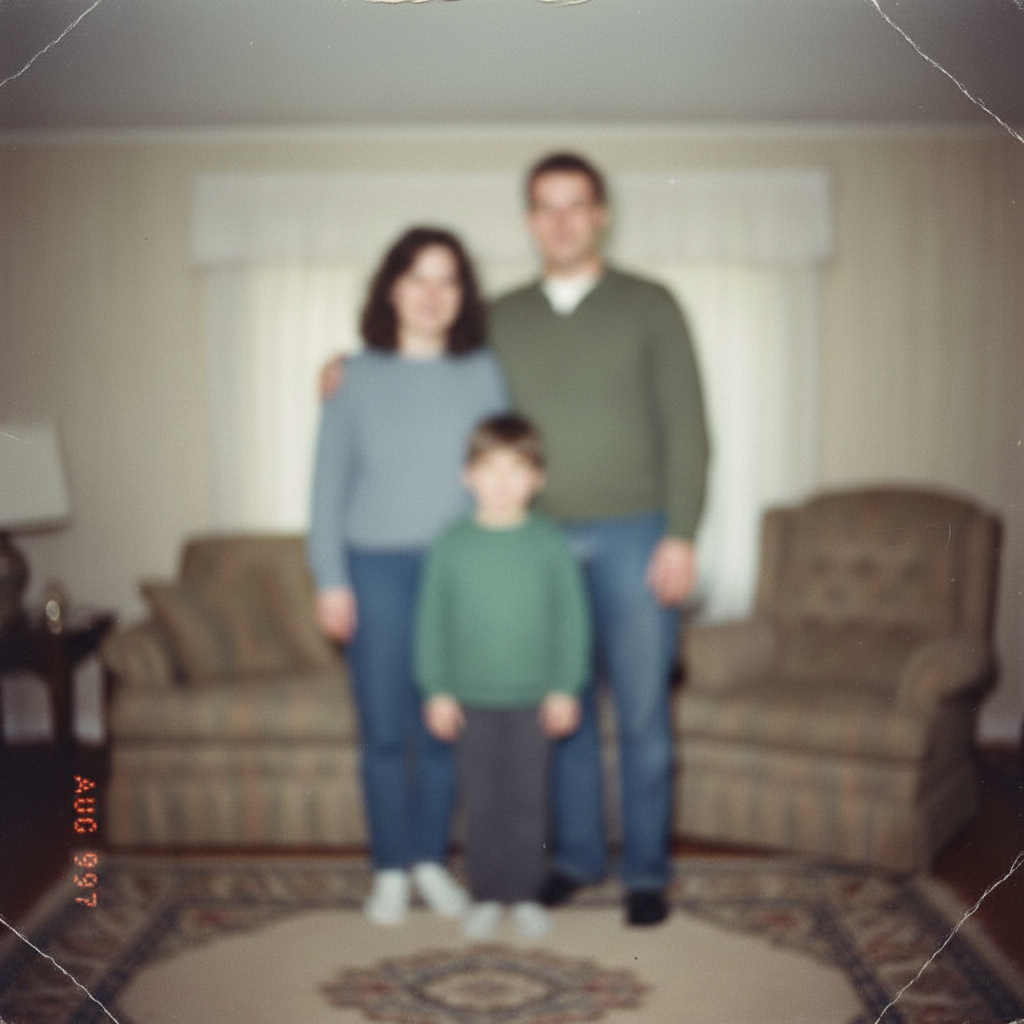
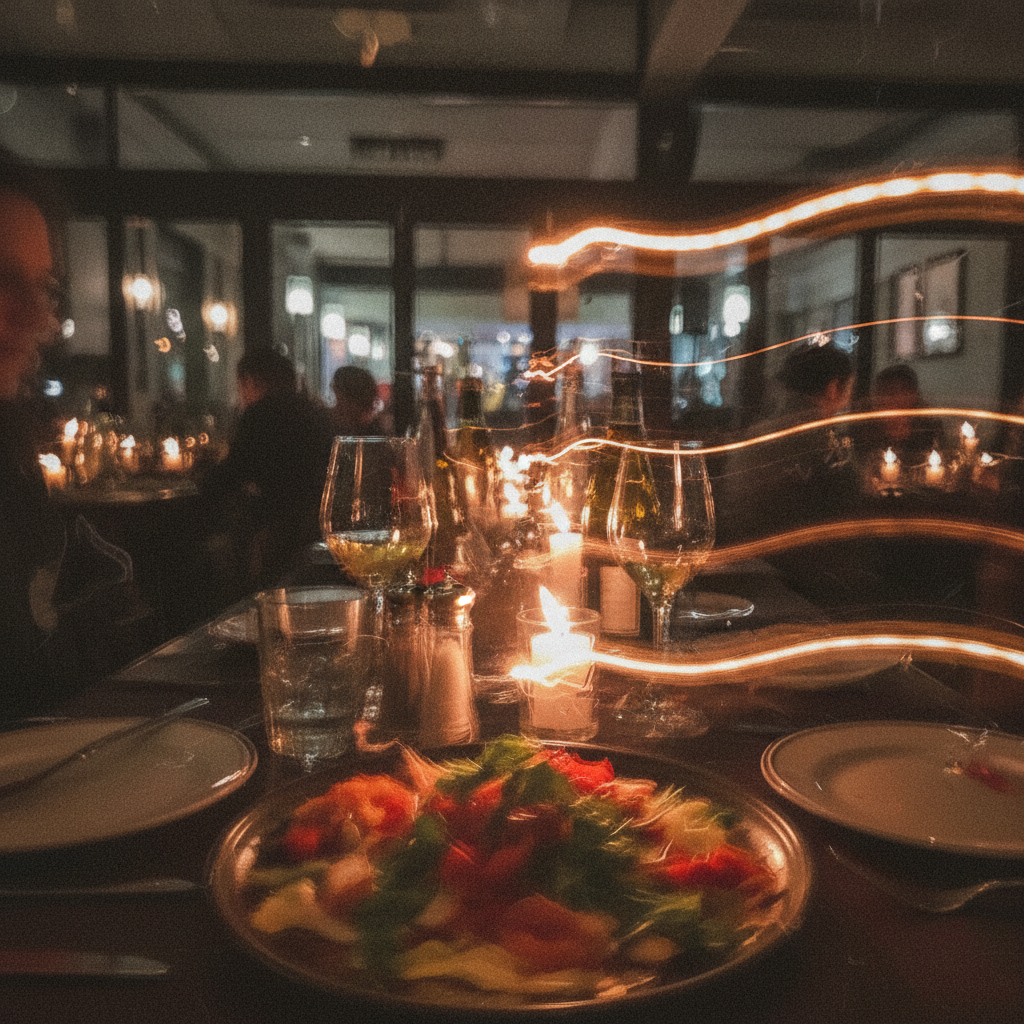
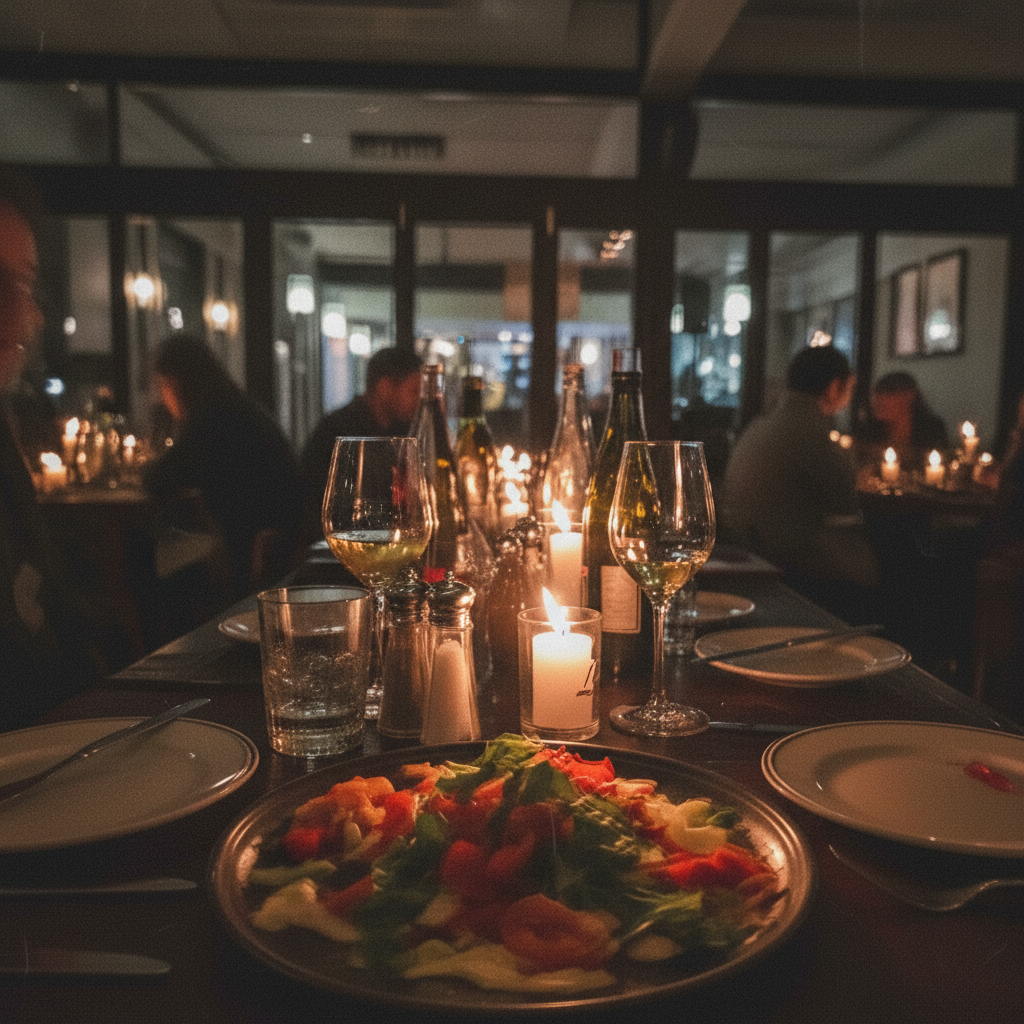
Do I need to select the blurry areas before making them clear?
No. Just describe what you want: 'make this blurry photo clear' or 'restore clarity and detail.' The AI automatically processes the entire image.
How do I make a blurry photo clear for free?
Upload your blurry photo to EditThisPic and type 'make this blurry photo clear and sharp.' The AI transforms your image in 15-30 seconds. No account, no login, no watermarks. Works on any type of blur - motion, focus, or general softness.
Is there a free photo clarifier that doesn't need an account?
Yes. EditThisPic makes blurry photos clear without requiring signup or login. Just upload, describe what you want, and download. No watermarks on results. Works directly in your browser.
Can very blurry photos be made clear?
AI can significantly improve most blurry photos by reconstructing likely details. Light to moderate blur typically becomes clear. Very severely blurred photos may only partially improve, as the AI must infer what the clear image should look like based on context.
Will making my photo clear look natural?
Yes, when using natural prompts. Adding 'naturally' or 'while keeping realistic look' prevents over-processing. The AI balances clarity with natural appearance. If results look artificial, regenerate with softer wording.
Is EditThisPic's AI blurry photo enhancer really free?
Yes — you get 1 free edit per week, no account needed. Plans start at $4.99/month for 15 edits.
Can I enhance blurry photo on my phone?
Yes. EditThisPic works in any mobile browser — iPhone, Android, tablet. No app download needed.
What photo formats does the AI blurry photo enhancer support?
JPG, PNG, WebP, and HEIC. Upload any common photo format and EditThisPic handles the rest.
How much does EditThisPic cost?
You get 1 free edit per week — no account needed. After that, credit packs start at $1.99 for 3 edits. Monthly plans start at $4.99/mo for 20 edits with unused credits rolling over. All edits are full resolution with no watermark.