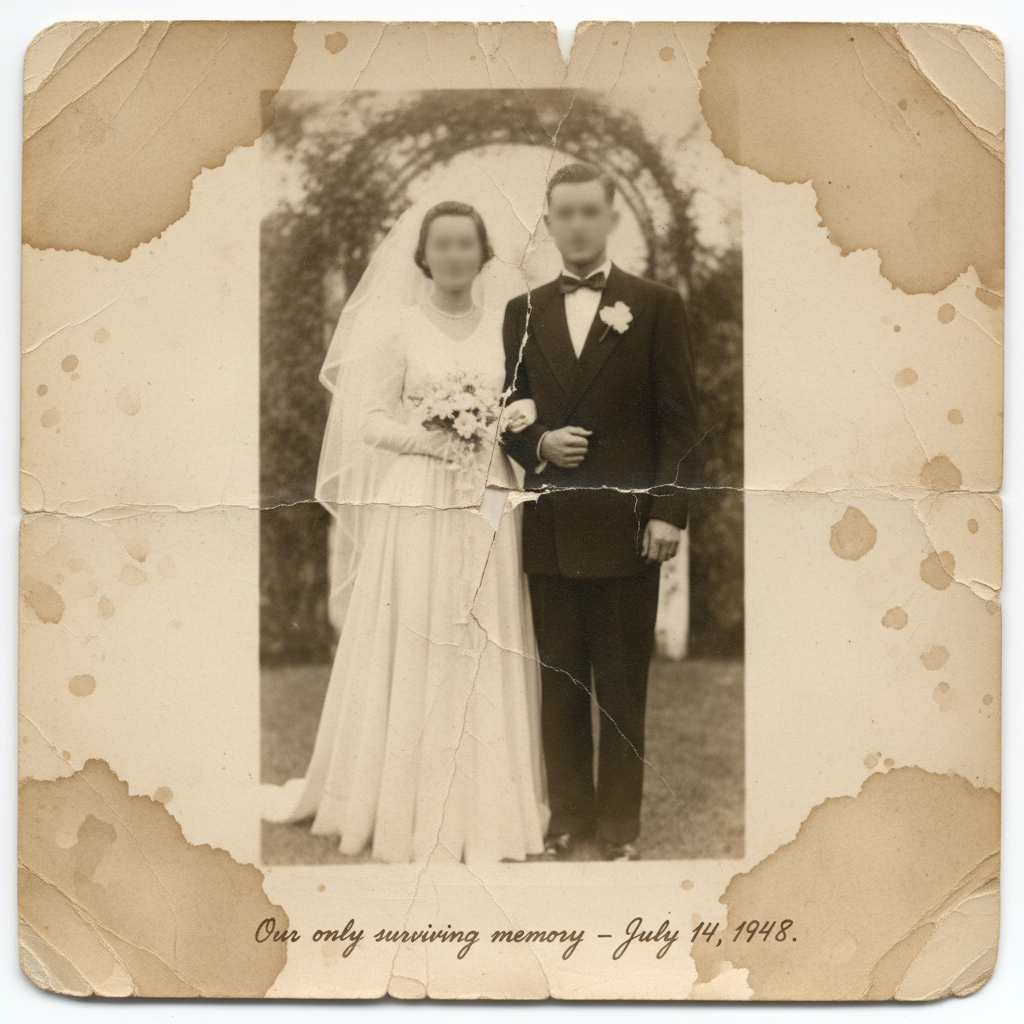
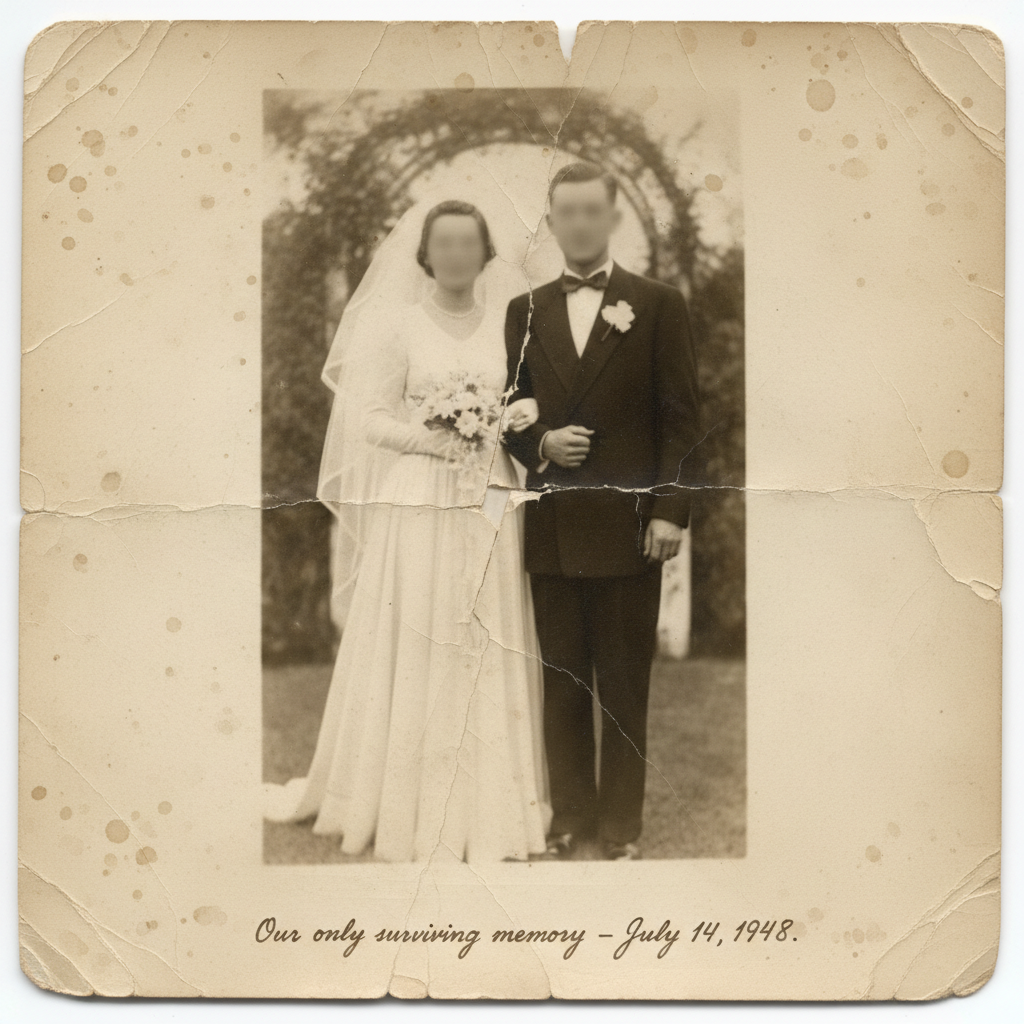
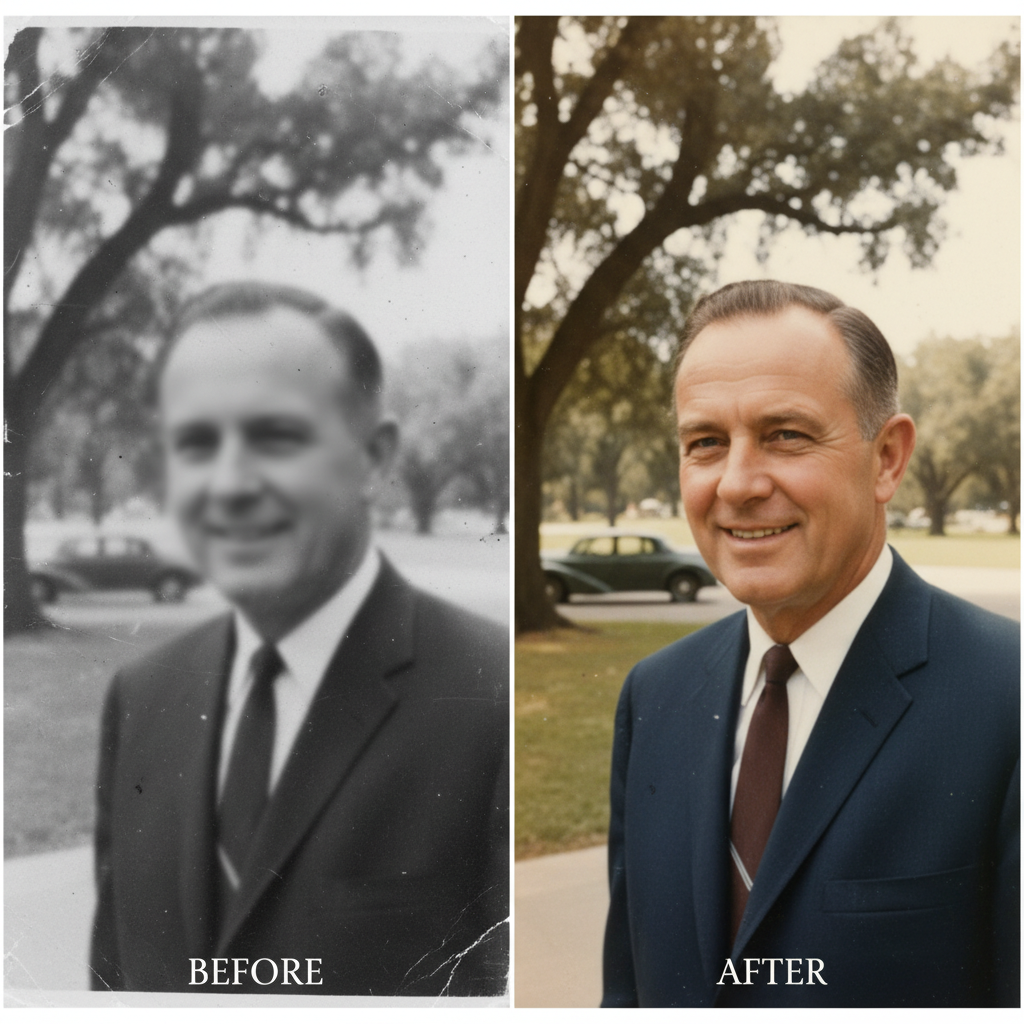
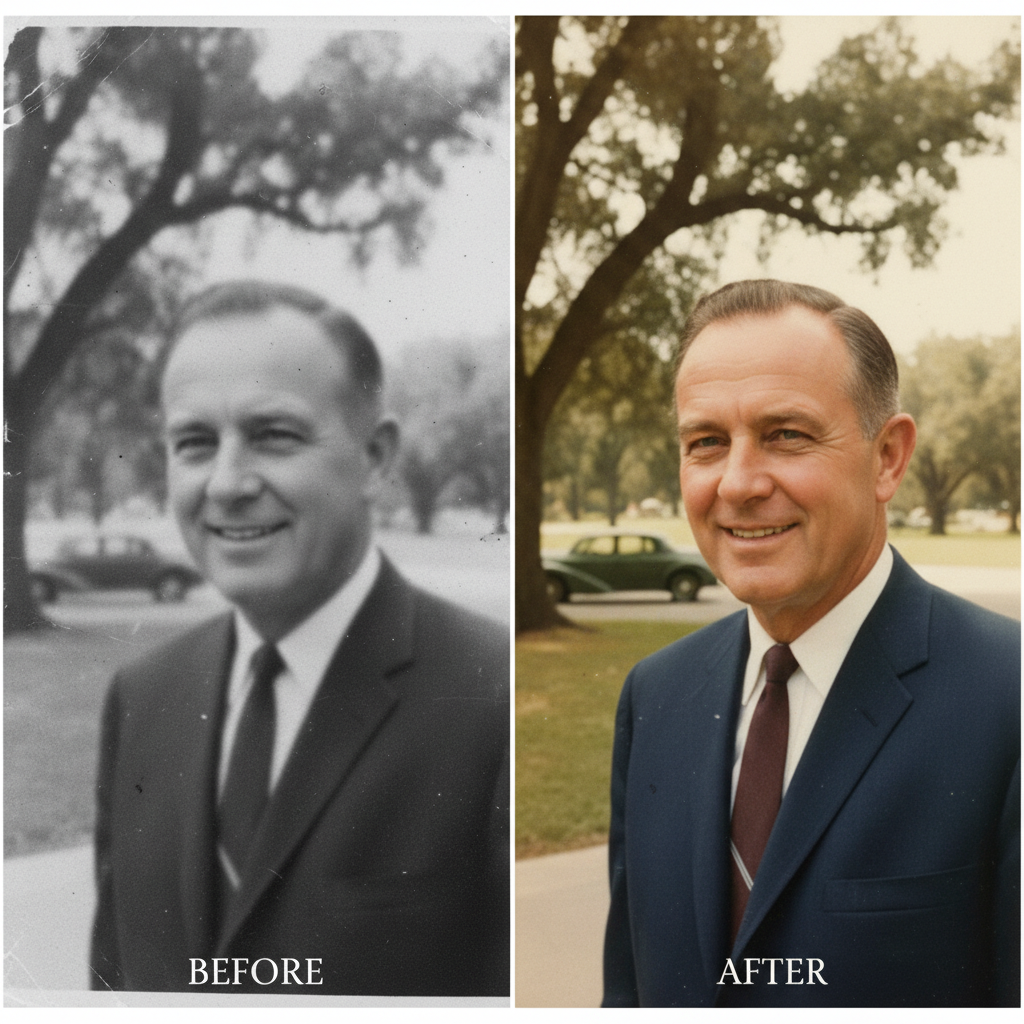
Can you really fix a photo that's severely blurry and damaged?
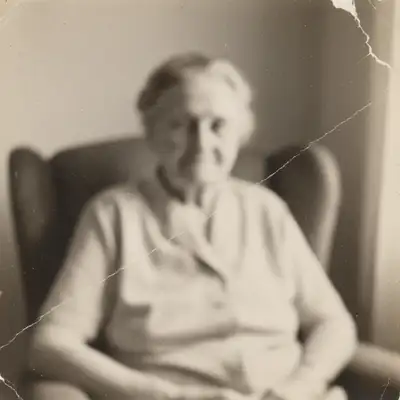
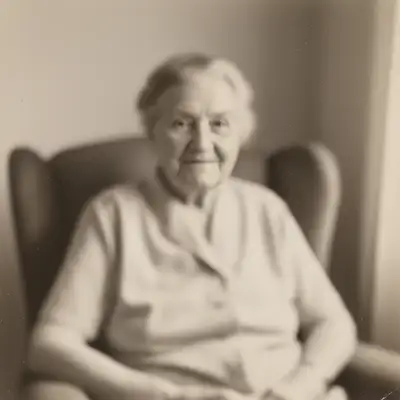
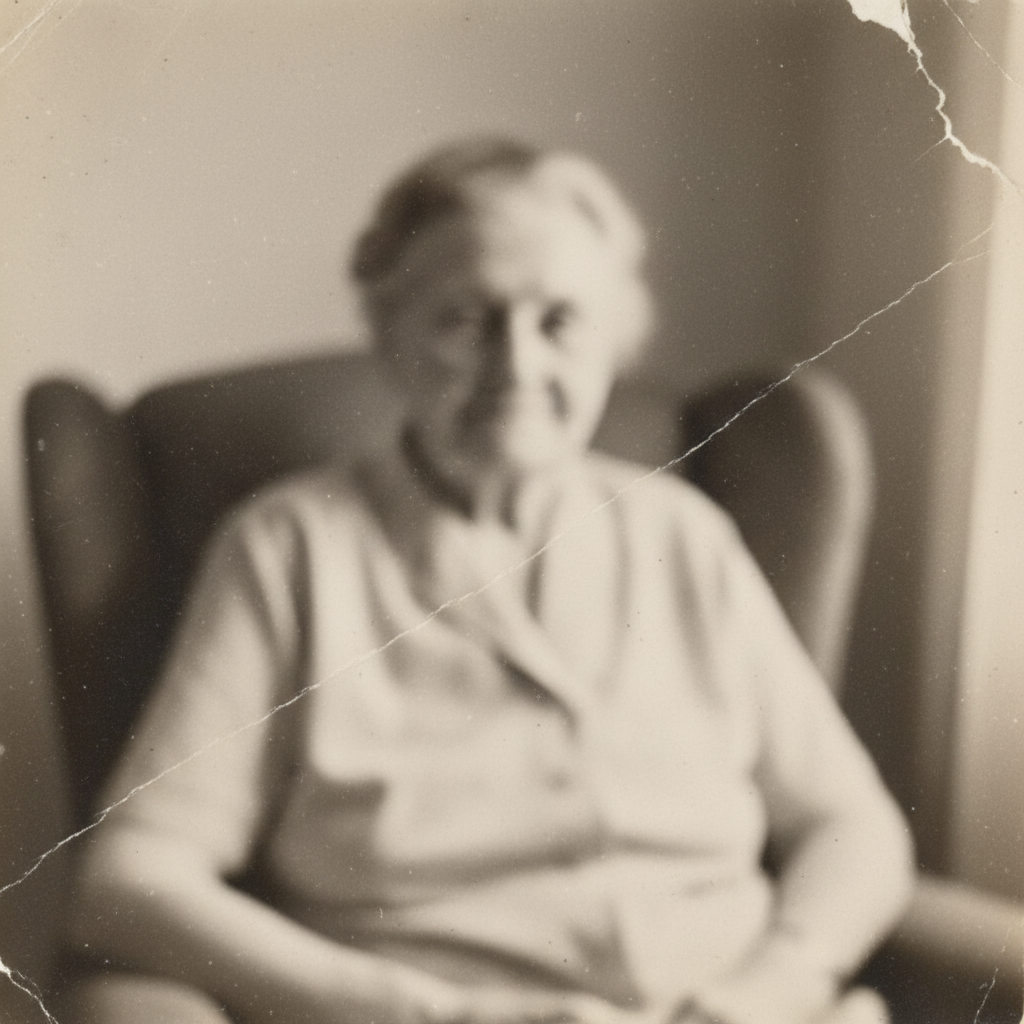
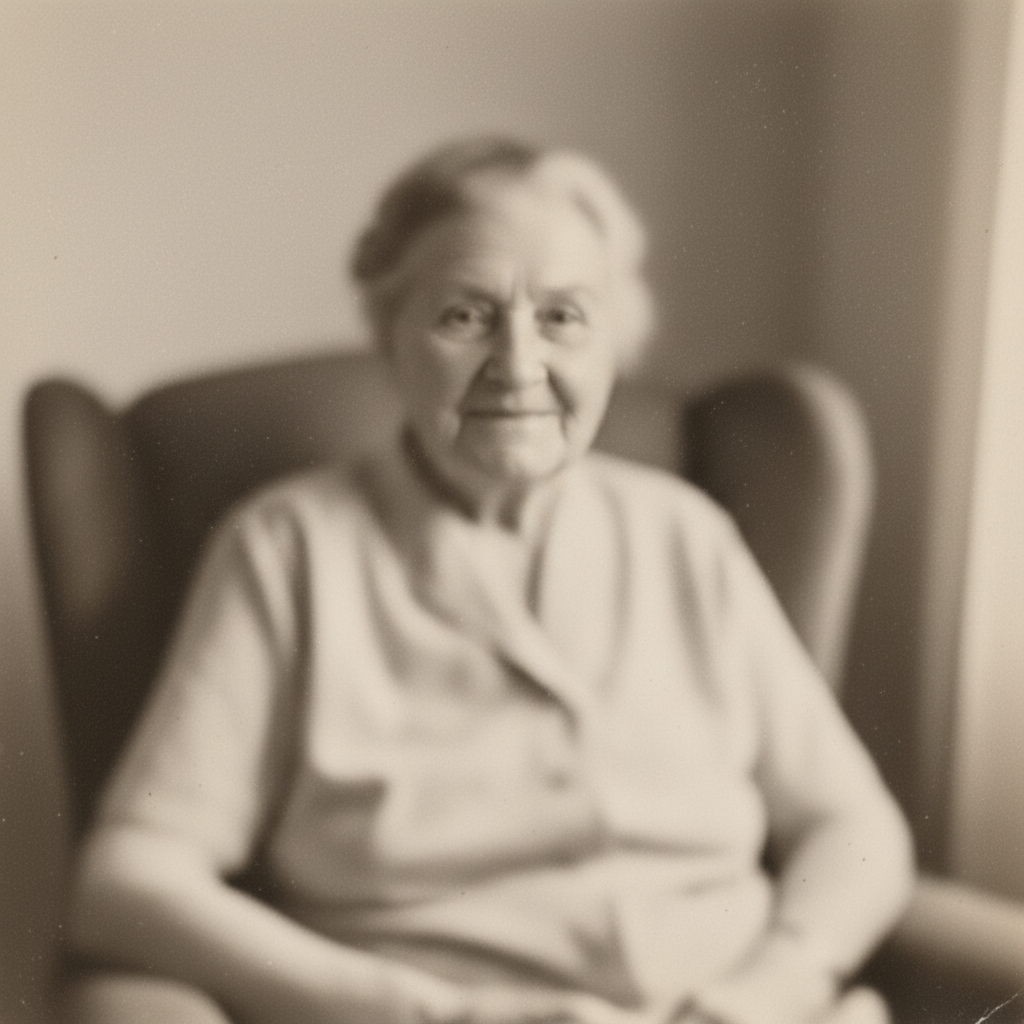
Yes. AI photo restoration has become remarkably capable. While results depend on how much detail remains in the original, the AI can sharpen blur, repair tears and creases, remove stains, fix fading, and even add realistic color to black and white photos. Photos that seemed beyond saving often yield surprising results. The AI analyzes patterns in the image to reconstruct missing or damaged details. It won't create details that aren't there, but it can recover far more than traditional editing tools.
Is my photo private and secure?
Yes. Your photo is processed securely and is not used for any other purpose. Photos are not stored permanently unless you choose to save them to your account. This is deeply personal work—your memories are treated with respect and privacy. No one else sees your photos, and they're not used to train AI models or shared in any way.
What if this is the only copy I have and I'm afraid to damage it?
The original photo is never modified. EditThisPic creates a new edited version, leaving your original exactly as it was. If you have a physical photo, take a picture of it with your phone or scan it—that's your working copy. Keep the original safe. The worst that can happen is the restoration doesn't look right, in which case you still have the original and can try different restoration approaches.
Should I restore blur first, or fix damage first?
For best results, fix physical damage first (tears, creases, stains), then sharpen blur, then add color if desired. Each restoration step builds on the previous one. You can also do everything in one prompt: 'fix the tear, sharpen the blur, add color'—the AI will handle steps in the right order. If you're not satisfied, you can always refine individual aspects afterward.
Can I print the restored photo for a memorial or funeral?
Yes. After restoration, download the high-resolution version and take it to a print shop or use an online printing service. The AI enhances resolution as part of restoration, making photos suitable for printing at reasonable sizes (8x10 or smaller typically works well). For very large prints, mention 'prepare for printing' in your restoration prompt.
What if I don't know how to describe what needs fixing?
Just describe what you see in plain language: 'this photo is really blurry and has a big tear down the middle.' The AI understands conversational descriptions. You don't need technical terms. Say 'the faces are too soft' instead of 'apply unsharp mask.' Say 'remove the brown stains' instead of 'color correction.' If you're not sure what to say, use one of the example prompts from this page—they're designed for common damage patterns.
How much does photo restoration cost?
You get one free restoration per week. Additional restorations use credits: simple restoration is 1 credit (Fast mode) or 4 credits (Pro mode for complex damage). Credit packs start at $4.99 for 10 edits, or subscribe for 25-250 edits per month. For precious family photos, most people find one or two attempts are enough. This is dramatically less expensive than professional photo restoration services, which often cost $30-100+ per photo.
Is EditThisPic's AI blurry photo of loved one fixer really free?
Yes — you get 1 free edit per week, no account needed. Plans start at $4.99/month for 15 edits.
How much does EditThisPic cost?
You get 1 free edit per week — no account needed. After that, credit packs start at $1.99 for 3 edits. Monthly plans start at $4.99/mo for 20 edits with unused credits rolling over. All edits are full resolution with no watermark.