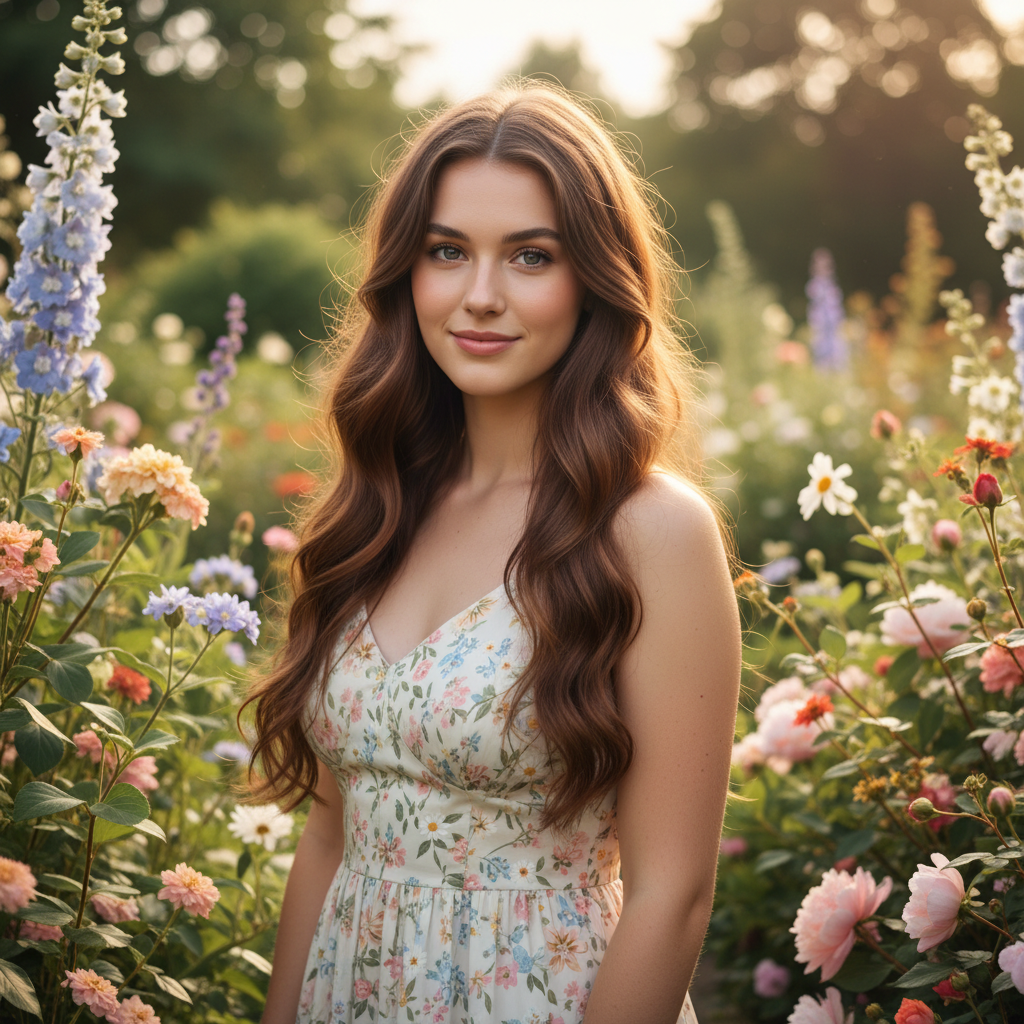
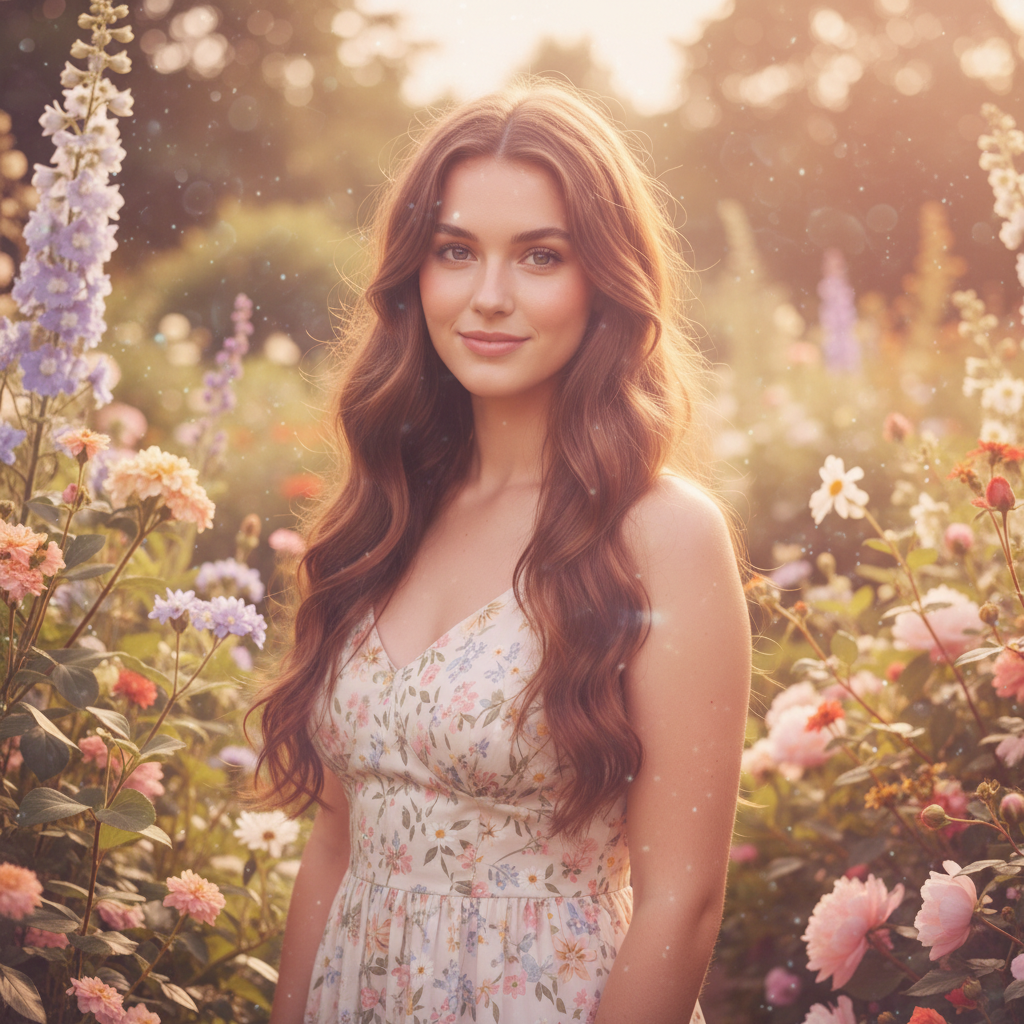
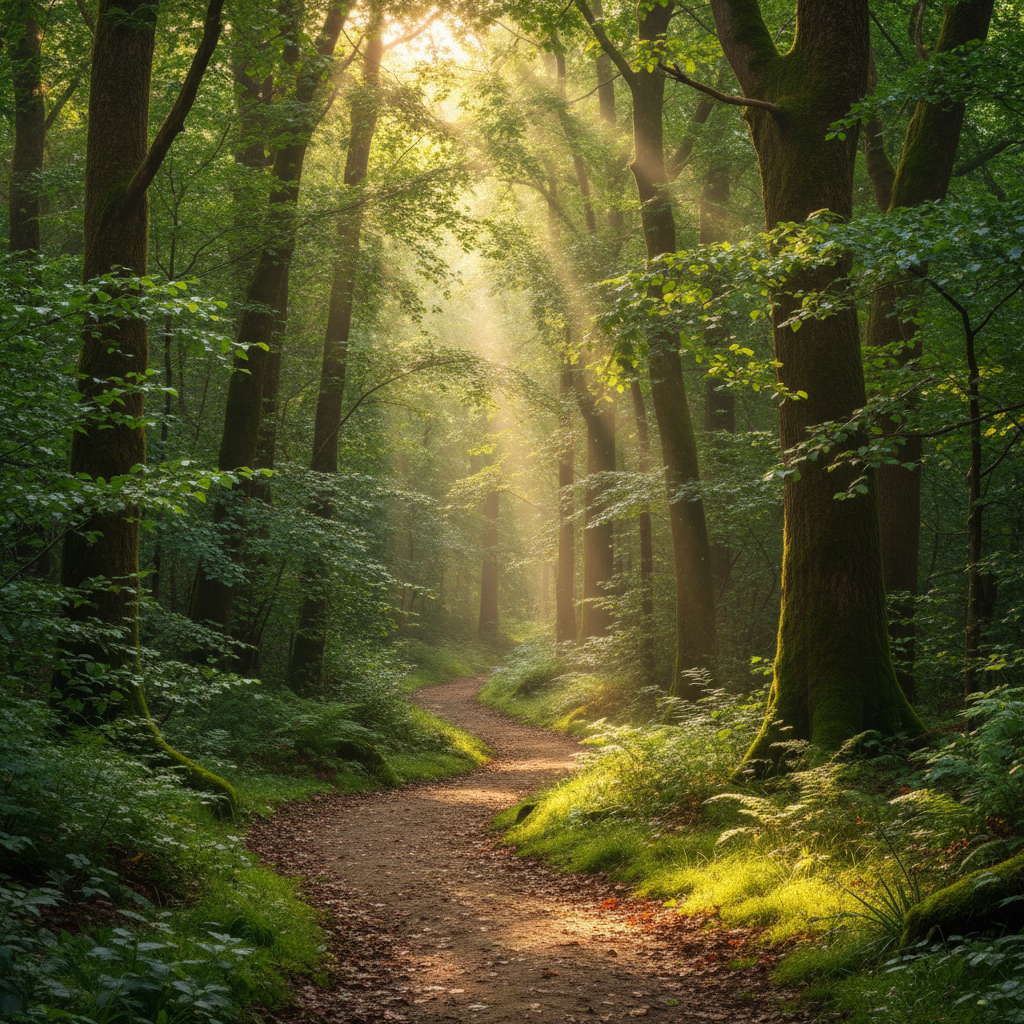
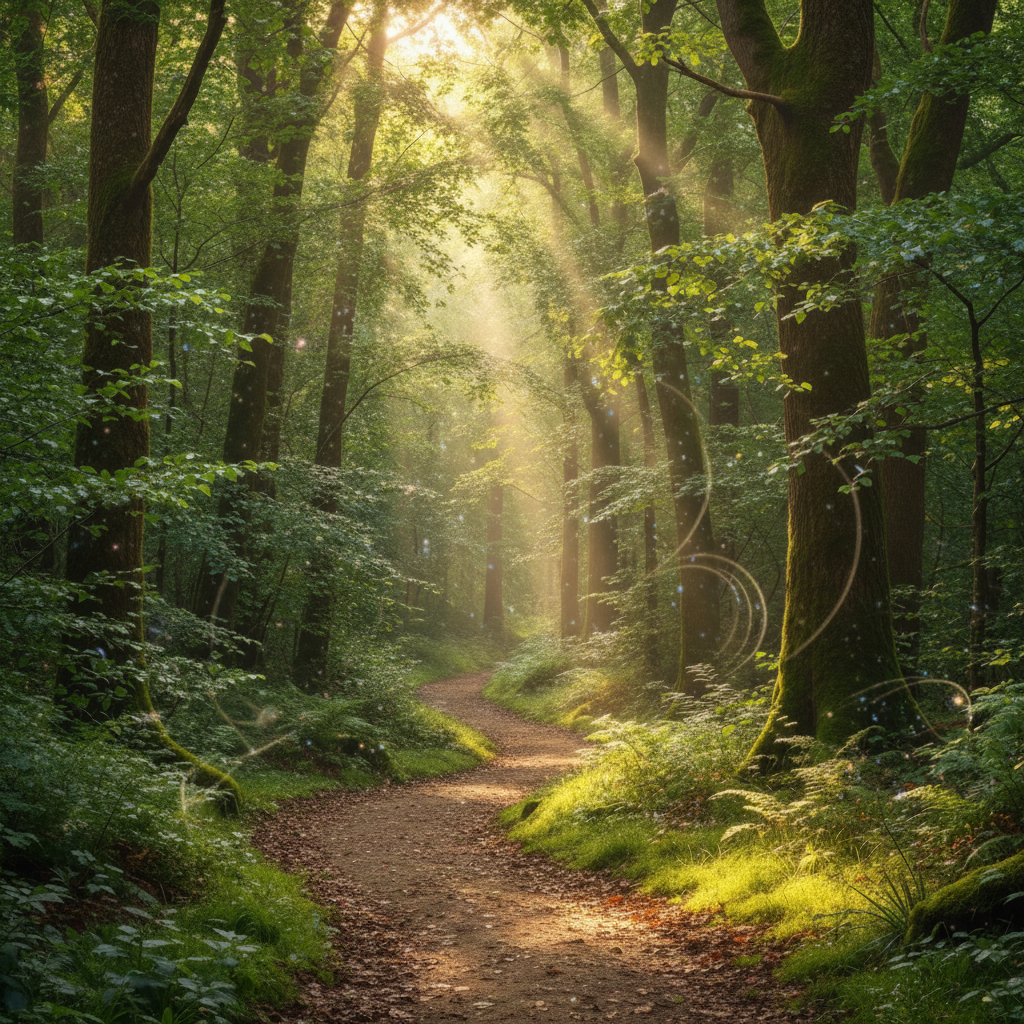
Do I need to mark anything to apply a dreamy filter?
No! Just describe the effect you want: 'apply a dreamy filter with soft focus and glowing highlights' or 'make this look ethereal with pastel tones.' The AI applies the effect to the entire image. Only use markers if you want certain areas sharper or softer than others, like keeping a face sharp while softening the background.
How do I make sure the photo doesn't get too blurry?
Use words like 'subtle' or 'gentle' in your prompt: 'apply a gentle dreamy filter with soft glow.' For portraits, add 'keep facial features and eyes sharp' to maintain important details while creating the dreamy atmosphere. You can also start subtle and regenerate with stronger effects if needed.
What's the difference between dreamy and soft focus filters?
Dreamy filters combine multiple effects—soft focus, glowing highlights, lifted shadows, and often color adjustments—to create an ethereal, romantic look. Soft focus alone just blurs slightly. Dreamy filters create that signature glowing, magical aesthetic seen in fairy tale photography.
Can I combine dreamy effects with color tones?
Yes! The AI understands combined instructions: 'apply a dreamy filter with lavender and pink pastel tones' or 'dreamy golden hour glow with warm colors.' Combining soft focus with specific color palettes creates unique, personalized dreamy looks.
Is EditThisPic's AI dreamy effect applyer really free?
Yes — you get 1 free edit per week, no account needed. For unlimited edits, plans start at $3.99/month.
Can I apply dreamy effect on my phone?
Yes. EditThisPic works in any mobile browser — iPhone, Android, tablet. No app download needed.
What photo formats does the AI dreamy effect applyer support?
JPG, PNG, WebP, and HEIC. Upload any common photo format and EditThisPic handles the rest.
How long does it take to apply dreamy effect?
Usually 15-30 seconds. Upload your photo, describe what you want, and the AI delivers the result.