Free • No signup Enhance Pool · Free

Enhance Pool Photo

Transform murky green pool water into crystal clear inviting blue in seconds.
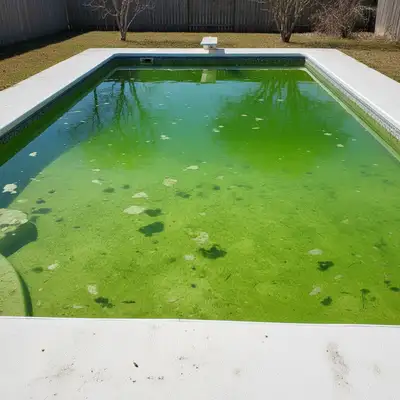
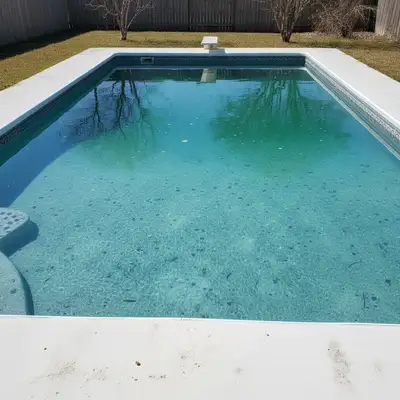
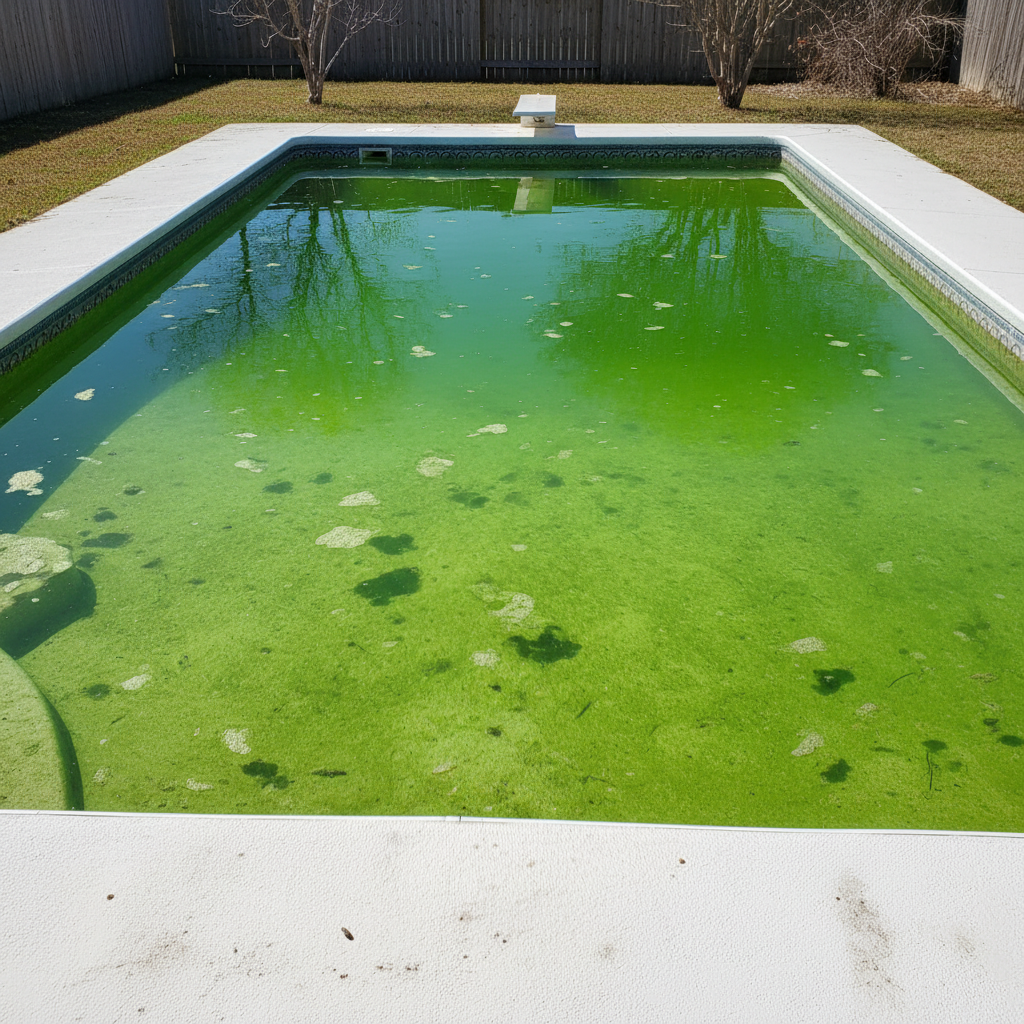
Backyard pool with green algae water problem
Before
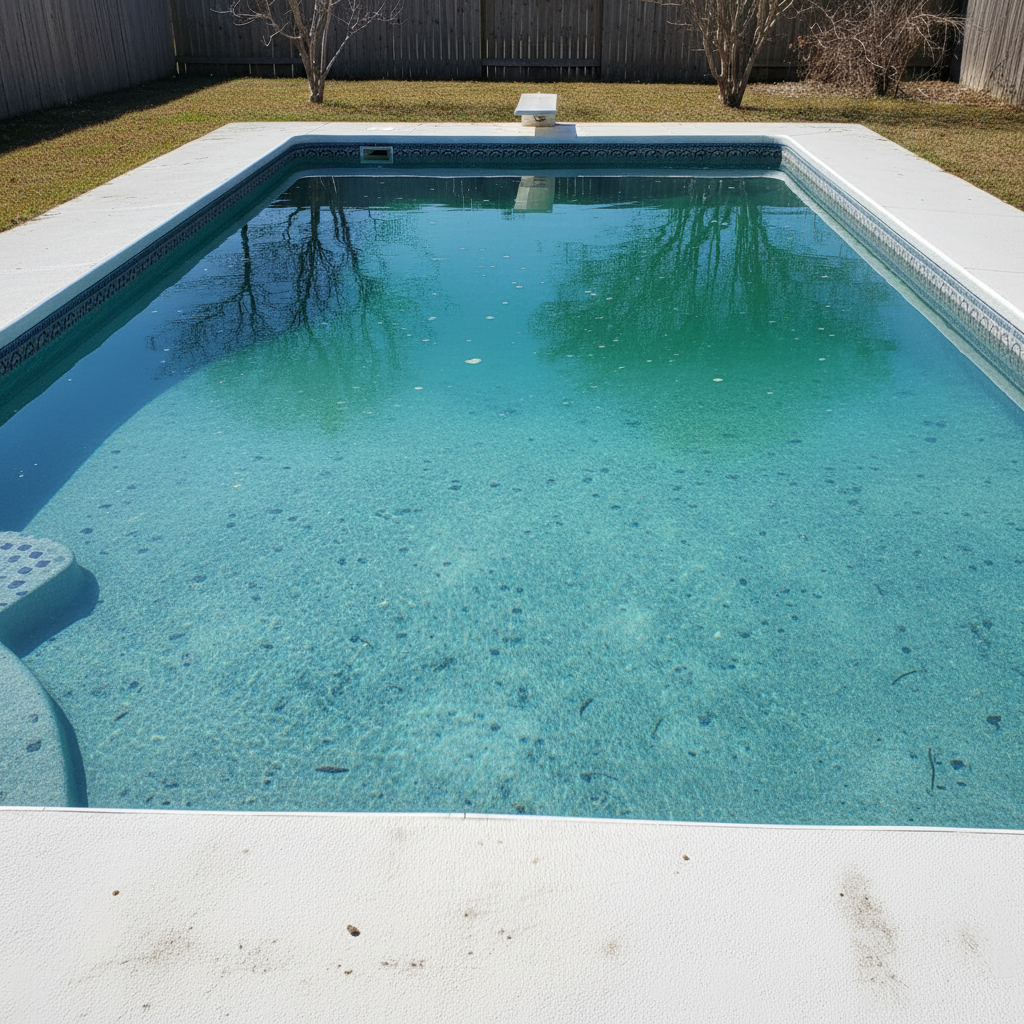
Same pool with crystal clear sparkling blue water
After

Enhance Pool Photo

Drop your photo here

or click to browse

Release to upload

Free • No signup

Advertisement
Popular use cases:
  • luxury real estate
  • vacation rental marketing
  • Airbnb listing photos
  • pool service portfolio
  • property photography
  • resort photography
  • real estate staging
  • rental property listings

Cost
Free No signup required
Time
Instant results in 15-30 seconds
Works on
Any device - browser, phone, tablet, desktop
Powered by
AI-powered photo editing
Scenario Prompt Time
Green algae pool enhance pool water from green to crystal clear blue 20s
Murky cloudy pool enhance murky pool water to sparkling turquoise 25s
Dull pool add sparkle enhance pool to deep blue with sun reflections 25s

How it works

  1. Upload your pool photo

    Drop your pool photo into EditThisPic. Works best with well-lit outdoor shots showing the full pool. JPG, PNG, WebP up to 7MB. Aerial drone shots and ground-level angles both work great.

    Expect: Simple color enhancement: 20-30 seconds. Complex scenes with reflections and lighting: may need one refinement pass.
  2. Describe the enhancement

    Type your instruction: 'enhance pool water to crystal clear blue' or 'change pool from green to inviting turquoise.' Be specific about the blue shade you want: deep resort blue, light tropical turquoise, or natural swimming pool blue. No marking needed—the AI recognizes pool water.

    Tip: Include sparkle details: 'with sun reflections and sparkle' creates more inviting, high-end pool photos.

    Copy one of these to get started:

    Green algae pool to clear blue enhance pool water from green to crystal clear blue with natural sparkle and reflections
    Murky cloudy pool cleanup enhance murky pool water to sparkling clear turquoise blue like a resort pool
    Dull pool add sparkle enhance pool water to bright blue with sun sparkle and light reflections dancing on the surface
    Deep luxury pool blue enhance pool water to deep sapphire blue with rich color and crystal clarity
    4 more prompts
    Tropical light turquoise enhance pool water to light tropical turquoise blue like Caribbean waters with sunlight filtering through
    Evening pool with lighting enhance pool water to inviting blue with underwater lights reflecting on the surface at dusk
    Natural swimming pool enhance pool water to natural blue-green like a clean natural swimming pool with clarity
    Pool with surrounding landscape enhance pool water to vibrant blue without affecting the surrounding deck, plants, or sky reflections
  3. Review water color and reflections

    Check that the blue looks natural for your market (tropical vs resort vs natural pool). Verify the pool deck, tile, and surrounding elements weren't affected. Zoom in to ensure water surface texture and sun reflections look realistic.

  4. Refine reflections if needed

    If certain areas still look murky or the blue shade isn't quite right, tap markers on those spots and describe the fix: 'make this area lighter turquoise' or 'add more sparkle to this section.' This is optional—most pool enhancements work perfectly on first try.

    Tip: Markers are for precision refinement, not required. Try without them first.
Try it free

Enhance Pool Photo

Drop your photo here

or click to browse

Release to upload

Free • No signup

"Saved a listing. Had photos of a house with green pool water. Enhanced them in minutes, listed it as luxury property. Showed 3x more often." @RealtorSarah_FL

See it in action

Backyard pool with green algae water problem
Before
->
Same pool with crystal clear sparkling blue water
After

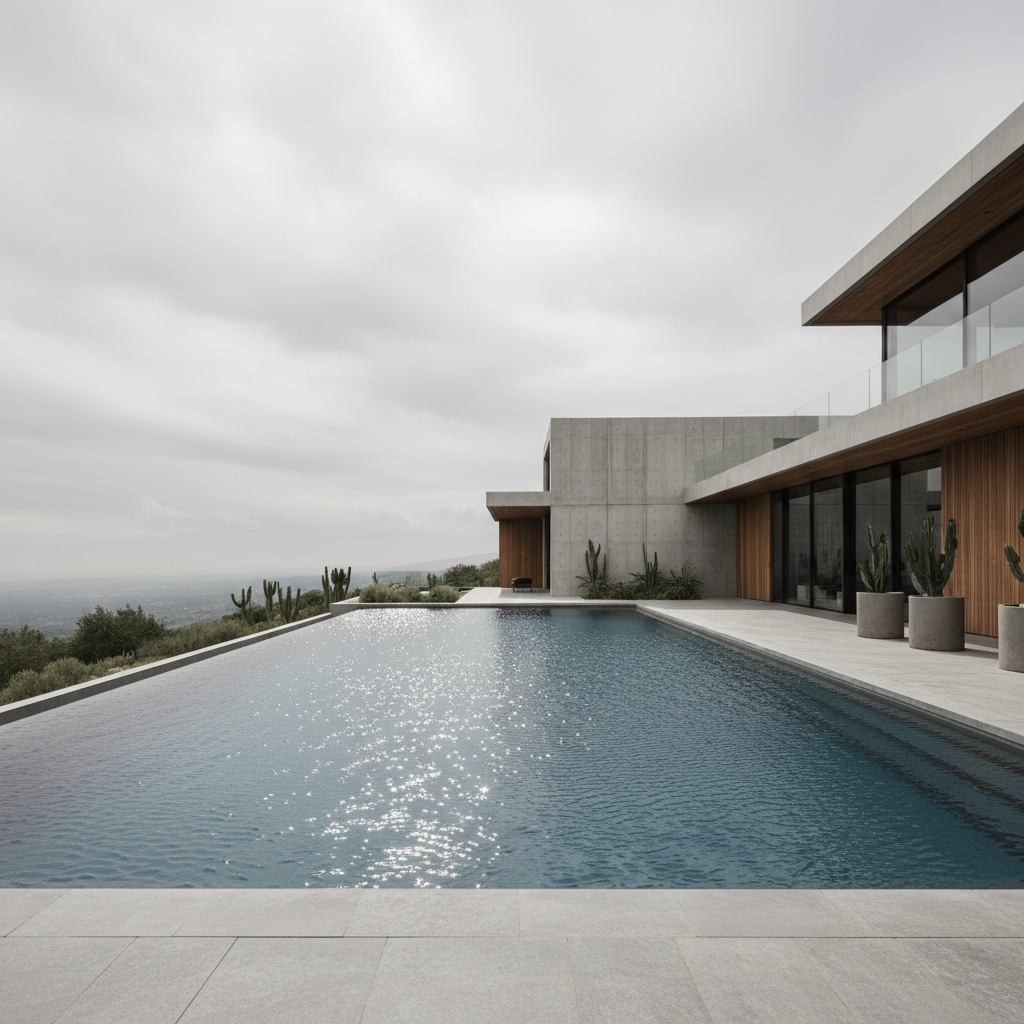
Green algae pool to luxury resort blue

Real estate listing pool with visible green algae transformed into crystal clear inviting blue water.

Prompt: enhance pool water from green to crystal clear blue with natural sparkle and reflections
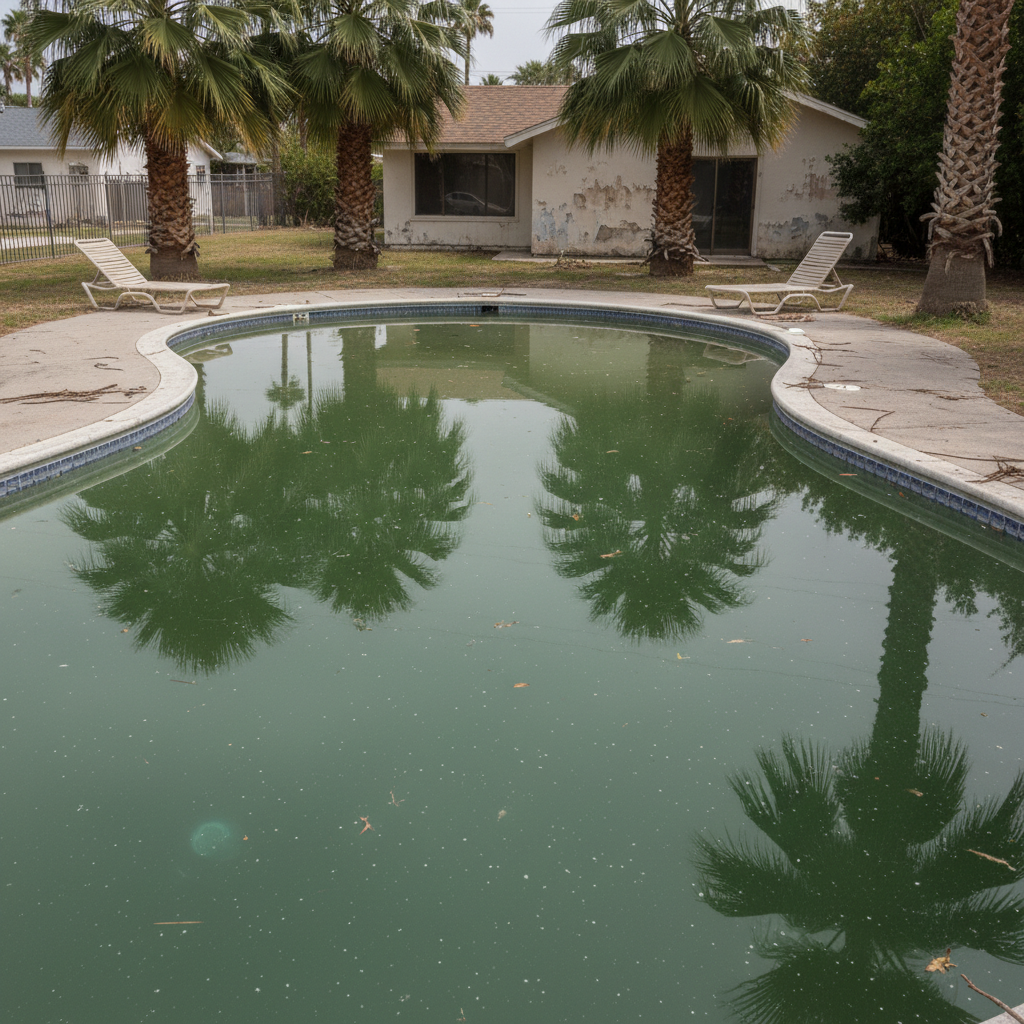
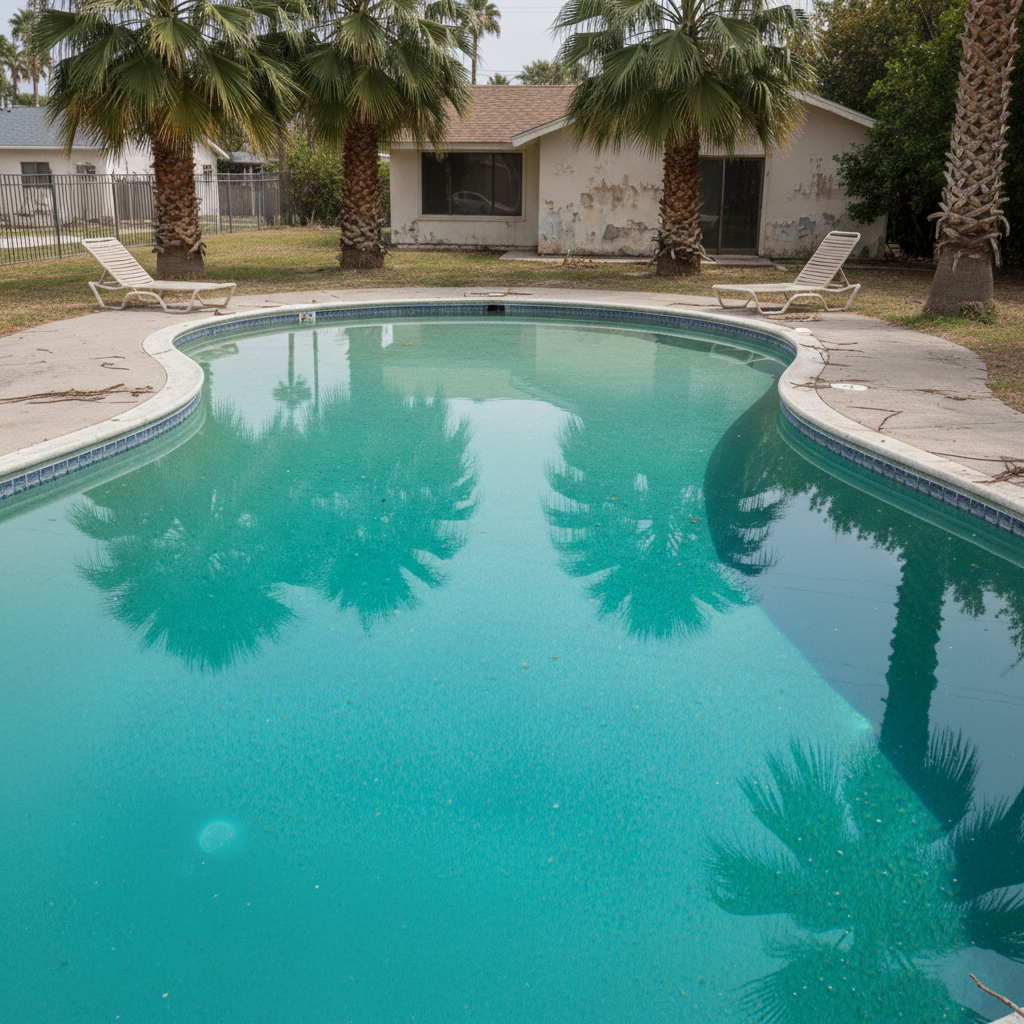
Vacation rental pool with murky cloudy water
Before
->
Same pool with sparkling clear turquoise resort-style water
After

Murky cloudy pool cleanup for vacation rental

Airbnb pool photo with cloudy murky water enhanced to sparkling turquoise for booking appeal.
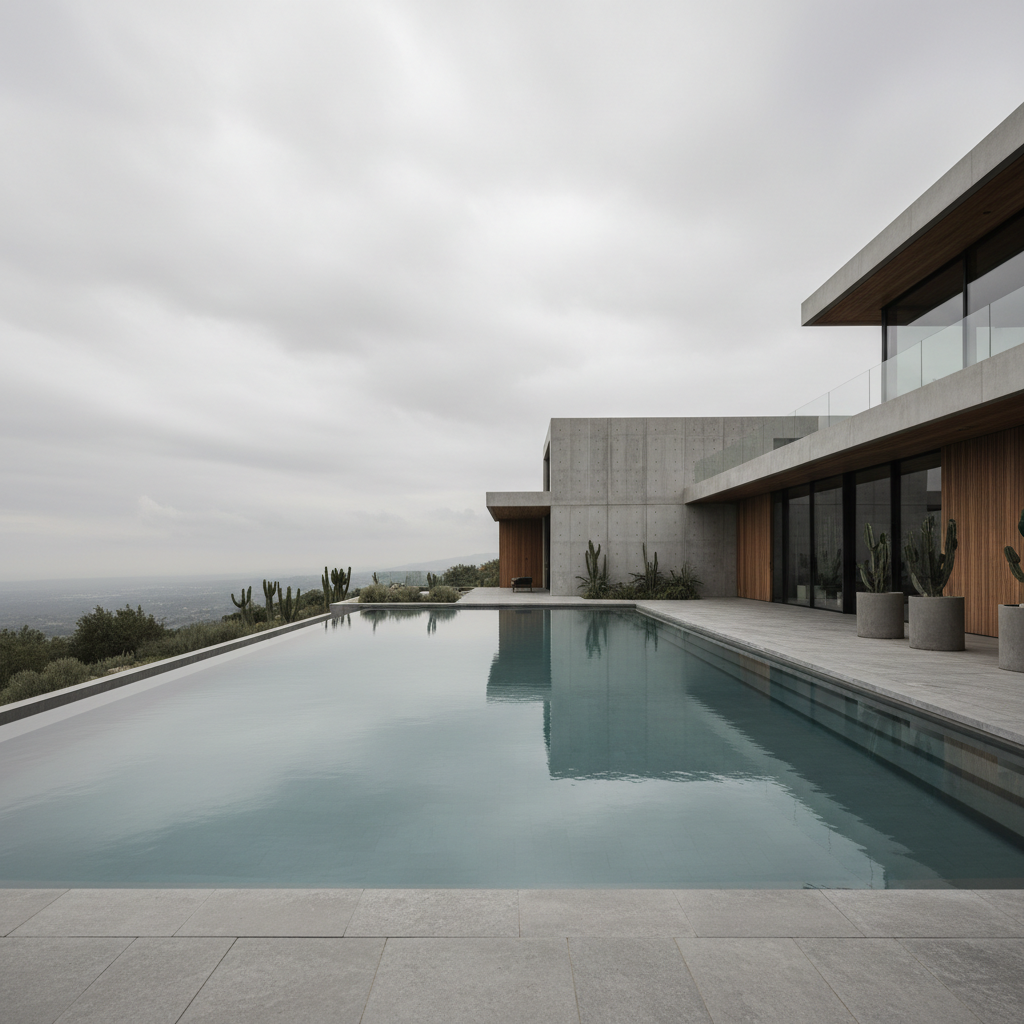
Prompt: enhance murky pool water to sparkling clear turquoise blue like a resort pool
Luxury pool with dull flat water lacking sparkle
Before
->
Same pool with deep blue water and sun reflections dancing on surface
After

Dull pool water add sparkle and depth

Luxury home pool looking flat and dull enhanced with sparkle, reflections, and rich blue color.

Prompt: enhance pool water to deep sapphire blue with sun sparkle and light reflections dancing on the surface
Advertisement

If something looks off

Pool water looks unnaturally bright or fake blue

Why: The AI enhanced the color too much, creating an artificial appearance that doesn't match real pool water.

Try: enhance pool water to natural clear blue, subtle and realistic like clean well-maintained pool water

Tip: Words like 'natural' and 'realistic' prevent over-saturation. Avoid 'bright' or 'vibrant' if you want subtle results.

Lost sun reflections and sparkle on water surface

Why: The enhancement smoothed the water surface too much, removing the texture and light play that makes pools inviting.

Try: enhance pool water to clear blue while preserving sun reflections and natural water surface texture

Tip: Explicitly mention 'preserve reflections' or 'add sparkle' to maintain visual interest on the water surface.

Pool deck, tiles, or surrounding area changed color

Why: The AI interpreted 'pool' too broadly and affected elements beyond just the water.

Try: enhance only the pool water to clear blue, do not change the pool deck, tiles, or surroundings

Tip: Add 'only the pool water' to your prompt when the pool has colorful tiles or decking you want to preserve.

AI changed the wrong area or something I didn't want changed

Why: The AI couldn't determine exactly which area you meant from description alone. This happens with ambiguous requests.

Try: Tap a marker on the specific area you want to change, then regenerate with the same prompt

Tip: Markers tell the AI 'I mean THIS one specifically.' Use them when description alone is ambiguous.

Quick answers

Do I need to mark the pool water before enhancing?

No! Just describe what you want: 'enhance pool water to crystal clear blue' or 'change pool from green to turquoise.' The AI understands what pool water looks like. Only use markers if you need to refine specific areas after your first attempt.

Will this fix green algae pools in photos?

Yes. The AI enhances green, murky, or cloudy pool water to clear blue. This is perfect for real estate listings where the pool was photographed before cleaning. The enhancement makes pools look inviting and well-maintained for marketing purposes.

How do I choose the right shade of blue?

Match your market and pool type. Resort pools: deep sapphire blue. Tropical vacation rentals: light turquoise. Natural swimming pools: blue-green. Describe the shade in your prompt: 'deep resort blue' or 'light Caribbean turquoise.'

Will the enhancement affect the pool deck or tiles?

Not if you're specific. Say 'enhance only the pool water' to protect surrounding elements. The AI focuses on the water itself. If deck or tiles change unexpectedly, regenerate with 'do not change the pool deck or tiles' added to your prompt.

Can I add sparkle and reflections to dull pool water?

Yes. Include 'with sun sparkle and reflections' or 'with light dancing on the surface' in your prompt. This makes pools look more inviting and professional, especially important for luxury listings and vacation rentals.

Is there a free pool photo enhancement tool that doesn't require login?

Yes. EditThisPic lets you enhance pool photos for free with no account required. Just upload your photo, describe the enhancement, and get crystal clear blue pool water in 20-30 seconds. No watermark on free edits.

Ready to enhance your pool photos?

Free to try. No signup required.

Try it free