Free • No signup Open Editor

Remove Beard from Photo

See what you'd look like clean-shaven—just describe the beard removal and the AI reconstructs natural skin.

Type 'remove the beard and show clean-shaven face with natural skin' and EditThisPic's AI digitally shaves the beard in 20-40 seconds. The AI reconstructs jaw lines, chin contours, and skin texture based on the visible face structure. Works on full beards, stubble, goatees, and mustaches. No marking required—just describe what you want removed. Free to try, no signup needed.

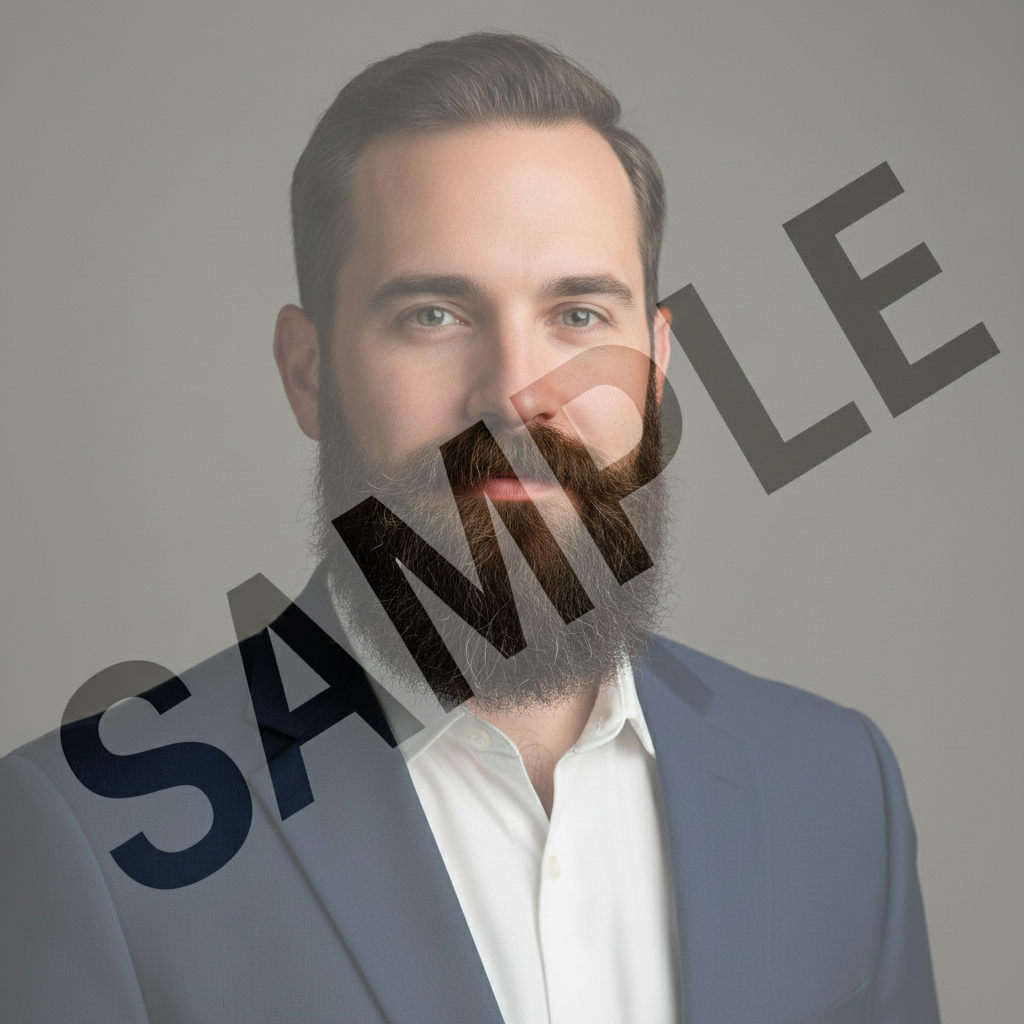
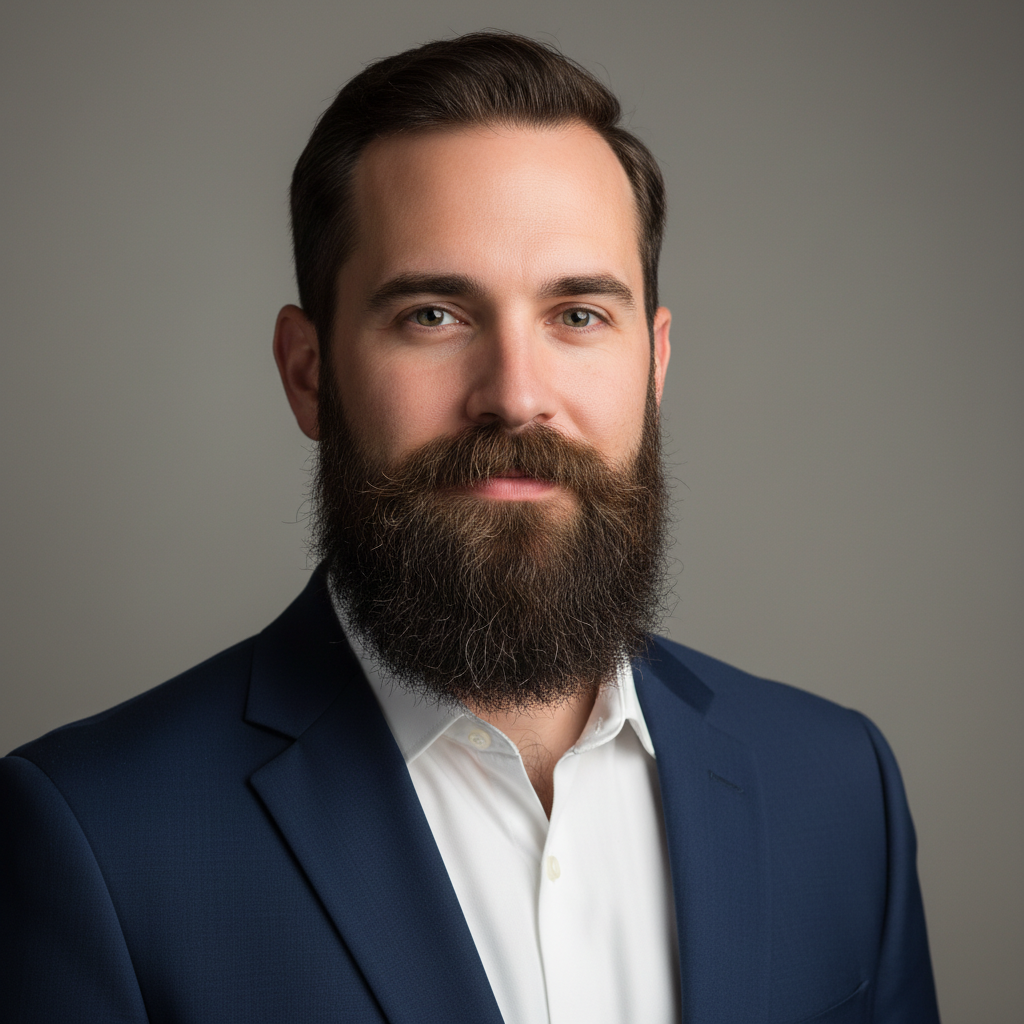
Professional headshot of man with full dark beard in business suit
Before
Same professional headshot showing clean-shaven face with natural skin
After

How it works

1

Upload your photo

Drop your image into EditThisPic. JPG, PNG, and WebP up to 7MB. The AI works best with well-lit photos where the beard and face are clearly visible. Front-facing or slight angle portraits produce the most realistic results.

⏱ Simple stubble removal: 20-30 seconds. Full beard removal with skin reconstruction: 30-45 seconds, may need refinement for natural skin texture.
2

Describe the beard removal

Type your instruction: 'remove the beard and show clean-shaven face with natural skin' or 'digitally shave the facial hair, reveal smooth chin and jawline.' Be specific about what you want removed—full beard, goatee, mustache, or stubble. The AI understands facial hair terminology and reconstructs the underlying skin texture.

💡 Include skin details for realism: 'show natural skin tone matching the forehead' or 'smooth skin with slight texture' produces more believable results than just 'remove beard.'

Copy one of these to get started:

Full beard removal remove the full beard completely and show a clean-shaven face with natural skin texture matching the forehead
Stubble removal remove the stubble and 5 o'clock shadow, show smooth freshly-shaved skin without any visible hair growth
Remove goatee only remove just the goatee and chin hair, leave the rest of the face as is, show natural chin skin
Remove mustache only remove the mustache and show clean upper lip with natural skin, keep any other facial hair unchanged
4 more prompts
Preview clean-shaven look digitally shave all facial hair to show what this person would look like completely clean-shaven with realistic skin
Remove patchy beard remove the patchy beard growth and show even smooth skin across the jaw and chin area
Heavy beard to clean remove the thick heavy beard, reconstruct the jawline and chin with natural skin that matches the visible face tone
Remove beard but keep sideburns remove the beard and mustache but keep the sideburns at current length, show clean jaw and chin
3

Generate and review

Tap generate and examine the result at full zoom. Check that the jawline looks natural, skin tone matches the rest of the face, and there are no beard remnants at the edges. Pay attention to the chin area and neck transition—these are the trickiest spots for realistic reconstruction.

4

Refine skin texture if needed

If the clean-shaven area looks too smooth or plastic, add detail prompts. Tap markers on problem areas like the chin or jawline and regenerate with texture instructions. If the AI missed patches of beard, mark those spots specifically.

💡 For the most realistic results, do a second pass: 'add subtle skin texture and pores to the chin area, matching the forehead skin.'
Try it free
"Wanted to see if I should shave my beard for a job interview. Typed 'remove my full beard, show smooth clean-shaven skin' and got a realistic preview. Decided to keep the beard!" @BeardedTechGuy

See it in action

Professional headshot of man with full dark beard in business suit
Before
Same professional headshot showing clean-shaven face with natural skin
After

Full beard removal for job interview preview

Professional man wanted to see if he should shave his beard before a corporate interview. One prompt showed him clean-shaven with realistic skin.

Prompt: remove the full beard completely and show a clean-shaven face with natural skin texture matching the forehead
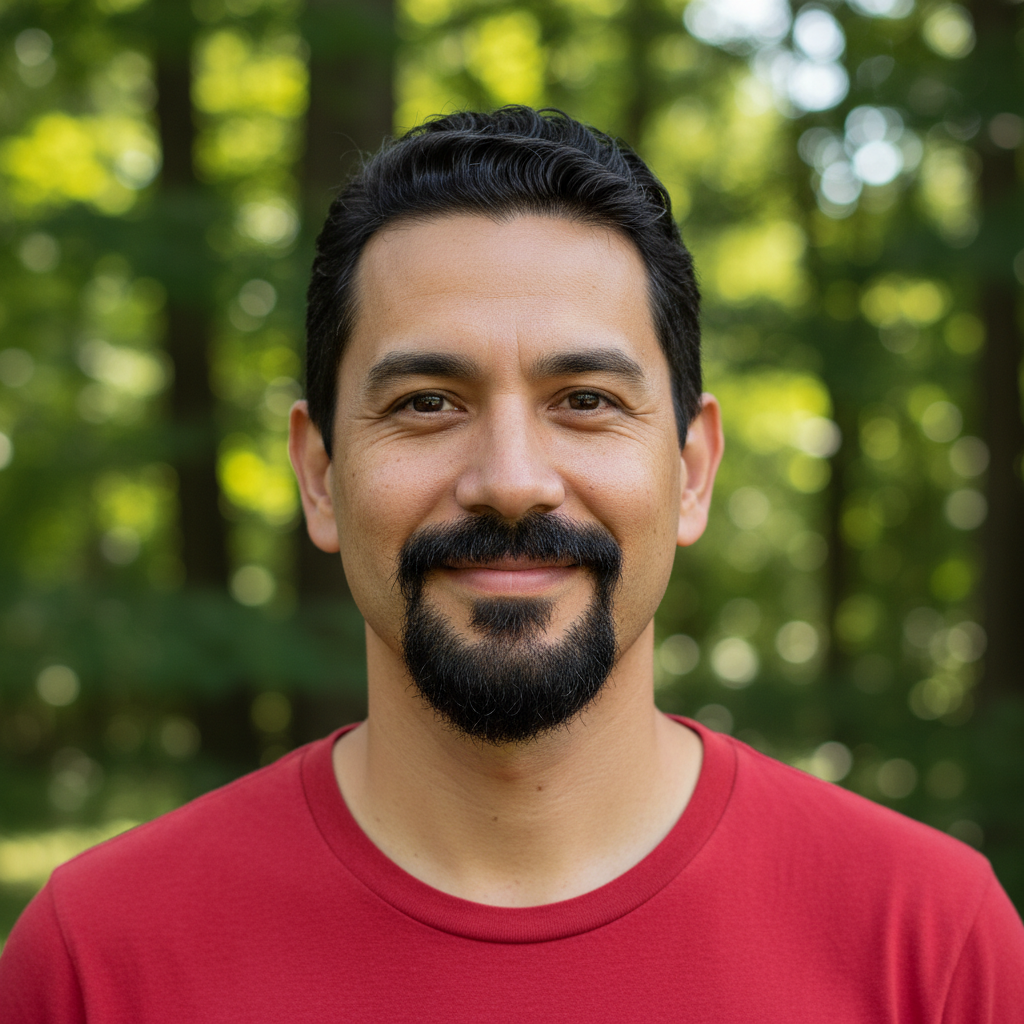
Casual portrait of man with dark goatee and mustache in red shirt
Before
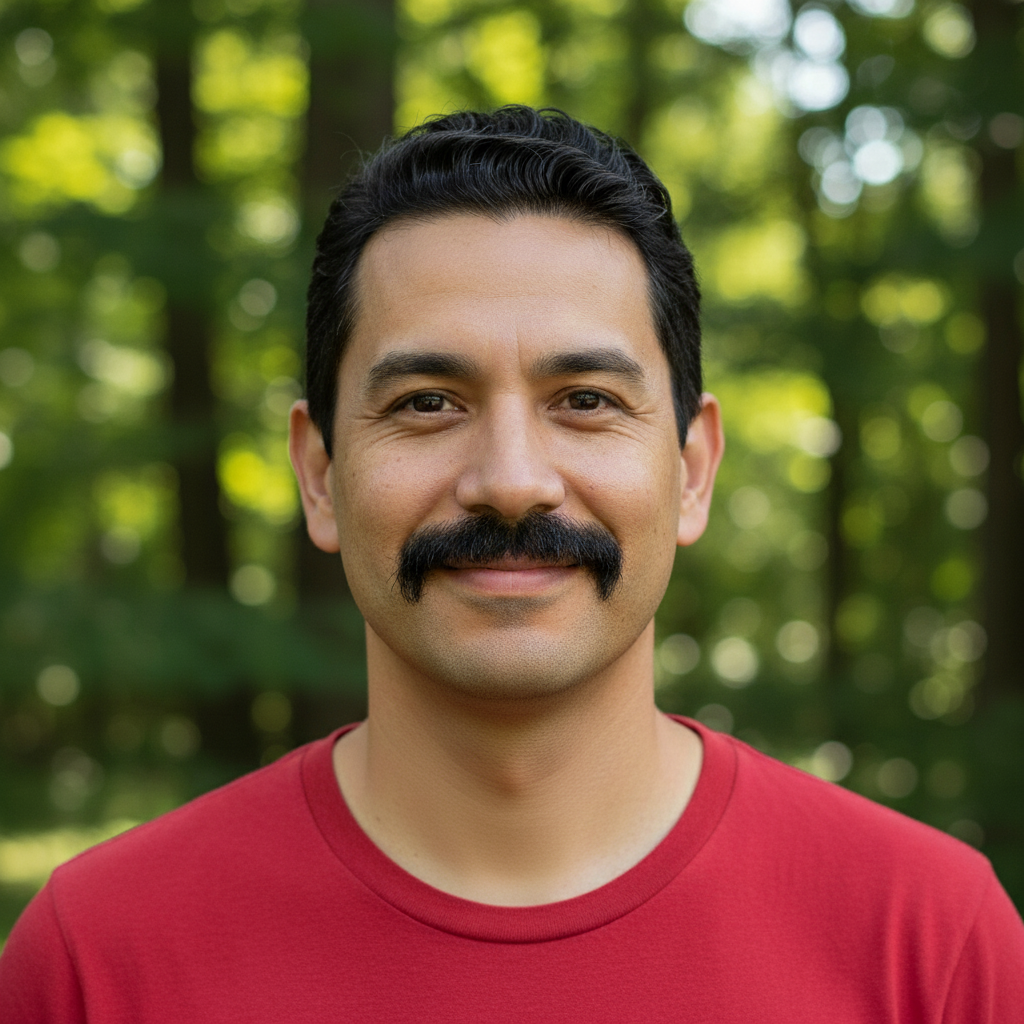
Same portrait with goatee removed showing clean chin
After

Goatee removal to see face shape

User curious what he would look like without his signature goatee. Quick digital shave revealed his chin structure.

Prompt: remove just the goatee and chin hair, show natural chin skin matching the surrounding face tone
Dating profile photo of young man with visible stubble in gray shirt
Before
Same photo with stubble removed showing smooth freshly-shaved appearance
After

Stubble removal for dating profile

Quick stubble cleanup to see which look worked better for a dating profile photo.

Prompt: remove the stubble and 5 o'clock shadow, show smooth freshly-shaved skin on the jaw and chin

If something looks off

AI changed the wrong area or affected other facial features

Why: The AI couldn't determine exactly which facial hair you wanted removed. This happens when you have multiple types of facial hair or the prompt was ambiguous.

Try: Tap a marker on the specific beard area you want removed, then regenerate with 'remove facial hair from this marked area only'

💡 Markers tell the AI 'I mean THIS area specifically.' Use them when you have both beard and mustache but only want one removed.

Skin looks too smooth or plastic after beard removal

Why: The AI generated skin without texture. Dense beards hide skin detail, so the AI sometimes creates overly smooth replacement skin.

Try: add subtle skin texture, pores, and natural variation to the chin and jaw area, make it look like real skin not airbrushed

💡 Reference visible skin: 'match the skin texture visible on the forehead and cheeks' gives the AI a realistic target.

Skin tone doesn't match the rest of the face

Why: Beards protect skin from sun exposure, so the hidden skin might naturally be lighter. The AI sometimes misses this or overcorrects.

Try: adjust the skin tone on the jaw and chin to match the forehead and cheek color exactly, unified skin tone across entire face

💡 If the person likely has even tan, specify: 'show skin tone matching the face' but if a lighter jaw is realistic, that's actually accurate.

Beard shadow or stubble remnants visible

Why: The AI removed the visible hair but left hints of the hair follicles or slight darkening where the beard was.

Try: remove all traces of beard shadow and stubble, show completely clean skin with no visible hair follicles or darkening

💡 For a 'freshly shaved' look, add 'no 5 o'clock shadow visible.' For a more natural look, slight shadow can actually look realistic.

Jawline shape looks wrong or unnatural

Why: The AI had to guess the underlying bone structure hidden by a dense beard. Without reference, the reconstruction may not match the person's actual jaw shape.

Try: adjust the jawline to look more natural and defined, maintain realistic facial proportions based on the visible bone structure

💡 This is the hardest part of beard removal. A second pass focusing just on jawline shape often helps.

Missed patches—some beard hair remains

Why: The AI didn't process the entire beard area consistently, especially at edges near ears or under the chin.

Try: Tap markers on the remaining beard patches, then: 'remove these remaining beard hairs, show clean skin matching the already-shaved areas'

💡 Check under the chin and the jawline near the ears—these are common spots for leftover hair.

Mustache removed when I wanted to keep it

Why: The AI interpreted 'remove beard' to include all facial hair. Mustaches are technically separate from beards.

Try: remove only the beard on the jaw and chin, keep the mustache completely unchanged and intact

💡 Always specify what to keep when you want partial facial hair removal: 'keep mustache' or 'keep sideburns.'

Quick answers

Do I need to mark the beard before describing?

No—just describe what facial hair you want removed. 'Remove the beard' or 'digitally shave the facial hair' is enough for the AI to understand. Only use markers if you want to remove specific facial hair (like goatee but not mustache) and the AI is affecting the wrong area.

Will the result show what I'd actually look like without a beard?

The AI makes an educated reconstruction based on your visible facial structure—cheekbones, face width, and skin tone. It's a realistic preview, not a perfect prediction. The actual shape of your chin and jawline under the beard may differ slightly from what the AI generates, especially with very dense beards.

Can I remove just the mustache and keep the beard?

Yes. Type 'remove just the mustache, keep the beard unchanged' or 'remove upper lip hair only.' The AI understands different facial hair components and can target them individually. Be specific about what to keep and what to remove.

Why does the chin skin look different from the rest of my face?

Skin protected by a beard often has different texture and tone than sun-exposed skin. The AI has to reconstruct this area with limited reference. For the most realistic results, try 'match skin texture and tone to the forehead' to unify the appearance.

Does this work on thick or long beards?

Yes, but thicker and longer beards require more reconstruction, which increases the chance of imperfect results. The AI has less information about your underlying jaw shape with dense beards. Expect 2-3 refinements for very thick beards versus one pass for stubble.

Can I use this to see different beard styles?

Beard removal is one-directional—this tool removes beards, not adds them. For adding or changing beard styles, use 'add beard to photo' instead. You can also do partial removal: 'remove the beard but keep a short goatee.'

Ready to see yourself without the beard?

Free to try. No signup required.

Try it free