Free โ€ข No signup Remove Beard ยท Free

AI Beard Remover

Just describe what you want and AI handles the beard editing.
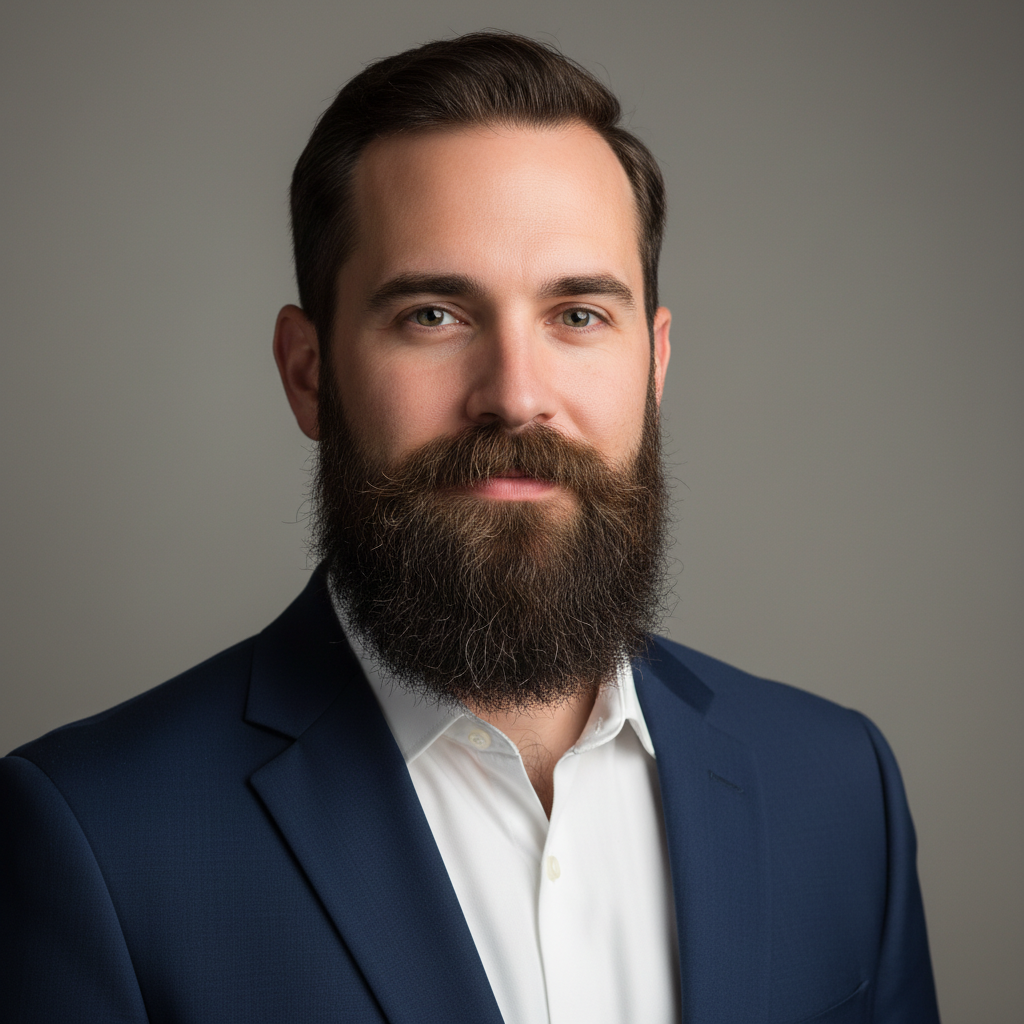
Before ai-beard-remover edit
Before
โ†’
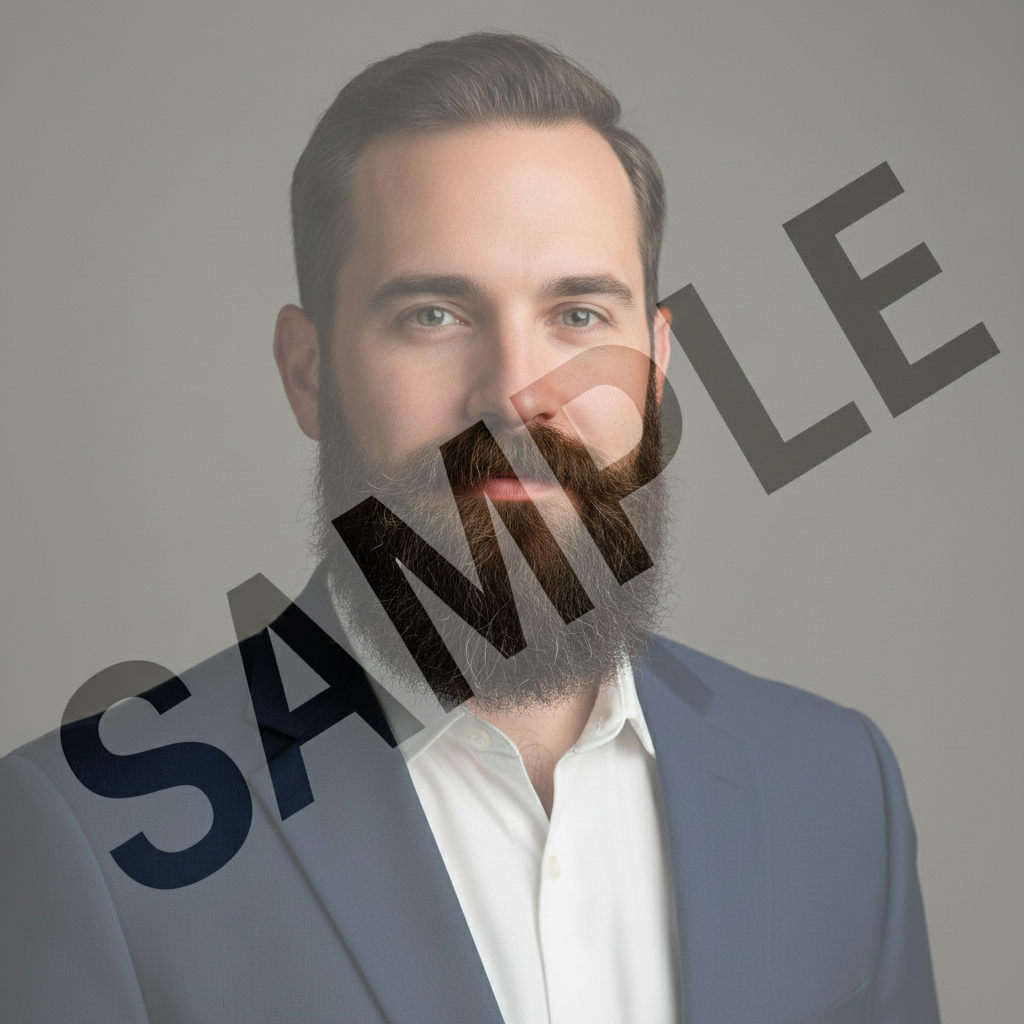
After ai-beard-remover edit
After

AI Beard Remover

Drop your photo here

or click to browse

Release to upload

Free โ€ข No signup

Advertisement
Popular use cases:
  • social media photos
  • professional headshots
  • product photography
  • personal photos

Cost
Free No signup required
Time
Instant results in 15-30 seconds
Works on
Any device - browser, phone, tablet, desktop
Powered by
AI-powered photo editing
Scenario Prompt Time
Remove full beard Remove the entire beard to reveal smooth clean-shaven skin with natural facial structure 15s
Remove short stubble beard Remove all stubble to create a completely smooth clean-shaven appearance 15s
Remove long beard Remove the long beard entirely to reveal the clean-shaven face and jawline beneath 20s
Remove patchy beard Remove all facial hair including patchy areas to show smooth clean-shaven skin 20s

How it works

  1. Upload Your Photo

    Choose a clear photo showing the beard you want to remove. Front-facing or three-quarter view photos with good lighting produce the most realistic results. The AI needs to see facial structure clearly.

    Expect: Your photo uploads instantly and appears in the editor at full resolution. The original image quality is preserved and ready for beard removal.
  2. Mark the Beard Area

    Use the brush tool to paint over the entire beard area including the chin, jaw, upper lip, cheeks, and sideburns. Be thorough and mark all visible facial hair. The AI will reconstruct the skin beneath based on facial structure and surrounding skin tone.

    Copy one of these to get started:

    Remove full beard Remove the entire beard to reveal smooth clean-shaven skin with natural facial structure
    Remove short stubble beard Remove all stubble to create a completely smooth clean-shaven appearance
    Remove long beard Remove the long beard entirely to reveal the clean-shaven face and jawline beneath
    Remove patchy beard Remove all facial hair including patchy areas to show smooth clean-shaven skin
    3 more prompts
    Remove gray beard Remove the gray beard to reveal smooth mature skin with natural facial features
    Remove goatee and chin beard Remove the goatee and chin beard to show completely clean-shaven lower face
    Remove scruffy unkempt beard Remove all unkempt facial hair to create a clean-shaven groomed appearance
  3. Generate Clean-Shaven Look

    Click Generate and watch as AI removes the beard and reveals smooth skin underneath. The process analyzes facial structure, skin tone, and texture to create a natural clean-shaven appearance.

  4. Download Your Clean-Shaven Photo

    Save your edited photo in full resolution with no watermark. The result shows your face without the beard while maintaining natural skin texture and facial features.

Try it free โ†“

AI Beard Remover

Drop your photo here

or click to browse

Release to upload

Free โ€ข No signup

"This beard tool is incredible. Just described what I wanted and it worked perfectly on the first try." @happy_user

See it in action

Before ai-beard-remover edit
Before
->
After ai-beard-remover edit
After

Full Beard to Clean-Shaven

Removed a thick full beard to reveal natural clean-shaven facial structure with realistic skin texture.
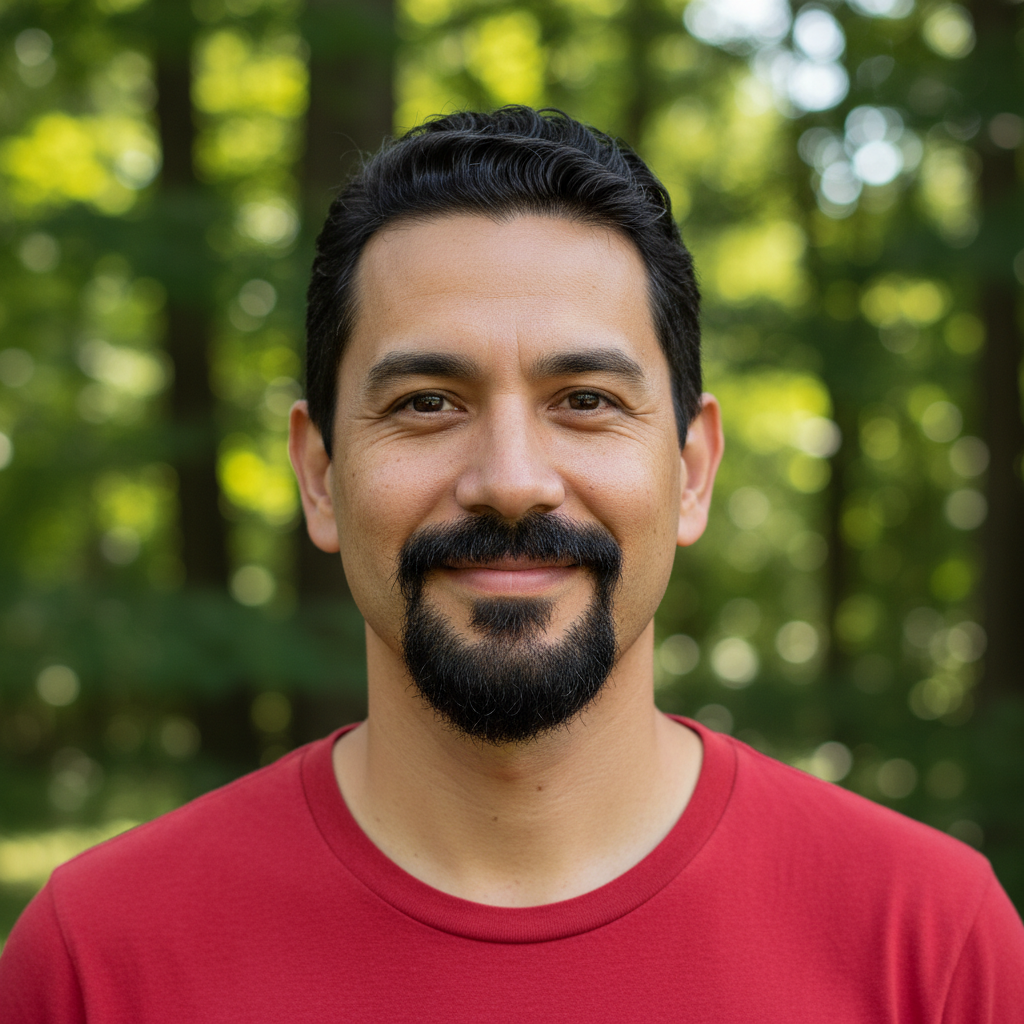
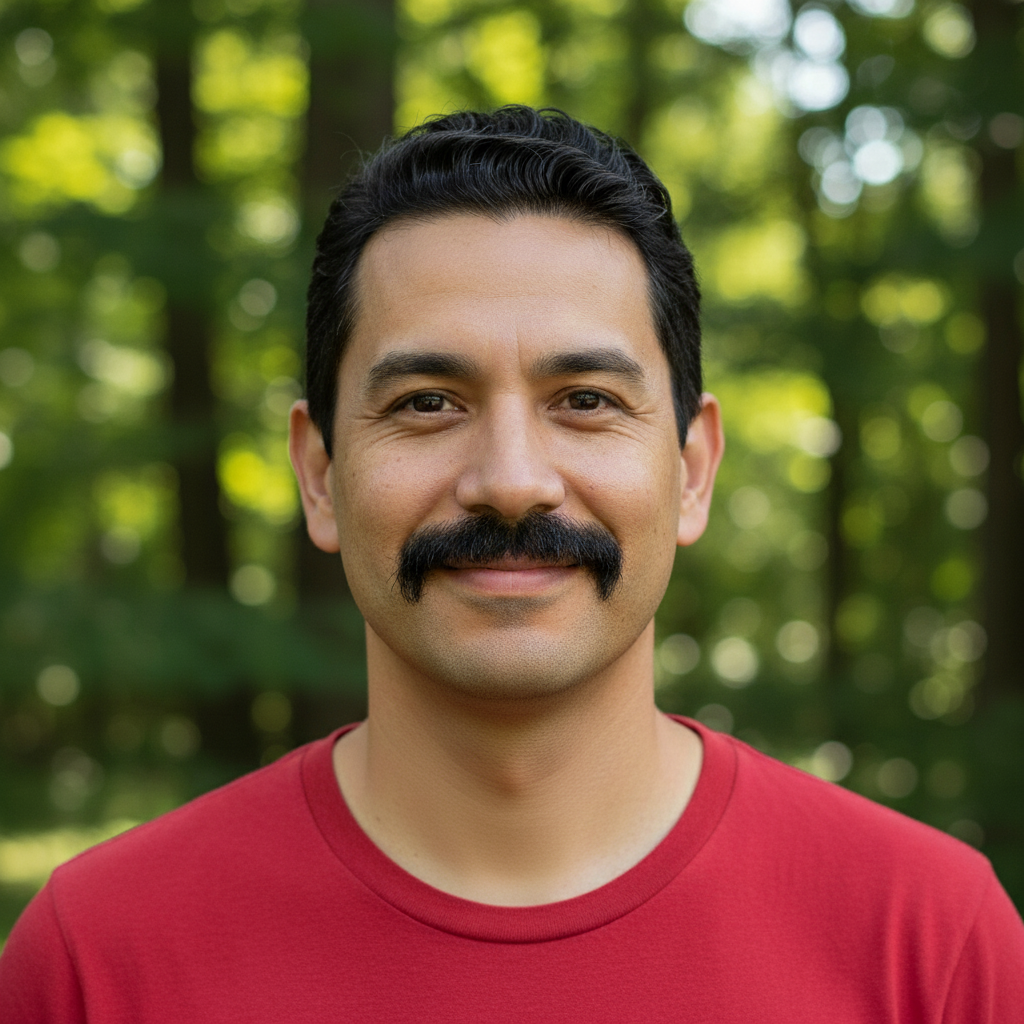
Prompt:
Before ai-beard-remover edit
Before
->
After ai-beard-remover edit
After

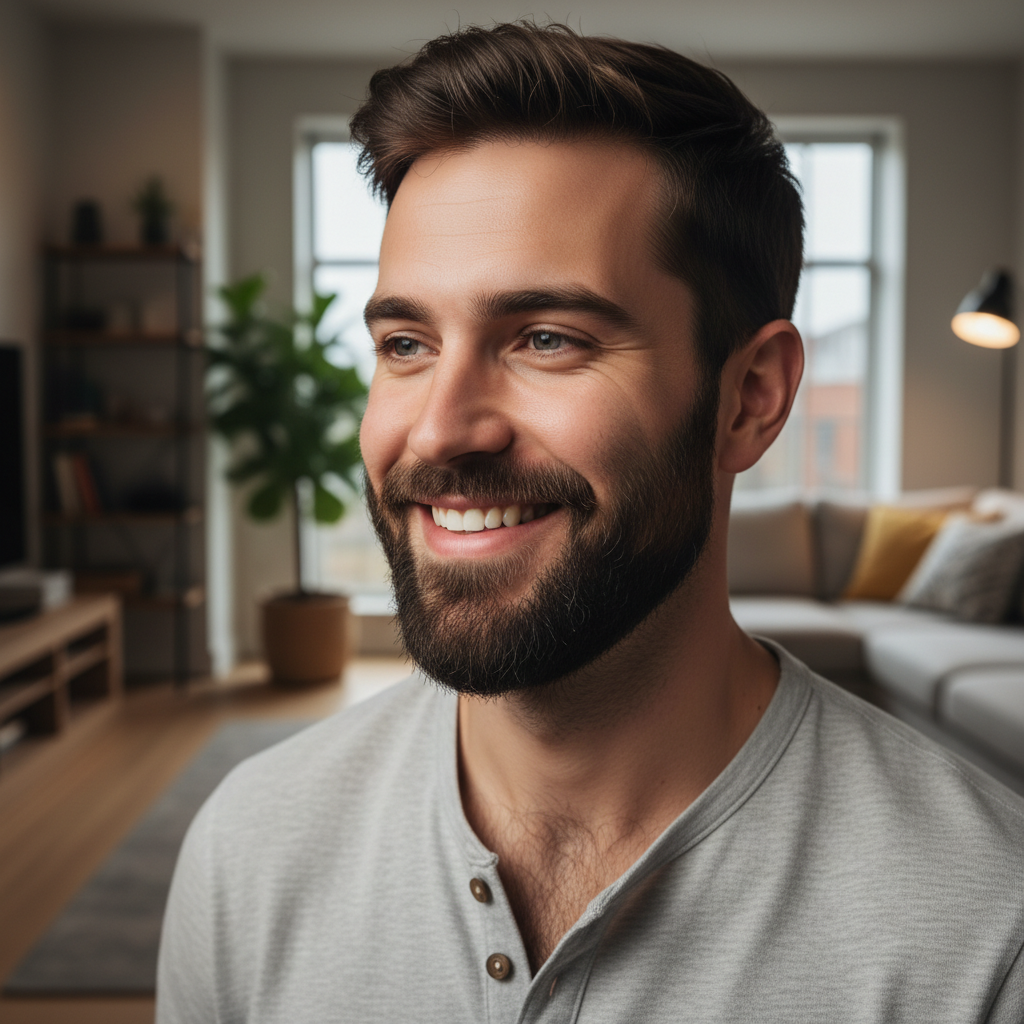
Professional Look Transformation

Eliminated a long beard for a corporate headshot, creating a clean professional appearance.
Prompt:
Before ai-beard-remover edit
Before
->
After ai-beard-remover edit
After

Stubble Removal for Smooth Skin

Removed 5-day stubble to show completely smooth clean-shaven look for dating profile.

Prompt:
Advertisement

If something looks off

AI changed wrong area

Why: The AI interpreted the instruction differently than expected.

Try: Mark only the beard area itself. Avoid marking the upper cheeks, nose, or neck unless there's facial hair there. The AI needs clear boundaries between beard and non-beard areas.
Skin tone doesn't match the face

Why: The AI interpreted the instruction differently than expected.

Try: This happens with uneven lighting in the original photo. The AI matches skin tone from visible areas, so ensure your photo has consistent lighting across the face for best results.
Facial structure looks unnatural

Why: The AI interpreted the instruction differently than expected.

Try: Very long or thick beards may require a second pass. Generate once to remove most of the beard, then mark and refine any areas that need adjustment.
Stubble shadow remains visible

Why: The AI interpreted the instruction differently than expected.

Try: If dealing with dark stubble creating a shadow, mark those areas specifically and generate again. Heavy stubble may need targeted removal after the initial beard removal.
Beard only partially removed

Why: The AI interpreted the instruction differently than expected.

Try: Ensure you marked the entire beard area including sideburns, chin, jaw, upper lip, and cheeks. Missing areas won't be processed. Mark thoroughly for complete removal.
Result looks too smooth or plastic

Why: The AI interpreted the instruction differently than expected.

Try: This can happen with AI over-processing. Try using a more recent, higher-quality photo with better lighting. The AI needs texture information from surrounding skin to create realistic results.

Quick answers

Do I need to mark the beard?

Yes, paint over the entire beard area using the brush tool. This includes all facial hair on the chin, jaw, cheeks, upper lip, and sideburns. The AI will reconstruct the skin beneath based on your markings.

Will it look realistic or obviously edited?

The AI analyzes your facial structure and visible skin tone to create realistic results. Photos with clear facial features and good lighting produce the most natural-looking clean-shaven appearance.

Can I remove just part of a beard like a goatee?

Yes, mark only the areas you want to remove. This is perfect for testing different beard styles or removing only a mustache, goatee, or sideburns while keeping other areas.

Does it work on all beard types and colors?

Yes, the AI handles full beards, stubble, goatees, and all hair colors including black, brown, red, blonde, gray, and white beards. Longer beards may take more processing to look natural.

What if I have a very thick or long beard?

Very thick or long beards work but may require two passes for the most realistic results. Generate once to remove the bulk, then refine any remaining areas in a second generation.

Ready to edit your photos?

Free to try. No signup required.

Try it free โ†’