Free β€’ No signup Remove Person Β· Free

Remove Person from Background

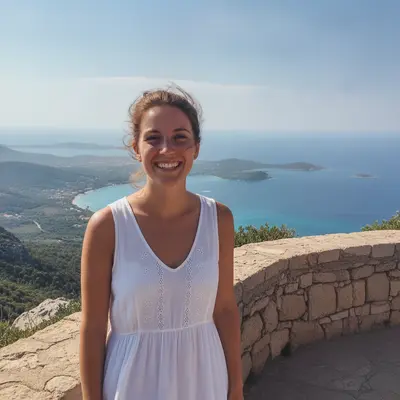
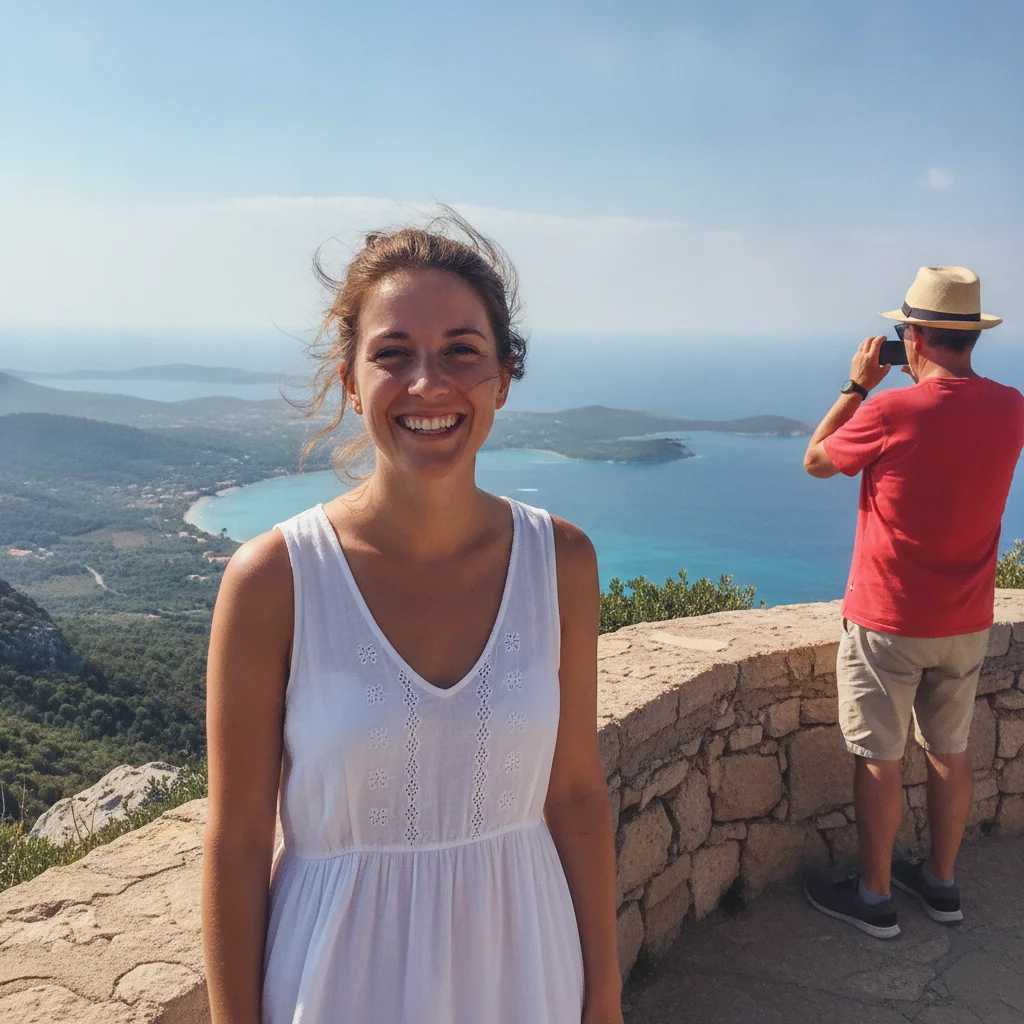
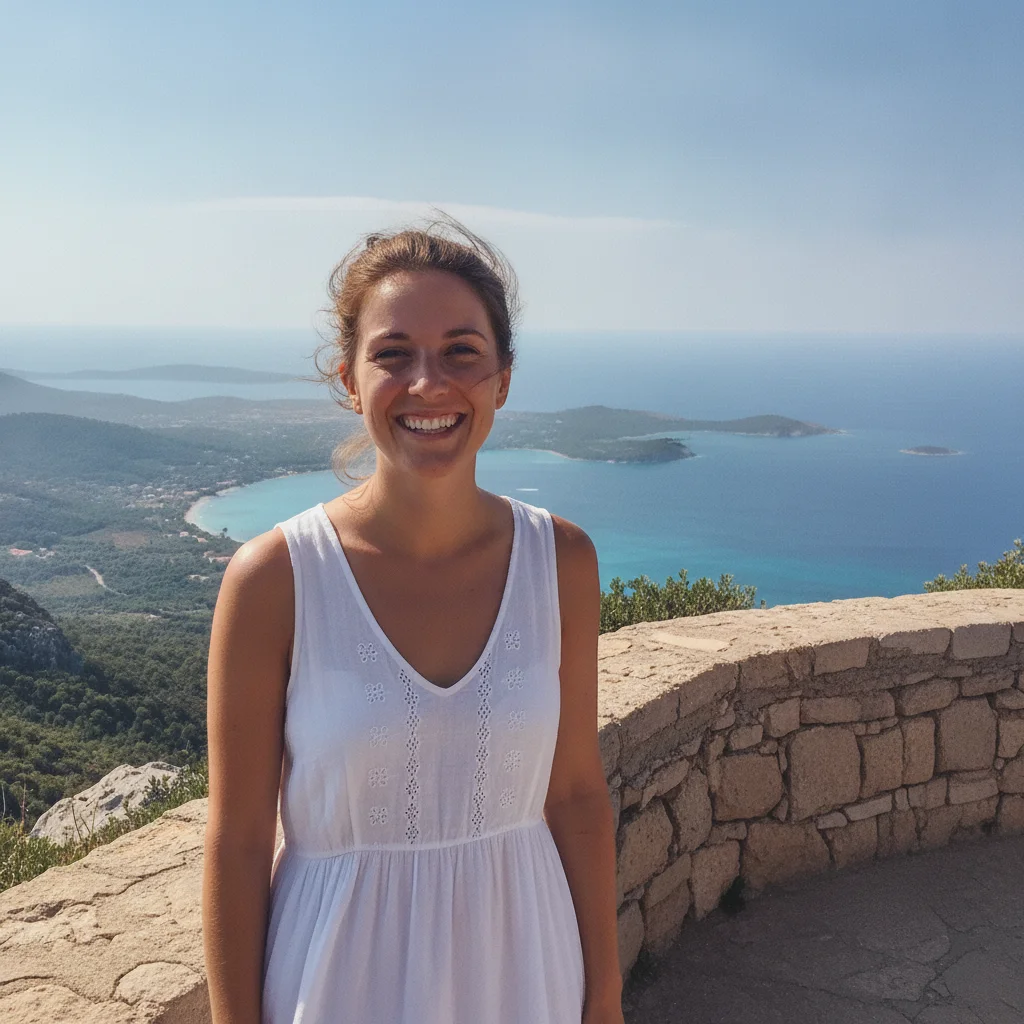
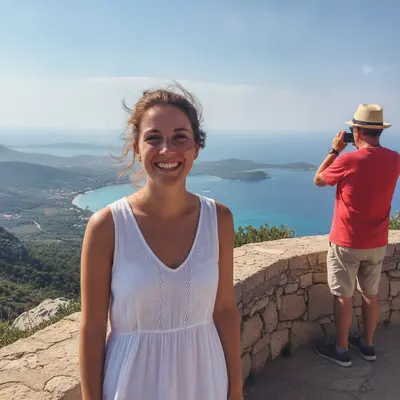
Foreground stays sharp. Background gets cleaned. AI removes background people in 30 seconds.
Remove Person from Background of Photo β€” Free AI (2026)

Upload photo to remove person

Free β€’ Results in 30 seconds β€’ No signup

Release to upload

FreeNo signupForeground preserved

1 free edit·then from $1.99


Cost
Free No signup required
Time
Instant results in 15-30 seconds
Works on
Any device - browser, phone, tablet, desktop
Powered by
AI-powered photo editing

How it works

Try it free ↓

Remove Person from Background of Photo β€” Free AI (2026)

Upload photo to remove person

Free β€’ Results in 30 seconds β€’ No signup

Release to upload

Free β€’ No signup

Detailed Guides by Scenario

πŸ“·

Portrait Background Cleanup

Remove background people from portrait shots so the subject stands out without distractions.

Common Scenarios

  • Outdoor portraits with strangers walking by behind
  • Engagement photos with other couples in the background
  • Senior portraits with classmates visible behind
  • Headshots with office workers in the background

Best Practices

  • Mark each background person β€” keeps the foreground subject untouched
  • Mention 'keep the foreground exactly the same' explicitly in your prompt
  • For portraits with shallow depth of field, the AI handles the soft background well
πŸ“·

Product Photo Background Cleanup

Remove people from the background of product photos so the product stands out.

Common Scenarios

  • Outdoor product shots with bystanders in the background
  • Lifestyle product photos with extras visible behind the model
  • Real estate listing photos with neighbors visible through windows
  • Food blog photos with diners in the background

Best Practices

  • Mark the background people but never the product itself
  • Use 'preserve the product exactly as it is' in your prompt
  • For curved or reflective products, the AI handles refraction naturally
πŸ“·

Real Estate Background Cleanup

Remove people visible in the background of real estate listing photos β€” through windows, on the street, or in adjacent rooms.

Common Scenarios

  • Living room shots with neighbors visible through windows
  • Backyard photos with people in adjacent yards
  • Open house photos with attendees in the background
  • Drone shots with pedestrians on the street

Best Practices

  • Real estate photos benefit from cleaner backgrounds β€” empty is best
  • Mark each background person carefully, especially through windows
  • Use 'reconstruct the empty scene' for the cleanest result

Quick answers

How do I remove a person from just the background?

Upload your photo to EditThisPic, tap the background person to mark them, type 'remove the marked person from the background and keep the foreground exactly the same,' and click Generate. The AI removes only the background person in 15-30 seconds.

Will the foreground subject (me) stay the same?

Yes, when you mark only the background person and use 'keep the foreground exactly the same' in your prompt. The AI focuses entirely on the background area you marked. The foreground subject remains pixel-perfect.

Can I remove multiple background people at once?

Yes. Place a marker on each background person, then use 'remove all marked background people and keep the foreground intact.' For best results, do this in batches of 5-10 markers per edit if there are many.

Does it work on portraits with shallow depth of field?

Yes. Portraits with blurred backgrounds (shallow DOF) are some of the easiest cases. The AI replaces the marked person with continued blur, matching the bokeh effect.

Can it remove people visible through windows?

Yes. People visible through windows in the background of a photo are removed normally. Mention 'show the clean outdoor view' or 'show the empty scene through the window' for accurate reconstruction.

Will it affect the lighting on the foreground subject?

No. The AI only modifies the marked area. Foreground lighting, color, and detail remain unchanged. The background reconstruction matches the existing lighting so it doesn't look out of place.

Is the background person remover free?

Yes β€” one free edit per week with no account needed. For more, packs start at $1.99 for 3 edits and subscriptions start at $4.99/month for 15.

What if the background person is partially behind the subject?

Mark the visible part of the background person. The AI removes what's visible and reconstructs the area. For complex overlaps, you may need a refinement pass to clean up edges where the foreground subject meets the reconstructed background.

How much does EditThisPic cost?

You get 1 free edit per week β€” no account needed. After that, credit packs start at $1.99 for 3 edits. Monthly plans start at $4.99/mo for 15 edits with unused credits rolling over. All edits are full resolution with no watermark.

Your photo. Remove in seconds.

No account. No watermark. Just results.

1 free edit included·Credit packs from $1.99