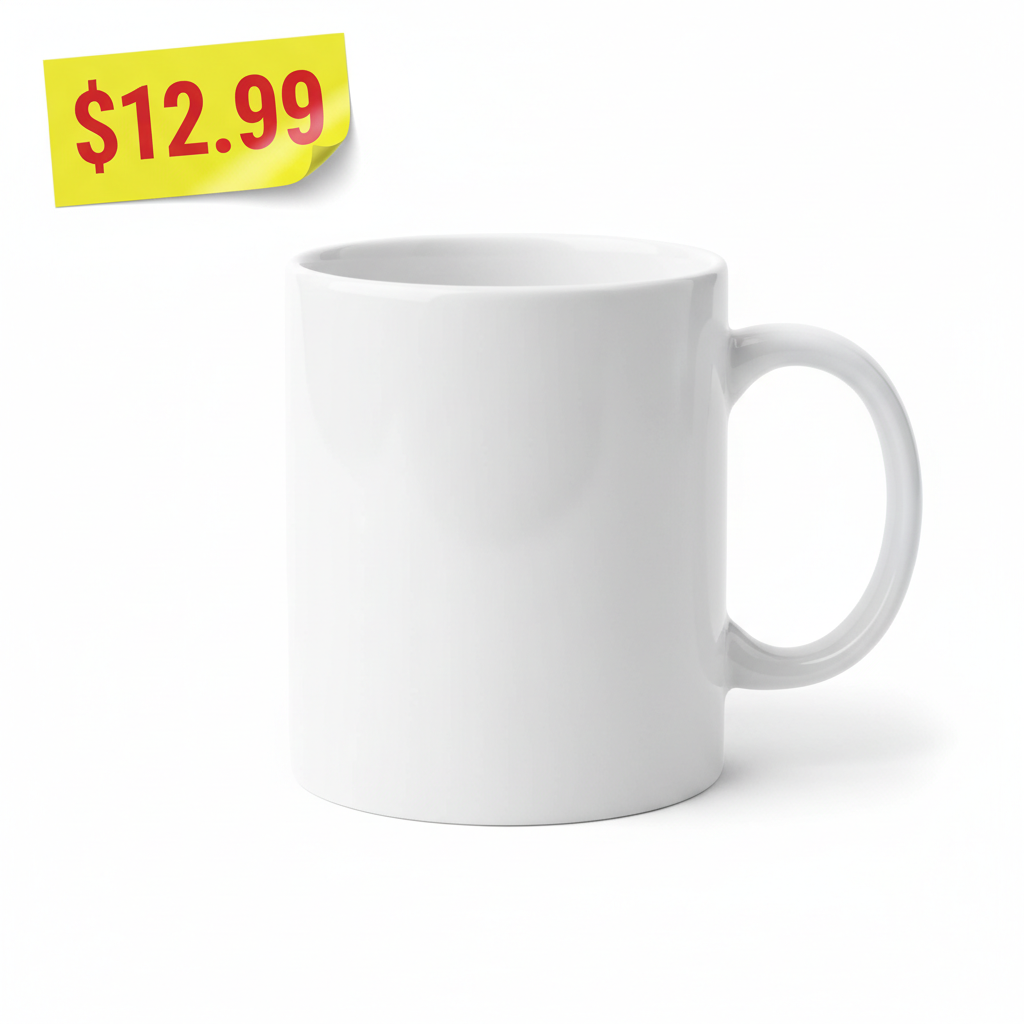
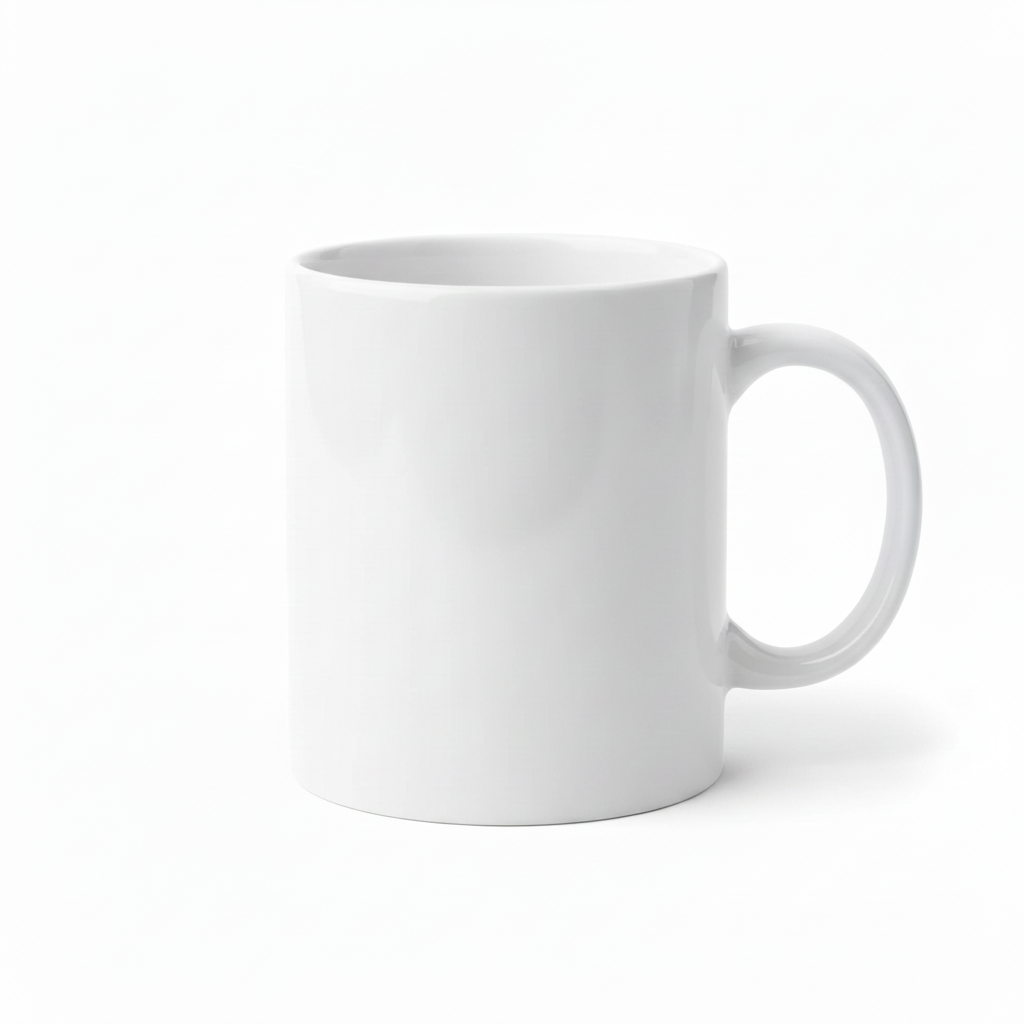
How do I remove a price tag from a photo for free?
Upload the product photo to EditThisPic, type 'remove the price sticker and rebuild the surface behind it,' and download. The free tier is one preview edit per week, no signup; purchased downloads are clean.
Does it work for hang tags and stickers both?
Yes. Sticky labels, hang tags, and clearance stickers all clear the same way. For a hang tag, mention the string too so it doesn't get left behind.
Can it remove sticker residue?
Yes, but name it: 'remove the sticker and the sticky residue.' Old peeled stickers often leave an outline the AI keeps unless you call it out.
Will the surface behind the tag look right?
On plain or simple surfaces, yes — the rebuild is seamless. On detailed artwork or packaging print, describe what's underneath so the AI continues the design accurately.
Is this okay for reselling listings?
Yes — it's a common prep step to make secondhand items photograph like clean stock. Always describe the item honestly in your listing; the edit is cosmetic on the photo only.
Is there a watermark?
No. EditThisPic doesn't watermark output on any tier.
Do I need an account?
No. Upload, describe, and preview the result without signing up; purchased downloads are clean. An account only helps you save edits.
Which photo works best?
A flat sticker on a simple, evenly lit surface clears most cleanly. Tags wrapped around curves or over detailed artwork are harder.
How much does EditThisPic cost?
You get 1 free edit per week — no account needed. After that, one-time credit packs start at $4.99 for 10 edits, valid 12 months, no subscription. Power users who edit daily can pick Studio Membership, a monthly workspace at $49.99/mo for 300 edits. Purchased downloads are clean with no watermark.