Pricing Remove Rain · Free

Remove Rain from a Photo

← Browse all remove tools

Last updated

Clear rain streaks, lens drops, and the gray gloom of a rainy day without brushing around them. Describe what to clear for a cleaner, brighter first result.
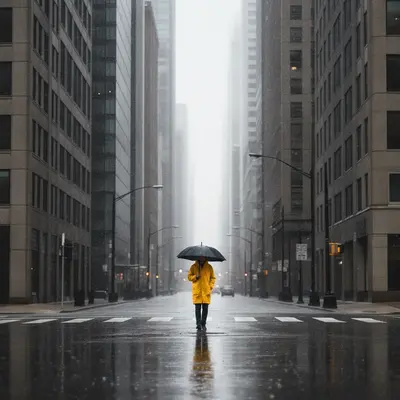
City street in heavy rain with visible streaks and a gray overcast sky Same city street with the rain streaks removed and the sky brightened naturally

Upload photo to remove rain

"remove the water drops on the lens and restore a clear, sharp view of the scene behind them"

Free to try · no sign-up · photos are never shared

Release to upload

<30stypical edit
1 freeedit weekly
Photo on your phone? Scan to open this editor there — free edit works on your phone too.

1 free edit every week·paid packs after

How it works

  1. Upload the rainy photo

    Drop your image into EditThisPic — JPG, PNG, or WebP up to 7MB. Works for rain streaks in the air, drops on the lens, and the overall gray, washed-out look of a rainy day.

    Expect: Light rain with a visible subject: 15–20 seconds. Heavy rain covering most of the frame: 30–45 seconds and may need one refinement.
  2. Describe what to clear

    Say what's visible: 'remove the rain streaks and water drops and brighten the overcast sky' or 'clear the rain and restore natural color to the street and buildings.'

    Expect: Mentioning both the rain itself and the resulting gray tone gives the AI a full picture of what to fix.

    Copy one of these to get started:

    Remove rain streaks from an outdoor photo remove the rain streaks and water drops from this photo and brighten the overcast sky
    Remove drops that landed on the camera lens remove the water drops on the lens and restore a clear, sharp view of the scene behind them
    Clear the gray, washed-out look of a rainy day clear the rain and gray overcast tone from this photo, restore natural color and brightness to the sky, street, and buildings
    Remove rain and puddle reflections from a street photo remove the rain streaks and dry out the wet pavement, remove the puddle reflections and restore a normal dry street surface
    2 more prompts
    Remove rain from a portrait taken outdoors remove the rain streaks around the subject and brighten the lighting on their face, keep their expression and pose unchanged
    Remove rain from a landscape or scenic photo remove the rain streaks across the landscape and restore natural green color to the hills and trees, brighten the overcast sky
  3. Check the lighting and color look natural

    Zoom in on the sky and any reflective surfaces. Check that the brightened result still looks like a real photo — natural shadows and color, not overexposed or flat.

  4. Refine with a marker if needed

    If a puddle reflection or a patch of streaks remains, tap directly on that spot and describe what should be there — 'this area should show dry pavement matching the surrounding street.'

See it in action

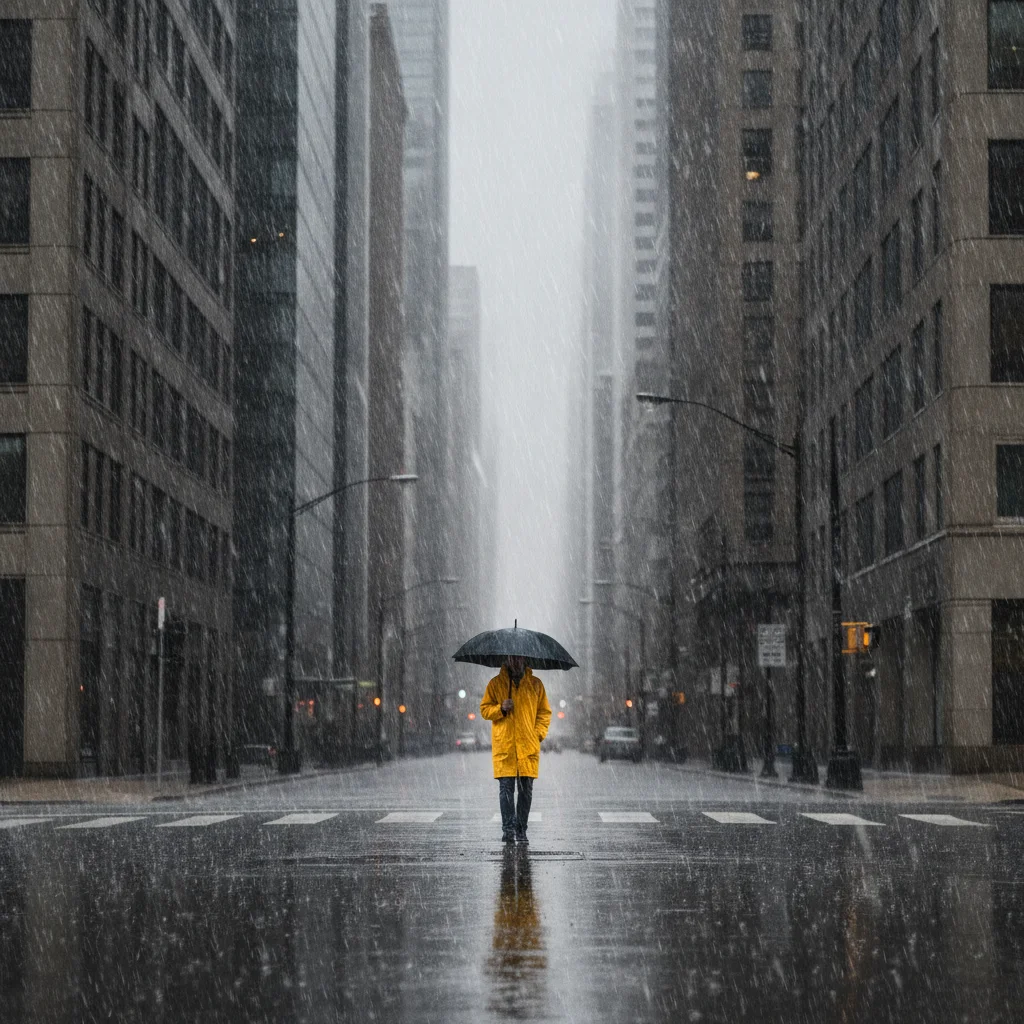
City street in heavy rain with visible streaks and a gray overcast sky
Before
->
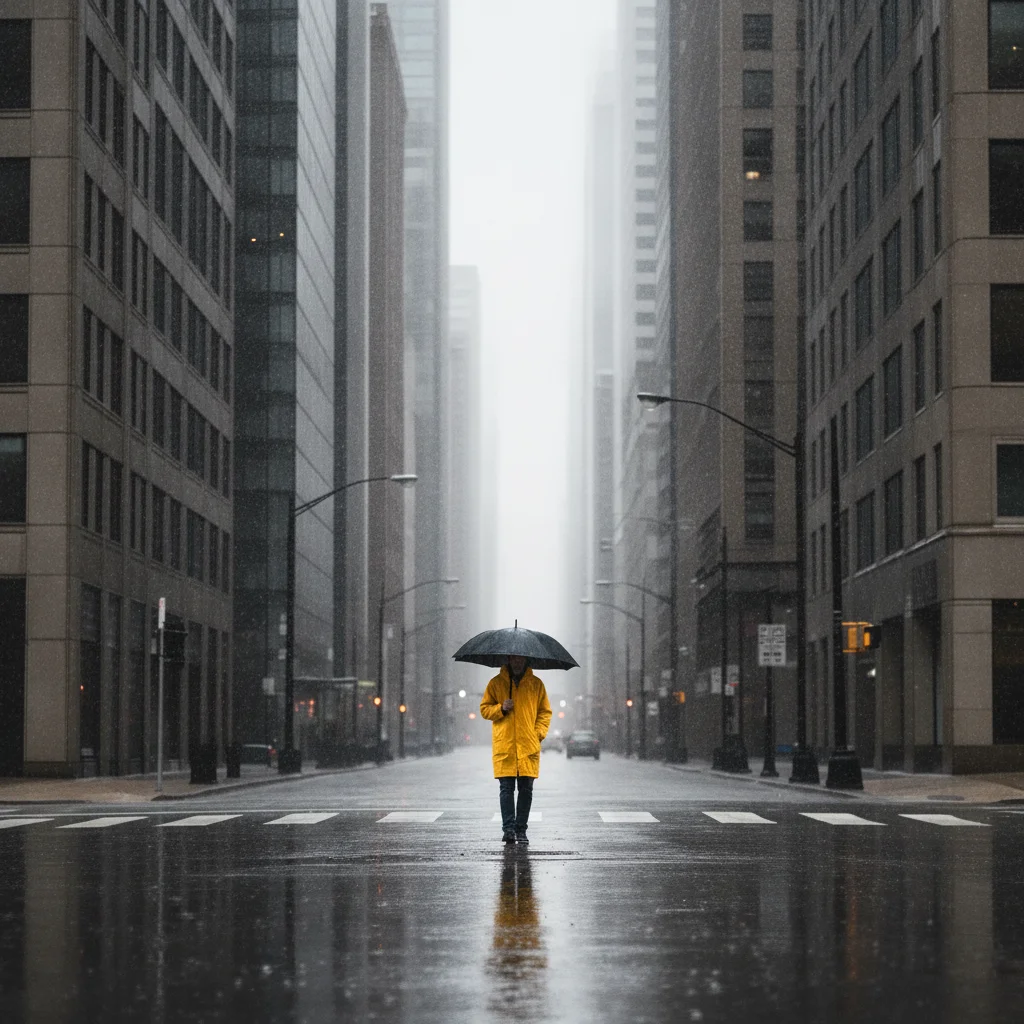
Same city street with the rain streaks removed and the sky brightened naturally
After

Rain streaks cleared from a city street photo

A street photo taken during a downpour had visible rain streaks and a gray, washed-out sky. The AI removed the streaks and brightened the sky and street for a cleaner shot.

Prompt: remove the rain streaks and water drops from this photo and brighten the overcast gray sky, restore natural color to the street below
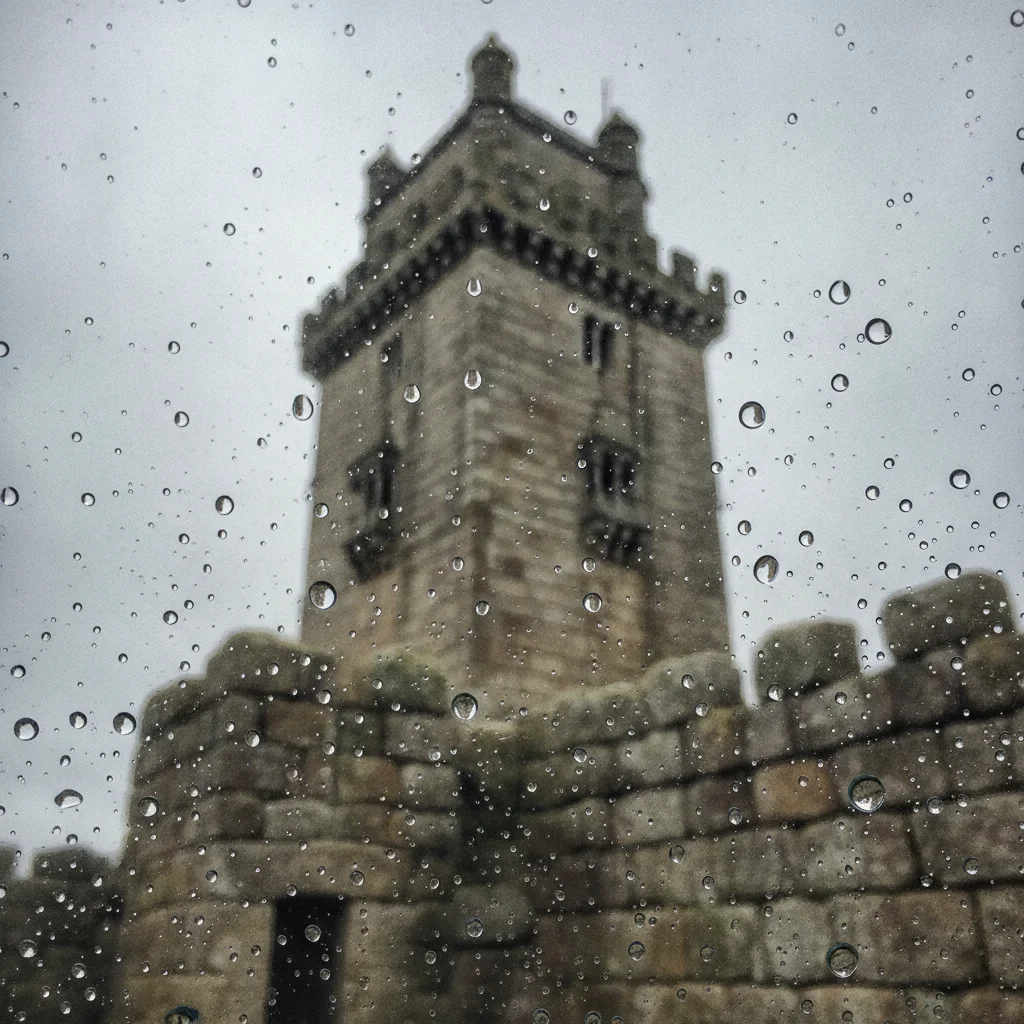
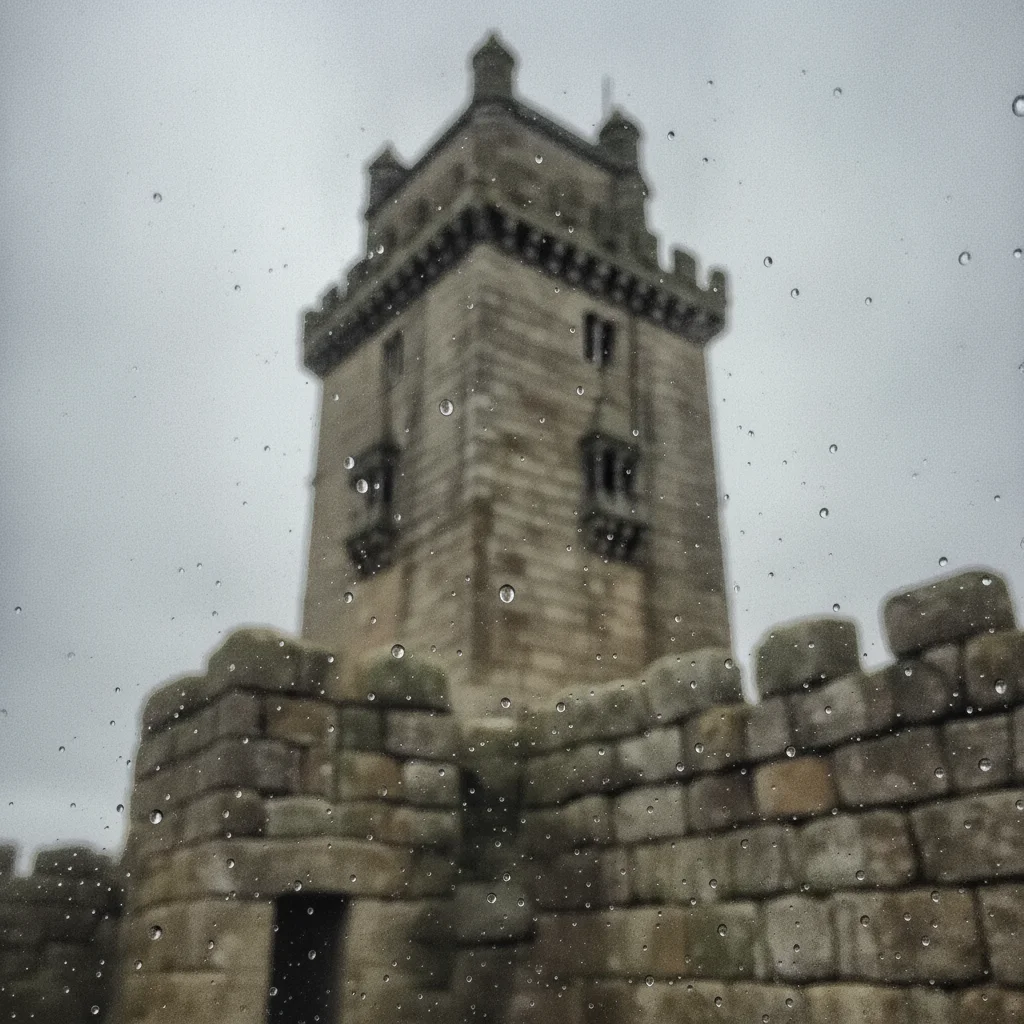
Stone landmark tower with water drops on the lens blurring the lower half of the frame
Before
->
Same landmark photo with the lens drops removed and the view restored clearly
After

Lens drops cleared from a landmark photo

A photo of a stone landmark taken through light rain had several water drops on the lens blurring parts of the image. The AI removed the drops and restored a sharp, clear view.

Prompt: remove the water drops on the lens and restore a clear, sharp view of the landmark and sky behind them

Quick answers

Do I need to mark the rainy areas before describing them?

No. Describe what you see — 'the rain streaks across the frame,' 'the water drops on the lens' — and the AI clears them. Tap a marker only if the first result misses a spot or changes something it shouldn't.

Is there a free tool to remove rain from a photo with no login?

Yes. EditThisPic removes rain streaks, lens drops, and overcast gloom free with one Fast edit per week, no account needed. Upload your photo, describe what to clear, and get the result in 15–30 seconds.

Can it also brighten the sky, not just remove the rain?

Yes. Add 'brighten the overcast sky' to your prompt and the AI restores natural color and light along with clearing the rain streaks.

Is this the same as removing fog or haze?

No. Rain removal clears streaks, drops, and gray gloom from a rainy scene. Fog and haze are a different visual effect — use the fog remover if your photo has hazy, low-visibility conditions instead of rain.

Can it fix water drops that landed on the camera lens itself?

Yes. Describe them directly: 'remove the water drops on the lens and restore a clear, sharp view.' The AI reconstructs the detail that was blurred behind each drop.

How much does EditThisPic cost?

You get 1 free edit per week — no account needed. After that, one-time credit packs start at $4.99 for 10 edits, valid 12 months, no subscription. Power users who edit daily can pick Studio Membership, a monthly workspace at $49.99/mo for 300 edits. Purchased downloads are clean with no watermark.

Ready to clear the rain from your photo?

Free to try. No signup required.

1 free edit included·paid credit packs after