Pricing Remove Scaffolding · Free

Remove Scaffolding from a Photo

← Browse all remove tools

Last updated

Erase scaffolding from a landmark, travel photo, or real estate exterior without brushing around it. Describe the location and what's behind it for a cleaner first result.
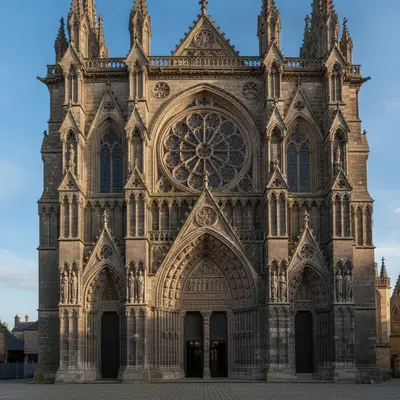
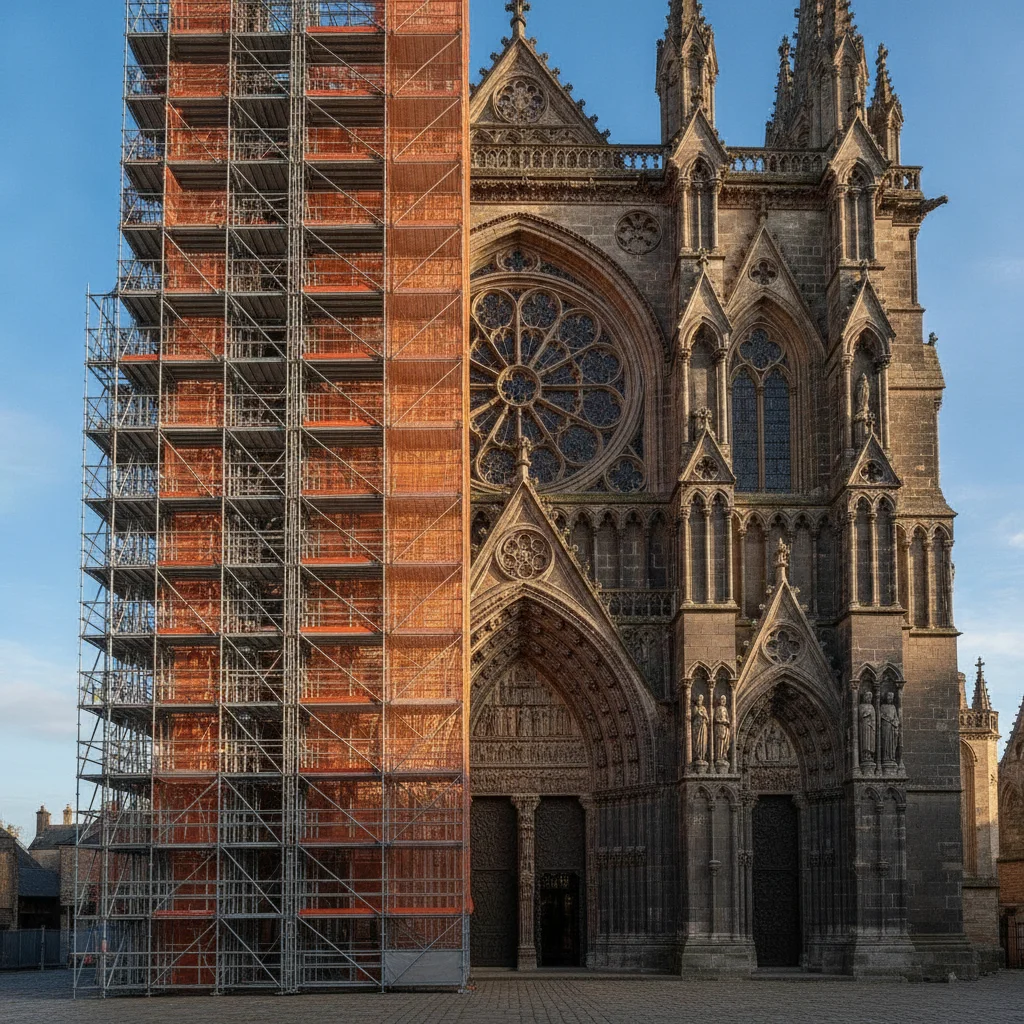
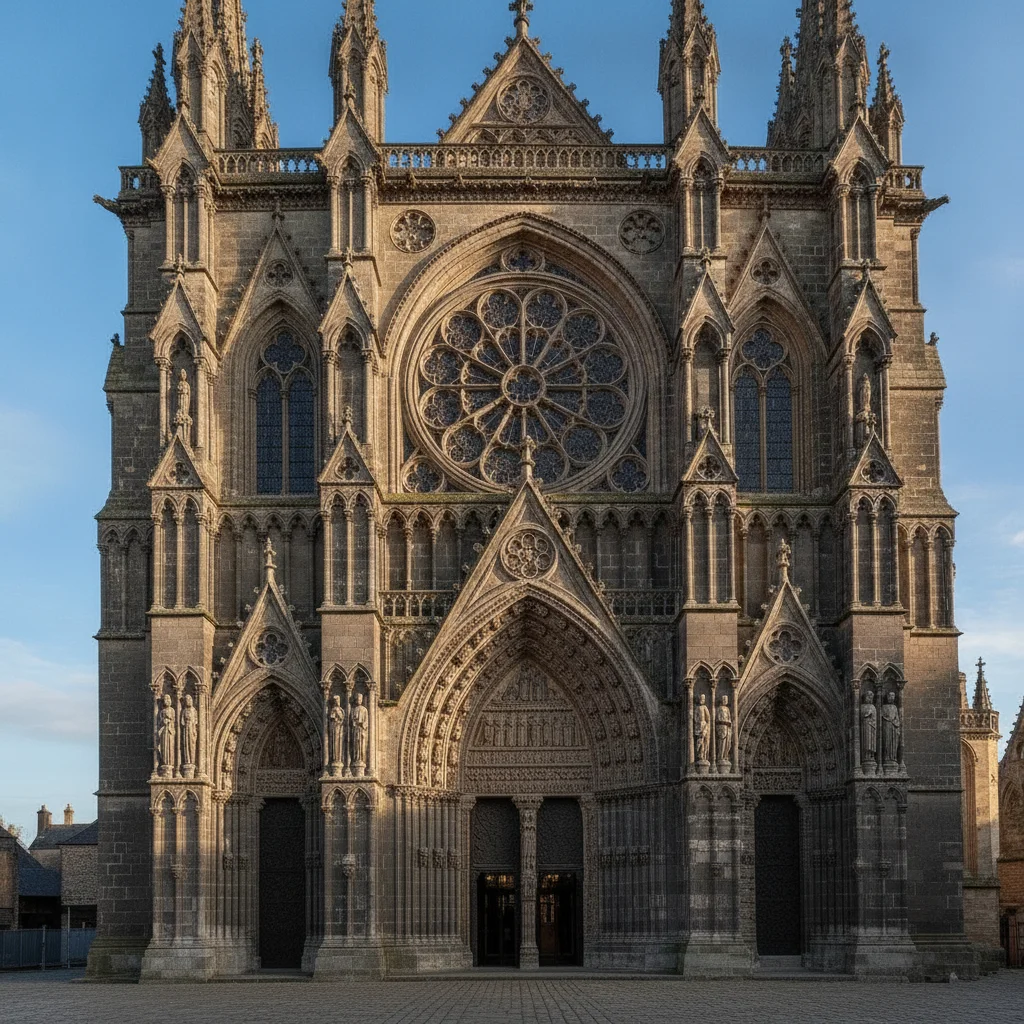
Stone cathedral entrance with scaffolding covering the left half of the facade Same cathedral entrance with the scaffolding removed and matching stonework rebuilt

Upload photo to remove scaffolding

"remove the scaffolding on the left side of the tower and rebuild the matching stonework and windows to line up with the visible right side"

Free to try · no sign-up · photos are never shared

Release to upload

<30stypical edit
1 freeedit weekly
Photo on your phone? Scan to open this editor there — free edit works on your phone too.

1 free edit every week·paid packs after

How it works

  1. Upload the photo with scaffolding in it

    Drop your image into EditThisPic — JPG, PNG, or WebP up to 7MB. Works for landmark and travel photos, and for real estate exteriors mid-renovation.

    Expect: Scaffolding covering a small section with clear architecture nearby: 15–20 seconds. Scaffolding covering most of the facade: 30–45 seconds and may need one refinement.
  2. Describe the scaffolding and what's behind it

    Name the location and the structure behind it: 'remove the scaffolding covering the left side of the church facade and rebuild the stone columns and windows behind it.'

    Expect: Describing the architectural style behind the scaffolding — 'stone columns,' 'brick facade,' 'glass windows' — gives the AI a clear target for reconstruction.

    Copy one of these to get started:

    Remove scaffolding from a landmark photo remove the scaffolding covering the front of the building and rebuild the stone facade and windows behind it
    Remove scaffolding covering part of a landmark remove the scaffolding on the left side of the tower and rebuild the matching stonework and windows to line up with the visible right side
    Remove scaffolding from a real estate exterior photo remove the scaffolding along the front of the house and rebuild the siding and porch railing behind it
    Remove scaffolding and construction netting together remove the scaffolding and the green construction netting covering the building and rebuild the facade and windows behind them
    2 more prompts
    Remove scaffolding from a full building facade remove all the scaffolding covering the entire building facade and rebuild the windows, brickwork, and rooflines to match the building's overall style
    Remove scaffolding from a monument during a photo trip remove the scaffolding wrapped around the base of the monument and rebuild the stone base and steps to match the visible upper section
  3. Check the rebuilt structure for consistency

    Zoom in on the area where the scaffolding was. Check that the reconstructed windows, columns, or brickwork line up with the rest of the building and don't repeat unnaturally.

  4. Refine with a marker if needed

    If one section still looks off, tap directly on that spot and describe what should be there — 'this section should be matching stonework, no scaffolding poles' — for a precise second pass.

See it in action

Stone cathedral entrance with scaffolding covering the left half of the facade
Before
->
Same cathedral entrance with the scaffolding removed and matching stonework rebuilt
After

Scaffolding removed from a cathedral facade

A travel photo of a stone cathedral had scaffolding covering the left half of the entrance. The AI removed it and rebuilt the matching stone columns and arched windows to line up with the visible right side.

Prompt: remove the scaffolding on the LEFT HALF of the cathedral entrance and rebuild the matching stone columns and arched windows to line up with the visible right side
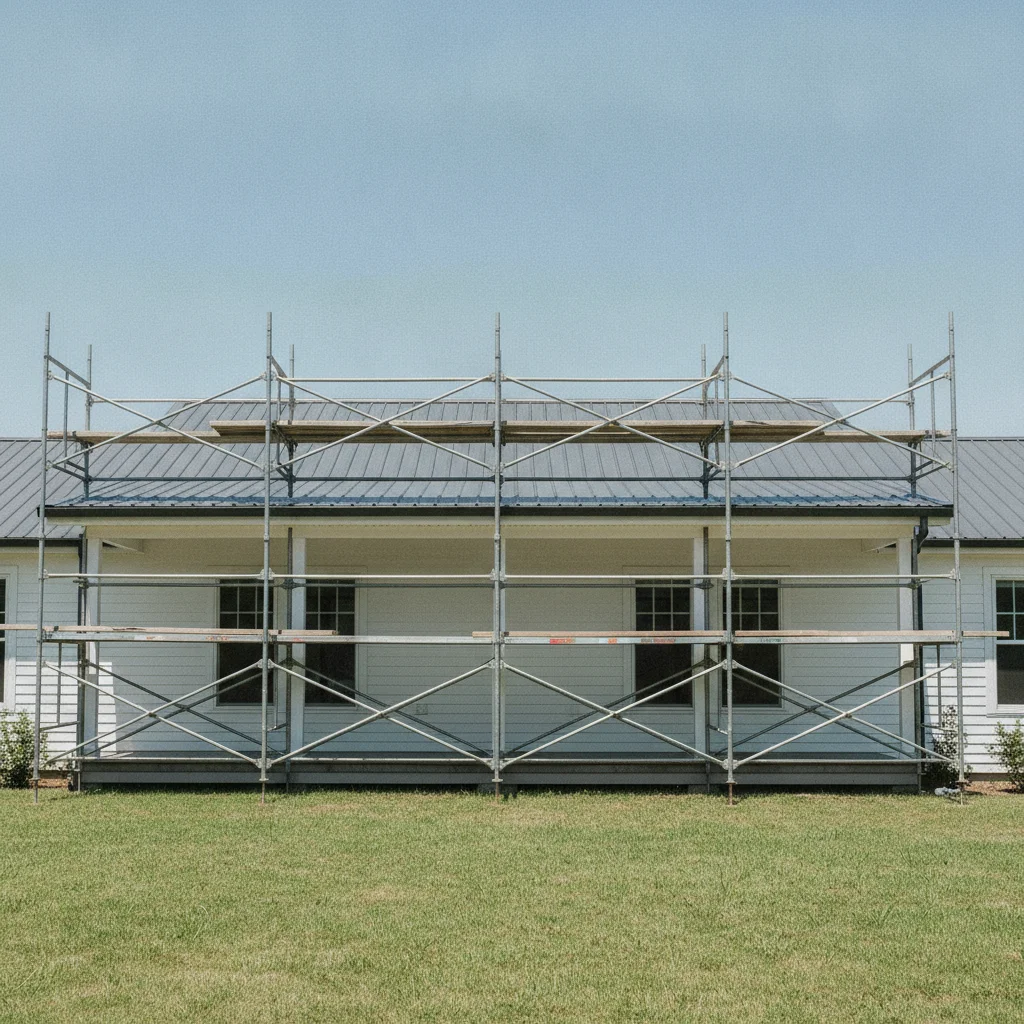
Suburban house with white siding and scaffolding along the front porch
Before
->
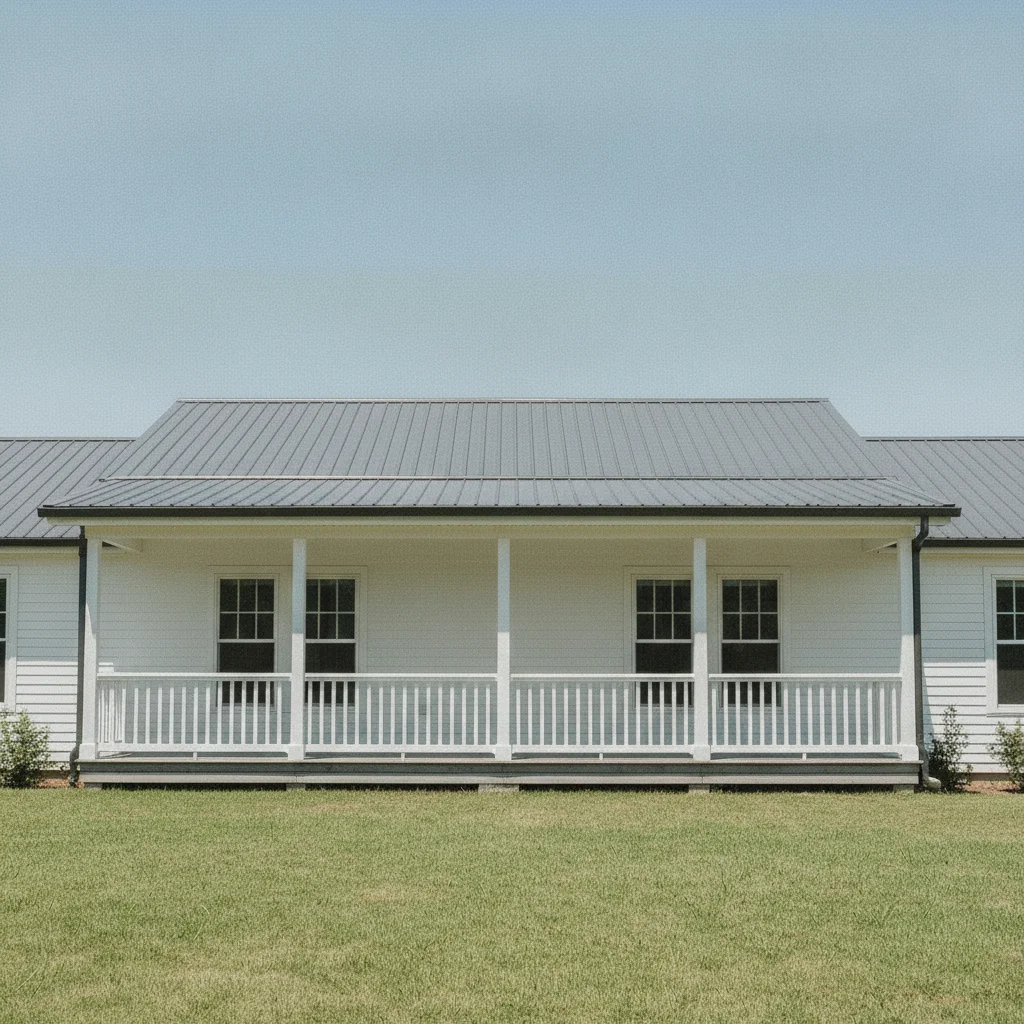
Same house exterior with the scaffolding removed and the siding and porch railing rebuilt
After

Scaffolding removed from a house exterior mid-renovation

A real estate listing photo of a suburban house had scaffolding along the front porch during a repainting job. The AI removed it and rebuilt the siding and porch railing.

Prompt: remove the scaffolding along the FRONT PORCH and rebuild the white siding and porch railing behind it

Quick answers

Do I need to mark the scaffolding before describing it?

No. Describe its location — 'the scaffolding on the left side of the entrance,' 'the scaffolding along the front porch' — and the AI removes it. Tap a marker only if the first result misses part of it.

Is there a free tool to remove scaffolding from a photo with no login?

Yes. EditThisPic removes scaffolding free with one Fast edit per week, no account needed. Upload your photo, describe where the scaffolding is, and get the result in 15–30 seconds.

Will it actually reveal what the building looks like underneath?

No — it reconstructs a plausible facade based on the visible architecture around the scaffolding, it doesn't reveal the true structure hidden behind it. For large sections, describe the visible style so the rebuild stays consistent.

Does it work on real estate exterior photos, not just landmarks?

Yes. It works the same way for a house or building mid-renovation — describe the siding, trim, or roofline behind the scaffolding and the AI rebuilds it for a clean listing photo.

Can it remove construction netting or tarps along with the scaffolding?

Yes. Mention them in the same prompt: 'remove the scaffolding and the green netting covering the building.' The AI clears both and rebuilds the structure behind them.

How much does EditThisPic cost?

You get 1 free edit per week — no account needed. After that, one-time credit packs start at $4.99 for 10 edits, valid 12 months, no subscription. Power users who edit daily can pick Studio Membership, a monthly workspace at $49.99/mo for 300 edits. Purchased downloads are clean with no watermark.

Ready to remove that scaffolding from your photo?

Free to try. No signup required.

1 free edit included·paid credit packs after