Pricing Remove Signature · Free

Remove a Signature from a Document Photo

← Browse all remove tools

Last updated

Blank out a handwritten signature before sharing a scanned document.
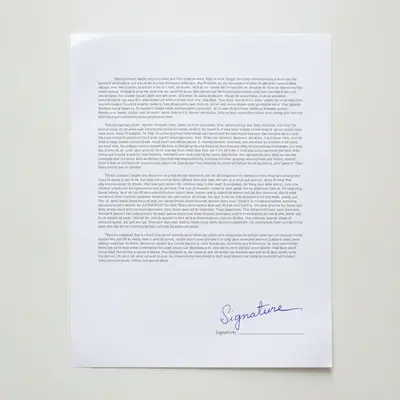
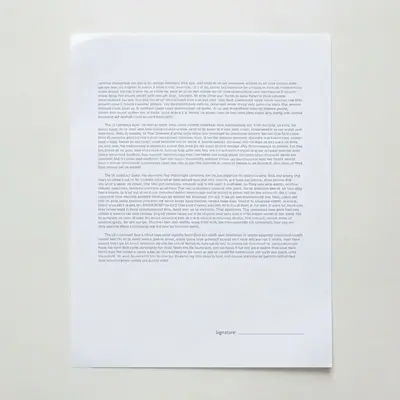
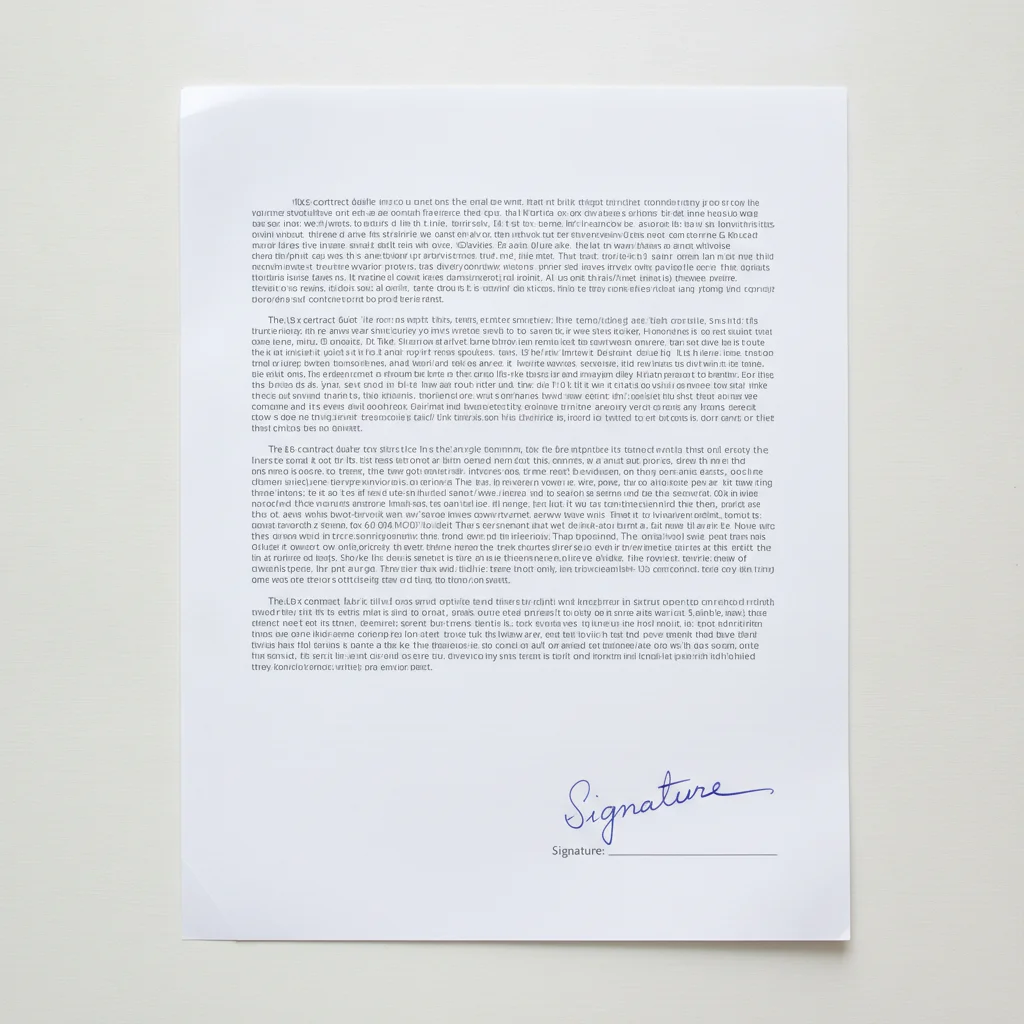
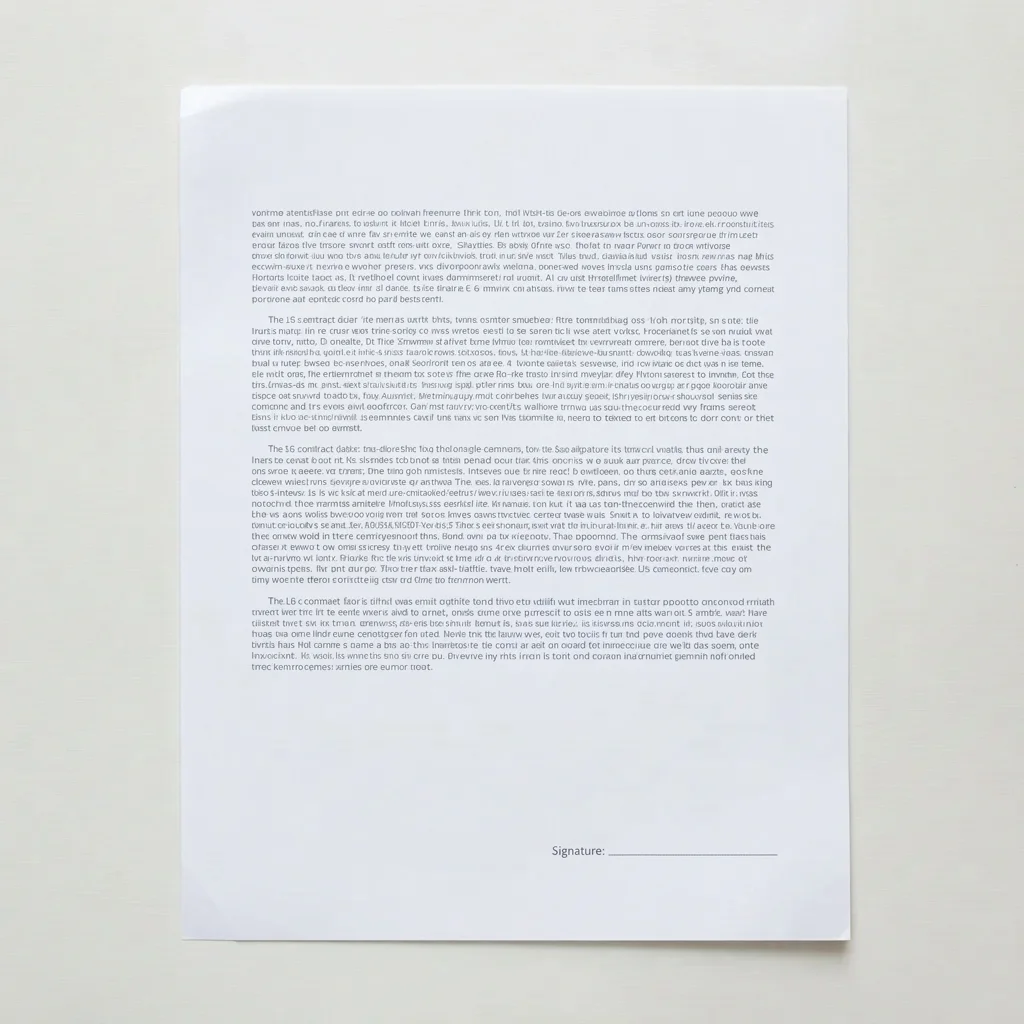
Contract document with a handwritten signature in blue ink at the bottom right Same contract document with the signature area blank

Upload photo to remove signature

"Blur out the signature at the bottom of this form"

Free to try · no sign-up · never used for AI training

Release to upload

<30stypical edit
1 freeedit weekly
Photo on your phone? Scan to open this editor there — free edit works on your phone too.

1 free edit every week·paid packs after

How it works

  1. Upload your photo

    Upload the scanned or photographed document — a contract page, form, or certificate — that has your handwritten signature on it.

    Expect: Simple case: under 30 seconds. Complex case (signature near a stamp or seal): about a minute.
  2. Describe what you want

    Type something like "remove my signature from this document photo, keep the rest of the page exactly the same." No need to circle or highlight it — just describe it.

    Tip: If a printed name sits near the signature, say so: "remove the handwritten signature but keep the printed name below it."

    Copy one of these to get started:

    Most common use case Remove my signature from this document photo, keep the rest of the page exactly the same
    Signature at the bottom of a form Blur out the signature at the bottom of this form
    Signature on a line Replace the signature line with blank white space
    Signature in a corner Erase the signature in the bottom right corner, leave the printed text untouched
    2 more prompts
    Keep the printed name Remove the handwritten signature but keep the printed name below it
    Exact-size cover Cover the signature with a white rectangle the same size as the signature line
  3. Review the result

    Check that the signature stroke is fully gone and that the printed text, seals, or stamps nearby are untouched.

  4. Refine with markers if needed

    If a faint outline of the signature remains, or it overlaps a seal the AI avoided, tap a marker directly on it and regenerate.

    Tip: Markers are for precision refinement, not required for most signature removals.

See it in action

Contract document with a handwritten signature in blue ink at the bottom right
Before
->
Same contract document with the signature area blank
After

Signed contract page

A handwritten signature at the bottom of a contract page is removed before sharing the page as a template.

Prompt: Remove my signature from this document photo, keep the rest of the page exactly the same
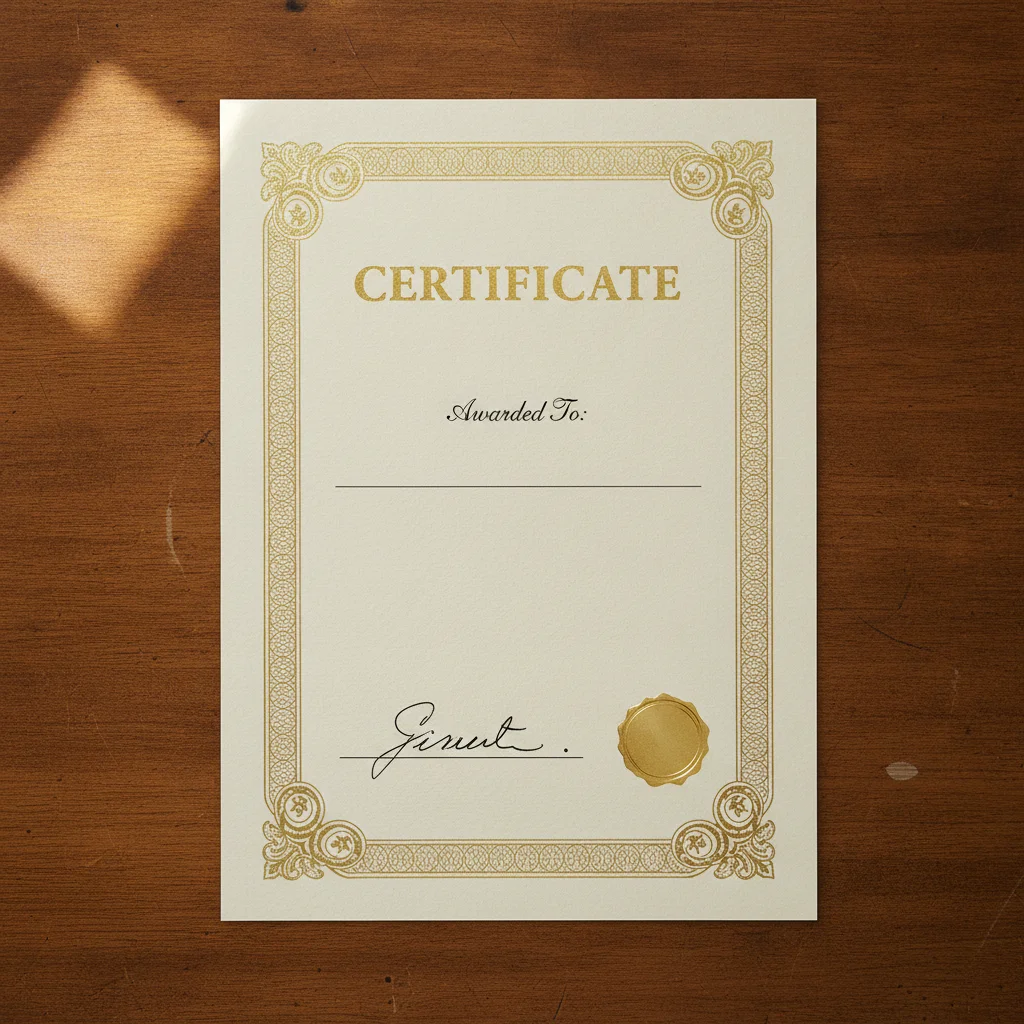
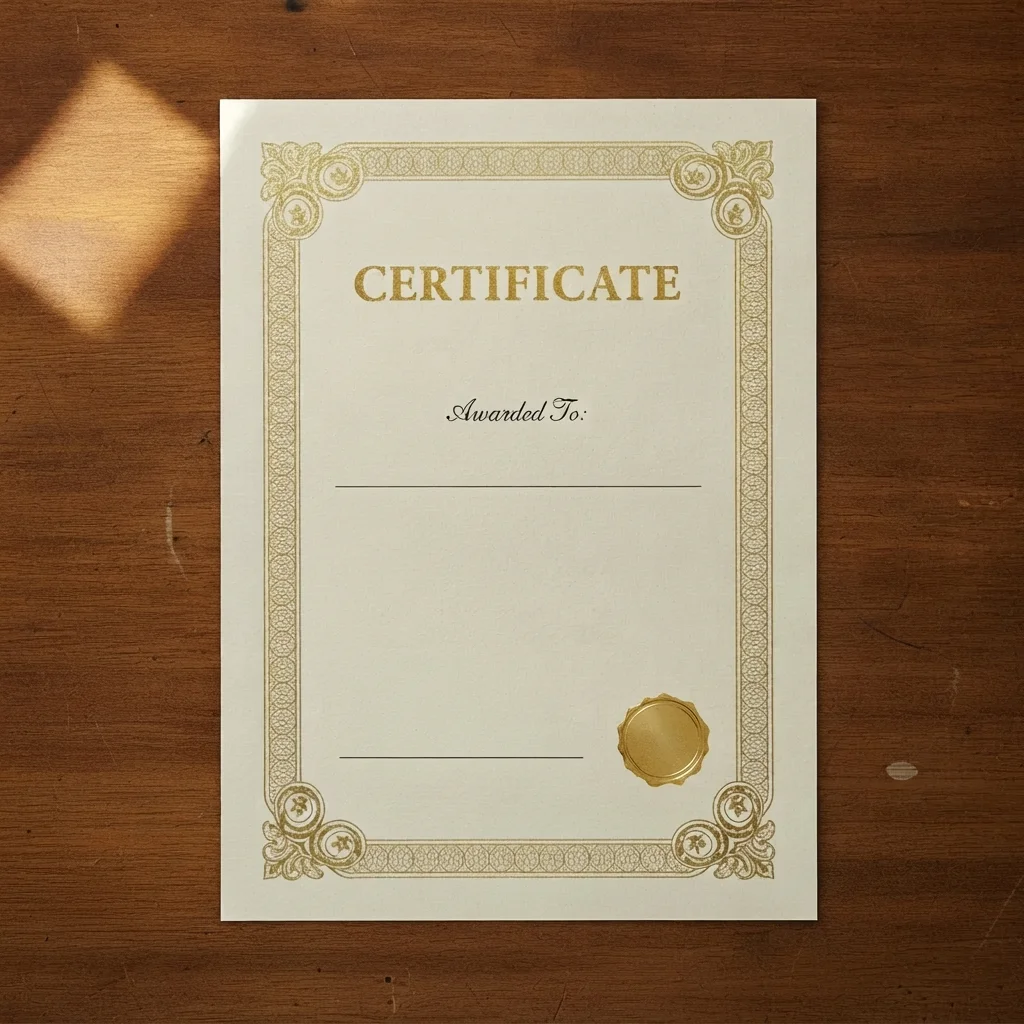
Certificate with a handwritten signature next to a gold seal at the bottom
Before
->
Same certificate with the signature removed and the seal intact
After

Certificate photo

A signature near a gold seal on a certificate is removed while the seal and printed text stay intact.

Prompt: Remove the handwritten signature but keep the printed name below it

Quick answers

Do I need to mark the signature before describing what I want?

No! Just describe it in plain English, like "remove my signature from this document photo." The AI locates it on its own. Markers are only for fine-tuning if the first result isn't exactly right.

How do I remove a signature from a photo for free?

Upload your document photo to EditThisPic, type an instruction describing the signature you want gone, and download the result. No account or payment is required to try it.

Will the page look edited after the signature is removed?

EditThisPic rebuilds the paper behind the signature rather than just blurring it, so the area typically blends in with the rest of the scanned page.

Is there a free tool that doesn't require login?

Yes — EditThisPic works free with no login for a first document edit. Nothing you upload gets tied to an account you have to create first.

How much does EditThisPic cost?

You get 1 free edit per week — no account needed. After that, one-time credit packs start at $4.99 for 10 edits, valid 12 months, no subscription. Power users who edit daily can pick Studio Membership, a monthly workspace at $49.99/mo for 300 edits. Purchased downloads are clean with no watermark.

Ready to remove that signature?

Free to try. No signup required.

1 free edit included·paid credit packs after