Free • No signup Adjust Skin tone · Free

AI Skin Tone Adjuster

← Browse all beauty tools

Last updated

Just describe the skin tone you want - AI handles color correction automatically.
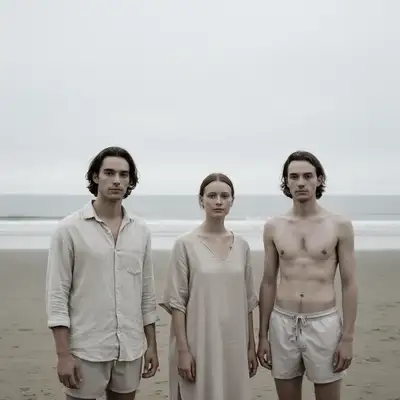
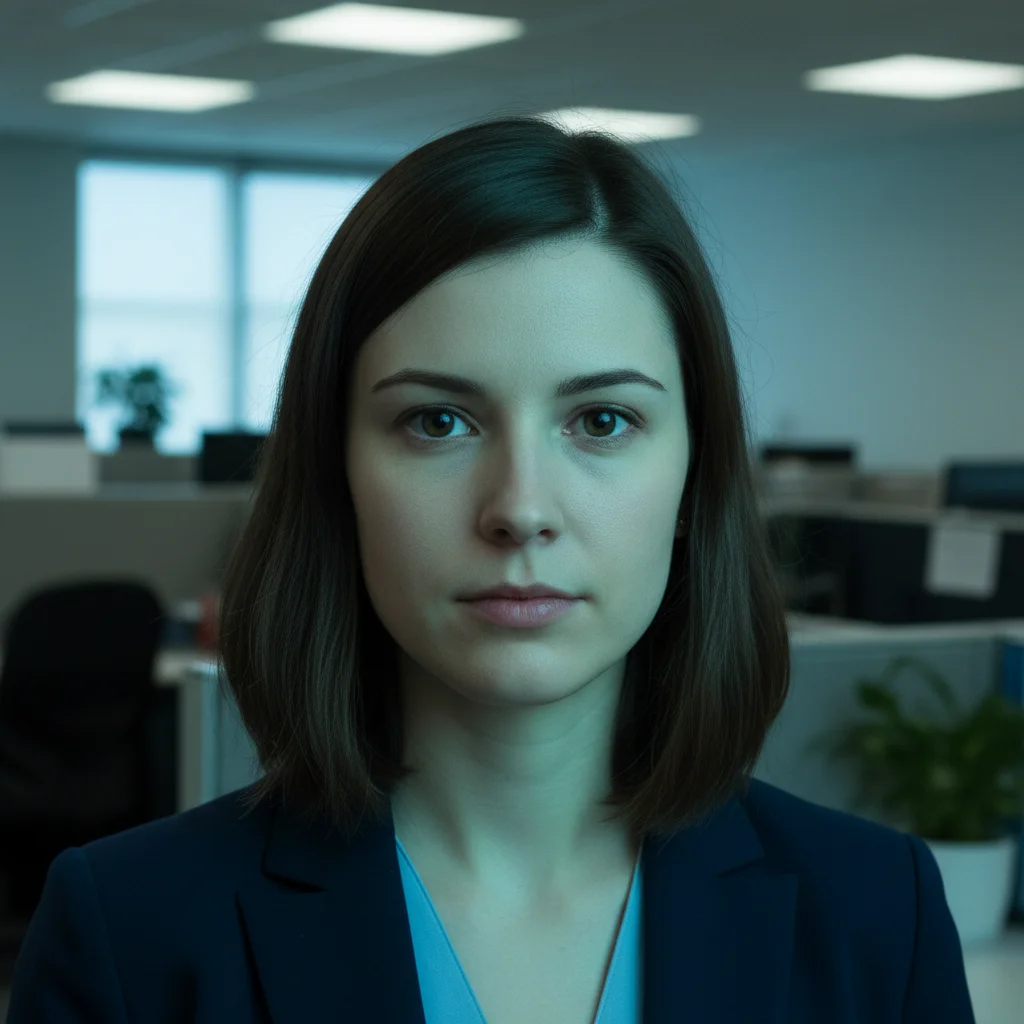
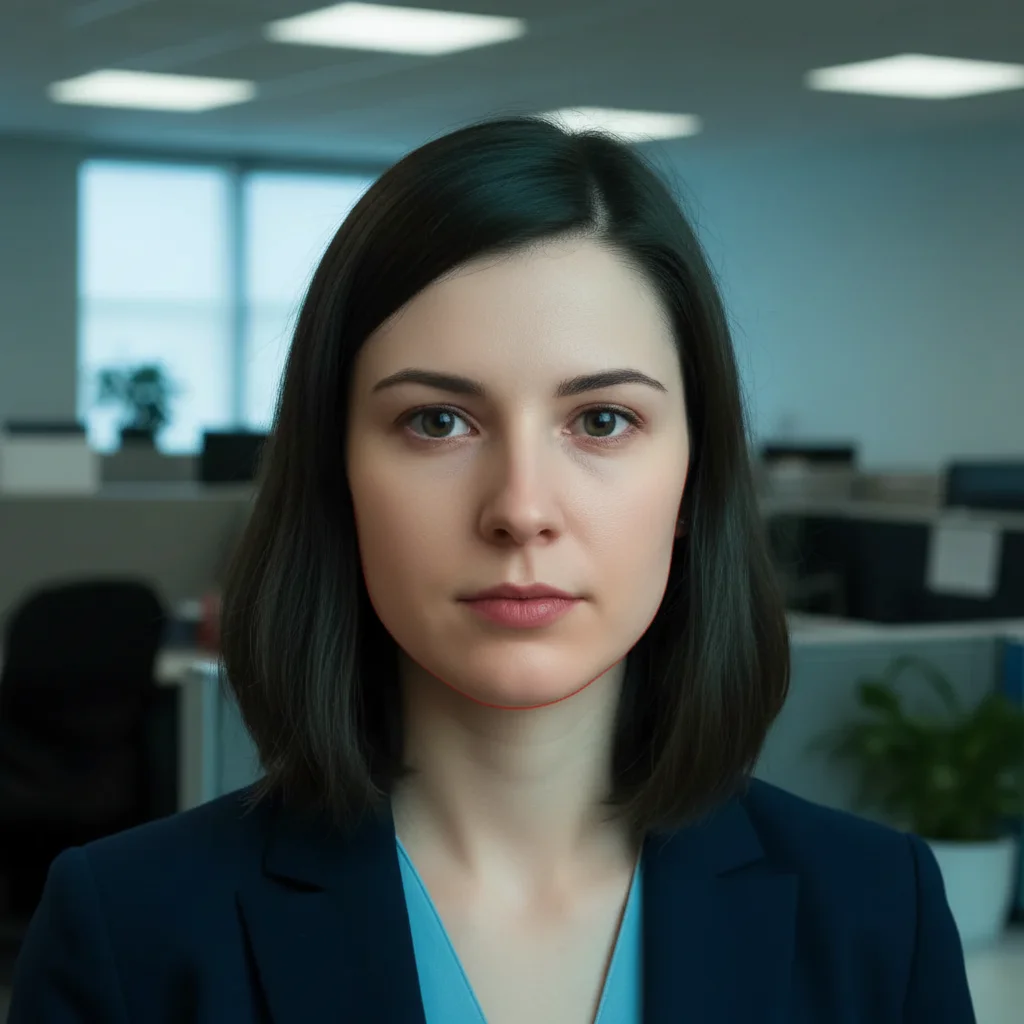
Office portrait with harsh green fluorescent tint on skin Same portrait with natural balanced skin tone after correction

Upload photo to adjust skin tone

"adjust skin tone to warmer, removing the blue-gray cast from outdoor shade"

Release to upload

1 free edit·then from $4.99

How it works

  1. Upload your photo

    Drop your portrait, selfie, or group photo into EditThisPic. JPG, PNG, WebP up to 7MB. Works best with well-lit photos where faces are clearly visible.

    Expect: Simple adjustments like 'warmer' or 'cooler': 15-20 seconds. Complex corrections fixing multiple tones: may need 2-3 refinements.
  2. Describe what you want

    Type your instruction: 'adjust skin tone to warmer and more natural' or 'remove the orange tint and balance skin color.' Be specific about direction (warmer/cooler), intensity (slightly/significantly), and any color casts to remove. No color picker needed - the AI understands natural language descriptions.

    Tip: Mention lighting conditions if relevant: 'correct the harsh fluorescent green tint' or 'warm up the cold blue outdoor lighting'

    Copy one of these to get started:

    Fix orange/yellow indoor lighting remove the orange tint from skin tones and adjust to natural balanced color
    Warm up cold outdoor lighting adjust skin tone to warmer, removing the blue-gray cast from outdoor shade
    Fix fluorescent green tint correct the harsh green fluorescent tint in skin tones and balance to natural color
    Cool down overly warm/red skin adjust skin tone slightly cooler to reduce redness while keeping it natural
    3 more prompts
    Even out mixed lighting balance skin tones across all faces to consistent warm natural color, removing uneven lighting
    Fix washed out pale skin enrich skin tone with more warmth and color, reducing the pale washed-out look
    Correct oversaturated orange skin reduce oversaturation in skin tones and adjust to subtle natural warmth, not orange
  3. Generate and review

    Click Generate and the AI analyzes skin tones across all faces in your photo, adjusting color balance while preserving natural variation and texture. Check the result at full zoom to verify even tone and natural color.

See it in action

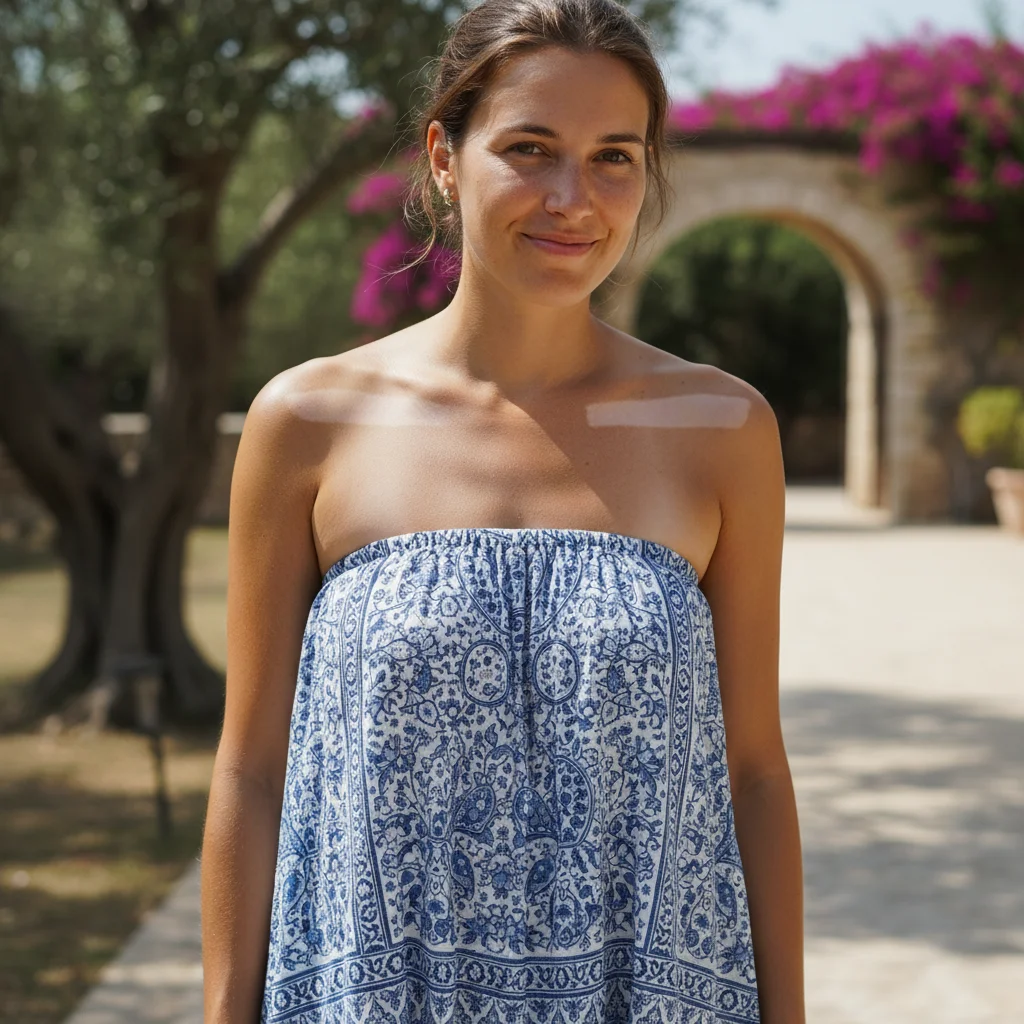
Office portrait with harsh green fluorescent tint on skin
Before
->
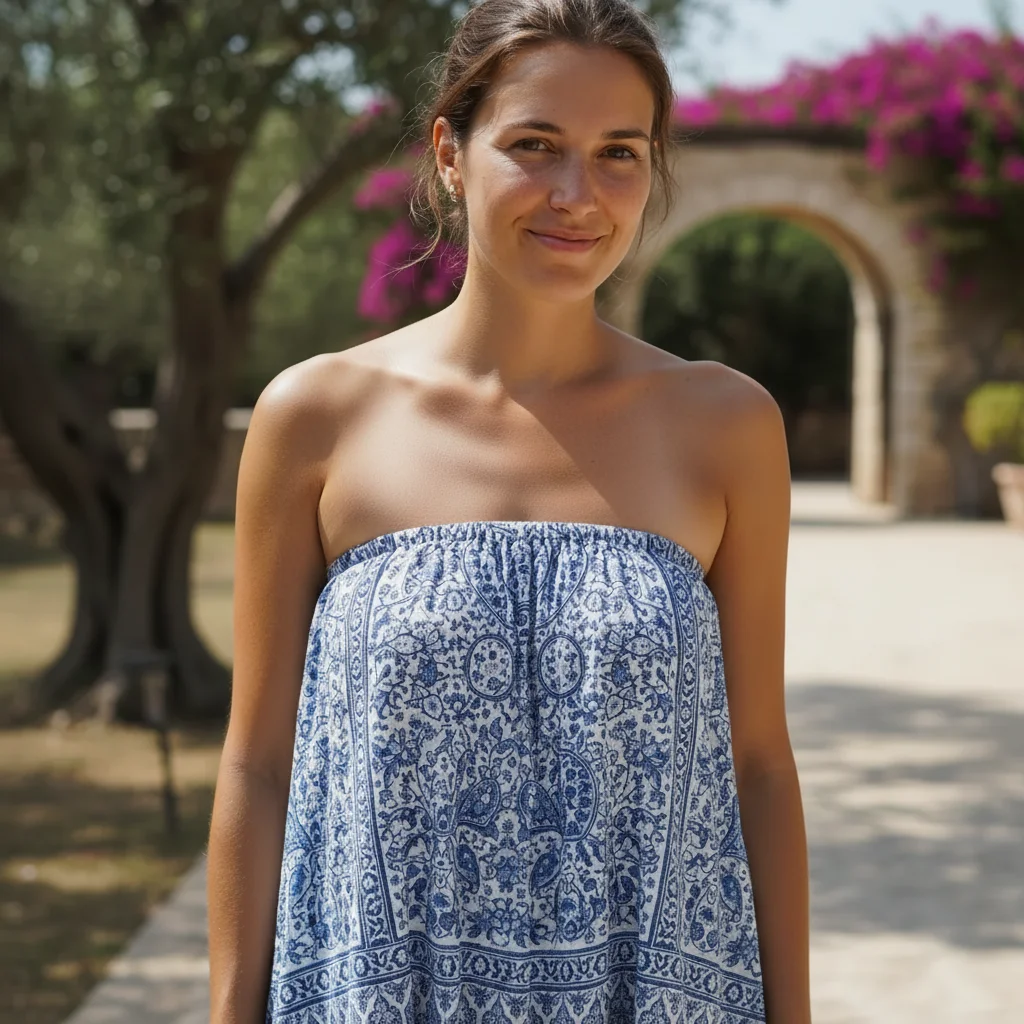
Same portrait with natural balanced skin tone after correction
After

Fixed harsh fluorescent lighting

Indoor office photo had harsh green-yellow fluorescent cast. One prompt balanced the skin tone to natural warmth.

Prompt: remove the harsh green fluorescent tint from skin tones and balance to natural warm color
Hiking photo with cold blue skin tone from shade
Before
->
Same photo with warm natural skin tone after adjustment
After

Warmed up cold outdoor shade

Mountain hiking photo had cold blue-gray cast from open shade. AI warmed the skin tone naturally.

Prompt: adjust skin tone to warmer, removing the blue-gray cast from outdoor shade
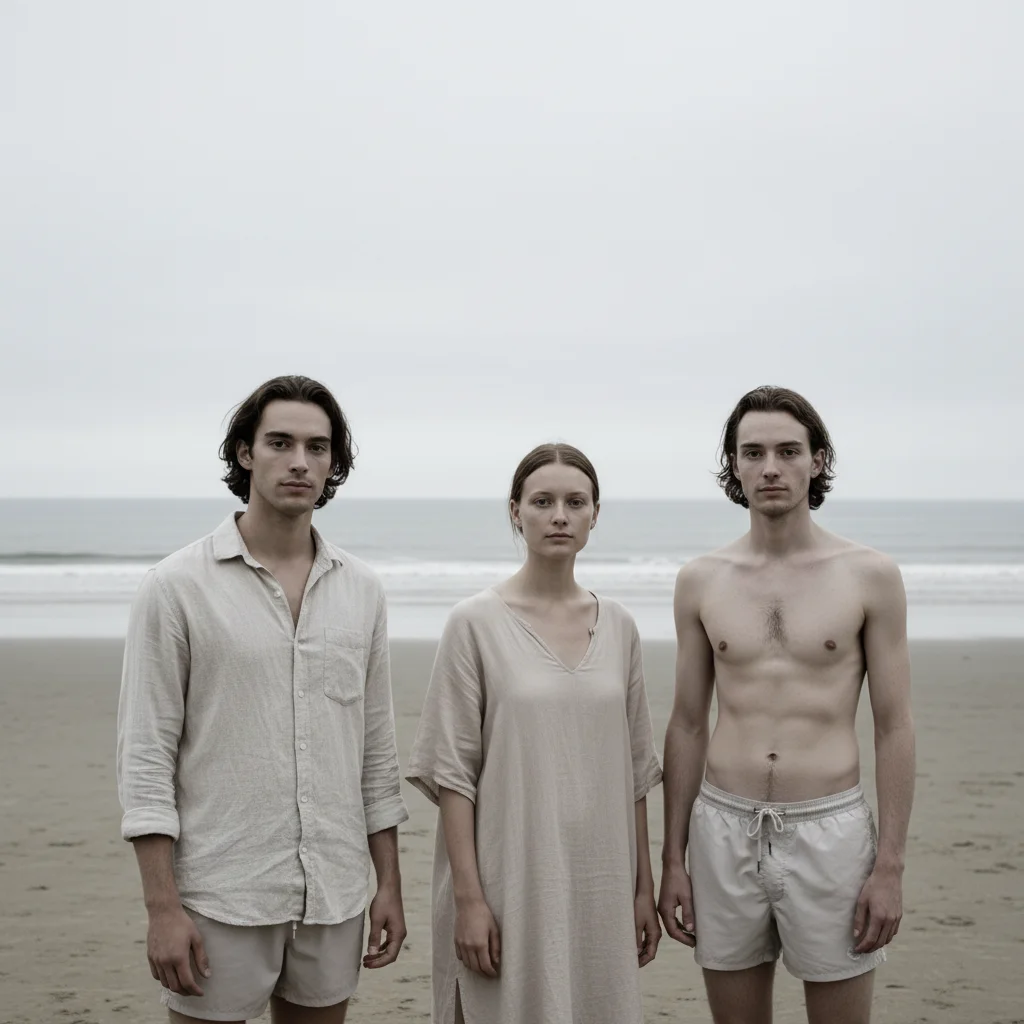
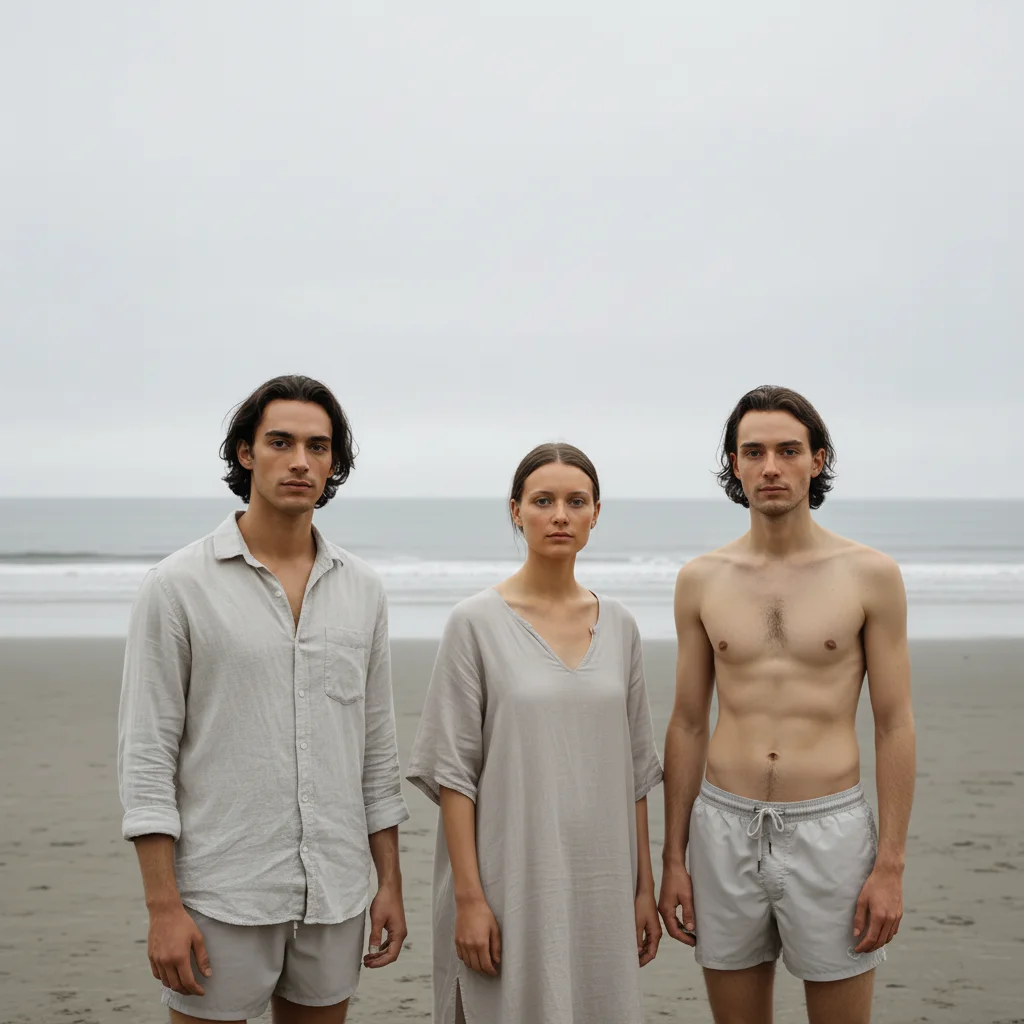
Group wedding photo with mismatched skin tones from mixed lighting
Before
->
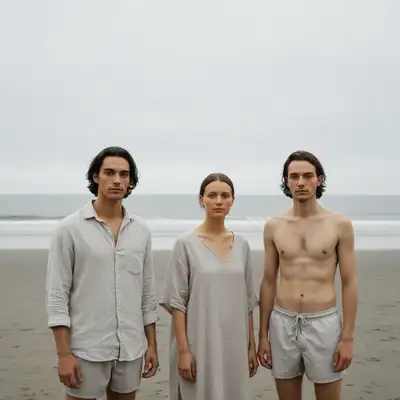
Same group with consistent natural skin tones across all faces
After

Balanced group photo with mixed lighting

Wedding group photo had people in sun vs. shade with different skin tones. AI balanced everyone to consistent natural warmth.

Prompt: balance skin tones across all faces to consistent warm natural color, removing uneven lighting

Quick answers

Do I need to mark faces before describing the adjustment?

No! For most skin tone adjustments, just describe what you want: 'adjust skin tone warmer' or 'remove the orange tint and balance skin color.' The AI understands 'skin tone' and finds all faces automatically.

How do I adjust skin tone for free without Photoshop?

Use EditThisPic's free AI skin tone adjuster. Upload your photo, describe the change you want (like 'warmer' or 'remove orange tint'), and the AI handles color correction automatically. No subscriptions, no accounts, no watermarks. You get natural-looking results in seconds without learning complex color grading tools.
Will it work on all skin tones and ethnicities?

Yes. The AI is trained on diverse skin tones from very pale to very deep, and adjusts relative to each person's natural tone. When you say 'warmer,' it warms their specific starting tone naturally. When you say 'remove green tint,' it removes the cast while preserving their natural color. Results work equally well across all skin tones.

Can I fix photos with mixed lighting where people have different skin colors?

Yes. Use a prompt like 'balance skin tones across all faces to consistent warm natural color, removing uneven lighting.' The AI will analyze each person's skin and adjust them all toward the same target tone, correcting for different lighting conditions on each person.

What's the difference between skin tone adjustment and photo color correction?

Skin tone adjustment targets only skin areas (faces, arms, neck) to correct color casts and balance tones. Photo color correction adjusts the entire image including backgrounds, clothing, and objects. Use skin tone adjustment when faces look off-color but the rest of the photo is fine. Use color correction when the whole image has a color cast.

Is EditThisPic's AI skin tone adjuster really free?

Yes — you get 1 free edit per week, no account needed. Plans start at $4.99/month for 15 edits.

Can I adjust skin tone on my phone?

Yes. EditThisPic works in any mobile browser — iPhone, Android, tablet. No app download needed.

What photo formats does the AI skin tone adjuster support?

JPG, PNG, WebP, and HEIC. Upload any common photo format and EditThisPic handles the rest.

How much does EditThisPic cost?

You get 1 free edit per week — no account needed. After that, credit packs start at $1.99 for 3 edits. Monthly plans start at $4.99/mo for 15 edits with unused credits rolling over. All edits are full resolution with no watermark.

Ready to adjust skin tones in your photos?

Free to try. No signup required.

1 free edit included·Credit packs from $4.99