Free • No signup Enhance Eyelashes · Free

AI Eyelash Enhancer

Just describe the lash look you want - AI enhances eyelashes naturally with no marking.
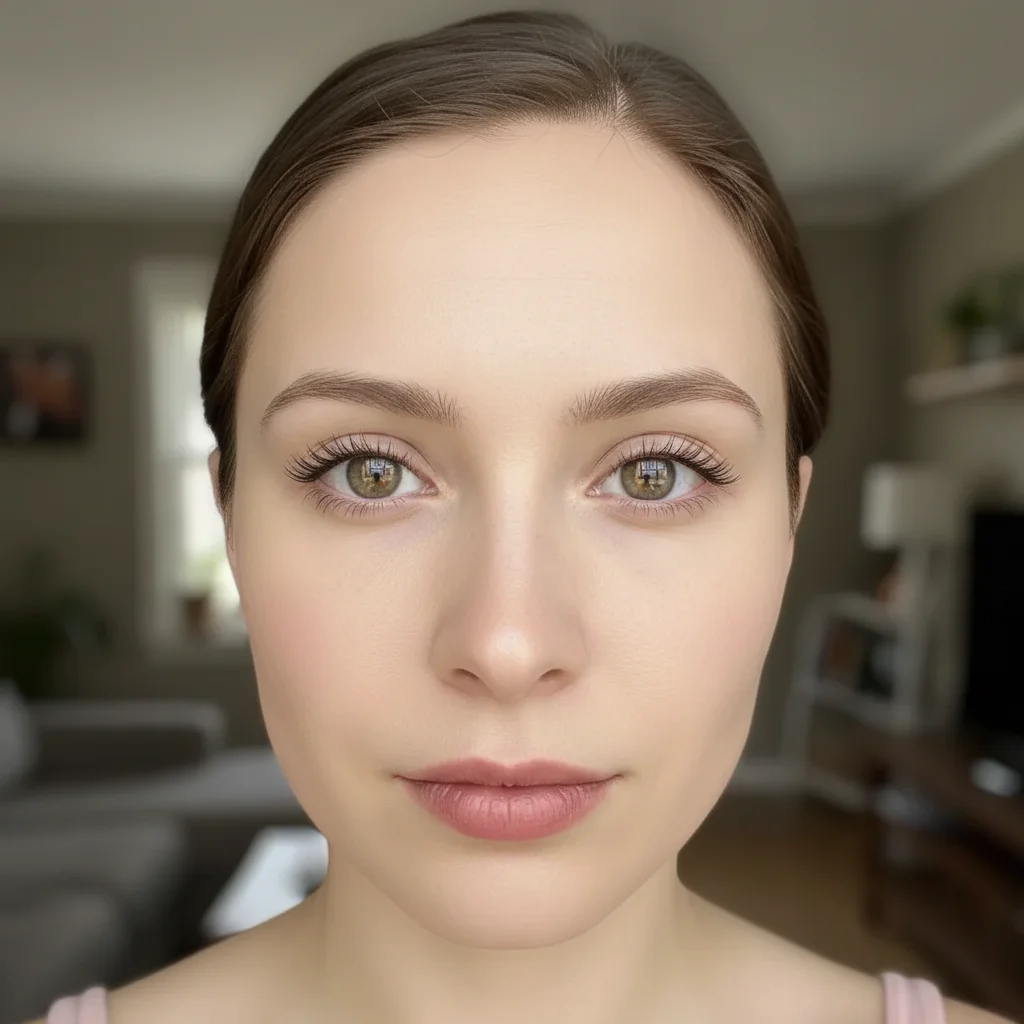
Selfie with sparse, barely visible natural eyelashes
Before
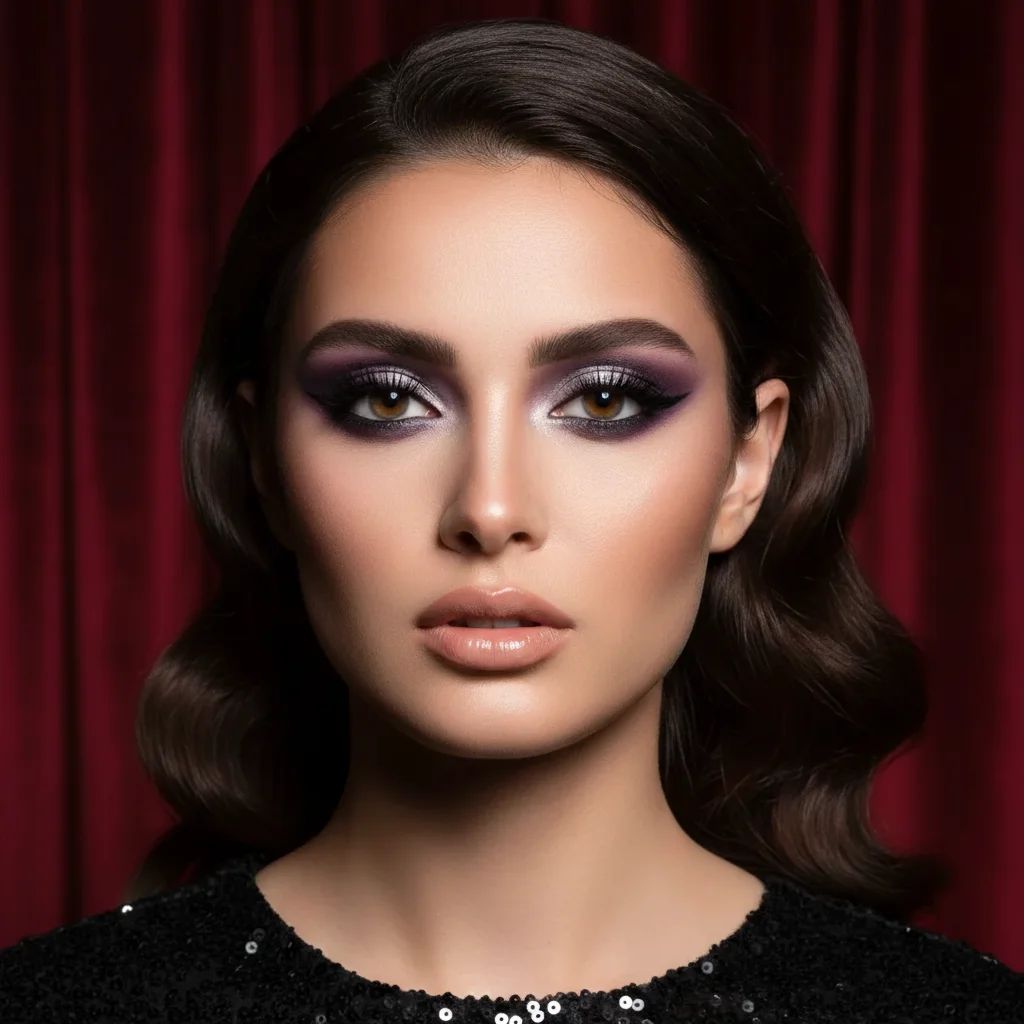
Same selfie with naturally enhanced fuller eyelashes
After

Enhance Eyelashes in Photos

Drop your photo here

or click to browse

Release to upload

Free • No signup

Advertisement
Popular use cases:
  • dating profile photos
  • social media selfies
  • beauty portraits
  • Instagram photos
  • professional headshots
  • wedding photos
  • event photography
  • makeup photography

Cost
Free No signup required
Time
Instant results in 15-30 seconds
Works on
Any device - browser, phone, tablet, desktop
Powered by
AI-powered photo editing
Scenario Prompt Time
Natural everyday enhance and lengthen the eyelashes naturally while maintaining their natural curl and direction 15s
Dramatic volume add dramatic volume and length to eyelashes like full mascara effect with natural separation 20s
Upper lashes only enhance and lengthen the upper eyelashes with more volume while keeping natural appearance 15s
Subtle professional subtly enhance eyelash length and definition for professional headshot while keeping understated natural look 15s

How it works

  1. Upload your portrait photo

    Drop your image into EditThisPic. JPG, PNG, WebP up to 7MB. For best results, use photos where eyes are open and in focus. Front-facing portraits or close-ups work best for eyelash enhancement.

    Expect: Natural enhancement: 15-25 seconds. Dramatic lash transformation: may need 1-2 refinements for the right balance.
  2. Describe what you want

    Type your instruction: 'enhance and lengthen the eyelashes naturally' or 'add volume to eyelashes like mascara effect.' Be specific about the look—natural vs. dramatic. No marking needed—the AI understands what 'eyelashes' means in portraits.

    Tip: Include 'maintain natural lash direction' to prevent the AI from creating unrealistic straight or spiky lashes

    Copy one of these to get started:

    Natural everyday enhancement enhance and lengthen the eyelashes naturally while maintaining their natural curl and direction
    Dramatic volume and length add dramatic volume and length to eyelashes like full mascara effect with natural separation
    Upper lashes only enhance and lengthen the upper eyelashes with more volume while keeping natural appearance
    Both upper and lower lashes enhance both upper and lower eyelashes with natural length and volume, maintaining realistic mascara look
    3 more prompts
    Fix sparse or thin lashes add density and fullness to sparse eyelashes while maintaining natural lash texture and curl pattern
    Extension-like effect create eyelash extension effect with longer fuller lashes that look naturally applied, not fake
    Subtle professional enhancement subtly enhance eyelash length and definition for professional headshot while keeping understated natural look
  3. Generate and review at full zoom

    Click Generate and zoom in to check lash length, volume, and natural appearance. Verify the enhancement looks realistic with natural curl and separation. Check that lashes don't look drawn-on or too uniform.

  4. Refine with markers if needed

    If lashes need more volume in specific areas or the AI enhanced too dramatically, tap markers on the eye area and regenerate. This is optional—most enhancements work without markers.

    Tip: Markers are for precision refinement, not required. Try without them first. Use them to focus enhancement on upper or lower lashes specifically.
Try it free

Enhance Eyelashes in Photos

Drop your photo here

or click to browse

Release to upload

Free • No signup

"Made my sparse lashes look full and natural. Better than any filter - it actually looks like I'm wearing good mascara." @beautyeditspro

See it in action

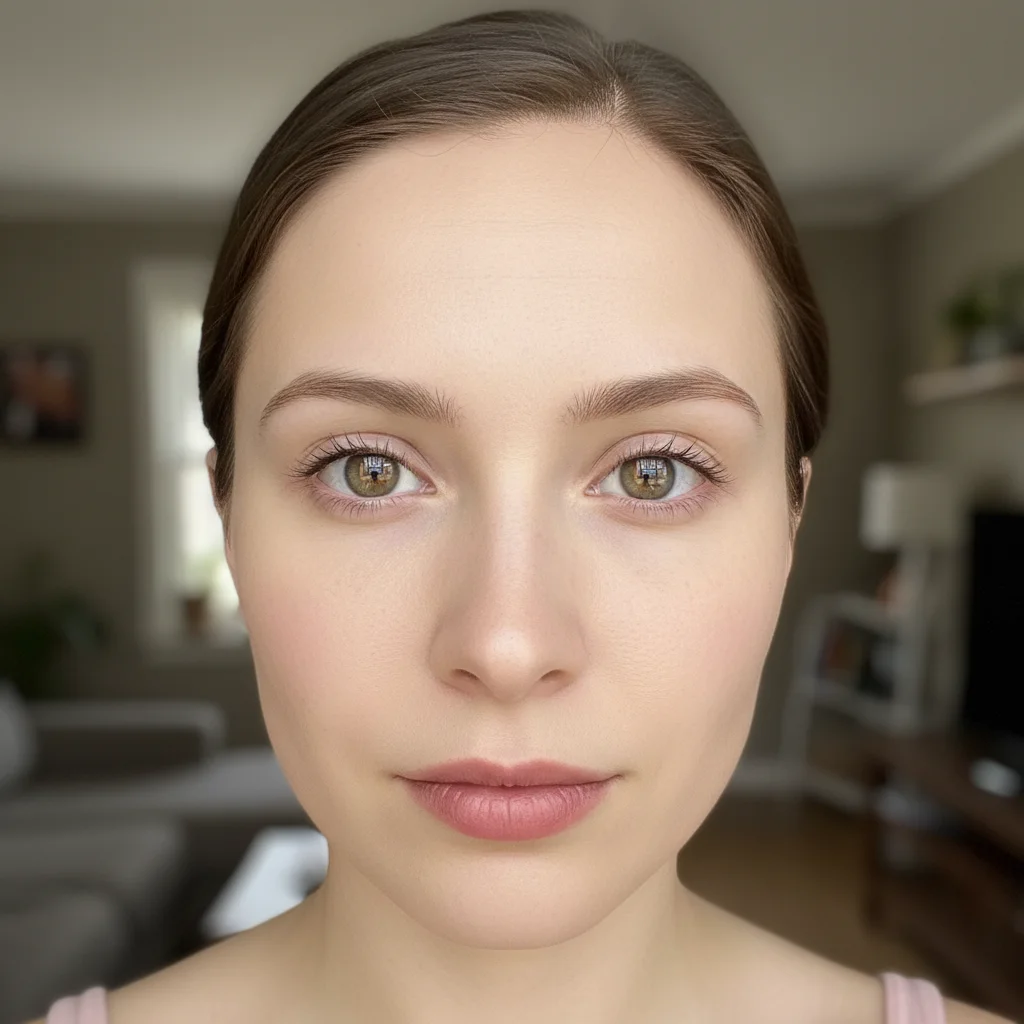
Selfie with sparse, barely visible natural eyelashes
Before
->
Same selfie with naturally enhanced fuller eyelashes
After

Natural mascara effect for dating profile

Casual selfie where sparse lashes were enhanced to look like natural full lashes with mascara.

Prompt: enhance and lengthen the eyelashes naturally while maintaining their natural curl and direction
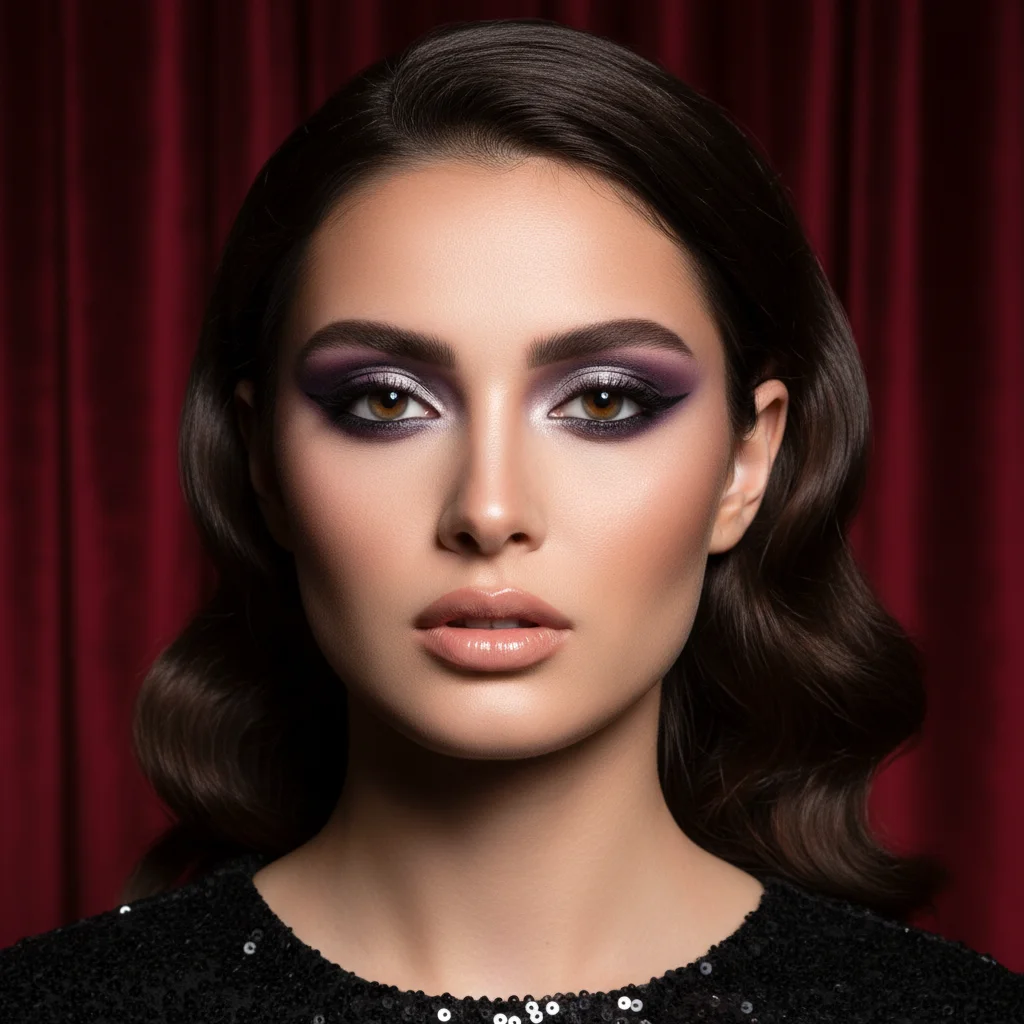
Evening portrait with dramatic makeup but sparse lashes
Before
->
Enhanced portrait with voluminous lashes matching the glamorous look
After

Dramatic evening look enhancement

Portrait prepared for special event where lashes needed dramatic volume matching the makeup style.

Prompt: add dramatic volume and length to eyelashes like full mascara effect with natural separation
Professional headshot with barely visible pale lashes
Before
->
Enhanced headshot with subtly defined lashes that make eyes pop
After

Professional headshot with subtle enhancement

Business headshot where lashes were enhanced just enough to define eyes without looking overly made-up.

Prompt: subtly enhance eyelash length and definition for professional headshot while keeping understated natural look
Advertisement

If something looks off

AI changed the wrong area or affected the eyebrows

Why: The AI couldn't determine exactly which area you meant from description alone, or interpreted the eye area too broadly.

Try: Tap markers specifically on the eyelash area (along the eyelid edges), avoiding eyebrows and skin, then regenerate with the same prompt

Tip: Markers tell the AI 'I mean the eyelashes specifically.' Use them when enhancement affects surrounding areas.

Lashes look too thick, clumpy, or like spider legs

Why: The AI over-enhanced and created lashes that are too thick or lack natural separation between individual lashes.

Try: Add 'with natural separation' to your prompt: 'enhance eyelashes with volume and natural separation between individual lashes'

Tip: Real lashes have visible separation. Clumpy looks happen when AI makes lashes too thick without defining individual strands.

Lashes look drawn-on or flat instead of dimensional

Why: The AI created lashes that lack natural curl, depth, and the subtle shadow/highlight that makes lashes look three-dimensional.

Try: Specify 'enhance eyelashes with natural curl and dimension' or 'add volume while maintaining natural lash curve'

Tip: Natural lashes have curl and cast tiny shadows. Flat lashes look like eyeliner rather than actual hair.

Enhancement is too subtle or barely noticeable

Why: The prompt was too conservative or the AI interpreted 'natural' as minimal change.

Try: Use stronger words: 'significantly enhance and lengthen eyelashes' or 'add dramatic volume and length to eyelashes'

Tip: Be explicit about the intensity you want. 'Natural' can mean 'minimal' to the AI.

Lower lashes changed when I only wanted upper lashes enhanced

Why: The prompt mentioned 'eyelashes' generally without specifying which set, so the AI enhanced both upper and lower.

Try: Be specific: 'enhance UPPER eyelashes only' or use markers on just the upper lash line to focus the effect

Tip: Always specify 'upper' or 'lower' if you only want one set enhanced. Otherwise the AI assumes you mean both.

Enhanced lashes look good at normal size but weird when zoomed

Why: AI-generated enhancements can have subtle artifacts or blending issues at high magnification that aren't visible at typical viewing distances.

Try: Photos are viewed at normal sizes on screens and prints. If lashes look natural at 100% zoom, that's what matters.

Tip: Don't pixel-peep. View your photo at the size it will actually be displayed (profile picture, Instagram post, etc.).

Quick answers

Do I need to mark the eyelashes before describing what I want?

No! For most photos, just describe what you want: 'enhance and lengthen the eyelashes naturally.' The AI understands what eyelashes are in portraits. Only use markers when you need precision—like enhancing only upper lashes while leaving lower lashes unchanged, or if the AI affects the wrong area on your first try.

How do I enhance eyelashes in a photo for free?

Upload your portrait to EditThisPic, type 'enhance and lengthen the eyelashes naturally' in the prompt box, and generate. The AI automatically identifies and enhances lashes while preserving natural curl and direction. Free to try with no signup required.

Is there a free eyelash enhancer tool that doesn't require an account?

Yes. EditThisPic's AI eyelash enhancer is completely free to try with no account creation needed. Upload your photo, describe the lash look you want, and download the result with no watermark.

Will the enhanced lashes look natural or obviously edited?

When you include 'natural' and mention 'maintaining curl direction' in your prompt, the AI creates realistic lash enhancement that looks like well-applied mascara or natural full lashes. The key is specifying natural separation and curl to avoid flat or clumpy results.

Can I enhance both upper and lower lashes at the same time?

Yes. Use a prompt like 'enhance both upper and lower eyelashes with natural length and volume.' If you only want one set enhanced, specify 'upper eyelashes only' or 'lower lashes only' in your description.

What's the difference between natural and dramatic enhancement?

Natural enhancement adds subtle length and volume that looks like your natural lashes on a good day or light mascara. Dramatic enhancement creates bold, full lashes similar to heavy mascara or lash extensions. Use 'subtle' or 'dramatic' in your prompt to control the intensity.

Ready to enhance your eyelashes in photos?

Free to try. No signup required.

Try it free