Free • No signup Add Fog effect · Free

AI Fog Effect Adder

Create ethereal, atmospheric scenes with AI-generated fog and mist.
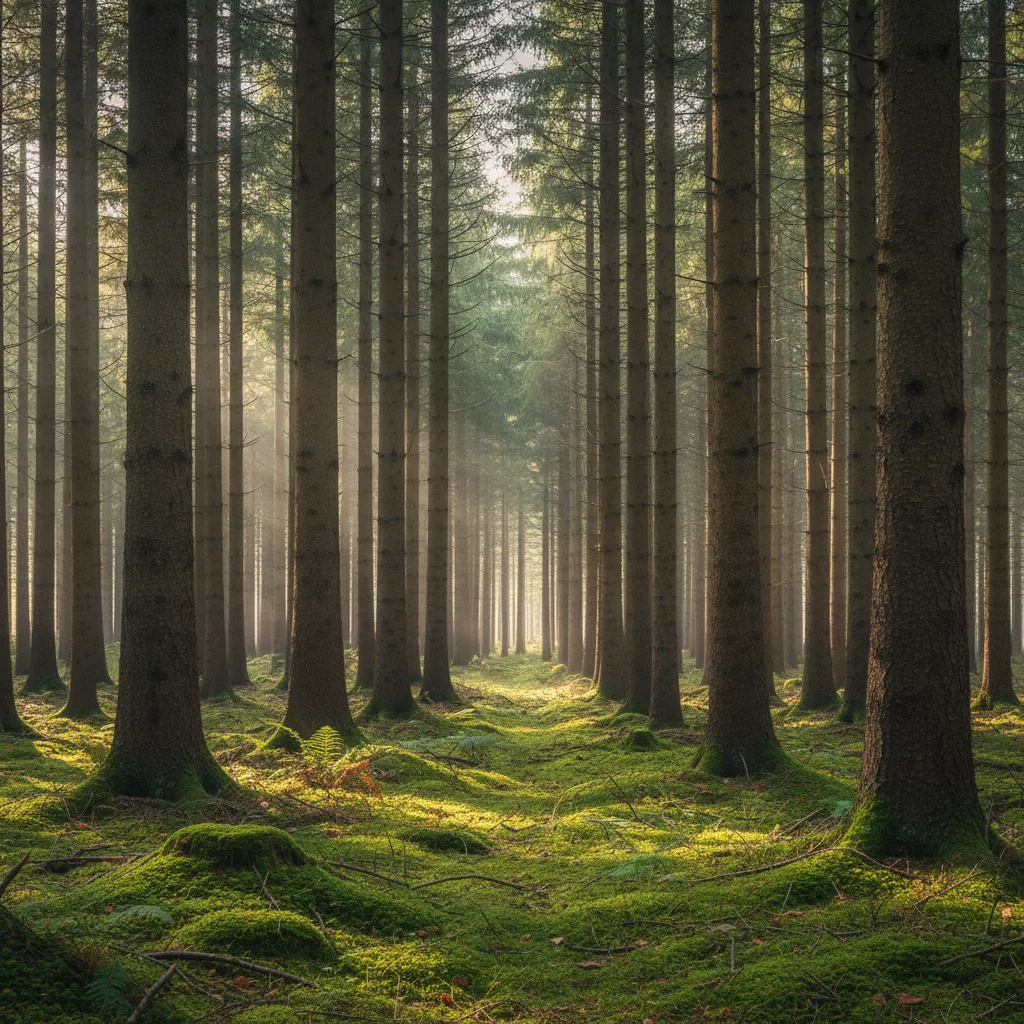
Clear forest with sharp detail from front to back
Before
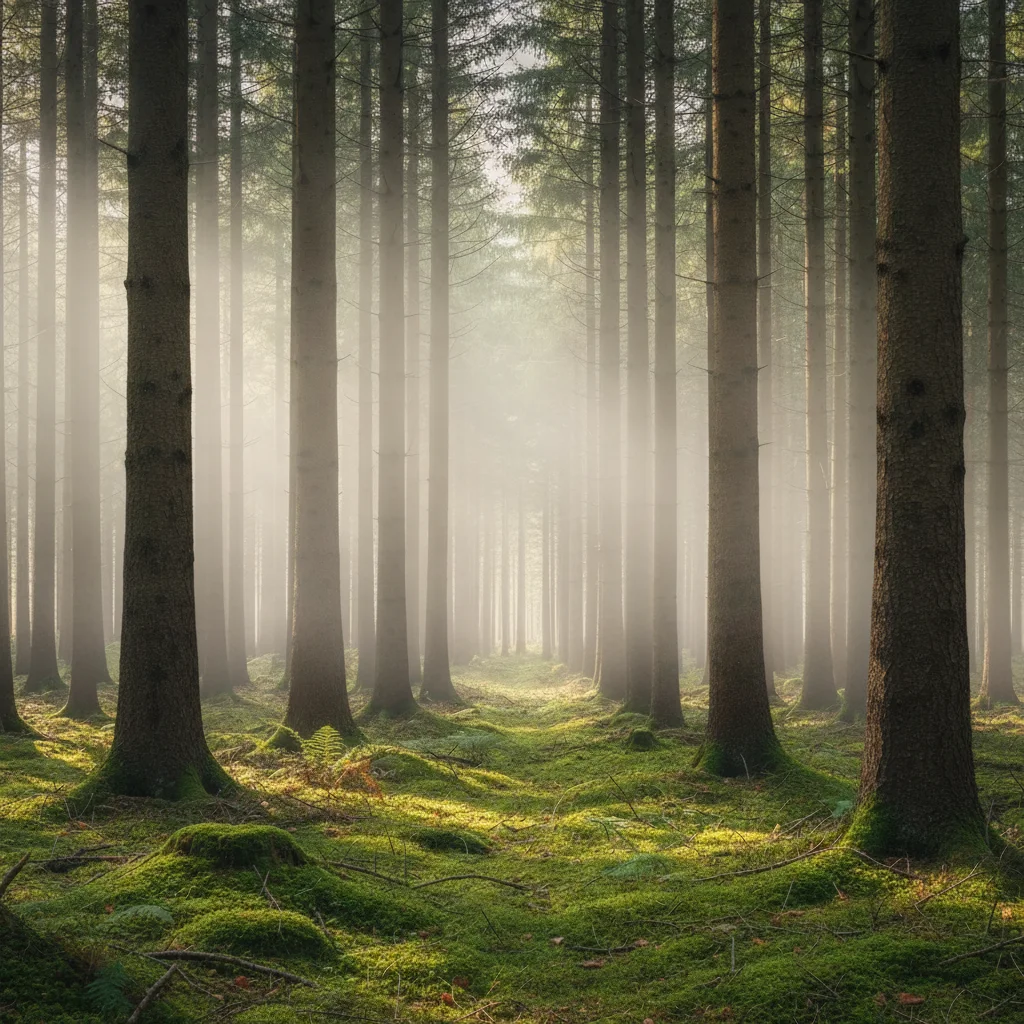
Same forest with thick atmospheric fog obscuring background trees, mystical mood
After

Add Fog Effect to Photo

Drop your photo here

or click to browse

Release to upload

Free • No signup

Advertisement
Popular use cases:
  • landscape photography
  • moody photography
  • atmospheric portraits
  • mystical scenes
  • fantasy photography
  • horror atmospheres
  • cinematic landscapes
  • ethereal aesthetics
  • nature photography
  • fine art landscapes

Cost
Free No signup required
Time
Instant results in 15-30 seconds
Works on
Any device - browser, phone, tablet, desktop
Powered by
AI-powered photo editing
Scenario Prompt Time
Forest fog add thick fog rolling between the trees at mid-height with soft diffused light and reduced visibility in the background 25s
Ground mist add light ground mist hovering just above the surface with gentle morning glow and warm golden backlighting 20s
Valley fog add thick fog filling the valley below with rolling fog banks and soft atmospheric depth 25s
City night fog add moderate fog with diffused streetlight glow, light halos around lamps, and atmospheric depth 30s

How it works

  1. Upload your landscape or outdoor photo

    Drop your image into EditThisPic. Works best with outdoor scenes featuring depth—forests, mountains, lakes, cityscapes, country roads. JPG, PNG, WebP up to 7MB. Photos with clear foreground-to-background progression produce the most realistic fog depth gradients.

    Expect: Simple ground fog on flat scenes: 20-25 seconds. Complex volumetric fog through forests or city streets with layered depth: may need 2-3 refinements for perfect density.
  2. Describe the fog effect you want

    Type your instruction: 'add thick rolling fog through the valley with reduced visibility in the distance' or 'add light morning mist at ground level with soft atmospheric glow.' Be specific about fog density (light mist, moderate fog, thick heavy fog), placement (ground level, mid-height, valley fog), and visibility (how much detail should fade into distance). No marking needed—the AI understands atmospheric depth.

    Tip: Specify time of day for lighting: 'add fog at sunrise with golden backlight' or 'add fog at dusk with blue-hour color temperature' creates more atmospheric moods.

    Copy one of these to get started:

    Mystical forest fog add thick fog rolling between the trees at mid-height with soft diffused light, reduced visibility in the background, and mysterious atmospheric mood
    Light morning mist at ground level add light ground mist hovering just above the surface with gentle morning glow, soft atmospheric haze, and warm golden backlighting
    Dense valley fog add thick heavy fog filling the valley below with complete obscuration of distant features, rolling fog banks, and soft gray atmosphere
    Urban city fog at night add moderate fog throughout the city streets with diffused streetlight glow, light halos around lamps, and atmospheric depth reducing visibility
    3 more prompts
    Coastal sea fog add rolling sea fog coming in from the ocean with thick mist at the waterline, reduced horizon visibility, and cool gray atmospheric tones
    Ethereal portrait fog background add soft fog in the background behind the subject with dreamy atmosphere, reduced background detail, and gentle diffused lighting while keeping subject sharp
    Mountain fog with sunbeams add fog rolling through mountain peaks with volumetric god rays of sunlight breaking through, dramatic light shafts, and layered atmospheric depth
  3. Generate and review the fog effect

    Click Generate and watch AI add volumetric fog with natural depth falloff, atmospheric perspective, and adjusted lighting. Review at full zoom to verify foreground clarity, smooth fog gradients, and realistic visibility reduction in the distance. The AI adapts lighting to match foggy diffusion.

  4. Refine with markers if needed

    If you want fog concentrated in specific areas (like valleys only) or want to keep certain foreground elements fog-free, tap markers on those regions and regenerate. This is optional—most fog effects work without markers.

    Tip: Markers are for precision refinement, not required. Try without them first. Use markers to create fog pockets in specific zones or protect close subjects from fog.
Try it free

Add Fog Effect to Photo

Drop your photo here

or click to browse

Release to upload

Free • No signup

"Turned my boring forest shot into a mystical scene with one prompt. The fog depth and lighting look completely natural." @naturephotog

See it in action

Clear forest with sharp detail from front to back
Before
->
Same forest with thick atmospheric fog obscuring background trees, mystical mood
After

Forest transformed with mystical fog

Added atmospheric fog rolling between trees in a dense forest. The AI created natural depth by keeping foreground trees sharp while progressively obscuring background details.

Prompt: add thick fog rolling between the trees at mid-height with soft diffused light and reduced visibility in the background
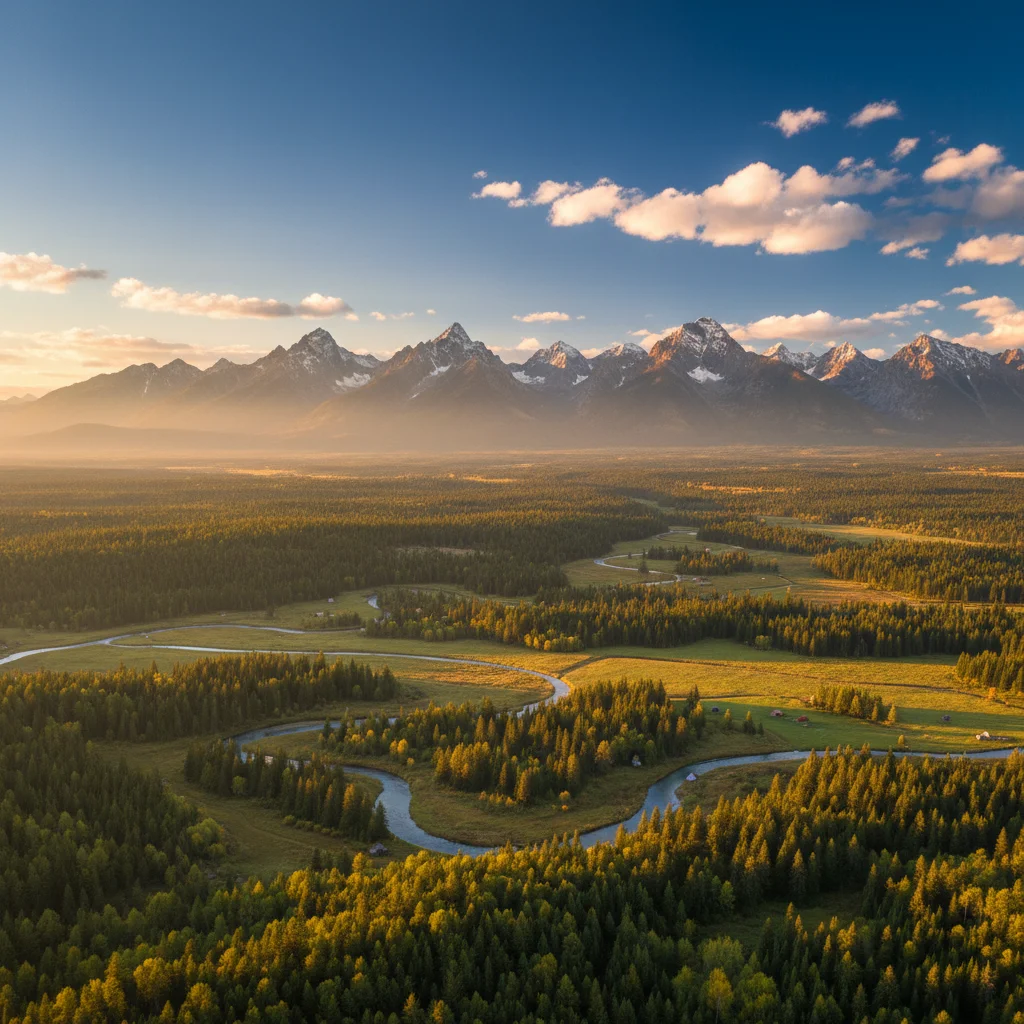
Clear mountain valley view with visible ground detail
Before
->
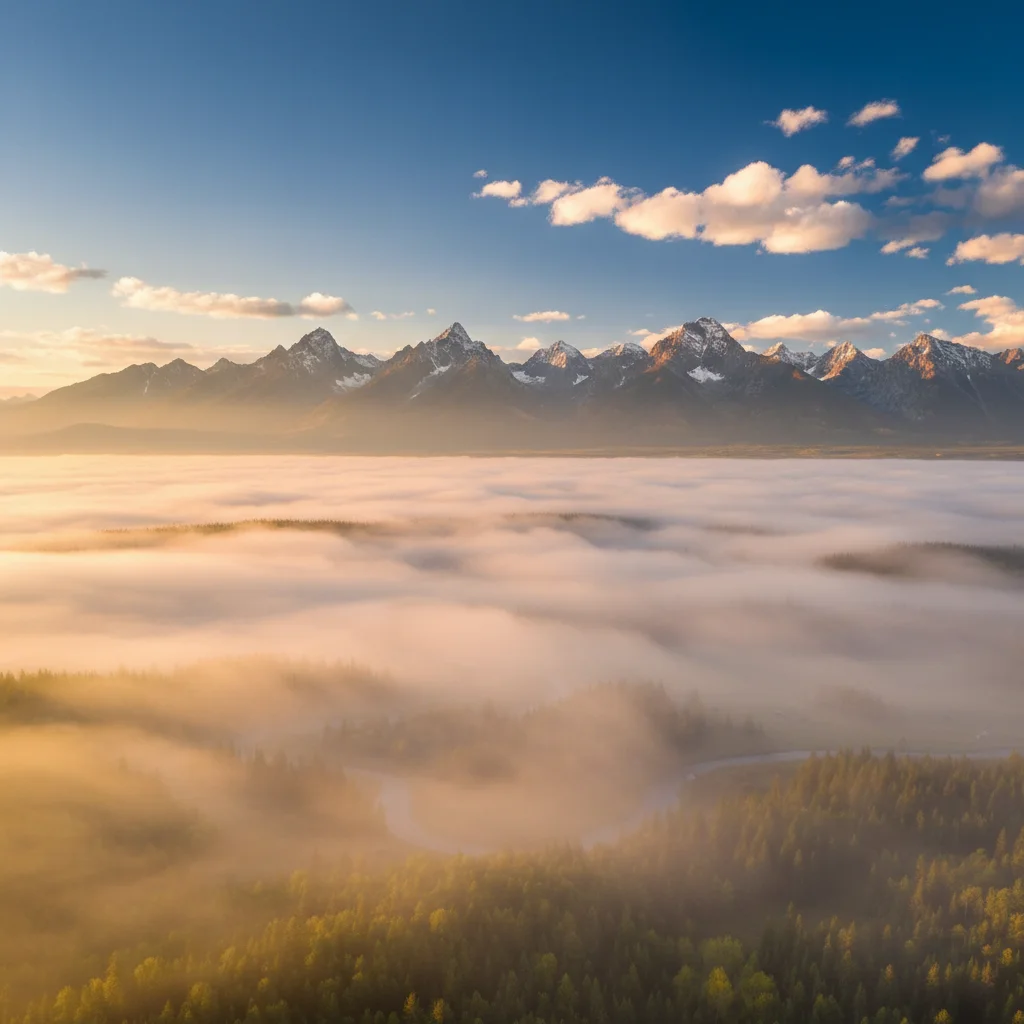
Same view with thick fog bank filling the valley, golden backlit fog, mystical atmosphere
After

Mountain valley fog at sunrise

Added rolling fog filling a mountain valley below the viewpoint. The AI created realistic fog banks with golden sunrise backlighting and natural atmospheric layers.

Prompt: add thick fog filling the valley below with golden sunrise backlight, rolling fog banks, and soft warm atmospheric glow
Clear night city street with sharp streetlights
Before
->
Same street with atmospheric fog creating glowing halos around lights, noir mood
After

City street with night fog and light glow

Added fog to urban night scene creating diffused light halos around streetlights. The AI adjusted lighting to show realistic fog scatter and atmospheric glow.

Prompt: add moderate fog throughout the street with diffused streetlight glow, light halos around lamps, and atmospheric depth
Advertisement

If something looks off

Fog looks like a flat gray overlay

Why: The fog lacks volumetric depth and atmospheric perspective. It appears as a simple opacity layer rather than realistic 3D fog with distance falloff.

Try: Specify depth variation: 'add fog with light density in foreground, moderate in mid-ground, and thick heavy fog obscuring the distant background' to create natural perspective

Tip: Real fog gets denser with distance due to atmospheric perspective—always request progressive density for realism

Entire image is too desaturated or washed out

Why: Heavy fog prompts can remove too much color. The AI interpreted thick fog as requiring complete desaturation.

Try: Specify color retention: 'add moderate fog while maintaining natural color saturation in foreground elements' or 'add fog with slight blue/golden color tint' instead of pure gray

Tip: Fog diffuses but doesn't eliminate color—real foggy scenes still have color, just muted. Request 'soft' or 'moderate' fog to preserve some saturation

Fog doesn't follow natural depth or terrain

Why: The AI applied uniform fog density across the entire image without considering topography or atmospheric logic.

Try: Describe placement: 'add fog settling in low-lying areas and valleys while keeping hilltops clear' or 'add fog at ground level only, not in the sky'

Tip: Real fog follows physics—it settles in valleys, hugs water, and stays low in calm conditions. Describe the behavior for realism

Fog is too subtle or barely visible

Why: Light mist prompts create minimal effects. The fog density was underestimated.

Try: Increase density: change 'light mist' to 'moderate fog' or 'thick heavy fog with significantly reduced visibility in the distance and dense atmospheric haze'

Tip: Start with moderate or thick fog for visible dramatic effects. You can always regenerate with lighter fog if it's too much

Lighting doesn't match foggy conditions

Why: The AI added fog but didn't adjust the lighting to account for atmospheric diffusion and light scatter.

Try: Request lighting changes: 'add fog with soft diffused light, reduced contrast, and gentle atmospheric glow' to match how fog naturally softens and scatters light

Tip: Fog diffuses light sources and reduces contrast—specifying lighting behavior creates more convincing atmospheric effects

AI changed the wrong area or added fog everywhere including foreground

Why: The AI couldn't determine which areas should have fog from description alone. Sometimes you want clear foreground with distant fog only.

Try: Tap markers on background/distant areas only where you want fog, then regenerate to limit fog to those depth zones while keeping foreground clear

Tip: Markers tell the AI 'apply fog to these specific depth layers only.' Use them for layered fog effects or to protect close subjects

Quick answers

Do I need to mark areas before adding fog effects?

No! Just describe what you want: 'add thick fog rolling through the valley' or 'add light morning mist at ground level.' The AI understands atmospheric depth and landscape features. Only use markers when you need precision—like adding fog to specific depth layers only (background but not foreground) or creating fog pockets in particular zones.

How do I add realistic fog to landscape photos for free?

Upload your landscape photo to EditThisPic and type 'add thick fog rolling through the scene with reduced visibility in the distance and atmospheric haze.' The AI generates fog effects with natural depth falloff in 20-30 seconds. No Photoshop gradient layers or manual masking required. Completely free with no signup or watermark.

Can I control fog density and placement?

Yes, specify density ('light mist', 'moderate fog', 'thick heavy fog') and placement ('ground level fog', 'mid-height fog', 'valley fog', 'fog throughout the scene') in your prompt. You can also request specific atmospheric effects like 'soft diffused light', 'reduced contrast', 'volumetric god rays', or 'golden backlight' to customize the mood.

Will fog look natural on all types of photos?

Fog works best on photos with depth—landscapes with clear foreground-to-background progression, forests, mountains, valleys, lakes, and city streets. The AI creates natural atmospheric perspective by progressively obscuring distant details. Indoor photos or scenes without depth layers won't benefit from fog effects as much.

What is the best free AI tool for adding atmospheric effects to photos?

EditThisPic specializes in atmospheric effects like fog, mist, and haze. Unlike simple overlay filters, the AI understands 3D depth and creates volumetric fog with natural distance falloff, adjusts lighting to match atmospheric diffusion, and preserves detail where appropriate. Free to use with no account required and no watermarks on your edits.

Can I add fog without making foreground elements hazy?

Yes, specify 'add fog in the background distance while keeping foreground sharp and clear' in your prompt. The AI will create depth-appropriate fog that progressively increases in density toward the horizon while preserving foreground detail. This creates natural atmospheric perspective for moody photography.

Ready to add fog to your photos?

Free to try. No signup required.

Try it free