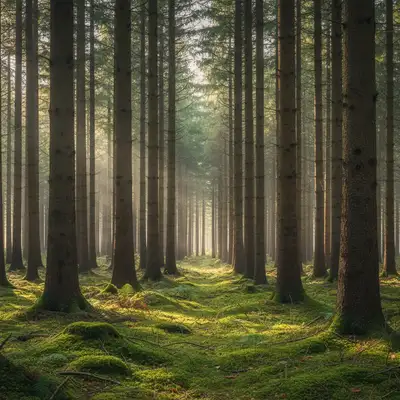
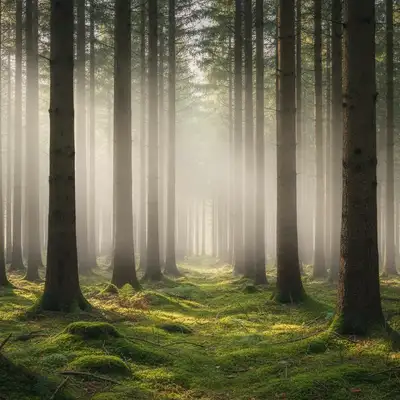
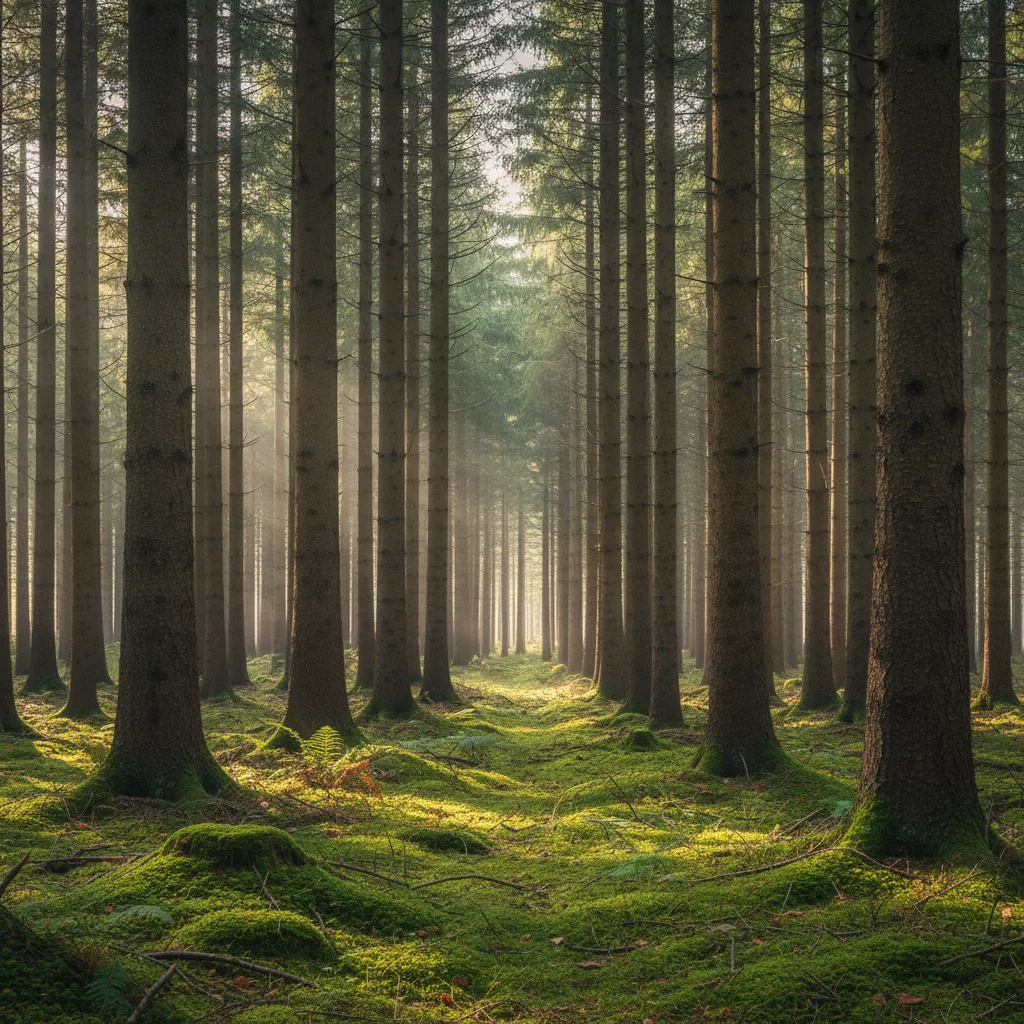
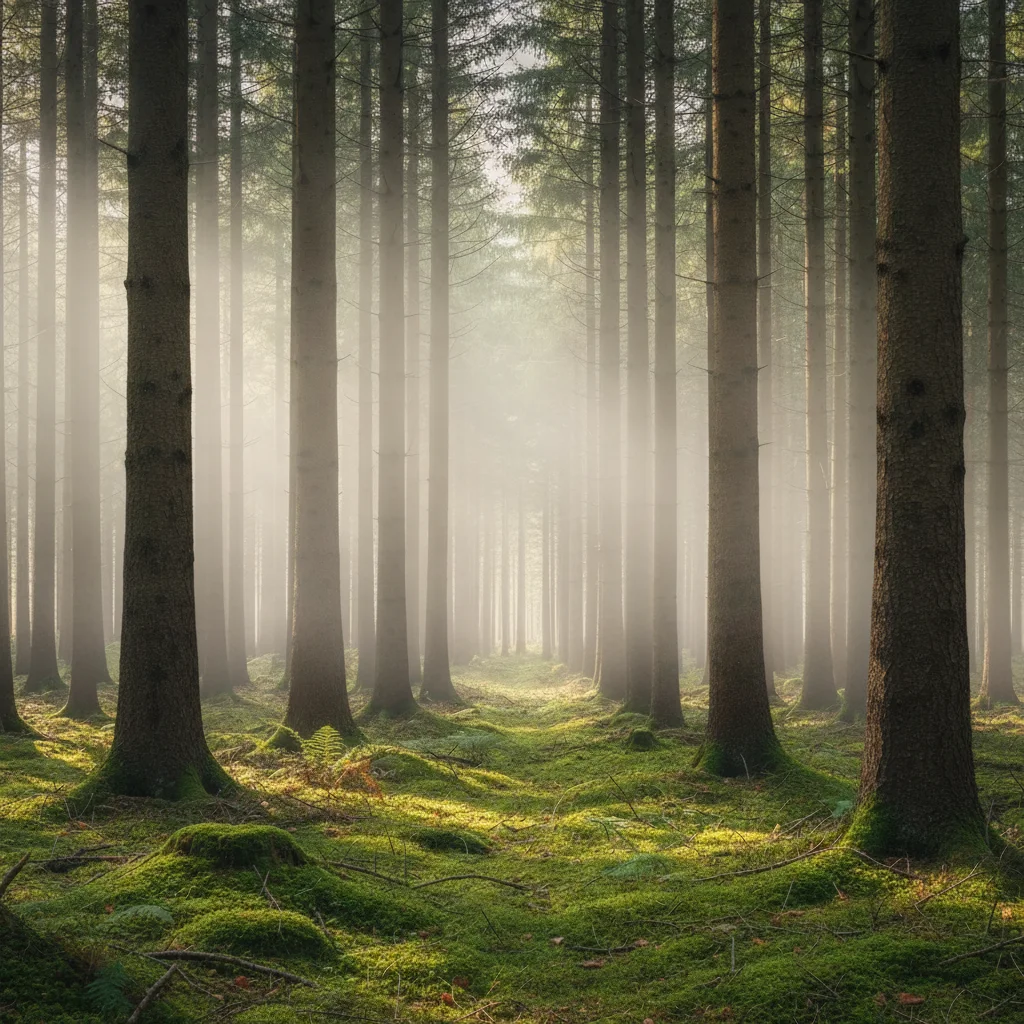
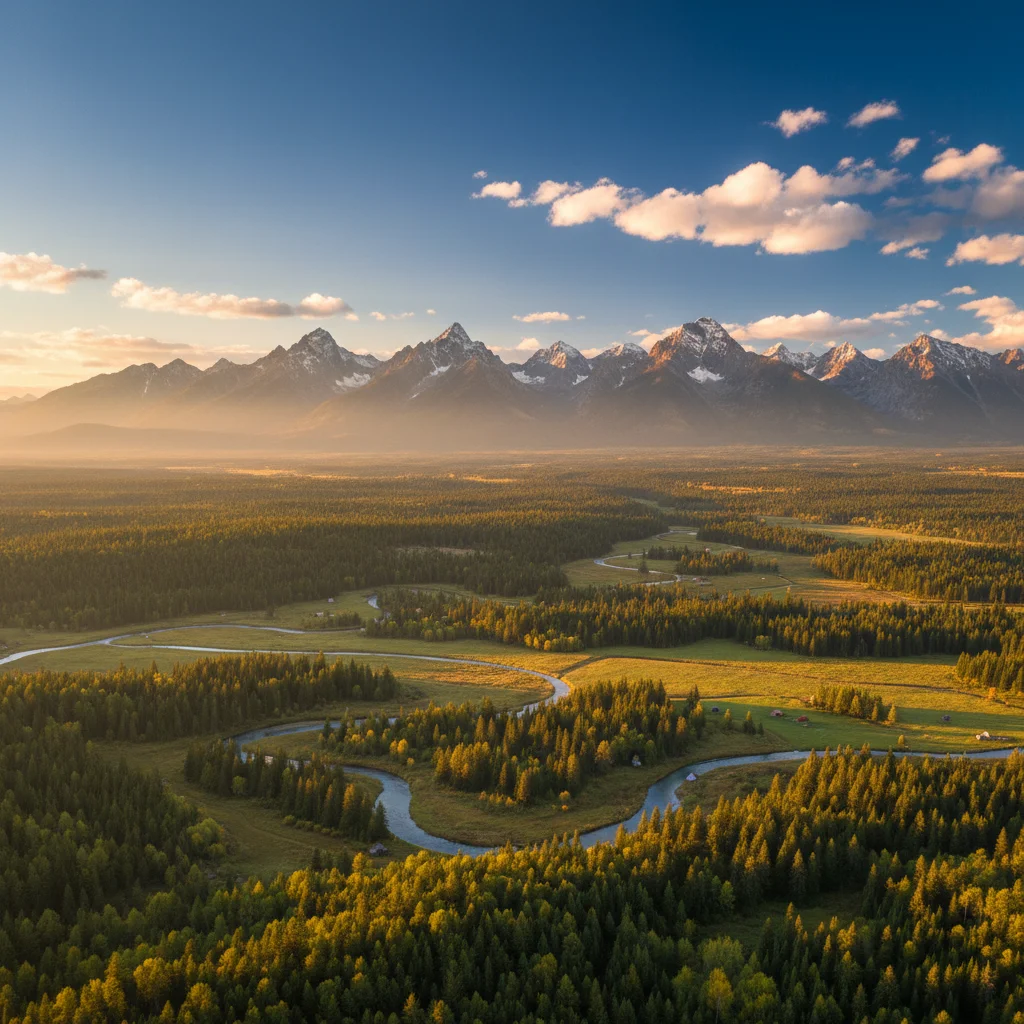
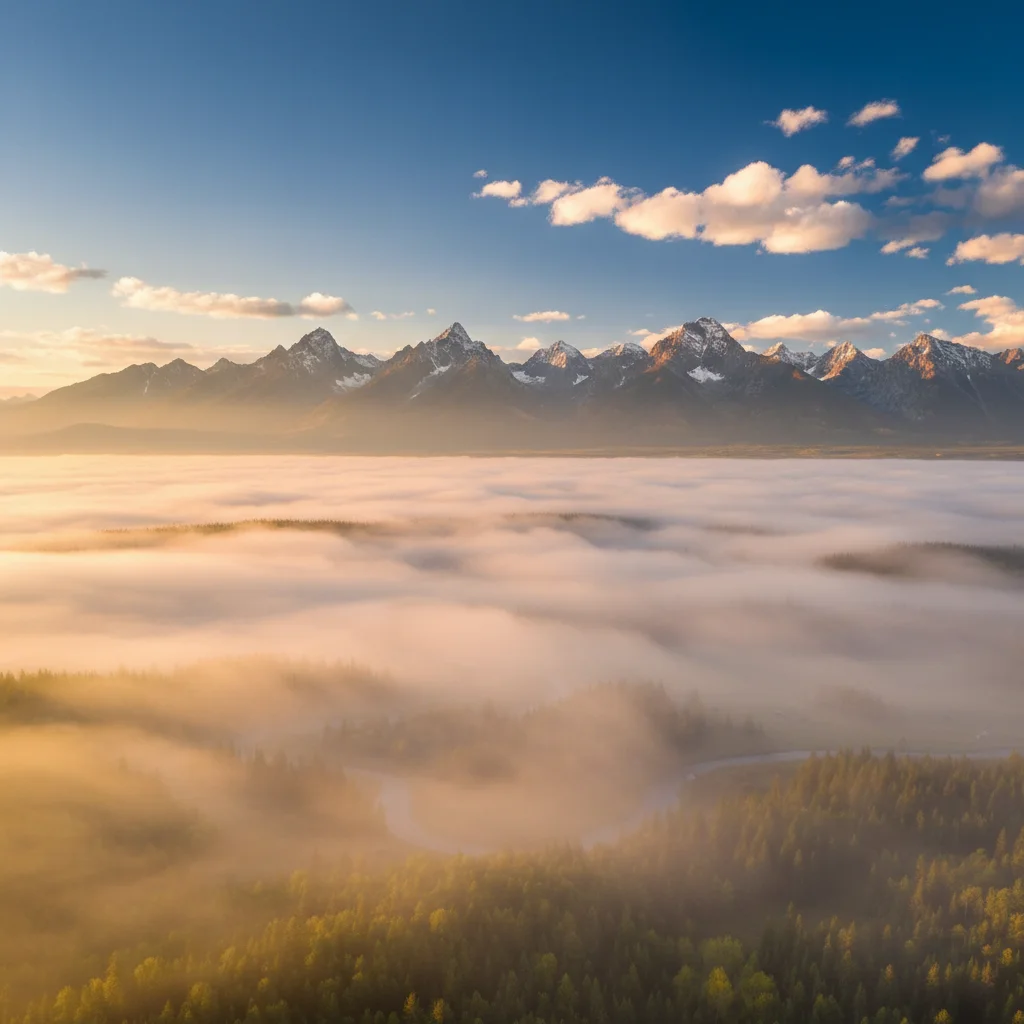
Do I need to mark areas before adding fog effects?
No! Just describe what you want: 'add thick fog rolling through the valley' or 'add light morning mist at ground level.' The AI understands atmospheric depth and landscape features. Only use markers when you need precision—like adding fog to specific depth layers only (background but not foreground) or creating fog pockets in particular zones.
How do I add realistic fog to landscape photos for free?
Upload your landscape photo to EditThisPic and type 'add thick fog rolling through the scene with reduced visibility in the distance and atmospheric haze.' The AI generates fog effects with natural depth falloff in 20-30 seconds. No Photoshop gradient layers or manual masking required. Completely free with no signup or watermark.
Can I control fog density and placement?
Yes, specify density ('light mist', 'moderate fog', 'thick heavy fog') and placement ('ground level fog', 'mid-height fog', 'valley fog', 'fog throughout the scene') in your prompt. You can also request specific atmospheric effects like 'soft diffused light', 'reduced contrast', 'volumetric god rays', or 'golden backlight' to customize the mood.
Will fog look natural on all types of photos?
Fog works best on photos with depth—landscapes with clear foreground-to-background progression, forests, mountains, valleys, lakes, and city streets. The AI creates natural atmospheric perspective by progressively obscuring distant details. Indoor photos or scenes without depth layers won't benefit from fog effects as much.
What is the best free AI tool for adding atmospheric effects to photos?
EditThisPic specializes in atmospheric effects like fog, mist, and haze. Unlike simple overlay filters, the AI understands 3D depth and creates volumetric fog with natural distance falloff, adjusts lighting to match atmospheric diffusion, and preserves detail where appropriate. Free to use with no account required and no watermarks on your edits.
Can I add fog without making foreground elements hazy?
Yes, specify 'add fog in the background distance while keeping foreground sharp and clear' in your prompt. The AI will create depth-appropriate fog that progressively increases in density toward the horizon while preserving foreground detail. This creates natural atmospheric perspective for moody photography.
Is EditThisPic's AI fog effect adder really free?
Yes — you get 1 free edit per week, no account needed. For unlimited edits, plans start at $3.99/month.
Can I add fog effect on my phone?
Yes. EditThisPic works in any mobile browser — iPhone, Android, tablet. No app download needed.