Free • No signup Add Lightning · Free

AI Lightning Adder

Add realistic lightning bolts and electrical storms to any sky.
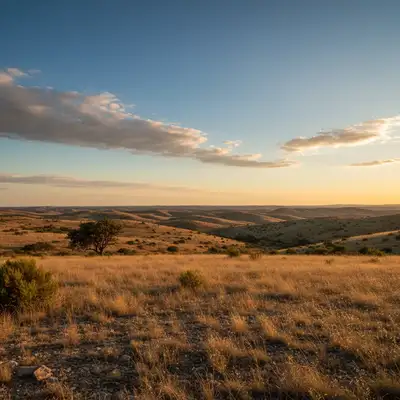
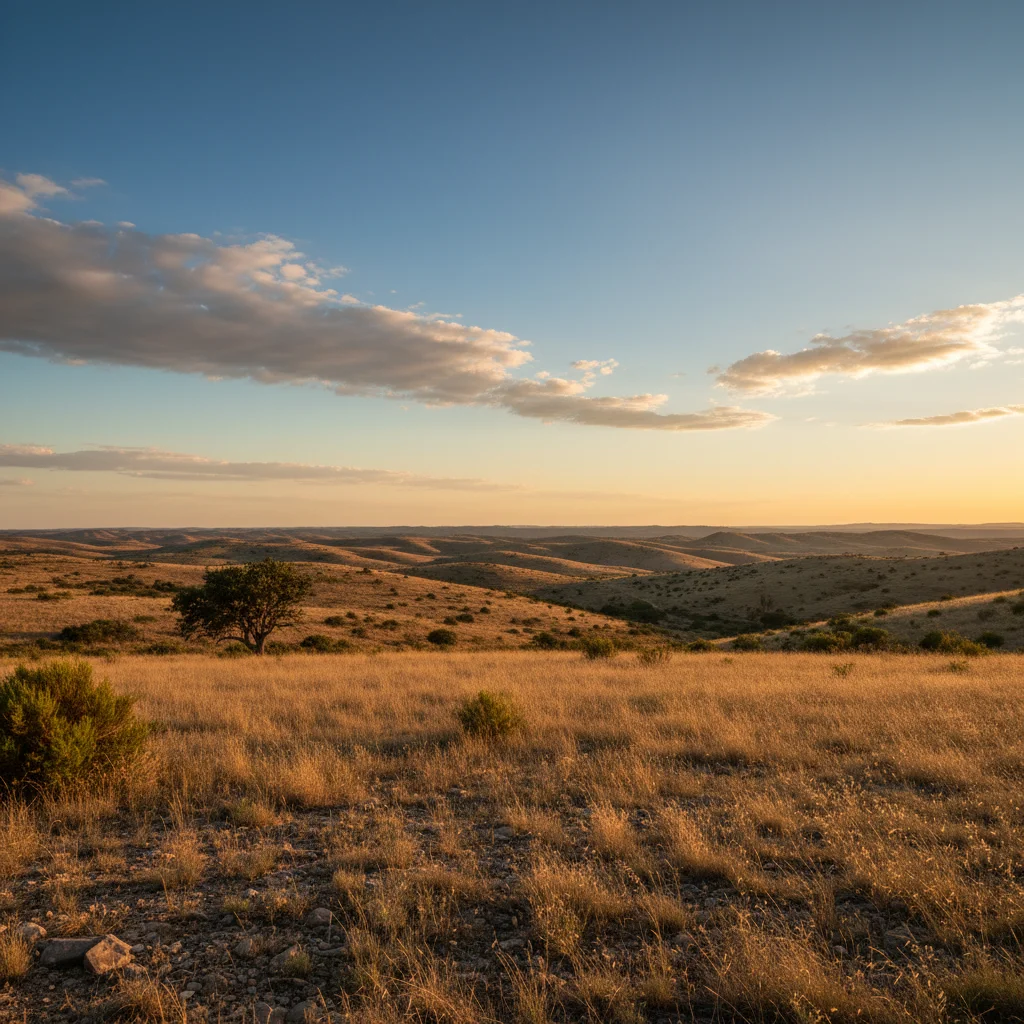
Clear landscape with blue sky and visible horizon
Before
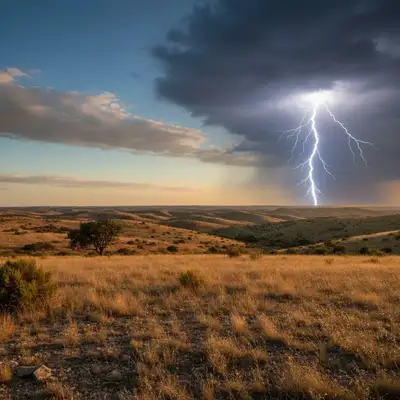
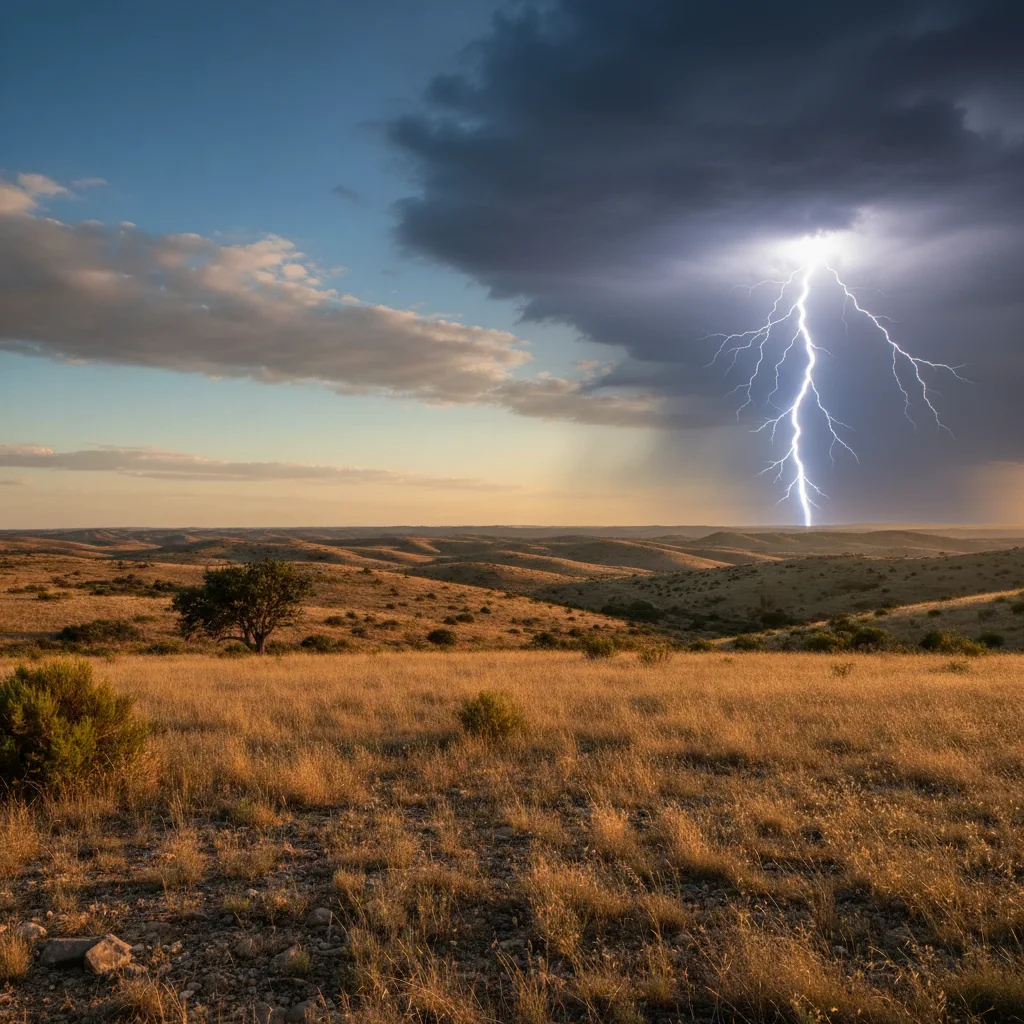
Same landscape with dramatic lightning bolt, dark storm clouds, and electrical glow
After

Add Lightning to Photo

Drop your photo here

or click to browse

Release to upload

Free • No signup

Advertisement
Popular use cases:
  • storm photography
  • dramatic landscapes
  • apocalyptic scenes
  • weather photography
  • cinematic atmospheres
  • thriller movie stills
  • album cover art
  • fantasy photography
  • urban storm scenes
  • creative manipulation

Cost
Free No signup required
Time
Instant results in 15-30 seconds
Works on
Any device - browser, phone, tablet, desktop
Powered by
AI-powered photo editing
Scenario Prompt Time
Single dramatic bolt add dramatic bright lightning bolt striking from dark storm clouds down to the horizon with intense electrical glow and branching forks 30s
Multiple strikes add multiple lightning bolts striking at different locations across the sky with varying intensity and dark storm atmosphere 40s
Lightning to landmark add bright lightning bolt striking down to the prominent building with dramatic contact point glow and electrical discharge 35s
Purple storm lightning add dramatic lightning with purple-blue electrical color and heavily branched forks spreading across dark storm clouds 30s

How it works

  1. Upload your photo with visible sky

    Drop your image into EditThisPic. Works best with photos featuring substantial sky area—landscapes, cityscapes, seascapes, or any outdoor scene with at least 30% sky visible. JPG, PNG, WebP up to 7MB. Photos with clear horizon lines and distinct sky regions produce the most realistic lightning placement and cloud-to-ground strikes.

    Expect: Simple single lightning bolt on clear composition: 25-30 seconds. Complex multi-bolt storms with detailed branching, atmospheric effects, and dramatic lighting: may need 3-4 refinements for perfect placement and intensity.
  2. Describe the lightning effect you want

    Type your instruction: 'add dramatic lightning bolt striking from dark clouds to the horizon with bright white-blue electrical glow and branching forks' or 'add multiple lightning strikes across the sky with storm atmosphere.' Be specific about lightning type (single bolt, multiple strikes, sheet lightning), branching detail (simple or heavily branched), color (white-blue, purple-blue, warm yellow), and sky conditions (dark storm clouds, twilight storm, daylight storm). No marking needed—the AI understands sky regions and natural strike patterns.

    Tip: Specify strike origin and target for realism: 'lightning striking from clouds down to the distant treeline' or 'cloud-to-cloud horizontal lightning across the horizon' creates natural electrical paths. Include atmospheric effects like 'illuminated storm clouds' or 'atmospheric glow' for drama.

    Copy one of these to get started:

    Dramatic single lightning bolt add dramatic bright lightning bolt striking from dark storm clouds down to the horizon with intense white-blue electrical glow, branching forks, and illuminated cloud edges
    Multiple lightning strikes storm add multiple lightning bolts striking at different locations across the sky with varying intensity, dark storm atmosphere, and widespread electrical activity
    Lightning striking landmark add bright lightning bolt striking down to the prominent building/tree with dramatic contact point glow, electrical discharge, and illuminated strike path
    Purple storm lightning add dramatic lightning with purple-blue electrical color, heavily branched forks spreading across dark violet storm clouds, and atmospheric purple glow
    4 more prompts
    Horizontal cloud-to-cloud lightning add horizontal sheet lightning spreading between storm clouds across the horizon with diffused electrical glow, no ground strike, and widespread cloud illumination
    Lightning over water with reflection add lightning bolt striking over the water with bright reflection of the electrical discharge in the water surface, illuminated storm clouds, and atmospheric glow
    Distant storm lightning on horizon add distant lightning strikes on the far horizon with soft atmospheric glow, subtle electrical flashes, and storm clouds in the distance while keeping foreground clear
    Lightning with heavy rain atmosphere add bright lightning bolt with heavy rain atmosphere, rain streaks visible in the lightning flash, dramatic storm clouds, and wet ground reflections illuminated by the strike
  3. Generate and review the lightning

    Click Generate and watch AI add lightning bolts with natural electrical branching, atmospheric glow, cloud illumination, and storm sky adjustments. Review at full zoom to check lightning path realism, branching detail, color intensity, and cloud lighting effects. The AI automatically darkens skies to stormy conditions if needed and adds appropriate environmental lighting.

  4. Adjust sky darkness if needed

    Lightning looks most dramatic against dark storm clouds. If your result has lightning on a still-bright sky, regenerate with 'add lightning with very dark storm clouds and heavy overcast atmosphere' to create more contrast. The AI will darken the sky appropriately.

  5. Refine with markers if needed

    If you want lightning in a specific location (like striking a particular building or tree) or want to control the exact strike path, tap markers along the desired lightning route and regenerate. This is optional—most lightning effects work without markers.

    Tip: Markers are for precision refinement, not required. Try without them first. Use markers to specify exact strike points or create lightning hitting specific landmarks for dramatic composition.
Try it free

Add Lightning to Photo

Drop your photo here

or click to browse

Release to upload

Free • No signup

"Added lightning to my boring sky photo and it looks like I waited hours for the perfect storm shot. The branching looks completely real." @stormchaser_photo

See it in action

Clear landscape with blue sky and visible horizon
Before
->
Same landscape with dramatic lightning bolt, dark storm clouds, and electrical glow
After

Landscape transformed into dramatic storm

Added a powerful lightning bolt striking from dark clouds to the horizon. The AI created realistic electrical branching, cloud illumination, and darkened the sky to storm conditions automatically.

Prompt: add dramatic bright lightning bolt striking from dark storm clouds down to the horizon with intense white-blue electrical glow and branching forks
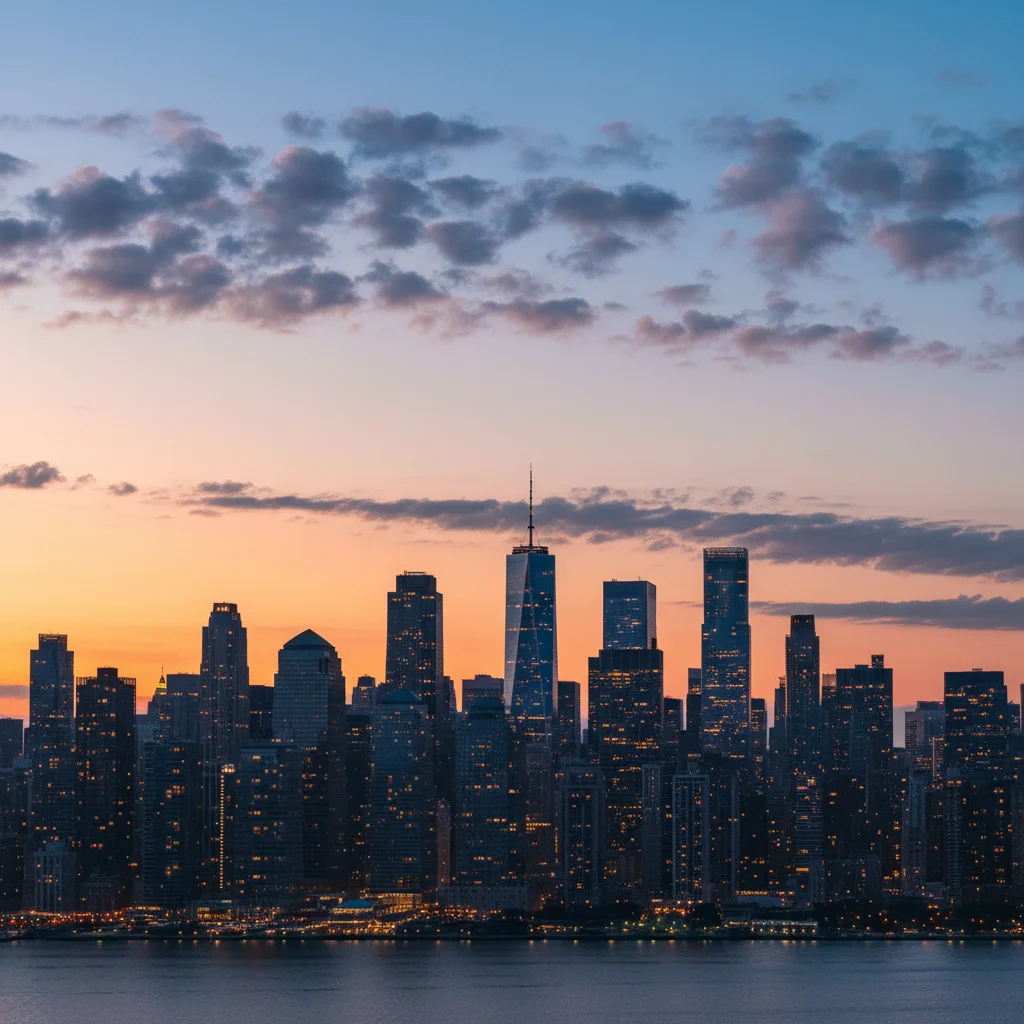
City skyline at dusk with clear sky
Before
->
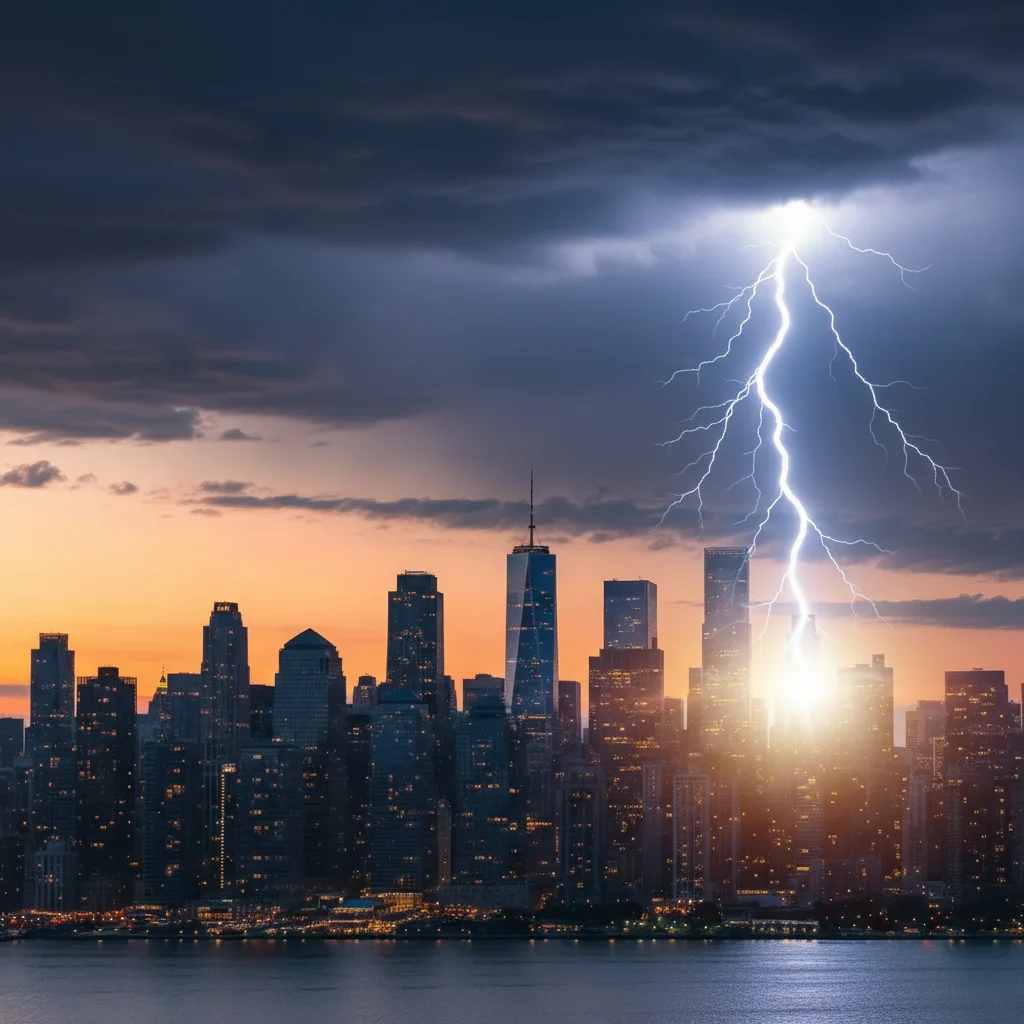
Same skyline with lightning bolt striking toward buildings, storm atmosphere
After

City skyline with lightning strike

Added lightning striking toward a city building. The AI created a natural electrical path from clouds to skyline with proper atmospheric glow and storm darkening.

Prompt: add bright lightning bolt striking down toward the city skyline with dramatic contact point glow and dark storm clouds
Calm ocean scene with clear sky reflected in water
Before
->
Same ocean with lightning bolt and bright reflection in water, storm clouds
After

Ocean scene with lightning and water reflection

Added lightning over the ocean with reflection visible in the water. The AI created symmetrical electrical glow in the water surface and appropriate storm lighting.

Prompt: add lightning bolt striking over the water with bright reflection in the water surface and illuminated storm clouds
Wide landscape with cloudy sky
Before
->
Same landscape with multiple lightning strikes across the sky, intense storm
After

Multiple lightning strikes across storm sky

Added multiple lightning bolts at different locations creating intense electrical storm atmosphere. The AI created varied bolt intensities and natural branching patterns.

Prompt: add multiple lightning bolts striking at different locations across the sky with varying intensity and dark storm atmosphere
Advertisement

If something looks off

Lightning looks fake or cartoonish

Why: The lightning lacks realistic electrical branching patterns or has overly smooth edges. Real lightning has irregular jagged paths with multiple branching forks.

Try: Request natural detail: 'add lightning with realistic irregular electrical branching, jagged edges, multiple small forks spreading from main bolt, and natural electrical path variations'

Tip: Real lightning has chaos and irregularity—avoid overly symmetric or smooth lightning by requesting 'realistic electrical branching' and 'natural irregular path'

Lightning disappears against bright sky

Why: Lightning needs contrast to be visible. Bright daylight skies make electrical effects nearly invisible.

Try: Request sky darkening: 'add lightning with very dark storm clouds, heavy overcast atmosphere, and dramatic sky darkening to create strong contrast for the electrical bolt'

Tip: Lightning photography happens during storms with dark skies—always request storm cloud darkening for visible dramatic lightning

Lightning doesn't connect to ground or clouds properly

Why: The AI created a floating lightning bolt without proper origin and terminus points. Real lightning connects cloud to ground or cloud to cloud.

Try: Specify connection points: 'add lightning bolt striking FROM the storm clouds down TO the horizon/building/treeline' with clear origin and destination

Tip: Real lightning has a source (cloud) and destination (ground or another cloud)—always specify both endpoints for realism

No atmospheric glow or cloud illumination

Why: The AI added the lightning bolt but didn't create the associated lighting effects. Real lightning illuminates surrounding clouds and atmosphere.

Try: Request lighting effects: 'add lightning with bright atmospheric glow around the bolt, illuminated cloud edges where lightning emerges, and environmental flash lighting'

Tip: Lightning is an intense light source—it illuminates everything nearby. Always request 'atmospheric glow' and 'cloud illumination' for realism

Lightning color looks wrong or unnatural

Why: The AI used incorrect color for the atmospheric conditions. Lightning color varies from white-blue to purple-blue to warm yellow depending on atmosphere and distance.

Try: Specify color: 'bright white-blue lightning for close strikes', 'purple-blue for high altitude or distant storms', or 'warm yellow-white for very intense electrical discharge'

Tip: Most dramatic lightning is white-blue. Purple is more artistic/surreal. Yellow suggests extreme heat and power

Multiple lightning bolts look identical or copy-pasted

Why: The AI repeated the same pattern for multiple strikes instead of creating varied electrical paths.

Try: Request variation: 'add multiple lightning strikes with different branching patterns, varying intensities, different strike angles, and unique electrical paths for each bolt'

Tip: Real electrical discharges never repeat—each lightning bolt is unique. Specify 'varying' and 'different' when requesting multiple strikes

AI added lightning in wrong location or everywhere

Why: The AI couldn't determine exact placement from description alone. Lightning should strike where compositionally dramatic.

Try: Tap markers along the desired lightning path from cloud origin point down to ground strike location, then regenerate to control exact bolt placement

Tip: Markers tell the AI 'place the lightning EXACTLY here along this path.' Use them to strike specific landmarks or create perfect composition

Quick answers

Do I need to mark areas before adding lightning?

No! Just describe what you want: 'add dramatic lightning bolt striking from storm clouds to the horizon' or 'add multiple lightning strikes across the sky.' The AI understands sky regions and natural electrical strike patterns. Only use markers when you need precision—like making lightning strike a specific building or tree, or controlling the exact path of the electrical bolt for compositional reasons.

How do I add realistic lightning to photos for free?

Upload your photo with visible sky to EditThisPic and type 'add dramatic bright lightning bolt striking from dark storm clouds with electrical glow and branching forks.' The AI generates realistic lightning with natural branching patterns, atmospheric effects, and storm darkening in 25-40 seconds. No Photoshop brushes or manual drawing required. Completely free with no signup or watermark.

Can I add lightning to daylight photos?

Yes, the AI automatically darkens the sky to stormy conditions to make lightning visible and dramatic. Specify in your prompt: 'add lightning with very dark storm clouds and heavy overcast' and the AI will transform bright daylight skies into dramatic storm atmosphere where lightning shows clearly with proper contrast.

Can I control where lightning strikes?

Yes, specify in your prompt: 'add lightning striking down to the building on the left' or 'add lightning hitting the distant tree on the horizon.' For precise control over the exact bolt path, use markers to draw the route from cloud origin to ground strike point, then regenerate. This creates compositionally perfect lightning placement.

What is the best free AI tool for adding lightning to photos?

EditThisPic specializes in atmospheric effects including realistic lightning generation. Unlike simple lightning overlays or clip art, the AI creates natural electrical branching patterns, proper cloud-to-ground connections, atmospheric glow and illumination, and storm environment adjustments. Free to use with no account required and no watermarks on your edits.

How do I make lightning look more realistic?

Request specific details in your prompt: 'realistic irregular electrical branching with multiple jagged forks', 'bright atmospheric glow around the bolt', 'illuminated cloud edges', and 'very dark storm clouds for contrast.' The combination of detailed branching, environmental lighting, and dark storm background creates the most convincing lightning photography effect.

Ready to add lightning to your photos?

Free to try. No signup required.

Try it free