Free • No signup Apply Kodak film filter · Free

AI Kodak Film Filter

Just describe the Kodak film look you want and AI applies it instantly.
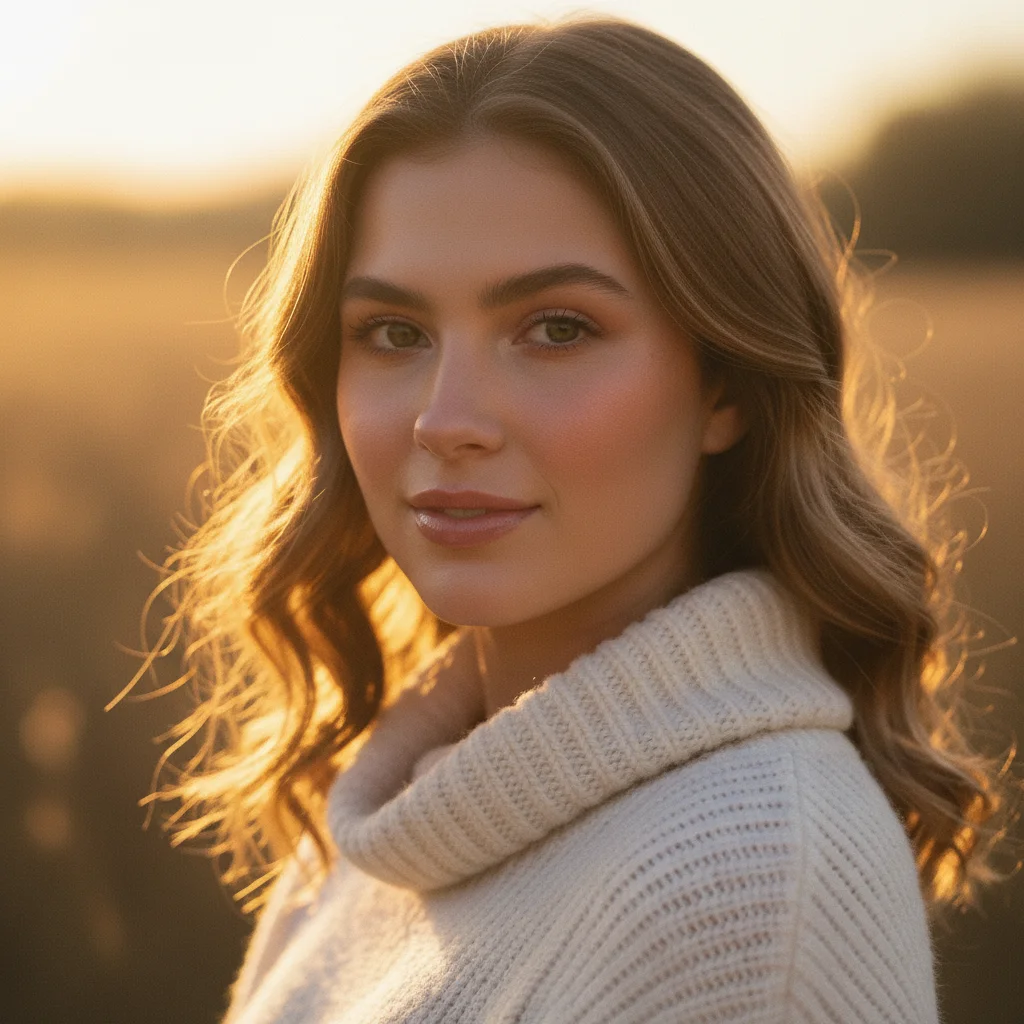
Clear digital portrait photo
Before
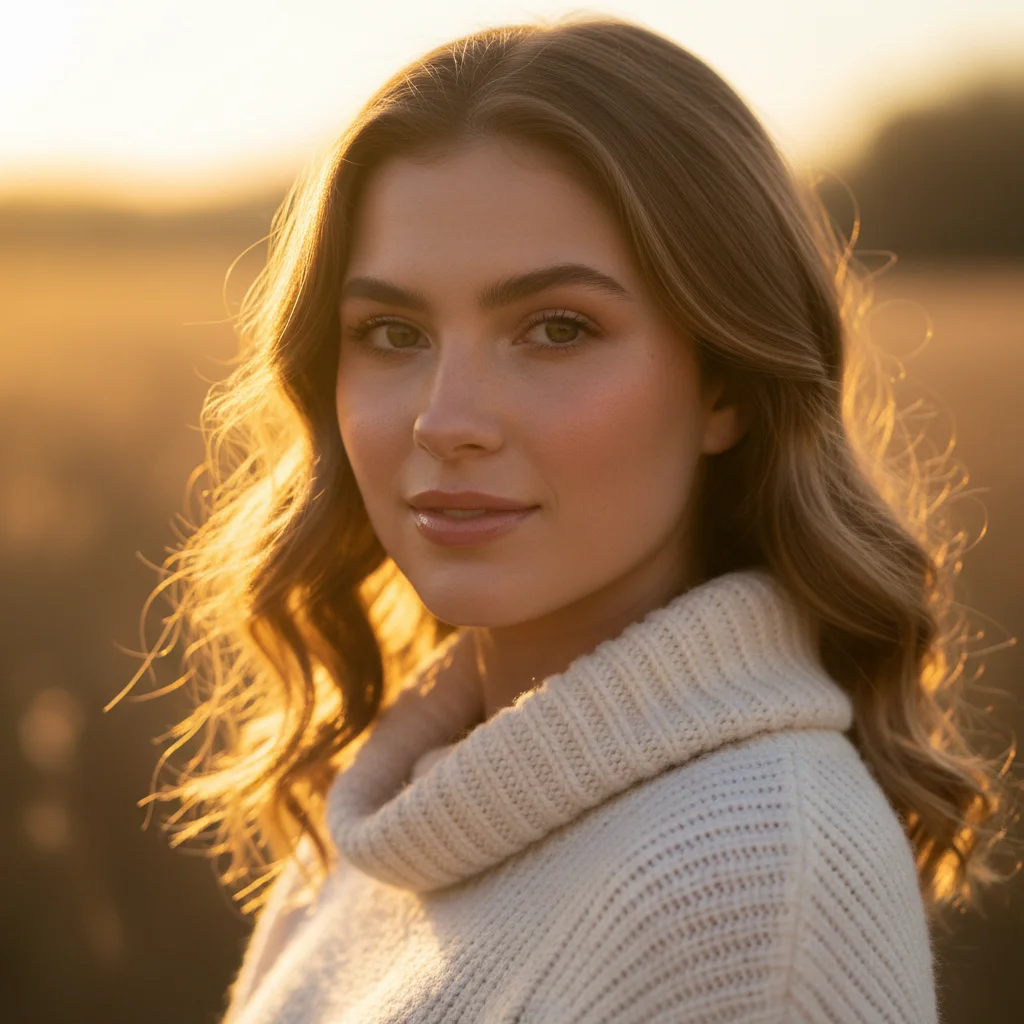
Portrait with authentic Kodak Portra 400 film look
After

Apply Kodak Film Filter to Photo

Drop your photo here

or click to browse

Release to upload

Free • No signup

Advertisement
Popular use cases:
  • portrait photography
  • wedding photos
  • street photography
  • landscape photos
  • film photography aesthetic
  • Instagram posts

Cost
Free No signup required
Time
Instant results in 15-30 seconds
Works on
Any device - browser, phone, tablet, desktop
Powered by
AI-powered photo editing
Scenario Prompt Time
Kodak Portra 400 apply Kodak Portra 400 film look with warm flattering skin tones and fine grain 15s
Kodak Gold 200 transform with Kodak Gold 200 aesthetic featuring warm nostalgic tones 15s
Kodak Ektar 100 apply Kodak Ektar 100 filter with vibrant saturated colors and fine grain 15s

How it works

  1. Upload your photo

    Drop your digital image into EditThisPic. JPG, PNG, WebP up to 7MB. Portraits, street photography, and landscapes all benefit from Kodak's warm, nostalgic film character.

    Expect: Simple filters: 10-15 seconds. Fine-tuned looks: may need one adjustment for grain or warmth.
  2. Describe the Kodak film look

    Type your instruction: 'apply Kodak Portra 400 film look with warm skin tones' or 'transform with Kodak Gold 200 aesthetic and nostalgic warmth.' Be specific about film stock (Portra, Ektar, Gold), grain level, and color characteristics. No marking needed—the AI applies the color science to the whole image.

    Tip: Kodak Portra excels at portraits, Ektar for landscapes, Gold for everyday nostalgia.

    Copy one of these to get started:

    Kodak Portra 400 portraits apply Kodak Portra 400 film look with warm flattering skin tones, fine grain, and natural colors
    Kodak Gold 200 nostalgia transform with Kodak Gold 200 aesthetic featuring warm nostalgic tones and subtle grain
    Kodak Ektar 100 landscapes apply Kodak Ektar 100 filter with vibrant saturated colors, fine grain, and exceptional sharpness
    Kodak Portra 800 moody transform with Kodak Portra 800 look featuring moderate grain and soft warm tones for low light
    2 more prompts
    Kodak Ultramax street apply Kodak Ultramax 400 aesthetic with punchy colors and moderate grain for street photography
    Vintage Kodachrome transform with vintage Kodachrome look featuring rich saturated colors and fine grain
  3. Generate and review

    Click Generate and watch your digital photo take on authentic Kodak film characteristics. Check color warmth, grain texture, and overall mood. The AI recreates each film stock's unique color science.

  4. Refine with markers if needed

    If specific areas need adjusted warmth or grain, tap markers on those spots and regenerate. This is optional—most film looks work without markers.

    Tip: Markers are for precision refinement, not required. Try without them first.
Try it free

Apply Kodak Film Filter to Photo

Drop your photo here

or click to browse

Release to upload

Free • No signup

"Finally got that authentic Kodak Portra look on my digital photos! The warm tones are spot-on." @film_photographer_alex

See it in action

Clear digital portrait photo
Before
->
Portrait with authentic Kodak Portra 400 film look
After

Portrait with Portra 400 Look

Applied Kodak Portra 400 aesthetic with flattering warm skin tones and subtle fine grain.

Prompt: apply Kodak Portra 400 film look with warm flattering skin tones, fine grain, and natural colors
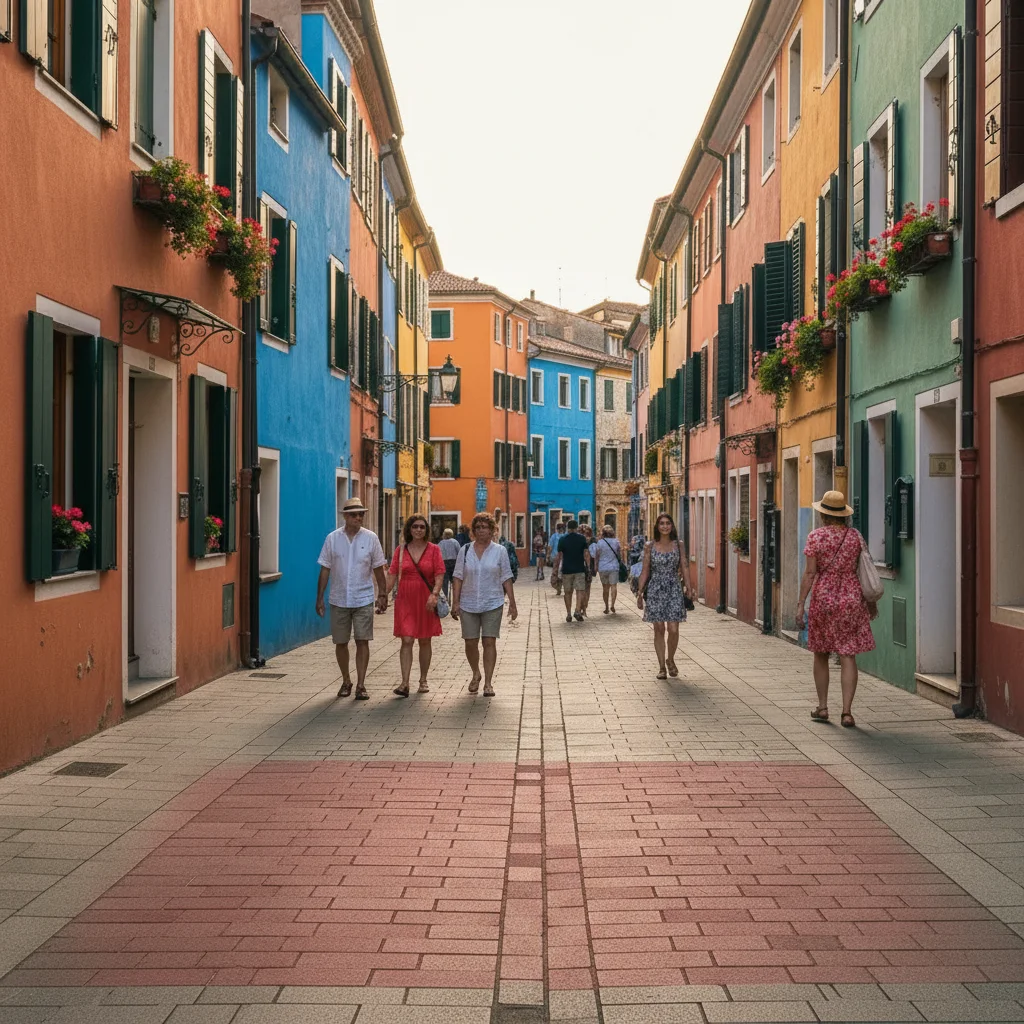
Clear digital street photo
Before
->
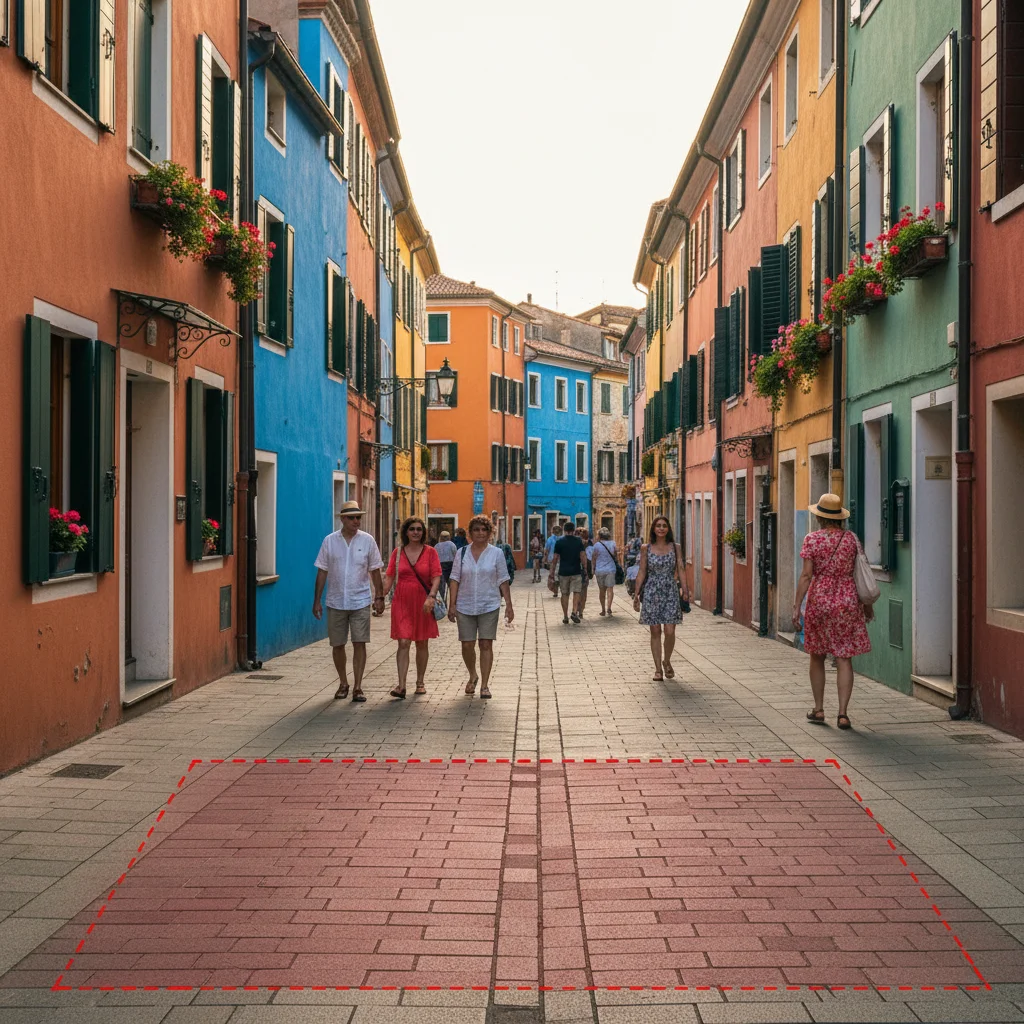
Street scene with Kodak Gold 200 nostalgic warmth
After

Street Scene with Gold 200

Transformed street photography with Kodak Gold 200 warmth and nostalgic color palette.

Prompt: transform with Kodak Gold 200 aesthetic featuring warm nostalgic tones and subtle grain
Advertisement

If something looks off

AI changed wrong area or applied filter unevenly

Why: The AI couldn't determine which areas need different film characteristics from description alone.

Try: Tap markers on areas that need adjustment, then regenerate with the same prompt

Tip: Markers tell the AI 'apply different warmth HERE' if needed.

Colors are too warm or not warm enough

Why: Kodak films have characteristic warmth that varies by stock.

Try: Adjust specificity: 'subtle Kodak warmth' for less effect or 'pronounced Portra warmth' for stronger vintage character

Tip: Different Kodak stocks have different warmth: Portra is warmer than Ektar.

Film grain is too strong or invisible

Why: Grain intensity varies by ISO rating of the film stock.

Try: Specify grain level: 'fine grain like ISO 100', 'moderate grain like 400 speed', or 'pronounced grain like 800+'

Tip: Lower ISO films (100, 200) have finer grain; higher ISO (800) shows more grain.

Doesn't look like authentic Kodak film

Why: Generic film language doesn't capture specific Kodak color science.

Try: Name the exact stock: 'Kodak Portra 400', 'Kodak Gold 200', or 'Kodak Ektar 100' for accurate color characteristics

Tip: Each Kodak stock has unique color science—be specific for best results.

Quick answers

Do I need to mark areas before describing the Kodak film look?

No! Just describe the film stock you want: 'apply Kodak Portra 400 film look' or 'transform with Gold 200 aesthetic.' The AI applies the color science to the entire image. Only use markers when you need different characteristics in specific areas—which is rare for film emulation.

How do I get Kodak film look for free without film cameras?

EditThisPic recreates authentic Kodak film aesthetics using AI. Upload your digital photo, describe the film stock ('apply Kodak Portra 400 with warm skin tones'), and download the result. Completely free, no film or darkroom needed, no account required.

Which Kodak film stocks can I emulate?

Create looks from Kodak Portra (400, 800), Kodak Gold (200), Kodak Ektar (100), Kodak Ultramax (400), and vintage Kodachrome. Each has distinct color science and grain characteristics.

What makes Kodak Portra special for portraits?

Kodak Portra is legendary for flattering skin tone rendering with warm, natural colors and fine grain. It's the go-to choice for portrait and wedding photographers worldwide.

Ready to give your photos that authentic Kodak film look?

Free to try. No signup required.

Try it free