Fix Low-Quality Case Study Screenshots and Photos
Blurry screenshots and pixelated graphs kill case study credibility. Fix them fast.
Fix Low-Quality Case Study Photos
Drop your photo here
or click to browse
Release to upload
Free • No signup
Popular use cases:
- Case study screenshots
- Low quality case study photos
- Blurry analytics screenshots
- Pixelated charts
- Dashboard screenshot enhancement
- Before after comparison quality
- Professional presentation visuals
- Cost
- Free No signup required
- Time
- Instant results in 15-30 seconds
- Works on
- Any device - browser, phone, tablet, desktop
- Powered by
- AI-powered photo editing
| Scenario | Prompt | Time |
|---|---|---|
| Blurry screenshot | enhance screenshot quality, sharpen text and improve clarity |
15s |
| Pixelated analytics | reduce pixelation, ensure numbers and text readable |
20s |
| Low-quality chart | enhance chart quality, improve line clarity and readability |
15s |
How it works
Try it free ↓
Fix Low-Quality Case Study Photos
Drop your photo here
or click to browse
Release to upload
Free • No signup
"Our case studies had blurry before-after screenshots that looked unprofessional. Enhanced everything and now our results documentation looks credible." @AgencyResults
See it in action
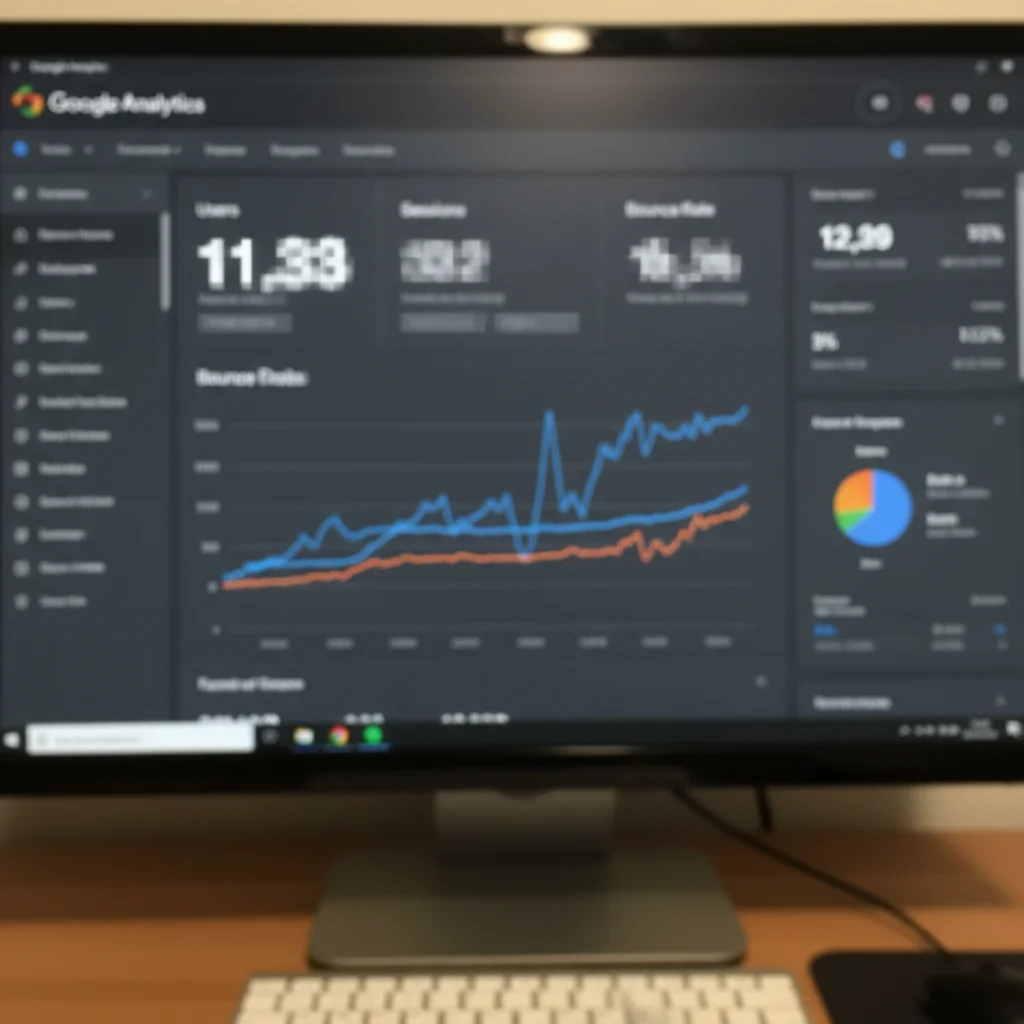
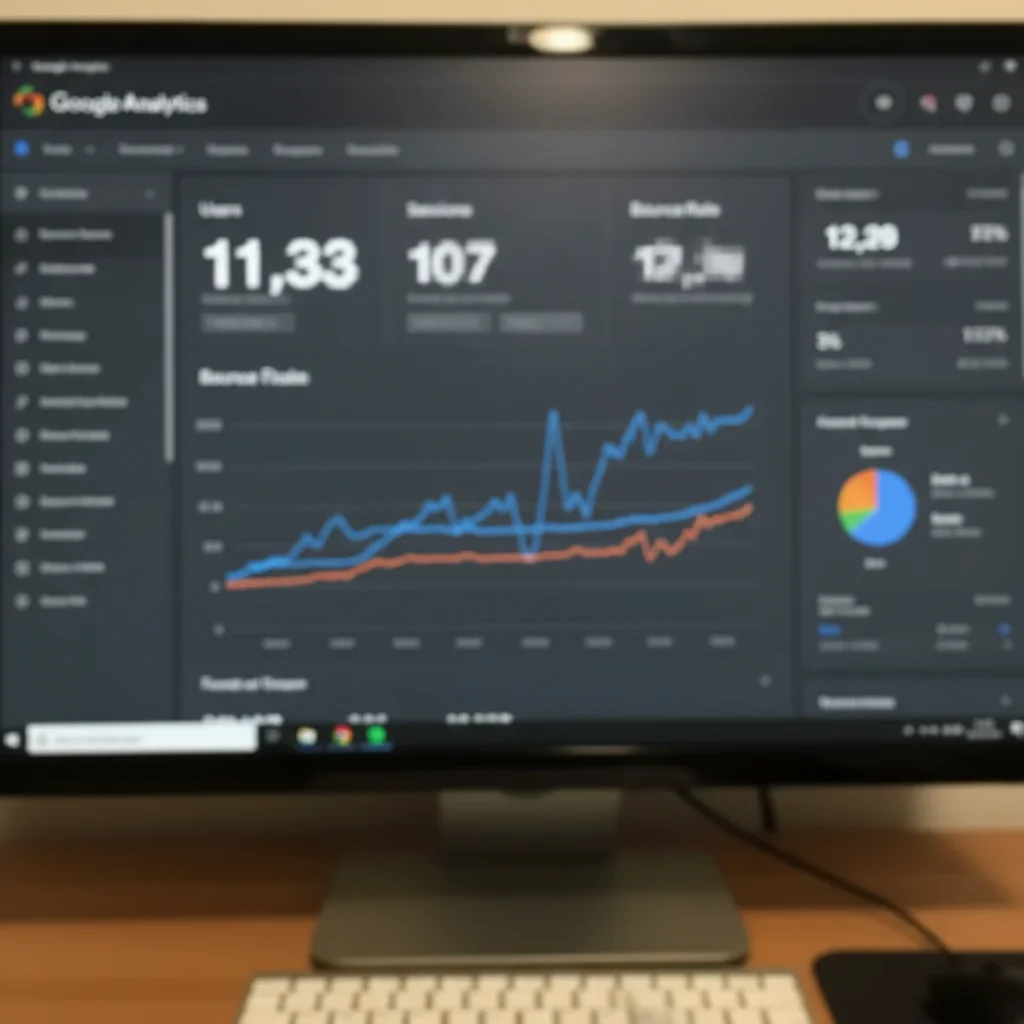
Google Analytics screenshot enhanced for case study
Agency case study showing traffic growth had blurry GA4 screenshot. Enhanced to make metrics clearly readable for client presentation.
Prompt:
reduce pixelation and enhance resolution of analytics screenshot, ensure all numbers and text are readable


Before-after product comparison clarified
SaaS case study showing UI improvements had low-quality before screenshot. Enhanced both images to professional quality showing clear transformation.
Prompt:
enhance both images to professional presentation quality, ensure comparison is clear and credible
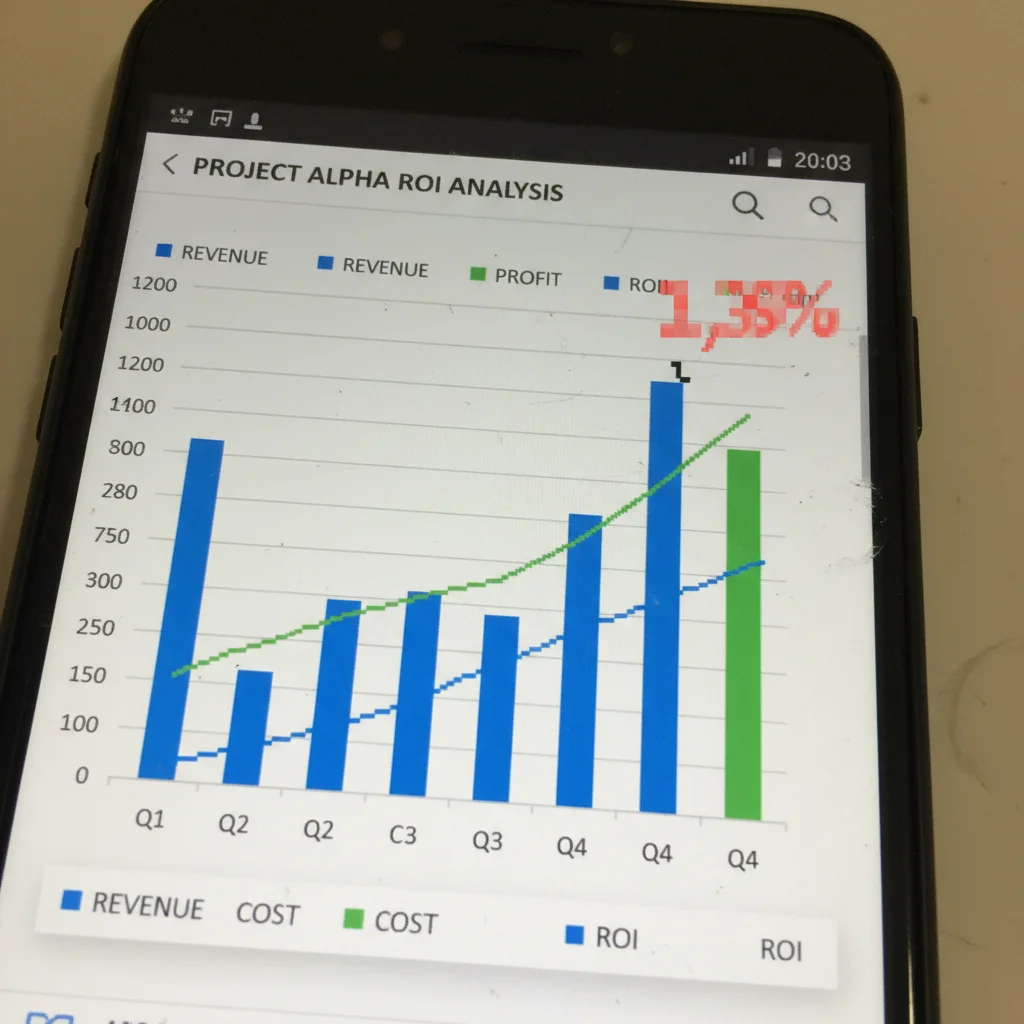
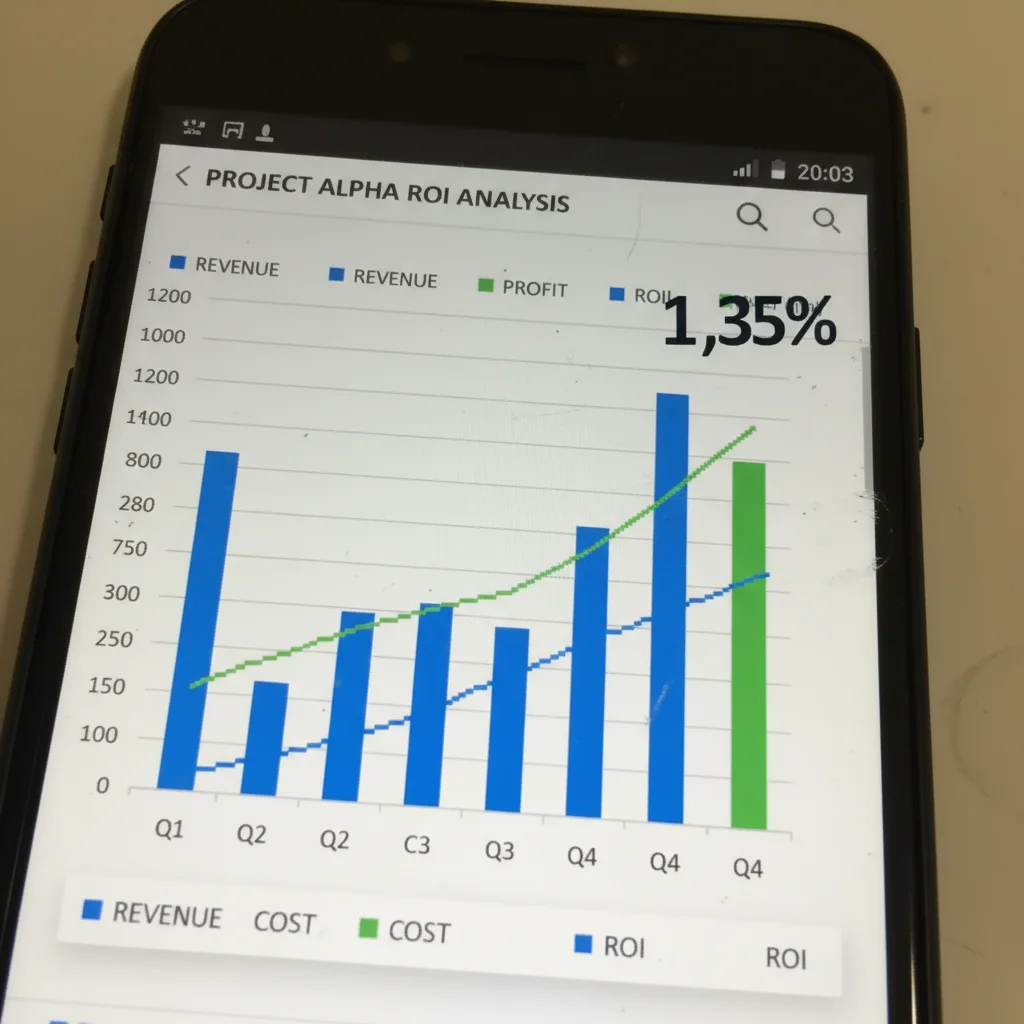
Client results chart made presentation-ready
Consultant's ROI chart screenshot from Excel was blurry and pixelated. Enhanced for inclusion in PDF case study sent to prospects.
Prompt:
enhance chart quality for professional presentation, improve line clarity and text readability
If something looks off
Quick answers
Ready to fix your case study screenshots?
Free to try. No signup required.