AI Photo Editor for Tinder Profile Photos
Look like yourself on your best day. More right-swipes, zero catfishing.
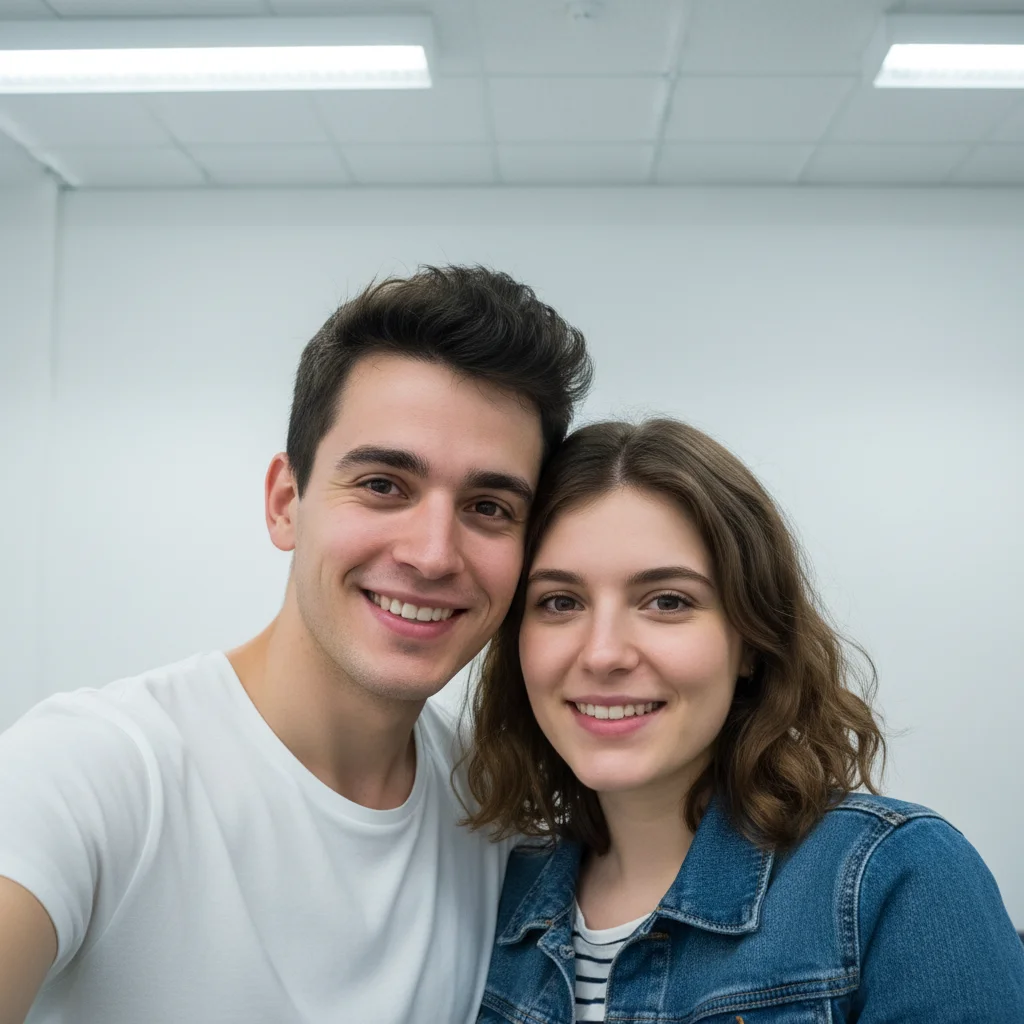
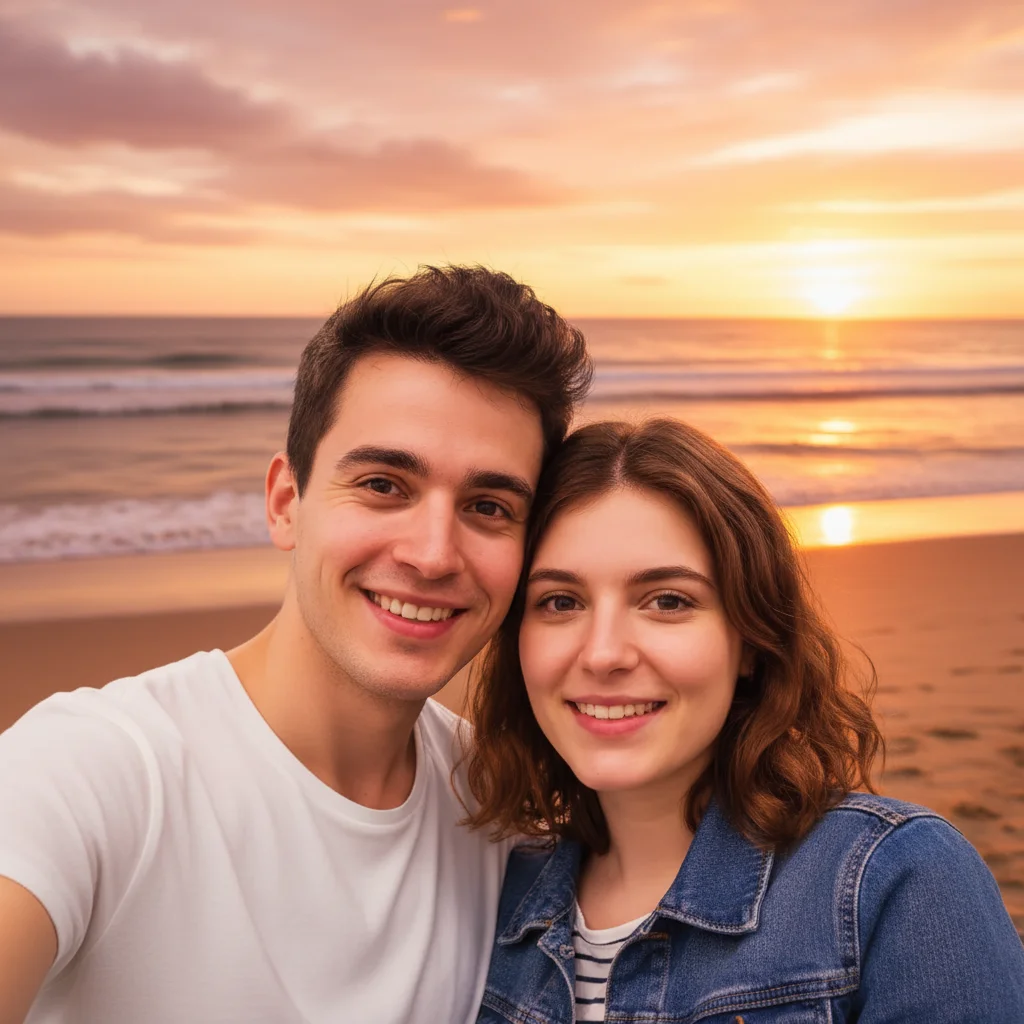
Drop your photo here
or click to browse
Release to upload
Free • No signup
"Had this one pic where I'm genuinely laughing but my apartment looked like a disaster behind me. Blurred the background, kept my real smile. 3x more matches the first day I swapped it in." @SwipeRightNow
Built for Dating App Users
Your Tinder photos are your first impression. You have seconds to make someone swipe right. But heavy filters scream 'hiding something' and perfect studio shots feel fake. EditThisPic helps you look naturally attractive - subtle improvements that make you look like yourself on a really good day.
Tools for Dating Profile Photos
Blur Background
Hide messy rooms and distracting backgrounds
Enhance Lighting
Fix harsh shadows and unflattering indoor lighting
Enhance Face
Subtle natural enhancement without looking filtered
Replace Background
Swap boring locations for interesting settings
Remove Person
Crop your ex or strangers out of good photos
How to AI Photo Editor for Tinder Profile Photos
-
Choose a photo where you look genuinely happy
Pick a photo with a real smile or natural expression - authenticity beats perfection on dating apps. Outdoor photos in daylight work great. Avoid heavy filters or sunglasses hiding your face. Even if the background is messy, we can fix that.
Background fixes: 15-25 seconds. Full enhancement: 30-40 seconds.Photos where you're doing something you enjoy (hiking, cooking, with pets) tell a story and get more engagement. -
Upload and describe what you want
Drop your photo into EditThisPic and describe the improvement: 'blur the messy background, keep me sharp' or 'enhance lighting to look more flattering but still natural.' Be specific about keeping things authentic.
Always include 'keep natural' or 'stay authentic' in your prompt - this prevents over-processing that looks fake. -
Check it still looks like you
The #1 rule for dating photos: you should look like yourself. Zoom in and verify. Would someone recognize you from this photo when you meet? If enhancements are too obvious, dial them back.
-
Create multiple variations
Dating profiles work best with 4-6 varied photos. Try different backgrounds or lighting on your best shots. One photo with blur, one with enhanced lighting, one with a location swap. Variety shows different sides of you.
Use your best natural smile shot as photo #1 - it's the one people see first.
Copy-Paste Prompts for Tinder Photos
blur the background softly, keep me in sharp focus, make it look like natural depth of field from a nice camera
Soft blur suggests a quality camera, not that you're hiding something
enhance the lighting to be soft and flattering, warm natural tones, reduce harsh shadows on my face, keep my features authentic
'Warm natural tones' mimics golden hour lighting that's universally flattering
enhance my face subtly to look more awake and healthy, brighten eyes slightly, natural skin texture, don't change my features
'Don't change my features' is crucial - you want enhancement, not alteration
replace background with cozy coffee shop scene, soft focus, warm lighting that matches my skin tones naturally
Coffee shops signal approachability - better than fancy clubs or expensive restaurants
Show 4 more prompts
remove the person on the left side, fill the space with natural continuation of the background
Great photos shouldn't go to waste just because someone you don't want to show is in them
remove the partial arms and shoulders at the edges of frame, extend background naturally to frame just me
Cropped group photos often have awkward edges - this cleans them up
reduce the harsh shadows and squinting from bright sun, keep the natural outdoor setting, balance the lighting on my face
Outdoor photos are great but direct sunlight causes unflattering squints and shadows
tinder profile photos with a clean navy or gray background, soft directional lighting, and sharp focus on the face. Keep it looking approachable yet professional
Specify the background color you want — LinkedIn headshots perform best with solid blue or gray backgrounds
| Edit Type | Prompt | Time | |
|---|---|---|---|
| Blur messy background | blur background softly, keep me sharp |
15s | Try This → |
| Fix bad lighting | enhance lighting naturally, warm tones |
20s | Try This → |
| Remove ex | remove person on [side], fill naturally |
25s | Try This → |
| Full enhancement | blur background, enhance lighting subtly |
30s | Try This → |
Real Examples
The messy apartment rescue
Great natural smile, genuine laugh - but dirty dishes, laundry pile, and gaming setup all visible. Now it's just you.
blur the background with soft natural bokeh, keep me in sharp focus, maintain the natural lighting on my face
The awkward selfie glow-up
Bathroom selfie with harsh overhead lighting creating unflattering shadows. Same photo, much better lighting.
enhance the lighting to be soft and flattering, reduce the harsh shadows under my eyes and chin, warm natural tones, keep my features exactly the same


The ex-removal surgery
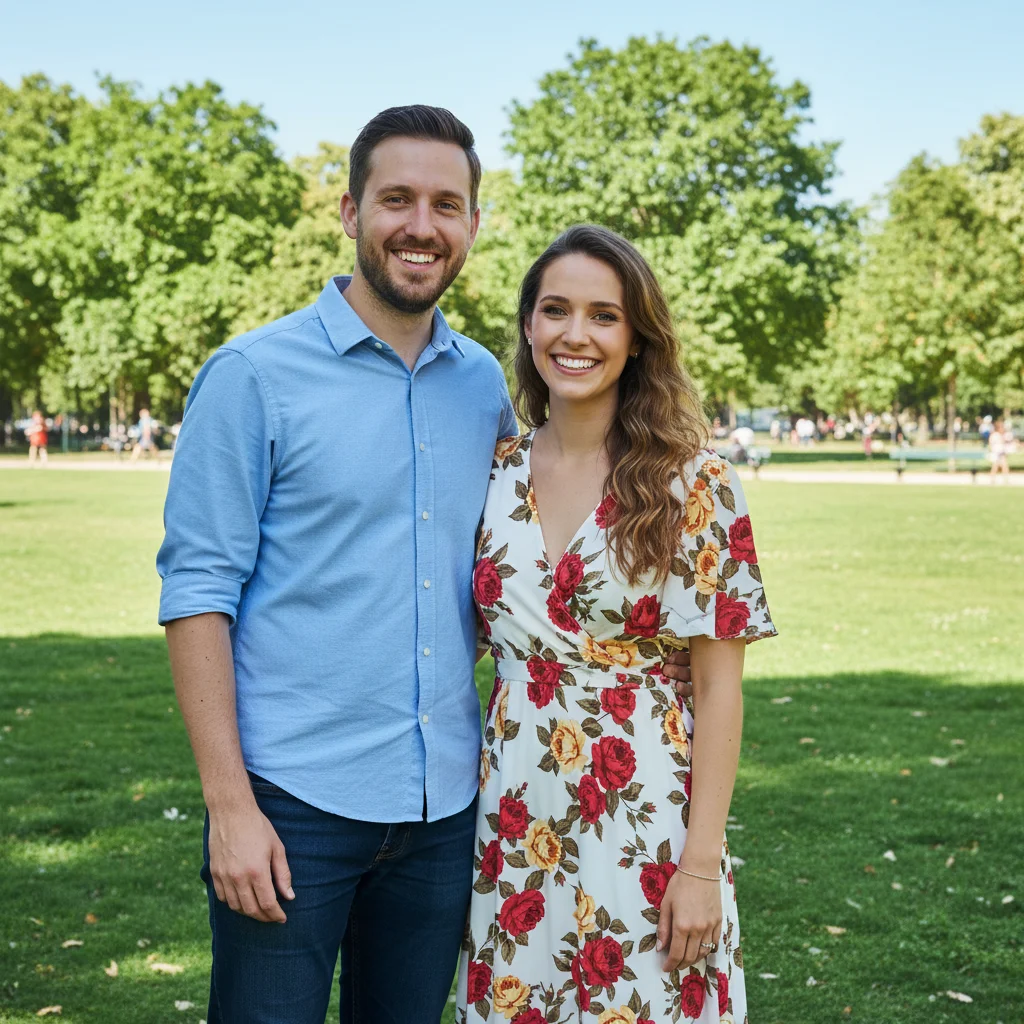
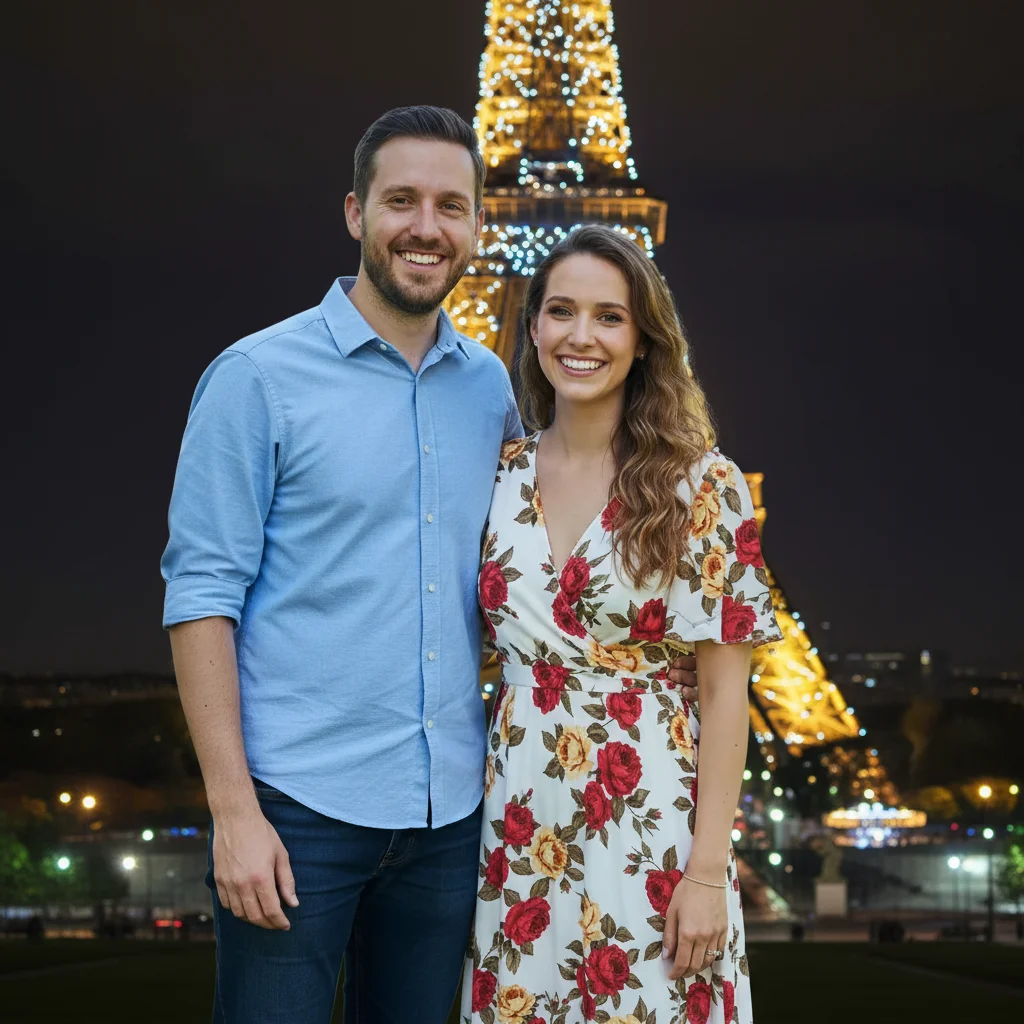
Perfect beach vacation photo - you look amazing, genuinely happy. But that's your ex's arm around you. Fixed.
remove the arm around my shoulder and the partial person on the right, extend the beach and sky naturally


The outdoor squinter fix
Hiking photo with great scenery but you're squinting into the sun with harsh shadows across your face.
reduce the squinting and harsh shadows from direct sunlight, open my eyes naturally, balance the lighting on my face while keeping the outdoor setting authentic
When Things Go Wrong
I don't look like myself anymore
Why: Multiple enhancements stacked up, or the AI interpreted 'enhance' too aggressively.
Do background fixes first. Then evaluate if you even need face enhancements - often you don't.
The lighting looks fake or over-processed
Why: Strong enhancement on already decent lighting can create an artificial look.
enhance lighting subtly, maintain natural skin texture and shadows, don't over-brighten
'Maintain natural shadows' keeps the dimensionality that makes faces look real.
Background blur has halos around my hair
Why: Fine hair strands are difficult for AI to separate cleanly from backgrounds.
Tap markers on the hair edges, then: blend hair edges naturally with the blurred background
Dark hair against light backgrounds or vice versa gives the cleanest results.
AI changed the wrong area
Why: The AI couldn't determine exactly which area you meant from description alone.
Tap a marker on the specific area you want to change, then regenerate with the same prompt
Markers tell the AI 'I mean THIS one specifically.' Use them when description alone is ambiguous.
Replaced background doesn't match lighting
Why: The new background has different lighting direction than your original photo.
replace background with [scene] that has lighting from the same direction as my face, match the warmth and shadows
Mention the lighting direction: 'light from the left' or 'soft overcast lighting' for better matches.
Frequently Asked Questions
Do I need to mark areas before editing my dating photos?
No. Just describe what you want: 'blur the background' or 'enhance the lighting naturally.' The AI understands these concepts. Only use markers when you need precision - like specifying which of several people to remove, or fixing specific edge areas after your first attempt.
Will people be able to tell my photos are edited?
Not if you keep it subtle. The key is enhancement, not transformation. Blurring a messy background? No one will notice. Fixing harsh lighting? Looks like you took a better photo. Heavy skin smoothing or dramatically changed features? That's when photos look fake. Always ask: would someone recognize me from this?
Is editing my Tinder photos catfishing?
No - catfishing is pretending to be someone you're not. Editing photos to look like yourself on a good day is no different than wearing nice clothes or good lighting for a date. You're not changing who you are, just presenting yourself well. The test: would your date recognize you? If yes, you're fine.
What makes a good Tinder profile photo?
Clear face shot with genuine smile, good lighting, and clean background. Action shots showing hobbies work great. Avoid: group photos where no one knows who you are, heavy filters, sunglasses hiding your eyes, old photos that don't look like you now, and the classic bathroom mirror selfie.
How many photos should I edit?
Aim for 4-6 varied photos total. Your first photo should be your best clear face shot with a natural smile. Then add variety: one full body, one doing an activity, one with friends (where you're clearly identifiable). Don't over-edit all of them - a mix of polished and casual looks more authentic.
Can I remove my ex from a photo?
Yes. If it's a great photo of you, don't let someone else ruin it. Type 'remove the person on the [left/right]' and the AI will fill in the background naturally. Works best when they're at the edge of the frame against a simple background, rather than overlapping with you.
Is EditThisPic's AI photo editor for tinder profile photos really free?
Yes — you get 1 free edit per week, no account needed. For unlimited edits, plans start at $3.99/month.
Can I tinder profile on my phone?
Yes. EditThisPic works in any mobile browser — iPhone, Android, tablet. No app download needed.
Ready to get more matches?
Free to try. No signup required. No watermarks.
Edit Your Photos