Free • No signup Smooth Skin · Free

Smooth Skin from Photo

← Browse all beautify tools

Last updated

Type what you want. Skin smoothing that looks natural, not plastic.
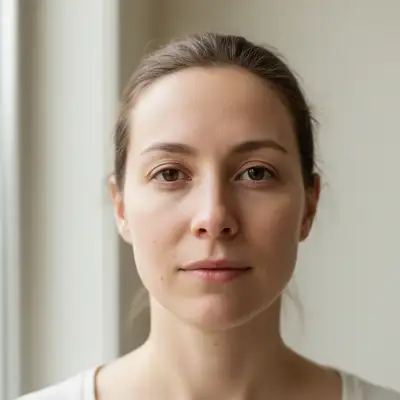
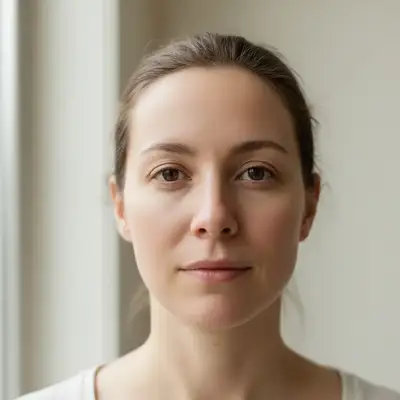
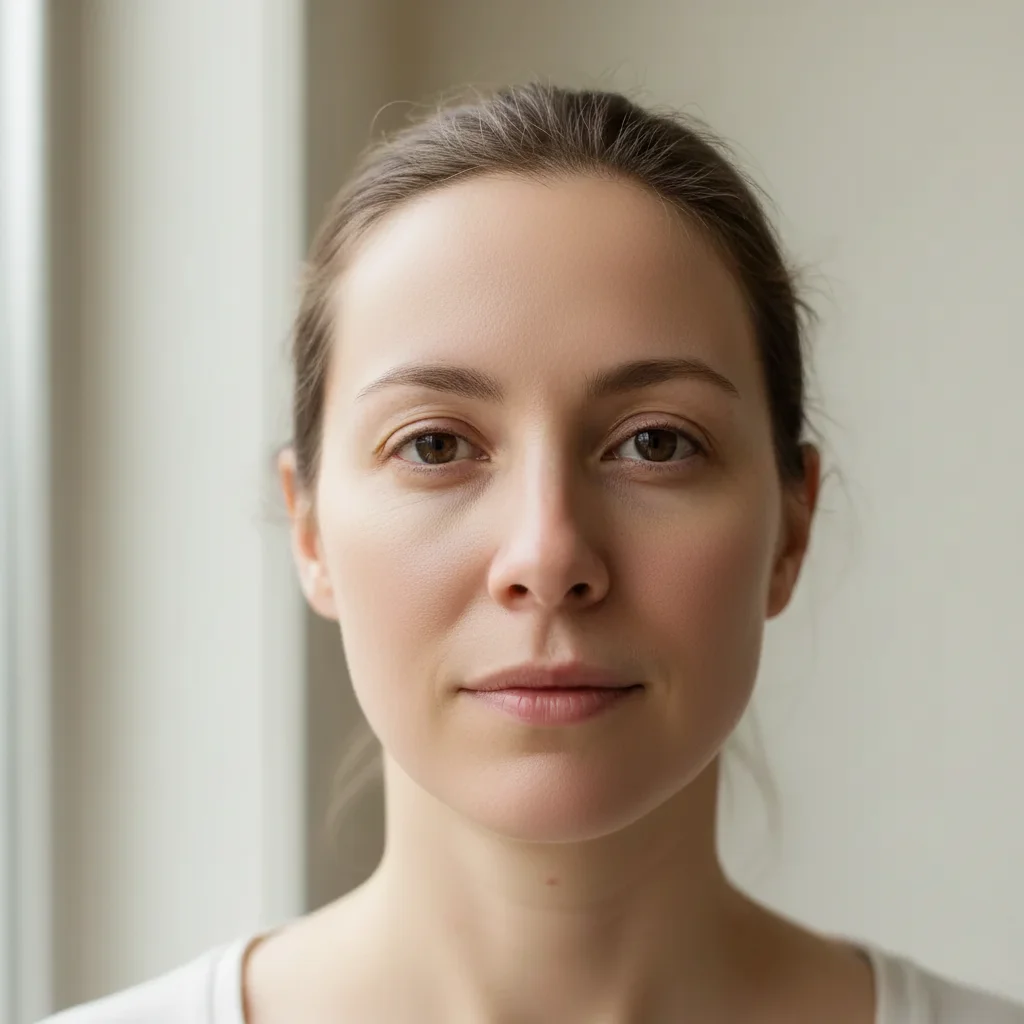
Portrait with visible skin texture and minor imperfections Same portrait with naturally smoothed skin

Upload photo to smooth skin

"soften skin texture on all visible skin including arms, shoulders, and back while maintaining natural appearance"

Release to upload

50,000+photos edited
<30stypical edit
1 freeedit weekly

1 free edit·then from $4.99

How it works

  1. Upload your photo

    Upload a clear, front-facing portrait. Good lighting on the face and visible facial features give the AI the best foundation for skin editing. JPG, PNG, WebP up to 7MB.

    Expect: Simple portraits: 15-20 seconds. Full body with multiple skin areas: may need 2 refinements.
  2. Describe your skin smoothing

    Type what you want: 'smooth the skin while keeping natural texture' or 'soften skin texture on arms and shoulders.' Be specific about which areas and how natural you want it. The AI understands—no selecting or brushing needed.

    Tip: Add 'keep pores visible' or 'maintain natural skin texture' to avoid the plastic look that ruins retouching.

    Copy one of these to get started:

    Portrait with natural results smooth the skin while keeping natural texture and visible pores, subtle retouching only
    Fashion photo with visible arms/shoulders soften skin texture on all visible skin including arms, shoulders, and back while maintaining natural appearance
    Beauty portrait needing more polish smooth the skin with medium intensity, reduce pore visibility while keeping some natural texture
    Full body shot for modeling portfolio even out skin tone and smooth skin texture across all exposed areas, keep natural skin glow
    2 more prompts
    Hands and arms close-up soften skin texture on hands and arms, reduce visible veins and age spots while keeping skin realistic
    High-fashion editorial look smooth skin to editorial beauty standard, soft porcelain finish but keep subtle skin texture visible
  3. Generate and review

    Tap generate and zoom to 100% to check the result. Look at skin texture—does it still look like real skin? Check that hair, eyes, and clothing weren't affected.

See it in action

Portrait with visible skin texture and minor imperfections
Before
->
Same portrait with naturally smoothed skin
After

Natural portrait retouch

Portrait photo with visible skin texture on face and neck. One prompt smoothed everything while keeping it looking real.

Prompt: smooth the skin while keeping natural texture and visible pores, subtle retouching only
Fashion photo with visible skin texture on shoulders and arms
Before
->
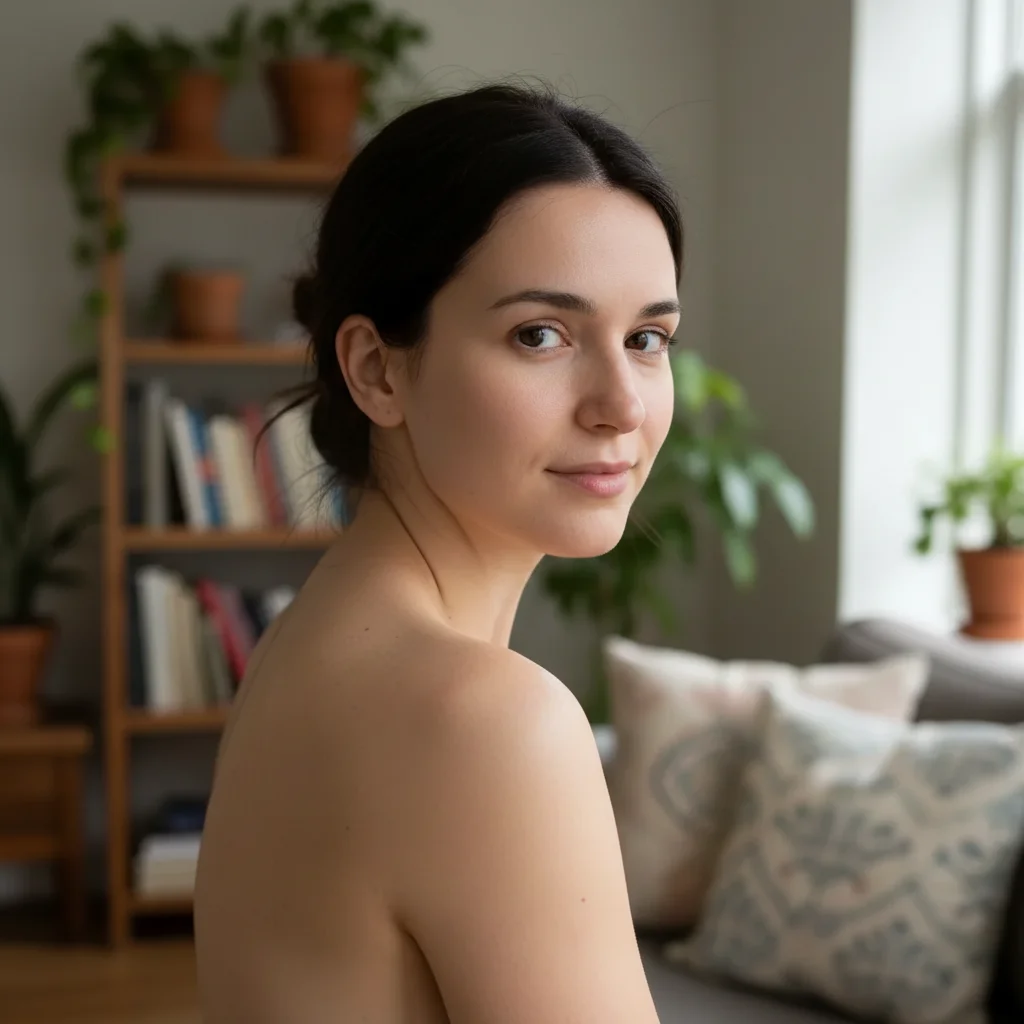
Same photo with all visible skin smoothed naturally
After

Fashion photo with exposed shoulders

Model shot with arms and shoulders visible. Smoothed all visible skin areas, not just the face.

Prompt: soften skin texture on all visible skin including arms, shoulders, and back while maintaining natural appearance

Quick answers

Do I need to select the skin areas first?

No—just describe what you want. 'Smooth the skin' or 'soften skin texture' works without any selection. The AI recognizes skin automatically.

How is this different from face smoothing tools?

Most tools only smooth the face. EditThisPic smooths any visible skin—arms, shoulders, hands, legs, back. Just specify which areas in your prompt: 'soften skin on arms and shoulders' or 'smooth all visible skin.' You control exactly what gets retouched.

How do I avoid the fake plastic look?

Add 'keep natural texture' or 'maintain visible pores' to your prompt. The plastic look happens when all skin texture is removed. Try 'smooth skin while keeping natural texture and subtle pores' for results that look retouched but still real.

How do I smooth skin in a photo for free?

Upload your photo to EditThisPic and type 'smooth the skin while keeping natural texture.' The AI softens skin across your entire photo in 15-20 seconds. No Photoshop frequency separation or manual brushing required. Free to use with no account or watermark.

Is there a free skin smoother that works without signup?

Yes. EditThisPic smooths skin instantly in your browser with no account, no app download, and no watermark. You get 1 free edit per week. Plans start at $4.99/month for 15 edits.

What is the best free AI tool for smoothing skin in photos?

EditThisPic smooths any visible skin — face, arms, shoulders, hands — not just faces like most beauty apps. Type what you want in plain English and the AI handles it. Free, no login required, no watermark. Unlike Facetune or Photoshop, no manual brushing or selection needed.

Can I smooth skin on my phone?

Yes. EditThisPic works in any mobile browser — iPhone, Android, tablet. No app download needed.

How much does EditThisPic cost?

You get 1 free edit per week — no account needed. After that, credit packs start at $1.99 for 3 edits. Monthly plans start at $4.99/mo for 20 edits with unused credits rolling over. All edits are full resolution with no watermark.

Ready to edit your photos?

Free to try. No signup required.

1 free edit included·Credit packs from $4.99