Try Free

AI Photo Editor for Baby Photos

Turn everyday baby moments into frame-worthy memories.

FreeNo signupNo watermark
Upload your baby photo and describe what you need: 'clean up the background clutter' or 'soften the lighting like a professional portrait.' EditThisPic's AI handles background cleanup, lighting enhancement, and gentle skin smoothing in 20-40 seconds. No Photoshop skills required. Just describe the edit and download your precious keepsake. Free to try, no account needed.
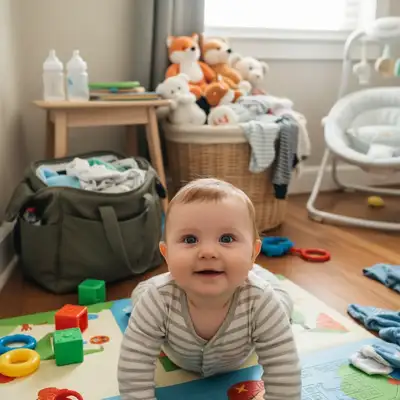
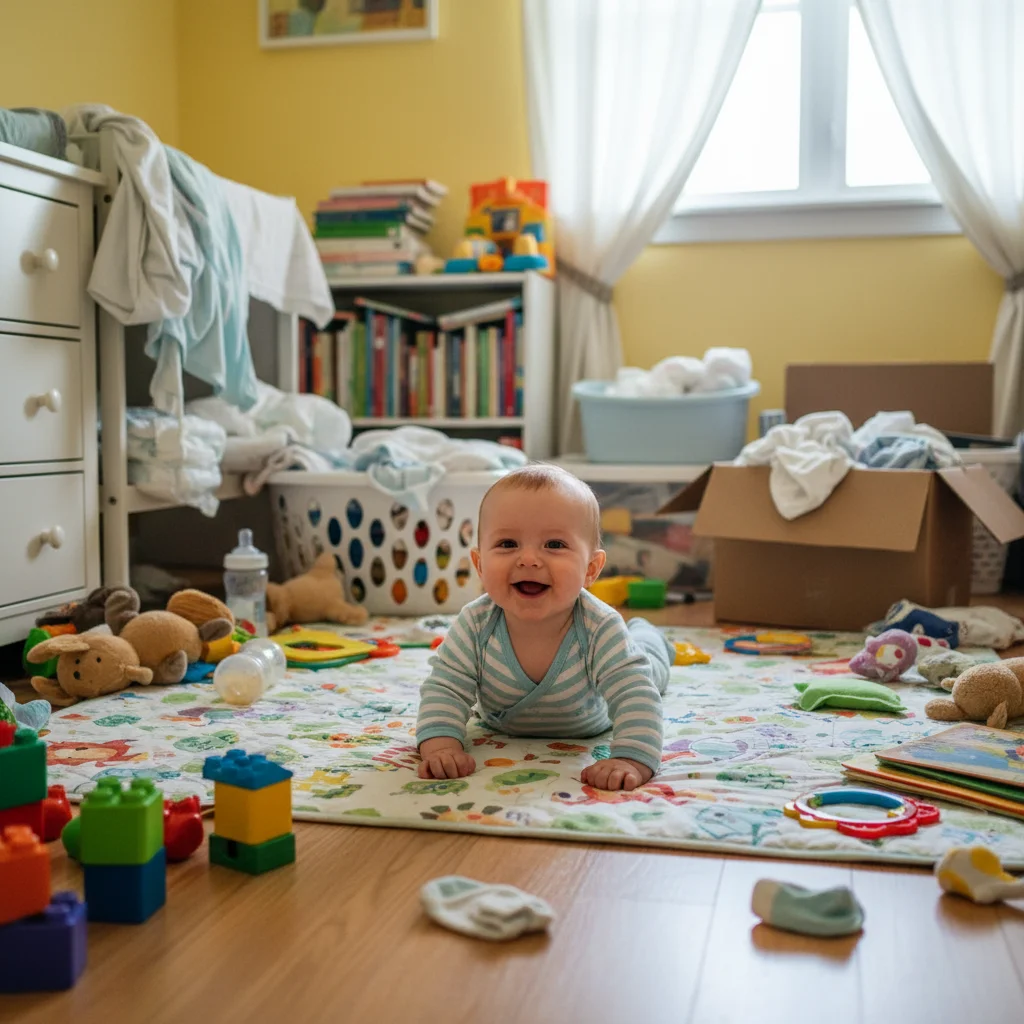
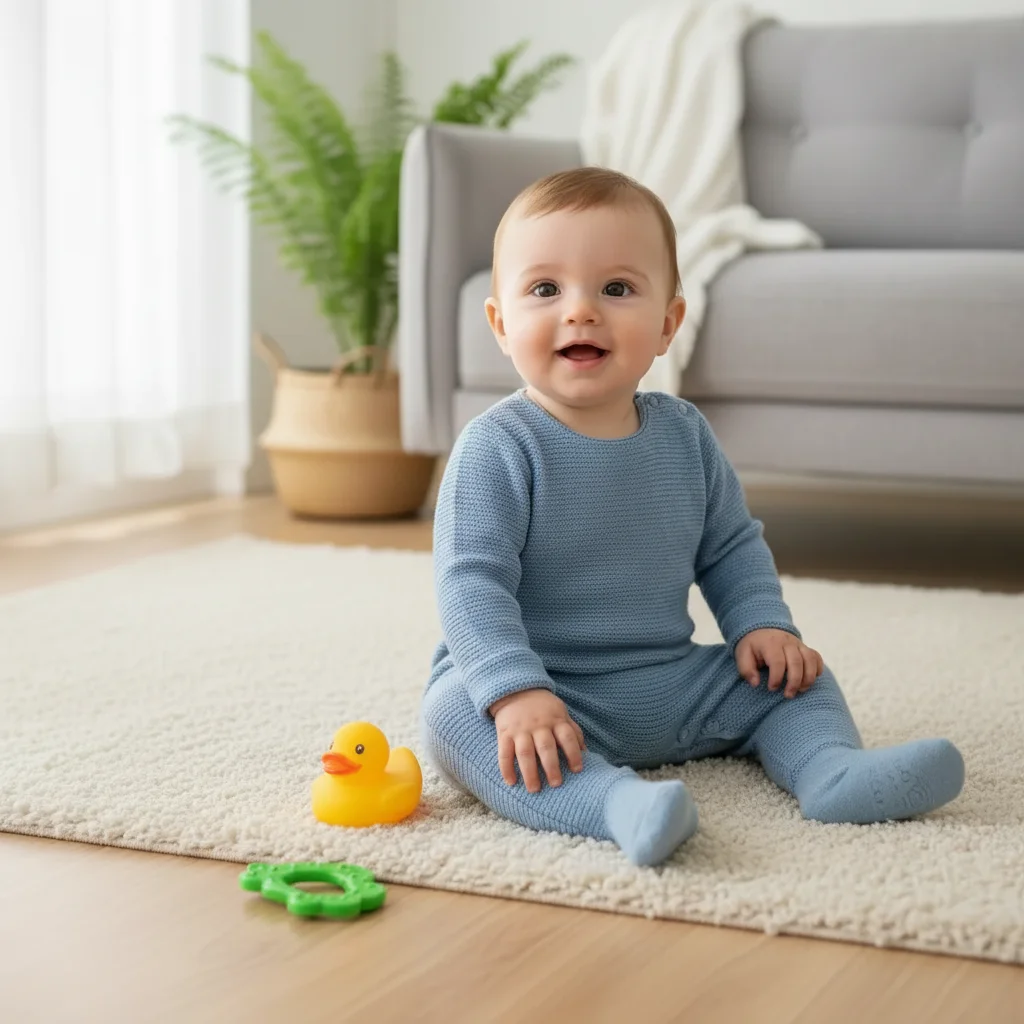
Baby on play mat with scattered toys and clutter behind
Before
->
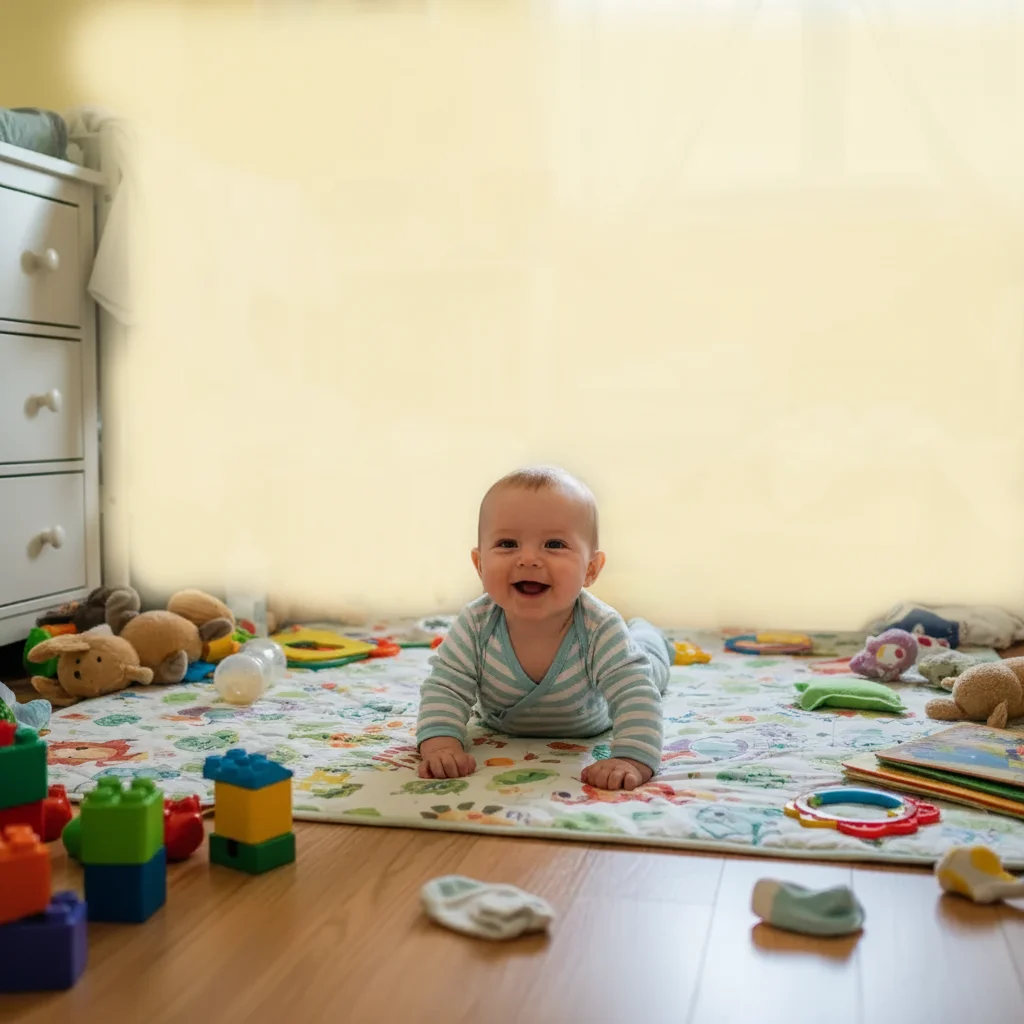
Same baby with clean, distraction-free background
After
"My living room was a mess but I got the most beautiful smile from my 3-month-old. Removed all the clutter behind her and now it's a framed portrait on my wall. Best first smile photo ever saved." @NewMom_Amanda

Built for Parents and Family Photographers

Nursery and living room clutter distracts from the baby
Harsh indoor lighting creates unflattering shadows
Baby skin redness or minor blemishes show in photos
Diaper bags, bottles, and baby gear visible in frame
Awkward timing means messy backgrounds on the best expressions
Low light conditions result in grainy or dark photos

Babies don't pose on schedule. When you capture that perfect smile or first steps, the background is usually a mess. EditThisPic lets you save those irreplaceable moments by cleaning up everything around your baby. Describe what you want in simple terms - the AI keeps your baby looking natural while fixing everything else.

Parents take an average of 300 photos per month of their baby's first year - Family Photography Survey 2024

Tools Parents Use Most

Step-by-Step Guide

1

Upload your baby photo

Drop your baby image into EditThisPic. JPG, PNG, WebP up to 7MB. Works with newborns, infants, toddlers, and milestone photos. Phone photos, camera shots, even screenshot of video calls with grandparents - any source works.

Background cleanup: 25 seconds. Gentle skin smoothing: 20 seconds. Complex edits may need 2 refinements.
2

Describe your edit in plain English

Type what you need: 'remove the toys and clutter behind the baby' or 'create soft portrait lighting like a professional photo.' Be specific about what you want to change. The AI understands baby photography - it knows to keep natural skin texture and baby features unchanged.

Always include 'keep baby looking natural' in skin editing prompts to ensure the AI preserves authentic baby features.
3

Review and download

Check that your baby looks completely natural - no artificial smoothing that removes character. Verify the background looks clean without obvious artifacts. Ensure the lighting enhances but doesn't alter your baby's appearance. Download your frame-worthy keepsake.

4

Refine specific areas if needed

If certain clutter remains or the skin smoothing went too far, tap a marker on that specific area and regenerate with adjusted instructions. Baby photos should look natural - less editing is often more.

For skin editing, 'gentle' and 'subtle' are key words. You want to preserve your baby's natural skin, not create a plastic look.

Copy-Paste Prompts for Baby Photos

Messy nursery background
remove all the clutter, toys, and mess from the background, create a clean simple backdrop that focuses attention on the baby

'Focus attention on the baby' tells the AI to prioritize your child as the subject

Harsh indoor lighting
create soft, warm lighting like a professional baby portrait, reduce harsh shadows and brighten gently

'Professional baby portrait' lighting is soft, even, and flattering to skin

Background blur for portrait effect
blur the background softly to create a portrait look, keep the baby perfectly sharp and in focus

Soft background blur draws the eye directly to your baby

Minor skin redness
gently reduce the redness on baby's cheeks while keeping skin looking natural and maintaining all natural texture

'Natural texture' prevents over-smoothing that makes skin look artificial

Show 4 more prompts
Replace messy room with studio backdrop
replace the background with a soft cream studio backdrop, keep the baby's edges natural and soft

'Soft cream' is classic for baby portraits - neutral and timeless

Remove specific distracting item
remove the baby monitor and cords visible in the corner of the image, fill with clean wall

Be specific about what to remove when it's one particular item

Enhance milestone photo colors
enhance the colors to look vibrant and joyful, make baby's outfit and skin tones pop while keeping everything natural

Great for birthday smash cakes, holiday outfits, and special occasions

Fix dark phone photo
brighten this dark photo significantly, reduce noise and grain, keep baby's features sharp and natural

Works for quick phone snaps in low-light nurseries

Edit Type Prompt Time
Remove clutter remove clutter from background 25s
Soft lighting create soft, warm portrait lighting 20s
Blur background blur background, keep baby sharp 25s
Gentle skin smoothing gently smooth skin, keep natural 20s

Real Examples

Baby on play mat with scattered toys and clutter behind
Before
->
Same baby with clean, distraction-free background
After

Nursery clutter removed

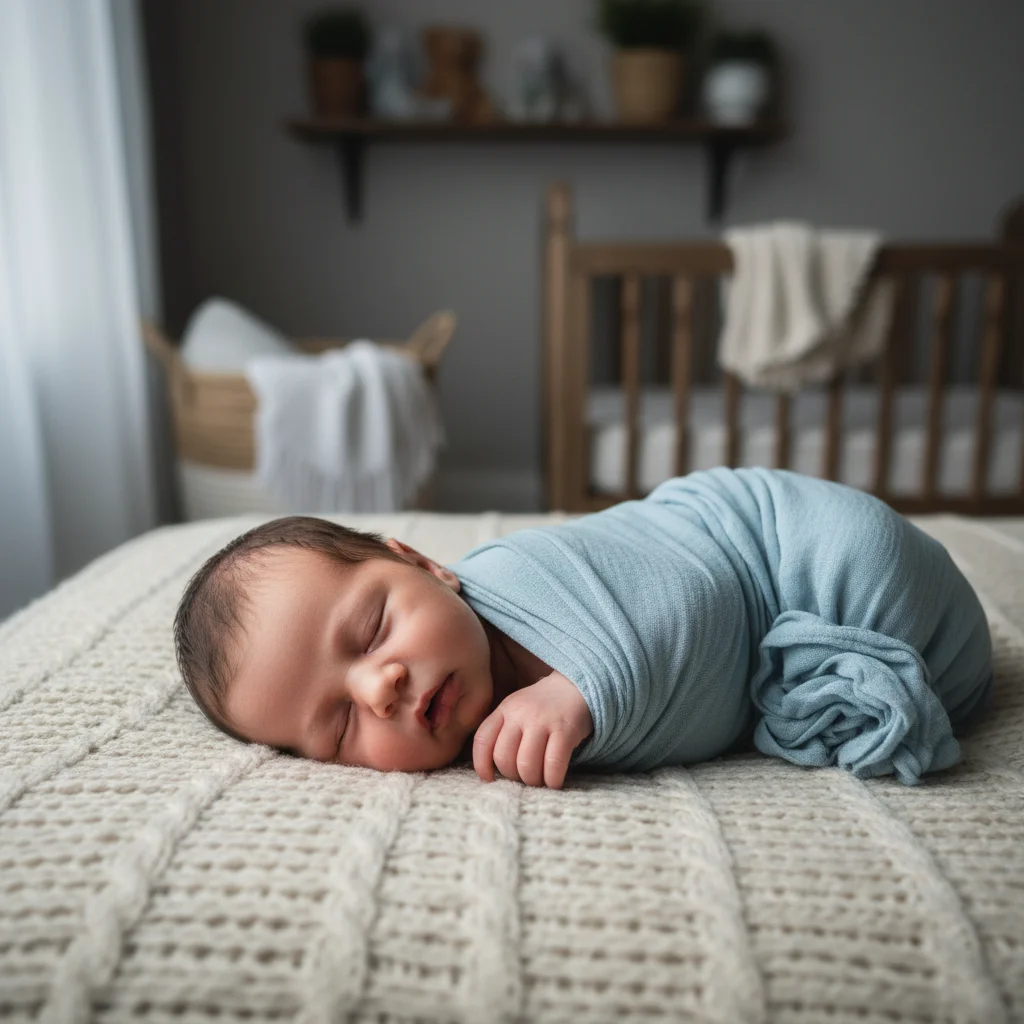
A precious tummy time moment captured with messy nursery in background. All clutter removed for clean, focused portrait.

Prompt: remove all the clutter and toys from the background, create a clean simple backdrop
Baby photo with harsh shadows from overhead light
Before
->
Same baby with soft, warm professional-style lighting
After

Soft portrait lighting created

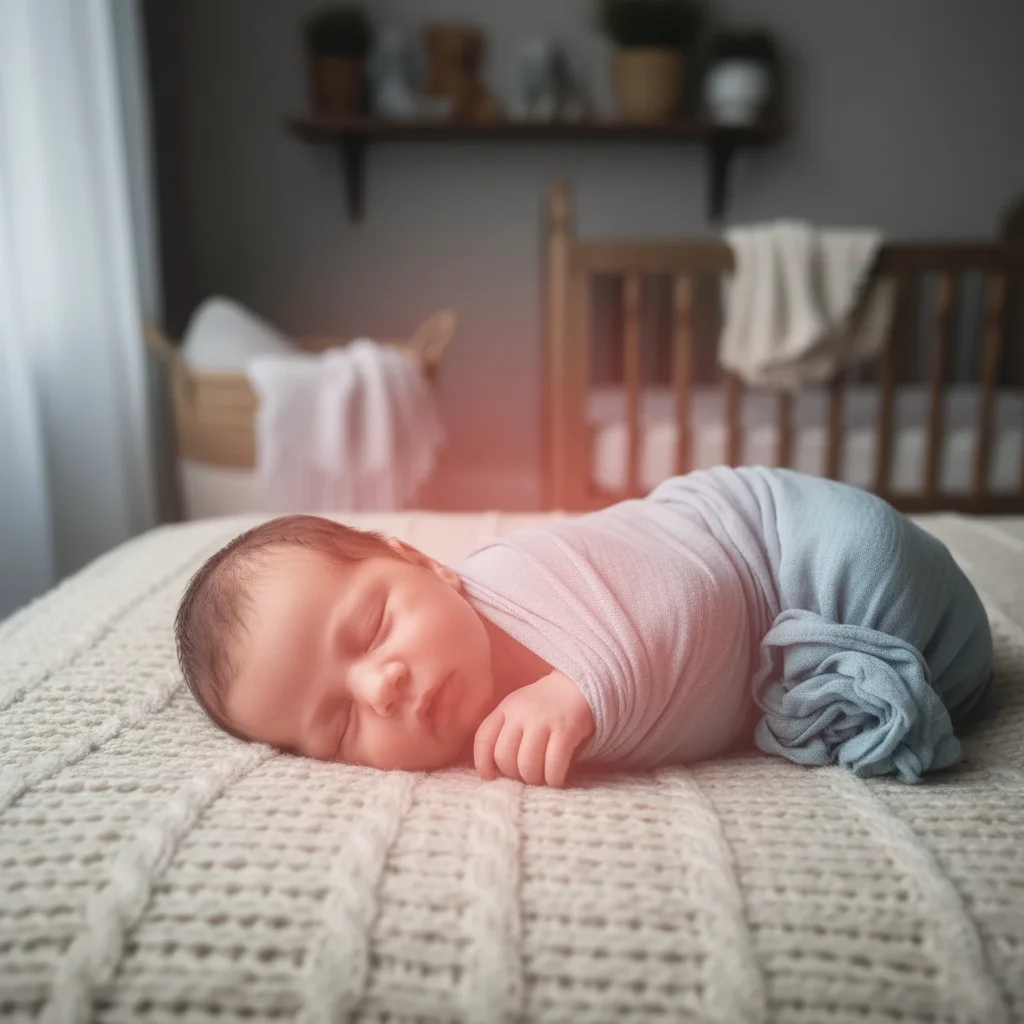
A smiling baby photo with harsh overhead lighting. Transformed with soft, warm portrait lighting.

Prompt: create soft, warm lighting like a professional baby portrait, reduce harsh shadows
Happy baby with distracting living room behind
Before
->
Same baby with beautifully blurred background highlighting the smile
After

Background blur for portrait effect

A laughing baby with busy living room background. Background softened to create professional portrait look.

Prompt: blur the background softly to create a portrait look, keep the baby perfectly sharp

When Things Go Wrong

Skin smoothing made baby look artificial

Why: The AI may have interpreted 'smooth' too aggressively, removing natural skin texture.

Try: Tap marker on over-smoothed areas, then: restore natural skin texture while keeping slight smoothness, make skin look real

For babies, 'very gentle' or 'subtle' skin editing preserves their natural look.

Background blur affected the baby too

Why: Baby edges, especially soft hair, can be mistaken for background by blur algorithms.

Try: sharpen the baby completely including fuzzy hair edges, only blur what's behind the baby

Tap a marker on the baby to tell the AI exactly what should stay sharp.

Some clutter remains after cleanup

Why: The AI may have missed items that weren't clearly described or are partially hidden.

Try: Tap markers on remaining clutter items, then: remove these items and fill with clean background

For stubborn items, describe them specifically: 'remove the blue toy visible at the right edge.'

Skin tones look unnatural after lighting fix

Why: Lighting adjustments can sometimes shift color balance, affecting skin tones.

Try: correct the skin tones to look healthy and natural, keep the improved lighting but fix skin colors

'Healthy and natural skin tones' is the key phrase for baby photo corrections.

Frequently Asked Questions

Will it preserve my baby's natural features like birthmarks?

Yes, unless you specifically ask to remove them. The AI is designed to enhance photos while preserving natural characteristics. If you want to keep specific features, include 'keep the birthmark' or 'preserve all natural features' in your prompt. These are part of your baby's unique identity.

Is the skin smoothing safe to use on baby photos?

The skin smoothing is gentle and designed to reduce temporary redness or minor blemishes, not to alter your baby's appearance. Always include 'keep natural texture' in your prompt. The goal is enhancement, not transformation. Your baby is already perfect.

Can I remove drool or food on my baby's face?

Yes. Request 'remove the drool' or 'clean up the face' and the AI will handle it while preserving skin texture. This is especially useful for feeding milestone photos or teething age shots.

What about photos with siblings or parents?

EditThisPic works with any photo including family shots. You can specify 'enhance both children' or 'blur background behind the whole family.' The same editing capabilities apply to any portrait, not just solo baby shots.

Can I use it for newborn announcement photos?

Absolutely. Clean up the hospital room background, enhance lighting, and create a beautiful announcement-worthy image. The AI can handle the specific needs of newborn photography including soft skin tones and gentle lighting.

Will it work on grainy low-light nursery photos?

Yes. Request 'reduce noise and grain, brighten the image' for low-light shots. The AI can improve grainy photos significantly, though very dark or extremely noisy images have limits to how much detail can be recovered.

Ready to perfect your baby photos?

Free to try. No signup required. No watermarks.

Upload Your Baby Photo