AI Photo Editor for Bumble Profile Photos
Look approachable, confident, and like someone worth swiping right on.
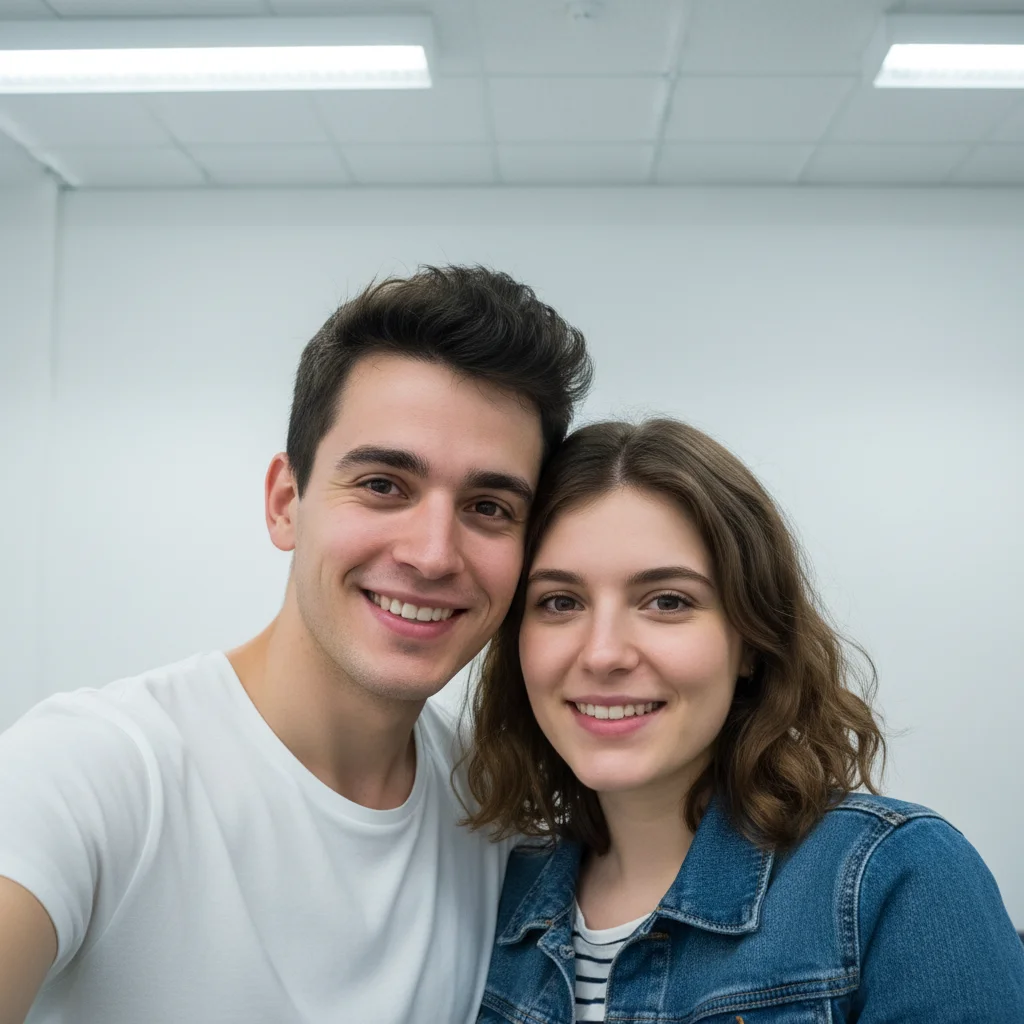
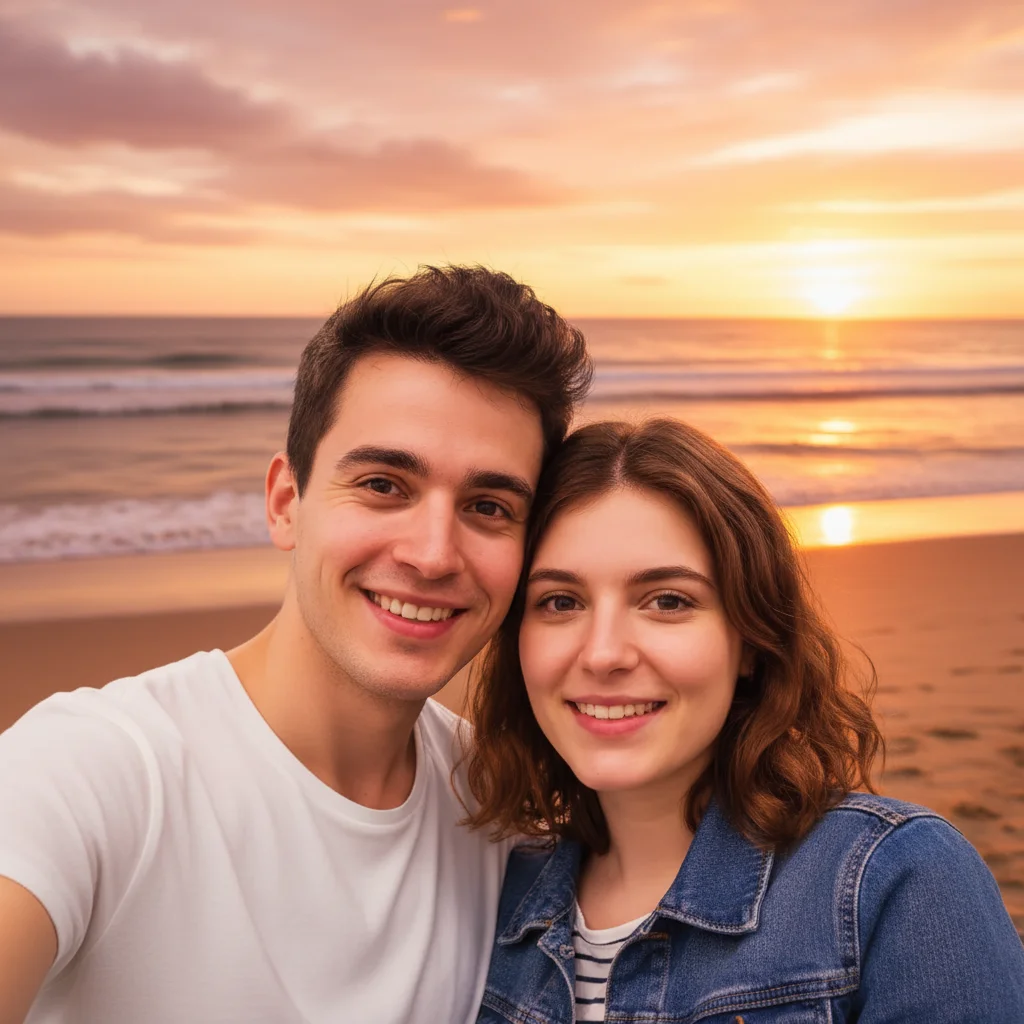
Drop your photo here
or click to browse
Release to upload
Free • No signup
"Had zero good photos of myself. Used a random pic from brunch and made the background softer, fixed the harsh flash. Got my first Bumble date in months. He said I looked exactly like my photos." @BrunchToDate
Built for Bumble Users Who Want Real Matches
Your Bumble profile photo is your first impression. Quality matches notice confidence and authenticity in photos. Professional dating photos cost hundreds and look staged. EditThisPic enhances what you already have - fixing lighting, softening backgrounds, bringing out your best features while keeping you looking like yourself.
Tools for Dating Profile Photos
Blur Background
Make cluttered backgrounds disappear while keeping you in focus
Enhance Lighting
Fix harsh flash or dim indoor lighting for warm, inviting look
Enhance Face
Subtle enhancement that keeps you looking like yourself
Replace Background
Swap messy backgrounds for something more interesting
Remove Person
Remove ex or friends from cropped group photos
How to AI Photo Editor for Bumble Profile Photos
-
Find your best candid photo
Look for photos where you're genuinely smiling or look relaxed. Candids from social events, travel, or activities work great. The background doesn't matter - we can fix that. What matters is your expression looks natural and approachable.
Background blur: 15-20 seconds. Full enhancement: 25-35 seconds.Photos where you're doing something you enjoy naturally show confidence. Activity photos outperform posed selfies. -
Describe the vibe you want
Type what you want: 'blur the background and enhance lighting to look warm and inviting' or 'make this look like a nice casual portrait, soft and friendly.' Be specific about warmth, confidence, or approachability.
Words like 'warm,' 'soft,' 'natural,' and 'friendly' help the AI create dating-appropriate lighting and tones. -
Check that you still look like you
The goal is enhancement, not transformation. You want matches who recognize you in person. Verify your features look natural, lighting is flattering but realistic, and you'd still pass the 'meet in person' test.
-
Fine-tune and create variations
If something needs adjustment, use markers on specific areas and regenerate. Consider making 2-3 variations with different backgrounds or lighting moods for variety in your profile.
Dating experts recommend 4-6 photos showing different aspects of your life. Create variations for a well-rounded profile.
Copy-Paste Prompts for Bumble Photos
replace harsh flash with soft warm lighting, natural and flattering, keep my genuine expression
'Soft warm lighting' creates the inviting, approachable look that gets right swipes
blur the background with soft bokeh, keep me in sharp focus, enhance lighting slightly for warmth
Blurred backgrounds put all the focus on you without looking obviously edited
replace background with cozy coffee shop interior, warm lighting, slightly blurred, keep me looking natural
Coffee shop backgrounds suggest you're interesting to have a conversation with
enhance with golden hour lighting, soft and warm, blur background to soft green nature, confident and approachable
Golden hour lighting is universally flattering and suggests active lifestyle
Show 4 more prompts
enhance face subtly, brighten eyes slightly, natural skin glow, keep my actual features completely unchanged
'Keep my actual features unchanged' prevents over-editing that makes you unrecognizable
extend the background naturally to fill the cropped edges, seamless continuation of the scene
Fixes photos where you cropped out an ex or friend and it looks awkward
correct the yellow/orange indoor lighting to natural tones, enhance face with soft flattering light
Restaurant and bar photos often have terrible color casts - this fixes them
enhance this action shot with better lighting, keep the energy and movement, slightly blur background for focus
Activity photos show personality - enhance them without losing the dynamic feeling
| Edit Type | Prompt | Time | |
|---|---|---|---|
| Fix flash | replace harsh flash with soft warm lighting |
20s | Try This → |
| Blur background | blur background with soft bokeh, keep me sharp |
15s | Try This → |
| Remove ex | remove the person on the right, fill naturally |
25s | Try This → |
| Full enhancement | blur background, warm lighting, subtle face glow |
35s | Try This → |
Real Examples
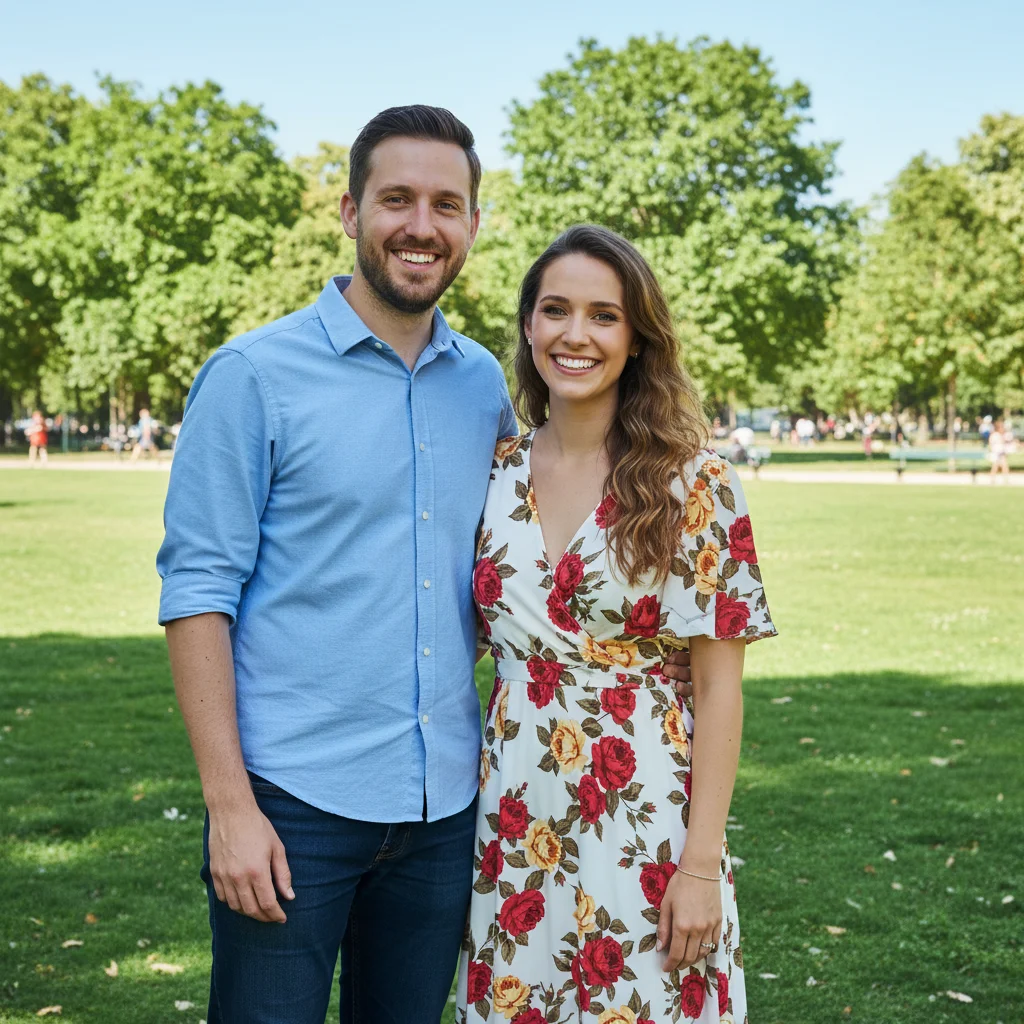
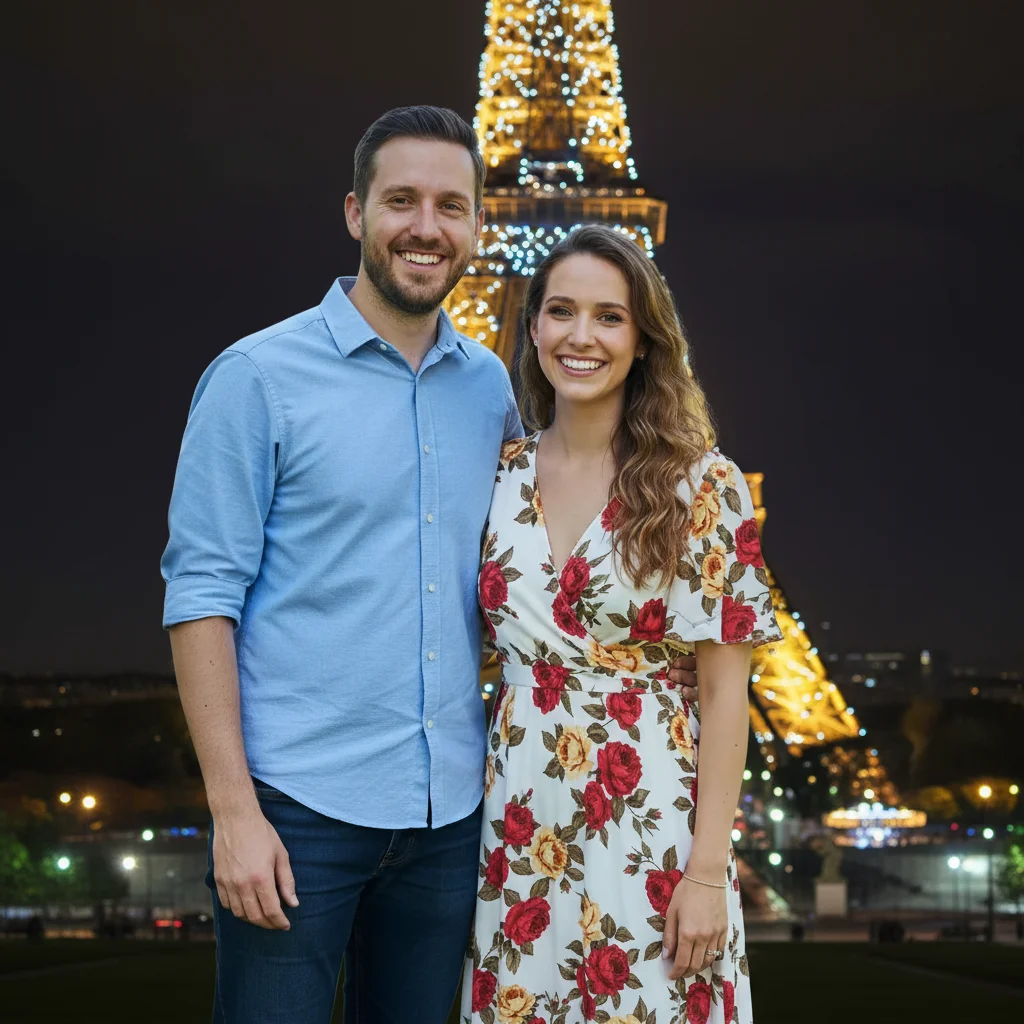
Brunch photo to date-ready
Great smile at brunch but the flash was harsh and the table full of food was distracting. Fixed both without losing the genuine moment.
blur the background completely, replace harsh flash with soft warm natural lighting, keep my genuine smile exactly as is
Concert selfie transformed
Only recent photo with a real smile was from a concert. Dark, grainy, terrible lighting. Now it looks like a proper portrait.
enhance the dark lighting to warm and flattering, reduce the grain, blur the dark chaotic background, keep my happy expression


Wedding guest photo rescue
Looked great at a friend's wedding but the photo shows your ex right next to you. Removed them, extended the background naturally.
remove the person on my right completely, extend the garden background naturally to fill the space, keep me exactly as I am
When Things Go Wrong
I don't look like myself anymore
Why: Multiple enhancement requests may have accumulated changes, or the AI interpreted 'enhance' too aggressively.
Do background and lighting first. Only add face enhancement if really needed.
Lighting looks too perfect or fake
Why: Strong enhancement on already decent lighting can look artificial and filtered.
enhance lighting subtly with natural warmth, maintain realistic shadows and skin texture
'Maintain realistic shadows' keeps the dimensionality that makes faces look real.
Background blur has halos around my hair
Why: Fine hair strands are challenging for AI to separate cleanly from backgrounds.
Tap markers on the hair edges, then: blend hair edges naturally with blurred background, smooth transition
Photos with contrast between hair and original background work best.
AI changed the wrong area
Why: The AI couldn't determine exactly which area you meant from description alone.
Tap a marker on the specific area you want to change, then regenerate with the same prompt
Markers tell the AI 'I mean THIS one specifically.' Use them when description alone is ambiguous.
Skin looks too smooth like a filter
Why: Skin smoothing without specific instructions can over-process.
Natural skin texture actually looks more trustworthy on dating profiles.
Frequently Asked Questions
Do I need to mark areas before describing what I want?
No! Just describe the change: 'blur background' or 'enhance lighting.' The AI understands these concepts. Only use markers when you need precision - like specifying which of several people to remove, or refining edges after your first attempt.
Will people recognize me when we meet in person?
Yes, if you stick to background and lighting changes. These enhance your photo without changing your features. Avoid heavy skin smoothing or feature alterations. Your Bumble photo should be you on a good day, not a different person.
What makes a good Bumble profile photo?
Clear face, genuine expression (real smile beats posed), good lighting (warm and soft, not harsh flash), uncluttered background that doesn't distract. You doing an activity you enjoy beats a staged selfie. EditThisPic can fix lighting and backgrounds - you just need a photo with good expression.
How is this different from Instagram filters?
Filters apply the same effect to everything and often make you look obviously edited. EditThisPic's AI understands context - it can fix harsh flash while keeping natural skin texture, blur backgrounds while keeping you sharp, enhance warmth without making everything orange.
Is there a free dating photo editor that doesn't require signup?
Yes. EditThisPic is free to try, no account required, and doesn't add watermarks. You can blur backgrounds, fix lighting, and enhance photos for Bumble without creating an account or paying.
Can I remove my ex from a photo?
Yes. Upload the photo and type 'remove the person on the left' (or wherever they are). The AI will remove them and fill in the background naturally. Works best when there's some space between you and the person being removed.
Is EditThisPic's AI photo editor for bumble profile photos really free?
Yes — you get 1 free edit per week, no account needed. For unlimited edits, plans start at $3.99/month.
Can I bumble profile on my phone?
Yes. EditThisPic works in any mobile browser — iPhone, Android, tablet. No app download needed.
Ready to get more quality matches?
Free to try. No signup required. No watermarks.
Upgrade Your Photos