AI Photo Editor for Hinge Profile Photos
Last updated
Look like the best version of yourself without looking filtered or fake.
Drop your photo here
"enhance lighting to be warm and natural, reduce harsh shadows on face, keep my genuine expression exactly as is"
Free to try · no sign-up · never used for AI training
Release to upload
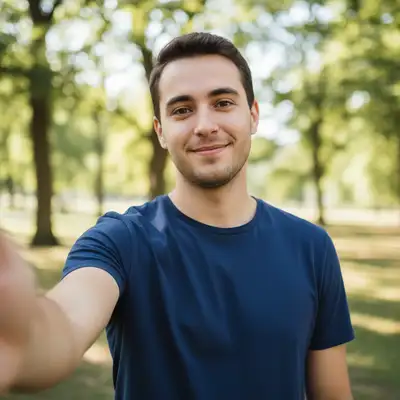
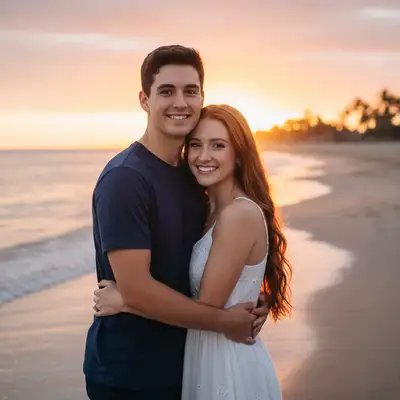
Built for Hinge Users Who Want Real Connections
Hinge is designed to be deleted. You want photos that show the real you, not a filtered version that sets up disappointing first dates. EditThisPic enhances your existing photos naturally - better lighting, cleaner backgrounds, sharper details - without making you look like someone else. Start conversations based on authenticity.
Tools for Hinge Profile Photos
Enhance Lighting
Fix harsh shadows and bring out your natural features
Blur Background
Make yourself the focus without distracting clutter
Enhance Photo
Overall quality boost for sharper, more vibrant photos
Fix Color
Correct indoor lighting color casts
Enhance Face
Subtle improvements that still look like you
How to AI Photo Editor for Hinge Profile Photos
-
Choose a photo that shows the real you
Pick photos from activities you actually enjoy - hiking, cooking, with friends, at events. Authentic moments work better than posed shots. The photo should capture your personality, even if the lighting or background needs work.
Natural enhancement: 15-20 seconds. Background cleanup: 25-35 seconds.Photos where you're genuinely smiling or engaged in something perform best on Hinge. -
Describe the enhancement you want
Drop your photo into EditThisPic and describe what to fix: 'enhance the lighting to be warm and natural' or 'blur the messy apartment background, keep me in sharp focus.' Be specific about keeping things natural.
Always include 'natural' or 'genuine' in your prompt to prevent over-processing that looks fake. -
Check that you still look like you
Review the edit at full size. You should look like yourself on a really good day, not like a different person. Your match will meet you in real life - your photos should be recognizable. If anything looks artificial, redo with gentler instructions.
-
Save and upload to Hinge
Download your enhanced photo. Consider creating 2-3 variations for your profile - Hinge's 6-photo format benefits from variety. Mix up settings: outdoor activity, social moment, closer portrait.
Hinge displays photos in a square crop preview - check that your face is well-positioned for the crop.
Copy-Paste Prompts for Hinge Photos
enhance lighting to be warm and natural, reduce harsh shadows on face, keep my genuine expression exactly as is
'Warm and natural' creates approachable, inviting photos without looking filtered
blur the background softly, keep me in sharp focus, maintain the natural moment
Soft blur keeps context visible while removing distracting details
fix the yellow indoor lighting to natural tones, brighten slightly, keep skin looking realistic
Indoor lighting often adds unflattering yellow - this neutralizes it naturally
sharpen the photo naturally, enhance clarity on my face, keep the action feeling authentic
Works best on slightly soft photos - can't fully fix motion blur
Show 4 more prompts
remove the partial arm/shoulder at the edge, extend the background naturally
Cropping from group photos often leaves awkward edges - this cleans them up
remove the person in the background, fill with natural surroundings
Works best when the stranger isn't overlapping with you
enhance face subtly, improve lighting, reduce under-eye shadows, keep everything completely natural looking
'Completely natural' prevents the over-smoothed look that screams 'filtered'
brighten the photo naturally, reduce noise and grain, enhance face visibility while keeping the ambient mood
'Keeping the ambient mood' preserves the atmosphere while making you visible
| Edit Type | Prompt | Time | |
|---|---|---|---|
| Lighting fix | enhance lighting naturally, keep genuine expression |
20s | Try This → |
| Background blur | blur background softly, keep me sharp |
15s | Try This → |
| Color correction | fix yellow lighting to natural tones |
15s | Try This → |
| Full polish | enhance lighting, blur background, keep natural |
30s | Try This → |
Real Examples
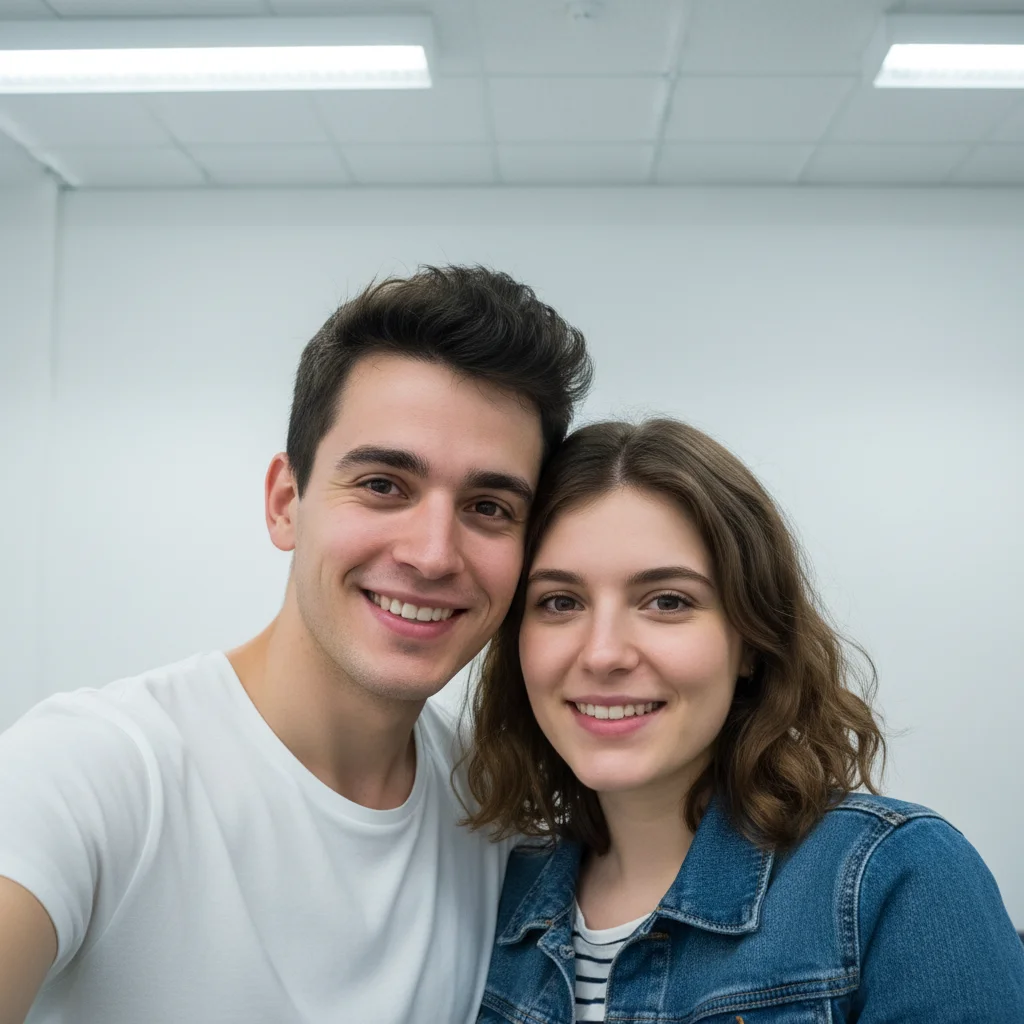
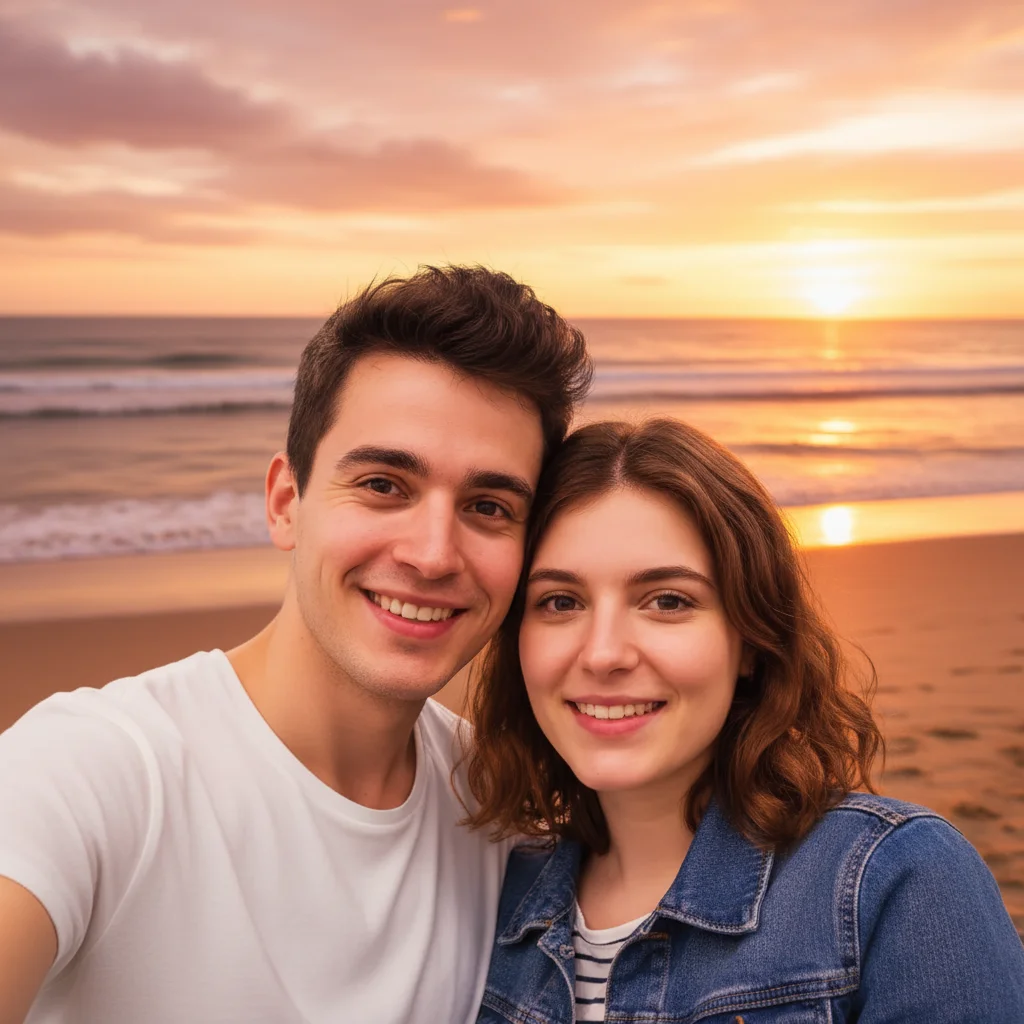
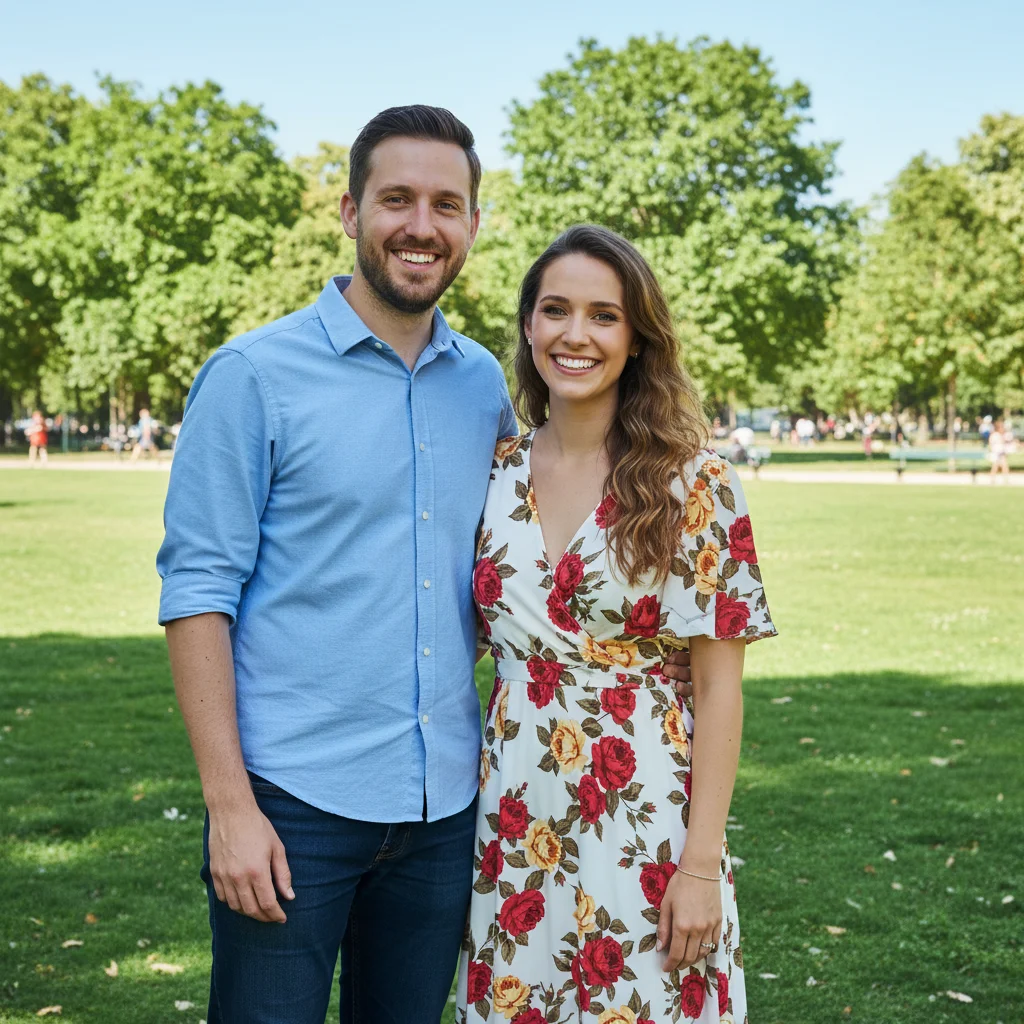
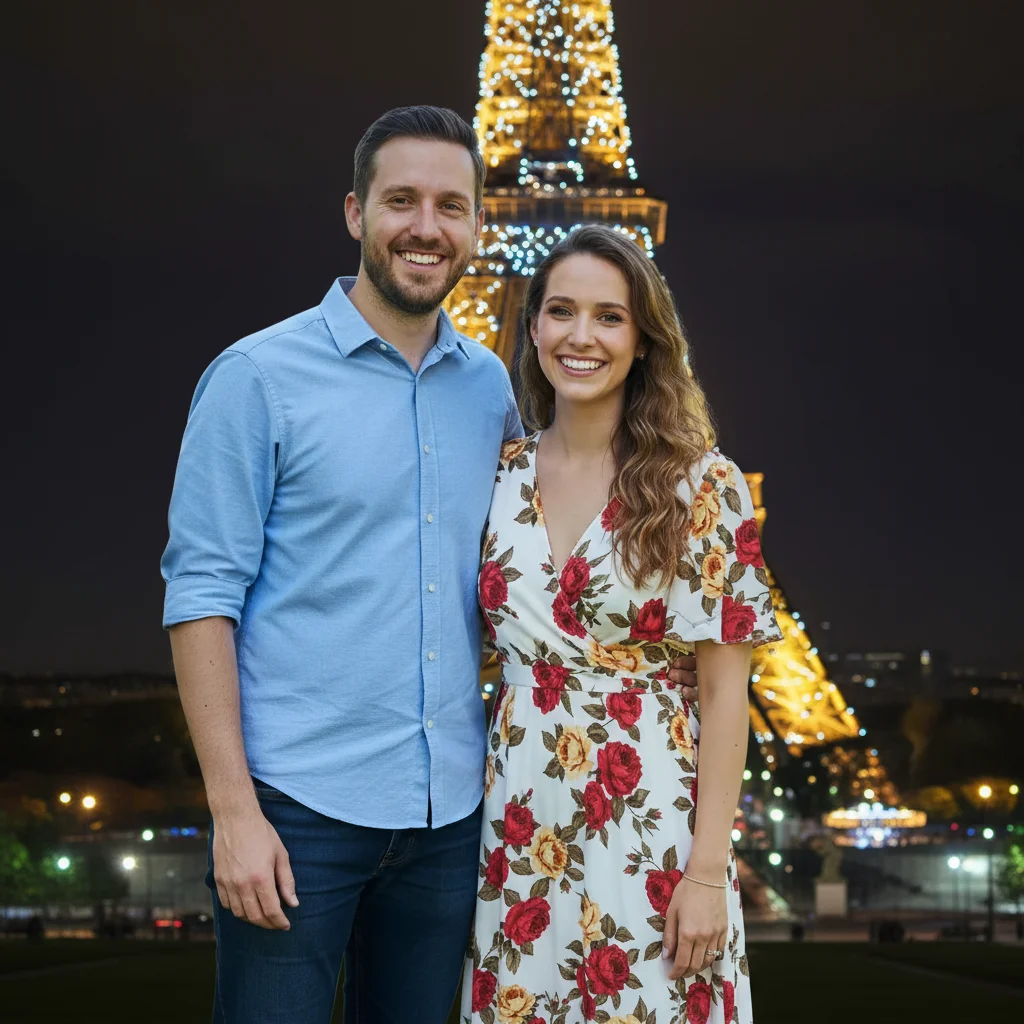
Hiking photo with harsh midday shadows
Great action shot on the trail, but the overhead sun created unflattering shadows across the face. Fixed the lighting while keeping the authentic adventure vibe.
enhance lighting to be warm and even, remove the harsh shadows on my face, keep my genuine smile and the outdoor setting natural
Coffee shop photo with yellow lighting
Cozy coffee date vibe captured perfectly, except the warm indoor lighting made everything look jaundiced. Color correction brought back natural skin tones.
fix the yellow indoor lighting to natural skin tones, keep the cozy ambient feeling, brighten my face slightly
When Things Go Wrong
I look too filtered or fake
Why: The AI applied too much enhancement, making you look artificially smoothed or processed.
Start fresh with: enhance lighting subtly, keep all natural skin texture and features exactly as they are
Always include 'keep natural' or 'subtle' to prevent over-processing. Less is more for dating photos.
Colors look unnatural or oversaturated
Why: Color enhancement was too aggressive, making the photo look heavily edited.
If you want warmer tones, say 'slightly warmer' rather than just 'warm' to keep it subtle.
My expression looks different or unnatural
Why: Face enhancement accidentally modified your expression or features.
Start fresh focusing only on background or lighting: blur background only, do not change my face at all
Process background and face separately. Fix the background first, then decide if you need face adjustments.
Frequently Asked Questions
Will the AI Photo Editor for Hinge Profile Photos result look natural enough to pass for a real headshot?
Yes. The AI keeps your face, skin tone, and bone structure intact and only swaps the background, attire, or lighting you describe. Most users get a usable LinkedIn-ready shot in 1-2 tries. Try a prompt like 'studio backdrop, soft front light, navy blazer.' Free first edit per week, no signup.
Will my photos look obviously edited?
Not if you keep edits subtle. Background blur and lighting enhancement are almost undetectable when done naturally. The goal is to look like yourself on a really good day, not like a different person. Always include 'natural' or 'subtle' in your prompts to prevent over-processing.
How do I edit Hinge photos without looking fake?
Focus on fixing problems (bad lighting, messy backgrounds) rather than changing yourself. Enhance lighting, blur distracting backgrounds, fix color casts. Avoid heavy skin smoothing or feature changes. Your match will meet you in person - your photos should be recognizable.
Is there a free photo editor for dating profiles that doesn't require login?
Yes. EditThisPic is free to try with no account required. Just upload your photo, describe what you want fixed, and download the result. No watermarks on your photos.
What makes a good Hinge profile photo?
Authentic moments where you're genuinely engaged - hiking, cooking, with friends, at events. Clear face visibility, natural lighting, and minimal distractions. Photos should show your personality and what spending time with you looks like. EditThisPic can fix the technical issues (lighting, backgrounds) but start with genuine moments.
Should I edit all 6 of my Hinge photos?
Only edit photos that have fixable problems - bad lighting, messy backgrounds, color issues. Don't over-edit every photo the same way or your profile will look artificial. Variety is good. Some polished shots, some raw authentic moments. EditThisPic works best for technical fixes, not transforming every image.
Is EditThisPic's AI photo editor for hinge profile photos really free?
Yes — you get 1 free edit per week, no account needed. Credit packs start at $4.99 for 10 edits.
Can I use this on my phone?
Yes. EditThisPic works in any mobile browser — iPhone, Android, tablet. No app download needed.
Popular use cases
Ready to get noticed on Hinge?
Free to try. No signup required. No watermarks.
Edit Your Photo