Edit Photos for Your Pregnancy Announcement
This news deserves a perfect photo. Make your announcement as special as the moment.
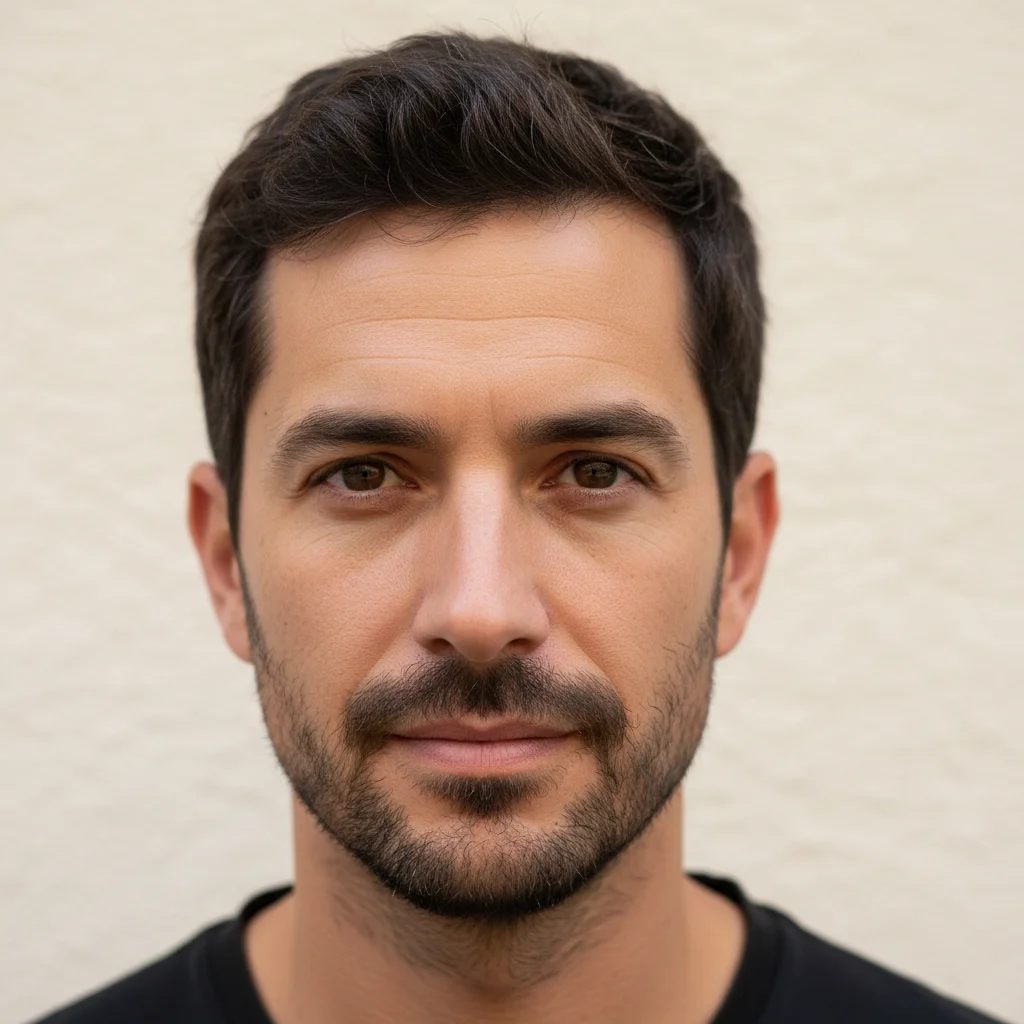
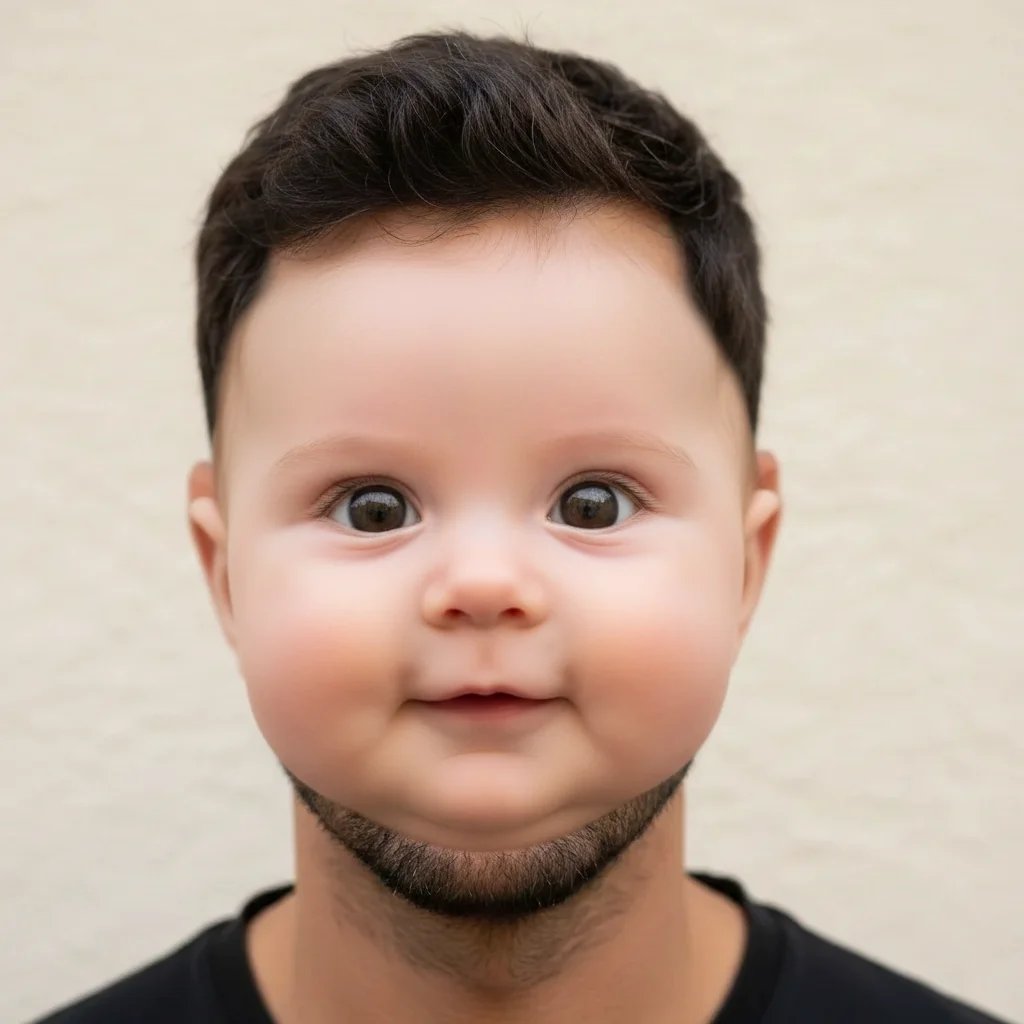
Drop your photo here
or click to browse
Release to upload
Free • No signup
"We wanted to announce with the ultrasound photo but our apartment background was messy. Swapped it for a clean backdrop, warmed up the colors, and it looked like we hired a photographer. The announcement got 500+ likes." @BabyOnTheWay
Built for Expecting Parents
Pregnancy announcements are shared, saved, and remembered forever. You want it to look as special as the news feels. But you're probably not booking a professional photoshoot right now - you've got enough on your mind. EditThisPic lets you perfect the photos you already have, creating announcement-worthy moments from everyday shots.
Tools for Announcement Photo Editing
Replace Background
Swap messy backgrounds for clean, shareable settings
Enhance Lighting
Create warm, glowing announcement vibes
Blur Background
Soften distracting backgrounds while keeping setting
Remove Object
Remove distracting items from frame
How to Edit Photos for Your Pregnancy Announcement
-
Choose your announcement photo
Select a photo with genuine emotion - holding the test, showing the bump, revealing to family. The expressions matter more than the setting. Technical issues like background and lighting can be fixed.
Background replacement: 25-30 seconds. Full announcement polish: 40-50 seconds.Candid reaction shots often make the best announcements - authentic joy beats posed perfection. -
Upload and describe your vision
Drop your photo into EditThisPic and describe the look you want: 'replace the messy living room background with soft neutral backdrop, warm up the lighting for a soft glow, keep our excited expressions exactly as they are.'
Combine all your edits in one prompt for consistent results across the whole image. -
Review for authenticity
Check that the edited photo still captures the real emotion of the moment. Your expressions should be unchanged. The background and lighting should enhance, not distract from, your joy.
-
Create versions and share
Download your polished announcement. Consider creating versions for different uses - one for Instagram, one for the family group chat, one to print and frame. The same base photo can work for all.
Create a vertical crop for Instagram Stories and square for the grid from the same edited photo.
Copy-Paste Prompts for Announcement Photos
replace background with soft creamy neutral backdrop, warm and inviting, keep us and our expressions exactly as photographed
Neutral backdrops work for any announcement style and are easy to add text to later
blur the background softly while keeping us in sharp focus, warm up the colors, create intimate announcement feel
Blurring keeps location context while removing distractions
enhance lighting with warm golden glow, soft and romantic, keep the moment feeling authentic
Golden tones create the warm, hopeful feeling announcements deserve
remove the items on the table behind us, extend the clean background, keep us exactly as we are
Removing background clutter instantly makes photos more shareable
Show 4 more prompts
replace background with soft pastel nursery setting, gentle colors, warm and dreamy feel
Nursery backgrounds hint at the exciting preparation ahead
replace background with soft-focus garden greenery, natural warm light, outdoor announcement feel
Nature backgrounds symbolize growth and new beginnings
brighten this dark photo, enhance our faces with soft flattering light, warm up the colors, keep expressions authentic
Many milestone moments happen indoors in imperfect lighting
blur the background, enhance the ultrasound image visibility in hands, warm soft lighting, keep the surprised/happy expression exactly as is
The ultrasound reveal moment captures genuine first reactions
| Edit Type | Prompt | Time | |
|---|---|---|---|
| Clean backdrop | replace with soft neutral backdrop |
25s | Try This → |
| Background blur | blur background, warm colors |
20s | Try This → |
| Brighten dark photo | brighten, warm glow, keep expressions |
25s | Try This → |
| Full polish | new backdrop, warm lighting, keep expressions |
40s | Try This → |
Real Examples
Living room to announcement-ready
Perfect reaction shot ruined by messy apartment background. Clean backdrop makes it shareable.
replace the messy living room background with soft cream neutral backdrop, warm up the lighting, keep our excited expressions exactly as they are

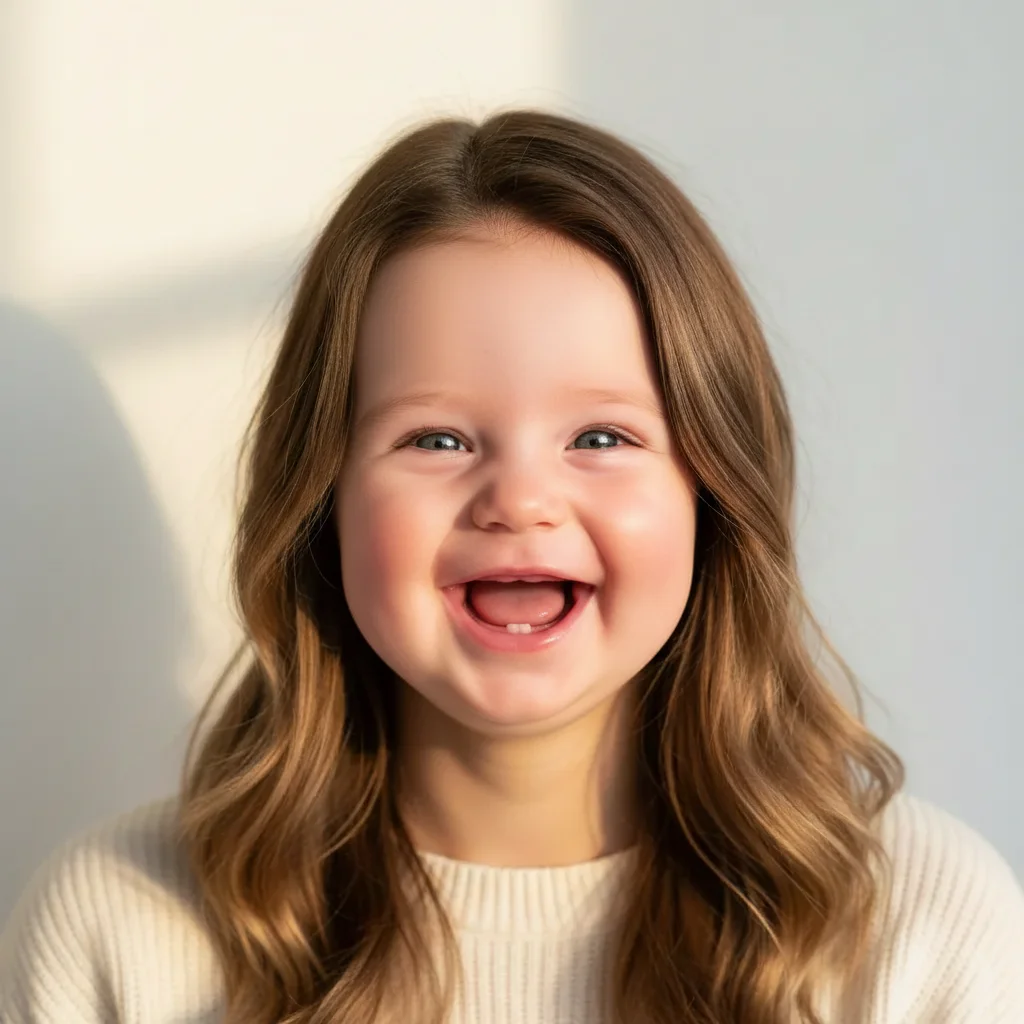
Dark kitchen moment brightened
Surprise reveal in the kitchen was emotional but dark. Enhanced lighting reveals the joy.
brighten this dark photo significantly, enhance lighting on our faces, warm the colors, blur the kitchen background slightly, preserve the surprise expression


Ultrasound photo announcement polished
Holding the ultrasound photo in the doctor's office parking lot. Made it announcement-worthy.
replace the parking lot background with soft neutral setting, enhance lighting to warm glow, keep the ultrasound visible and my happy expression exactly as is
When Things Go Wrong
Expressions or faces look different
Why: Face enhancement may have changed features along with lighting.
Start fresh with: replace background only, keep our faces and expressions 100% unchanged
Fix background first, then evaluate if faces need any enhancement.
New background looks fake or doesn't match lighting
Why: Background lighting may not match the original lighting direction on your faces.
replace background with [type] that has soft diffused light matching our faces, seamless blend
Soft, neutral backgrounds blend most naturally with any lighting condition.
Pregnancy test or ultrasound is less visible now
Why: Overall changes may have affected the small important details.
keep the pregnancy test/ultrasound clearly visible and sharp, only change the background and lighting around it
Mention the important prop specifically to ensure it's preserved.
Photo looks over-processed or filtered
Why: Multiple enhancements may have created an obviously edited look.
Start fresh with one change only: blur background softly, keep everything else natural
Less is often more for announcements - authenticity matters more than perfection.
AI changed the wrong area
Why: The AI couldn't determine exactly which area you meant from description alone.
Tap a marker on the specific area you want to change, then regenerate with the same prompt
Markers tell the AI 'I mean THIS one specifically.' Use them when description alone is ambiguous.
Frequently Asked Questions
Do I need to mark the background before replacing it?
No. Just describe what you want: 'replace background with soft neutral backdrop.' The AI automatically identifies you (the subjects) and the background. Only use markers if specific areas need refinement after the first result.
How do I edit pregnancy announcement photos for free?
Upload your photo to EditThisPic and describe what you want: 'replace background, warm up lighting, keep our expressions exactly as is.' The AI creates announcement-ready photos in 30 seconds. Free to try, no account needed, no watermarks.
Will my emotions and expressions stay the same?
Yes, when you include 'keep our expressions exactly as is' in your prompt. EditThisPic changes backgrounds and lighting, not your faces. The authentic joy of your announcement moment is preserved.
Can I add text to my announcement photo?
EditThisPic focuses on photo editing - backgrounds, lighting, and enhancement. For adding text like 'Baby coming June 2026,' use a design tool like Canva after downloading your edited photo. We recommend editing first, then adding text.
What's the best free pregnancy announcement photo editor?
EditThisPic handles the most important edits - fixing backgrounds, improving lighting, removing distractions - without signup or watermarks. It's ideal for making casual photos announcement-worthy.
Can I create different versions for different people?
Absolutely. Edit the same base photo multiple times with different prompts - one with a clean background for Instagram, one with blur for the family chat, different crops for different platforms. Each edit creates a new version.
Can I pregnancy announcement on my phone?
Yes. EditThisPic works in any mobile browser — iPhone, Android, tablet. No app download needed.
What photo formats does the AI edit photos for your pregnancy announcement support?
JPG, PNG, WebP, and HEIC. Upload any common photo format and EditThisPic handles the rest.
Ready to perfect your announcement?
Free to try. No signup required. No watermarks.
Edit Your Announcement Photo