AI Bed Adder
← Browse all add & replace toolsLast updated
Add a specific bed to your bedroom using a reference photo — AI positions it as the room's centerpiece with correct scale and lighting.
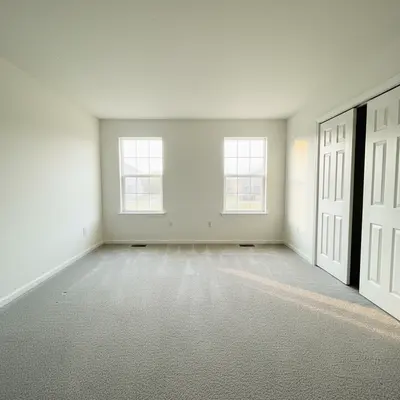
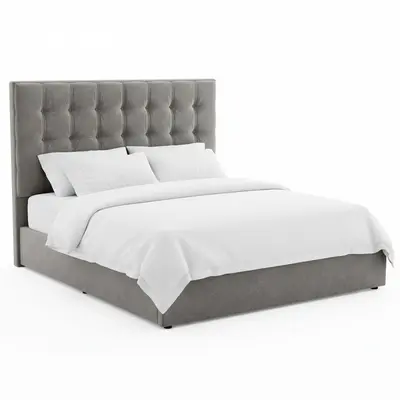
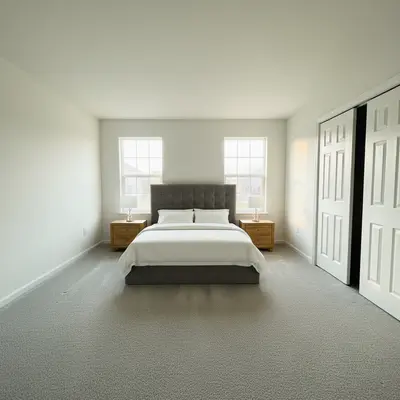
Upload photo to add bed
"add this upholstered headboard bed centered on the main wall, with the fabric texture clearly visible and the headboard filling the vertical space between bed and ceiling proportionally"
Free to try · no sign-up · never used for AI training
Release to upload
How it works
See it in action
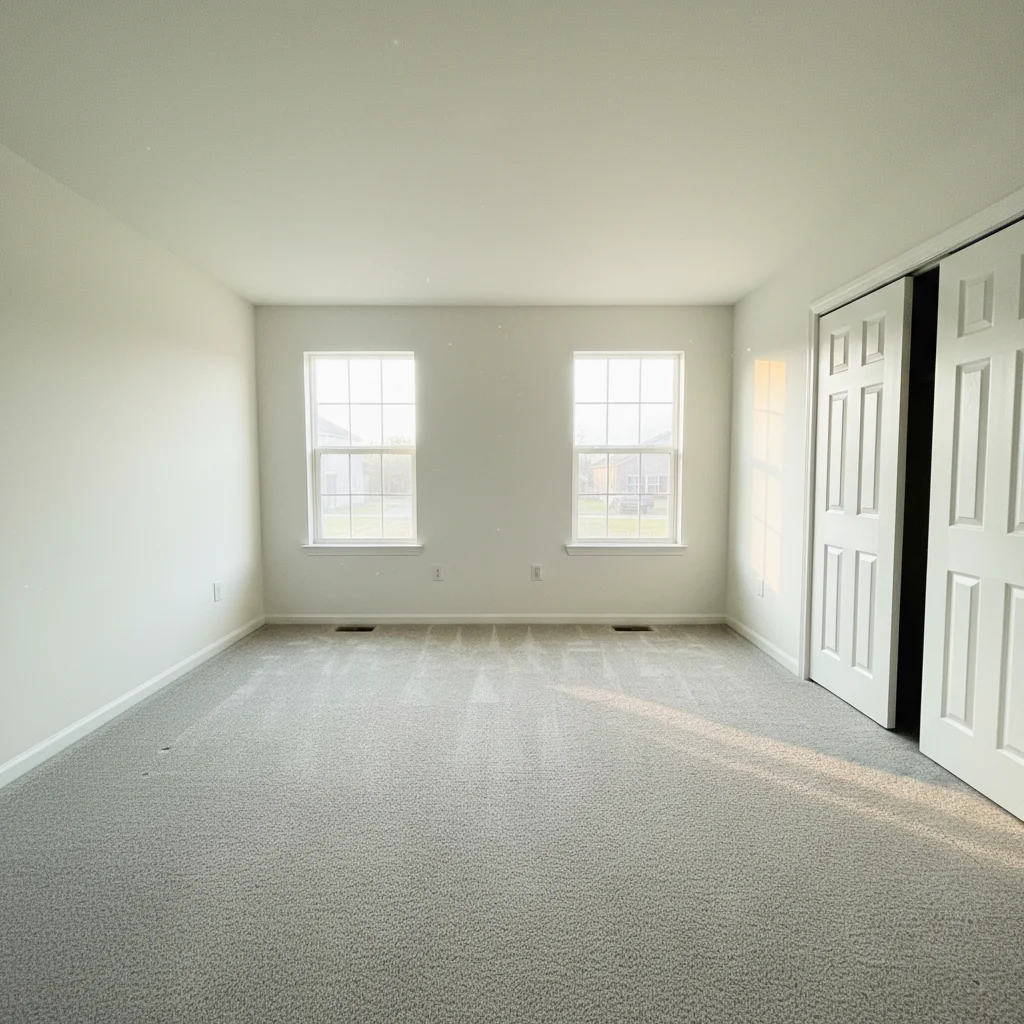
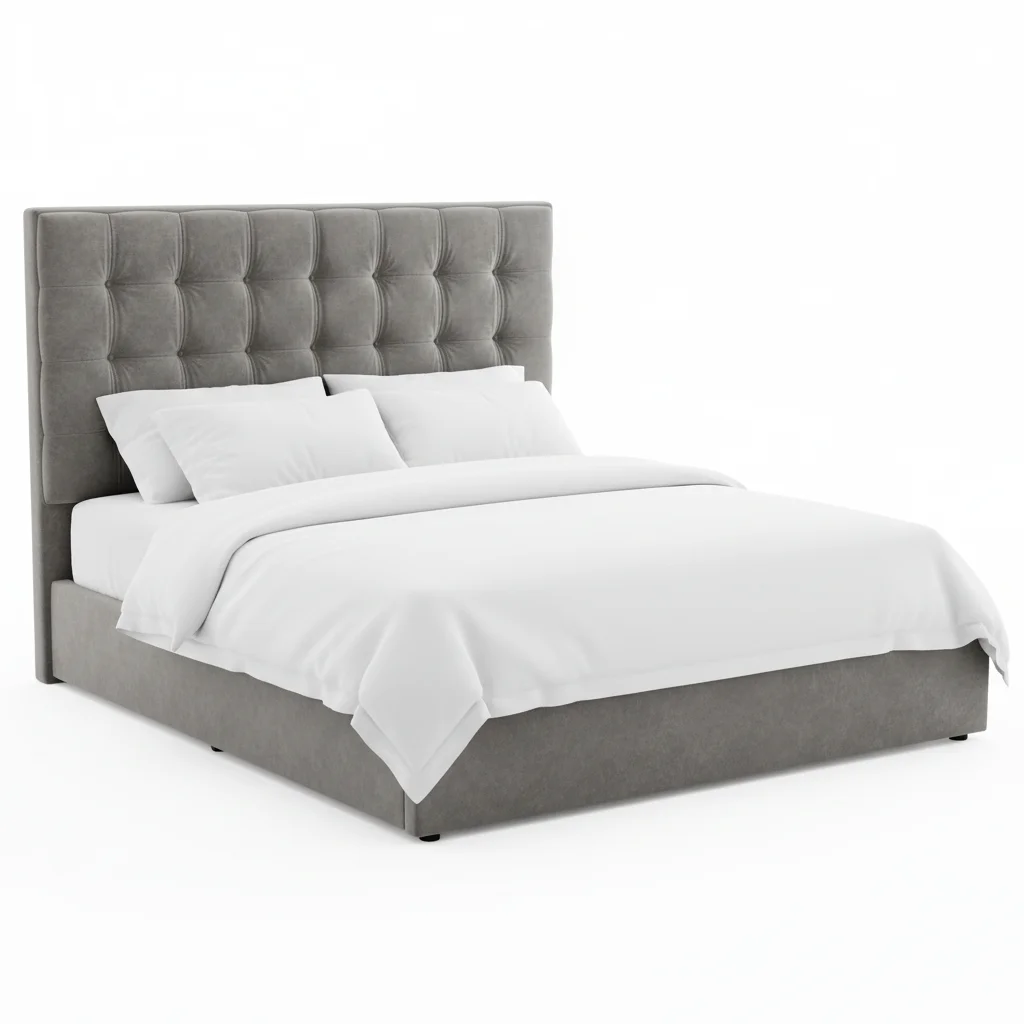
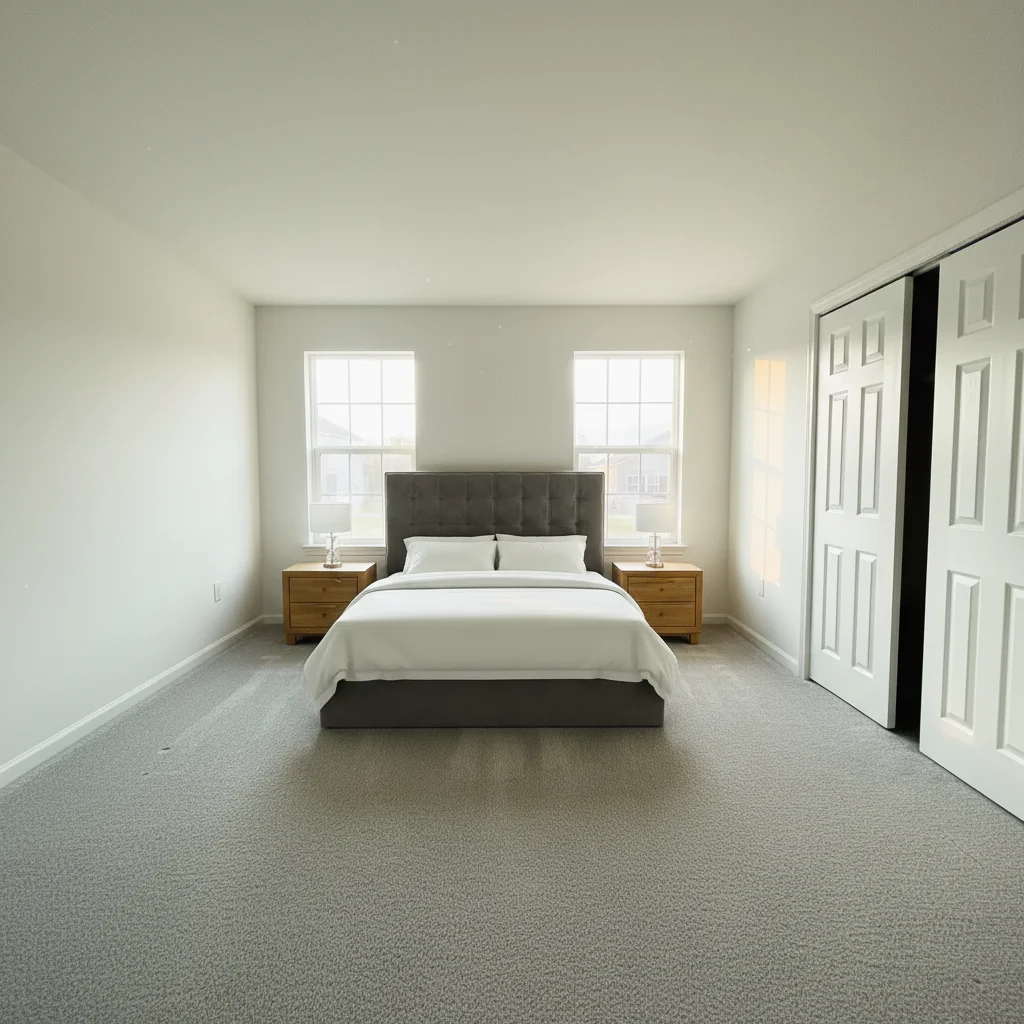
Upholstered queen bed staged in empty master
An empty master bedroom virtually staged with an upholstered queen bed from a West Elm-style reference for a real estate listing.
Add the gray velvet bed from the reference photo, centering it against the back wall. Place a matching oak nightstand on each side of the bed.
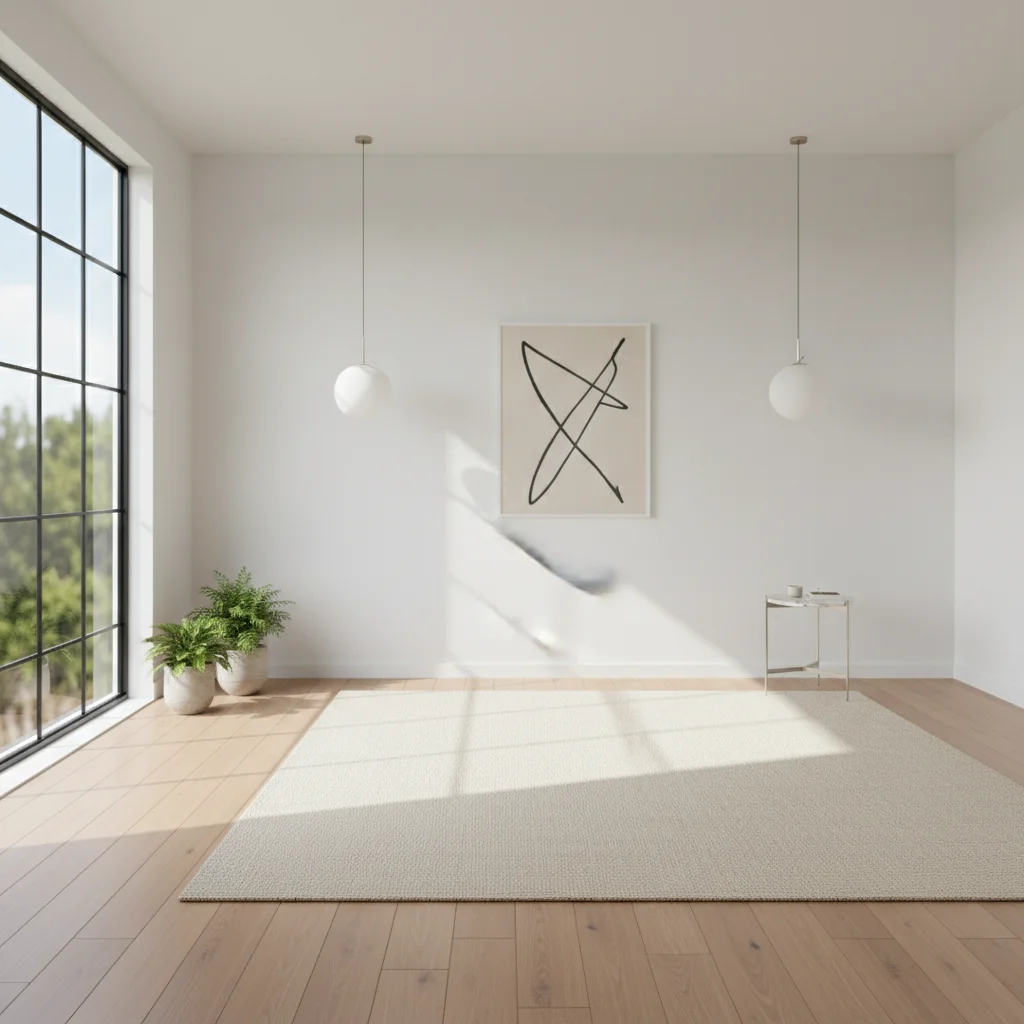
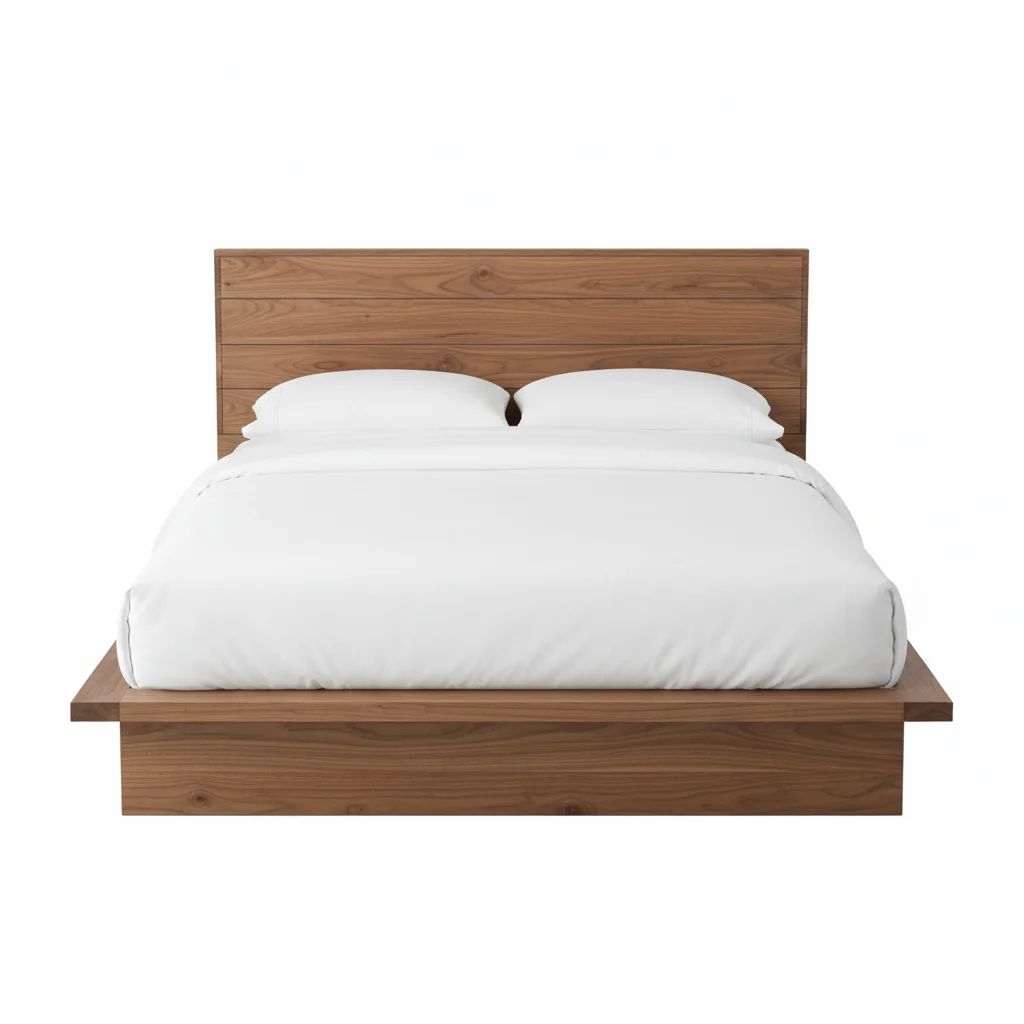
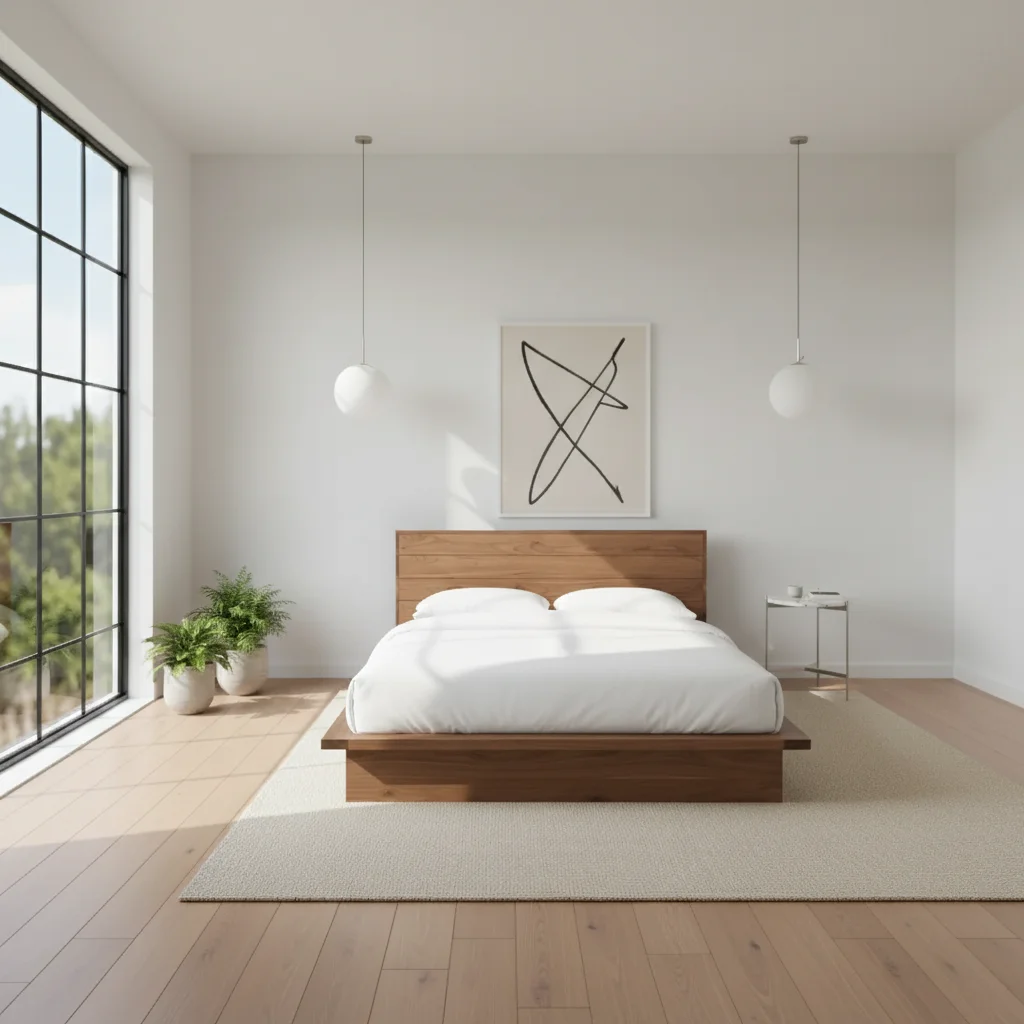
Wooden platform bed purchase visualization
A shopper used their bedroom photo and a Wayfair product listing to test a natural wood platform bed before buying.
Add the wooden platform bed from the reference photo to the room, centered against the far wall.
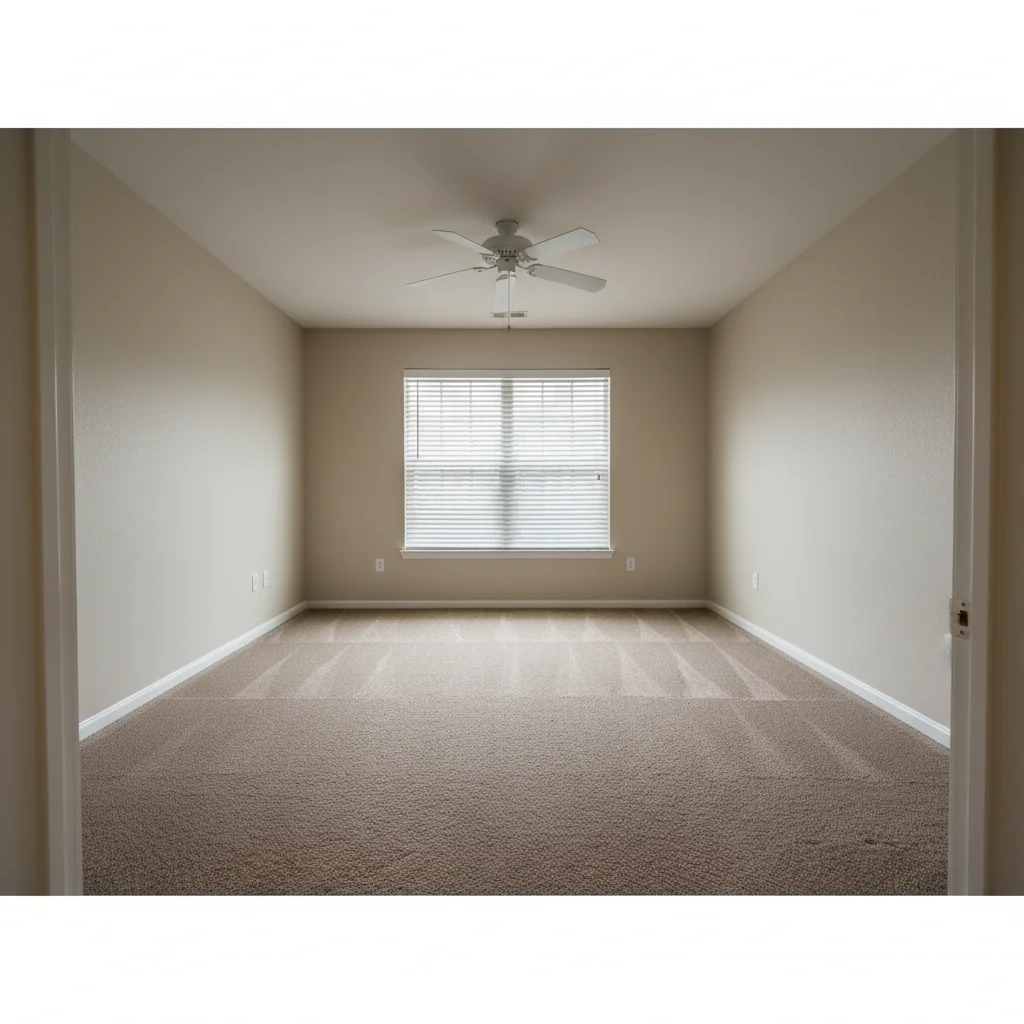
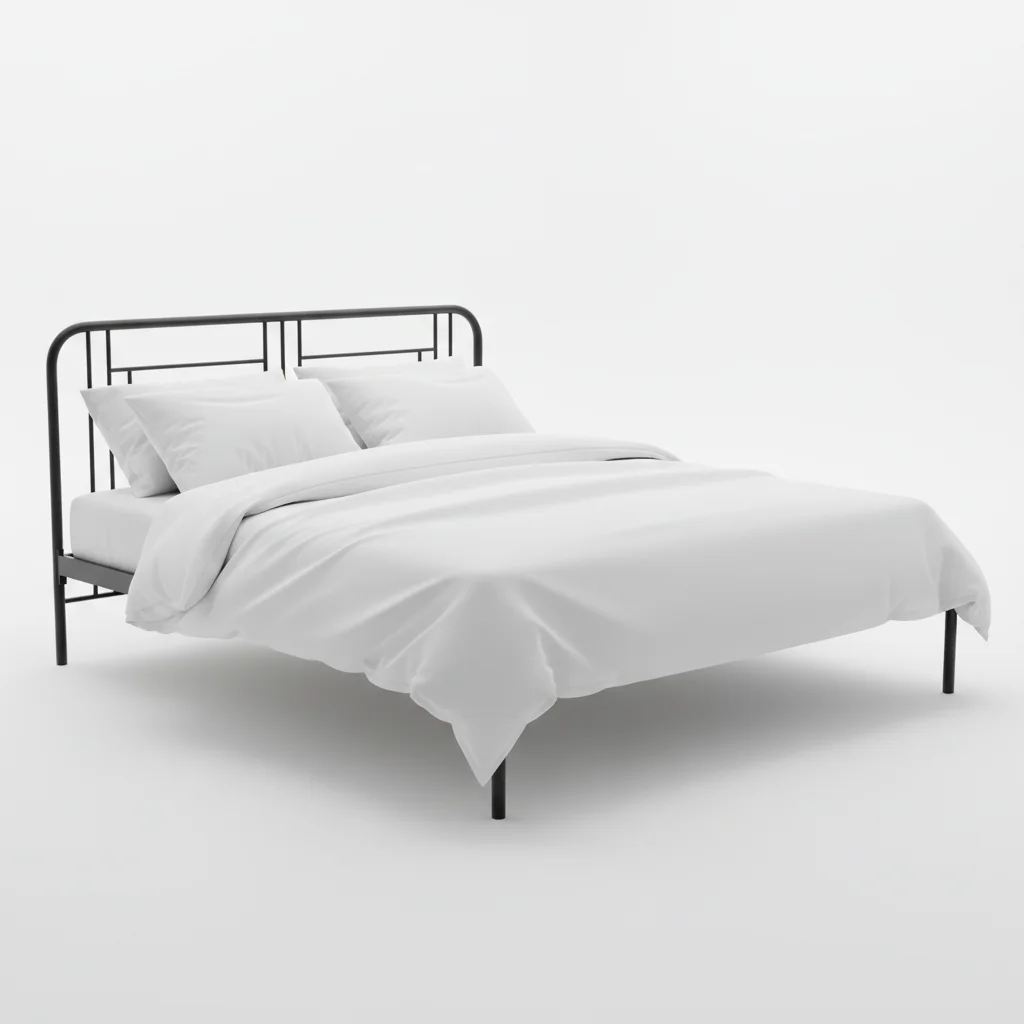
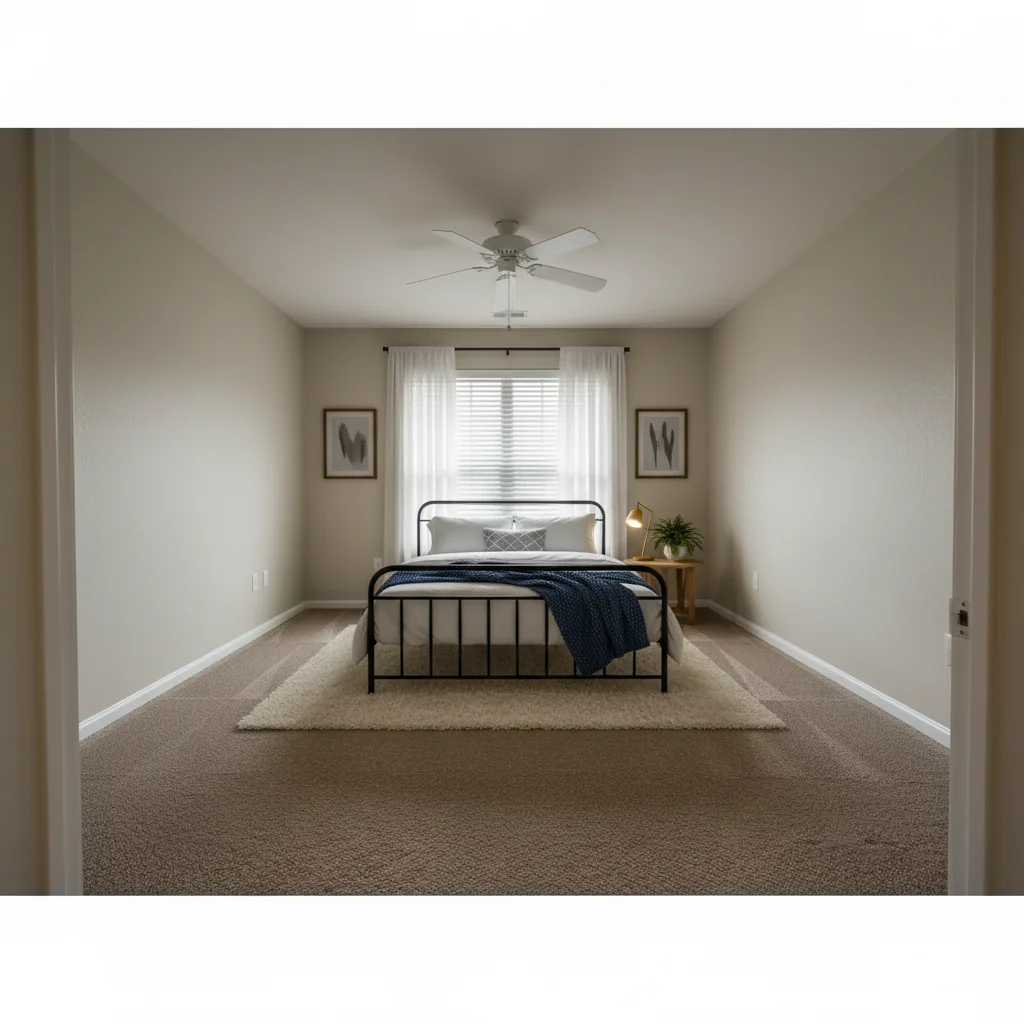
Rental bedroom upgrade visualization
A landlord added a contemporary bed to show prospective tenants an upgraded bedroom before the new furniture arrived.
Add this bed from the reference photo to the bedroom, centering it on the far wall. Make the room look cozy and inviting for a rental listing.
Quick answers
Ready to see that bed in your bedroom?
Free to try. No signup required.