Free • No signup Add Desk · Free

AI Desk Adder

← Browse all add & replace tools

Last updated

Add a specific desk to your home office or spare room using a reference photo — AI builds the WFH setup with correct scale and lighting.
01Photo 1
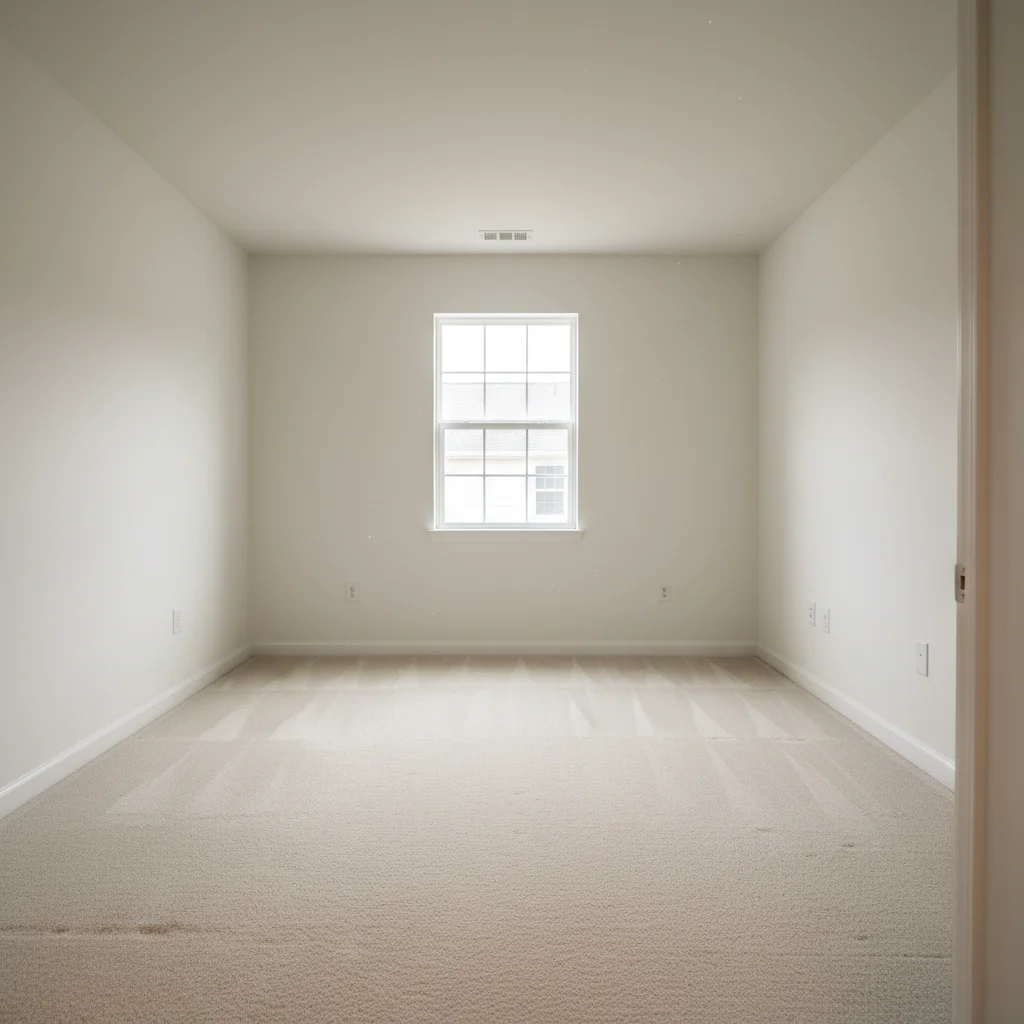
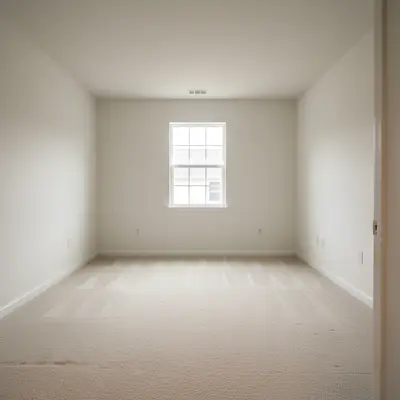
Empty spare bedroom with white walls and carpet, ready for home office conversion
02Photo 2
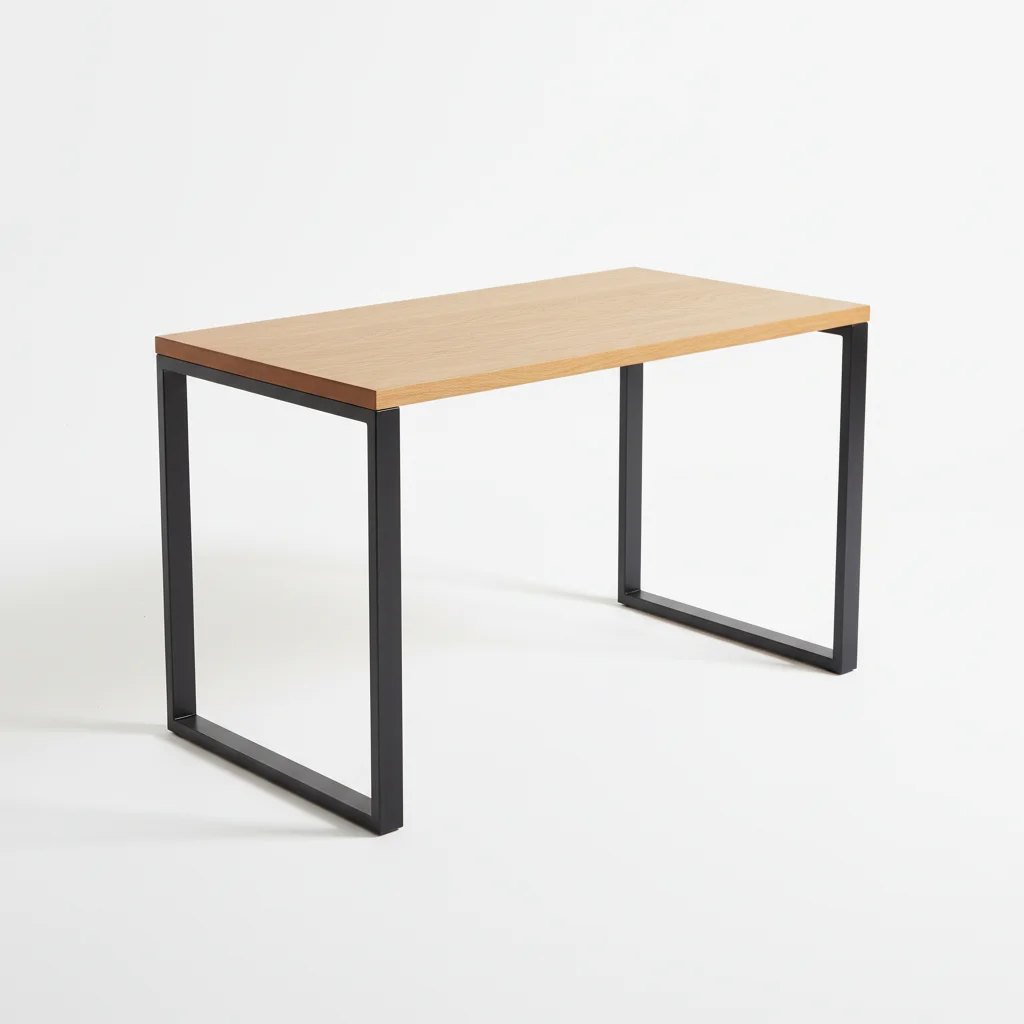
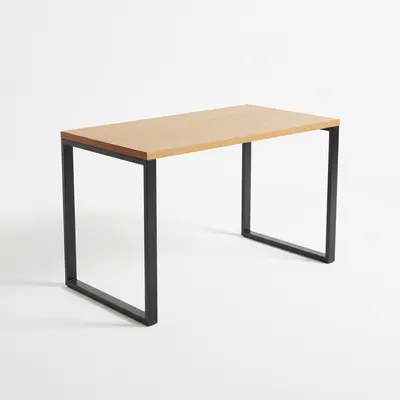
Standing desk in white finish from catalog on white background
03Result
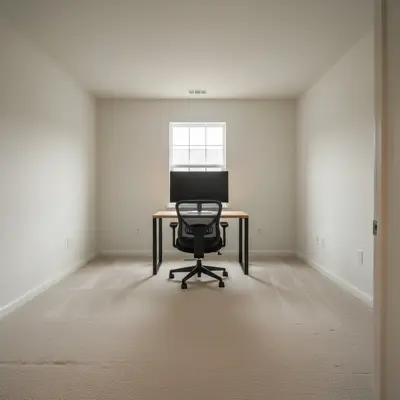
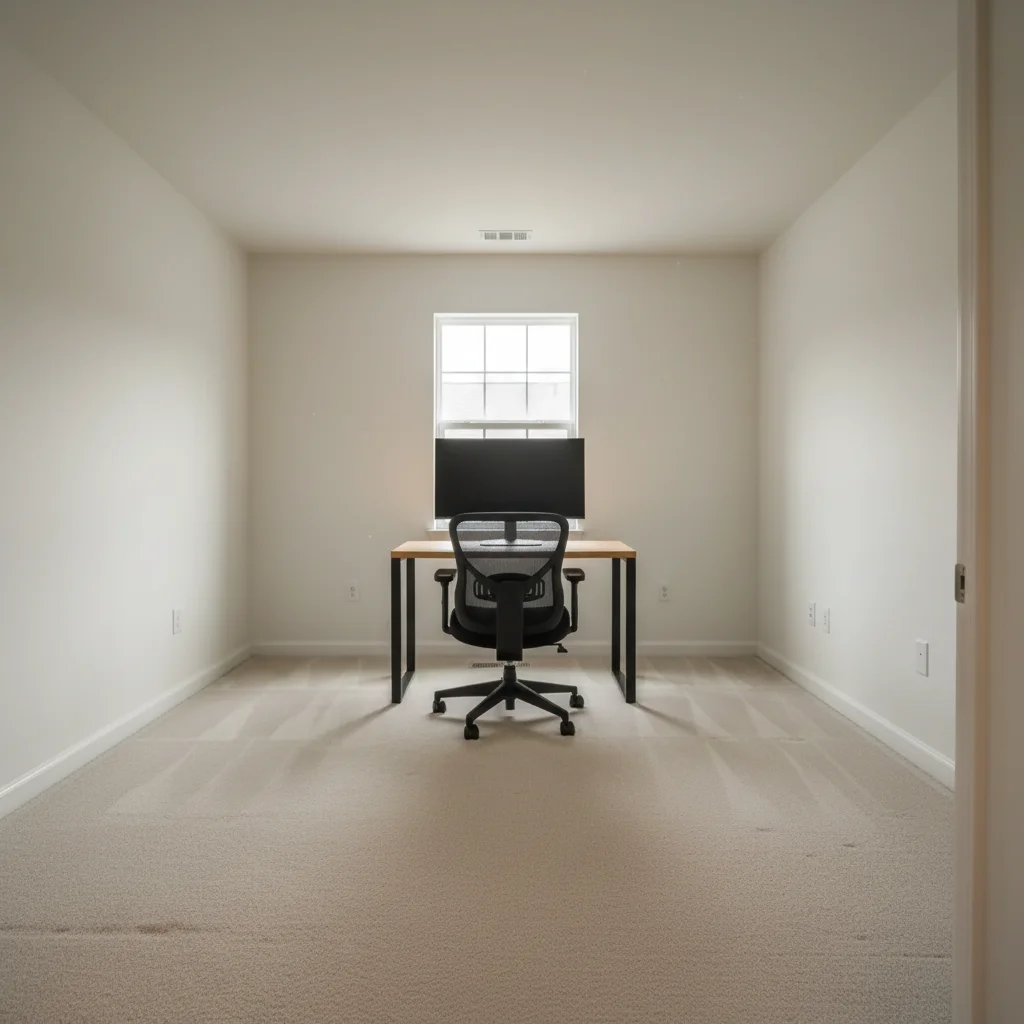
Spare room converted to home office with standing desk, monitor, and ergonomic chair

Upload photo to add desk

"add this standing desk along the left wall at seated working height, showing the surface material from the reference and with a monitor arm extending from the back edge"

Release to upload

1 free edit·then from $4.99

How it works

  1. Upload your two photos

    Drop your room photo into EditThisPic — your existing home office, spare bedroom, or corner you're converting — then click '+ Add reference image' to upload the desk photo from a retailer website, catalog, or product listing. JPG, PNG, WebP up to 7MB each. A photo that shows the corner or wall where the desk will go gives the AI the best placement context.

    Expect: Standard desk placement: 20-30 seconds. L-shaped or corner desk with complex configuration: allow 2 passes.
  2. The reference defines your WFH setup

    This is the key step — the AI reads your desk reference for surface dimensions and depth, leg configuration (hairpin, cabinet, panel), material finish (oak veneer, white laminate, walnut), and any built-in cable management or shelving. The result places this specific desk, not a generic table, into your space. The difference between a cable-managed standing desk and a basic writing table comes from the reference photo.

    Tip: For standing desks, use a reference that shows the desk at seated height — the AI defaults to a working position if you don't specify 'standing position.'

    Copy one of these to get started:

    WFH desk facing the window add this desk positioned facing the window for natural light, with a monitor centered on the surface and an ergonomic chair tucked underneath — complete WFH setup
    Standing desk in home office add this standing desk along the left wall at seated working height, showing the surface material from the reference and with a monitor arm extending from the back edge
    Spare room converted to home office convert this spare room into a home office by adding this desk against the main wall, facing the door — showing a complete productive workspace with desk, chair, and monitor
    Visualizing before buying add this exact desk from the product listing into my room at realistic scale, showing the surface finish and leg style accurately — I want to see how it fits before purchasing
    2 more prompts
    Real estate staging for home office add this desk to stage this room as a home office for a real estate listing — positioned to show the space can function as a productive workspace, natural styling
    L-shaped corner desk add this L-shaped desk into the corner with the main return on the left and the secondary surface extending to the right, showing the full workspace depth
  3. Describe the WFH setup

    Office desks work best against a wall or facing a window: 'add this desk facing the window for natural light, with the chair tucked in' or 'position this desk against the left wall with a monitor on top.' Include monitor and chair if you want a complete setup: 'with a monitor, keyboard, and ergonomic chair to complete the WFH look.'

    Tip: Include 'facing the window' when natural light matters — it signals the AI to orient the desk toward the room's light source, which also makes the result more aspirational.

    Copy one of these to get started:

    WFH desk facing the window add this desk positioned facing the window for natural light, with a monitor centered on the surface and an ergonomic chair tucked underneath — complete WFH setup
    Standing desk in home office add this standing desk along the left wall at seated working height, showing the surface material from the reference and with a monitor arm extending from the back edge
    Spare room converted to home office convert this spare room into a home office by adding this desk against the main wall, facing the door — showing a complete productive workspace with desk, chair, and monitor
    Visualizing before buying add this exact desk from the product listing into my room at realistic scale, showing the surface finish and leg style accurately — I want to see how it fits before purchasing
    2 more prompts
    Real estate staging for home office add this desk to stage this room as a home office for a real estate listing — positioned to show the space can function as a productive workspace, natural styling
    L-shaped corner desk add this L-shaped desk into the corner with the main return on the left and the secondary surface extending to the right, showing the full workspace depth
  4. Evaluate the home office layout

    Check that the desk fits the room ergonomically — enough walking space around it, positioned for natural light or away from glare if a window is visible. Verify the desk surface material renders accurately from the reference and scale looks proportional to the room. For real estate staging, ensure it reads as a functional workspace, not decorative.

See it in action

Empty spare bedroom with white walls and carpet, ready for home office conversion
Main Photo
Standing desk in white finish from catalog on white background
Reference
Spare room converted to home office with standing desk, monitor, and ergonomic chair
Result

Standing desk transforms a spare room

A spare bedroom converted to a home office with an IKEA TROTTEN-style standing desk from a product listing reference.

Prompt: Add the standing desk from the reference photo into this spare room. Place it against the back wall under the window and add a monitor and an ergonomic chair to create a home office.
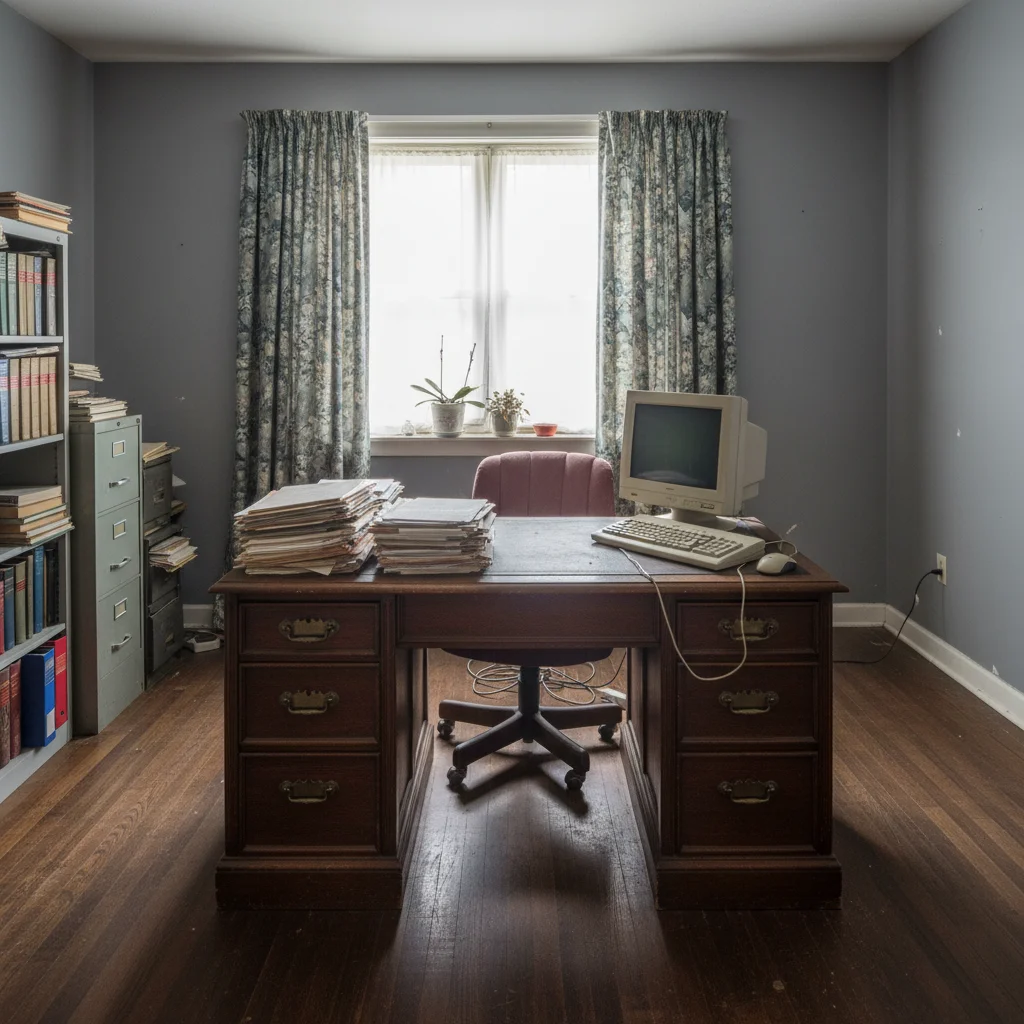
Home office with dated furniture or bare desk area against a windowed wall
Main Photo
Reference image for AI Desk Adder
Reference
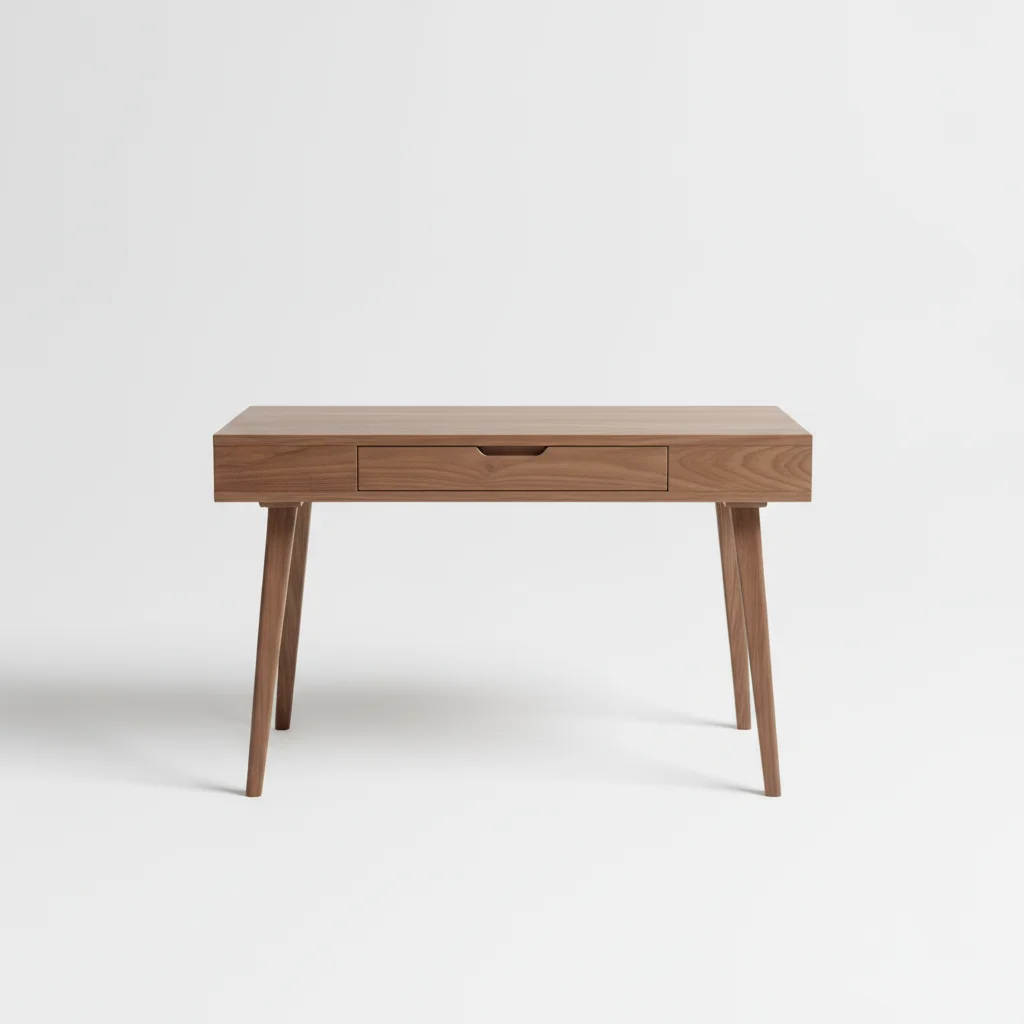
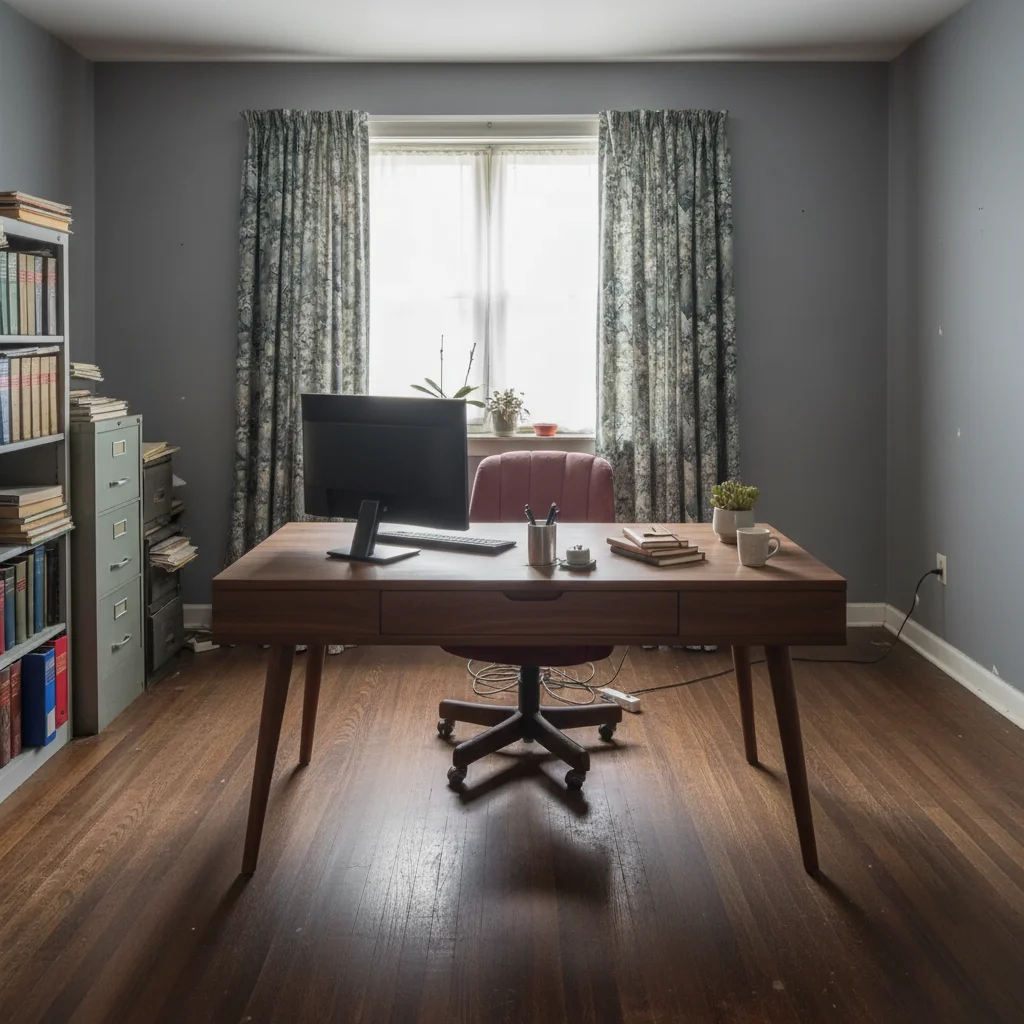
Updated home office with walnut writing desk showing warm wood grain
Result

Walnut writing desk in existing home office

A home office upgrade — replacing a dated desk with a walnut writing desk from a Crate & Barrel listing photo.

Prompt: Place this walnut writing desk from the reference photo in a home office, positioned so it's facing a window. Show the beautiful wood grain finish. Add a slim monitor and a few minimal accessories on the surface.
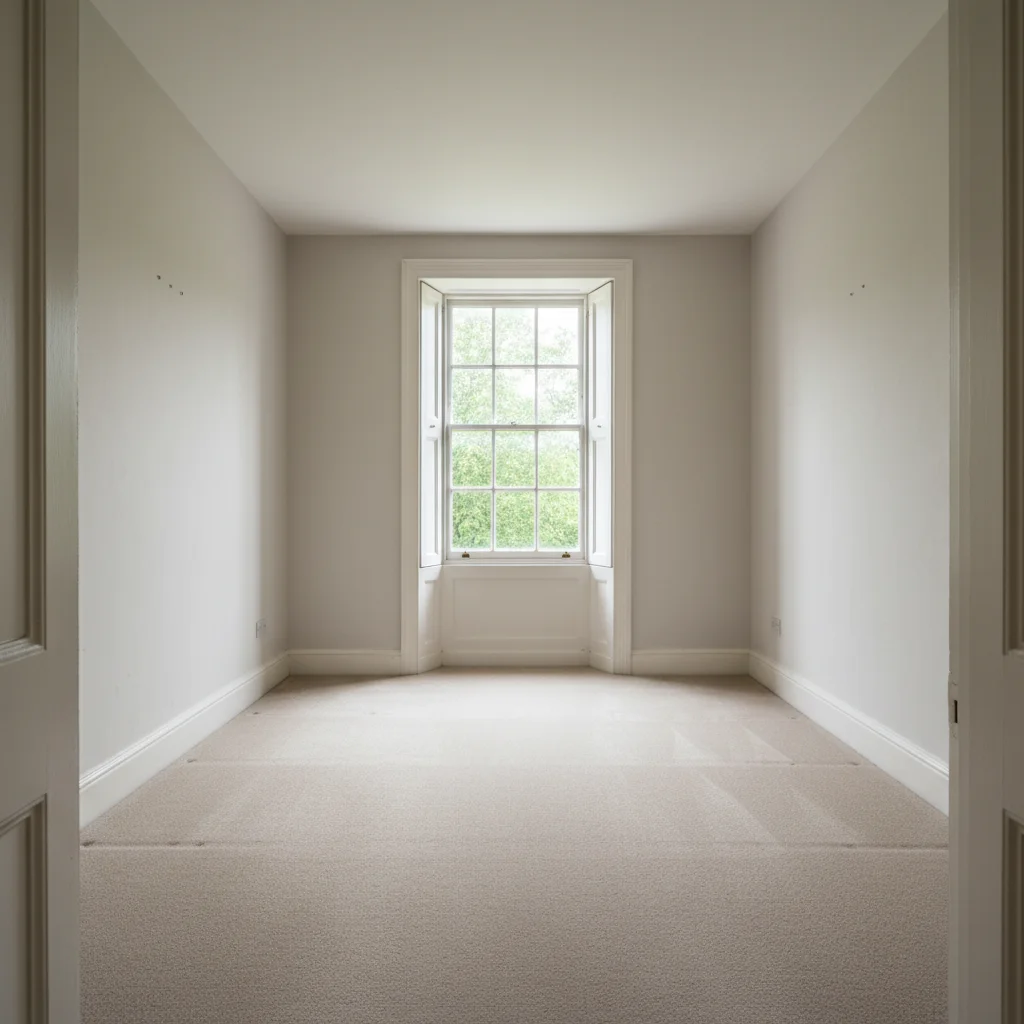
Empty spare room in a listed property without any furniture
Main Photo
Reference image for AI Desk Adder
Reference
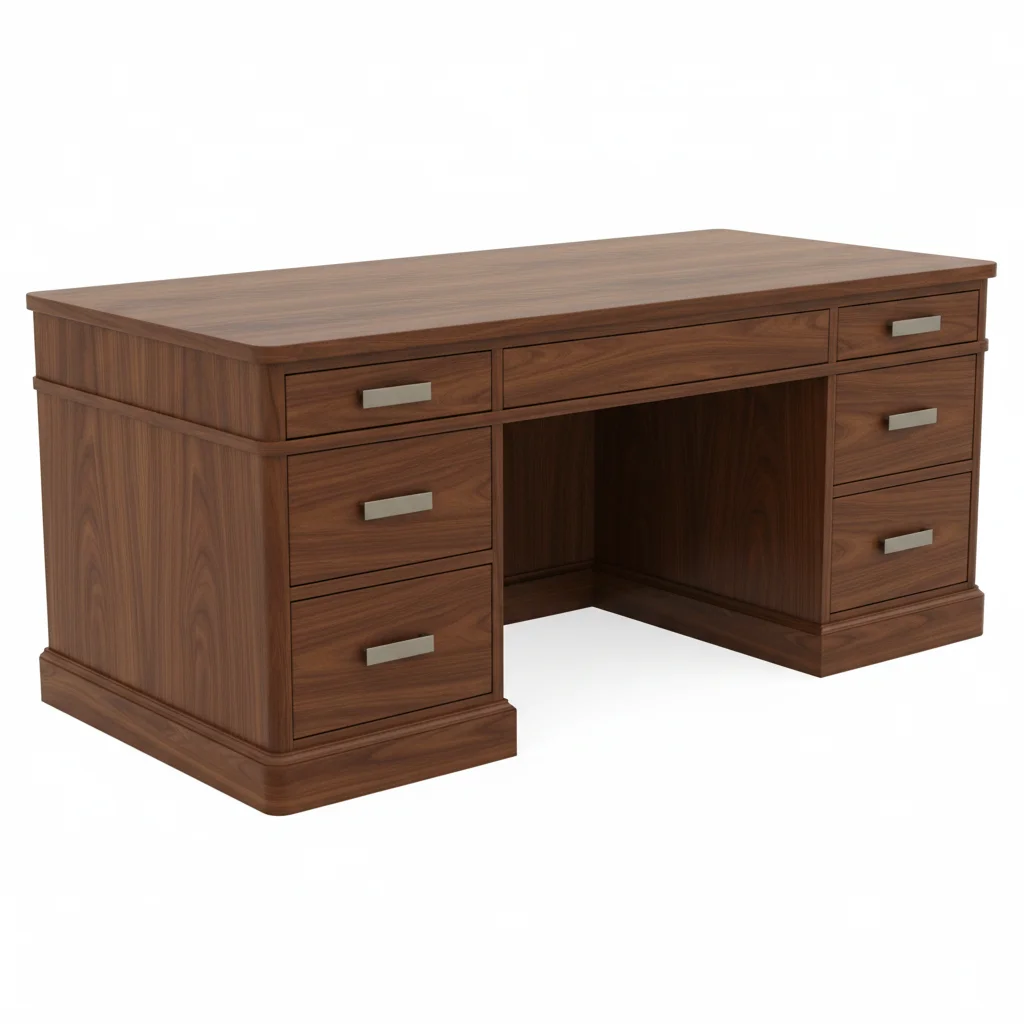
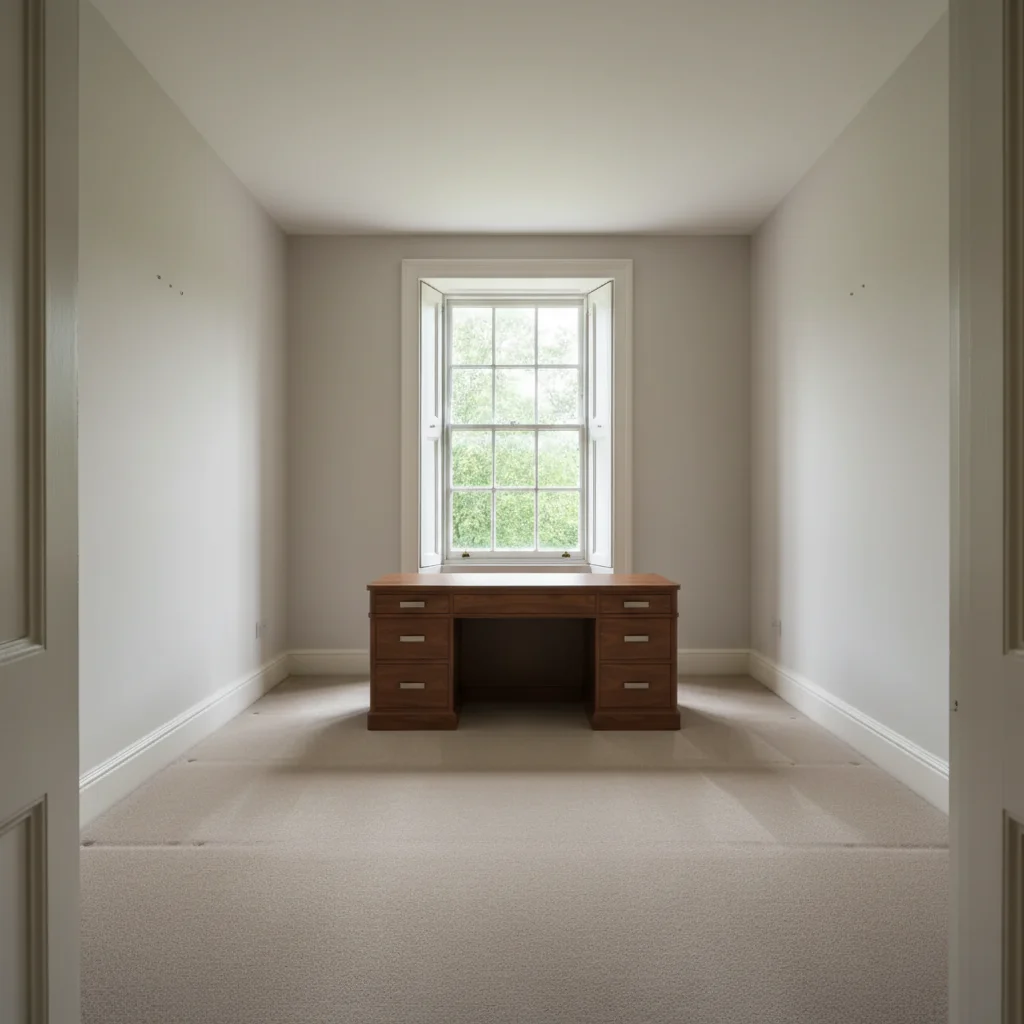
Same room staged as a home office with desk positioned for productivity
Result

Real estate staging: spare room as home office

A real estate agent staged a spare room as a home office for the listing to appeal to remote-working buyers.

Prompt: Stage this spare room as a home office by adding the desk from the reference photo against the main wall.

Quick answers

Do I need TWO photos for this?

Yes. This is a two-photo workflow: your room photo plus a reference photo of the desk you want to add. Upload your room photo first, then click '+ Add reference image' to add the desk reference. The AI uses the reference to reproduce the exact desk — surface depth, leg style, material finish — rather than generating a generic table.

Can I use a retailer listing photo as my desk reference?

Yes. Retailer product photos, catalog images, or store floor shots all work as references. Product-on-white-background photos give the AI the clearest read on the desk's actual finish and dimensions. Screenshot the product listing and upload it as your reference image.

How do I stage a spare room as a home office for a real estate listing?

Upload the spare room photo and a reference desk image, then type: 'stage this room as a home office for a real estate listing — desk positioned against the main wall, functional workspace setup.' Home office rooms are increasingly valued by remote-working buyers. The desk is the anchor piece that transforms a blank room into a demonstrably usable workspace. Always disclose virtual staging.

Can I test what a standing desk looks like in my room before buying?

Yes. Screenshot the standing desk's product listing, upload your room photo and the listing screenshot, then type 'add this standing desk in the corner, at seated working height.' You'll see the exact model in your actual space. For standing desks, specify 'seated working height' so the AI shows it in working position rather than fully raised.

Can I add a monitor and chair to complete the WFH setup?

Yes. Include them in your prompt: 'add this desk with a monitor on top, keyboard in front, and an ergonomic chair tucked in.' The AI generates the full WFH setup in one pass. The reference desk drives the primary piece; the monitor and chair are described in your prompt text to complete the workspace look.

Is this free to use?

Yes. EditThisPic offers one free edit per week with no signup and no watermark. Credits for additional edits start at $1.99 for a pack of 3. Works on desktop and mobile in any browser — no app needed.

How much does EditThisPic cost?

You get 1 free edit per week — no account needed. After that, credit packs start at $1.99 for 3 edits. Monthly plans start at $4.99/mo for 15 edits with unused credits rolling over. All edits are full resolution with no watermark.

Ready to plan your home office setup?

Free to try. No signup required.

1 free edit included·Credit packs from $4.99