Pricing Visualize Accent wall · Free

AI Accent Wall Visualizer

← Browse all creative effects

Last updated

Pick a colour, wood slats or panelling for one wall and see it in your room. Free, no account.
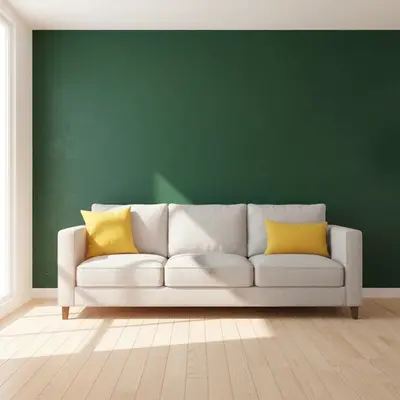
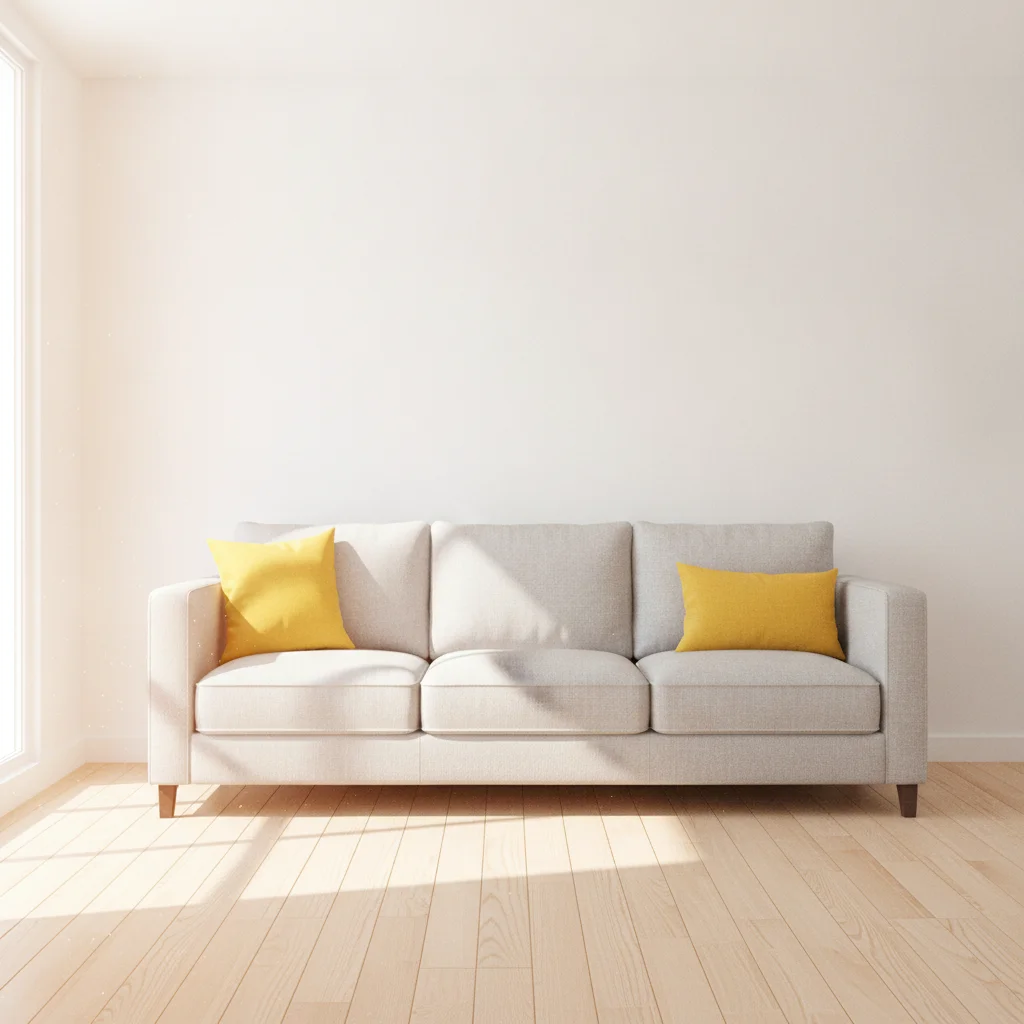
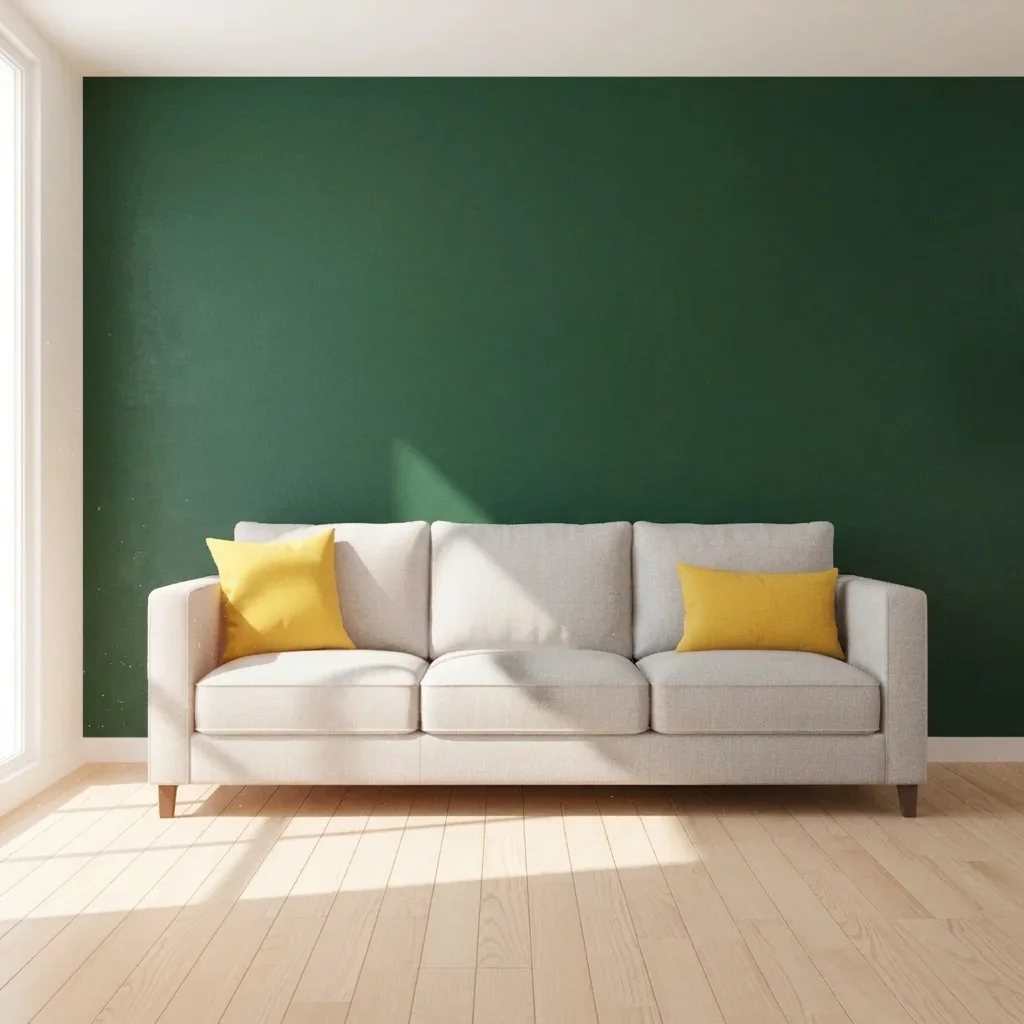
Living room with plain white wall behind a grey sofa Same living room with a deep green wall behind the sofa

Upload photo to visualize accent wall

"cover the wall behind the sofa with vertical oak wood slats with thin dark gaps between them, keep the other walls and furniture unchanged"

Free to try · no sign-up · never used for AI training

Release to upload

<30stypical edit
1 freeedit weekly
Photo on your phone? Scan to open this editor there — free edit works on your phone too.

1 free edit every week·paid packs after

How it works

  1. Upload a photo of your room

    Choose a photo where the wall you want to accent is clearly visible and not cropped at the ceiling or corners. Photos taken from the opposite side of the room usually work best.

    Expect: Simple changes usually finish quickly. Detailed patterns or several elements at once may need a second try.
  2. Describe what you want to see

    Type which wall and what finish: a paint colour, wood slats, panelling, wallpaper or brick. For example: 'make the wall behind the bed a deep navy accent wall, keep the other walls white.' Naming the other walls prevents the colour spreading. No marking needed.

    Tip: Say what stays the same. 'Keep the other three walls white' is the single most useful phrase for accent wall previews.

    Copy one of these to get started:

    Deep green paint behind the bed make the wall behind the bed a deep forest green accent wall, keep the other walls white and the bedding and furniture unchanged
    Vertical wood slat feature wall cover the wall behind the sofa with vertical oak wood slats with thin dark gaps between them, keep the other walls and furniture unchanged
    Navy panelling in a living room turn the wall behind the TV into a navy blue accent wall with picture frame moulding painted the same navy
    Terracotta wall in a dining room paint the wall behind the dining table a warm terracotta colour, keep the rest of the room white
    3 more prompts
    Patterned wallpaper accent cover the wall behind the bed with a large botanical wallpaper in sage green and cream, keep the other walls plain white
    Exposed brick accent turn the wall behind the sofa into an exposed red brick wall, keep the other walls white and the furniture unchanged
    Two-tone half-painted wall paint the lower half of the wall charcoal grey and keep the upper half white, with a thin straight line between them
  3. Review the preview

    Check the edges where the accent wall meets the ceiling and the side walls. Colour previews are usually clean. Slat and panel patterns are where lines can drift, so zoom in on corners.

  4. Refine with markers if needed

    If the accent colour leaks onto another wall or a window frame, tap a marker on the wall you want and regenerate. Markers are optional.

    Tip: Markers are for precision refinement, not a required step. Most previews work from the description alone.

See it in action

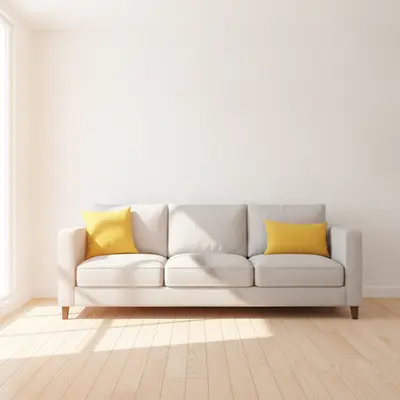
Living room with plain white wall behind a grey sofa
Before
->
Same living room with a deep green wall behind the sofa
After

Plain living room wall to dark green

A homeowner could not decide whether a dark colour would make a small living room feel smaller.

Prompt: make the wall behind the sofa a deep forest green accent wall, keep the other walls white
Bedroom with plain beige wall behind a white bed
Before
->
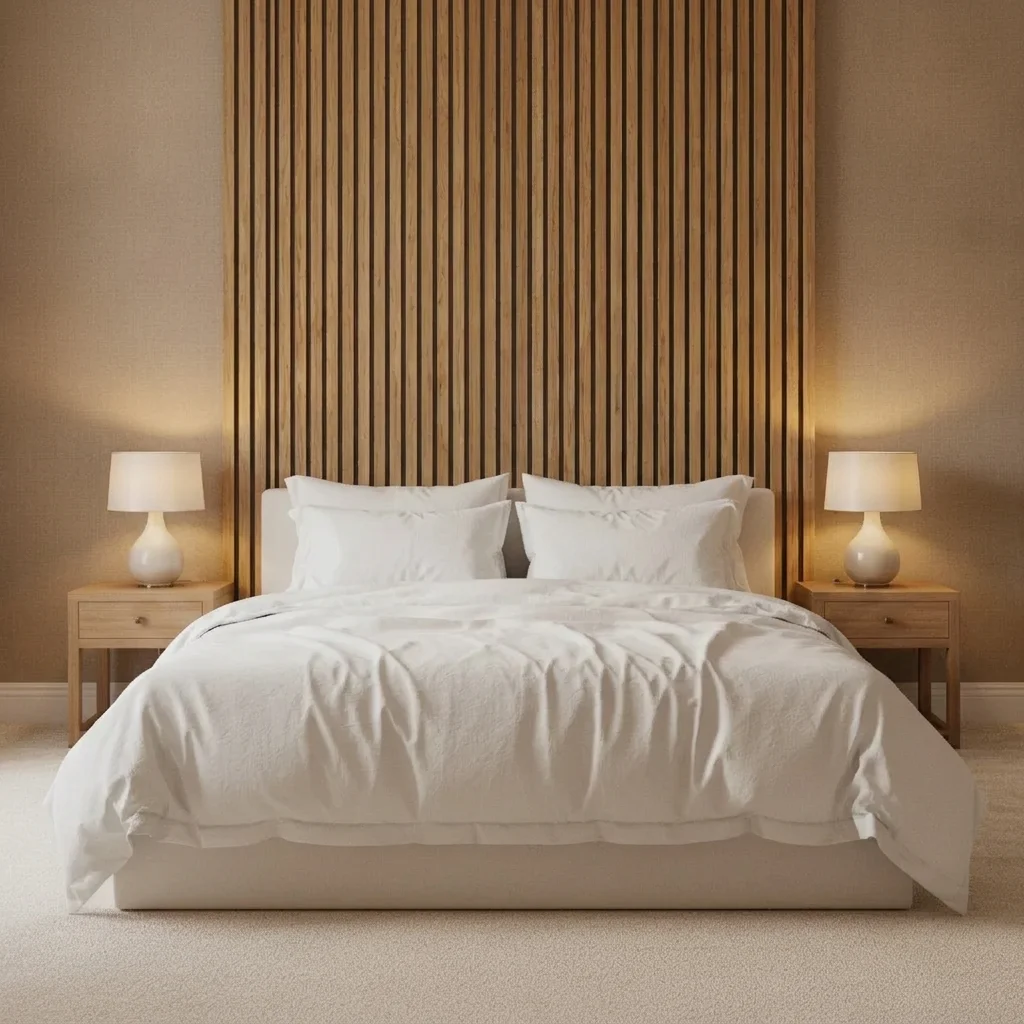
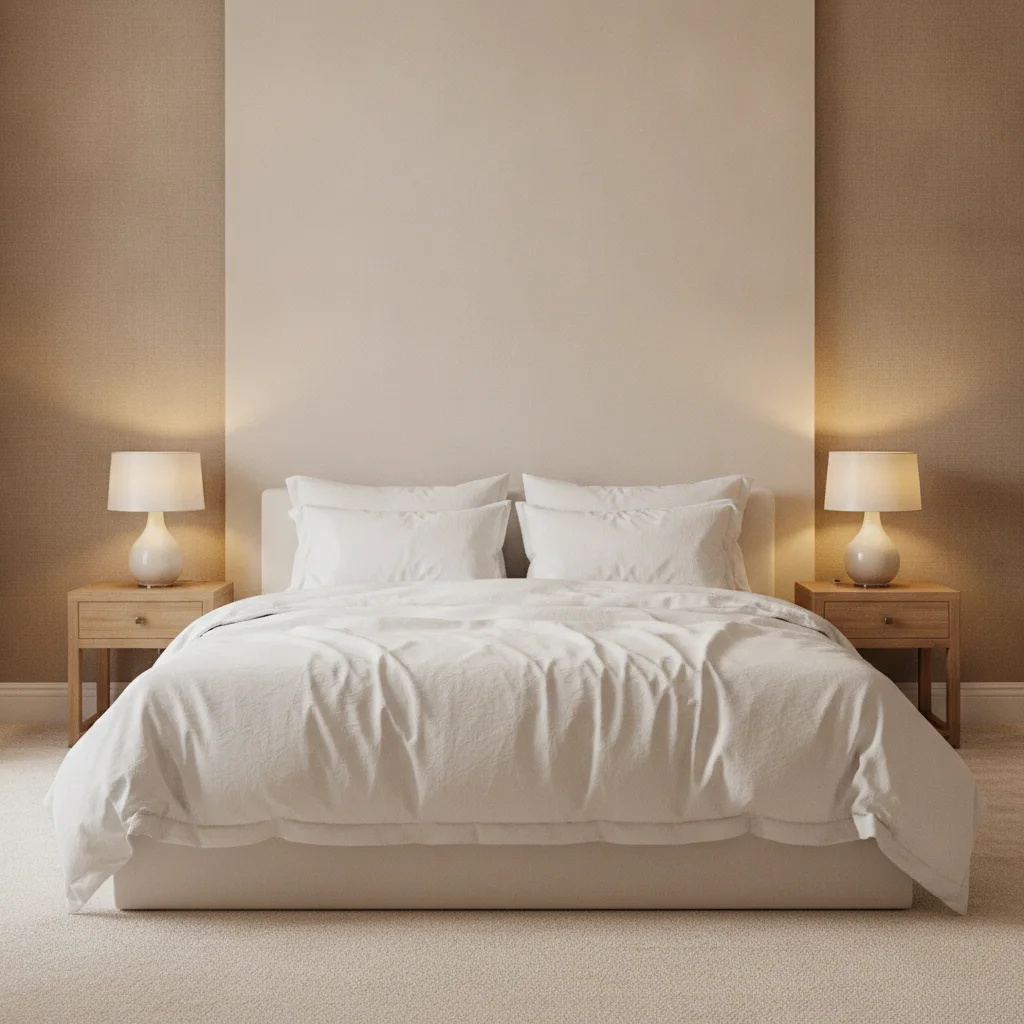
Same bedroom with oak slat wall behind the bed
After

Bedroom wall to wood slats

A renter-minded buyer compared paint with a slatted headboard wall.

Prompt: cover the wall behind the bed with vertical oak wood slats with dark gaps, keep the other walls and bedding unchanged
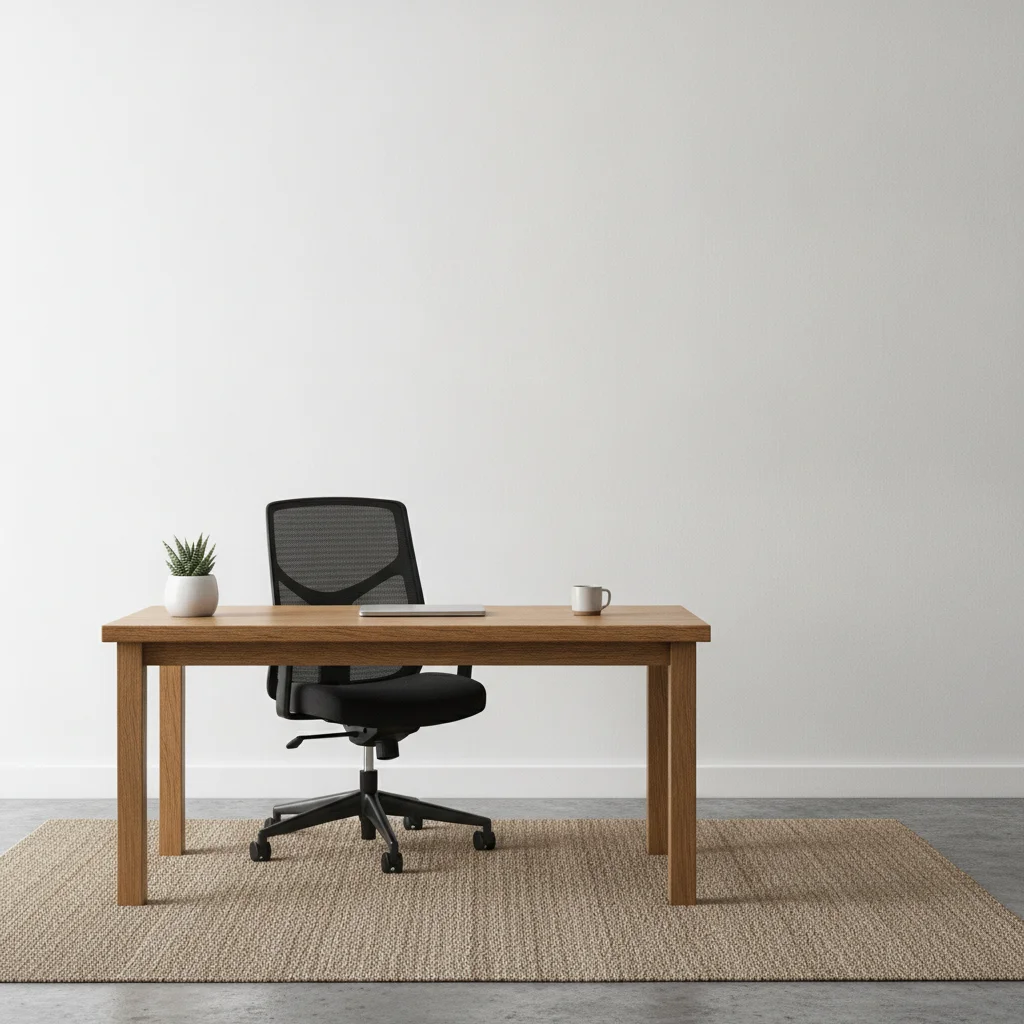
Home office with plain white wall behind a desk
Before
->
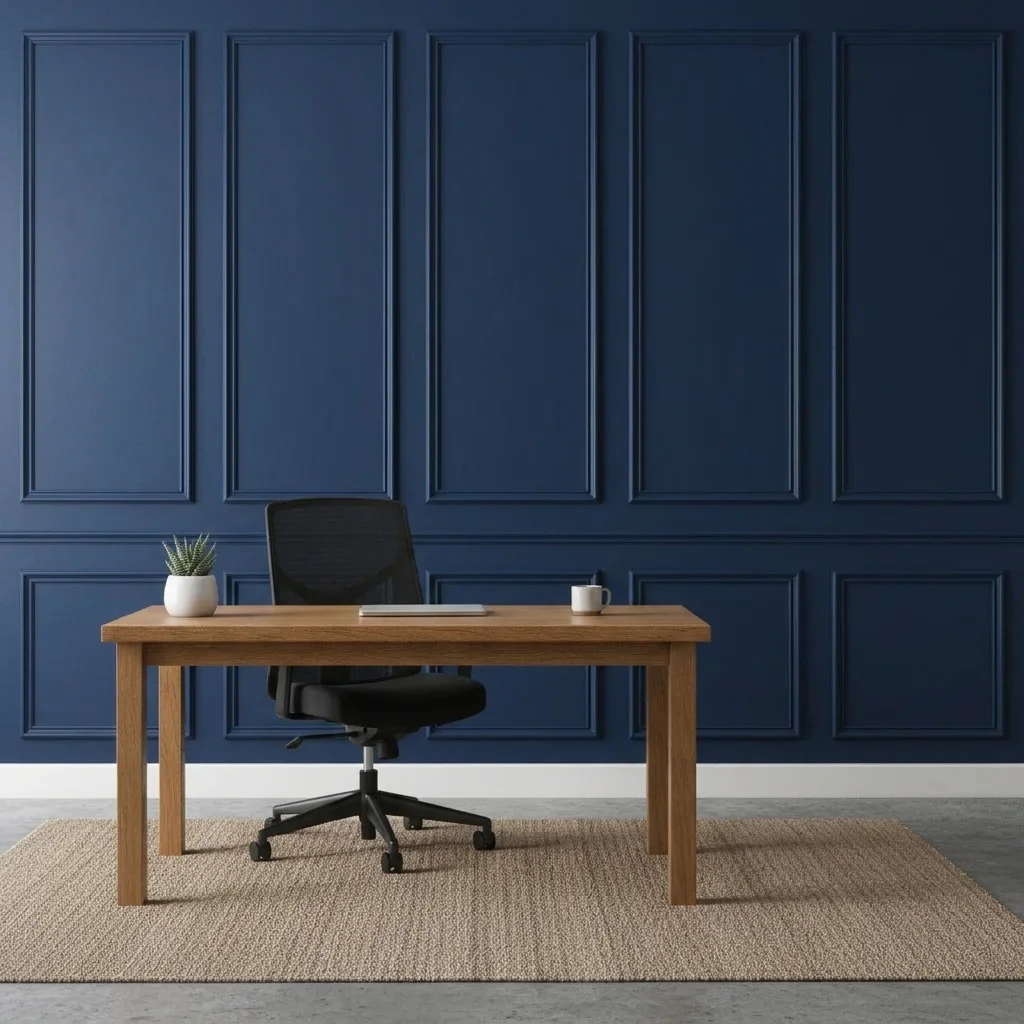
Same office with navy panelled wall behind the desk
After

Home office wall to navy panelling

A home office video call backdrop, previewed with tonal navy panelling.

Prompt: paint the wall behind the desk navy blue and add picture frame moulding in the same navy

Quick answers

Do I need to mark the wall before making it an accent wall?

No. Describe which wall and what finish, such as 'make the wall behind the bed deep green.' The AI finds the wall from the photo. Use a marker only if it picks the wrong wall or spreads onto another surface.

Is there a free accent wall visualizer with no signup?

Yes. EditThisPic gives you a free preview edit with no account and no watermark. Upload a photo of your room, describe the change, and look at the result. It is a mock-up to help you decide, not a quote or a plan.

Can I compare several accent wall colours?

Yes. Run the same photo with different colours in the prompt and compare the results. Each is its own preview, so keep the ones you like.

Does it work for wood slat and panelling accent walls?

Yes. Describe the material and direction, for example 'vertical walnut slats.' Fine patterns are the hardest part for the AI, so check the corners and edges.

Will the preview match my paint colour exactly?

No. It is a preview to help you choose a direction. Real paint looks different in your light, so test a sample before you buy.

What photo works best for an accent wall preview?

A photo taken square to the wall with the ceiling line and both corners visible. Natural daylight helps the AI judge the wall edges.

How much does EditThisPic cost?

You get 1 free Standard edit per week — no account needed. After that, one-time credit packs start at $4.99 for 10 credits, valid 12 months, no subscription. A Standard edit uses 1 credit, Pro 2 and Ultra 3. Purchased downloads are clean with no watermark.

Ready to preview your accent wall?

Free to try. No signup required.

1 free edit included·paid credit packs after