Pricing Visualize Cabinet hardware · Free

AI Cabinet Hardware Visualizer

← Browse all creative effects

Last updated

Upload your cabinets, describe the pulls or knobs, and preview them. Free, no account.
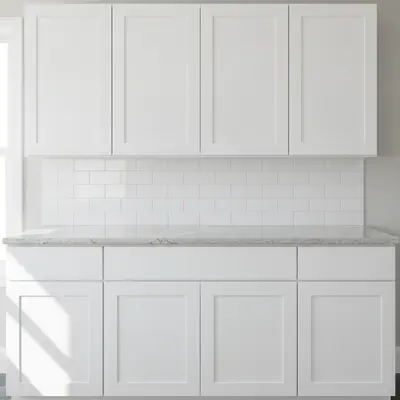
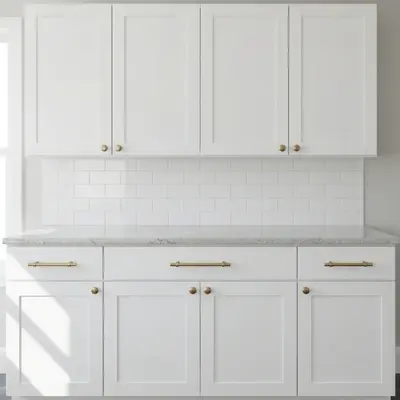
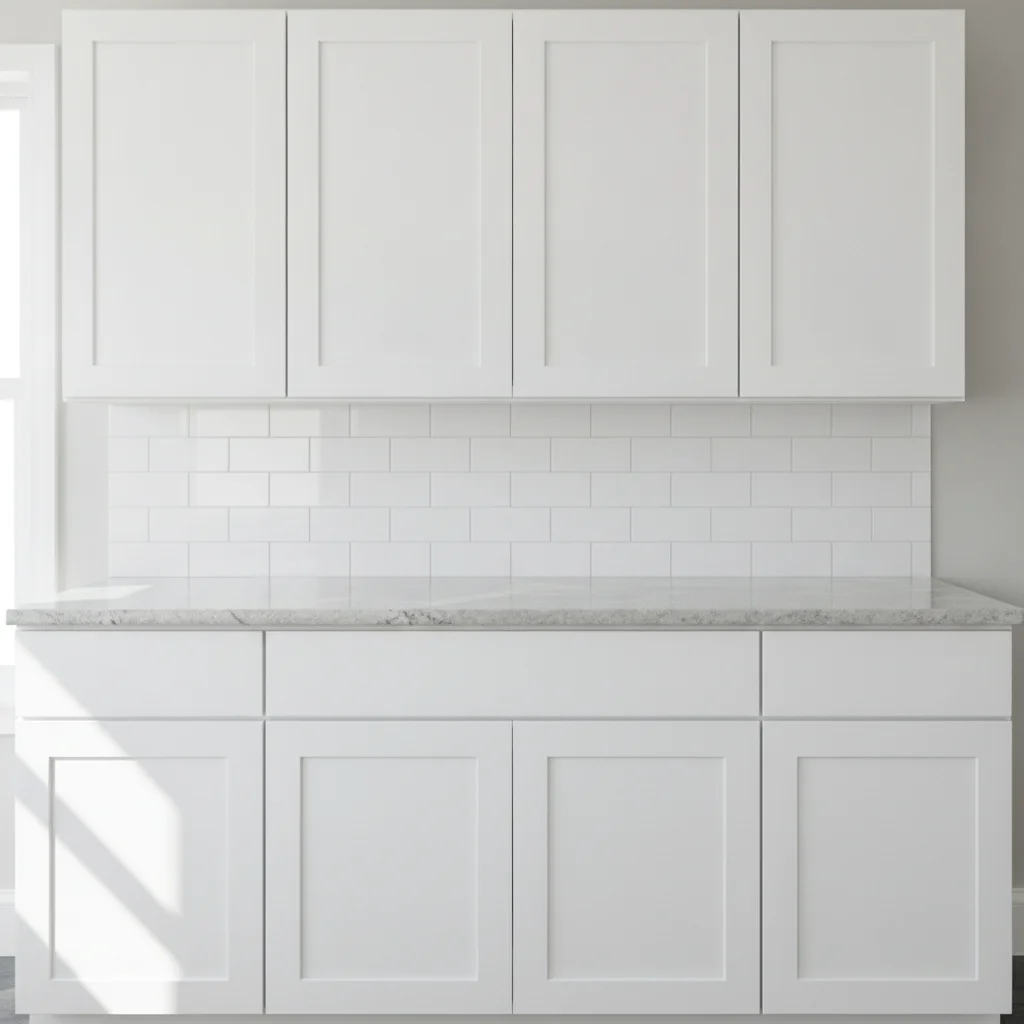
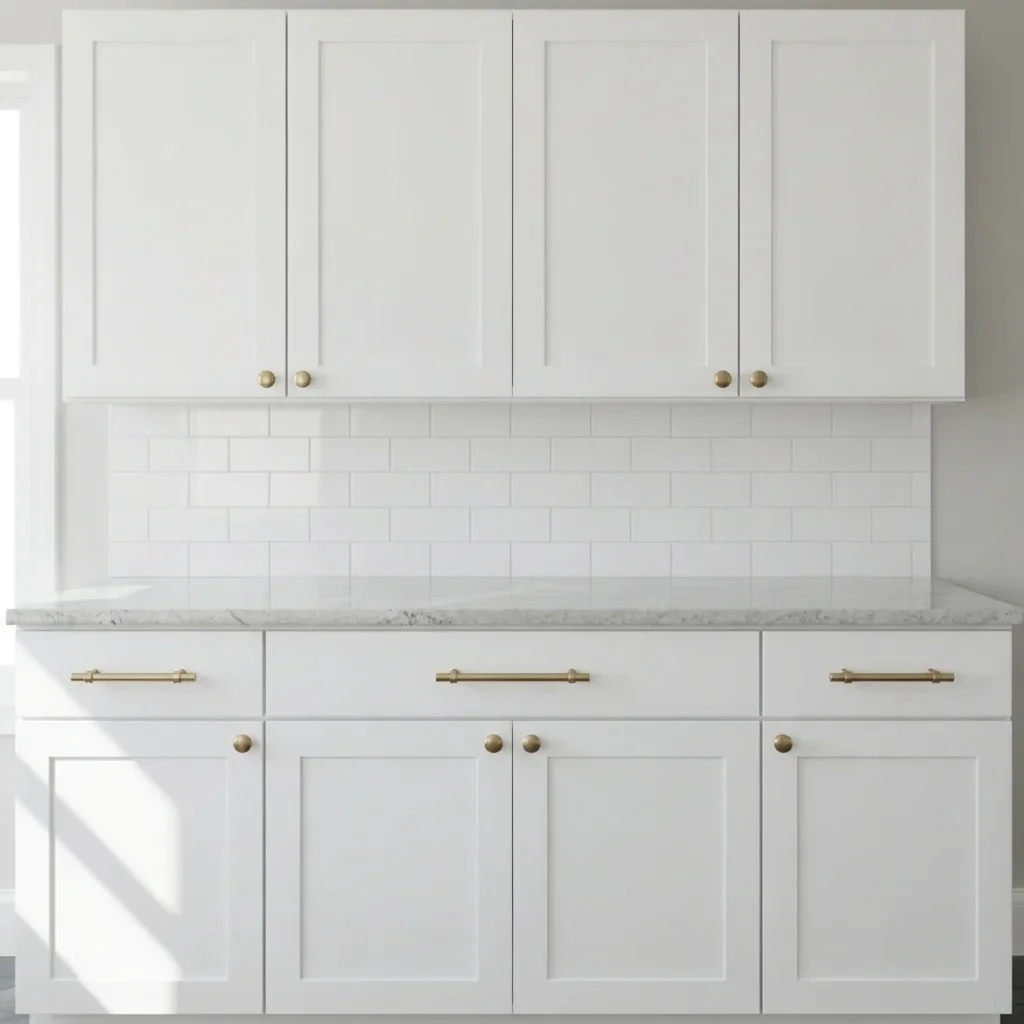
White shaker cabinets with no hardware Same cabinets with brushed brass pulls and knobs

Upload photo to visualize cabinet hardware

"add matte black bar pulls centered on every drawer and door of the cabinets, keep the cabinet color and everything else the same"

Free to try · no sign-up · never used for AI training

Release to upload

<30stypical edit
1 freeedit weekly
Photo on your phone? Scan to open this editor there — free edit works on your phone too.

1 free edit every week·paid packs after

How it works

  1. Upload a clear photo

    Take a straight-on photo of a cabinet run so each door and drawer face is clearly visible. Natural light and a photo free of heavy reflections keep the small hardware shapes easy to read.

    Expect: Most previews take well under a minute. Busy photos with many similar surfaces can take longer or need a second try.
  2. Describe the change you want

    Describe the hardware: shape, finish and where it goes. For example, 'add matte black 5-inch bar pulls on all drawers and matte black round knobs on the doors.' Mention the style, such as bar pull, cup pull or knob.

    Tip: Separate drawers from doors in the same sentence, since many kitchens use pulls on drawers and knobs on doors.

    Copy one of these to get started:

    Brass pulls on white cabinets add brushed brass bar pulls to all the drawers and brushed brass round knobs to the cabinet doors, keep the white cabinets unchanged
    Matte black pulls add matte black bar pulls centered on every drawer and door of the cabinets, keep the cabinet color and everything else the same
    Brushed nickel knobs add brushed nickel round knobs in the top corner of every cabinet door and centered on every drawer, keep everything else unchanged
    Cup pulls on drawers add antique bronze cup pulls on all the drawers and matching round knobs on the doors, keep the cabinets as they are
    3 more prompts
    Long modern edge pulls replace the hardware with long slim matte black edge pulls running along the top of each door and drawer, keep the cabinet color the same
    Swap existing handles replace the existing chrome handles with warm brushed brass bar pulls in the same positions, keep the cabinets unchanged
    Bathroom vanity hardware add polished chrome knobs to the vanity doors and chrome bar pulls to the drawers, keep the vanity color and countertop the same
  3. Review the preview

    Zoom in on a few handles. Check that they sit in a sensible position, line up across a row and look about the right size. The AI previews a style; it does not pick hole spacing, sizes or sets you can order.

  4. Refine with markers if needed

    If the AI misses some drawers or puts hardware on the appliance doors, place markers on the cabinets you want and regenerate. For consistent placement, mention 'centered on the drawer, aligned across the row'.

    Tip: Markers are optional. Most previews work from the description alone; use them only when the AI picks the wrong area.

See it in action

White shaker cabinets with no hardware
Before
->
Same cabinets with brushed brass pulls and knobs
After

Plain white shaker cabinets get brass hardware

A homeowner with bare white cabinets wanted to see warm brass before buying.

Prompt: add brushed brass bar pulls to all the drawers and brushed brass round knobs to the cabinet doors, keep the white cabinets unchanged
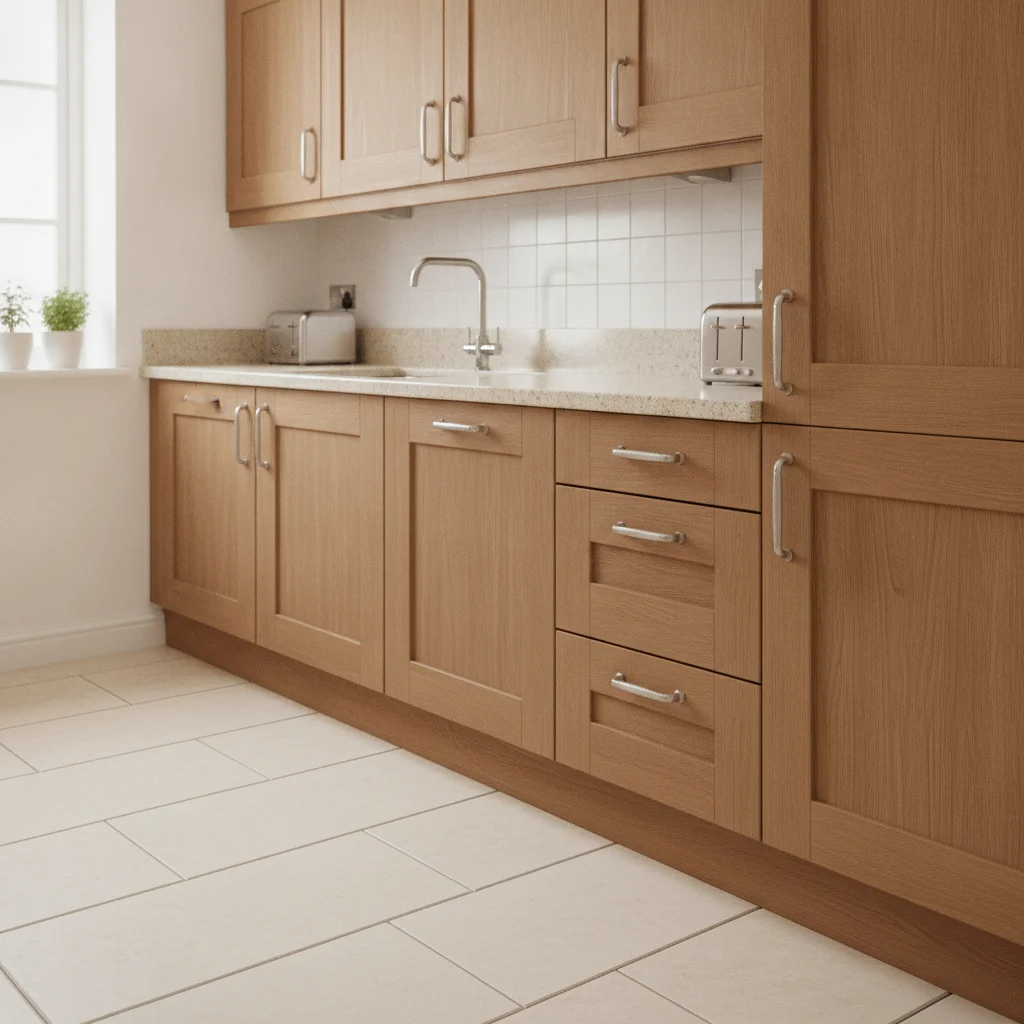
Oak cabinets with small chrome handles
Before
->
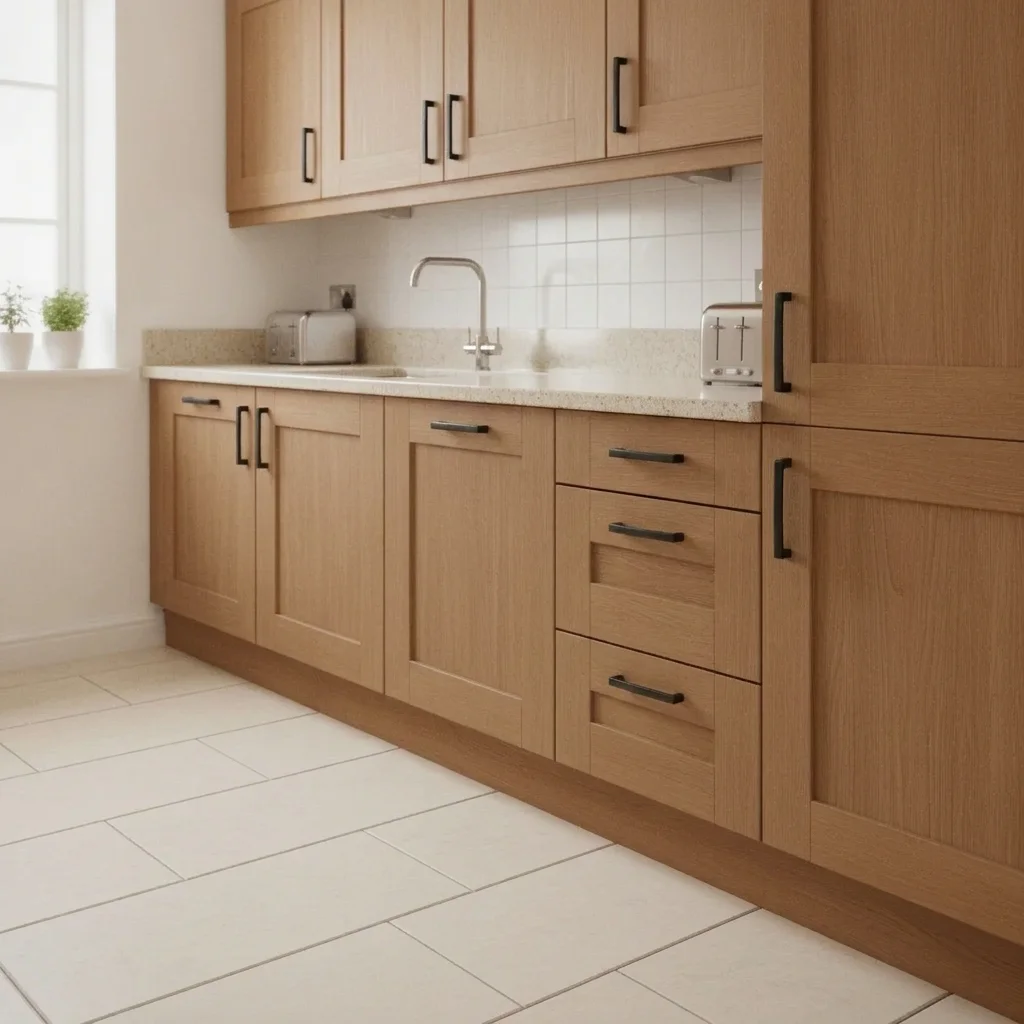
Same cabinets with matte black bar pulls
After

Chrome handles to matte black

A renter-friendly refresh question: would black make dated oak look modern?

Prompt: replace the existing chrome handles with matte black bar pulls in the same positions, keep the cabinets unchanged
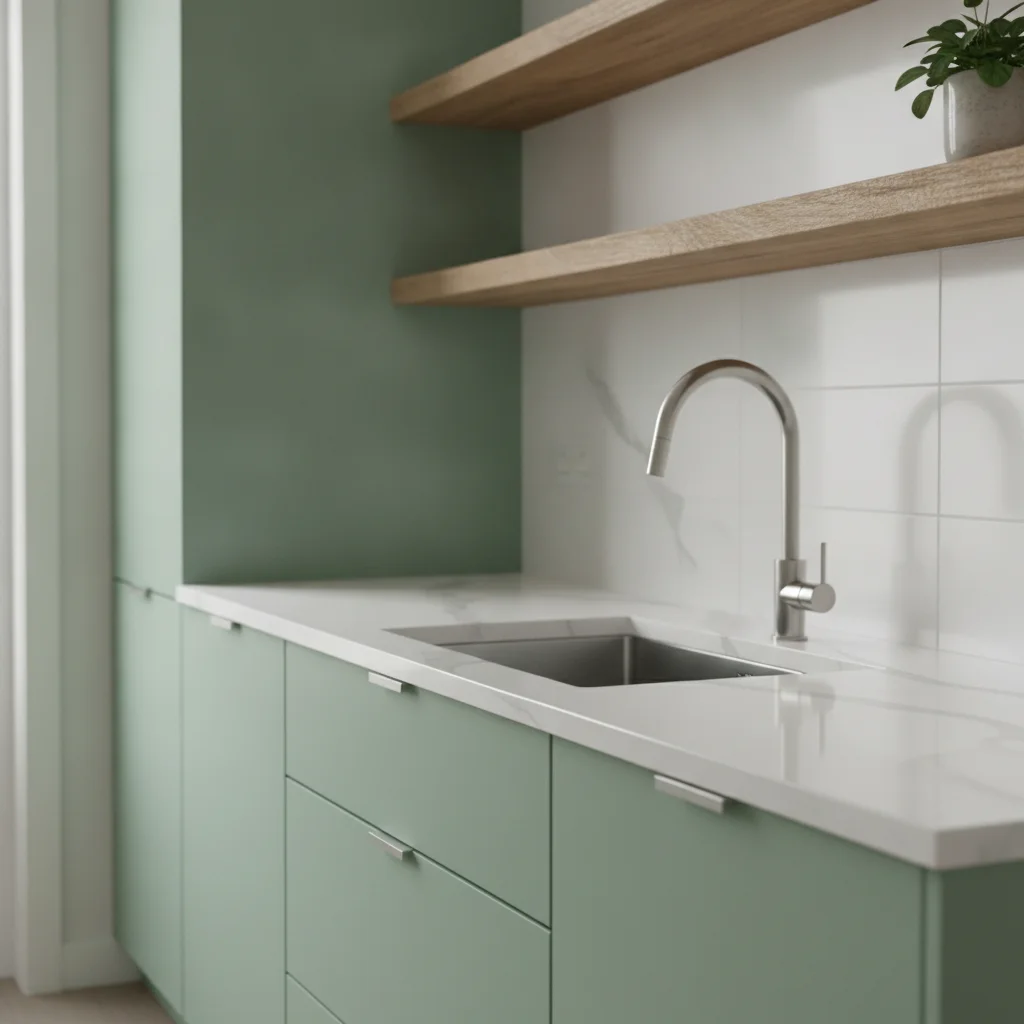
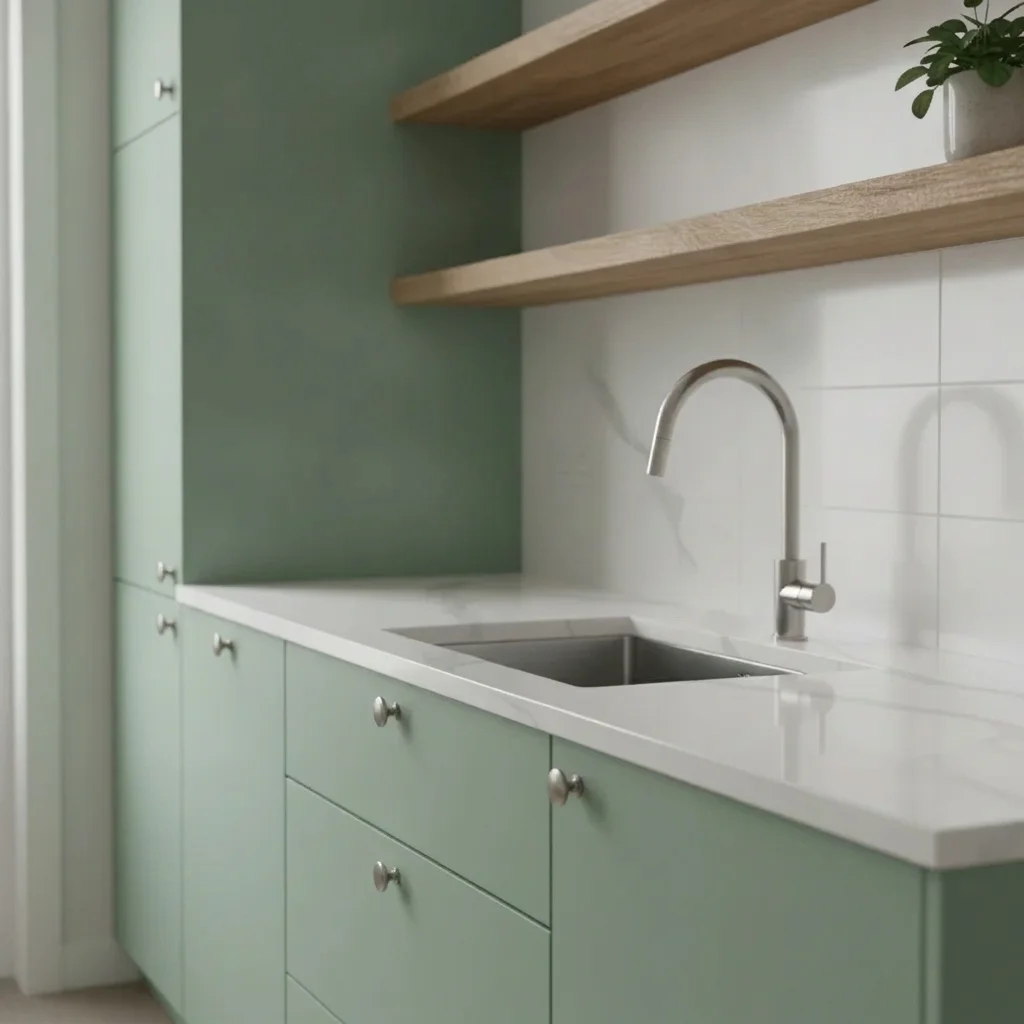
Sage green cabinets with no hardware
Before
->
Same cabinets with brushed nickel knobs
After

Sage cabinets: brass or nickel?

A designer compared finishes for a client.

Prompt: add brushed nickel round knobs in the top corner of every cabinet door and centered on every drawer, keep everything else unchanged

Quick answers

Do I need to mark each cabinet before adding hardware?

No. Describe the pulls and knobs and where they go, such as 'bar pulls on all drawers, knobs on doors.' Use markers only if some doors are missed.

Is there a free cabinet hardware visualizer with no signup?

Yes. EditThisPic offers a free preview edit with no account and no watermark. Upload your cabinet photo, describe the hardware and see the result.

Does the preview tell me what size pulls to buy?

No. It shows style and finish only. Measure your existing hole spacing or cabinet fronts before ordering, and treat the preview as a design aid.

Can I compare brass, black and nickel on the same cabinets?

Yes. Run the same photo with three prompts and compare the results. Keeping the wording identical except for the finish makes the comparison fair.

Can I use this on a bathroom vanity?

Yes. Mention the vanity and its finish. It works on any cabinet where the doors and drawers are visible in the photo.

How much does EditThisPic cost?

You get 1 free Standard edit per week — no account needed. After that, one-time credit packs start at $4.99 for 10 credits, valid 12 months, no subscription. A Standard edit uses 1 credit, Pro 2 and Ultra 3. Purchased downloads are clean with no watermark.

Ready to preview your cabinet hardware?

Free to try. No signup required.

1 free edit included·paid credit packs after