Free โ€ข No signup Preview Dental veneers ยท Free

AI Dental Veneer Preview

Visualize porcelain veneers on your teeth before the dentist appointment

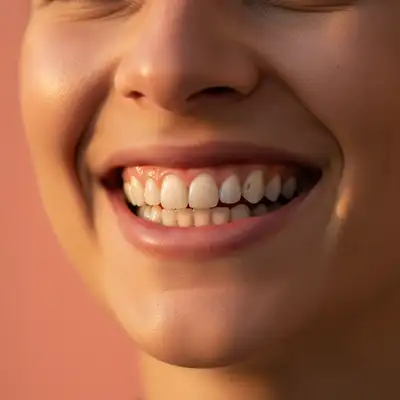
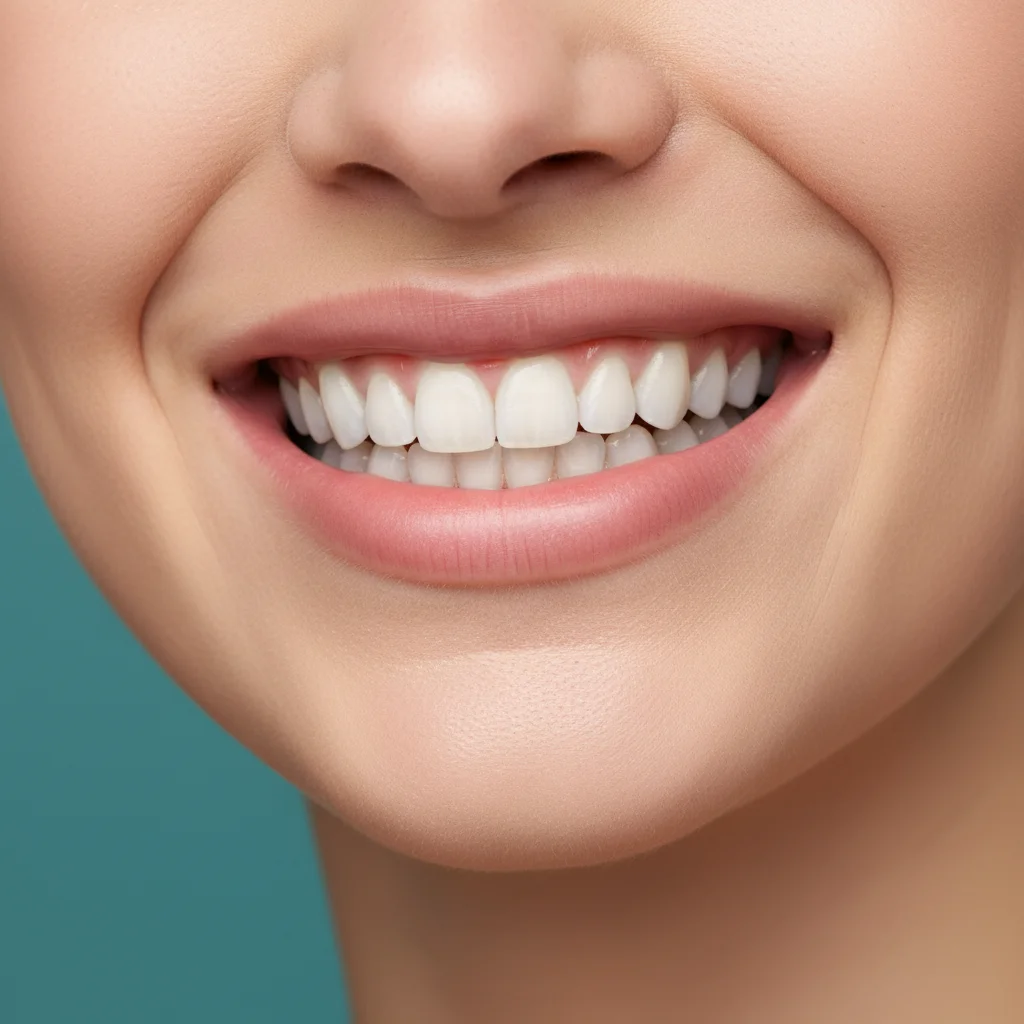
Natural smile with slightly discolored and uneven teeth
Before
โ†’
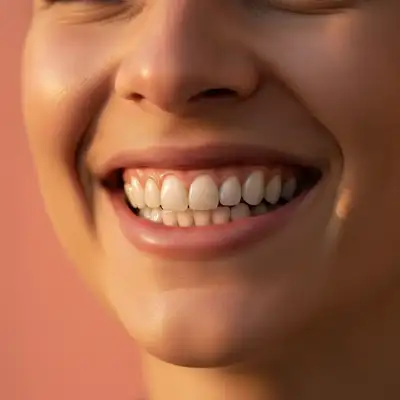
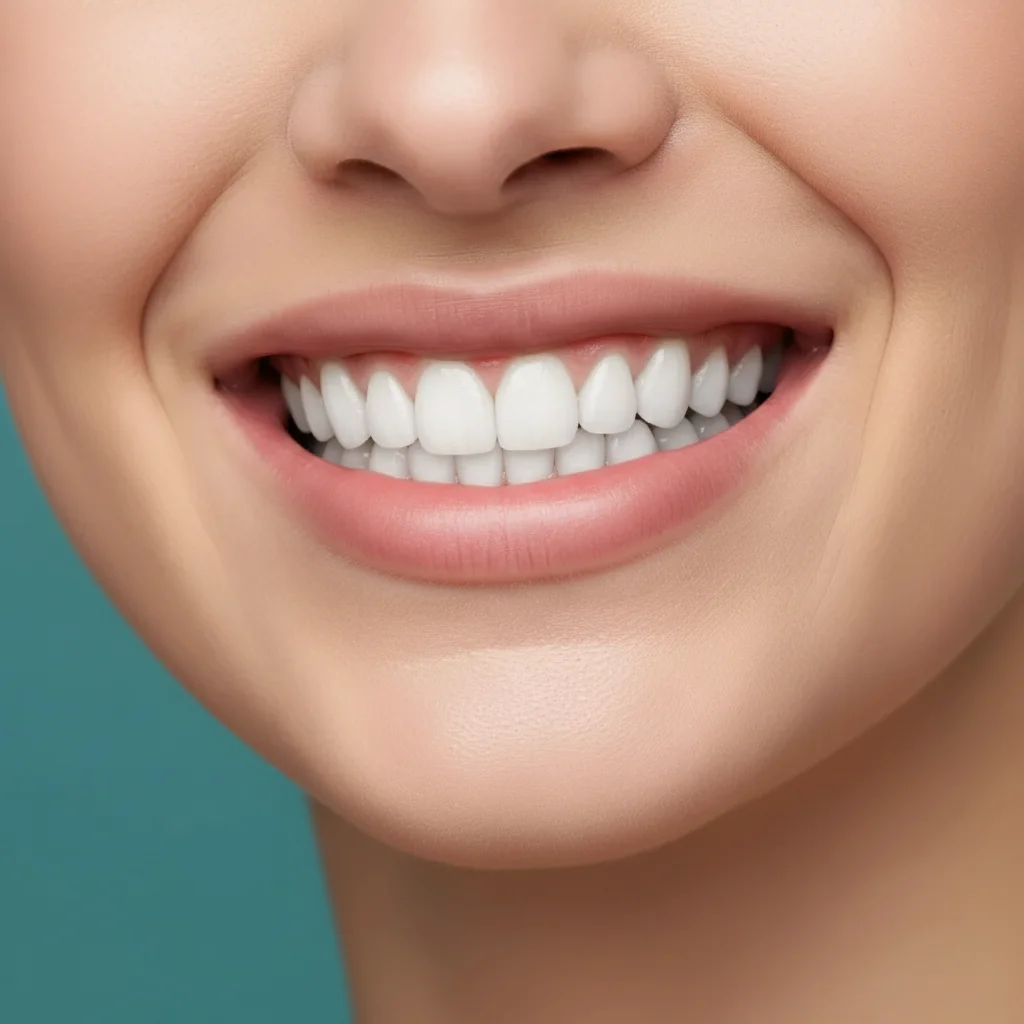
Same smile with natural porcelain veneers on 8 front teeth
After

Preview Dental Veneers in Photo

Drop your photo here

or click to browse

Release to upload

Free โ€ข No signup

Advertisement
Popular use cases:
  • dental consultation preparation
  • cosmetic dentistry preview
  • veneer cost decision
  • smile makeover visualization
  • before committing to veneers
  • dentist appointment prep
  • cosmetic dentistry research

Cost
Free No signup required
Time
Instant results in 15-30 seconds
Works on
Any device - browser, phone, tablet, desktop
Powered by
AI-powered photo editing
Scenario Prompt Time
Natural 8-tooth veneers Add natural-looking porcelain veneers to my top 8 front teeth with a realistic white shade 20s
Hollywood full smile Give me bright Hollywood-style veneers on all my visible top and bottom teeth 25s
Conservative 4-tooth Apply veneers to just my 4 top front teeth to fix the uneven edges and slight discoloration 18s
Shade-matched enhancement Apply veneers to my top 6 front teeth in a shade that matches my natural tooth color but slightly brighter 20s

How it works

  1. Upload your photo

    Use a clear, front-facing photo where your teeth are fully visible. Good lighting is essential so the AI can see tooth structure, color, and alignment. A natural smile works better than a forced grin.

    Expect: Upload takes 2-3 seconds. Works with any photo format (JPG, PNG, HEIC) up to 10MB.
  2. Describe the veneers you want

    This is the key step. Tell the AI exactly what veneer look you want: 'add natural-looking porcelain veneers to my front 8 teeth' or 'give me Hollywood-white veneers on my top teeth'. You can specify color, coverage area, and style without marking anything.

    Tip: Specify how many teeth if you know: '6 front teeth' vs '8 teeth' vs 'full smile'. The AI understands both natural and Hollywood veneer styles.

    Copy one of these to get started:

    Natural-looking veneers (most popular) Add natural-looking porcelain veneers to my top 8 front teeth with a realistic white shade
    Hollywood smile transformation Give me bright Hollywood-style veneers on all my visible top and bottom teeth
    Minimal veneer coverage Apply veneers to just my 4 top front teeth to fix the uneven edges and slight discoloration
    Full smile makeover Add premium porcelain veneers to my top 10 teeth and bottom 8 teeth for a complete smile transformation
    3 more prompts
    Shade-matched veneers Apply veneers to my top 6 front teeth in a shade that matches my natural tooth color but slightly brighter
    Veneers with shape correction Add veneers to my front 8 teeth that make them slightly longer and more uniform in shape
    Subtle enhancement veneers Apply thin veneers to my top front teeth that enhance my smile while keeping it looking like me
  3. Review the preview

    Examine how the veneers look on your face. Check the color against your skin tone, verify the size looks proportional, and ensure the shape matches your facial features. The AI creates realistic veneer shapes with proper translucency and light reflection.

  4. Adjust with markers if needed

    If you want veneers on specific teeth only or the AI applied them too broadly, tap markers on the exact teeth you want covered, then regenerate. This gives you precise control over which teeth get the veneer treatment.

    Tip: Markers are great for asymmetric applications like 'only my 4 top front teeth' or avoiding teeth that are already good.
Try it free โ†“

Preview Dental Veneers in Photo

Drop your photo here

or click to browse

Release to upload

Free โ€ข No signup

"This helped me decide to get veneers! Showed my dentist the AI preview and he said it was exactly what we could achieve. Saved me so much anxiety." @DentalJourney

See it in action

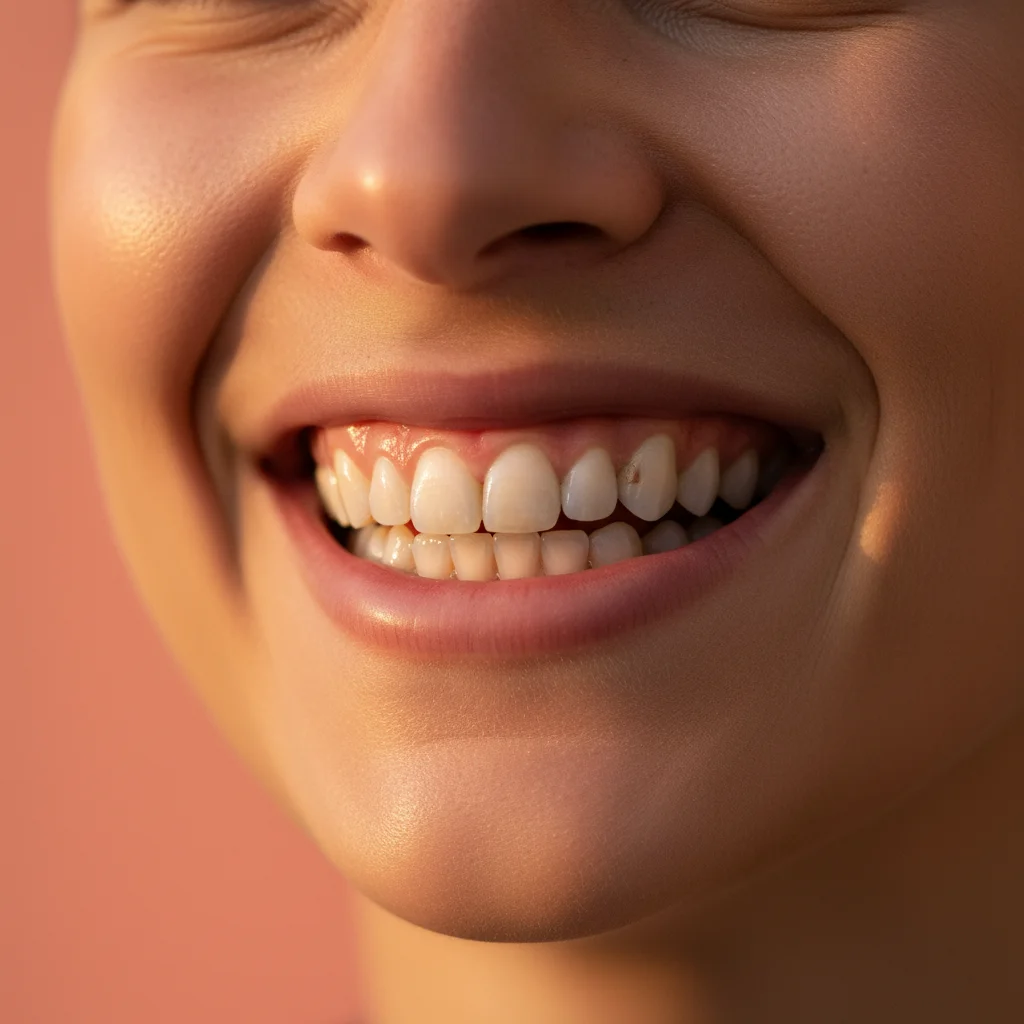
Natural smile with slightly discolored and uneven teeth
Before
->
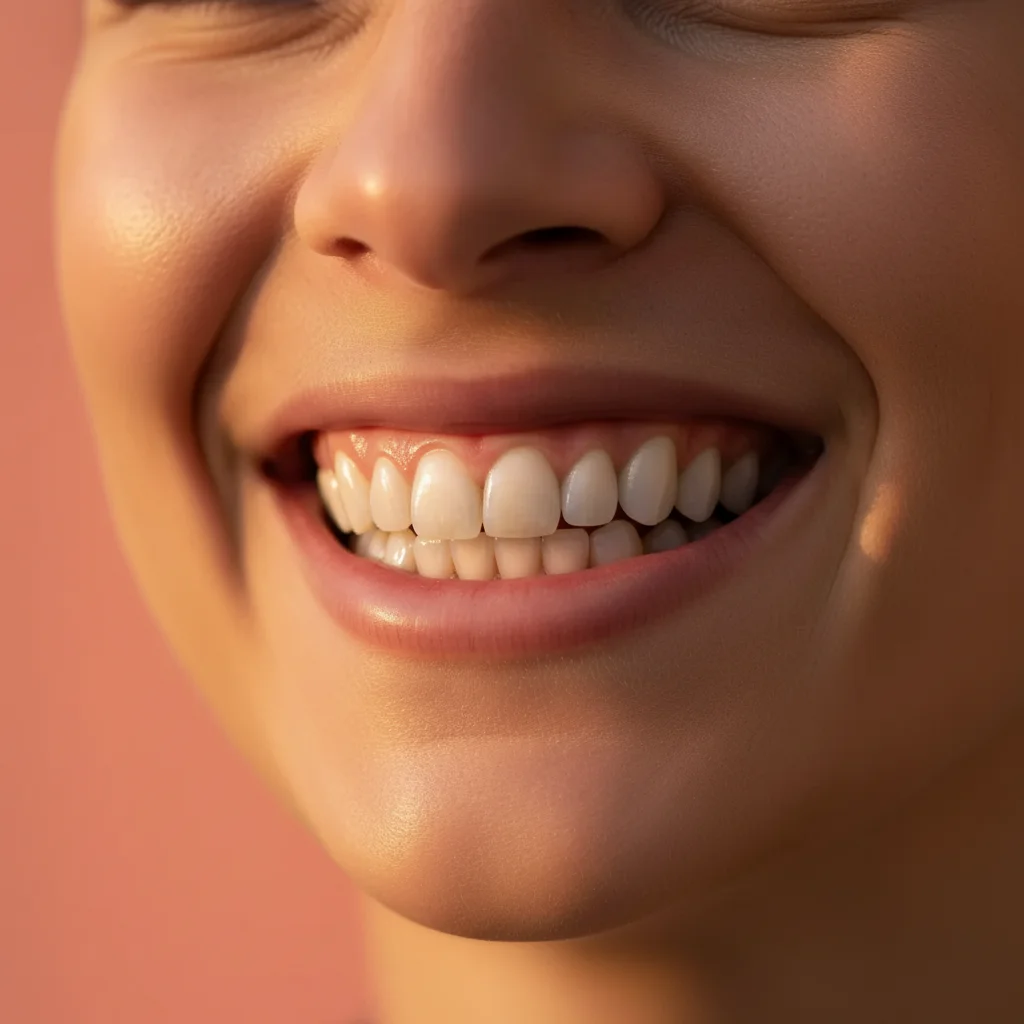
Same smile with natural porcelain veneers on 8 front teeth
After

Natural 8-tooth veneer preview

Classic cosmetic dentistry application covering top 8 front teeth with realistic porcelain shade

Prompt: Add natural-looking porcelain veneers to my top 8 front teeth with a realistic white shade
Full natural smile before veneer application
Before
->
Same smile with bright Hollywood veneers on all visible teeth
After

Hollywood transformation preview

Bright, ultra-white veneers across full visible smile for maximum dramatic effect

Prompt: Give me bright Hollywood-style veneers on all my visible top and bottom teeth
Close smile view showing 4 front teeth with minor imperfections
Before
->
Same view with veneers applied to 4 front teeth only
After

Targeted 4-tooth veneer application

Conservative approach showing veneers on only the front 4 teeth to address specific cosmetic concerns

Prompt: Apply veneers to just my 4 top front teeth to fix the uneven edges and slight discoloration
Advertisement

If something looks off

AI changed the wrong area or something I didn't want changed

Why: The AI couldn't determine exactly which teeth you wanted veneers on from description alone.

Try: Tap markers on the specific teeth where you want veneers, then regenerate with the same prompt

Tip: Markers tell the AI 'apply veneers to THESE teeth only.' Essential for asymmetric or partial applications.

The veneers look too white or fake

Why: Your prompt might have emphasized brightness without requesting natural appearance, or didn't specify shade matching.

Try: Try: 'Add natural-looking veneers in a shade that complements my skin tone, avoiding overly bright white'

Tip: Words like 'natural', 'realistic', and 'subtle' prevent the ultra-fake Hollywood look unless that's what you want.

Veneers are too large or teeth look like chiclets

Why: The AI created oversized veneer shapes that don't match natural tooth proportions for your face.

Try: Specify: 'Add veneers that maintain natural tooth proportions and don't make my teeth look oversized'

Tip: Mentioning 'proportional to my face' helps the AI create appropriate sizing.

Gums or lips were affected by the edit

Why: The veneer application sometimes affects adjacent areas when the AI interprets 'smile makeover' too broadly.

Try: Be explicit: 'Add veneers to my teeth only, keeping my natural gums and lips unchanged'

Tip: Markers on teeth help constrain the edit to dental areas only.

Can't decide between natural and Hollywood veneers

Why: The two styles are very different and it's hard to know which suits you without seeing both.

Try: Generate both! First try 'natural-looking veneers', then try 'Hollywood-style veneers' and compare

Tip: Most people prefer natural for everyday life but Hollywood for special events. Preview both scenarios.

Quick answers

Do I need to mark my teeth before previewing veneers?

No! Just describe which teeth you want veneers on in natural language. The AI understands prompts like 'add veneers to my top 8 front teeth' without any marking. Markers are optional and only needed if you want very specific tooth-by-tooth control.

Is this veneer preview tool really free?

Yes, completely free with unlimited previews. No account required, no watermark on images. Preview as many different veneer styles and shades as you want to find the perfect look before consulting your dentist.

How realistic are these veneer previews?

The AI creates realistic porcelain veneer appearance including proper translucency, light reflection, and shade matching. However, this is a visualization tool, not a clinical prediction. Your actual veneers will depend on your dentist's work, your natural tooth structure, and the porcelain materials used.

Can I show this preview to my dentist?

Absolutely! Many users bring these AI previews to consultations to show their dentist the aesthetic they're aiming for. Dentists appreciate visual references for color, coverage area, and style preferences, though they'll provide clinical guidance on what's achievable.

What's the difference between natural and Hollywood veneers?

Natural veneers aim for realistic tooth color (slightly off-white with subtle translucency) that looks like healthy natural teeth. Hollywood veneers are the ultra-bright, opaque white associated with celebrities. The AI can preview both styles so you can decide which suits you.

Ready to preview veneers on your smile?

Free tool. No signup. Visualize your perfect smile instantly.

Try it free โ†’