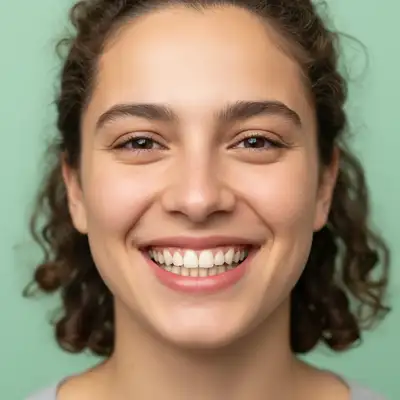
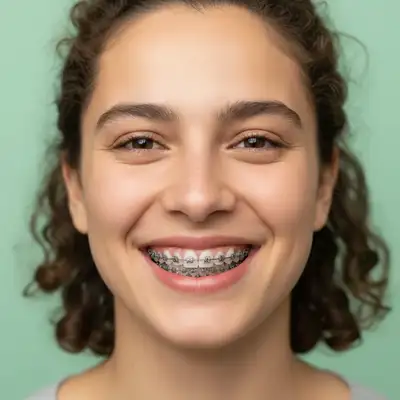
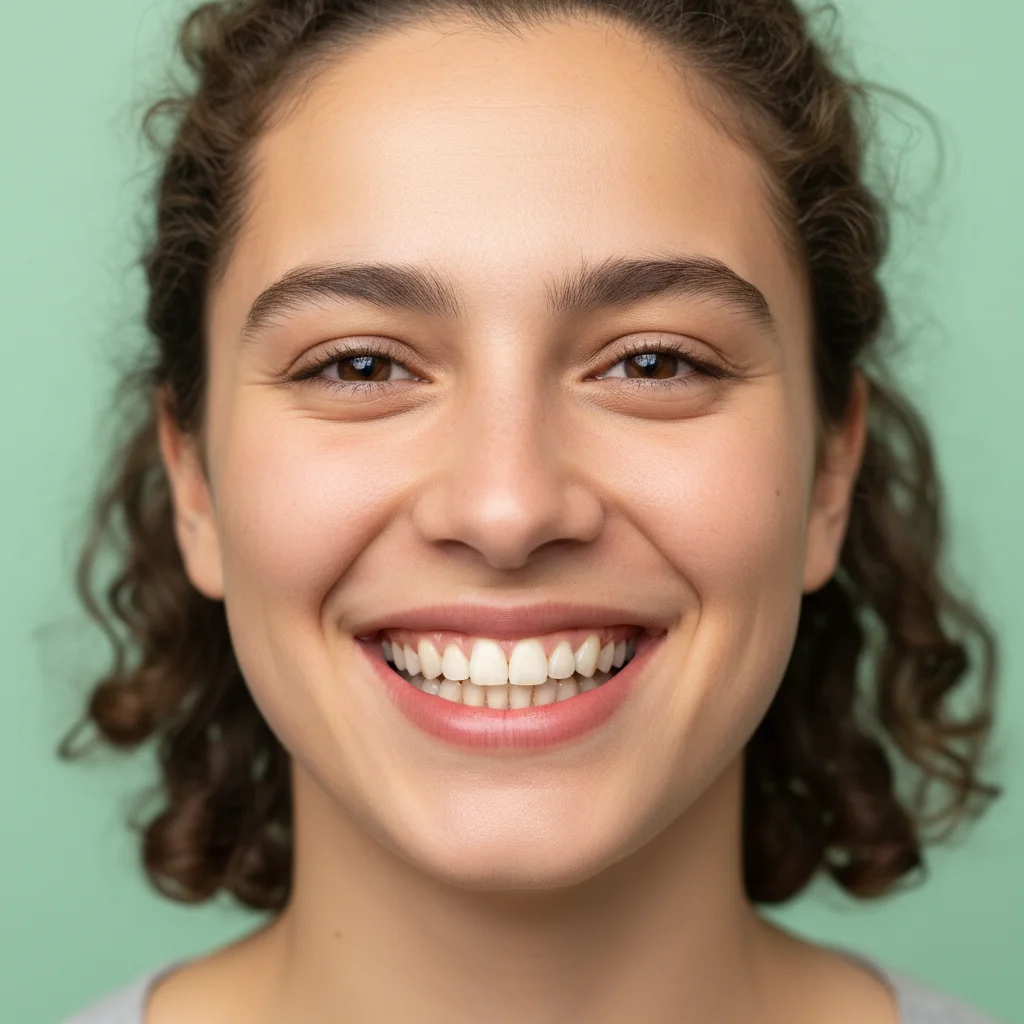
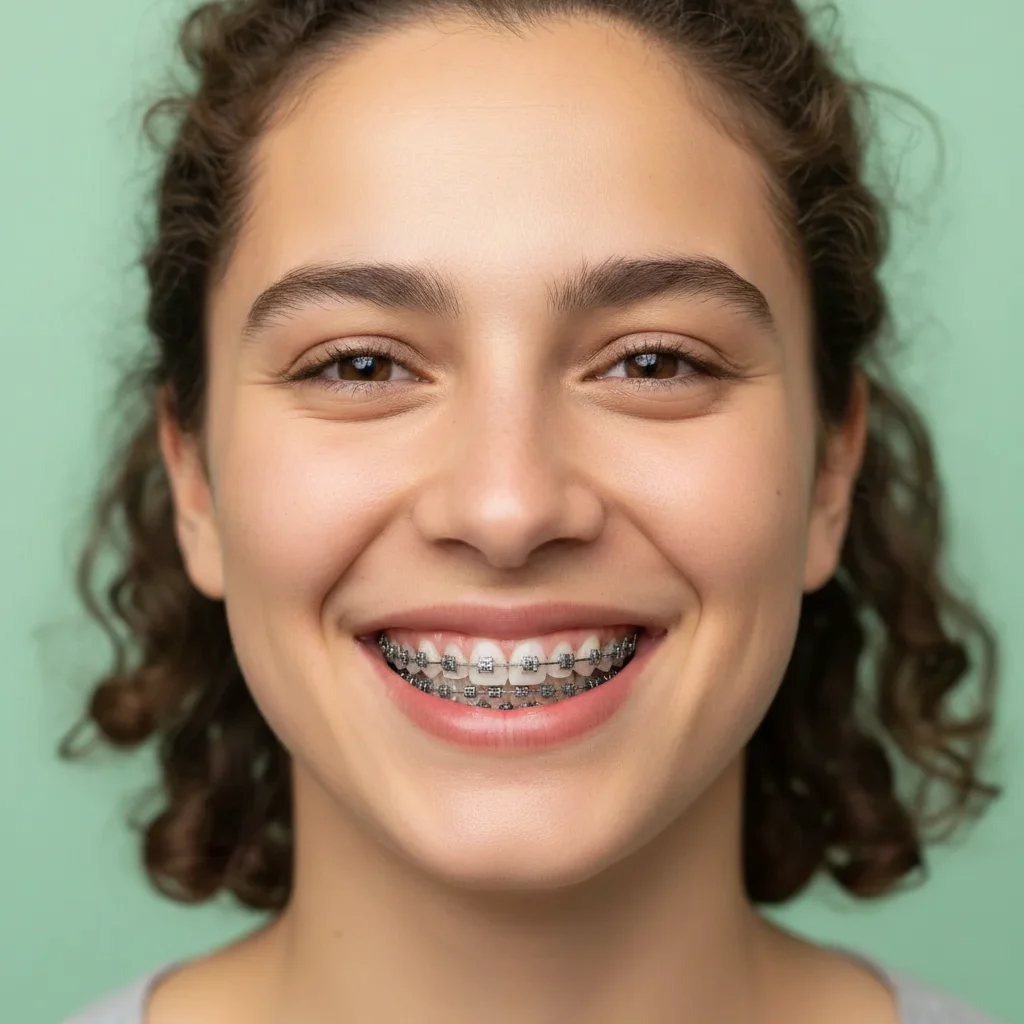
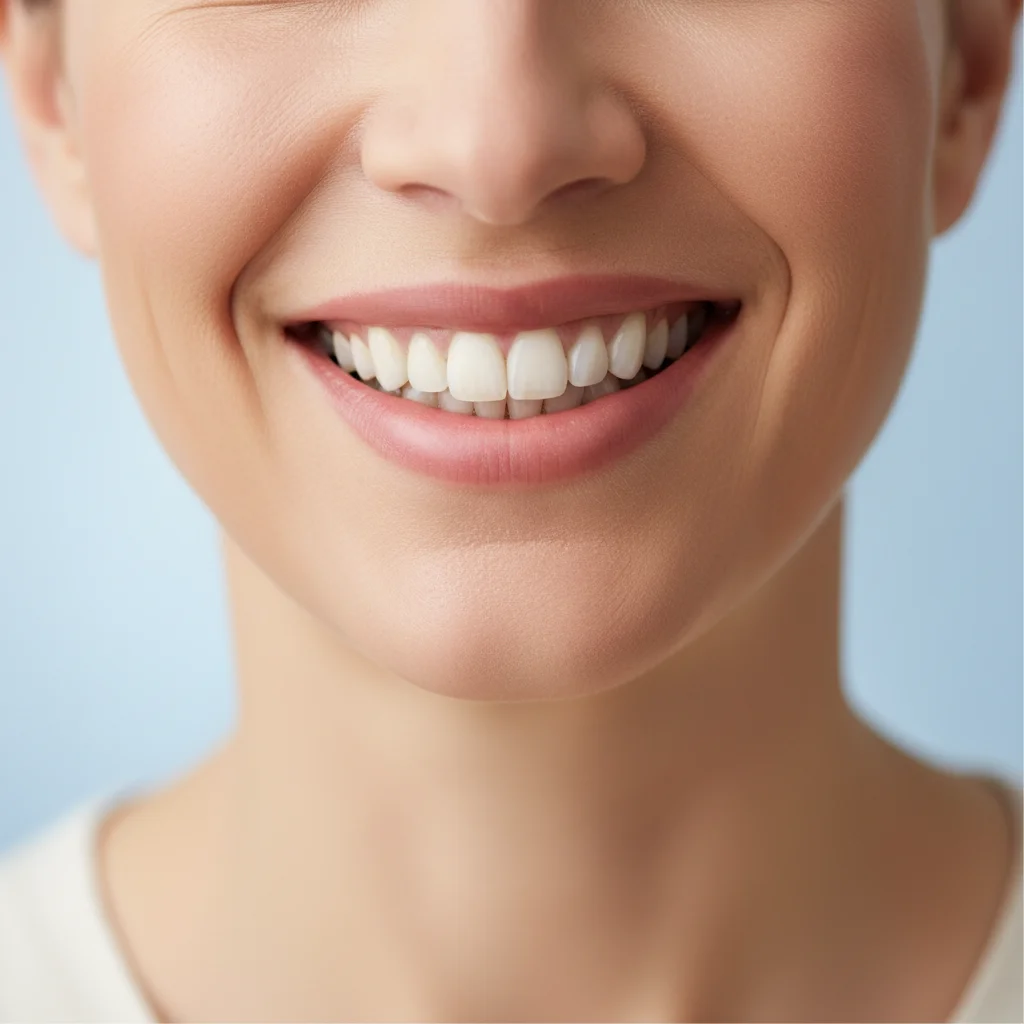
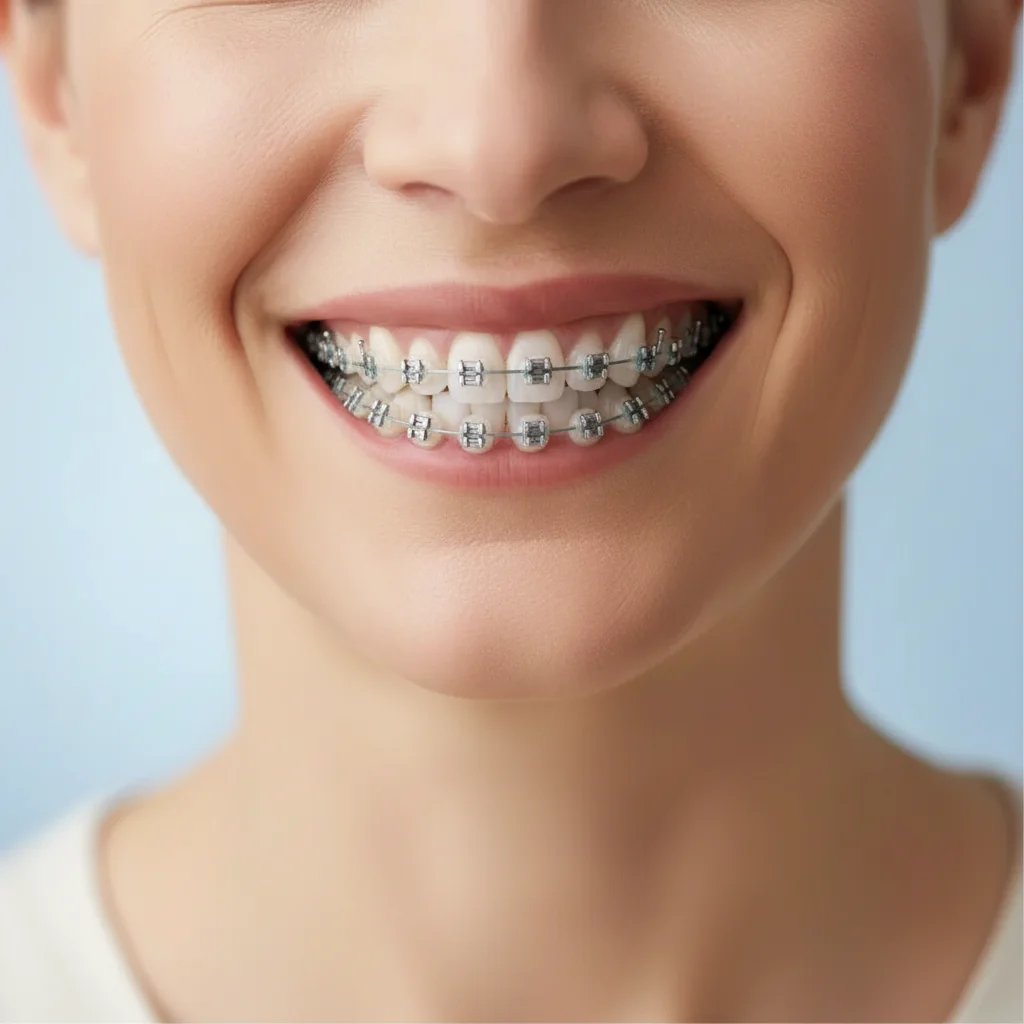
Do I need to mark my teeth before previewing braces?
No! Just describe what type of braces you want in natural language. The AI understands prompts like 'add metal braces to my top and bottom teeth' without any marking. Markers are optional and only needed if you want braces on very specific teeth or partial treatment.
Is this braces preview tool really free?
Yes, completely free with unlimited previews. No account required, no watermark. Try metal braces, ceramic braces, different colors, top-only, bottom-only, or any combination as many times as you want.
How realistic are these braces previews?
The AI creates realistic bracket placement, wire positioning, and proper dental appliance appearance. However, this is a visualization tool showing how you'd look with braces, not a clinical prediction of your specific orthodontic treatment plan. Your actual braces will be placed by your orthodontist based on your treatment needs.
Can I preview different types of braces to compare?
Absolutely! Generate multiple previews to compare metal braces vs ceramic braces, different colored bands, or top-only vs full treatment. This helps you decide which orthodontic option you'd feel most comfortable wearing for 18-24 months.
Will this help me decide whether to get braces as an adult?
Many adult users report that seeing themselves with braces reduced their anxiety about orthodontic treatment. The preview helps you visualize the temporary aesthetic impact and decide if the end result (straight teeth) is worth the journey. Some find ceramic braces are less noticeable than they feared.
Is EditThisPic's AI braces previewer really free?
Yes β you get 1 free edit per week, no account needed. For unlimited edits, plans start at $3.99/month.
Can I preview braces on my phone?
Yes. EditThisPic works in any mobile browser β iPhone, Android, tablet. No app download needed.
What photo formats does the AI braces previewer support?
JPG, PNG, WebP, and HEIC. Upload any common photo format and EditThisPic handles the rest.